


We have all been there: installing a new Docker container with grand expectations, only to realize within minutes that it’s the wrong tool for the job. That initial excitement evaporates faster than an unsaved file. After completing my Docker setup, I spun up several containers for specific needs.
However, many of them were fundamentally flawed for my requirements, and I replaced them with better rivals in no time. Here are the Docker containers I avoided on my home lab and work setup.
Many Notes
Poor UX and performance


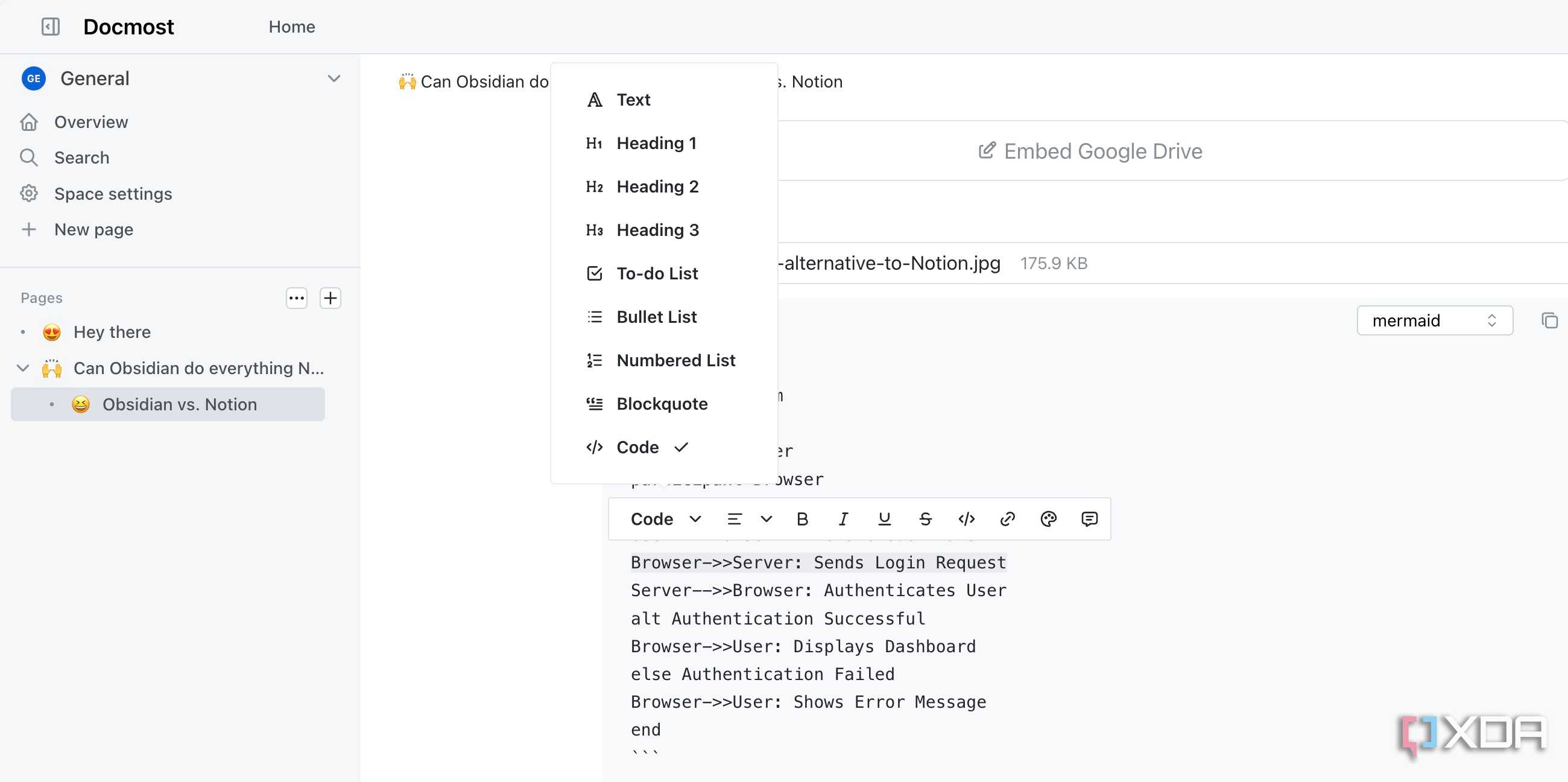
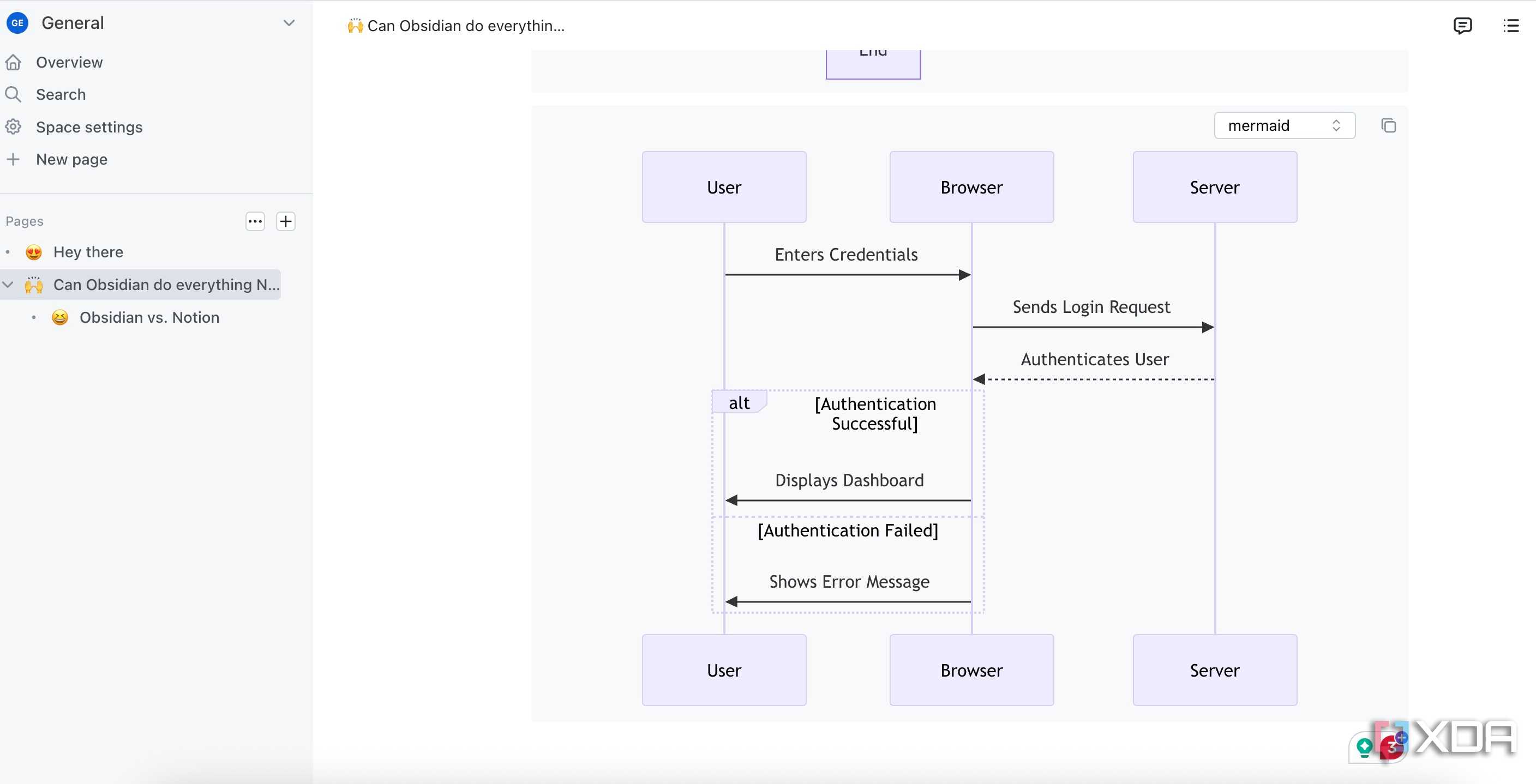


After setting up Docker, one of the containers I pulled was Many Notes. A simple, self-hosted note-taking app that supported tags and folders sounded perfect for keeping my project knowledge organized.
For the first few notes, it was fine. I added my project structure, tagged a few initial thoughts, and felt productive. However, the cracks started showing up when I began scaling up. Many Notes completely fell apart for me.
The UI felt sluggish, and at times (when I paste a large block of text), the editor would freeze or outright refuse to render properly. I quickly uninstalled Many Notes and ran the Docmost container.
With its smooth UI and UX, robust organization, seamless collaboration, and excellent performance, Docmost ticked all the right boxes for me.
Mealie
Just use Tandoor

I started my self-hosting journey with Mealie as my central recipe repository. The user interface felt modern, and the core functionality of web URL import was fantastic. I would find a recipe online, drop the link in, and Mealie would scrape the ingredients and instructions in no time.
However, after a month of heavy use, I started noticing small, consistent points of failure that affected my productivity. That’s when I decided to switch to Tandoor.
The difference in the long-term workflow was immediate. Tandoor just felt more purpose-built for the actual task of cooking and planning. The way it handled recipe importing felt smarter, and when I had to manually clean up data, the entry felt smooth.
Most importantly, its meal planning and shopping list integration clicked instantly. Where Mealie was a nice viewer for recipes, Tandoor quickly became an active manager of my kitchen workflow.
Super Productivity
Tududi is better


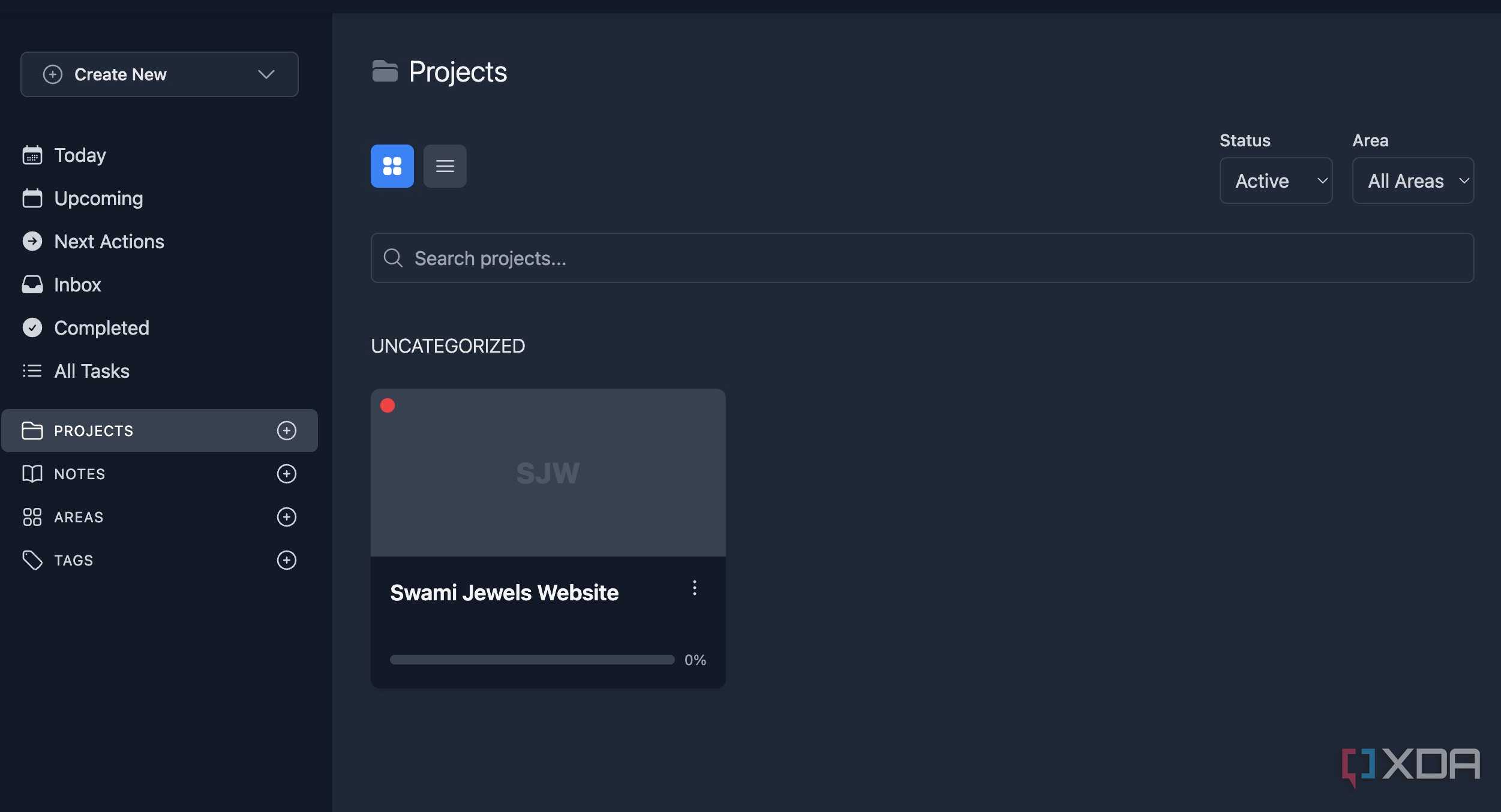
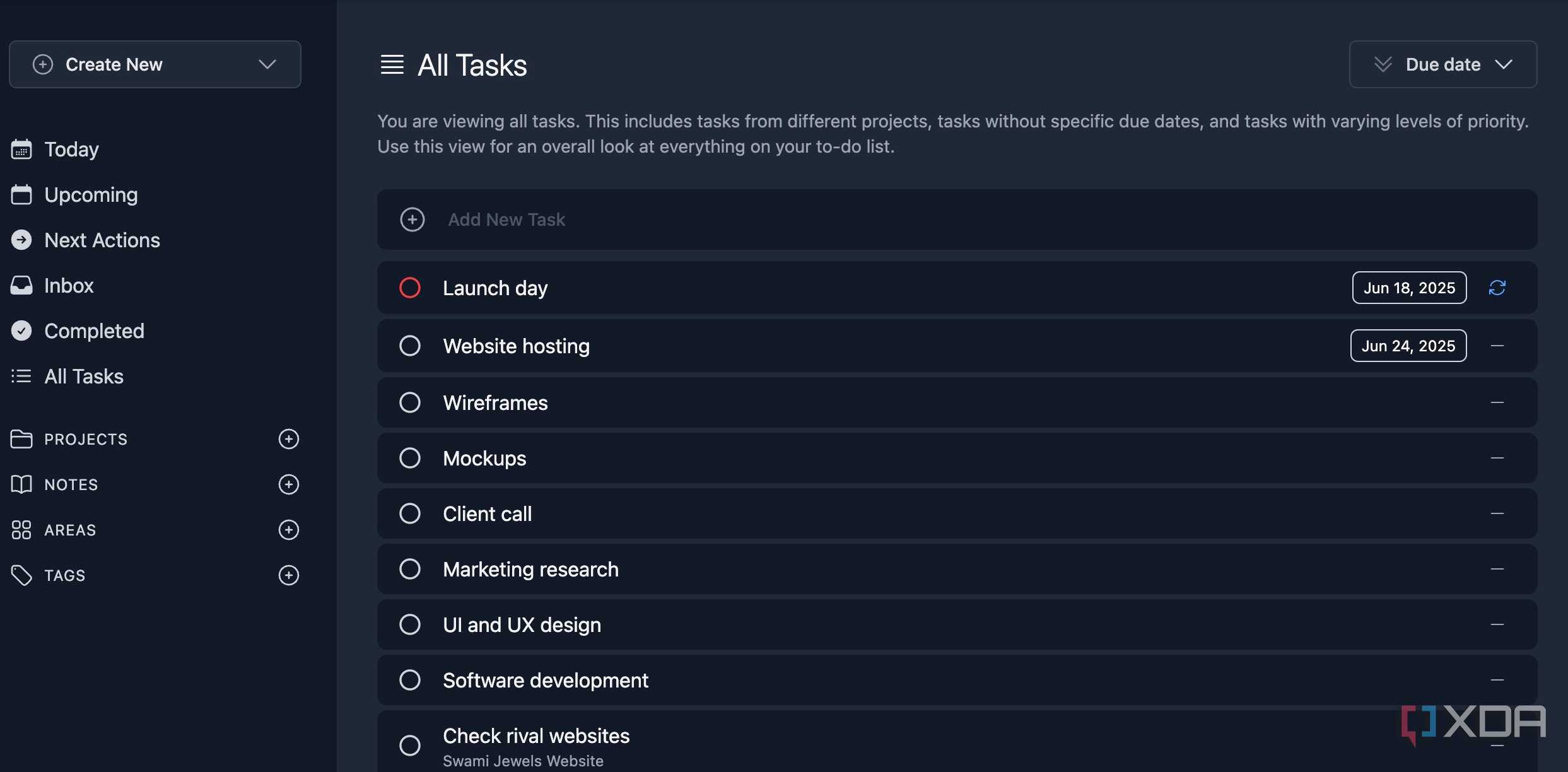
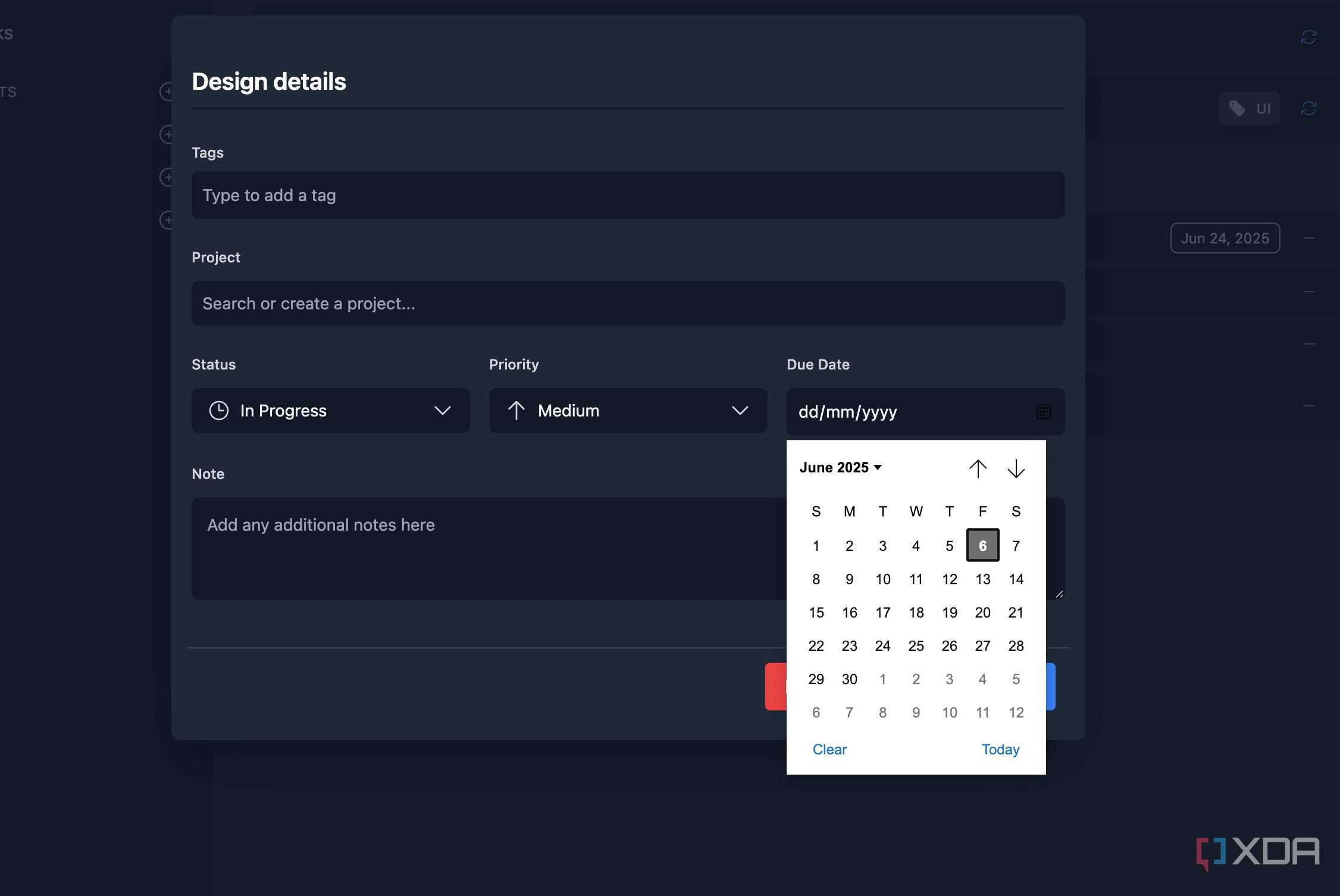
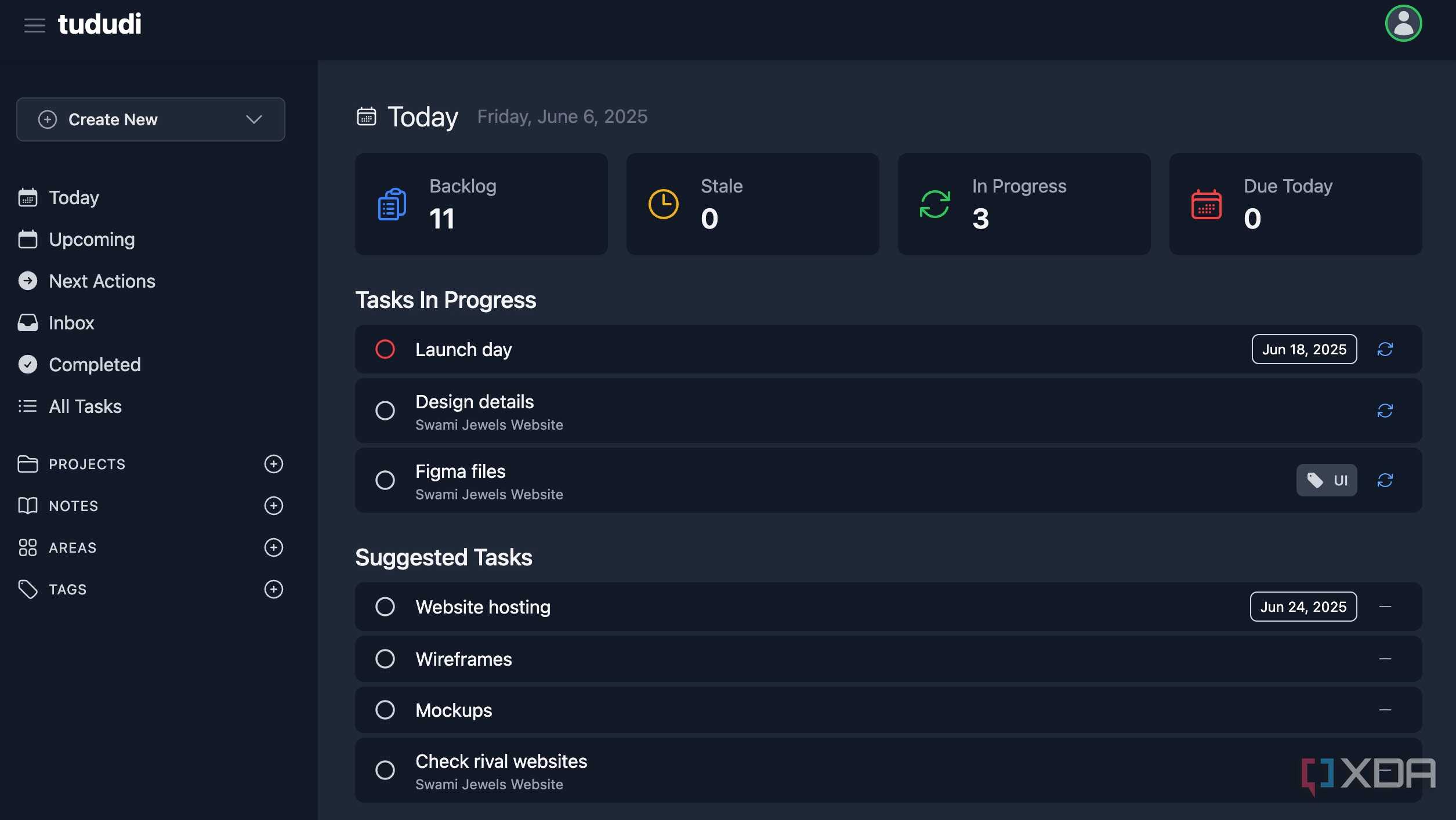
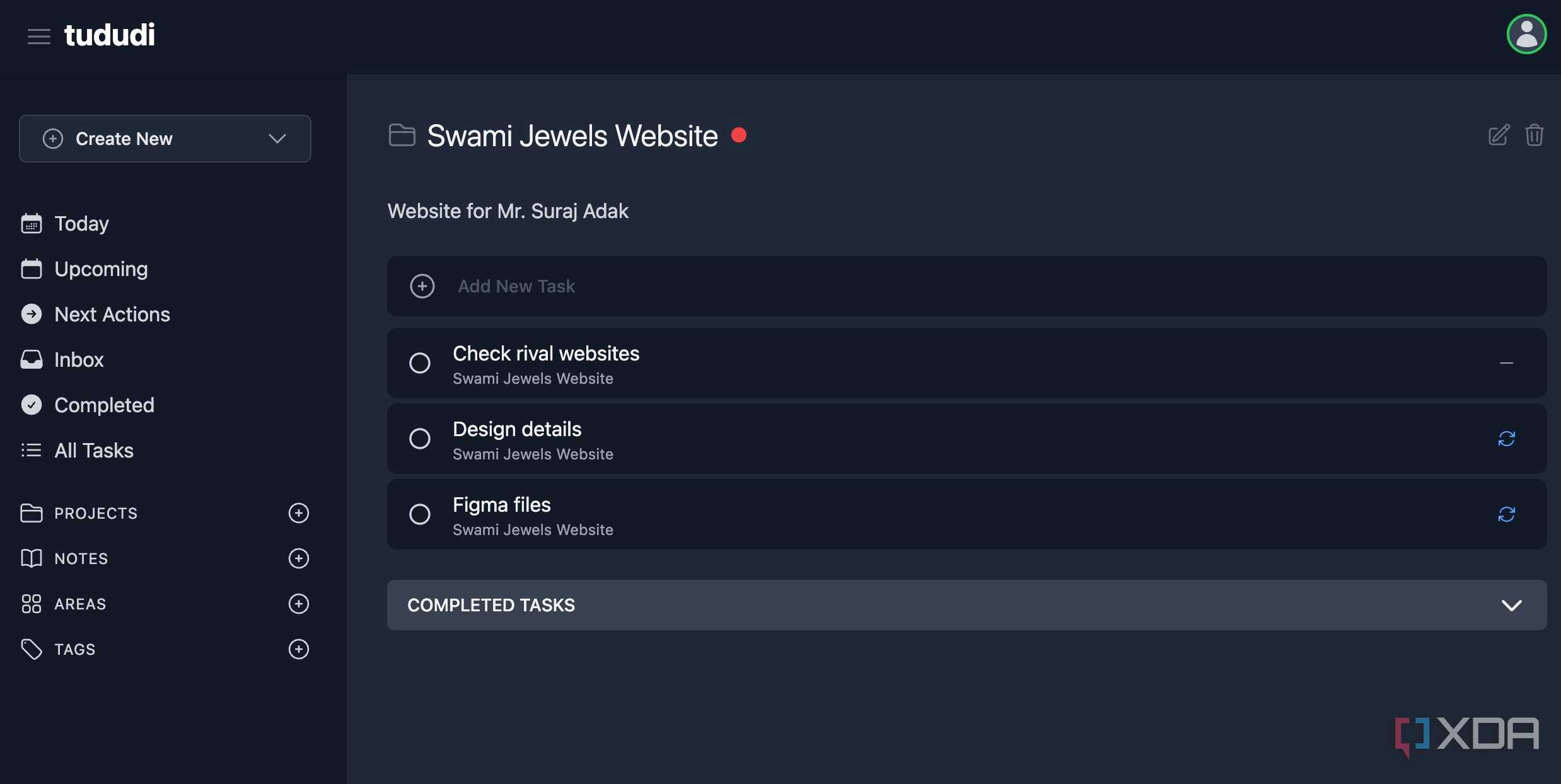





Super Productivity has nailed the basics with features like time-tracking, Pomodoro timers, and native integration with dev tools like Jira and GitHub. However, after a while, I spent more time configuring the timers, categorizing projects, and making sure everything worked well.
The Kanban view felt slightly cumbersome, and the sheer number of panels and options made the interface feel overwhelming. After a couple of weeks of feeling burned out by my own ‘productivity’ tool, I made the switch to Tududi.
Tududi felt like a minimalist answer to Super Productivity. Tududi gave me a clean, simple, hierarchical structure: Areas, Projects, and Tasks. It finally gave me the mental clarity I was looking for. Check out my dedicated post to learn everything about Tudido.
Nextcloud
Have you heard of OpenCloud?

When I decided to take my data off the big commercial clouds, NextCloud was the obvious first choice. I spun up the AIO Docker container, and initially, I was thrilled. It wasn’t just a file storage; it was a full collaboration suite.
I had high hopes of replacing half a dozen services with this single, self-hosted powerhouse. However, after a week or two, Nextcloud felt bloated since it was trying to manage everything.
The frustration was so high that I decided to see what the community was running, and that’s when I found OpenCloud. The contrast was stunning. OpenCloud immediately felt lightweight. It focused on one thing I actually needed: fast, reliable, and private file storage.
The UI is clean, modern, and distraction-free, and everything I needed was exactly where it should be, and it worked immediately without demanding hours of maintenance and configuration tweaking.
AdGuard Home
I prefer Pi-Hole

When I first set up my home network protection, I installed AdGuard Home in a Docker container. It looked fantastic – a modern, slick UI, built-in support for encrypted DNS protocols like DoH and DoT right in the dashboard, and easy parental controls.
For the first month, it was great. Ads disappeared, trackers were blocked, and the analytics dashboard looked professional. But I quickly ran into one major issue – the complexity of maintenance. That’s when I pulled the trigger and swapped it out for Pi-hole.
The real win came from its philosophy. Pi-hole is open-source and relies on the massive community for its blocklists and documentation. It turned out I didn’t need the slick DoH/DoT buttons built in; I preferred the stability and transparency of managing my upstream configuration manually.
Grocy
HomeBox edges it out

When I decided to digitalize my home, I went all in on Grocy. It offers recipes, meal planning, chore tracking, battery management, and an equipment section to track everything from my drill to my water heater serial number.
While Grocy is feature-rich, it demands commitment. The UI felt dense. I had to go through multiple menus just to get things done. I uninstalled the massive Grocy Docker container and deployed HomeBox.
HomeBox is everything Grocy isn’t: minimalist, beautifully designed, and built around core tasks. HomeBox lets me instantly add an item, assign it a location, and attach pictures or manuals without diving into multiple configuration tabs.
From install to uninstall
Overall, the good news is, the Docker community is vast and ever evolving. If a specific note-taking app, project management tool, task management software, or home management solution doesn’t work for you, there is always an alternative out there.
You don’t need to settle for basic, mediocre Docker containers in your setup. Go ahead, swap the below-average containers and boost your productivity in no time.
