


Building a home lab from scratch is always an exciting endeavor. It’s a playground for tech enthusiasts and IT professionals. But like any ambitious project, it’s packed with potential pitfalls. I learned this the hard way through a series of missteps and a fair bit of frustration. Allow me to share the most significant mistakes I made while building my own home lab. My goal is to save you from similar headaches and provide a roadmap for a smoother, more efficient home lab building experience.
7 Poor wireless network planning
There would be dead zones

Wireless planning was definitely a learning experience. I initially assumed a single access point would be sufficient for my entire home. Boy, was I wrong. I quickly discovered dead zones in the far corners, the signal would drop when I moved rooms, and streaming video was a stuttering mess.
To make matters worse, I tried those cheap range extenders, which resulted in slower speeds and more interference. I completely underestimated the impact of walls, furniture, and even appliances on the Wi-Fi signal. To fix it, I ended up having to run an ethernet cable to multiple access points. I used a proper mesh system, which finally gave me consistent coverage.
6 Ignoring cooling and ventilation
Don't underestimate heat

This was a critical oversight in my home lab. I housed my equipment in a small closet, which proved to be inadequate for heat dissipation. I noticed high temperatures within the closet and also faced hardware instability a couple of times (server shutdowns and network switch malfunctions). The primary issue was the lack of airflow. I used an exhaust fan and rack-mounted fans to improve air circulation.
5 Overlooking storage needs
More storage is always better

Storage capacity was a significant miscalculation in my initial home lab setup. I began with a limited number of drives and assumed they would be sufficient for my needs. However, as my experimentation with virtual machines (more on that later) and media storage expanded, I quickly ran out of space.
The real kicker was when I decided to experiment with a virtualized NAS. I wanted to try out some advanced storage features, but I didn't have enough spare drive to do it properly. If I had just planned for future storage needs from the beginning, I could have saved myself a lot of money and a lot of frustration. Sufficient storage is one of the things you need in your home lab at any cost.
4 Choosing the wrong hypervisor
A crucial part

Choosing the wrong hypervisor was another classic mistake while building a home lab. I have heard a lot about Hyper-V and, without really comparing it to other options, decided that was the one for me. I was running a mix of Windows and Linux VMs, and assumed it would handle everything just fine.
Initially, it seemed okay. But then, I started experimenting with more Linux-based virtual machines. That's when the problems started. I ran into driver compatibility issues. It quickly became clear that it wasn’t the best fit for my goals. I ended up having to migrate all my VMs to Proxmox, which proved to be ideal for my workflow. Overall, hypervisors are not one-size-fits-all. Each has its strengths and weaknesses, and it’s important to evaluate them before committing to one.
3 Ignoring regular maintenance
Especially when you live in a dusty area

Initially, the focus was on building and configuring the lab. I neglected the routine checkup. This resulted in a gradual accumulation of dust, particularly on fans and within server cases. After a couple of months, a server fan malfunctioned due to dust obstruction, which led to overheating and server instability.
2 Overutilizing virtual machines
Don't go overboard with VMs

Being a newbie, I was eager to explore different operating systems and applications, so I spun up a bunch of VMs, each with heavy resource allocations. I had VMs for web servers, databases, development environments, and even a few for testing different Linux distributions.
I had a robust host system with a decent server. But after a while, it started to become unresponsive. Simple tasks took ages, and the VMs were sluggish. I noticed high CPU utilization on the host, even when the VMs weren't doing much. For example, I had a small web server VM that was barely used, but it was still consuming 8GB of RAM. Instead, I should have focused on containers to get the job done. And that brings me to the last point.
1 Avoiding containerization
Don't underestimate Docker

Source: Vikunja 
Source: ownCloud 
Source: Prometheus 


Source: Vikunja 
Source: ownCloud 
Source: Prometheus 


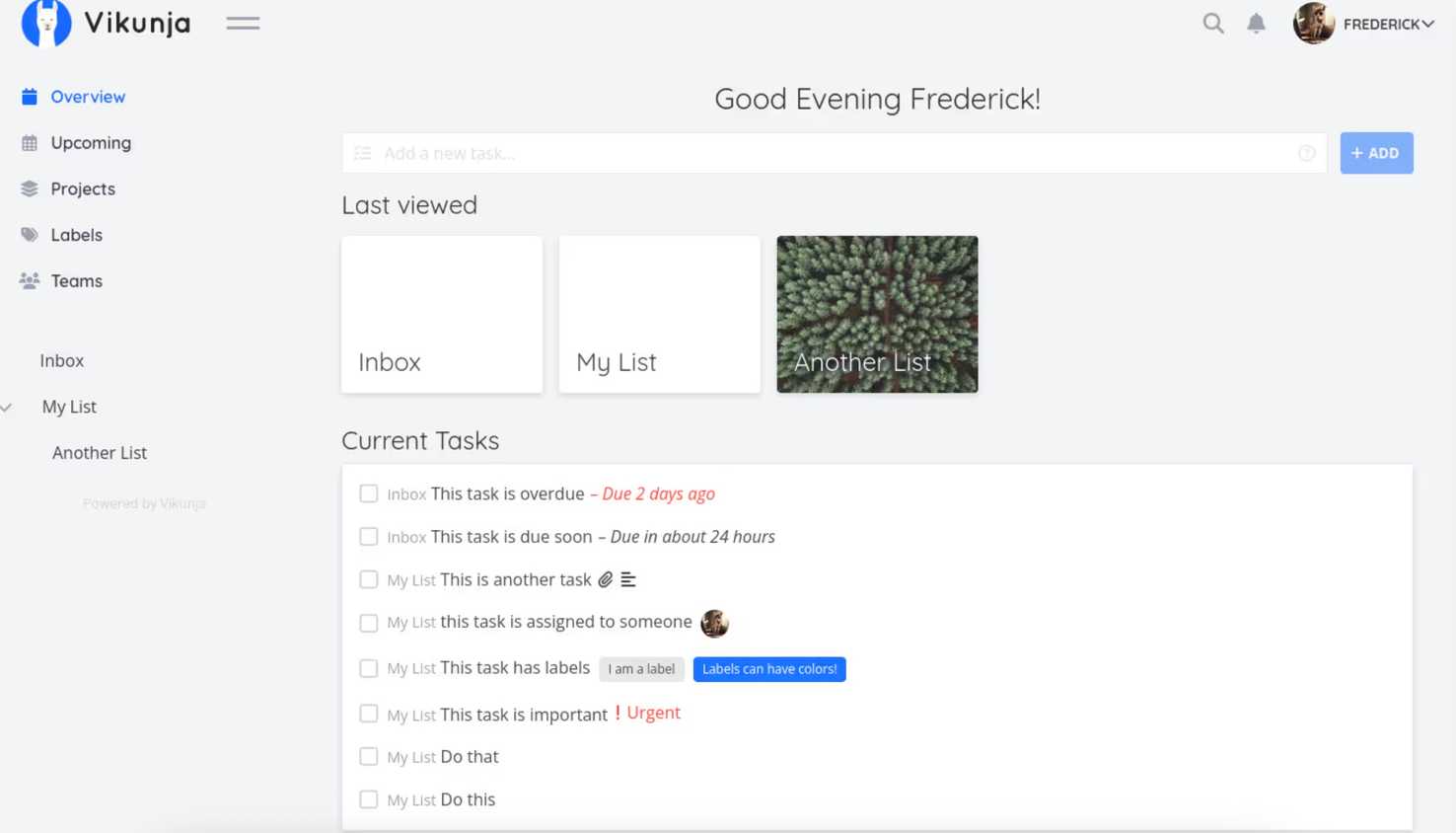
As I noted, my initial home lab setup was heavily focused on VMs. It led to a lot of resource waste. At first, I dismissed Docker as too complex. But then, I tried deploying a small application using Docker, and I was blown away by the efficiency. I could deploy the application and its dependencies in seconds.
My personal wiki, file server, and development environment now run in Docker containers. I have learned that they are a powerful tool for managing applications and services, especially in a home lab environment.
Epic home lab fails
While my home lab journey was filled with these mistakes, each one taught me valuable insights and improved my understanding of system administration and network architecture. Overall, you need to approach your home lab with patience, thoughtful planning, and willingness to learn from your inevitable errors. If this is your first home lab setup, please refer to our beginner's guide.
