


PC gamers love to chase high-refresh-rate monitors, even if it means sacrificing a bit of resolution, but outside of gaming, it rarely gets the same level of appreciation. For most people, productivity is still closely tied to pixel count, with higher resolution displays seen as the more practical upgrade. When you spend hours looking at text, editing photos, or rendering videos, a monitor with a higher pixel count seems like the obvious choice. I used to think that too until I upgraded from a 4K/60Hz to a 4K/144Hz monitor for everyday use.
I didn't expect the faster monitor to make any difference to how I worked because it still fit the same amount of content on screen, and everything looked just as sharp. However, the experience felt noticeably different almost immediately. Every interaction felt more fluid and responsive, from dragging multiple windows on the desktop to scrubbing through the timeline in Premiere Pro. That's when I realized productivity can improve so much when your monitor feels more responsive.
Refresh rate changes how responsive your workspace feels
A high refresh rate monitor makes every interaction feel more instant and controlled

It's easy to assume that responsiveness matters only in gaming, where split-second reactions and fast camera movement are your top priorities. Outside of that context, we're usually quick to write off high refresh rates as a nice-to-have rather than something that meaningfully affects how you work. But once you actually use a 144Hz or higher refresh rate screen for regular day-to-day tasks, you'll quickly realize that it's just not about how smooth your monitor looks.
For starters, there's a night-and-day difference in how your workspace responds to even the smallest inputs. Dragging windows, selecting text, and resizing panels feel more precise and controlled, and you'll immediately notice how there's almost no visual lag between your cursor and the content you're interacting with. Scrubbing through a timeline in a video editor also feels smoother and more predictable at higher refresh rates. Sure, they may seem like subtle changes at first glance, but they affect nearly every interaction you make throughout the day. That extra responsiveness reduces friction every time you sit in front of your monitor to work.
Reduced eye strain is such an underrated benefit
A monitor that's easier on the eyes makes long work sessions more comfortable


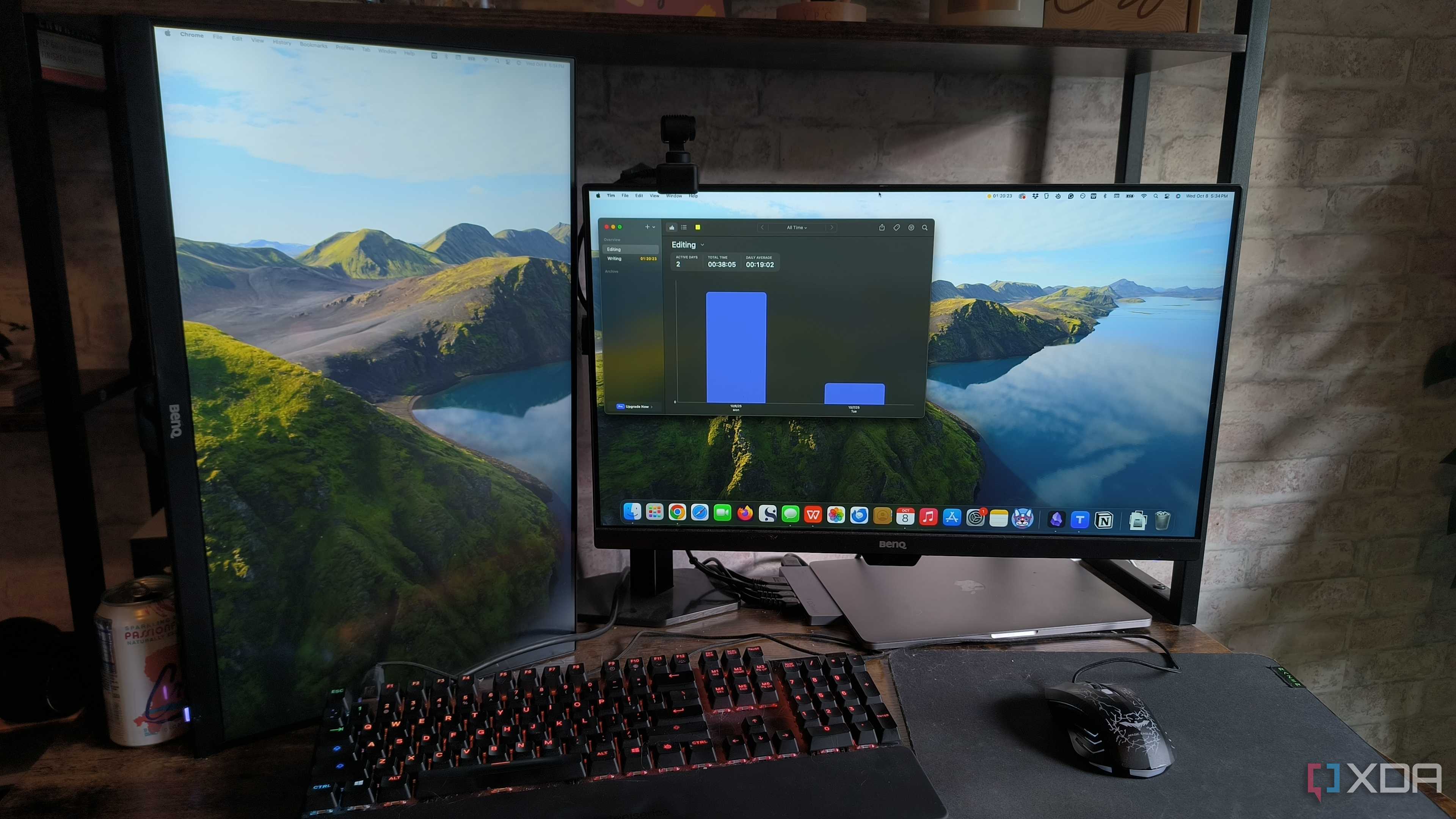
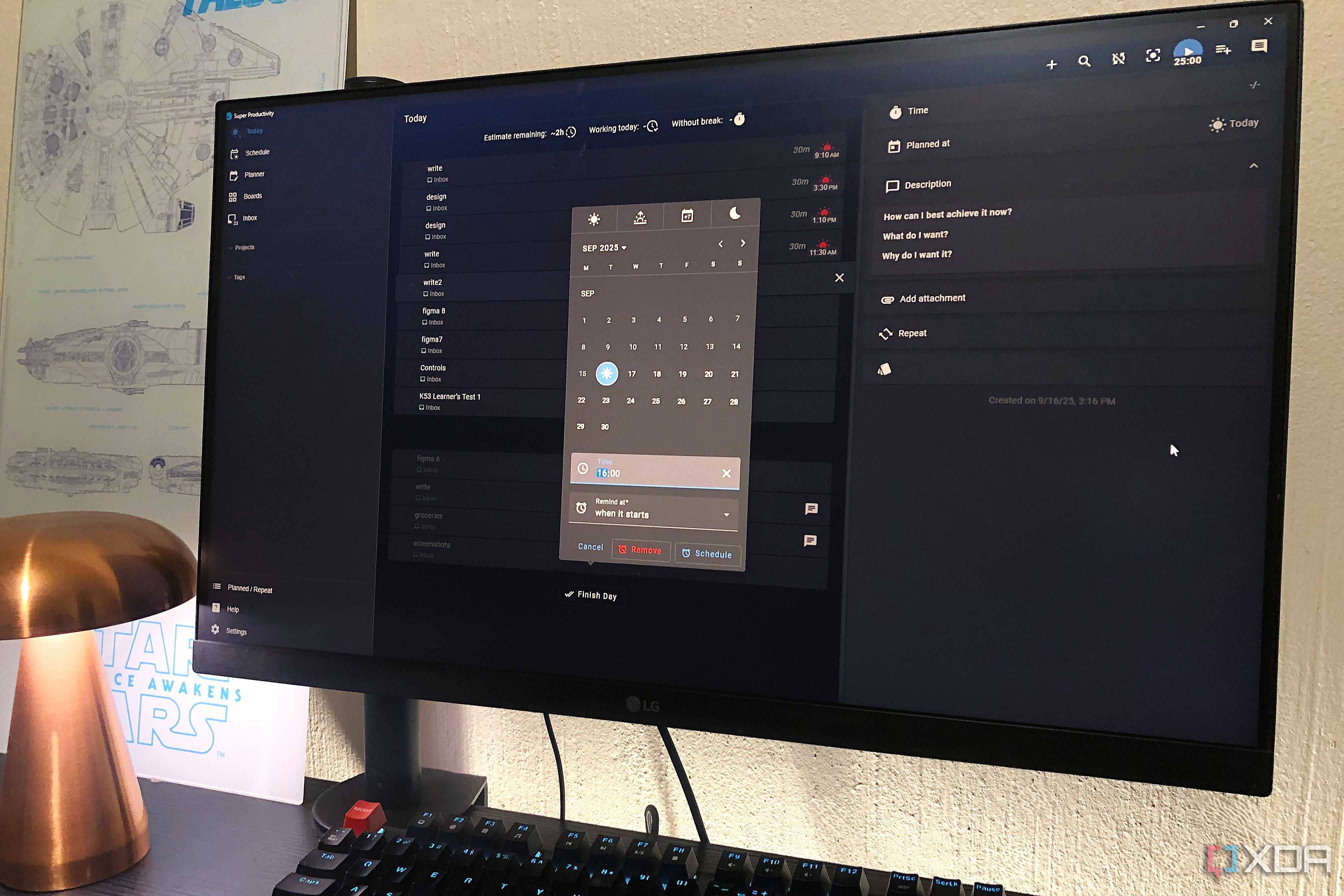
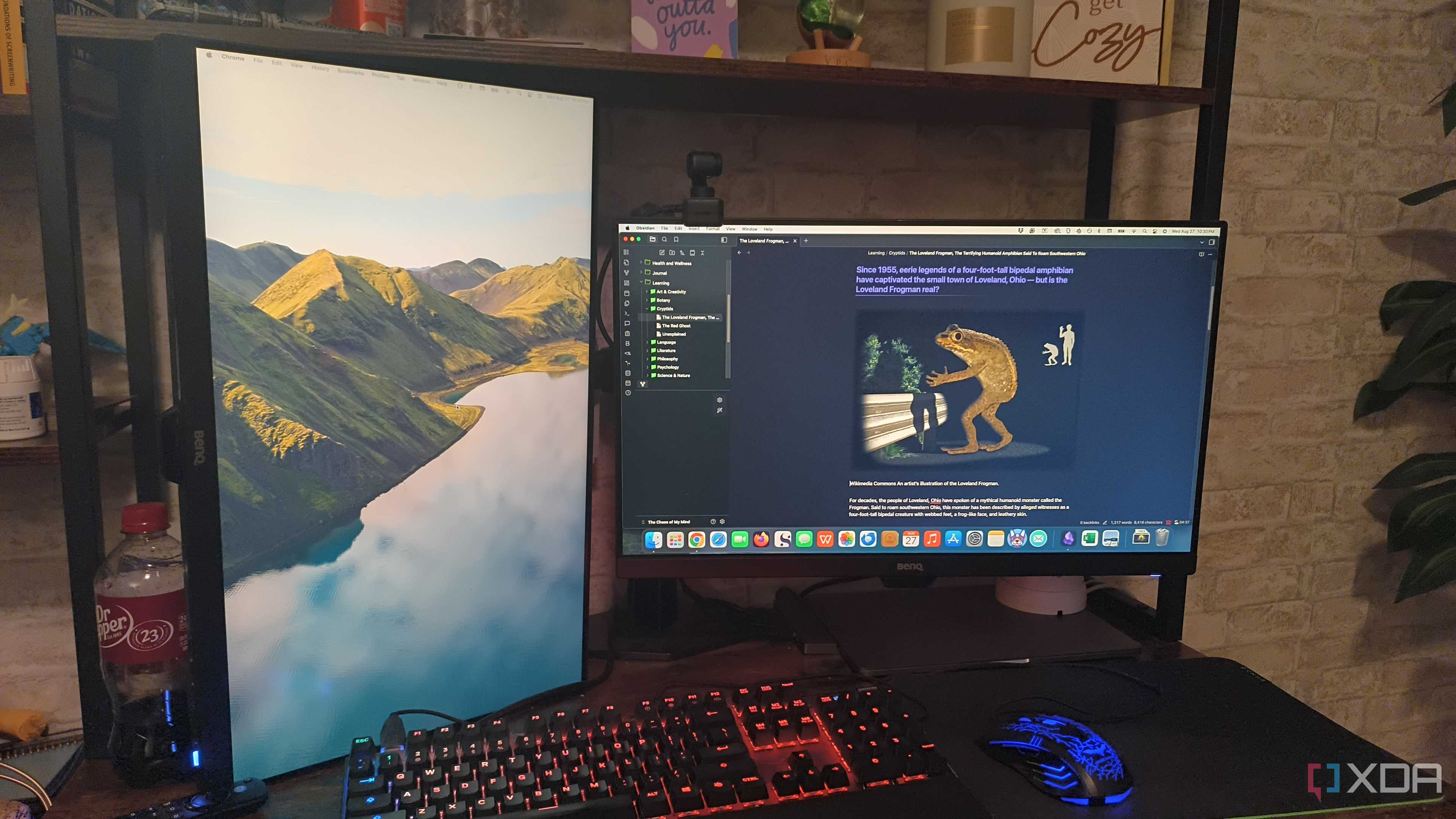
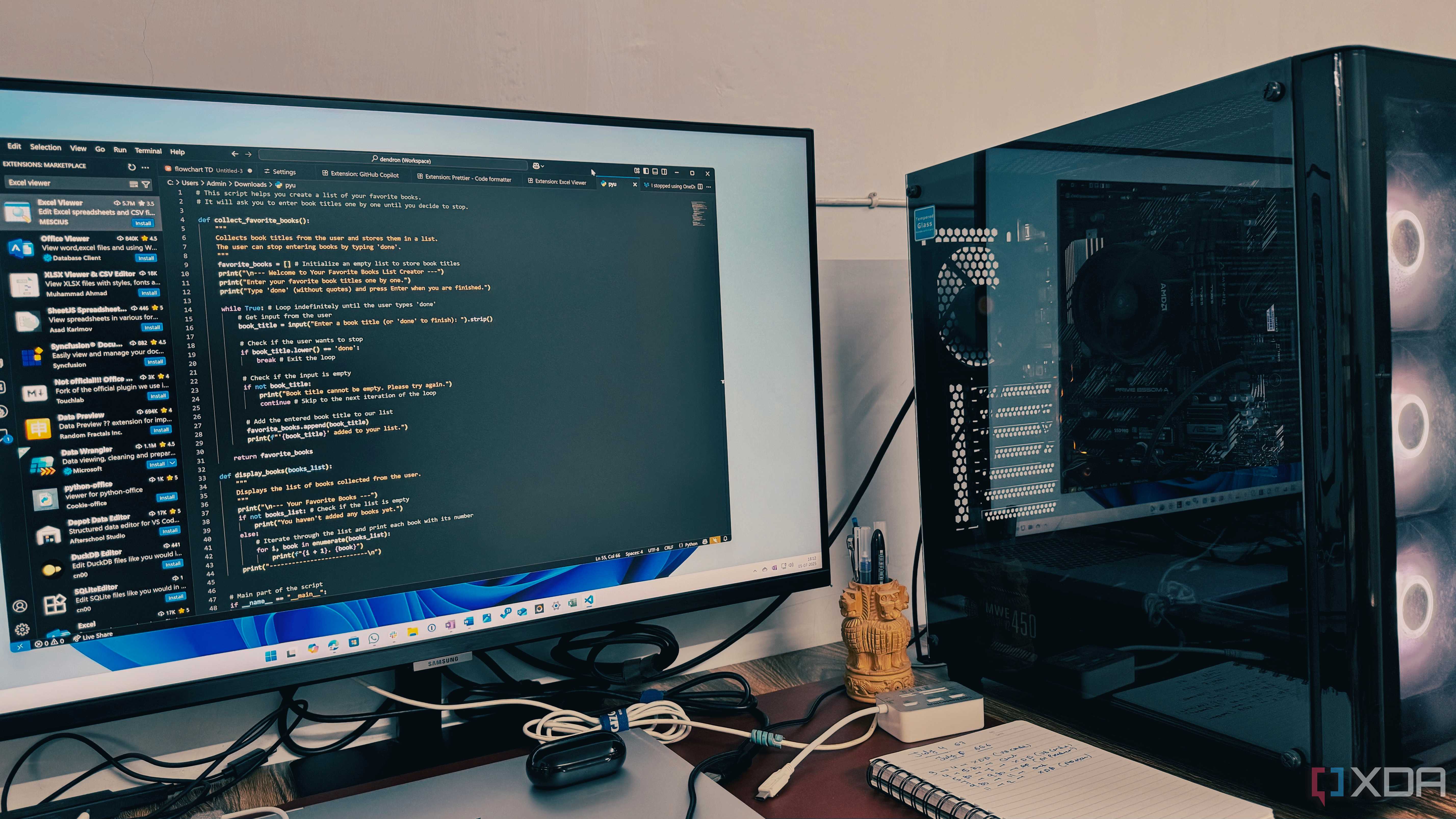

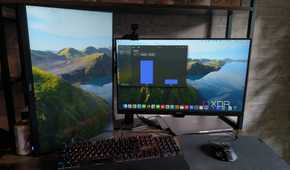
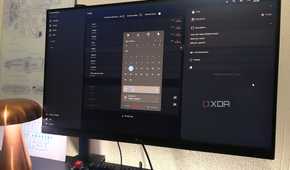
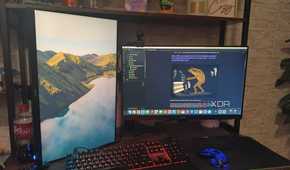

Eye strain is something we tend to ignore until it affects how long we can stay focused. When you're working at your monitor for several hours a day, your eyes are constantly tracking motion on the screen, whether that's scrolling through articles, dragging windows around, or scrubbing through videos. On 60Hz displays, the motion isn't all that smooth. Of course, your eyes may be used to it if you've never used a high refresh rate display before, but once you do, it's hard to ignore how much more comfortable a 144Hz panel feels.
High refresh rate displays reduce eye strain by making motion easier to track. Even when you're scrolling through an article on XDA, the headers stay fairly legible during motion instead of blurring into each other as you move up or down the page. The same applies to any creative or productivity app you use regularly. That extra bit of smoothness means your eyes don't have to constantly refocus to keep up with what’s happening on screen, which makes a big difference during long sessions. You're less likely to feel that eye fatigue creeping in after a few hours, and it becomes easier to stay focused without needing frequent breaks.
Resolution still matters up to a point
But when you're scaling everything up, the gains diminish quickly

I'm not trying to downplay resolution here because it absolutely does matter up to a point. Going from 1080p to 1440p is a huge step up for productivity, and even 4K can be beneficial as long as the screen size is at least 27 inches. However, most people who get 4K monitors end up scaling the UI to 125% or 150% to keep text readable, but at that point, you're basically negating the extra screen real estate you paid for. It doesn't look much different from a well-configured 1440 panel.
Sure, the improvement in sharpness is undeniable, especially when you're editing photos or reading text, but that extra clarity alone doesn't automatically translate into getting more work done. Outside of any tasks that rely mostly on sheer detail, productivity tasks mostly involve interactions, and that's when a higher refresh rate can make a difference. When UI scaling removes most of the extra space, a high-refresh-rate 1440p ultrawide often makes more sense than a 4K/60Hz panel.
The subtle benefits of higher refresh rates add up
The main reason why a higher refresh rate is often overlooked by those who don't game is that none of its benefits feel dramatic on their own. At the end of the day, all you're getting is a smoother scroll here, a more responsive drag there, and slightly less eye fatigue during extended work sessions. But over time, these subtle improvements do add up and make a meaningful difference. And once you try a 144Hz panel, it's really hard to go back to a 60Hz screen, even for regular day-to-day use. It's just something you need to experience firsthand to really appreciate it.
