


Wi-Fi 7 is at the forefront of wireless technologies, yet many available routers are expensive. Some routers cost upwards of nearly $1,000, the price of a mid-tier gaming PC. Thankfully, some brands offer more value-centric solutions like this Netgear Nighthawk RS300. I've always been a fan of Netgear's networking products. The company designs good-looking devices and is often at the top of the performance charts. The Nighthawk RS300 is one of its more affordable options and by affordable, I mean a value-focused Wi-Fi 7 router. This thing isn't cheap, but it's considerably more approachable than some other Wi-Fi 7 offerings.
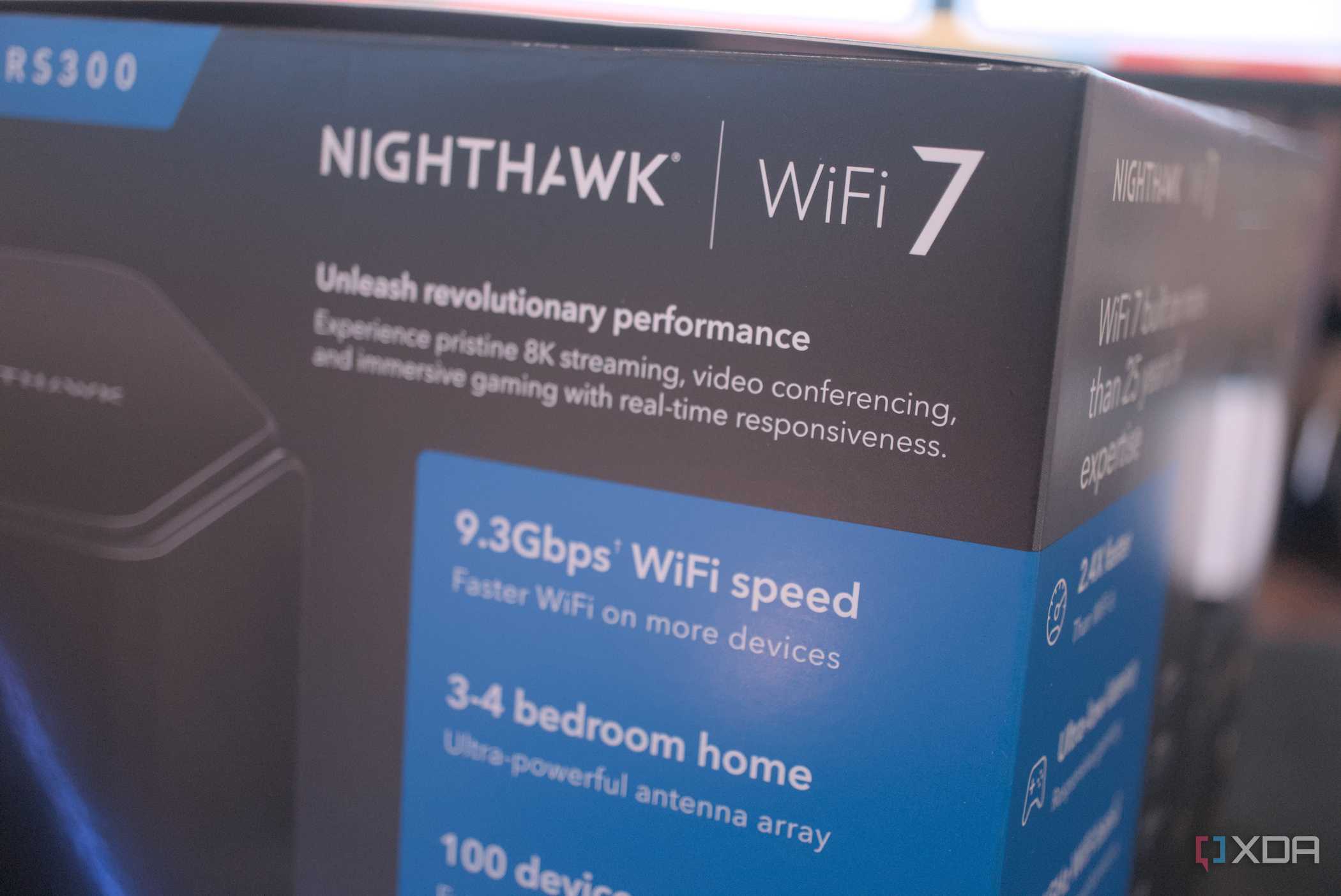
rAnge-topping routers can hit speeds of nearly 20Gbps, which is far beyond what most homeowners require. That's where the new Netgear Nighthawk RS300 comes into play with its Wi-Fi 7 support and maximum throughput of 9.3Gbps. This is still considerably more than what most ethernet connections support. The RS300 has no issue handling 4K streaming through the LAN with Jellyfin, nor does it struggle to maintain stable downloads from services such as Netflix. Although still costing just north of $300, this is one of the better Wi-Fi 7 routers when upgrading your home network infrastructure.
About this review: Netgear provided XDA with a Nighthawk RS300 sample for this review but had no input to its contents.

Netgear Nighthawk RS300

- Wi-Fi Bands
- 2.4 GHz, 5 GHz, 6 GHz
- Ethernet Ports
- 3x 2.5Gb, 2x 1Gb
- USB Ports
- 1x USB-A 3.0
- MU-MIMO
- Yes
The Netgear Nighthawk RS300 is a capable Wi-Fi 7 router with a maximum throughput of more than 9Gbps and offers multiple LAN ports, two of which are 2.5Gb. A single 2.5Gb WAN port ensures you have ample bandwidth for fiber connections. Although certain features require a subscription, there's plenty to appreciate with this slightly more affordable Wi-Fi 7 router.
- 2.5Gb network ports
- Excellent Wi-Fi 7 performance
- Reliable coverage on three bands
- Easy to set up and offers decent value
- Still using 1Gb ports
- Some features require subscription
- Still relatively expensive for a router
Price, specs, and availability
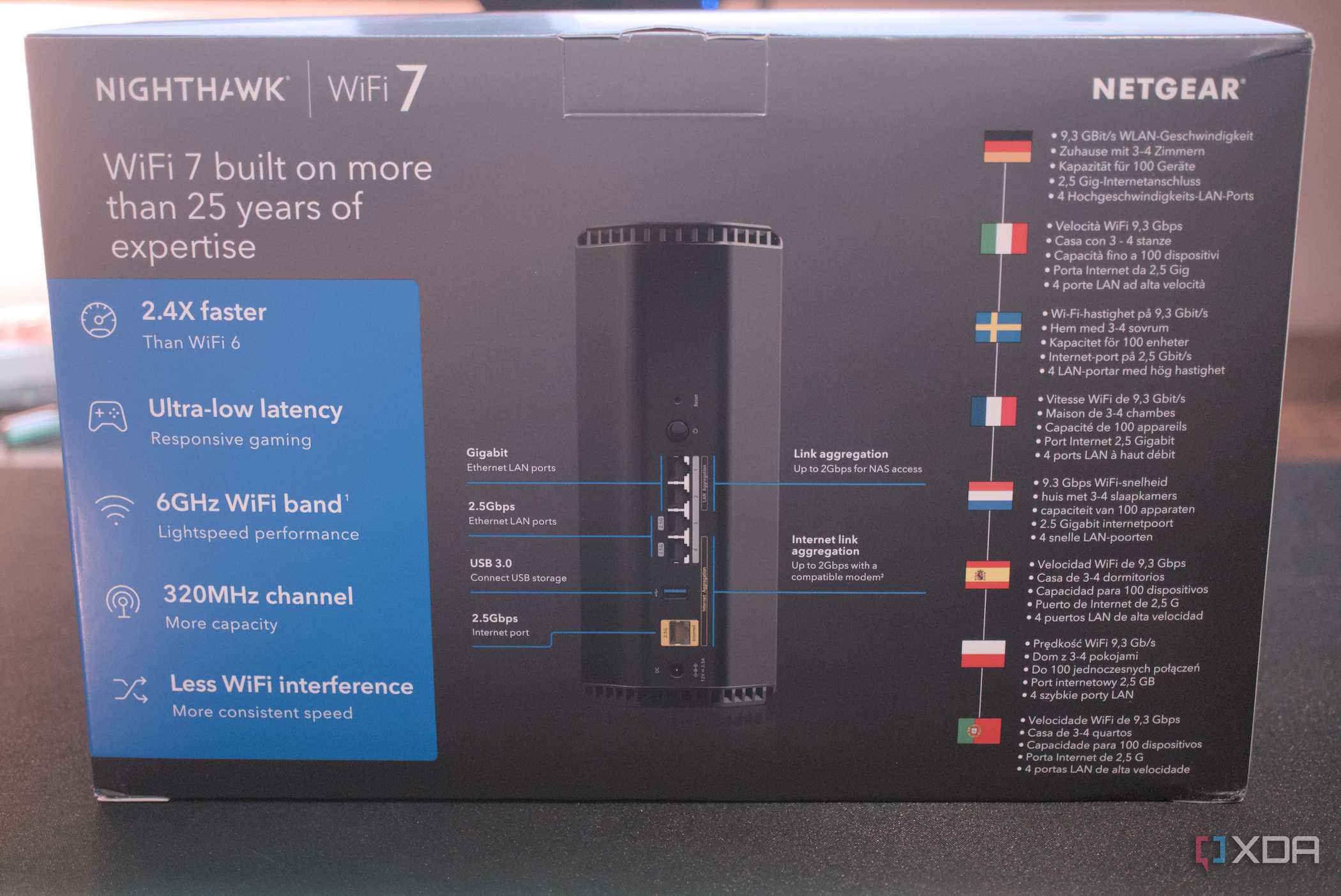
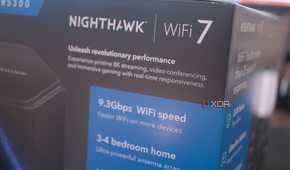
The Netgear Nighthawk RS300 has some serious specifications. Inside this capable router is a 2.0 GHz quad-core processor and 2 GB of RAM. This combination enables the router to handle up to 9.3 Gbps across 2.4 GHz, 5 GHz, and 6 GHz bands. MU-MIMO is fully supported, alongside WPA3 for security. For connecting everything to the LAN, the RS300 offers three 2.5Gb and two 1Gb network links, though one of the 2.5Gb ports is reserved for WAN. There's also a single USB-A 3.0 port. It's a good-value router for $300, especially considering all the extra features.
Specifications
- Wi-Fi Bands
- 2.4 GHz, 5 GHz, 6 GHz
- Ethernet Ports
- 3x 2.5Gb, 2x 1Gb
- USB Ports
- 1x USB-A 3.0
- MU-MIMO
- Yes
- Mesh Network Compatible
- No
- Supported standards
- Wi-Fi 7
- Speeds
- BE9300 (0.7 Gbps + 2.9 Gbps + 5.8 Gbps)
- Security
- WPA3
- Chipset/memory
- 2.0 GHz quad-core CPU, 2 GB RAM
- App requirements
- App or browser
- Dimensions
- 249 x 150 x 101.6 mm
What I like
Good connectivity

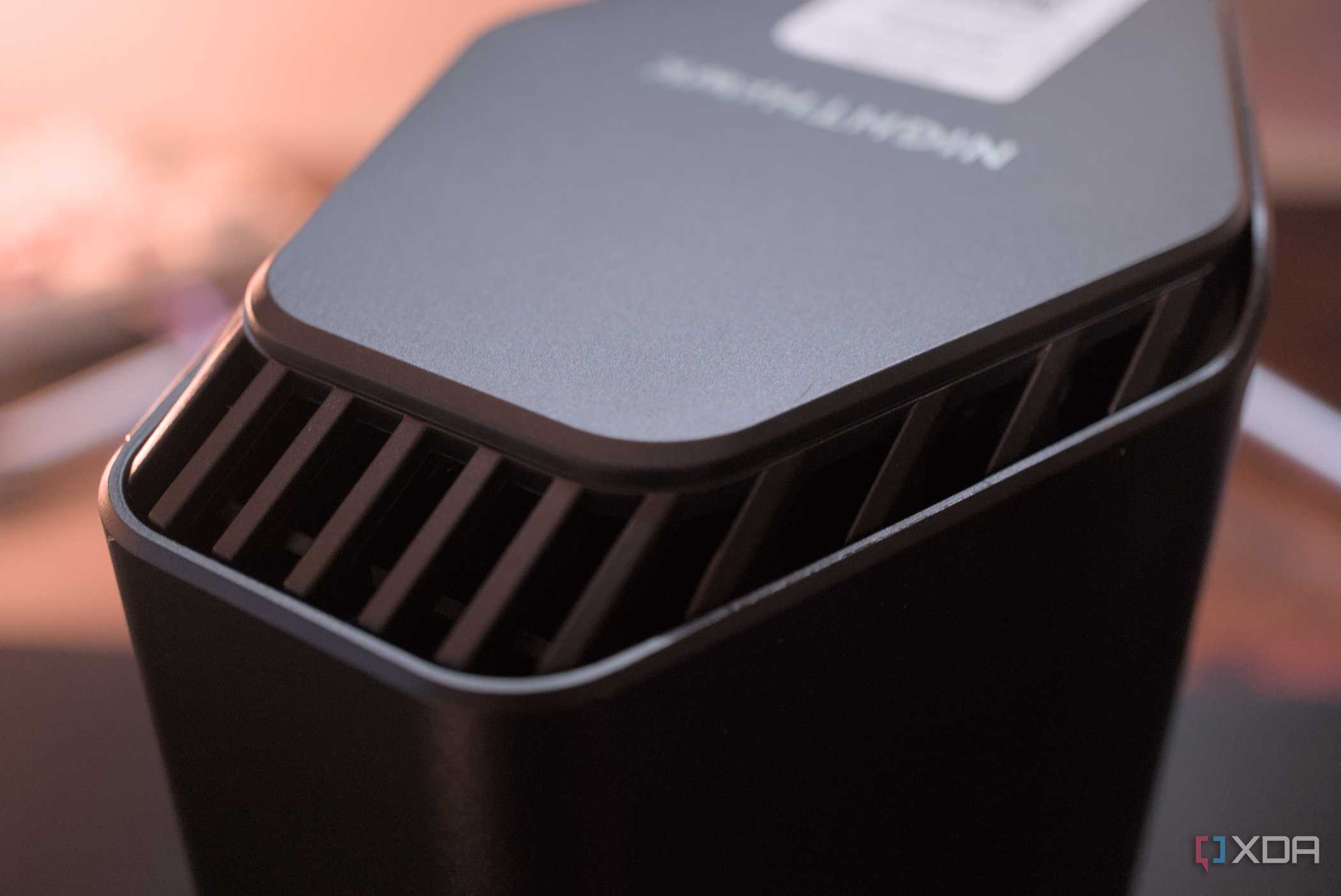
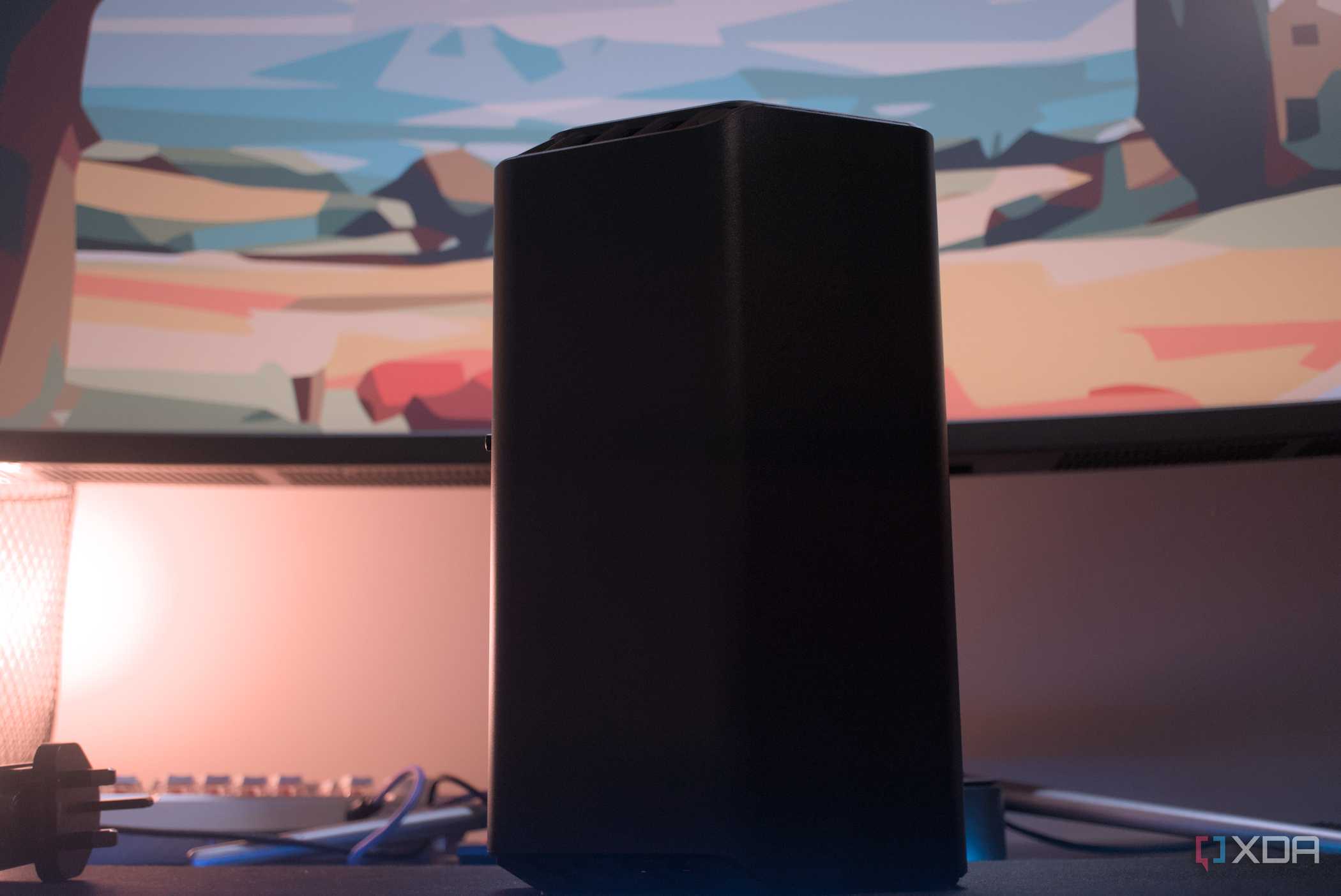
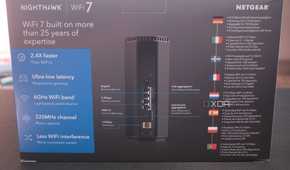
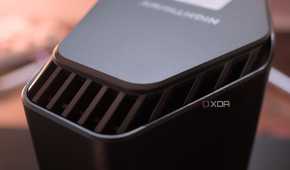
The Netgear Nighthawk RS300 looks very much like many other premium Netgear routers. The sleek all-black plastic obelisk will certainly draw some attention should it be installed somewhere visitors will have a good view. This taller design not only looks good but also helps reduce the router's footprint and improves the performance of the four internal antennas. A few LEDs are located up front but they aren't too bright to cause distractions.
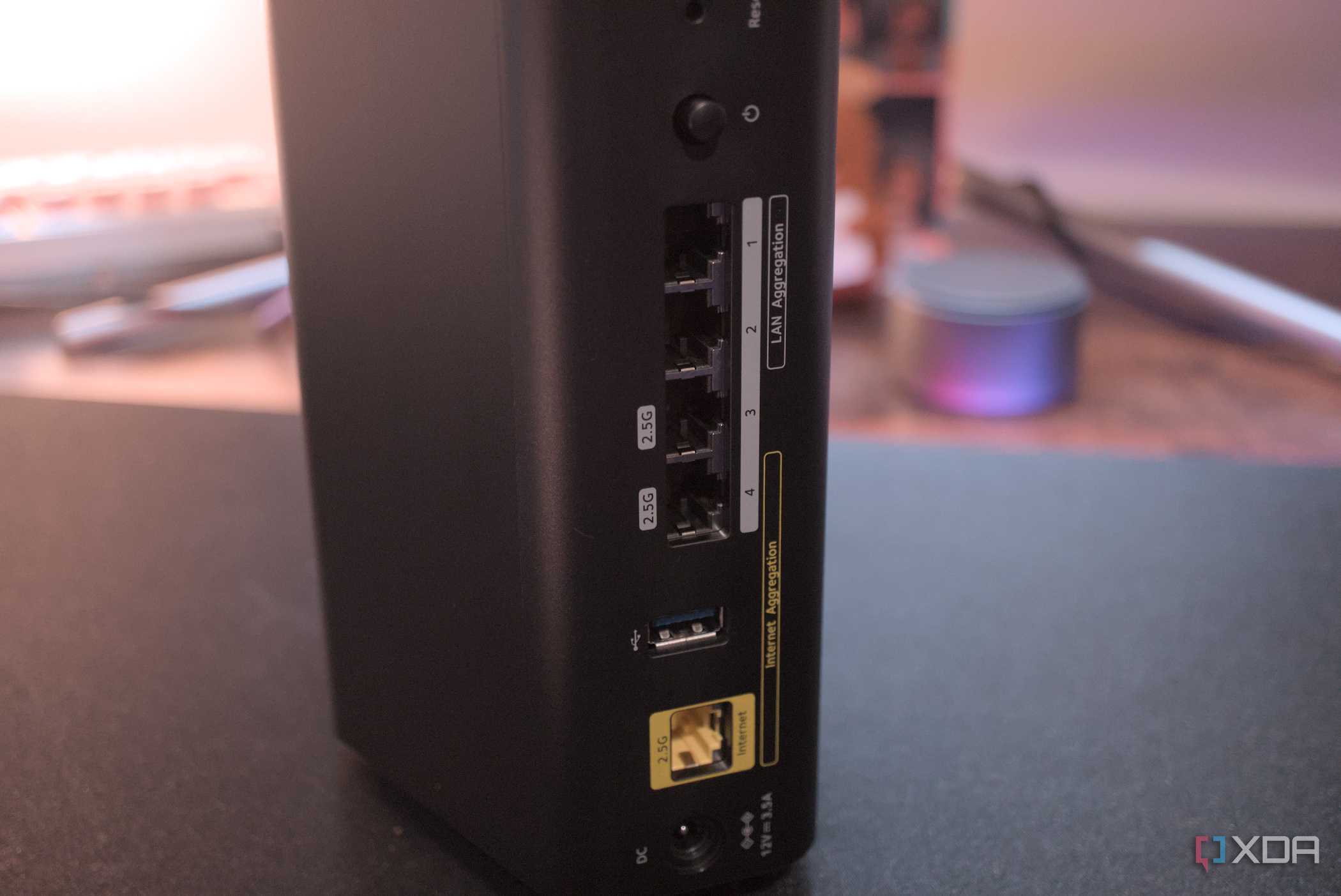
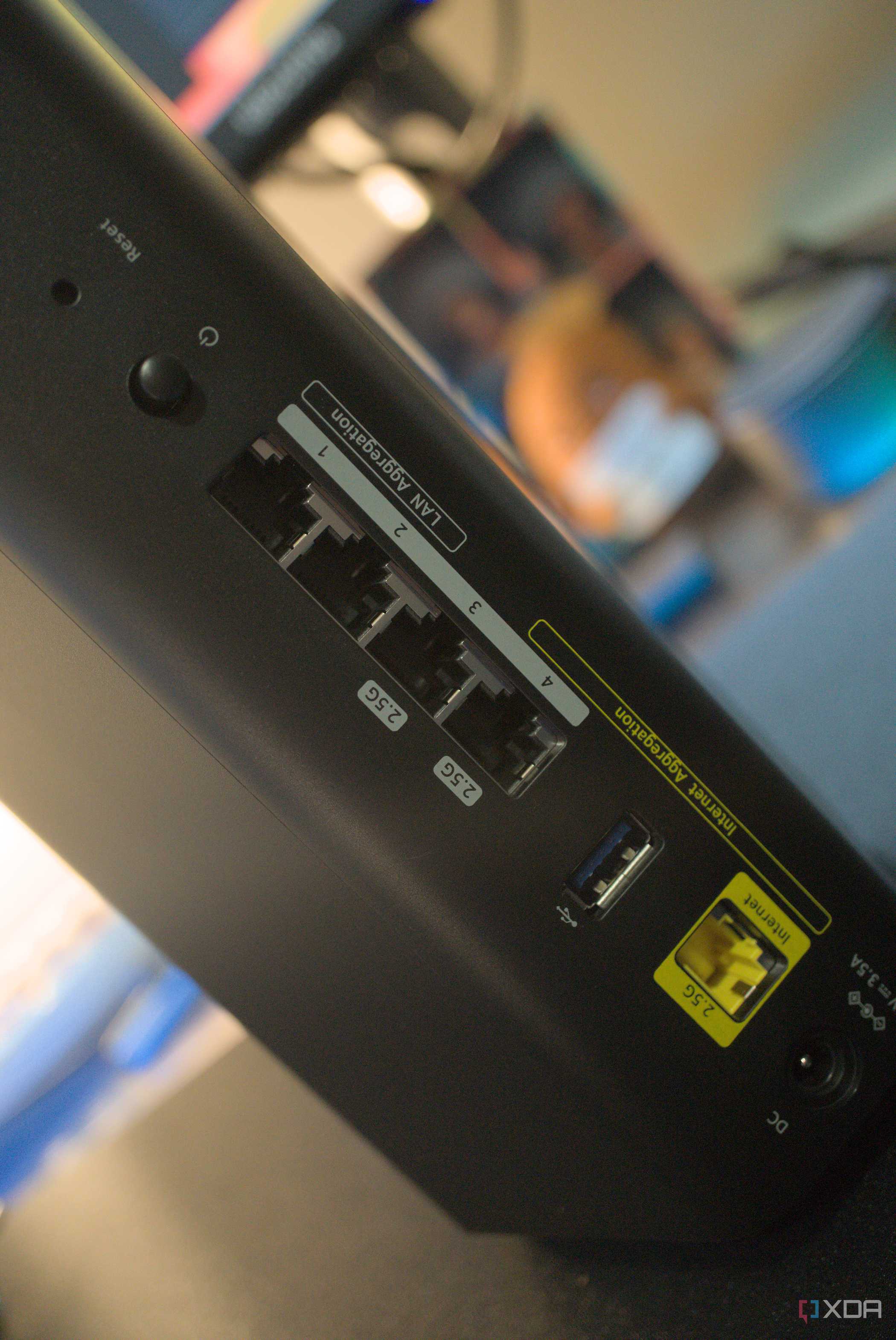
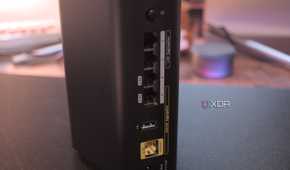
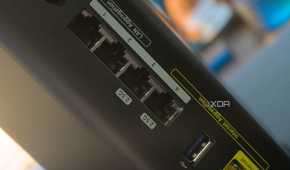
Ports-wise, we're looking at 2.5Gb networking for the WAN connection and two LAN links.
Ports-wise, we're looking at 2.5Gb networking for the WAN connection and two LAN links. Two additional 1Gb ports bring the total connections up to four. This should be enough for most homes that rely on Wi-Fi, but you may require a network switch for more hardware. There's even a USB-A port for hooking up external storage, allowing you to use the Netgear router as a basic NAS.
Reliable performance




To put this router to the test, I ran three tests (five times each for 30 seconds) using a smartphone, desktop PC, and laptop. On the 6 GHz band, I achieved just shy of 1.8 Gbps within a meter of the AP. That's about 1.5x the speed of a 1GbE wired connection. A reduction in performance was observed at a distance of 3 meters in an adjacent room to just north of 1.5 Gbps, which is still blisteringly quick on the 6 GHz band. It's when we get to 10 meters and in different rooms does the RS300 starts to suffer, at least compared to some competing hardware.
|
Frequency |
Speeds |
|---|---|
|
6 GHz |
|
|
5 GHz |
|
|
2.4 GHz |
|
The slowest speed recorded was 377 Mbps on the 2.4GHz band, which is far from terrible. This was with approximately 10 meters and two walls between the router and the testing devices. You won't encounter any issues regarding performance across the supported bands, regardless of which room you're in. It's only when the router isn't centered within the home can you experience issues, but this is the same with many other access points and routers on the market.
Easy to set up
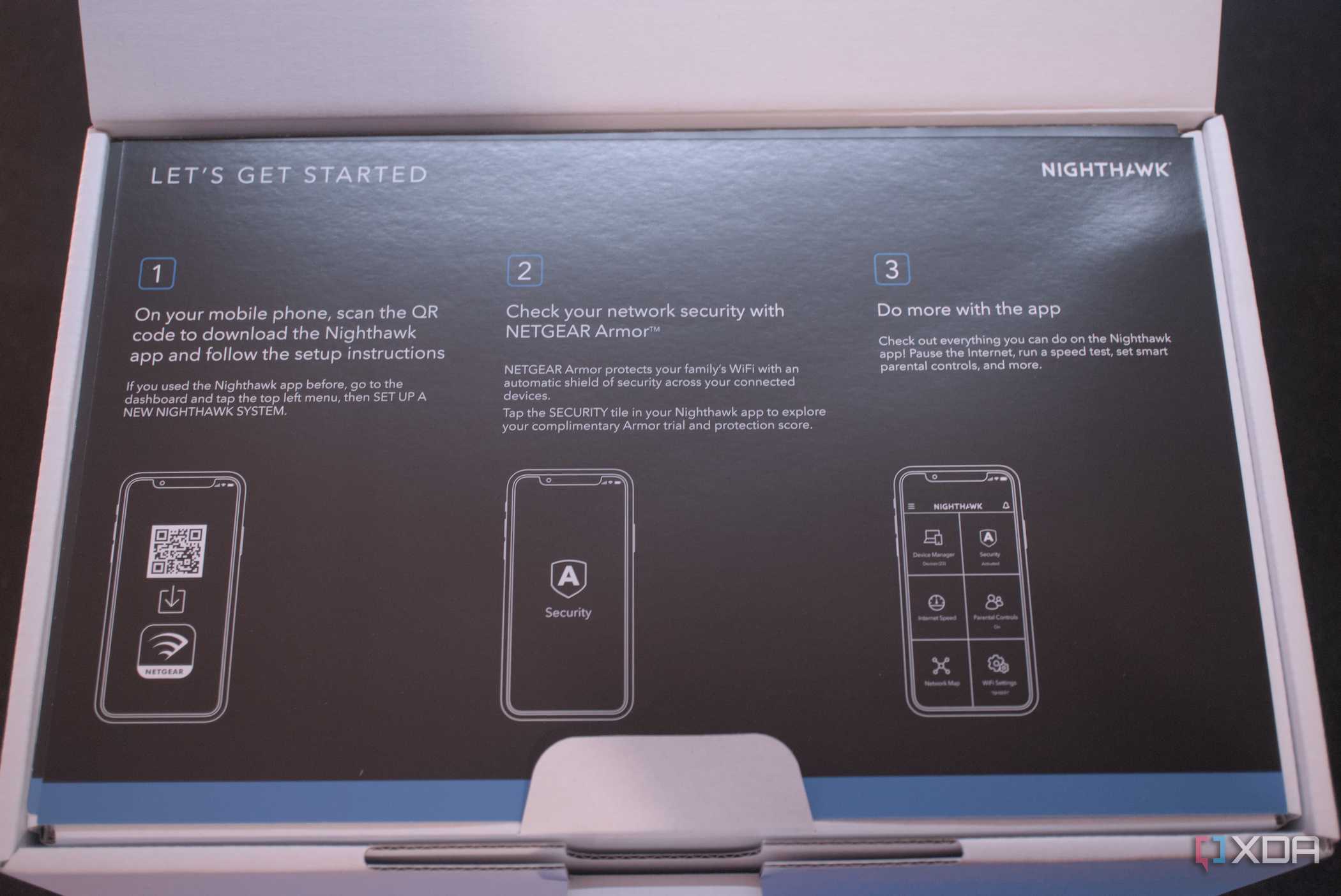
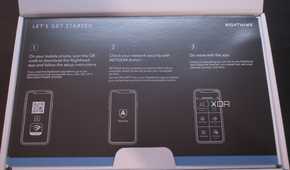
Setting up the Netgear Nighthawk RS300 is simple and requires a browser or official app. Either enter the IP address of the router into the address bar or use the QR code to quickly initiate the setup process on mobile. Through this wizard, you can configure the network to your liking or accept default settings to get up and running. The RS300 has everything configured well without human input, so even the less tech-savvy can easily avoid opening up their LAN to attack.
The slowest speed recorded was 377 Mbps on the 2.4GHz band, which is far from terrible. This was with approximately 10 meters and two walls between the router and the testing devices.
Using three bands allows the RS300 to optimize the connection with each wireless client. Depending on the device and location around the home, either 2.4GHz, 5GHz, or 6GHz will be selected. To get the highest bandwidth, you'll want a device that supports the 6GHz band, which can then enjoy speeds up to 5.8Gbps. Interestingly, Netgear provides access to its Smart Parental Controls service for 30 days, after which a subscription is required. It's possible to lock down access and set times for kids, but more advanced features are locked behind this service.
What I don't like
Not the strongest coverage

As covered in my testing, I noticed the RS300 dropped harder when moving further from the router. I'm unsure as to the cause and although I didn't experience any drops in connectivity, it's worth factoring when shopping around for a singular router over a mesh solution. This Netgear Nighthawk router has the guts to get the job done, but it won't stretch quite as far as some competitor products in this price range.
Wi-Fi 7 is still expensive
This router isn't cheap either. Sure, I state it's more affordable for the Wi-Fi 7 standard, but you're still parting with $300 for the luxury of enjoying reliable connections. You then have to consider the optional parental control service upgrade, should you require additional features to keep the kids safe online. Then there's the Armory Security service, which will set you back $100 annually. Putting both together you're looking at another $170 annually, on top of the initial $300 purchase.
Should you buy the Netgear Nighthawk RS300?

You should buy the Netgear Nighthawk RS300 if:
- You want to enjoy the speeds offered by Wi-Fi 7 but don't want to splash too much cash.
- You plan to upgrade your home network with more bandwidth.
- You require a router that's easy to set up and forget.
You shouldn't buy the Netgear Nighthawk RS300 if:
- You want more than two 2.5Gb LAN ports.
- You want the fastest Wi-Fi 7 router available.
- You don't have any Wi-Fi 7-capable devices.
I enjoyed testing and using the Netgear Nighthawk RS300. My setup consists of an OPNsense router firewall with two EnGenius switches and access points, offering 2.5Gb throughout the home with one AP upstairs and the other downstairs. The Nighthawk RS300 didn't achieve similar results, but it shouldn't as my network is overkill for its deployment. The RS300 performed admirably with expected drops as one moves further from the device and into different rooms. Just note that the Netgear Nighthawk RS300 doesn't have the strongest coverage, so a mesh network or additional access points may be required if you have a larger home or office. Other than that, this is a solid Wi-Fi 7 router for the price.
The RS300 performed admirably with expected drops as one moves further from the device and into different rooms.
Considering this router handles firewall, routing, and wireless connectivity, you can do much worse than the Netgear Nighthawk RS300. $300 seems like a considerable sum for a single networking device, but this can become the heart of your home wireless network, handling traffic from your vehicle, smartphones, appliances, PCs, and more. It's not a terrible price for a capable Wi-Fi 7 router that can hit high speeds when positioned at an optimal spot. Depending on your home layout, this could cause issues with rooms located further away from the RS300, but at that point, a mesh network would likely be the better play for larger buildings.
Netgear Nighthawk RS300
- Wi-Fi Bands
- 2.4 GHz, 5 GHz, 6 GHz
- Ethernet Ports
- 3x 2.5Gb, 2x 1Gb
- USB Ports
- 1x USB-A 3.0
- MU-MIMO
- Yes
- Mesh Network Compatible
- No
- Supported standards
- Wi-Fi 7
The Netgear Nighthawk RS300 is a capable Wi-Fi 7 router with a maximum throughput of more than 9Gbps and offers multiple LAN ports, two of which are 2.5Gb. A single 2.5Gb WAN port ensures you have ample bandwidth for fiber connections. Although certain features require a subscription, there's plenty to appreciate with this slightly more affordable Wi-Fi 7 router.
