


I used to pay a small fortune each month for various services, including Minecraft Realms, Netflix, Apple TV+, iCloud, and Microsoft 365. This added up to more than $50 per month when everything was calculated. That's a lot of money, almost $1,000 per year on services, and if I somehow decided not to pay for one for a month, I would lose access to what was granted. That's no good and led me down the path of self-hosting as much as I could. I managed to save just shy of $80 per month, all said and done, which is a colossal saving, reminiscent of cutting cable.
What's more is that when you're tied to these services, you almost have a duty to use them as much as possible to make the most of your monthly subscription. Not going away for a while, your photo backup solution may sit dormant, costing you unnecessarily. That's where self-hosting, more than just Jellyfin and Nextcloud, can save you considerably, even as much as creating your own network video record (NVR) for home security with IP cameras. Although the upfront cost of a network-attached storage (NAS) device or home lab is higher, you will save in the long run.
Ready to save more than $300 a year through self-hosting? Follow me as I take you down the rabbit hole that is running your own home-based services.
Prepare to self-host everything
Paying more up front to save


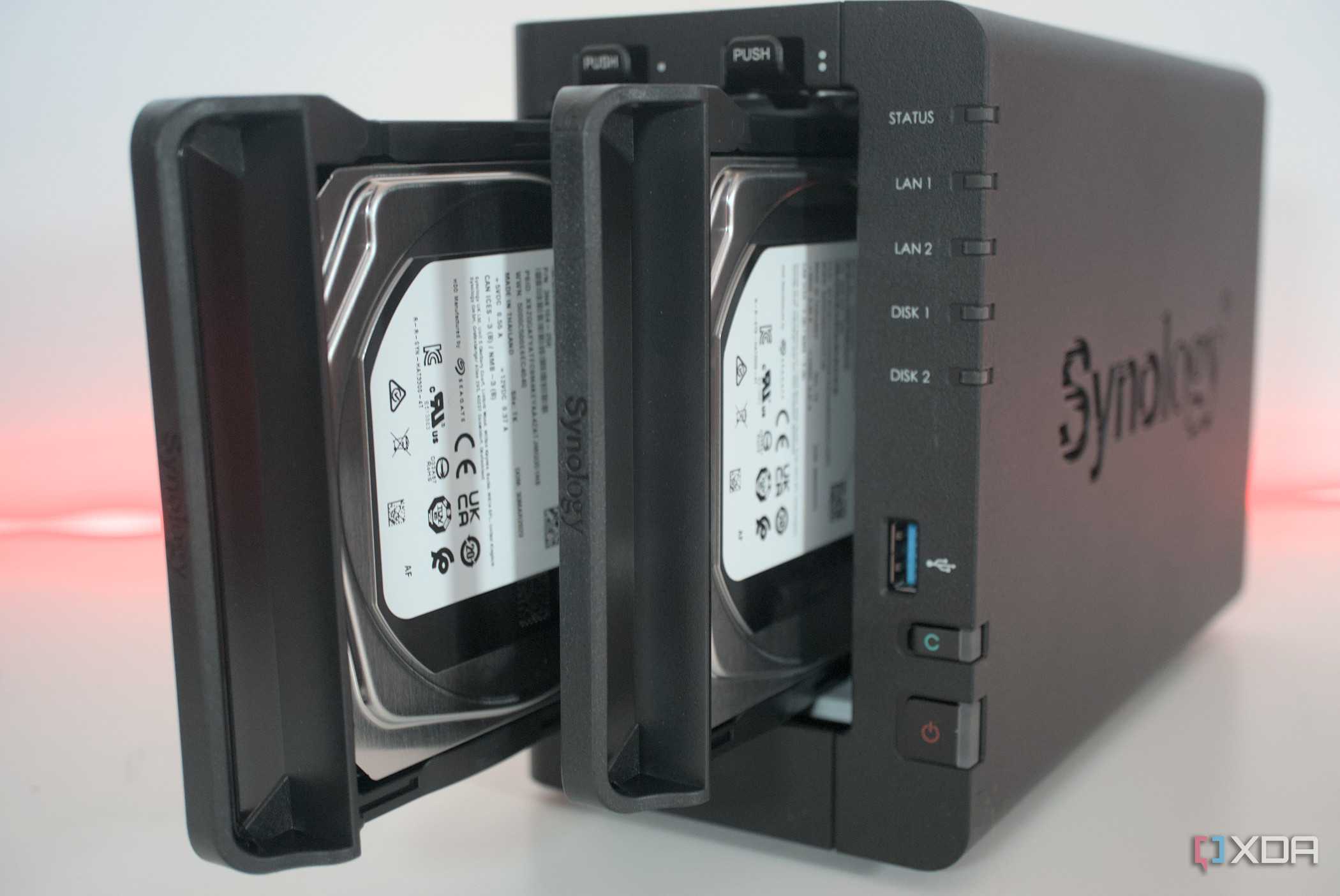
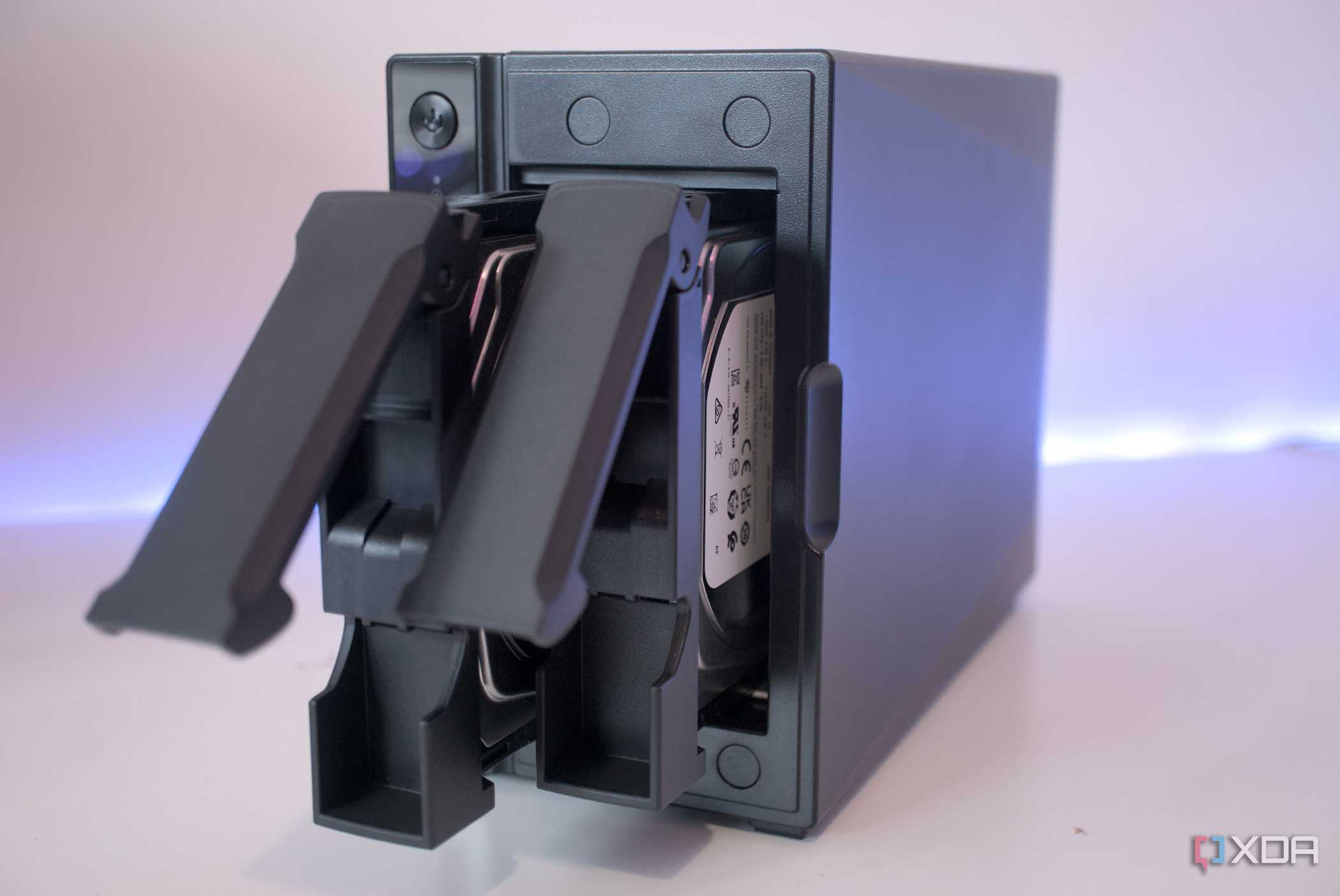
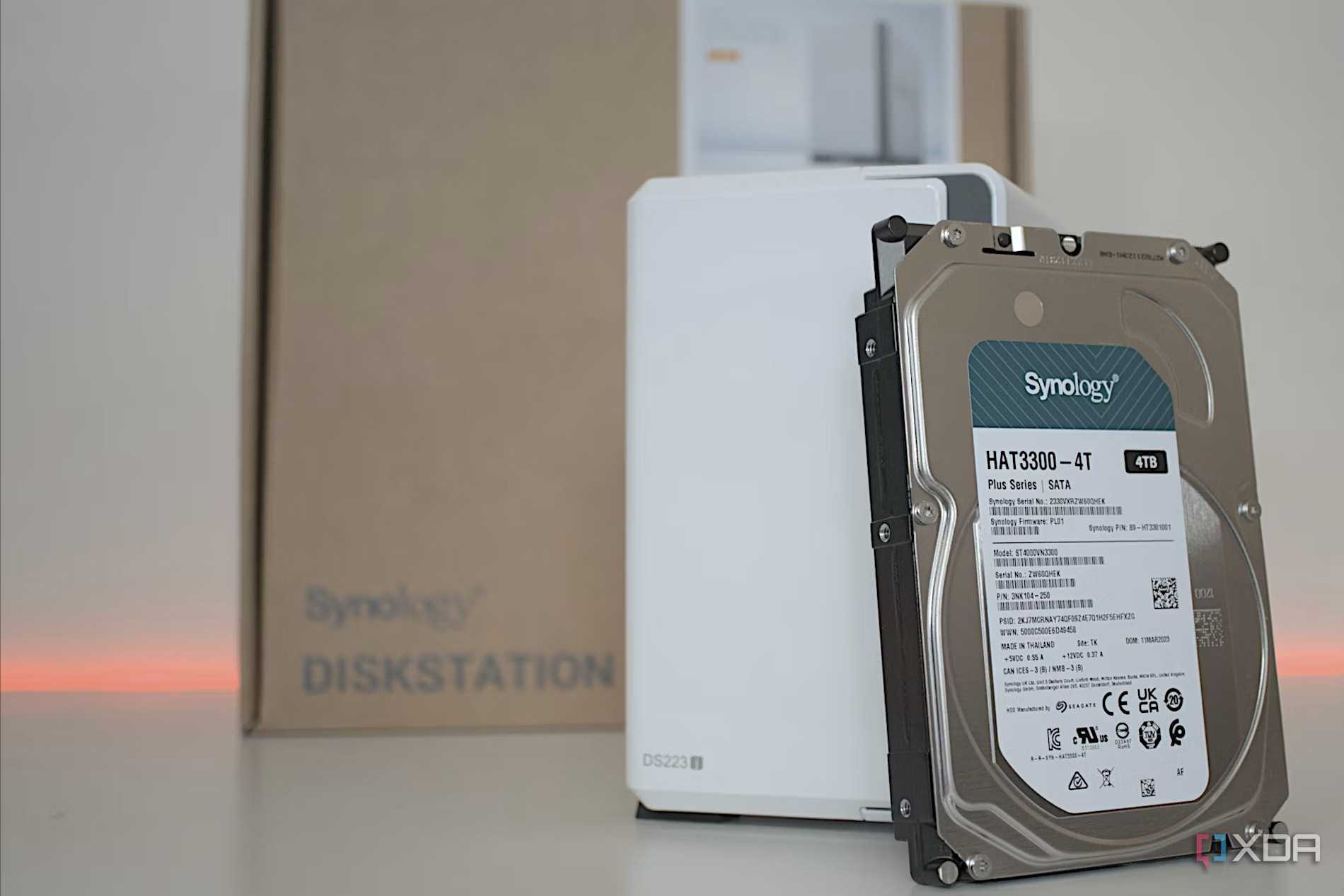

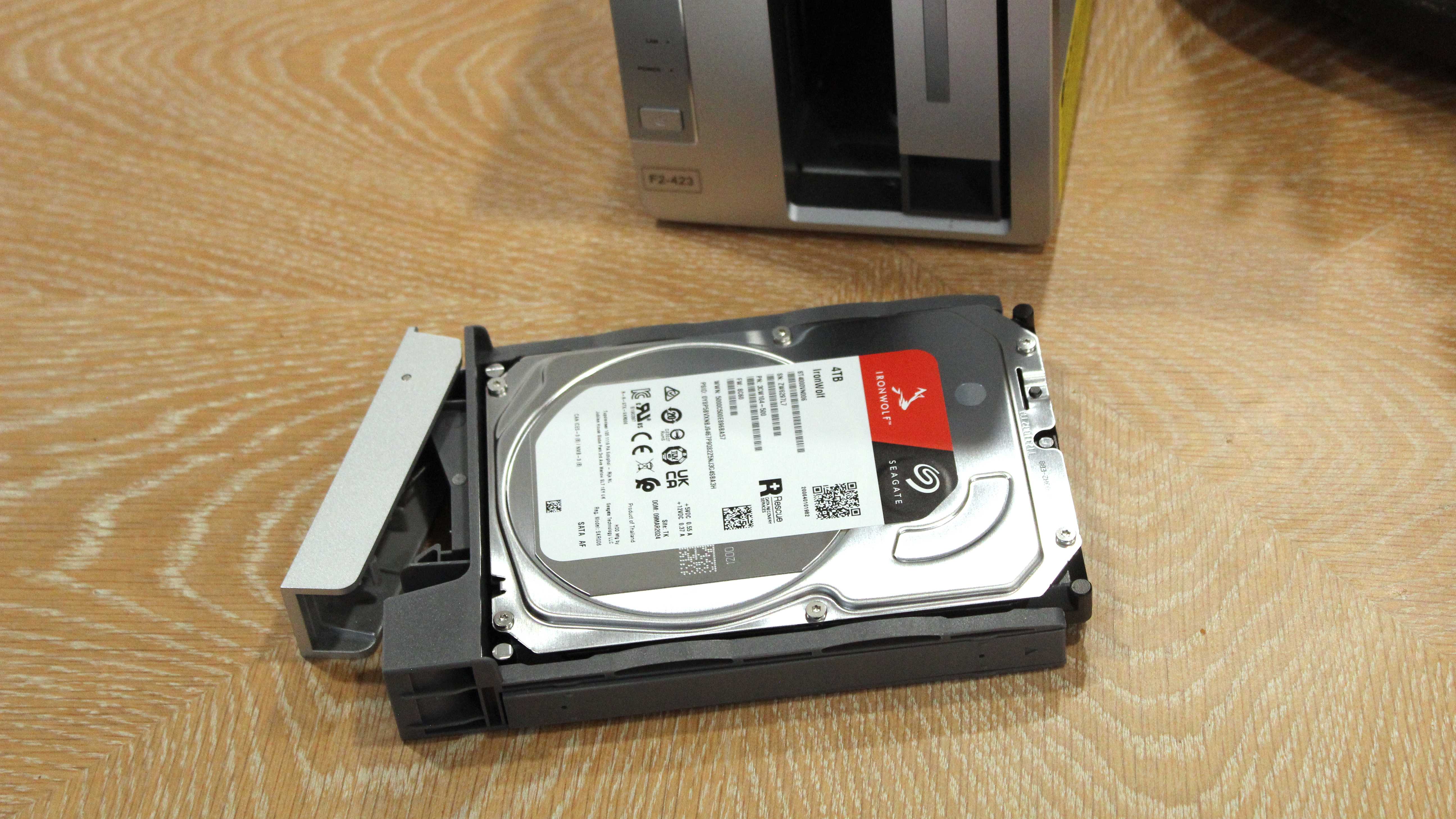

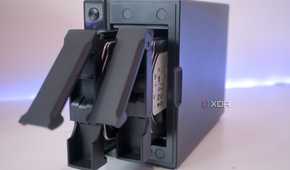
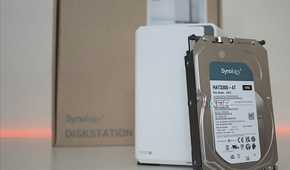

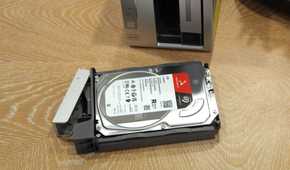
Starting out, all I needed was the trusty Synology DiskStation DS220+, costing $300 with a few hard drives. That sounds like quite the investment, and it really is, especially when starting with your first enclosure, but the savings can be exponential. The best part? You don't even need to buy a dedicated prebuilt turnkey NAS. So long as you have a single-board computer (SBC) or old desktop PC you no longer require, this can be used for running something like Proxmox or TrueNAS to create the ultimate self-hosting platform on a budget.
As soon as you launch the NAS or home lab server, the savings commence almost immediately.
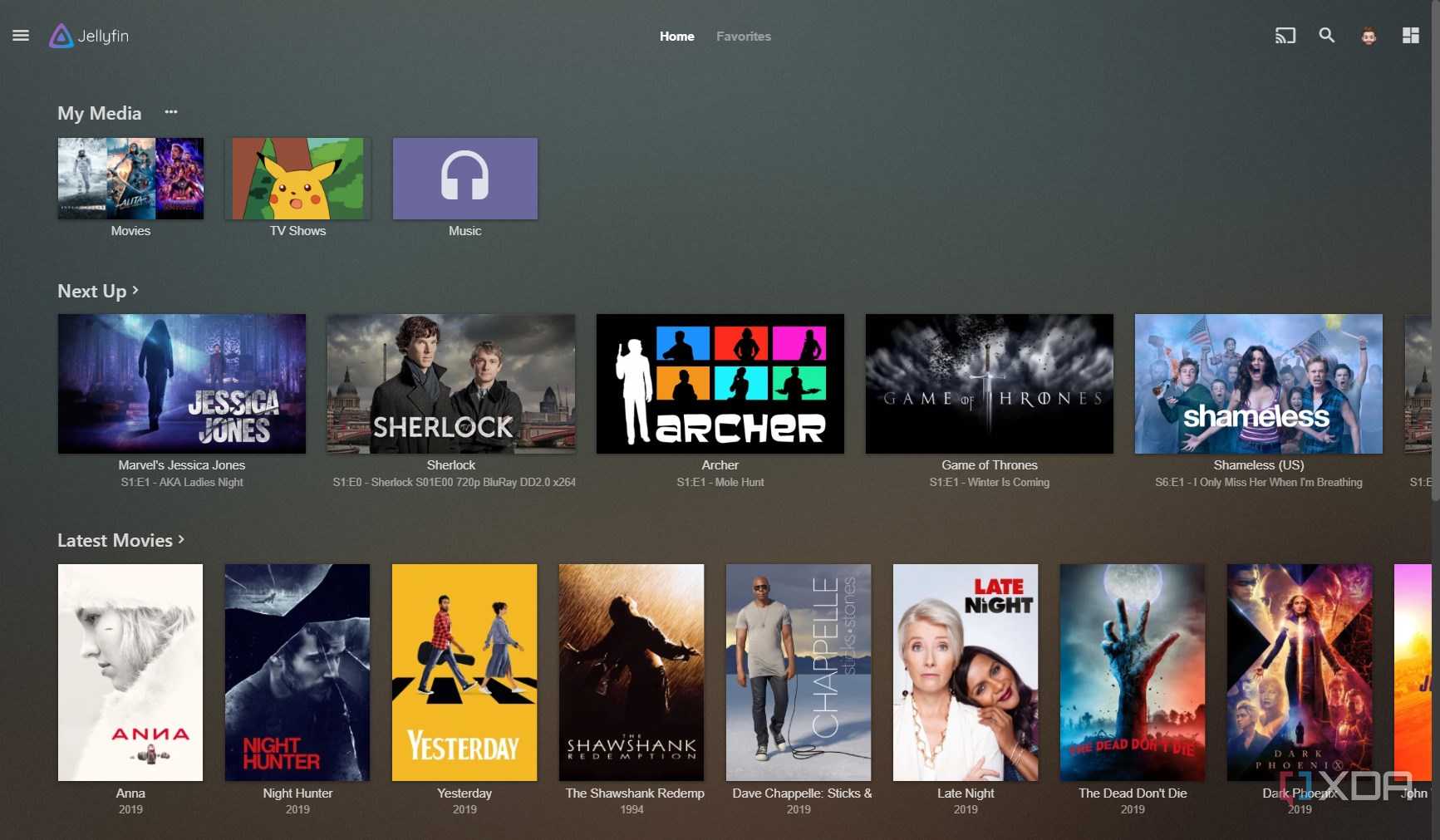
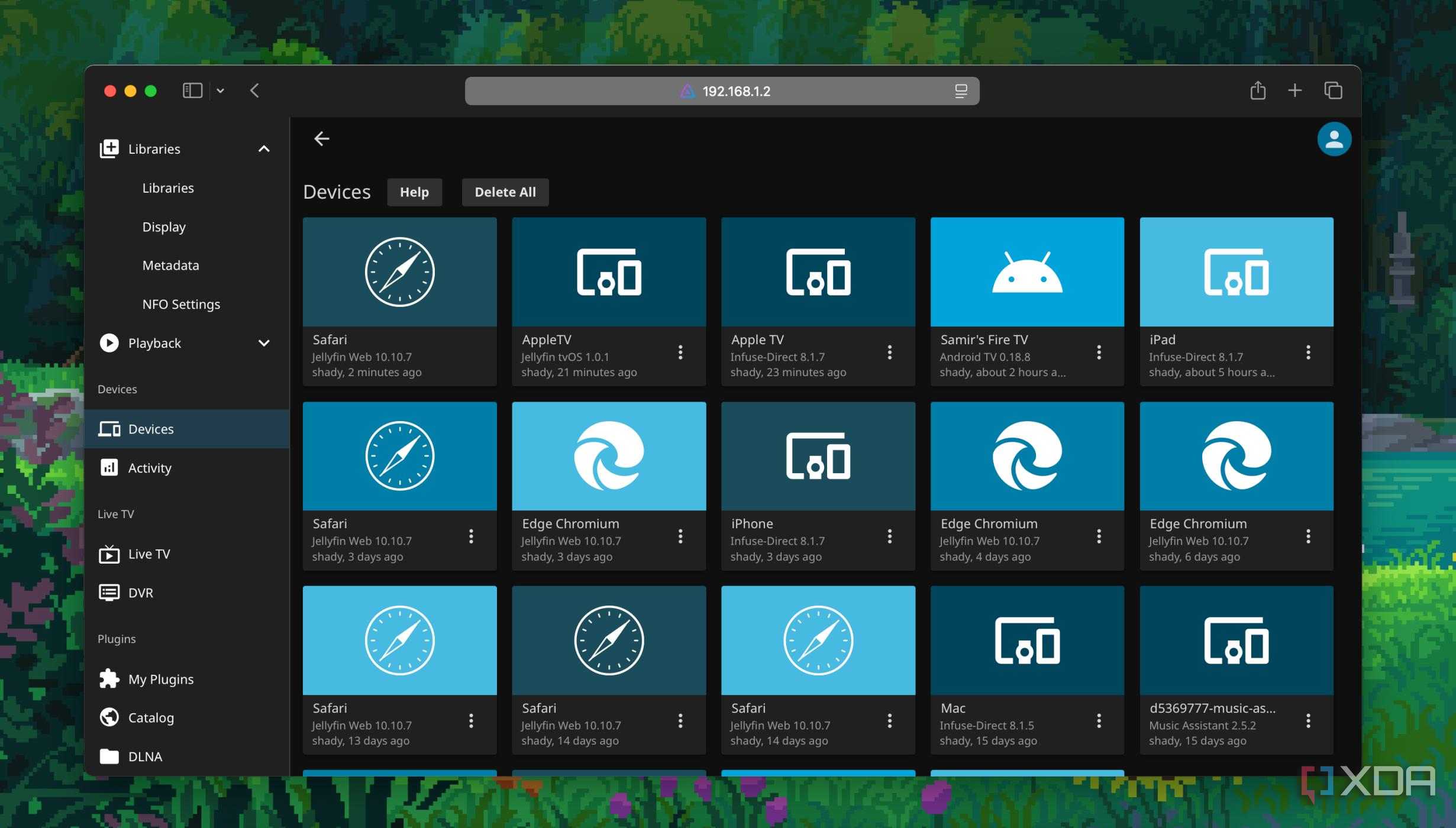
As soon as you launch the NAS or home lab server, the savings commence almost immediately. Jellyfin should be the first to go live, cataloging all your purchased media, be it movies, TV shows, and music tracks. These can then be streamed to all compatible clients and devices, no matter where you are, effectively replacing Netflix and Spotify. So long as you purchase all the latest content you wish to stream, you'll have untethered access to it. This is simply not possible with streaming services, as once you stop paying, your access is revoked.
Then there's Immich, which can replace Apple iCloud and Google Photos. Simply install the mobile app on all your devices at home, and the NAS or server can also act as a means to back up all your important media for safekeeping. Finally, Nextcloud is an effective replacement for Google Docs and Microsoft 365. Though the former is free, your data is usually the price to pay for a free service, and Google certainly isn't shy about using your data for other purposes. By self-hosting everything at home, you have full control over everything.
By launching your own self-hosted services, some unexpected benefits can be unlocked, such as 4K streaming through Jellyfin. To enjoy high-definition streaming through many of the online services, this can often cost extra for the luxury. But not for Jellyfin. So long as you have a 4K movie at hand to stream, it will send it to all your clients without complaint. The same goes for photo and video backups from phones and other devices. Most online storage platforms have capacity restrictions, but with a self-hosted solution, you're only limited by drive capacity.
All the data is yours
You control everything



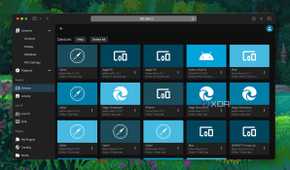

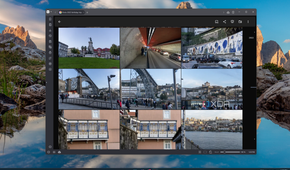
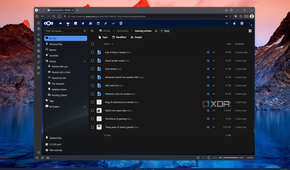
An issue with cloud providers is that you're relying on your data to be stored securely and locked away from prying eyes. This can be nefarious parties or the company itself, which can often find it difficult not to use all our data for marketing and other purposes. That's never a concern with your self-hosted solution since it's all local, unless external access is configured through reverse proxies, certificates, SSL, and virtual private networks (VPNs). It's okay if you trust Google with all your sensitive information within documents, but some may feel otherwise.
Throw a UPS into the mix, and you can even maintain access to all your self-hosted apps and services during a power outage.
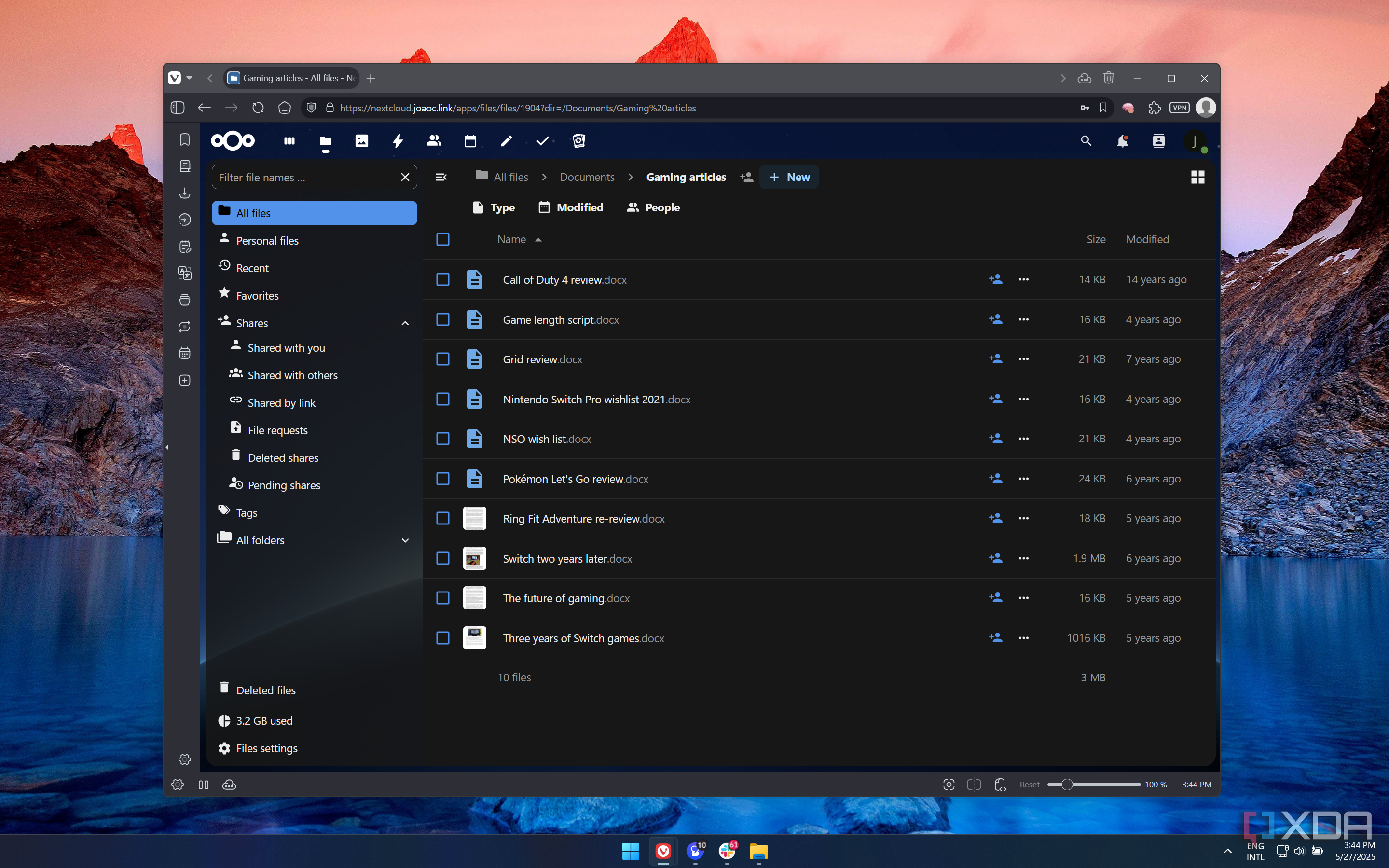
That's where Nextcloud comes into play by storing and loading all your documents and other personal information, such as contacts. Many of the self-hosted apps, such as Nextcloud, can be configured with various plugins and customizations. And so long as you're using Docker containers or some other form of standardized approach, you can pretty much tailor your entire home lab to your precise needs and requirements. Then there's offline access because everything is local on the LAN. Trouble with the cloud provider or ISP? No problem!
And throw an uninterruptible power supply (UPS) into the mix, and you can even maintain access to all your self-hosted apps and services during a power outage. The only recurring cost with a NAS or home lab setup is electricity, which can range from $10 to $100 each year or more, depending on what hardware is being used and how hard you're hitting the devices. Start small, and you can work up the chain as your self-hosted platform becomes more demanding on the hardware you have available. Even a cheap ARM-powered NAS can host a few things.
Building out your own home lab or simply setting up a singular NAS device can provide an immense sense of satisfaction in learning something new and saving a lot of money in the process. After self-hosting multiple apps and services, I don't see myself returning to cloud-based solutions that require a monthly subscription any time soon. If you're on the fence, give it a go and you'll be pleasantly surprised.
Everything I self-host
I've been self-hosting apps and services for years now and have grown and consolidated the home lab over time. Here's a handy list of everything I currently self-host on my home lab hardware:
- Ark: Survival Evolved — My guilty pleasure for some downtime.
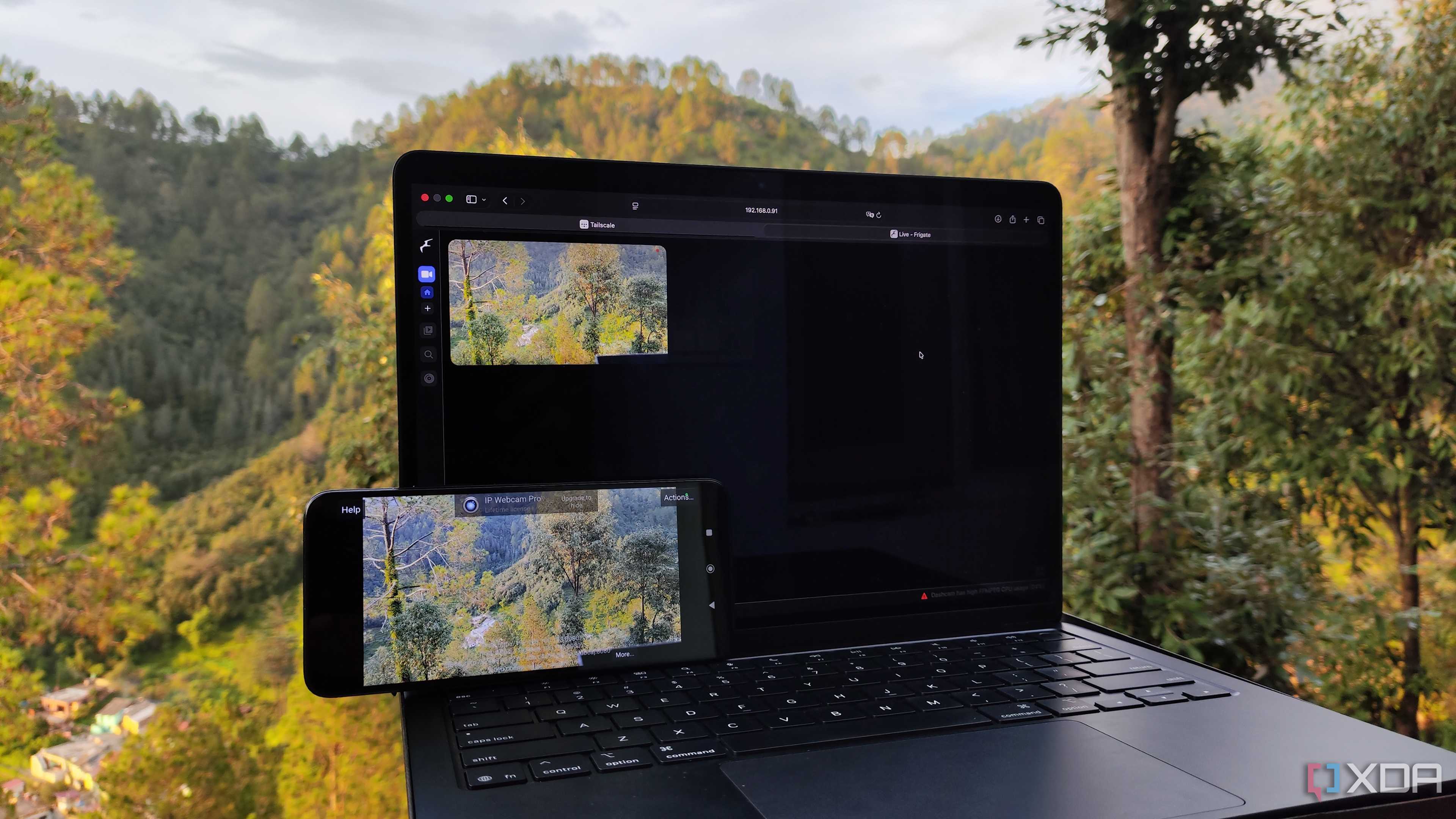
- Frigate — Creating a home security system.
- Ghostfilio — Personal wealth and asset management.
- Gitea — Self-hosted GitHub.
- Home Assistant — Automating everything at home.
- Homepage — Acting as a gateway to all services.
- Immich — Replacing Google Photos and iCloud.
- Jellyfin — Cutting costs for Netflix and other streaming services.
- Mealie — The ultimate self-hosted recipie book.
- Minecraft — Saving money versus paying for realms.
- Nextcloud — Running my own Microsoft 365.
- Open WebUI — Launching my own local LLMs.
- PostgreSQL — Creating databases and storing lots of data.
You don't have to follow suit and host everything I do, but it's a good list to start with, gradually replacing everything that costs you a monthly subscription. From managing your cooking recipes and assets to streaming media and running LLMs for fun, it's incredible what you can do from home with spare hardware and some free time.
