


As time goes on, Microsoft keeps adding more and more features to Windows, and it can be a good thing just as much as it can be a bad thing. Some features you can't imagine living without, and others end up being called bloatware. One major example of the latter has been Notepad, and I'm starting to worry things are going too far.
Notepad has received so many new features since Windows 11's release that it's starting to feel bloated and full of unnecessary stuff. When I use Notepad, I want something that opens in an instant so I can jot down a quick thought, and I'm worried that's no longer a priority for Microsoft.
Fast and reliable
We didn't need anything fancy

Notepad has never been a complex app, but that's what really made it appealing for the people that used it. If you cared about advanced formatting, tab support, and other things, there were always more powerful alternatives, even within the space Notepad is meant for, such as Notepad++.
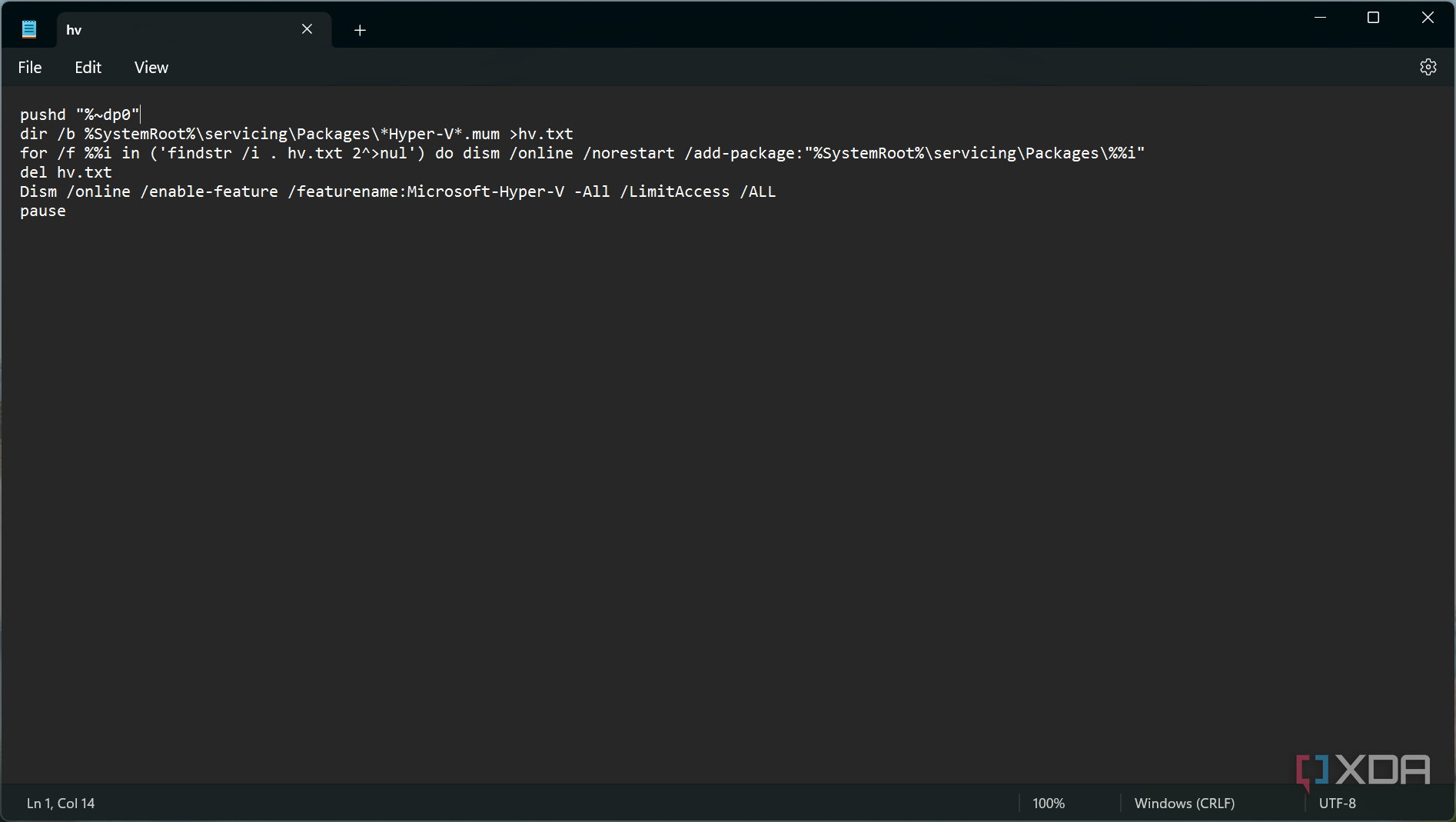
But Notepad still reigned supreme when none of that mattered. The vast majority of my Notepad usage was either writing down a phone number or email, or copying the source code of a web article to backup the content from my CMS. I just need it to save plain text simply and quickly, and Notepad excelled at it. Only occasionally did I have to open up a PowerShell script or batch file that maybe could benefit from the more advanced features of Notepad++, but it's such an infrequent case for me and so many people that it hardly ever matters. Notepad still handles those files just fine.
If I ever needed any kind of formatting tools, I knew where to go. Microsoft Word, even the web version, was always available, as were the many Office alternatives I could download on my PC. These programs served clearly different purposes, and I've never imagined wanting Notepad to become more like them.
The slow creep of features
It started off good


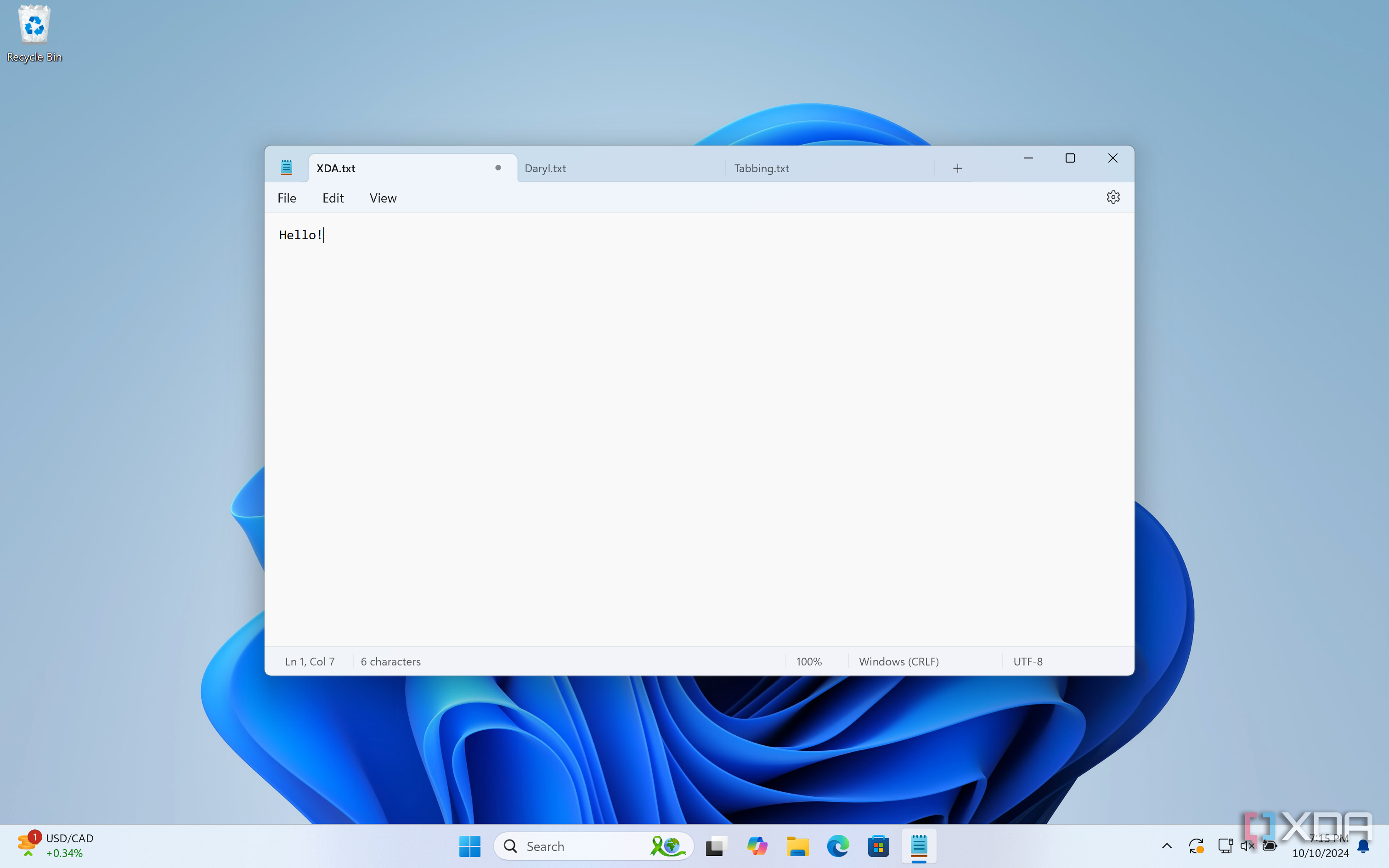
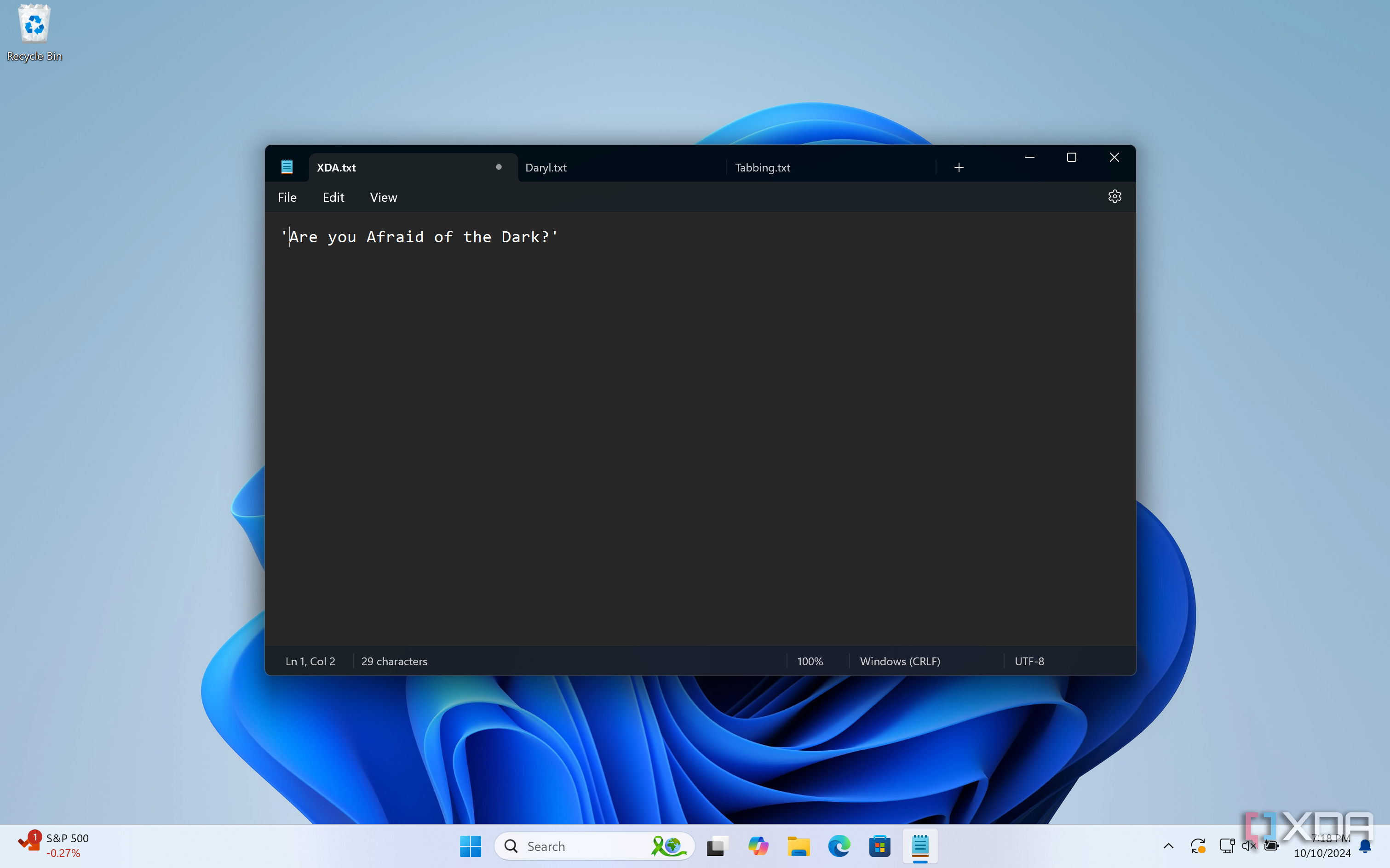
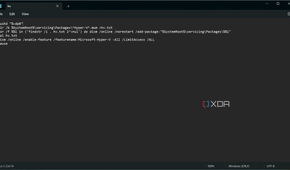
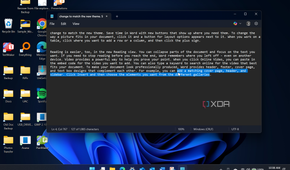
Notepad was the way it was for a very long time, until Microsoft finally started showing it some more love with Windows 10. This is when features started being added, and initially, they were quite useful. One of the first things we got was an indicator for files with unsaved changes, which made it easier to prevent closing a file without saving changes, and that was legitimately helpful. It also improved search when using wrap-around text, for example, and added support for extended line endings.
Then Windows 11 came around, and it brought a big redesign for Notepad, complete with dark mode, and that was fantastic to see. I do love apps that look modern and in line with the surrounding UI, so this was great to see. Even the addition of tab support later on was fantastic, and I was very happy to see it. If things had stopped there, I don't think anyone could have faulted Microsoft for making some improvements. After this, though, things got a little more problematic.
Going too far
The AI wave claims another victim


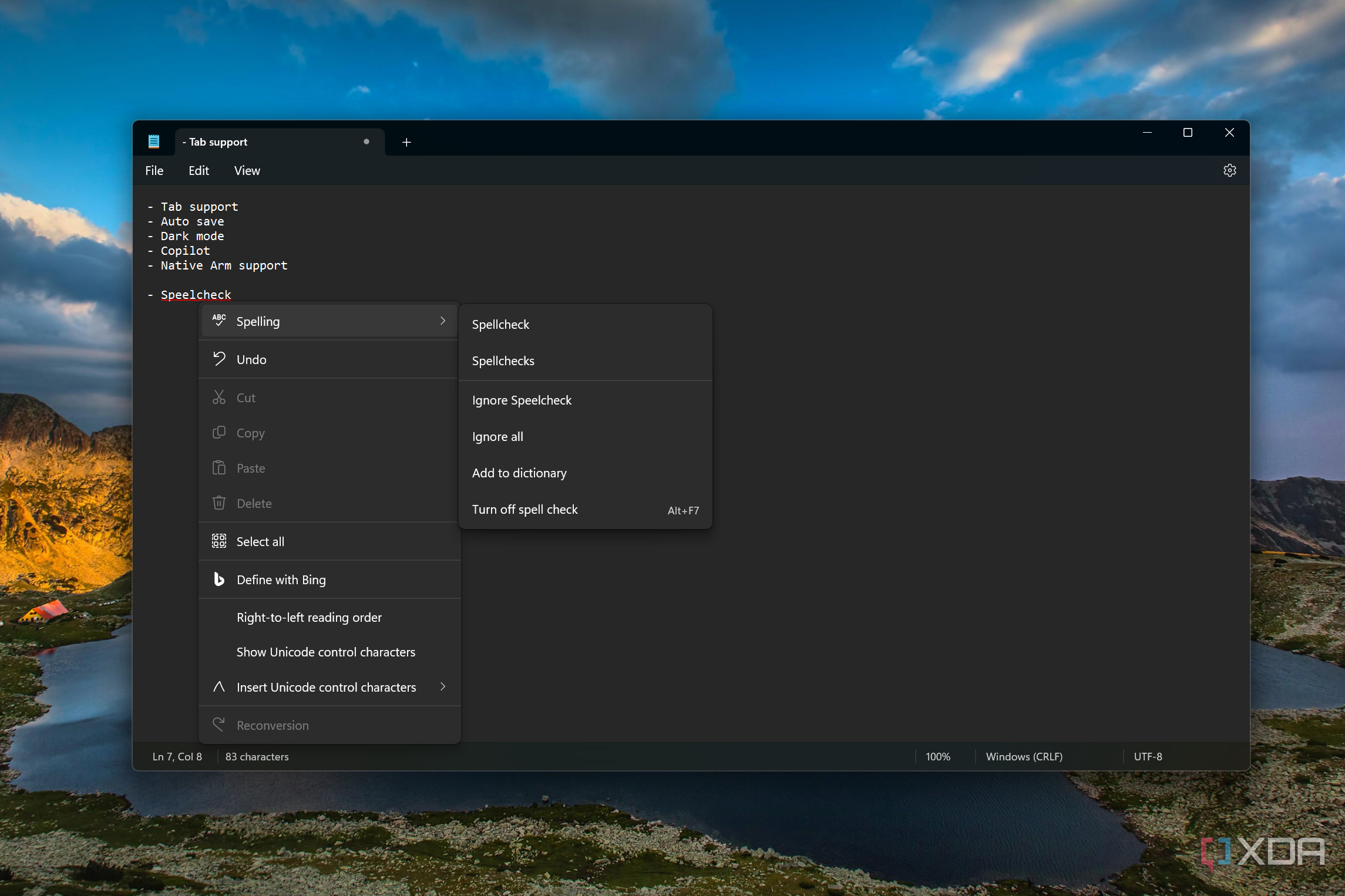
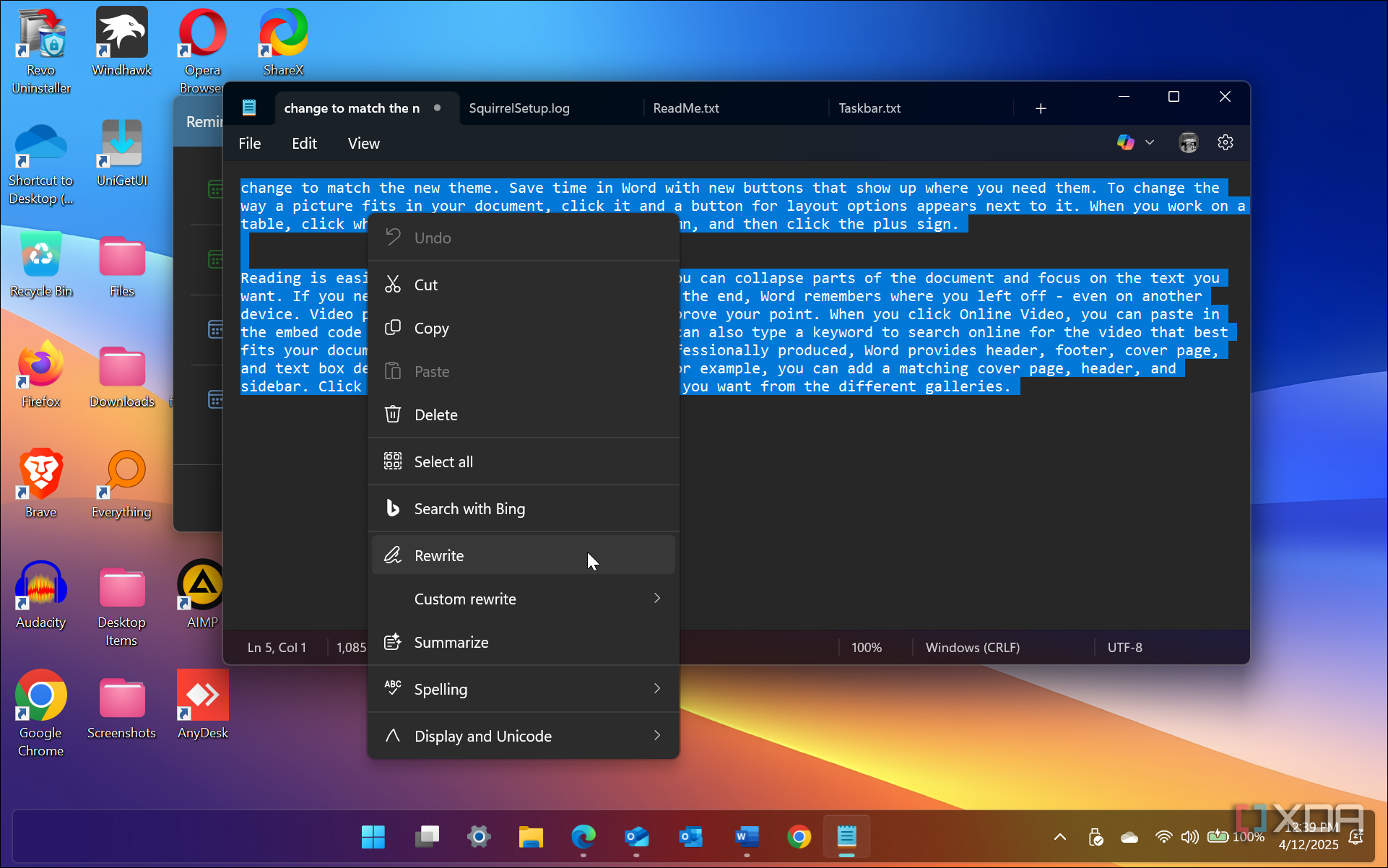

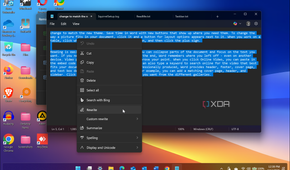
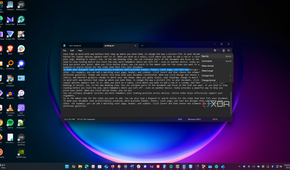
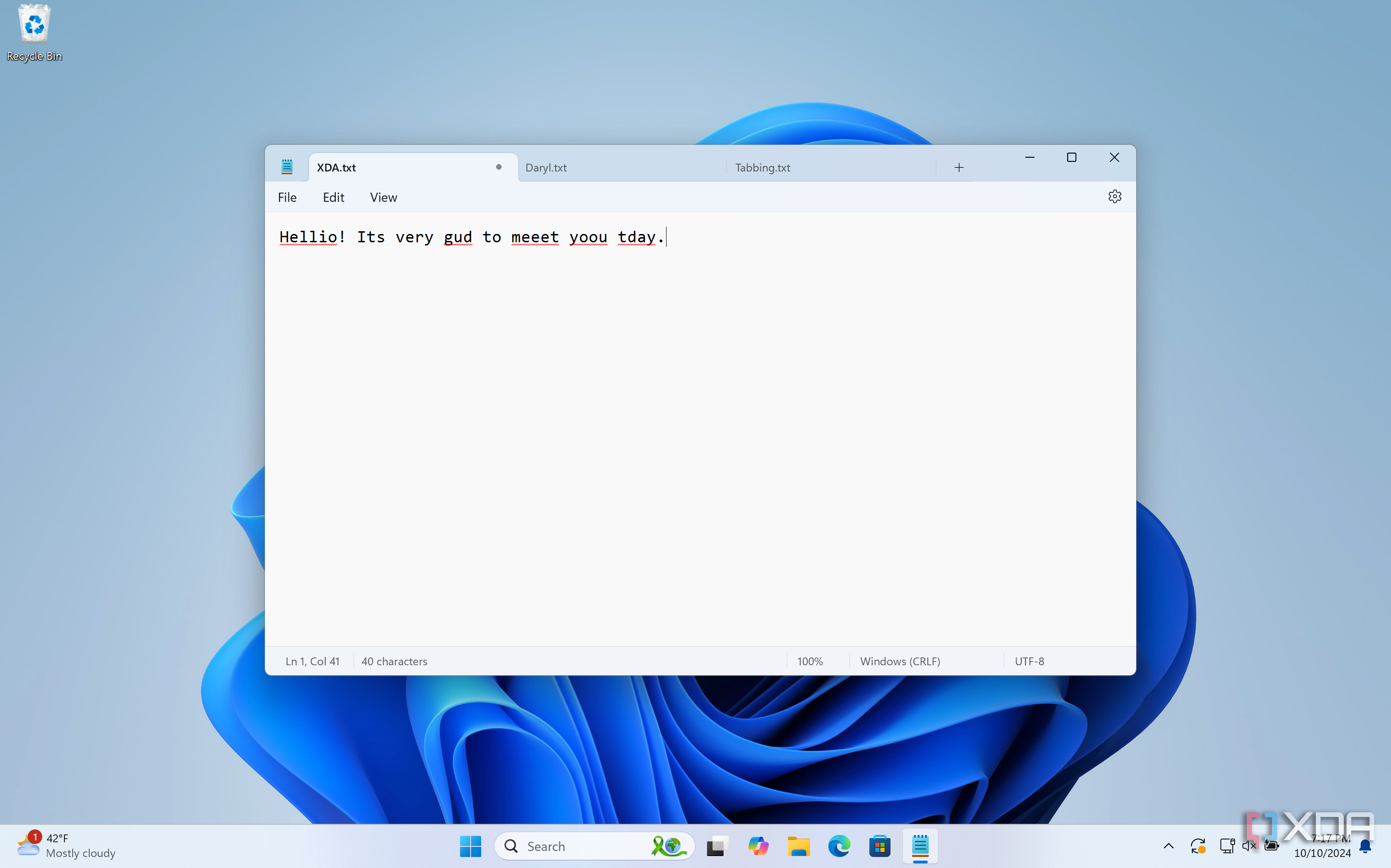
Since the initial update for Windows 11, Microsoft has been leaning more and more towards adding new features to Notepad, and it's become a bit too much. One of the first big updates was adding spellchecking to Notepad, and this is one where I can kind of take it or leave it. Sure, the spellchecking has its uses, but again, if I'm writing something where accurate typing is necessary, I probably wouldn't be using Notepad. The exception would be while coding a batch or PowerShell script, but most of the time, the things written there aren't real words either, so a spellchecker isn't all that useful. Still, an acceptable addition.
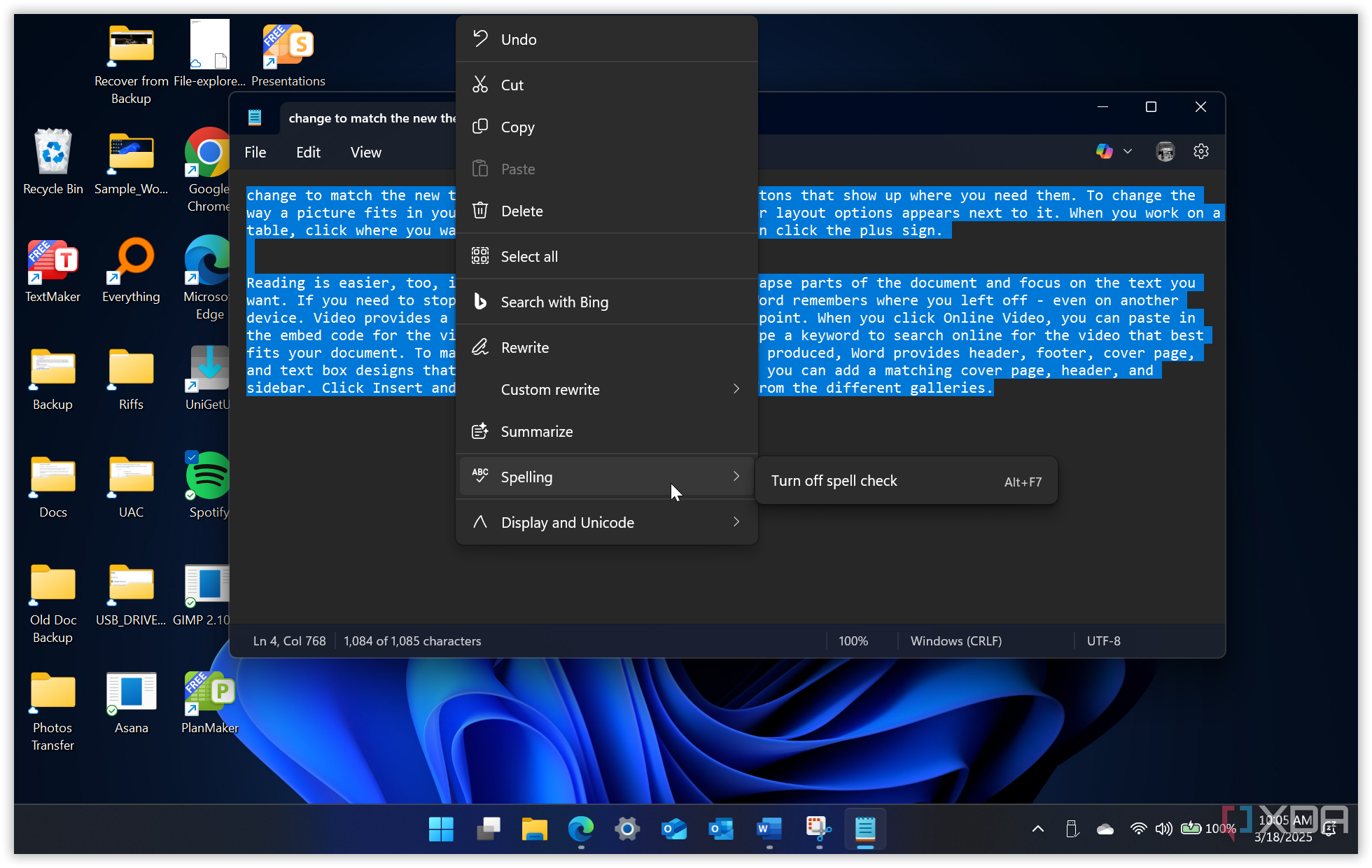
It's what started happening in late 2024 that really pushed things too far. With the unwavering onslaught of AI features being added to all kinds of products and services these days, Microsoft couldn't help itself and decided these features had to infect Notepad, too. So now, you can use Copilot in Nottepad to rewrite your text in a different tone, summarize a text, or explain a concept in the text you're reading. Even leaving aside the fact that Copilot as a whole is questionable, who is really using Notepad to write some kind of essay, or read highly technical documentation that requires explanations? This was never what Notepad was meant to do, and these features would feel much more at home in something like Microsoft Word, which is also available for free on the web. Adding them to Notepad doesn't add value when the value of Notepad was never about having a lot of features.
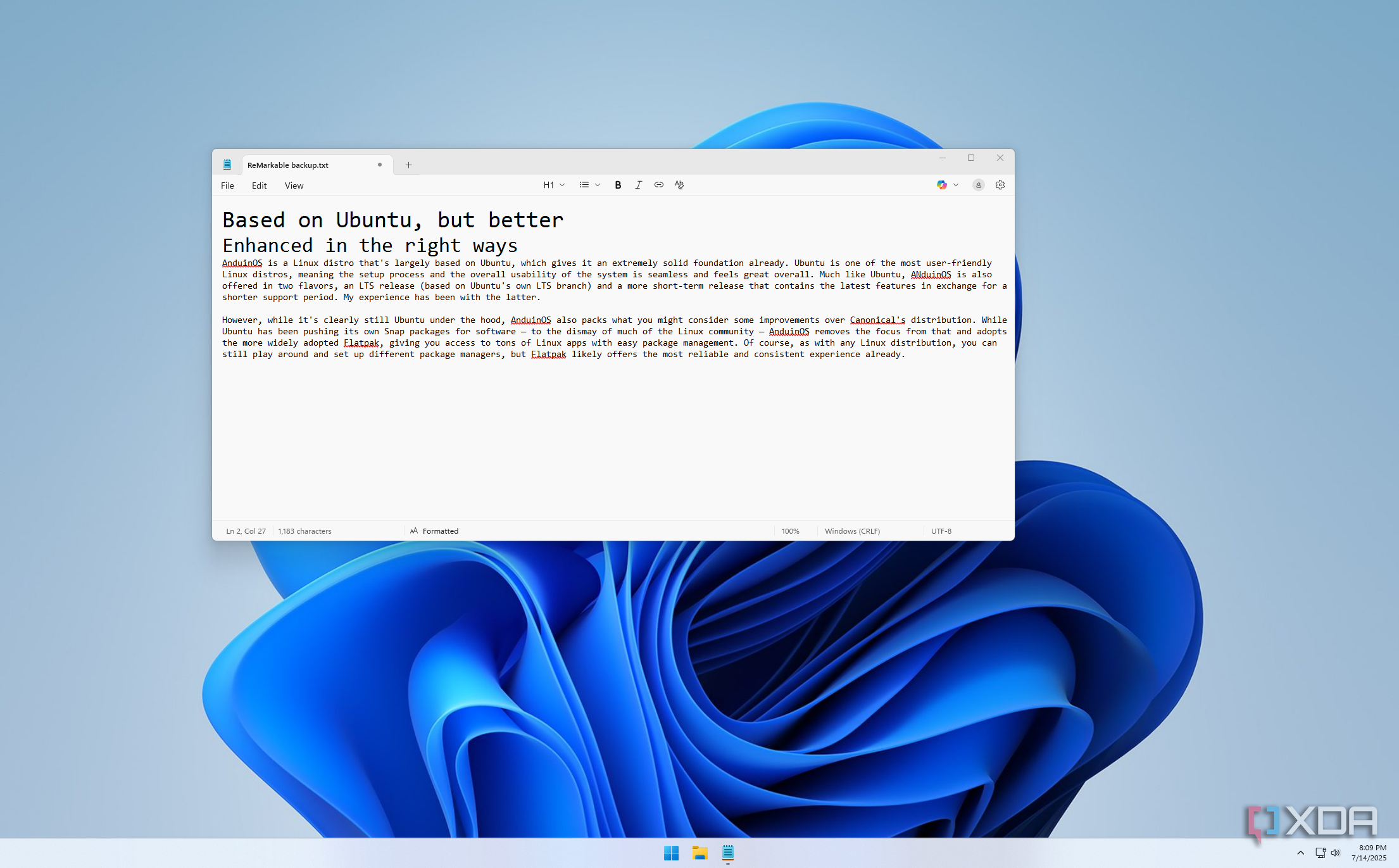
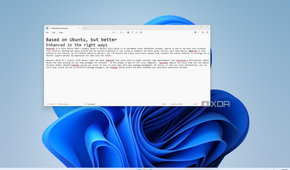
Currently, Microsoft is also testing the ability to format text in Notepad, giving it different sizes and things like support for bold text. And again, this feature feels like it just doesn't make sense for Notepad. Who is using Notepad in a way where these formatting options are necessary? I just don't think this is what the Notepad audience wants.
This isn't a major problem just yet, as Notepad still opens quickly and does what you expect it to do. But it seems like the mindset of keeping it lightweight and fast is waning, and I worry that soon enough, that speed and simplicity will just not be there anymore.
Is Edit the hero we need?
One can hope
Microsoft itself seems to realize that all the things being added to Notepad are a bit much, and at Build earlier this year, the company announced a new tool for Windows 11 called Edit. This is a simple texzt editor that can be used within Windows Terminal using the command-line interface, and it could almost be the solution to the problem Microsoft has created.
Edit will go back to the super-simple editing tools, yes, but the downside to that is that you might be limited in other way. Can you open a text file directly in Edit without going through Windows Terminal first, or is it only meant for CLI users already? Is the scrolling and editing as smooth as Notepad? That seems unlikely.
The way things are looking, the spirit of Notepad may just be gone entirely, with users being forced to choose between a bloated, unnecessary app or an overly simplistic and restrictive one. That's what worries me, and the idea of installing a third-party app for this seems almost as silly.
Notepad's purity makes it special
I'm not usually one for getting hung up on the past, but Notepad's purity has always been what makes it enticing to many of its users, including myself. To some degree, adding features to it can make it better, but Microsoft has already crossed a line by adding text formatting and Copilot integration, and I fear it won't stop there. Hopefully I'm wrong, but my faith is fairly low.
