


The more I use OPNsense, the more I love it over every router and firewall system I've used. It's performant and easy to set up, but it has enough depth that I can use it to control access to my home network, my home lab, or both. It also has tons of great plugins, services, and tools. But before installing those advanced features, I put in place a core set of rules and systems so that I have a solid foundation to work with.
Once those are set up, I export a copy of the settings (or sometimes to a full drive copy of the installation for easy recovery), before I start doing anything else. It's saved my sanity more than once with my home lab experiments, and now I won't install a new OPNsense instance without these options in place.
It's always DNS
Never forget that because it's (mostly) true


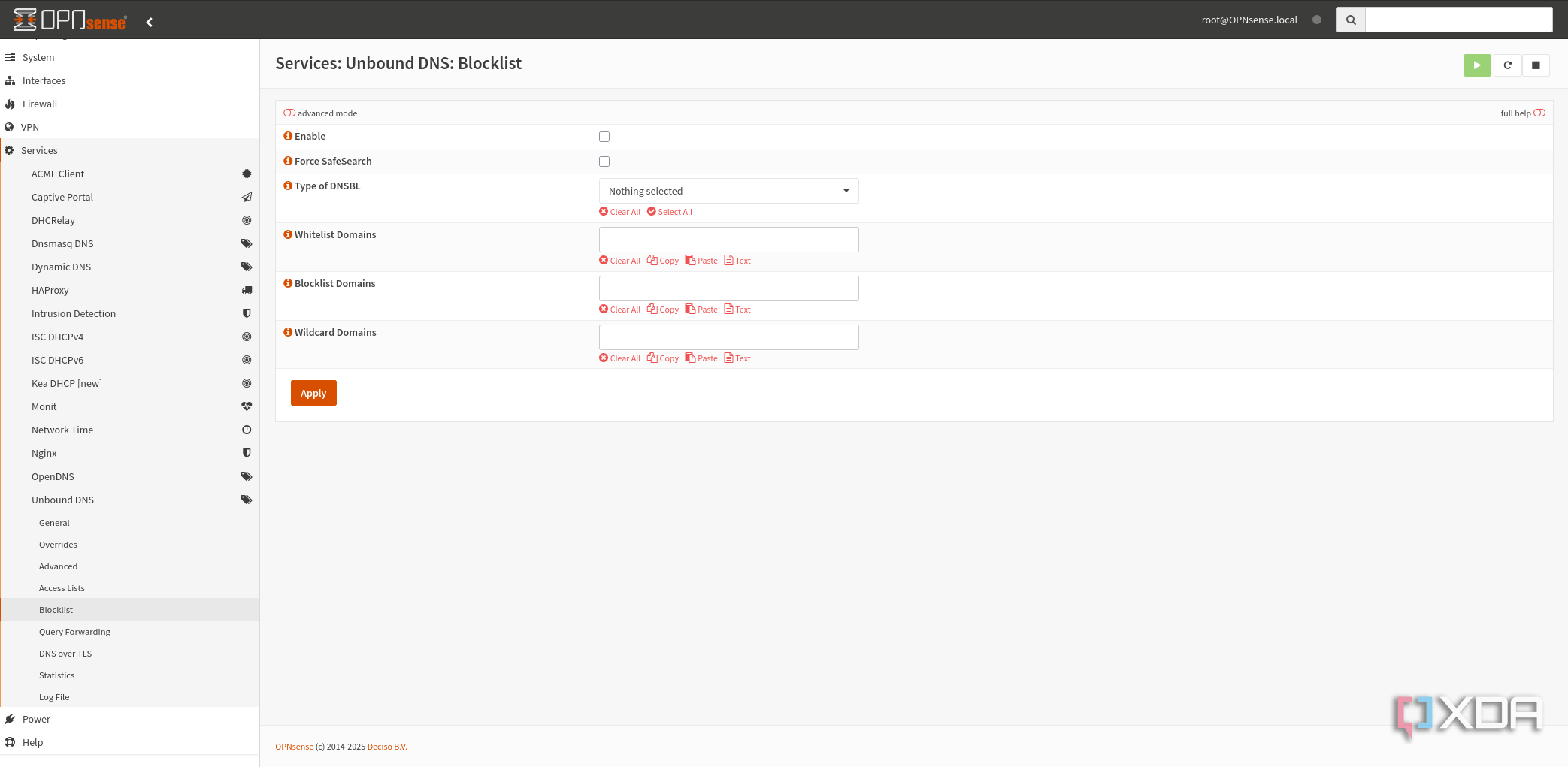
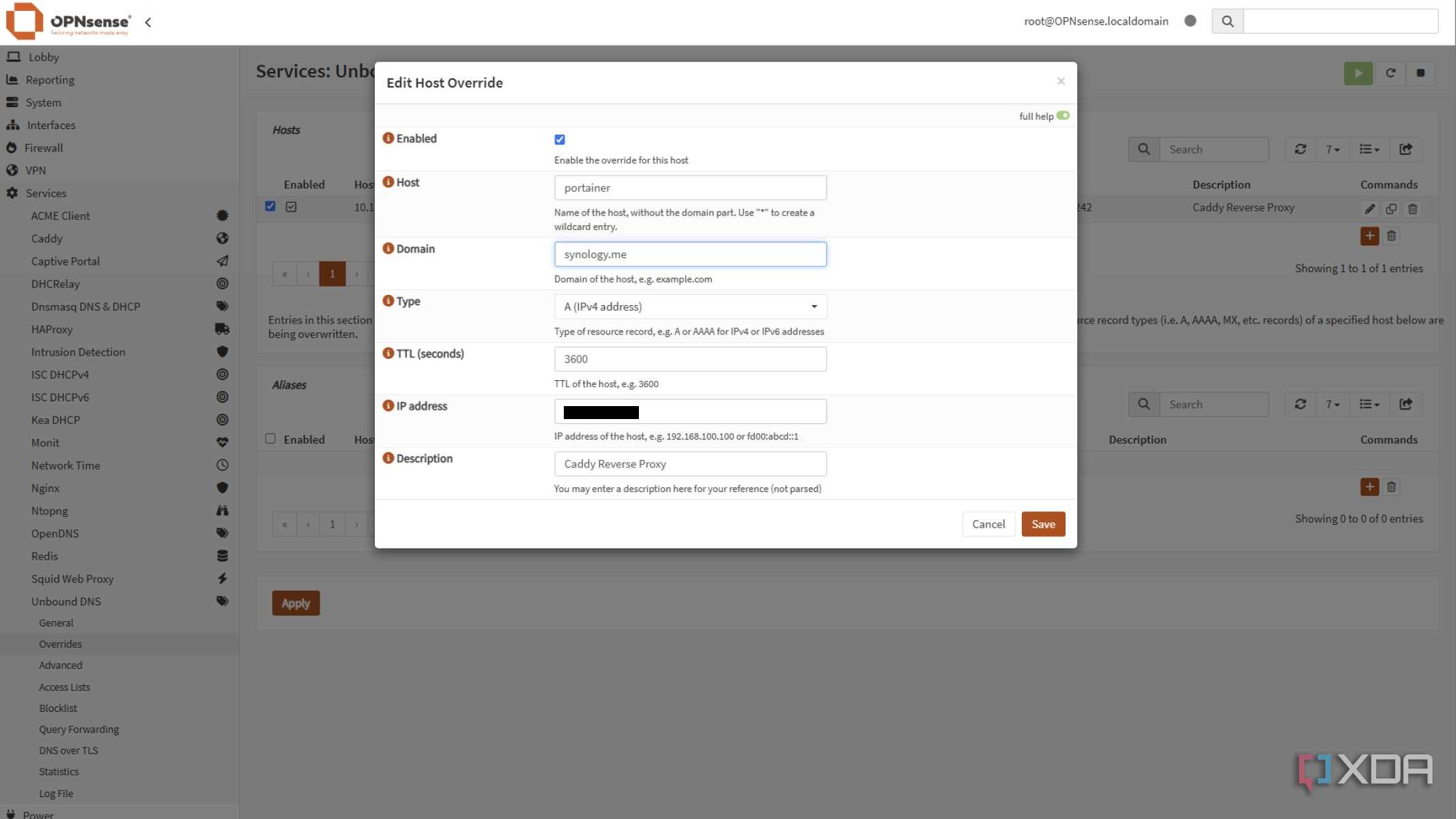
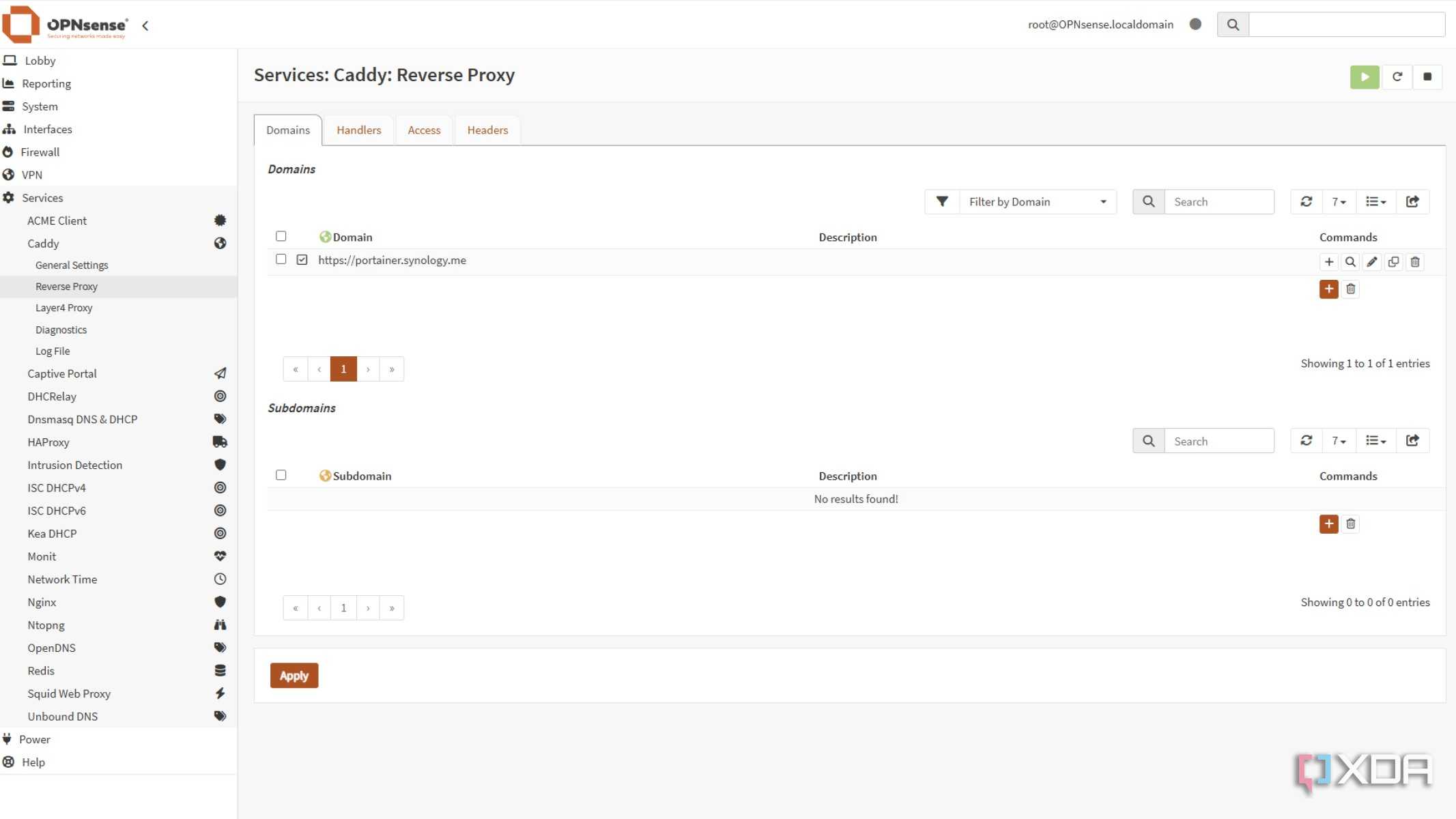
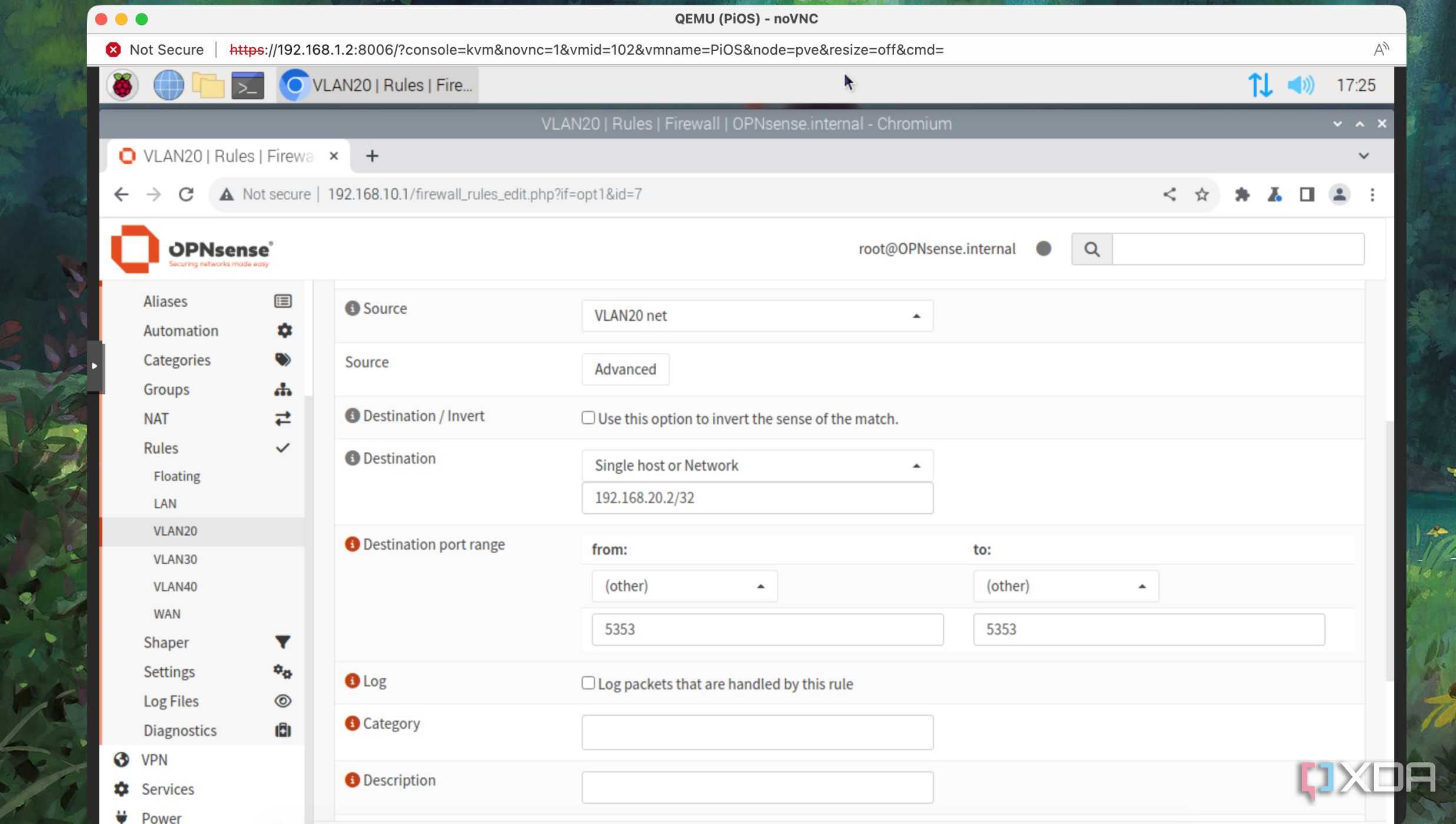
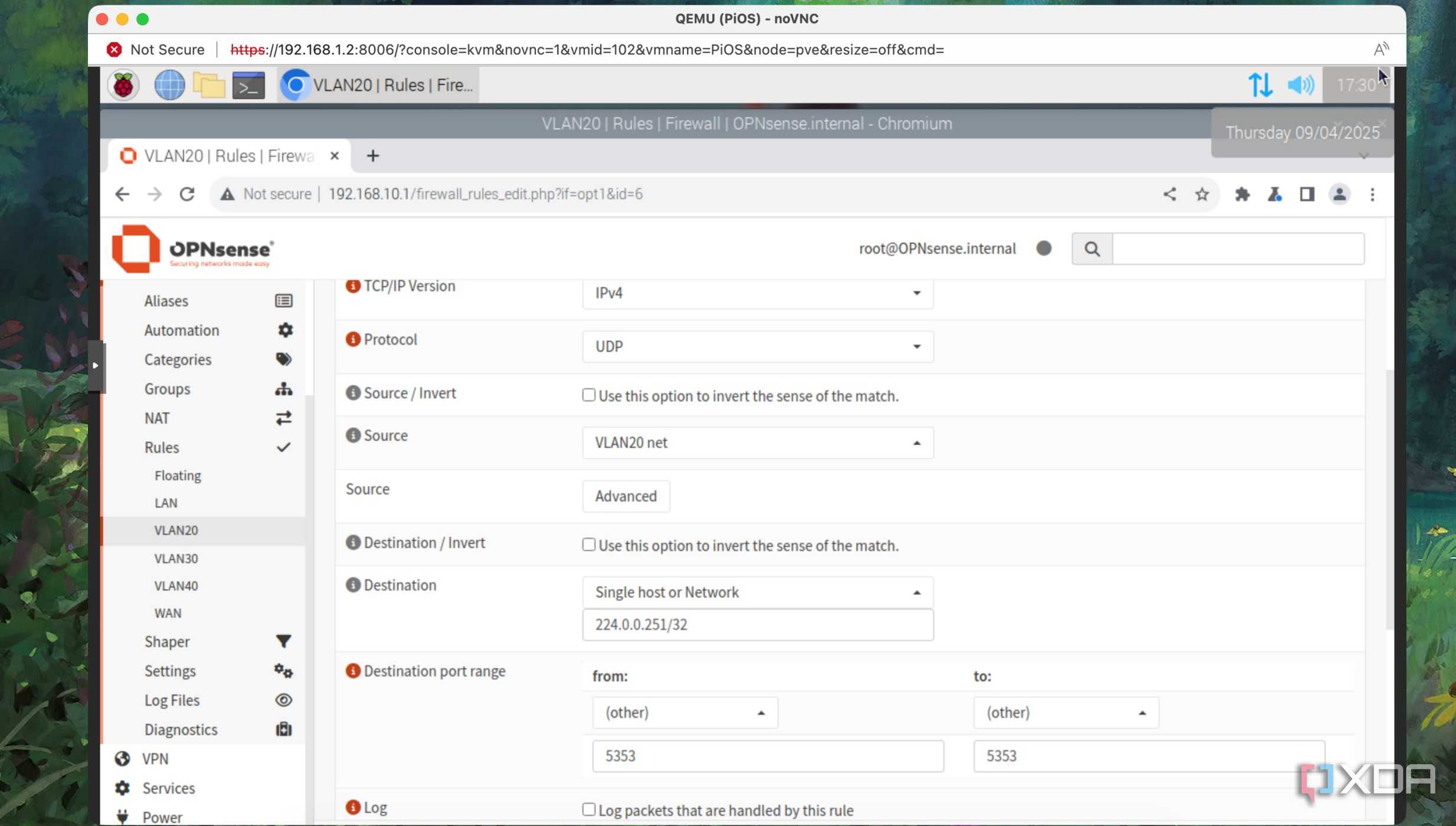

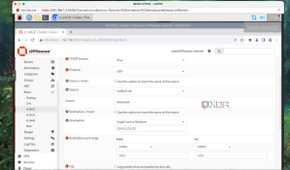
I resisted hosting local DNS servers for the longest time, but now that I'm using OPNsense already, it makes sense to set up Unbound properly. The most important thing here is to redirect DNS requests on any LAN segment to Unbound DNS, with a handy NAT port forward. Heading to Firewall > NAT > Port Forward gets you in the right place, and then adding a rule like so:
|
Option |
Value |
|---|---|
|
Interface |
LAN |
|
Protocol |
TCP/UDP |
|
Source |
any |
|
Source Port |
any |
|
Destination / Invert |
Checked |
|
Destination |
LAN net |
|
Destination Port |
53 (DNS) |
|
Redirect target IP |
127.0.0.1 |
|
Redirect target port |
53 (DNS) |
|
Description |
Redirect external DNS requests to local DNS resolver |
|
Filter rule association |
Add associated filter rule (or Pass) |
We will also be setting up VLANs for other network segments. Once those VLANs are active, going into Firewall > Groups and adding the VLANs to a group to use instead of LAN in the interface and destination spots will redirect port 53 from our new VLAN segments to Unbound.
Only unencrypted DNS requests will be redirected by this rule. Individual devices using DNS-over-HTTPS, DNS-over-QUIC, or DNS-over-TLS will bypass the redirection.
The last thing I set up in NAT rules is an outbound NTP request redirect, which sends any UDP or TCP traffic on port 123 to Unbound so that the local resolver handles that as well, just in case some services rely on NTP that will suffer if they can't reach an external Network Time Protocol server.

Put some VLANs together
Time to define some VLANs so they can touch the internet but not each other


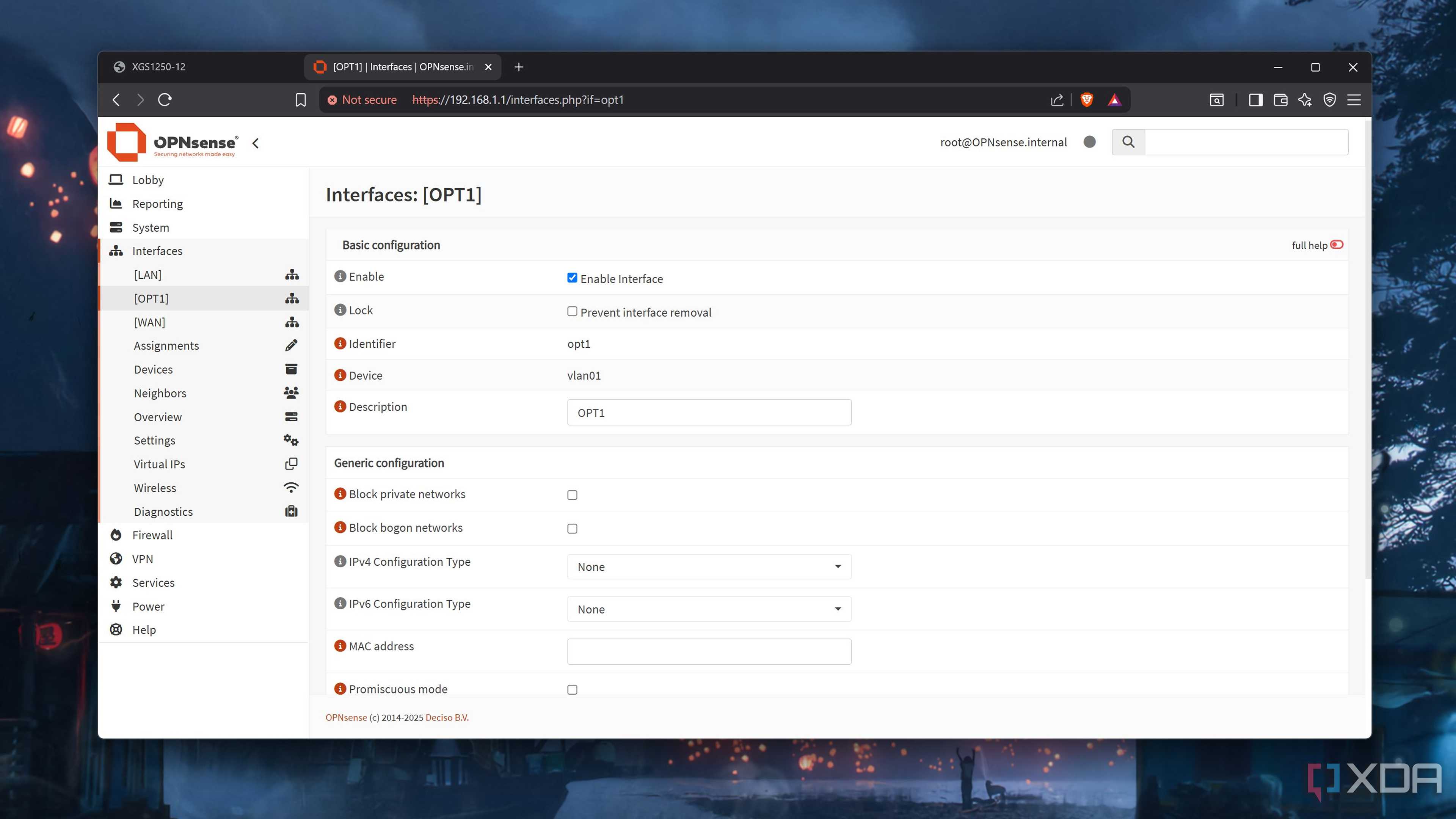
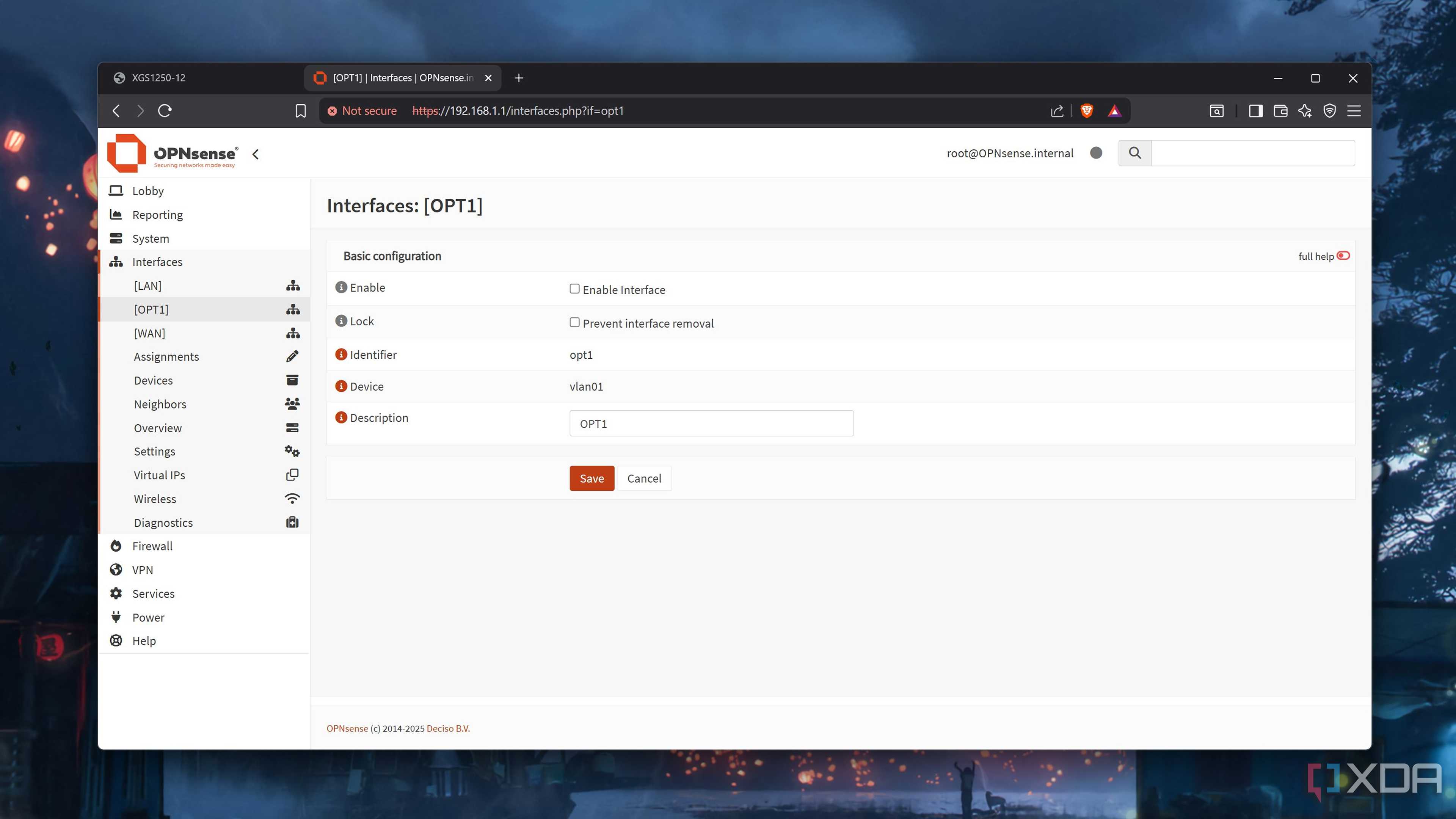
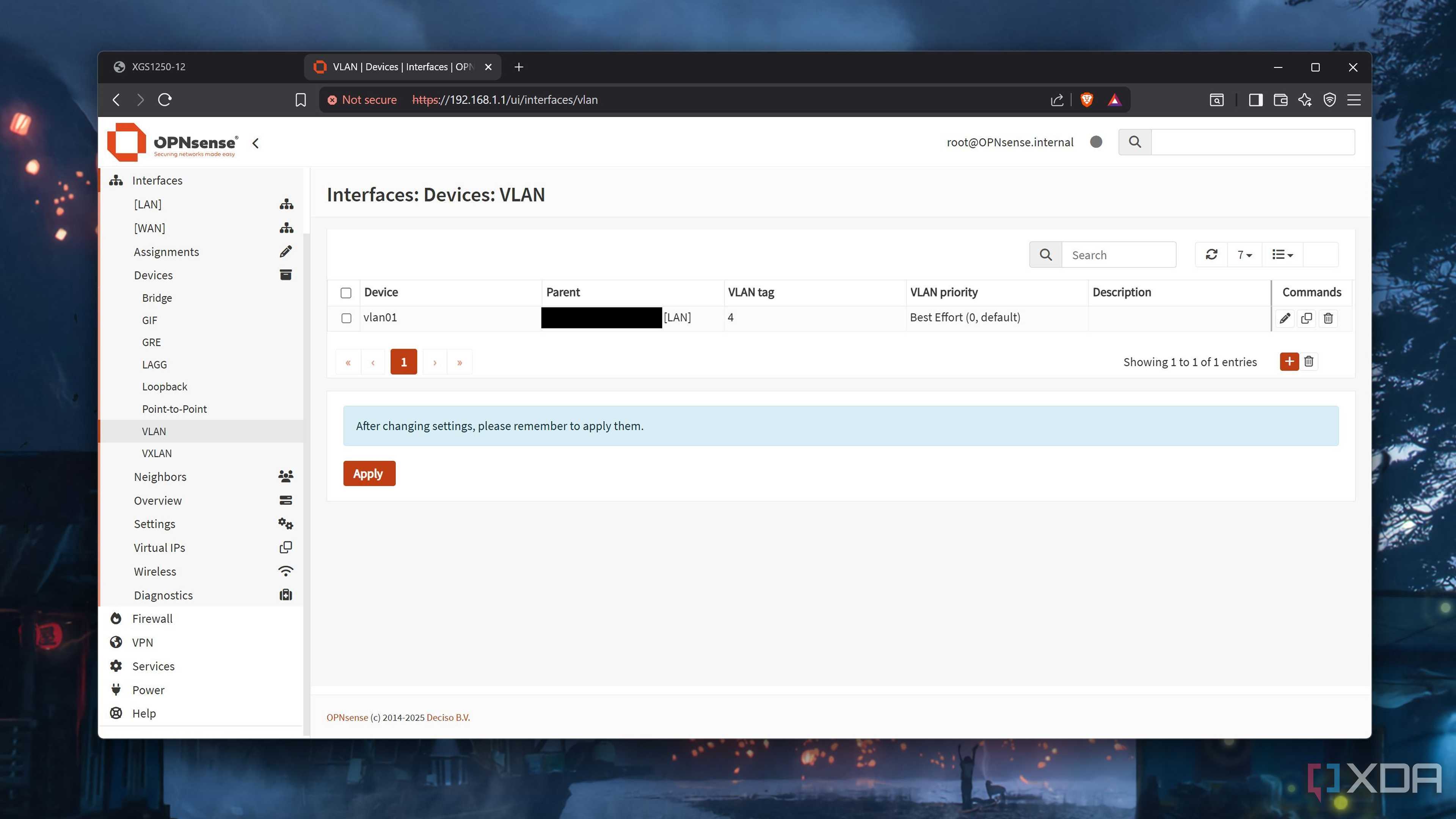
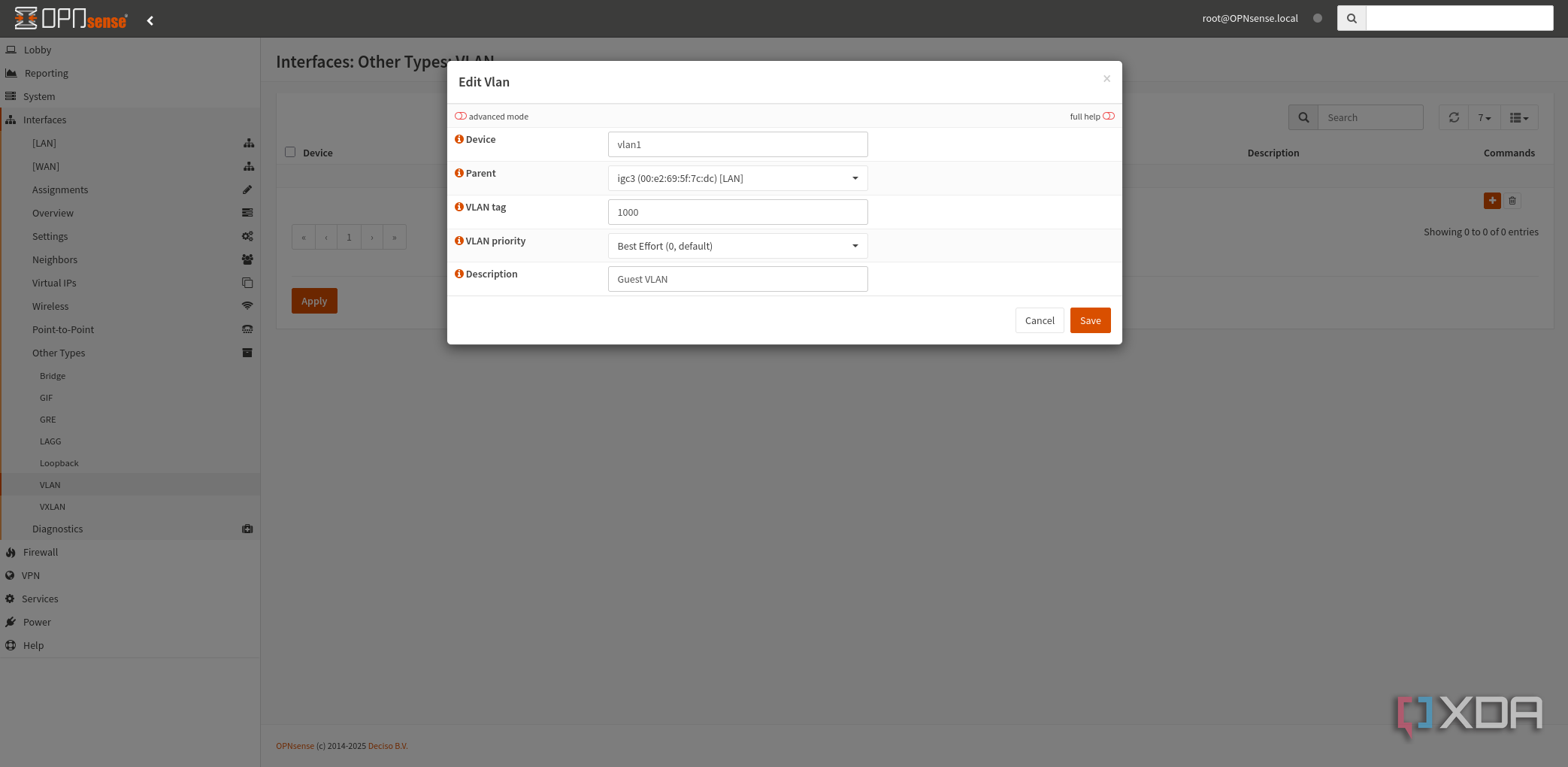
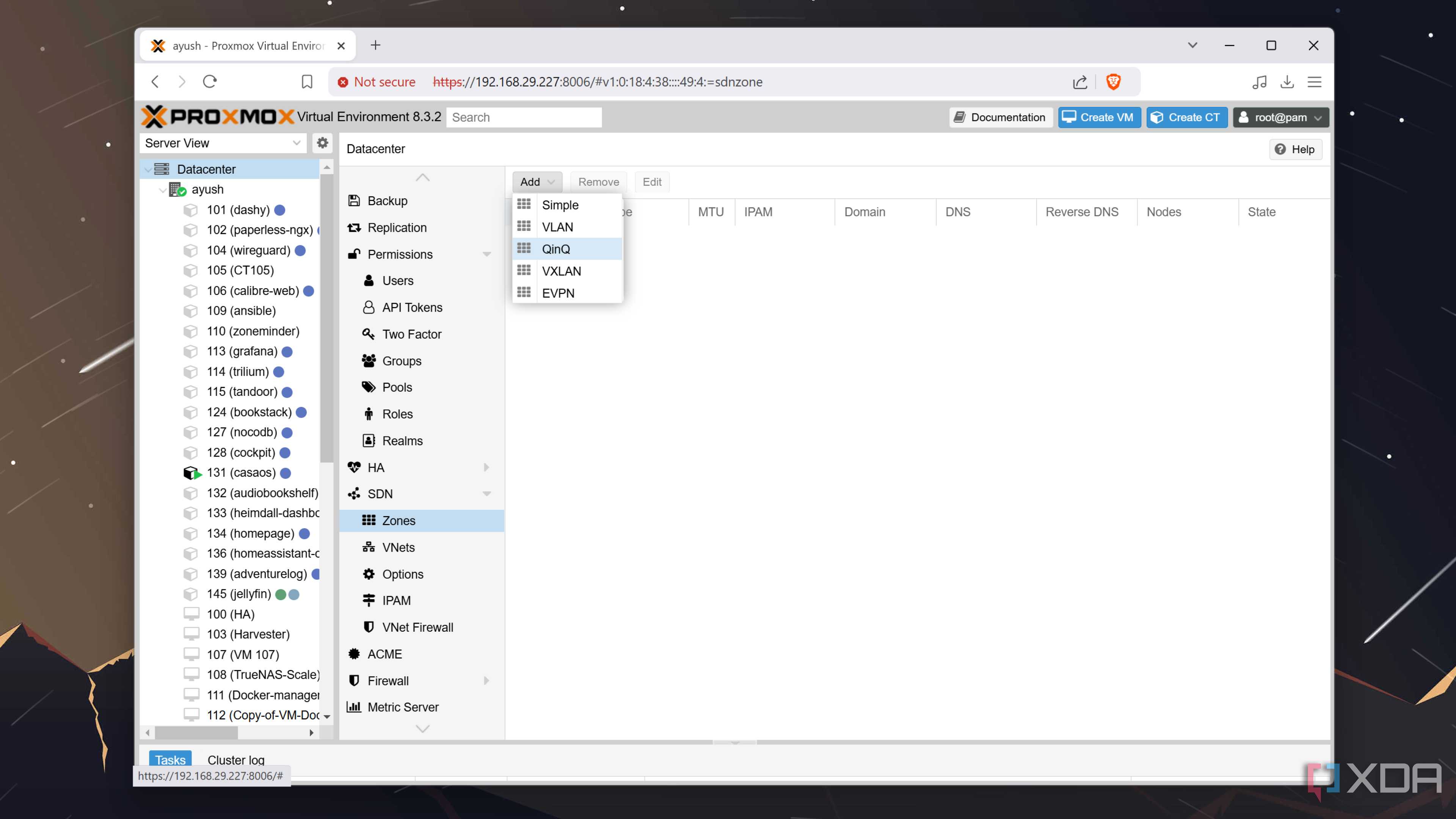
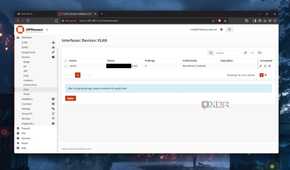
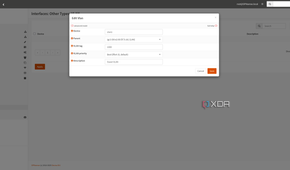
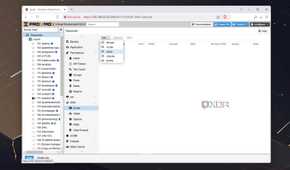
I like setting up VLANs for network segmentation, as part of a layered approach to security and management. The smaller a group of devices I have to work with, the easier it is for me to set up aliases and handle those instead. VLAN design doesn't have to be annoying, and I've found that more VLANs is actually easier to manage overall, so I create a new one for every grouping of devices that makes sense.
For example:
- VLAN10 - main devices like laptops and PCs
- VLAN20 - media/streaming devices
- VLAN30 - security cameras
- VLAN40 - guest network
- VLAN50 - IoT devices
- VLAN60 - servers/NAS devices
- VLAN70 - Infrastructure/management
Then I'll match those VLAN tag numbers to the third octet, like VLAN10 - 192.168.10.0/24, making things immediately apparent which devices I'm working with and if I've added them to the correct VLAN. All VLAN segments also get a rule to block traffic using RFC1918 private network ranges, and a rule lower down to ensure they can reach the internet, regardless of other rules (if they're supposed to have internet access, that is).
Hardening with some added security
Geoblocking and a dash of cybersecurity

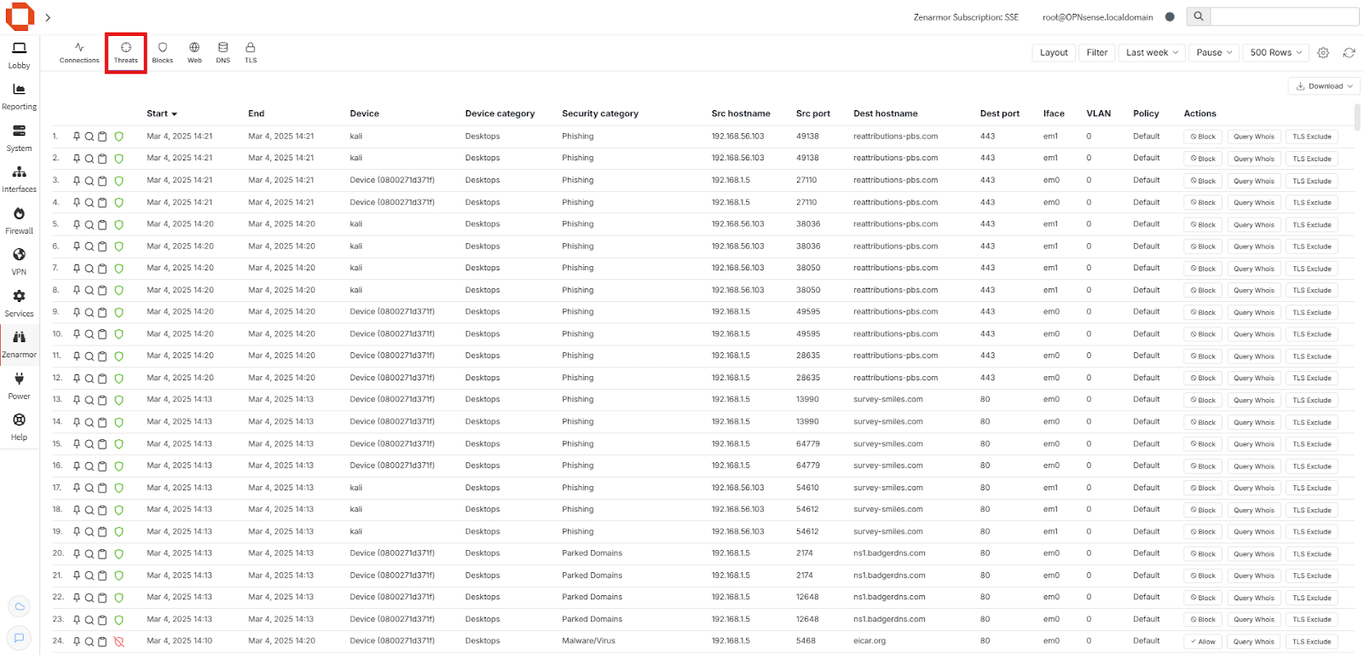

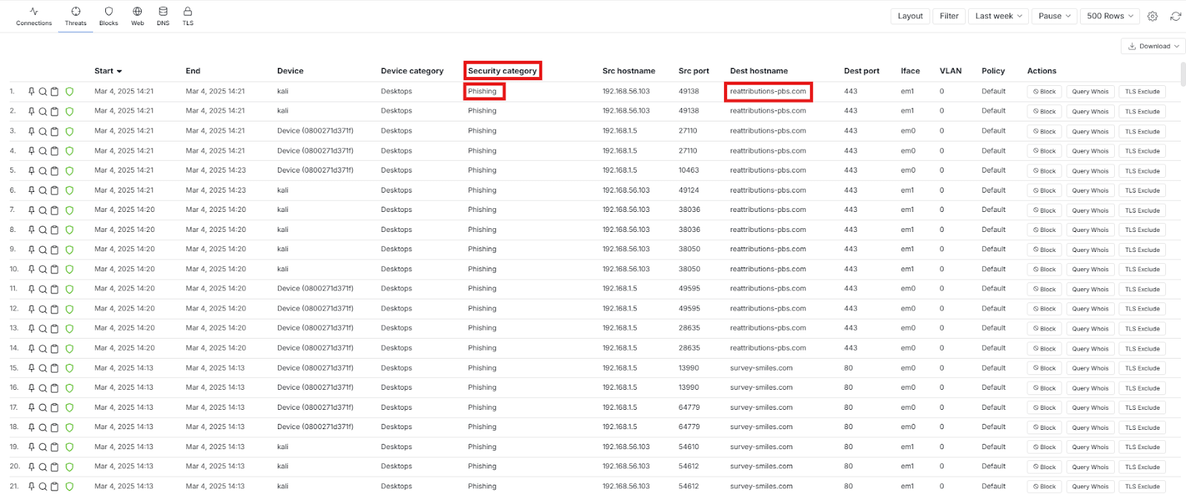
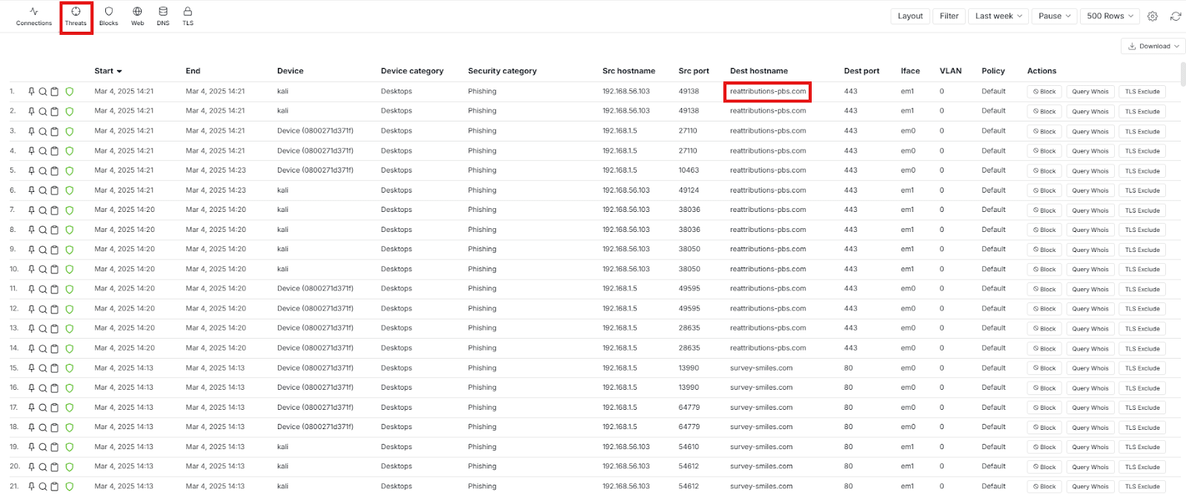


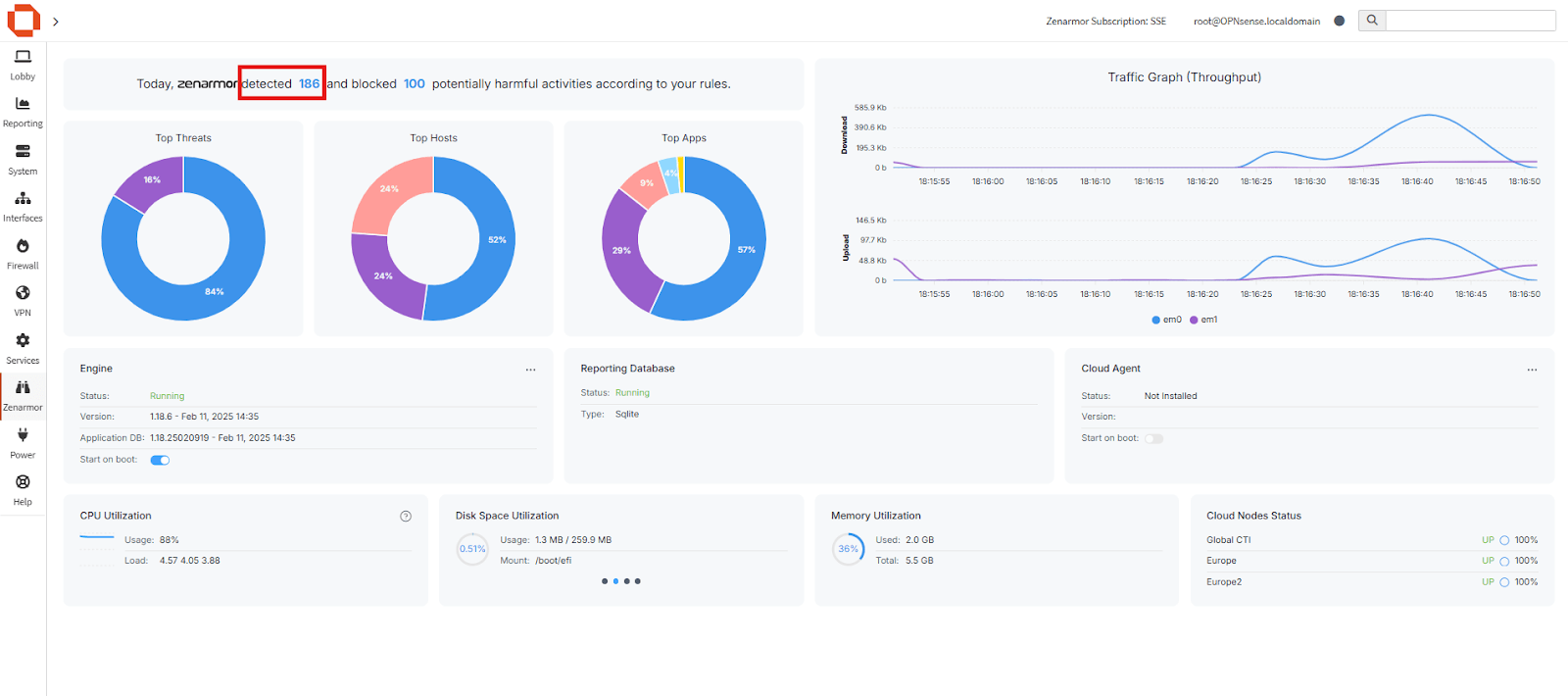
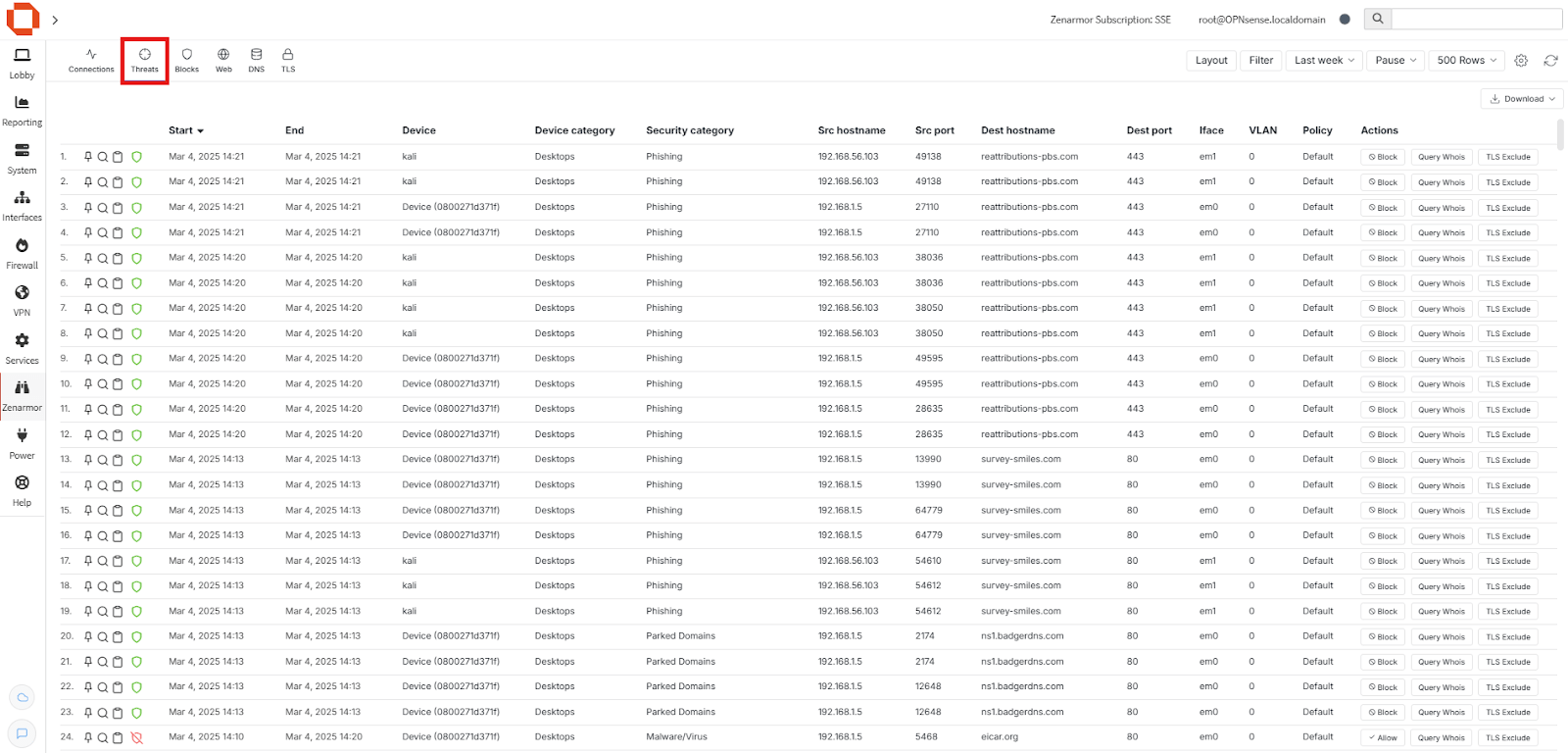
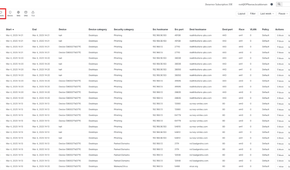
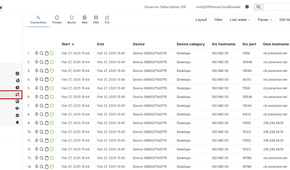
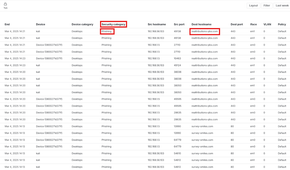
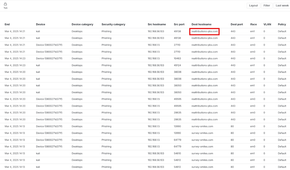
While I like to reduce my attack surface, I also like reducing the number of places a potential attacker can come from. Adding GeoIP blocking with MaxMind's GeoIP database makes it so that the firewall and security plugins I add don't have to work as hard to keep my network safe, as it can drastically reduce the number of incoming requests.
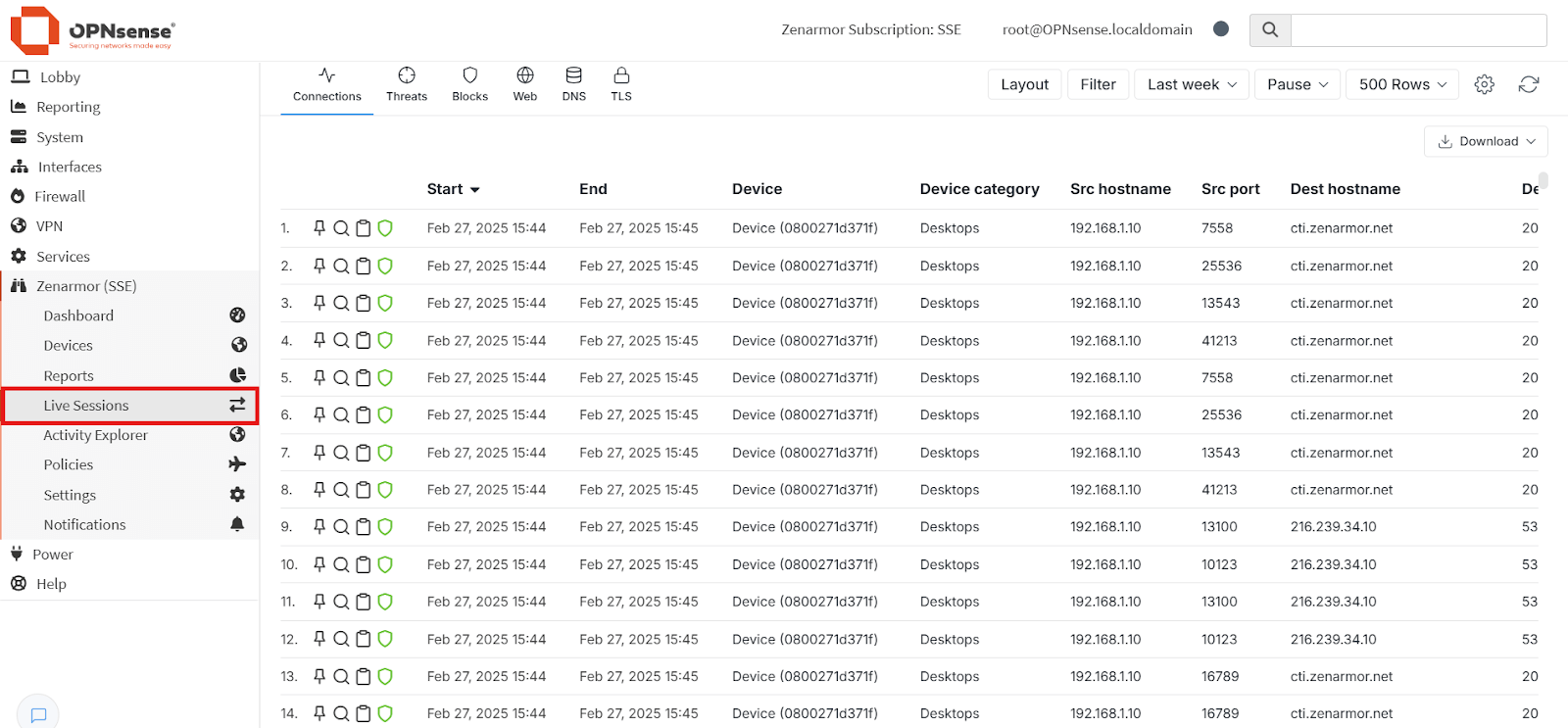
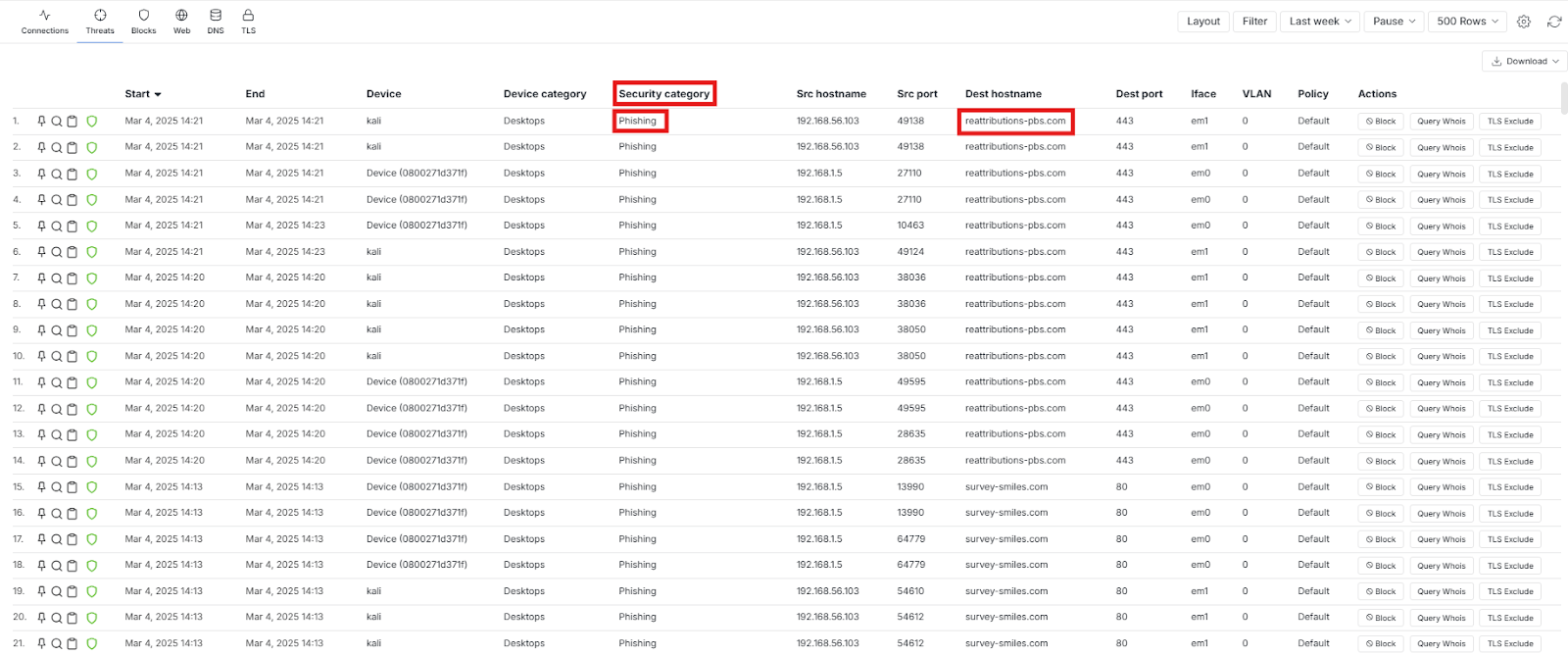
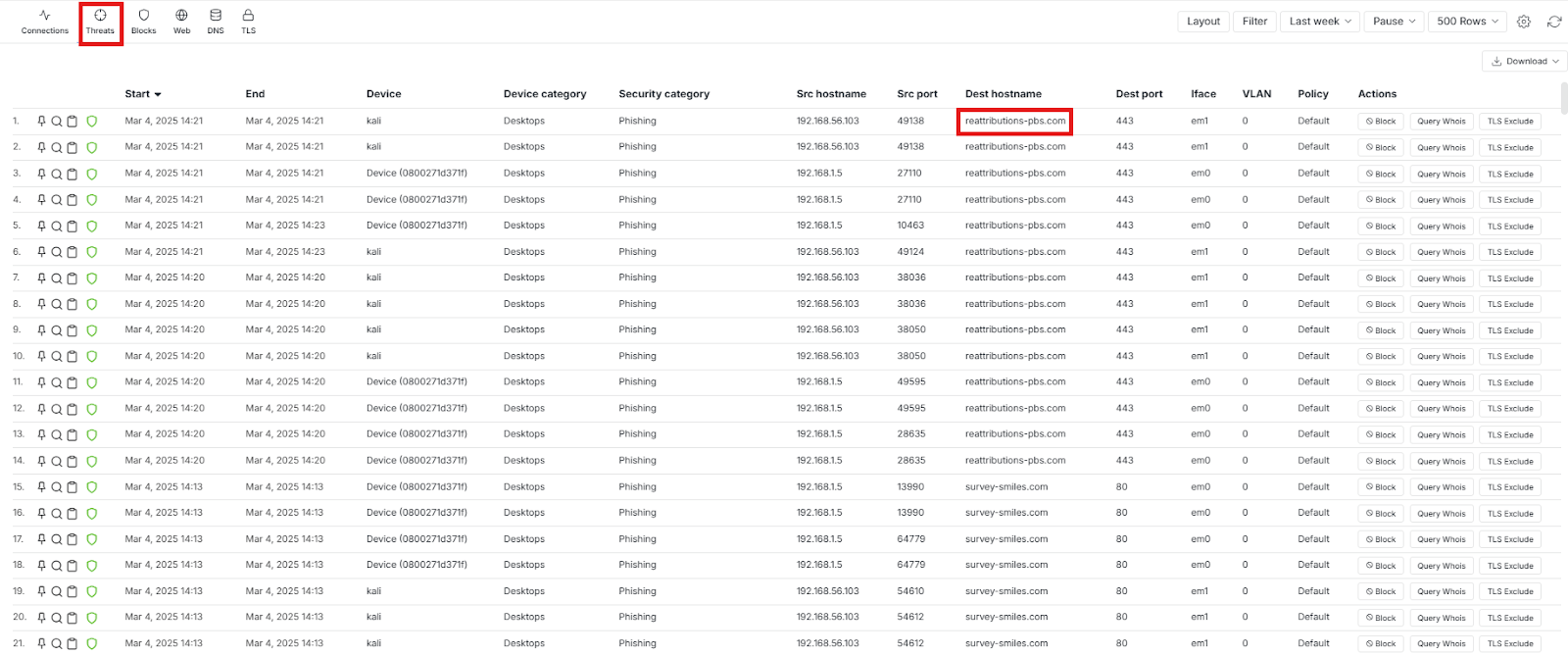
Then, once the firehose has been turned off, I'll add CrowdSec, Suricata, and ZenArmor to the mix. There are many additional security tools that could be added to OPNsense, but these three are the holy triumvirate as far as I'm concerned. Nobody who sets up OPNsense of their own volition falls into the "oh, security is a nice-to-have" category of internet users, and while being overly paranoid is just as bad, there is nothing wrong with a healthy dash of paranoia about having your devices connected to the internet.
Allow ICMP messages on all internal networks
This is my home network, and I want as many troubleshooting tools as I can get

ICMP messages are one of those things that most sysadmins will tell you to disable for internal and external traffic, because it's one tool that gets abused by automated scans to find networks to infiltrate. I'll gladly not let them work from external sources, but I will allow ICMP from all sources to troubleshoot my home network and home lab.
For this, I set up a firewall rule group and call it something descriptive like ICMPgroup, then add four allow rules, with source and destination any:
- ICMP type Echo Request
- ICMP type Echo Reply
- ICMP type Destination Unreachable
- ICMP type Time Exceeded
Sometimes I don't want ICMP on special VLANs like the management one, so I'll add block rules above the allow rules for the same four ICMP types, with source any and destination as the VLAN I don't want ICMP to touch.
Guest network isolation
Internet access is all you're getting

While I set up a guest VLAN as part of the earlier rules, I want to ensure that it behaves as a guest network and not as a regular VLAN segment. This has three rule sets applied, which let those guest devices reach the internet, resolve domains, and that's it.
- DNS access to the firewall: So guest devices can resolve domain names
- Block rules for all private networks (RFC1918): This stops the guest VLAN from communicating with the other VLAN segments
- Allow Internet only: Permit access to any destination except the RFC1918 ranges
Any other traffic to and from the guest VLAN is dropped as a result of this setup. I'll also go back and add rules to block ICMP traffic from the guest VLAN once I've confirmed that it is working as intended, because ICMP is handy to troubleshoot and I'd rather leave it available until I'm ready.
These are just the start of how I set up OPNsense on new devices
Once I've set up the core rules, I'll export a copy of them, both for backup and to set up a second OPNsense box to allow for failover. That gives me a more resilient network, as if one goes down for any reason, the other takes up its place within milliseconds. This also lets me update OPNsense without worrying if updates will break my setup, as I can upgrade one box first, test if it works, then update the other instance once it's confirmed the update has no ill effects.
