


Building my first PC in 2019 felt like a dream come true. I could finally let go of the restrictive console ecosystem I had grown up on, and DIY myself the most impressive-looking piece of tech in the house. I spent weeks obsessing over performance numbers, RGB and ARGB coordination, endlessly watching Linus Tech Tips, and I was thoroughly convinced I was building the ultimate machine.
What I didn't realize then was that I had much more to learn, and the real lessons wouldn't come from YouTube or Reddit build guides. They'd come from the expensive mistakes I'd made on the checkout screen. Here are the five most embarrassing purchase mistakes I've made while assembling my first-ever rig that I won't be repeating.
Buying a budget single-tower case
An unforgiving error for a rookie builder

A compact, clean, minimalist mini-tower looked great on the Amazon checkout page, but the moment it was time to assemble it, I became privy to the sheer amount of cable routing and wire gymnastics I'd have to undertake before the shiny new system could POST.
When the assembly was nearly complete, and it was time to close the back panel, the words of Linus Sebastian echoed in my ears, "This looks like a rat's nest." The only remaining question was, in fact, where to get started, and there were no obvious answers in sight. The 24-pin ATX cable refused to pass through and bend, the SATA cables from the three SSDs I'd added to the cart wanted their fair share of real estate, and by the time I was done, the side panel would only shut if I pressed hard enough, like I was sealing a suitcase before a long flight.
This is not to say that mini-tower ATX cases are the problem. But as a first-time builder, you will benefit from every inch of extra space that you can get through a PSU shroud, and that is a lesson that was hard learned.
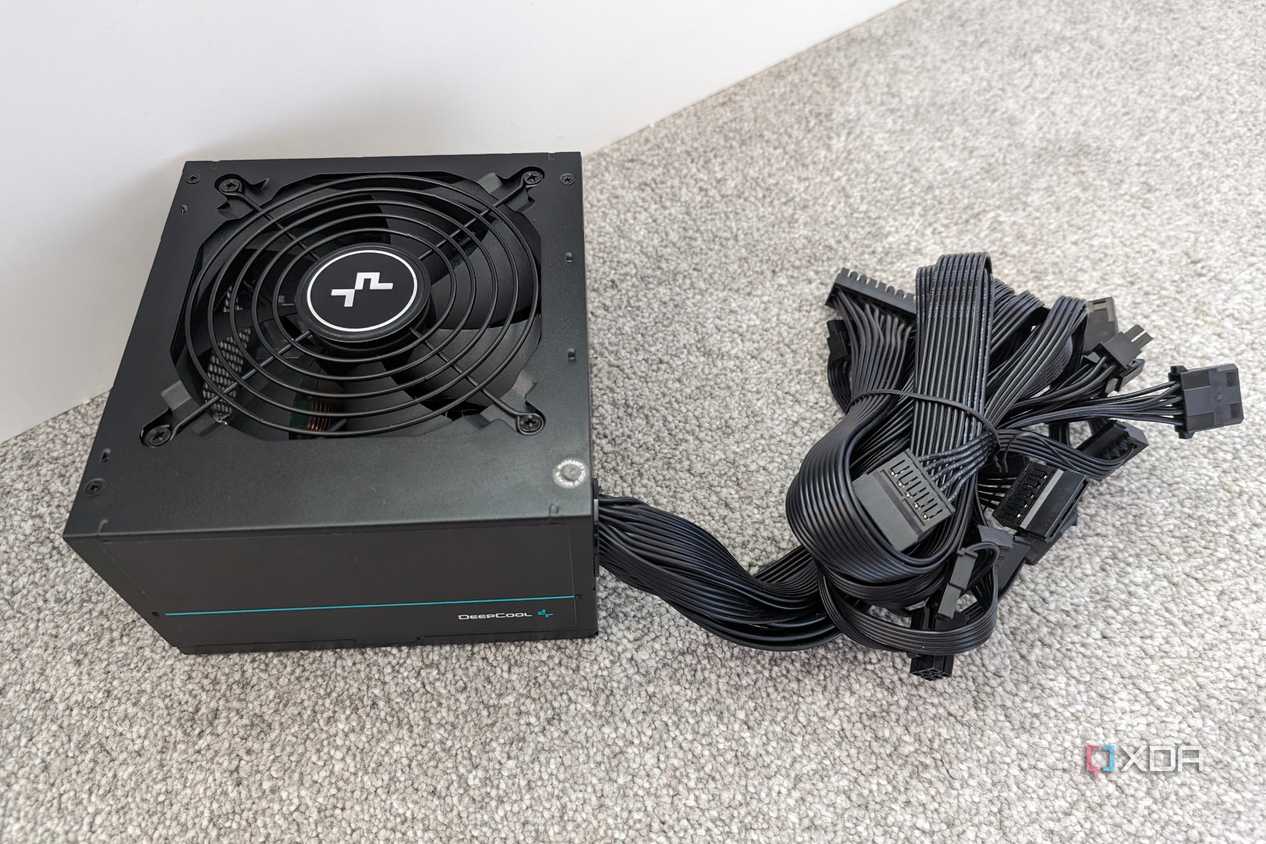
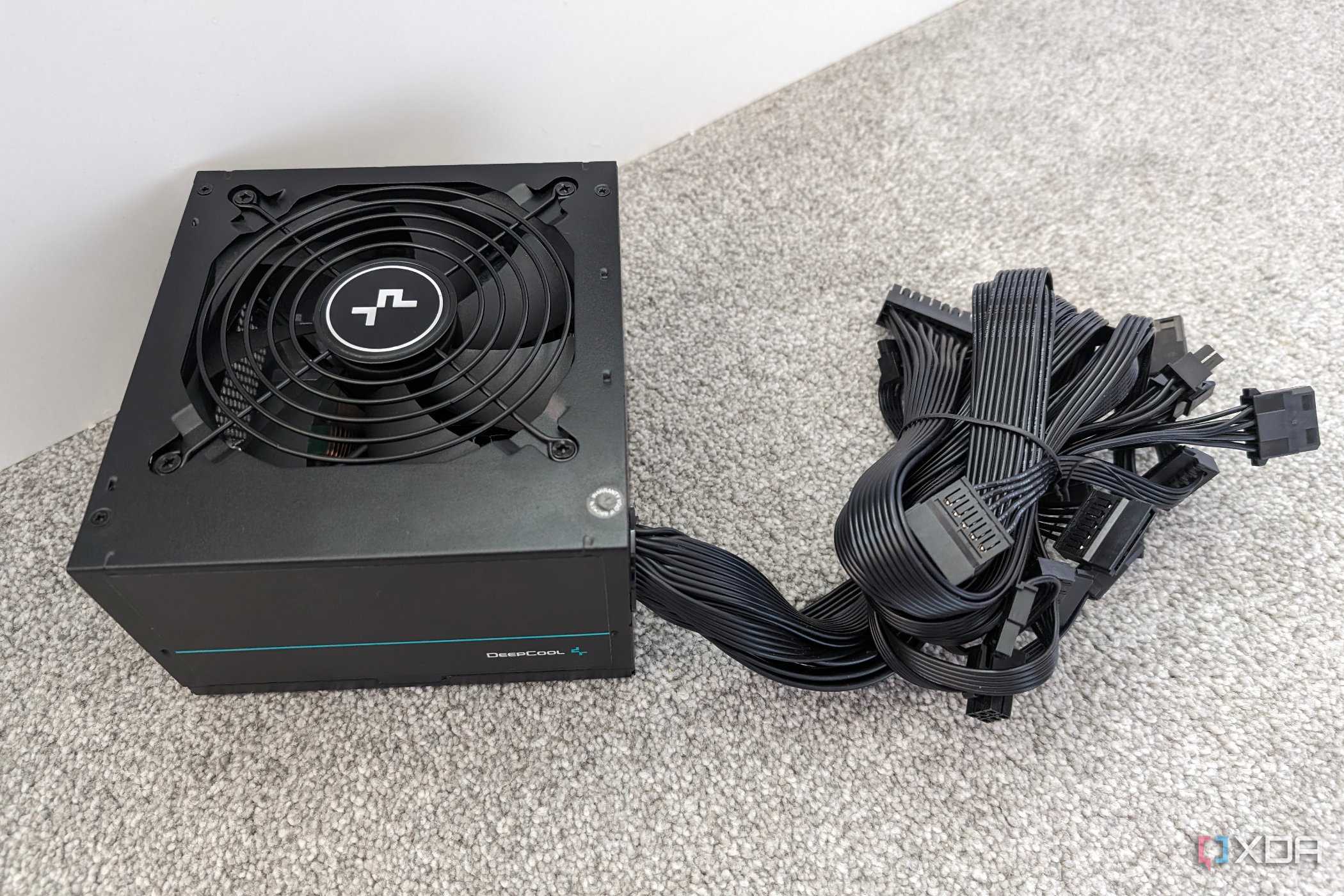
Getting an unrated, non-modular Power Supply Unit
It's like signing a contract for weekly BSoDs
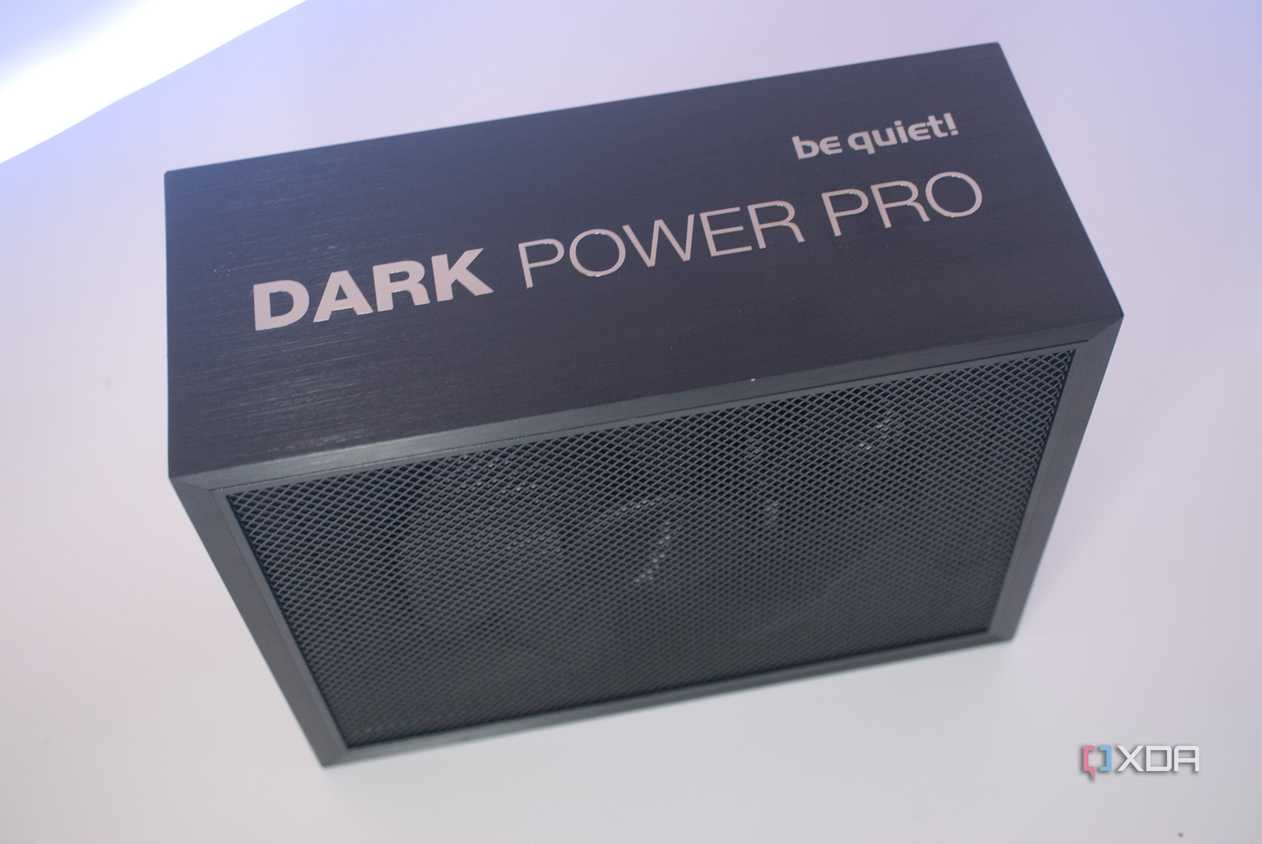
The be quiet! Dark Power Pro 13 power supply. 
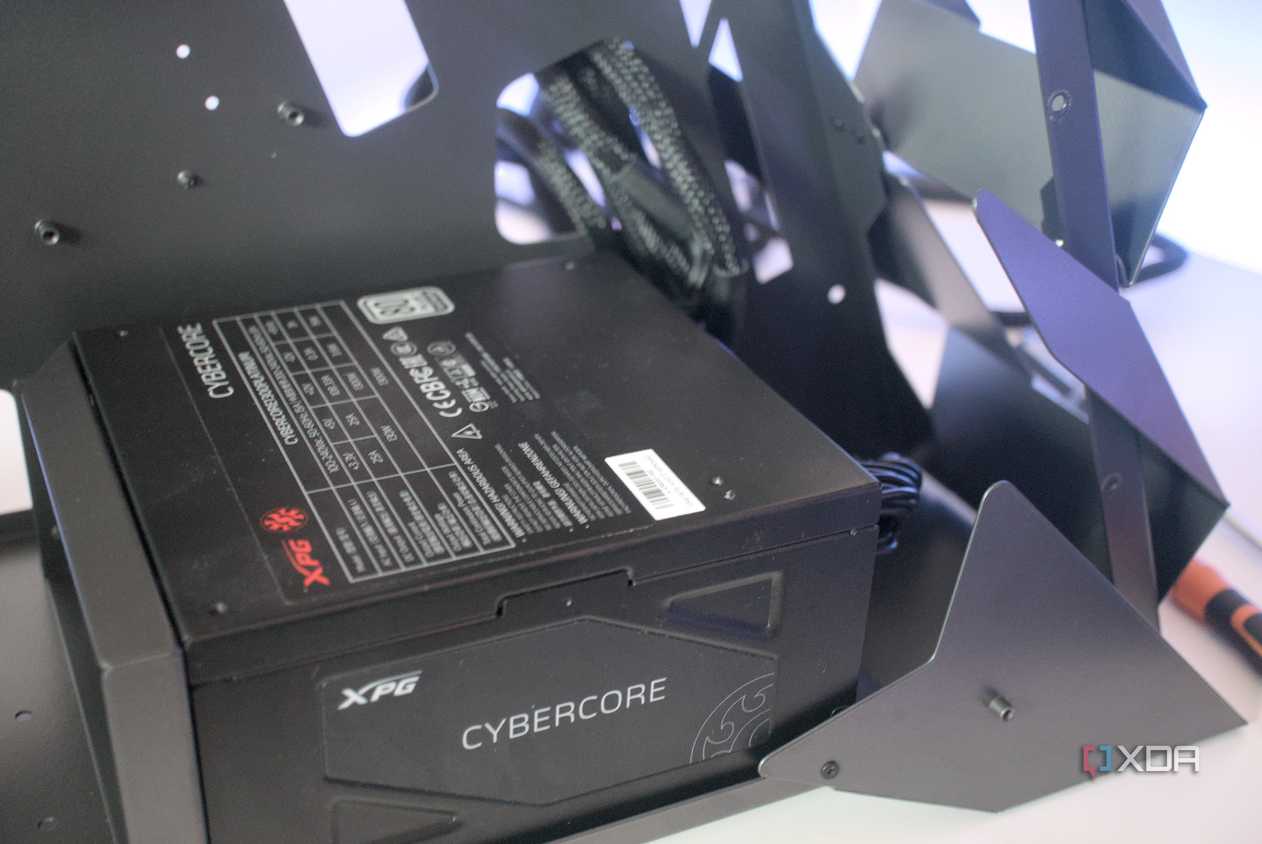


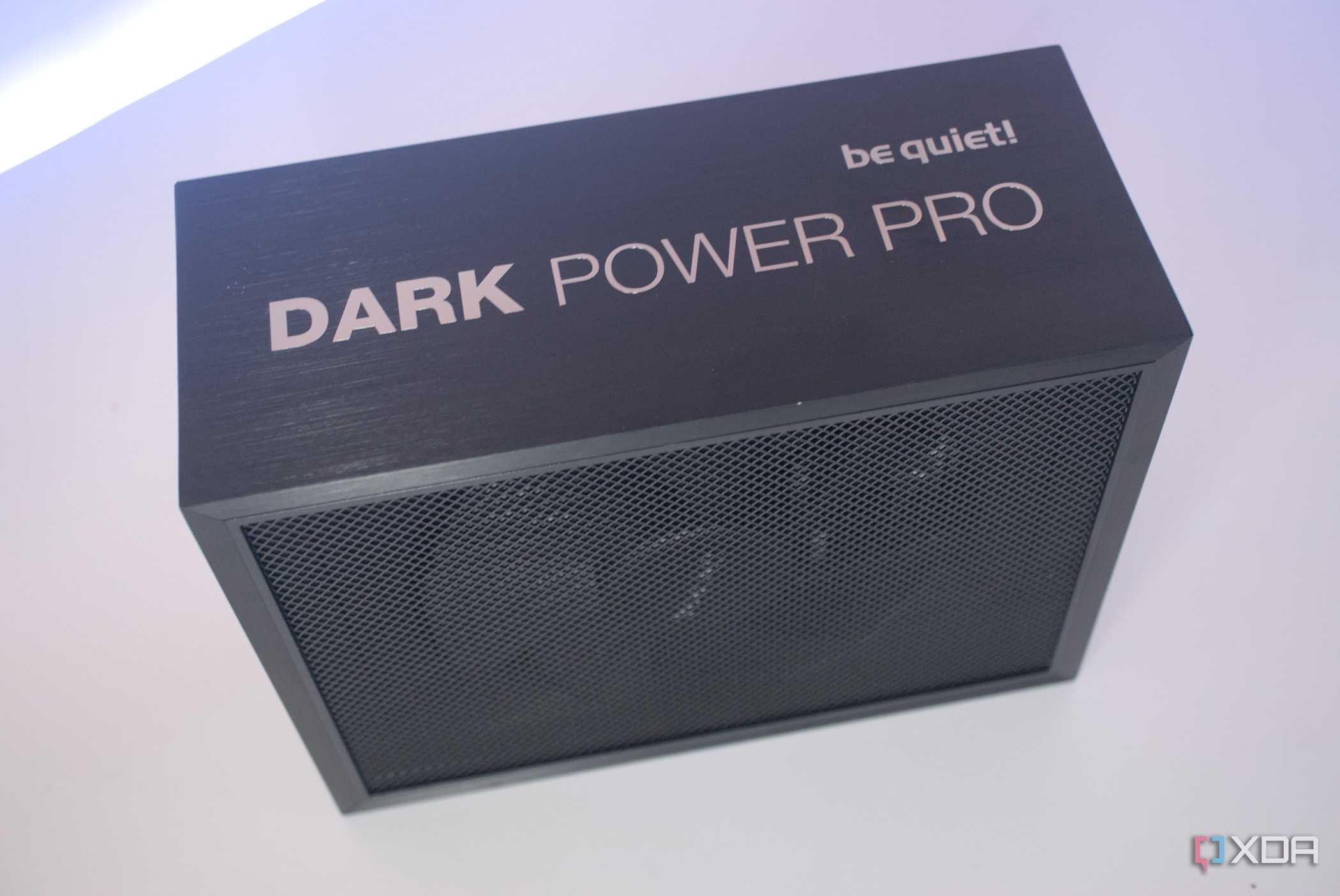
The be quiet! Dark Power Pro 13 power supply. 
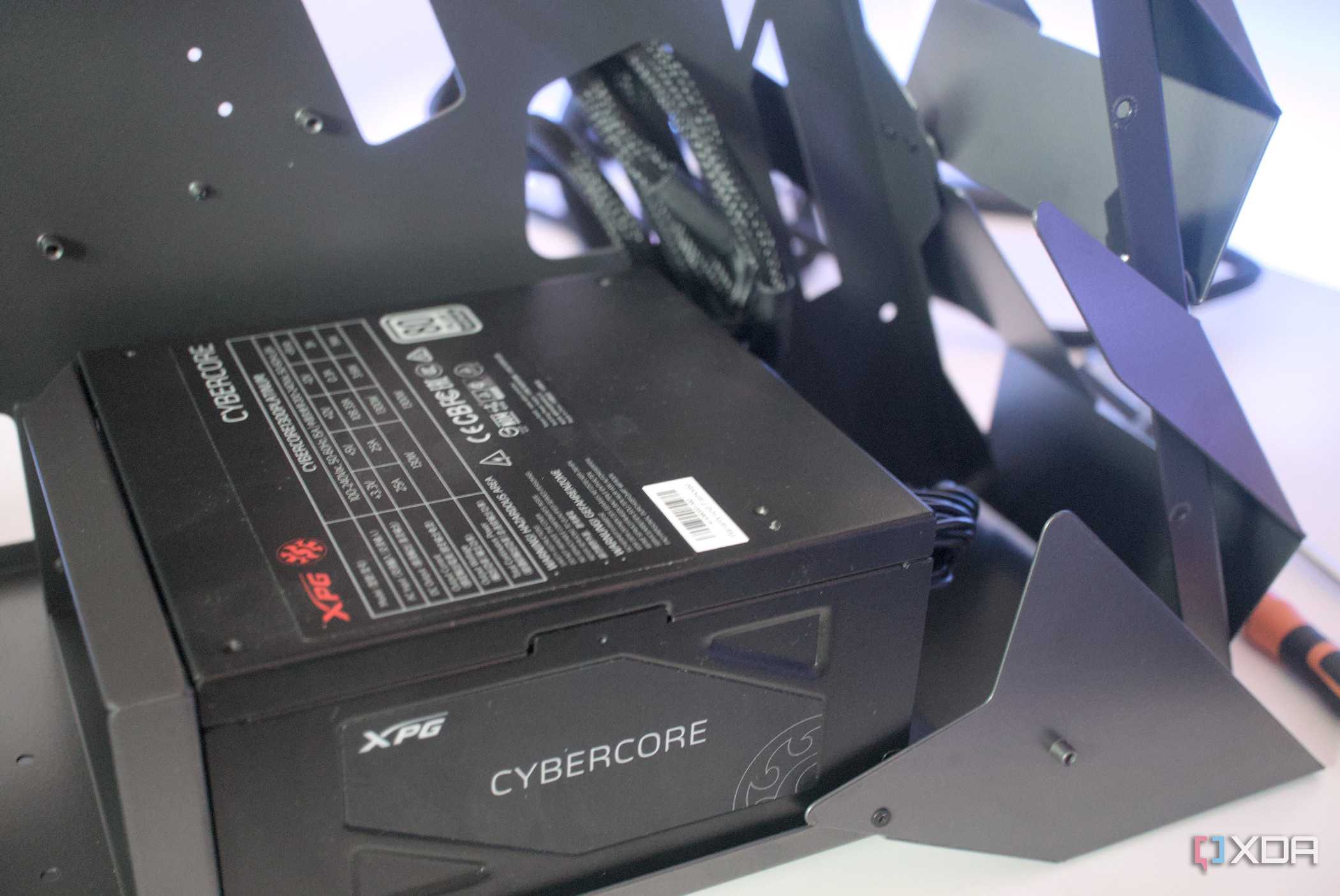


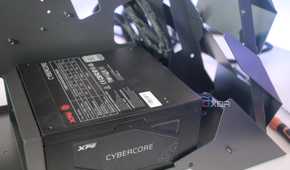

In the saga of my numerous blunders, this one seemed the most dramatic of them all. Everything worked fine in my brand-new build for about 9 months, until one morning... it simply didn't. I spent the entire morning (and afternoon) re-seating the RAM, removing the GPU, and dusting off the PCIe slot and connectors, performing a CMOS reset, and scrolling through troubleshooting forums, desperate to find a fix to the black screen of death. Then reluctantly, I began swapping every component one after another on my dad's computer before I finally found the culprit: the dreaded PSU. It was an odd discovery for me, as the dozen RGB lights I'd installed still turned on with the faulty PSU.
When I finally swapped it for a reputable NZXT 80 Plus Gold unit that arrived the next morning, I discovered an even more embarrassing predicament. I had installed the original power supply backwards, venting hot air directly into my already cramped and air-starved cabinet. This whole experience was a crash course in humility, and one that I don't see myself going through ever again.
A faulty PSU can still power LEDs while failing POST (Power-On Self-Test) if it lacks the stable amperage required for the CPU and GPU to function, as described in the situation above.
Treating a UPS as an "optional" expense
It's not just protecting you from power outages

I used to think a UPS was strictly for areas that were susceptible to power outages, and since I had a surge protector, there's no way I'd need to spend on one, even on the off chance that I did experience a power cut.
What I failed to appreciate was that clean shutdowns are only half the story, and it's the invisible brownouts and grid hiccups that are truly insidious. When the power supply on my first build unexpectedly died, I was left scrambling for answers. It wasn't until much later that I realized that my area was suffering from frequent voltage fluctuations. Of course, there's no way I can correlate this since the power supply is gone, but all signs point towards the fact that it might have something to do with running the rig without a UPS for almost a year.
Falling for the "budget AIO" aesthetic
I was optimizing for Instagram instead of thermals

By now, you've probably guessed already that my first build was optimized for aesthetics rather than usability, and I was paying an installment out of my bank balance as tax almost every quarter.
There's absolutely no denying the charm of a 360mm AIO, so I didn't. For about a year and a half, it worked as intended and looked "gram-worthy," as many would say, but then, the pump failed. I would've mistaken it for another PSU failure until I powered it on again, ran CPU-Z, and found my Ryzen 3600X was reaching 81°C like it was rendering my desktop and its ten icons in Prime 95.
I had to replace it with the stock Wraith Stealth coolers that came out of the box with the processor back in the day, and, even after 5 years, it runs without maintenance or drama.
Under-provisioning the RAM
I could just buy more later, right...? Right?

The final mistake I made while assembling my rig wasn't really a "mistake" in the traditional sense, but it is hard to look back and call it a wise decision. With 16GB of DDR4 memory, I had all the RAM I needed and some more in 2019, and enough savings for the RTX 2070 Super.
The real disaster struck when one of my sticks failed at the peak of RAM-flation. 16GB is already a tight squeeze in 2026, but limping along on a mere 8GB of DDR4 memory is something that makes even running Chrome a nightmare. I know for a fact that when I do decide to install an additional 8GB of memory, I'd likely be paying more than double the price for it.
When it comes to building a rig that will be you through the greater part of a decade, it's important to get the fundamentals, such as airflow, memory headroom and clean power right the first time.
The costs did catch up with me, eventually
When I look back on these mistakes, I realize that every decision I made at the checkout page carried long-term consequences, which all eventually came home to roost and demanded a hefty tax that I didn't budget for. When it comes to building a rig that will be with you through the greater part of a decade, it's important to get the fundamentals, such as airflow, memory headroom, and clean power right the first time. If you don't, the costs will catch up with you.
