


Like millions around the world, I always ran ad blockers and tracking blockers within each browser. Pi-hole came and went, as well as a few other options for network-wide coverage, and still, I stuck to my guns with localized management. That was until I revamped the home lab and started to mess around with Pi-hole. All was well until I looked at what else the OPNsense firewall could run. That's when I stumbled onto AdGuard Home.
The difference Pi-hole made was immediate. Gone were the advertisements, and I'm not just talking about browsers but also apps and even our smart TVs. It's incredible to see just how much data is transferred between your client and the wider world. Activate the networking tab within a browser's developer tools or fire up Pi-hole, and you'll see just how busy your home connection is without you actually doing anything.
I enjoyed using Pi-hole, but once I discovered that AdGuard can be run on the same box as our router and firewall, simplifying a few steps and consolidating some truly mind-blowing functionality. Seriously, if you've never tested the waters with Pi-hole, Unbound, AdGuard, and others, I highly recommend doing so. It'll transform your online experiences. I ended up settling with AdGuard Home, and I've not looked back since, protecting all devices on the network.
It can be lonely out there
Without anything to block the horrors


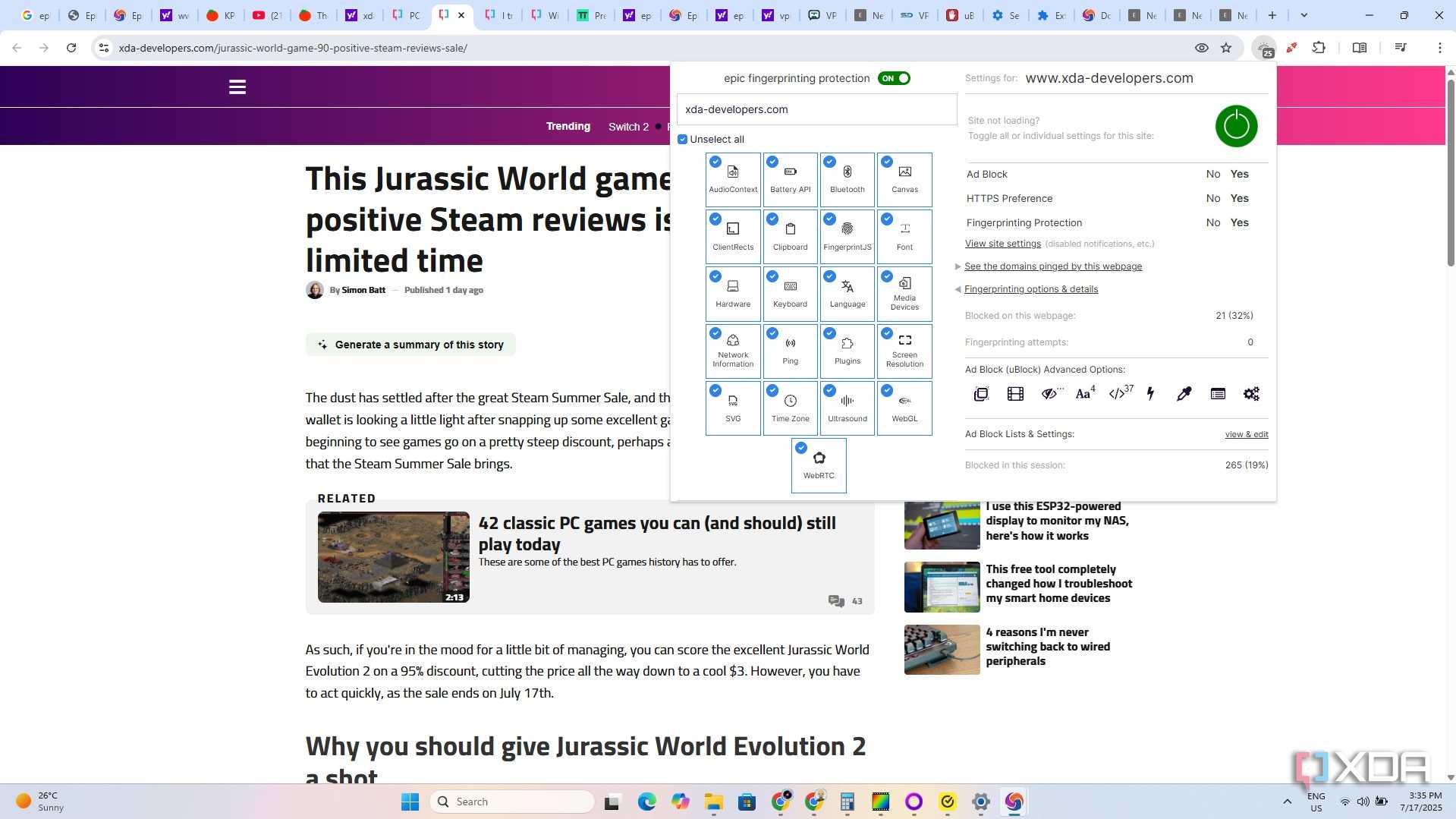

Browsing websites without adequate protection can feel like venturing out into the Wild West without a pistol at hand. You'll be bombarded with advertisements on every device. Even smart fridges and other appliances are coming equipped with screens to display advertisements. I thoroughly enjoy playing through Cyberpunk 2077, but it feels more and more real with each passing year, especially when it comes to aggressive marketing.
But adverts I can deal with. What I absolutely despise with a passion is cookie tracking. It's bad enough that companies want to know more about us to better sell us things we don't necessarily require right now, but it's a whole different kettle of fish when you're actively being tracked to see what you do and how you interact with various destinations across the internet. Browser-based blockers solve part of the problem, but they cannot protect you against everything.
That fancy smart TV we just bought for the bedroom? No way to block tracking and adverts natively, and that makes sense since TCL would love to serve us some marketing too — the same goes for other brands, mind you. Then there's the issue of not keeping track of which devices are protected and how their protections are performing without booting up each one and checking manually. Finally, you don't really learn how it all works with simple browser blocking.
Most wouldn't classify networking as fun, but I, like many others, enjoy spending time tinkering with their LAN and seeing how everything works. It's also great when responsive charts are available for viewing how your network is working and all the blocked requests. That's when it clicks, and you can't go back from using AdGuard, Pi-hole, and other similar solutions.
Pi-hole is great for most home LAN admins
It's easy to set up and use


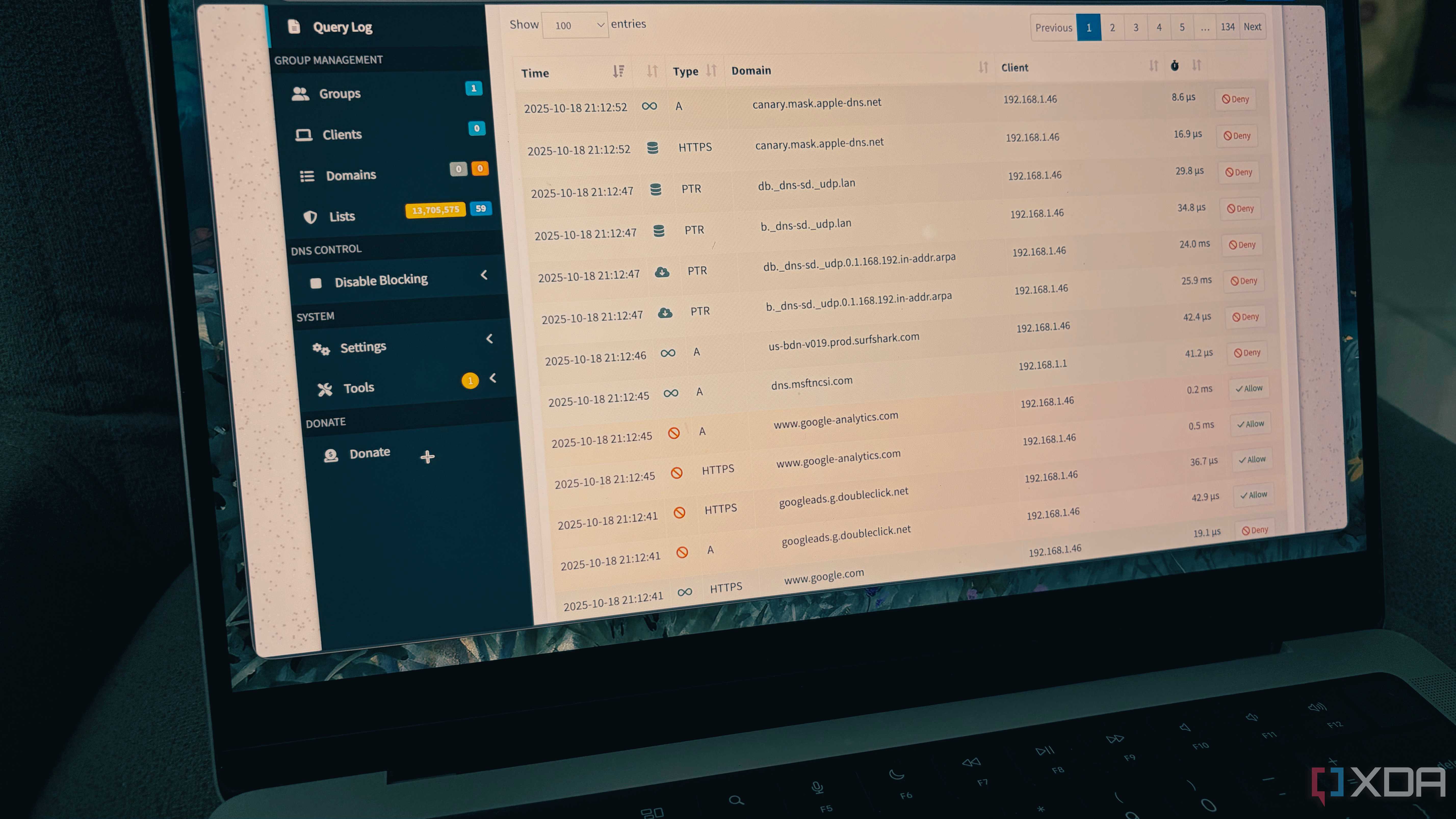
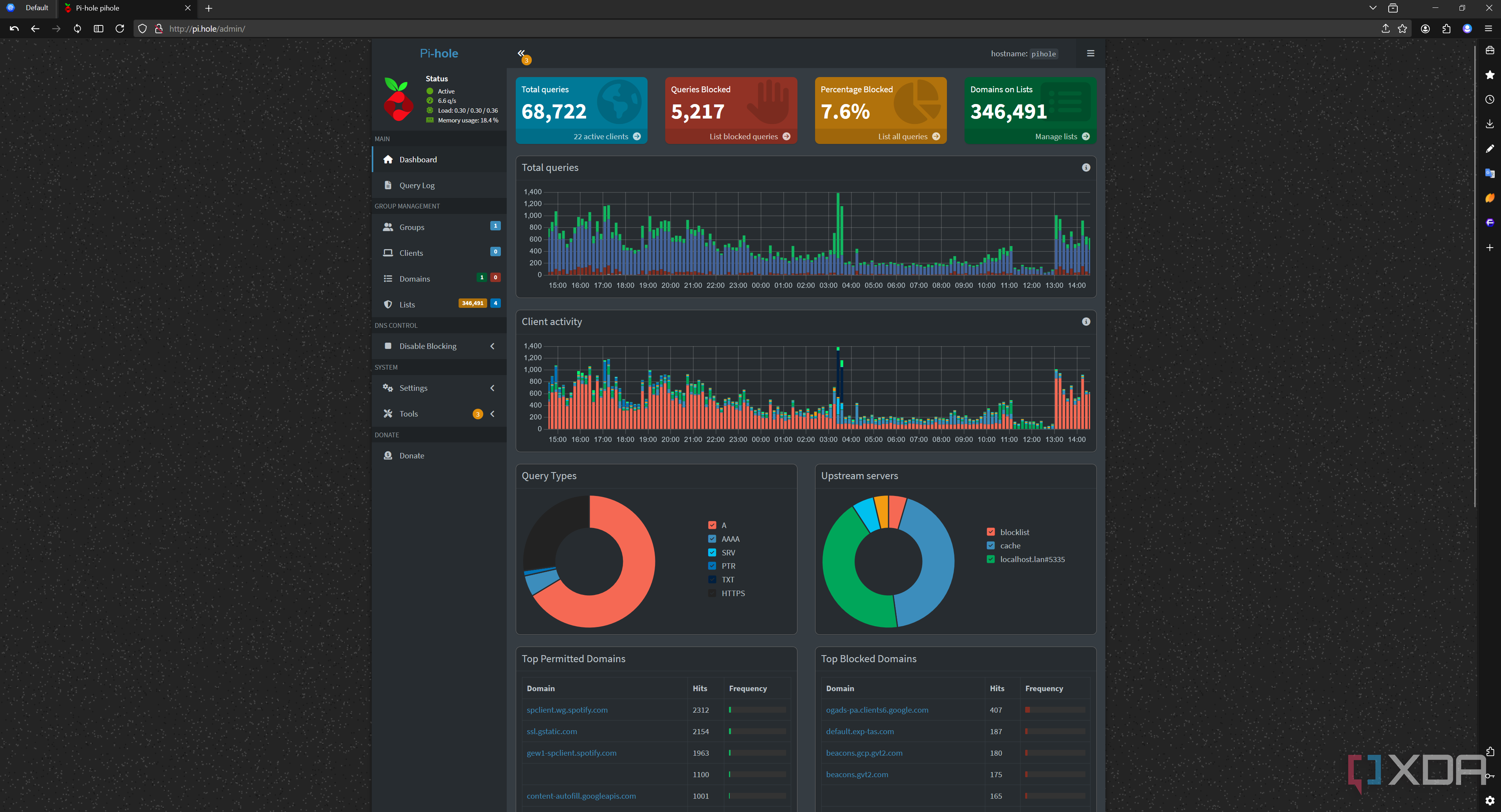
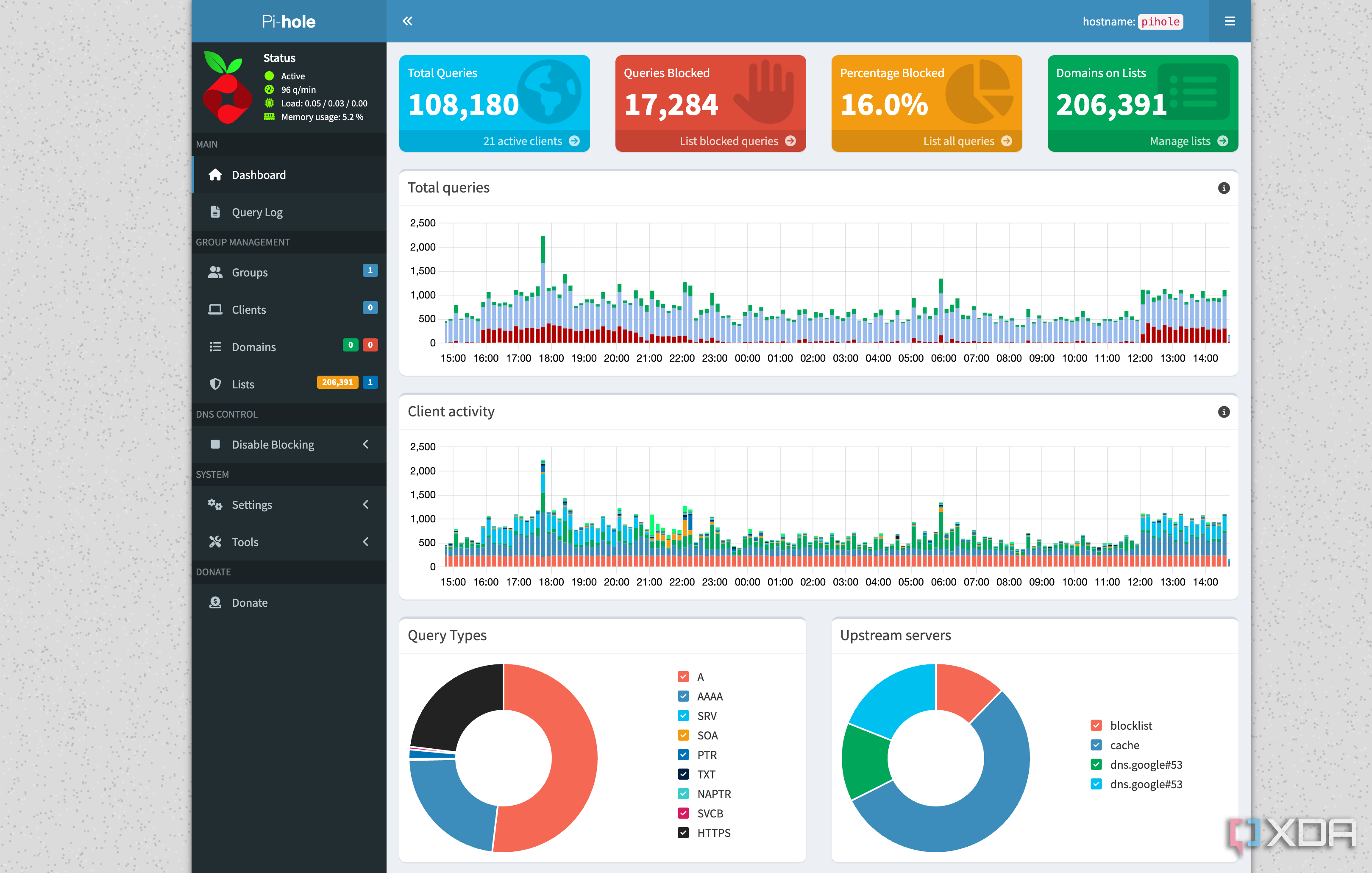
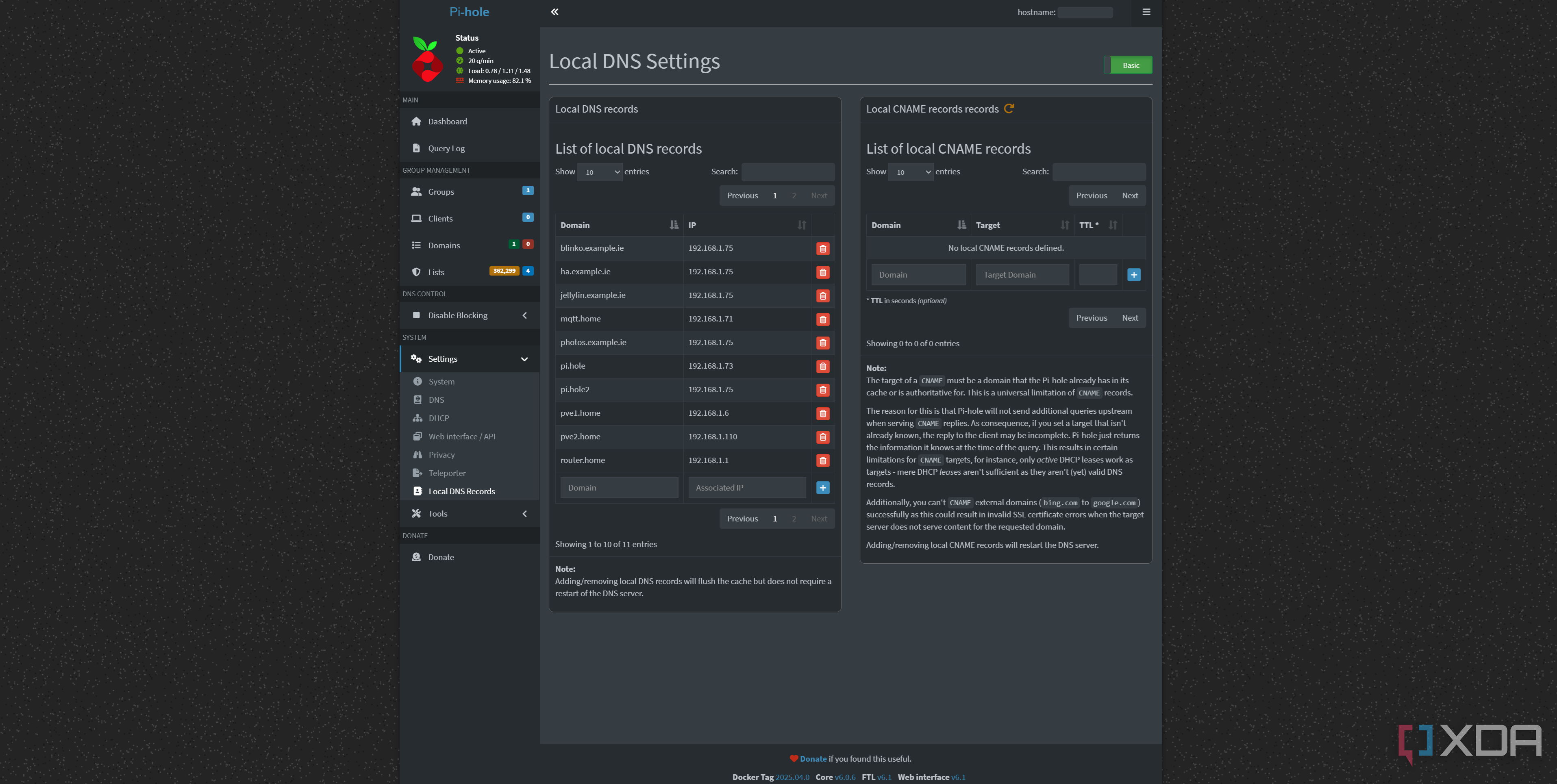
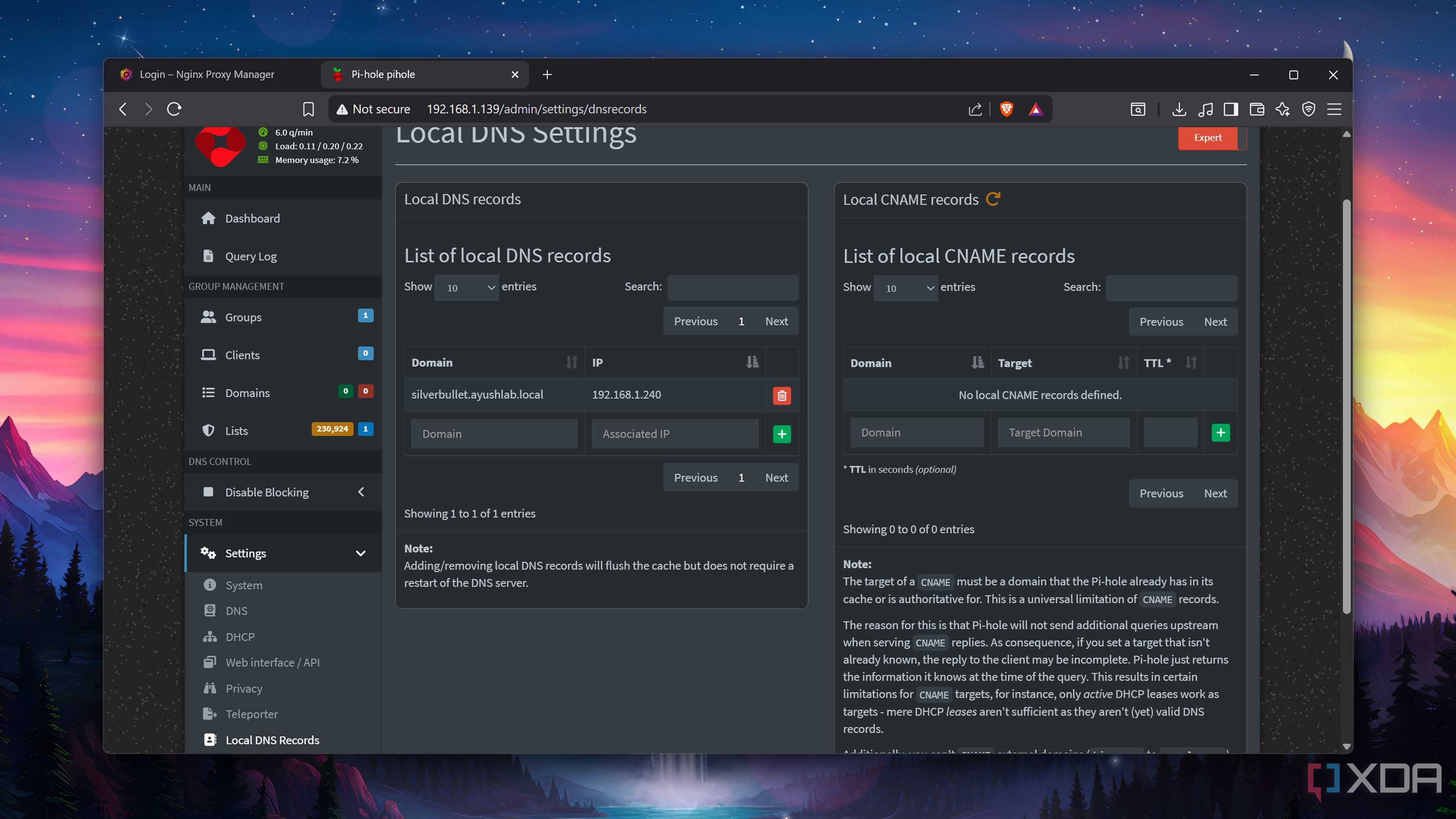
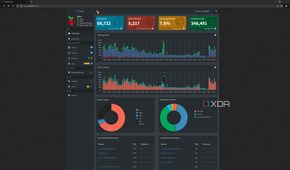
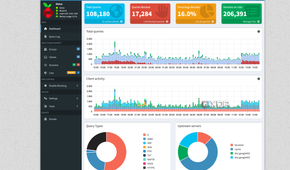
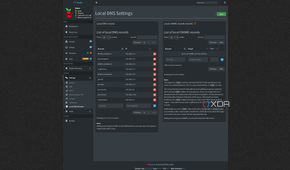
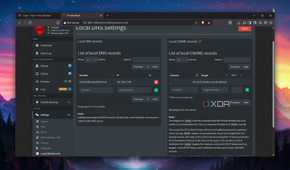
We've covered Pi-hole extensively here at XDA and for good reason. It's bloody brilliant and powerful enough to protect not only the device you're reading this article on, but also everything else on the network. Think of it like running a network-wide VPN that protects multiple devices with a single link. It's a similar deal with something like Pi-hole. All network traffic gets routed through Pi-hole, and it's all checked against a central database of known ad and tracking domains.
What makes Pi-hole so great for beginners is the user-friendly setup process. It's also incredibly easy to use once up and running. You've likely seen that gorgeous real-time dashboard view elsewhere, but I've added a few screen grabs above showcasing just how much Pi-hole can block within a short period. It's network-wide and requires absolutely no configuration on any of your network clients, including any guests who may stay over for the weekend.
Pi-hole is the first step in taking back control and ownership of your network. Once installed and running, it's quick to realize just how little we administered. But Pi-hole wasn't perfect for me. I had to run it on a separate machine, which just so happened to be my Proxmox home server, which isn't an issue in terms of performance or system resource allocation, but it did mean I'd lose protection should the system go offline. That's when I turned to my firewall.
Switching to AdGuard was painless
Running everything through OPNsense

Because I already did all the legwork setting up Pi-hole and getting used to managing everything centrally, making the switch to AdGuard on OPNsense was simple. I don't view this move as a replacement but more of an evolution of my home network. The OPNsense router never goes offline, aside from a cheeky reboot after installing updates, and the AdGuard plugin is brilliant for configuring your own ad and tracker blocking platform from within the router.
There's no Docker to contend with, no virtual machine to route everything through. It simply runs on OPNsense, and you're good to go. This way, the same system can handle DHCP, DNS, and blocking all at once, providing AdGuard with immediate access to local interfaces, IP addresses, and VLAN segmentation. It keeps everything in one place and has improved how I protect our home network against horrible online experiences.
How I forget Pi-hole existed is through my forgetting that AdGuard is even active. I don't see any adverts, nothing is tracking me that I don't wish, the internet remains live without any sudden drops due to something going wrong with the Pi-hole host, and it's all managed within one web UI. AdGuard on OPNsense may not be the flashiest or most user-friendly way to go about this, but it serves me well and I encourage you to give it a try.
