


The sheer magnitude of RAM shortages and price hikes has caught everyone by surprise, and things are not looking any better in the near future. If you were looking to upgrade your RAM capacity or even go for a faster kit, you're probably disappointed to see them cost two to four times as much as they did just a few weeks ago. There's no easy way to deal with this if you really need that upgrade, but there are some steps you can take to keep your current trusty kit going.
Software-level optimizations
They can go a long way

First and foremost, don't keep any apps open that you don't actively need. Most programs you install will configure themselves to start up with Windows, so if you haven't checked in a while, you might have a bunch of them piled up. Multiple programs running together can pile up and consume a significant amount of memory, which can make a difference to any active memory-hogging tasks you may be running.
If your web browser consumes a lot of RAM (looking at you, Chrome), check settings like the memory saver on Chrome. Alternatively, go for a lighter browser like Microsoft Edge, Brave, or Opera. Uninstalling/disabling any unnecessary extensions will also help. On Windows, adjust visual settings for Best Performance (usually helpful in lower-end systems); enable any effects you want after.
Workflow and habit changes
It might be time to let some of these go

I'm no stranger to having Google Chrome running while I play CS2 or other titles, but for some games, I've had to dial it down and close it. You should do the same; if the game you're running is very intensive, then there's a good chance it needs a lot of memory. So, close any programs (especially web browsers) to avoid maxing out RAM consumption.
Memory leaks can occur when you leave your PC running for too long without rebooting. If this sounds like you, start rebooting more often instead of leaving it in sleep mode all the time. If you ignore software that keeps asking you to update, or if you haven't updated your graphics and network drivers in a while, do so now because these can also cause memory leaks.
Upgrade your SSD instead
Act fast, though


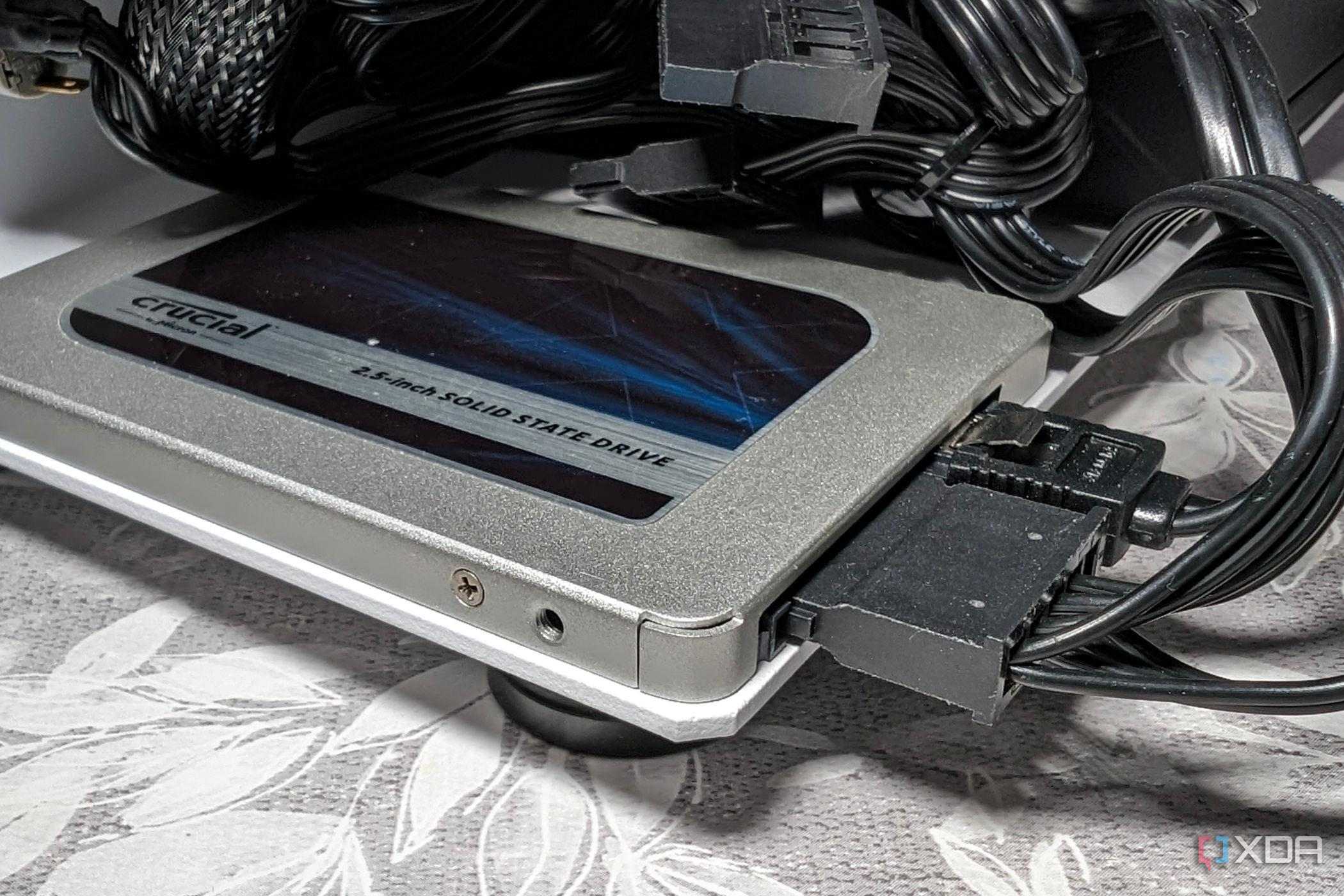
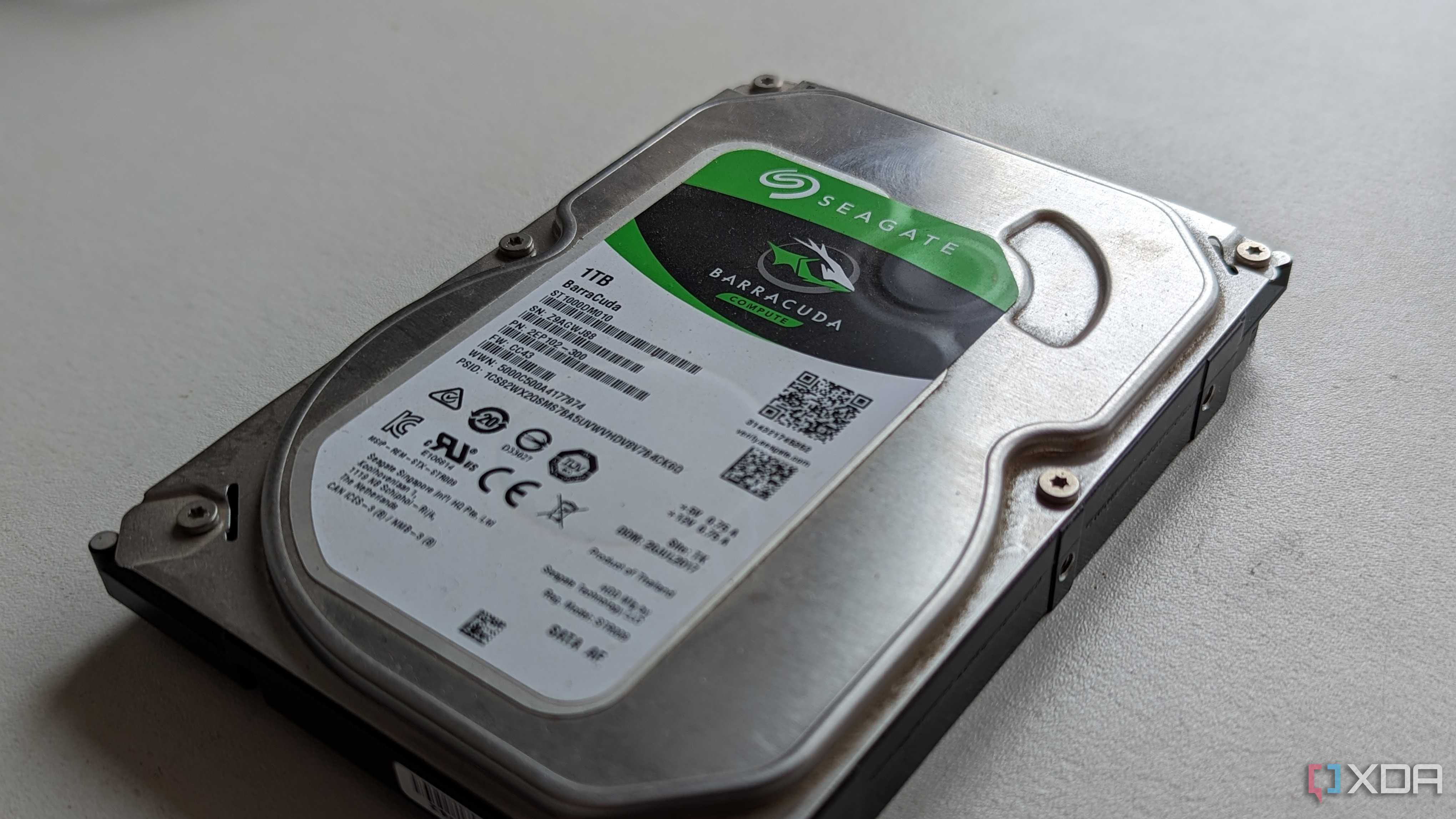

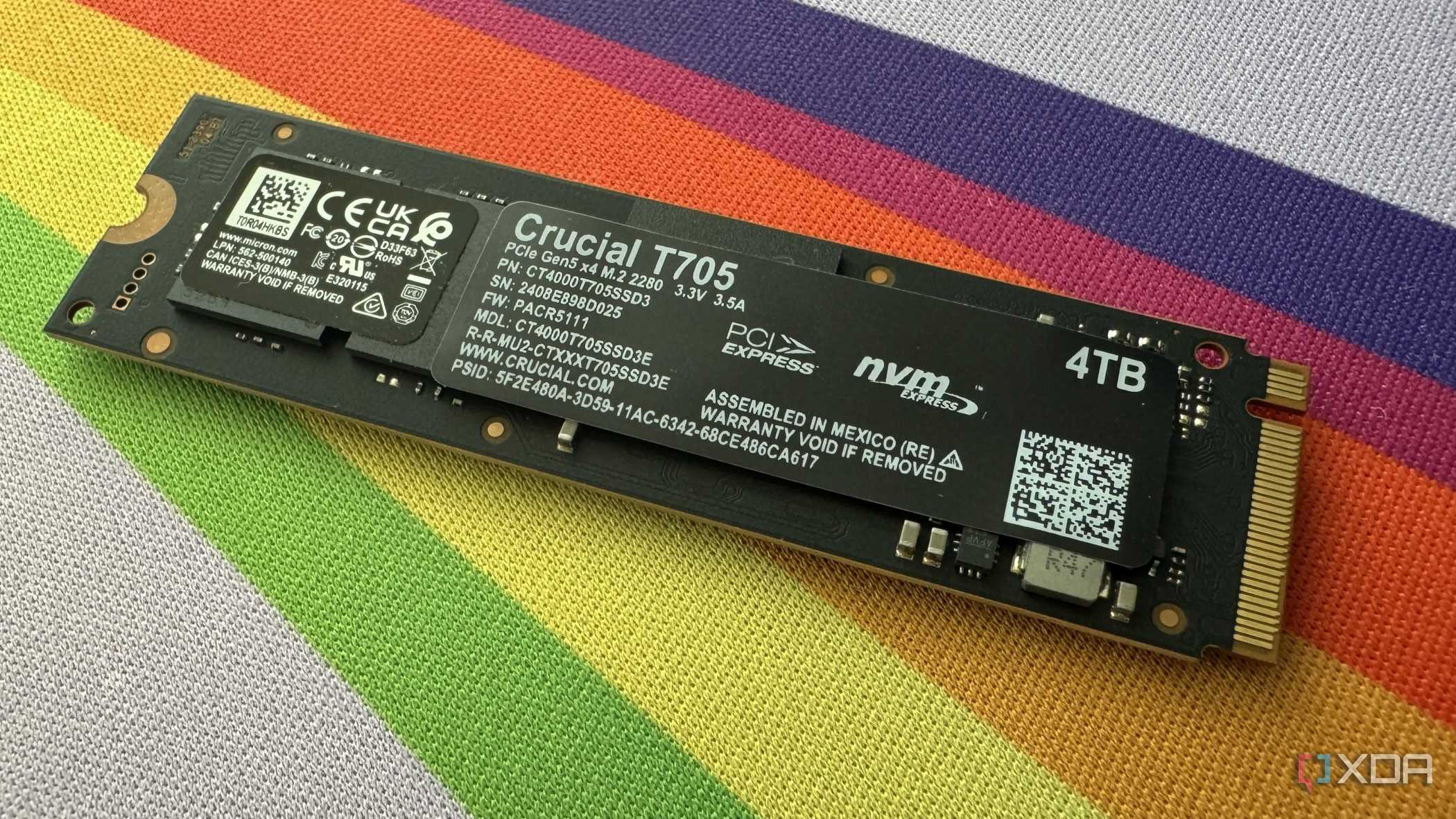
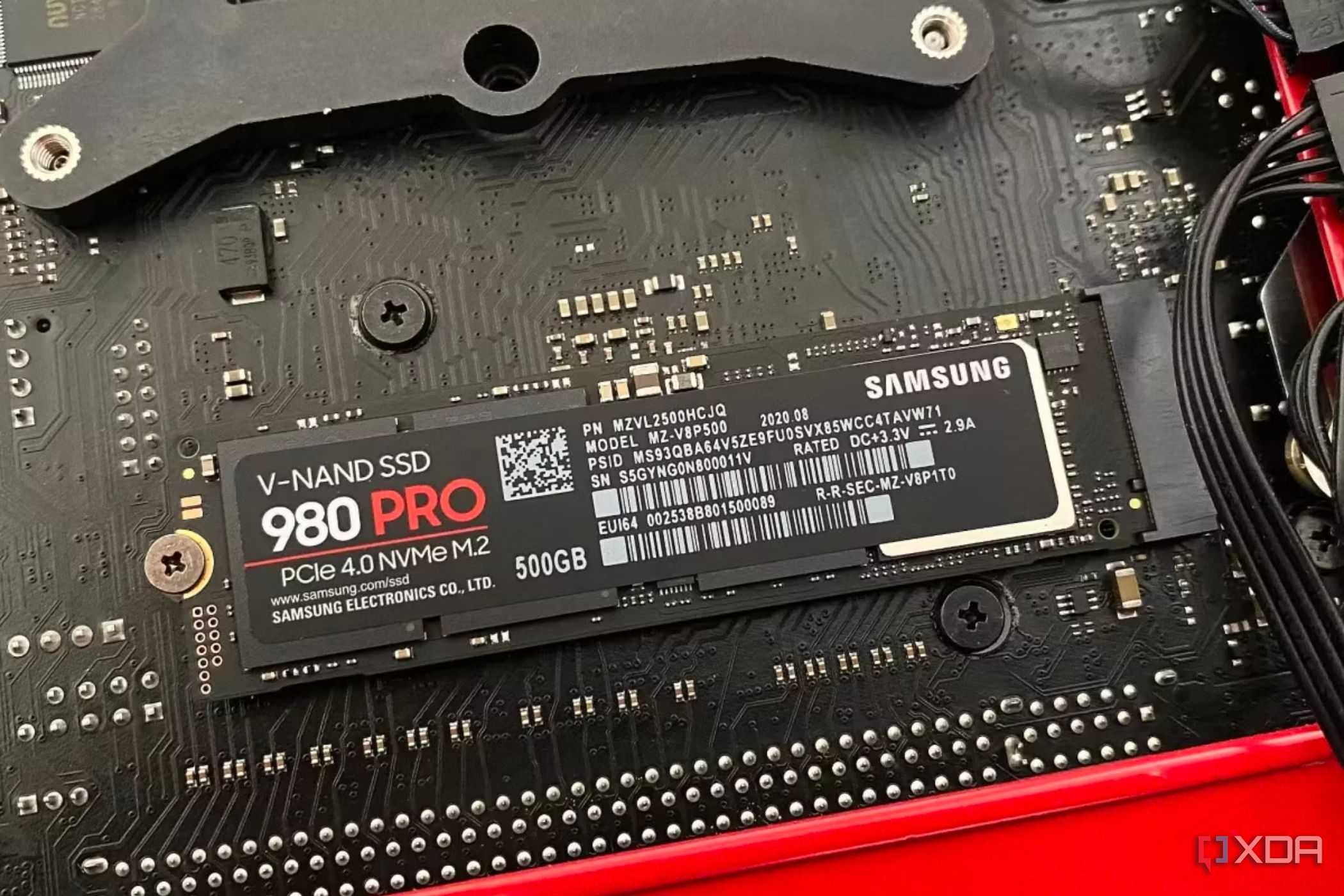

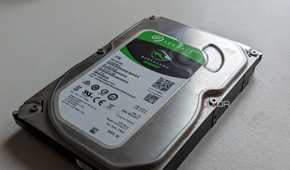

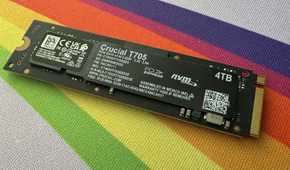
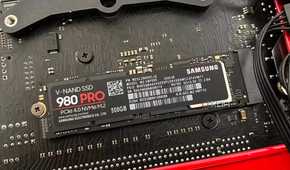
If you're running an outdated SATA SSD or an NVMe drive whose sustained performance isn't up to snuff, upgrade to a faster drive. Not only can these drives speed up overall PC responsiveness, but they are also used by Windows as virtual memory. Basically, they take low-priority tasks out of RAM to free it up for more important tasks when RAM's running low. This can come in handy if a game is pushing your memory to its capacity limit. Though even the fastest SSDs are much slower than DDR5 modules, this may not be ideal if low-priority tasks need more bandwidth than the storage can provide.
SSDs (and GPUs) are potentially next in line for shortages and price hikes, so you'll need to make this move quickly.
While in most cases it's usually best to let Windows handle the page filing, if you're frequently facing "out of memory" errors or crashes due to low RAM, increasing the pagefile size can help. Generally, a size of 1.5–3 times your RAM capacity is recommended.
Switching to Linux might help
If you were considering a switch, now might be the time

Most Linux distros (distributions) you'll come across use less RAM by default compared to Windows. Not only that, they use less CPU and disk resources, so they feel much snappier on older systems. Also, the option to customize the desktop environment (or GUI) adds further utility as you can pick a lighter-weight GUI that suits your needs. So, if decluttering Windows didn't do the job, this might be the move you need.
Switching an entire OS may not have been on your radar, but if it was, this might be your sign. Linux is snappy, free, very customizable, and secure. Taking the time to adjust to the new OS, setting it up, and finding replacements for some software (e.g., Adobe Creative Cloud apps) may be difficult, so keep this in mind. Also, not every game you can play on Windows might be supported on Linux (competitve games with anti-cheat being the prime example). So, you can keep Linux as a final resort if your current RAM sticks just aren't doing the job.
Desperate times call for desperate measures
If you're looking to replace your current kit with a higher-capacity one, things aren't ideal for you. The bright(-ish) side is that there are some steps you can take to reduce memory usage and make the most of what you've got. If you desperately need more RAM, this might not help as much. But if your workloads are only on the cusp of exceeding what you currently have, these steps will keep your PC running smoothly a bit longer.
