


My Raspberry Pi Zero W may be old, but it’s far from obsolete. With the right Linux distro, it still has real value in low-power projects and dedicated tasks. I chose DietPi because it maximizes the potential of limited hardware without requiring me to go through unnecessary hoops. It’s small, efficient, and purpose-built for exactly the kind of tinkering I want to do.
6 It’s lightweight and optimized for speed
DietPi strips away the clutter and runs lean


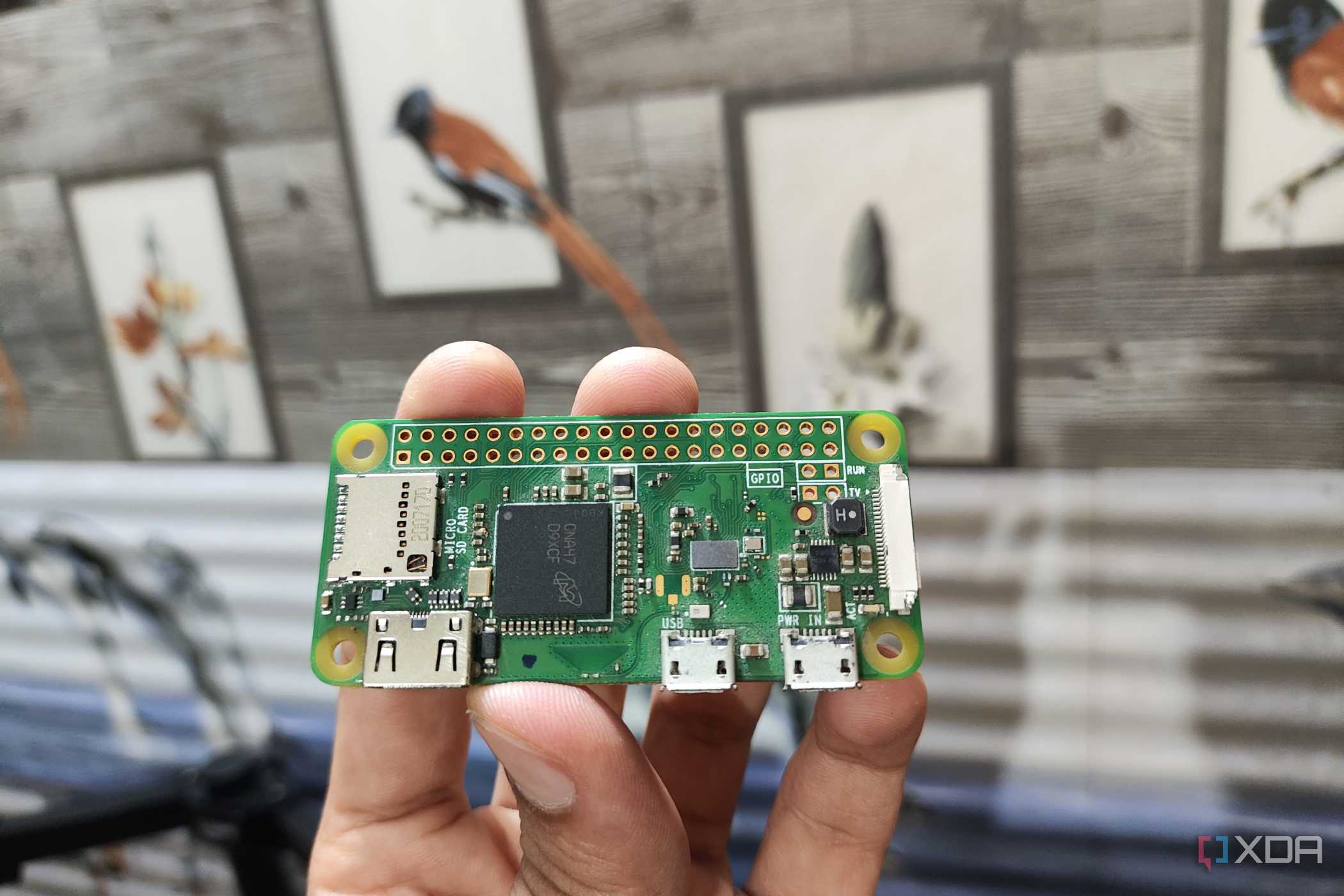
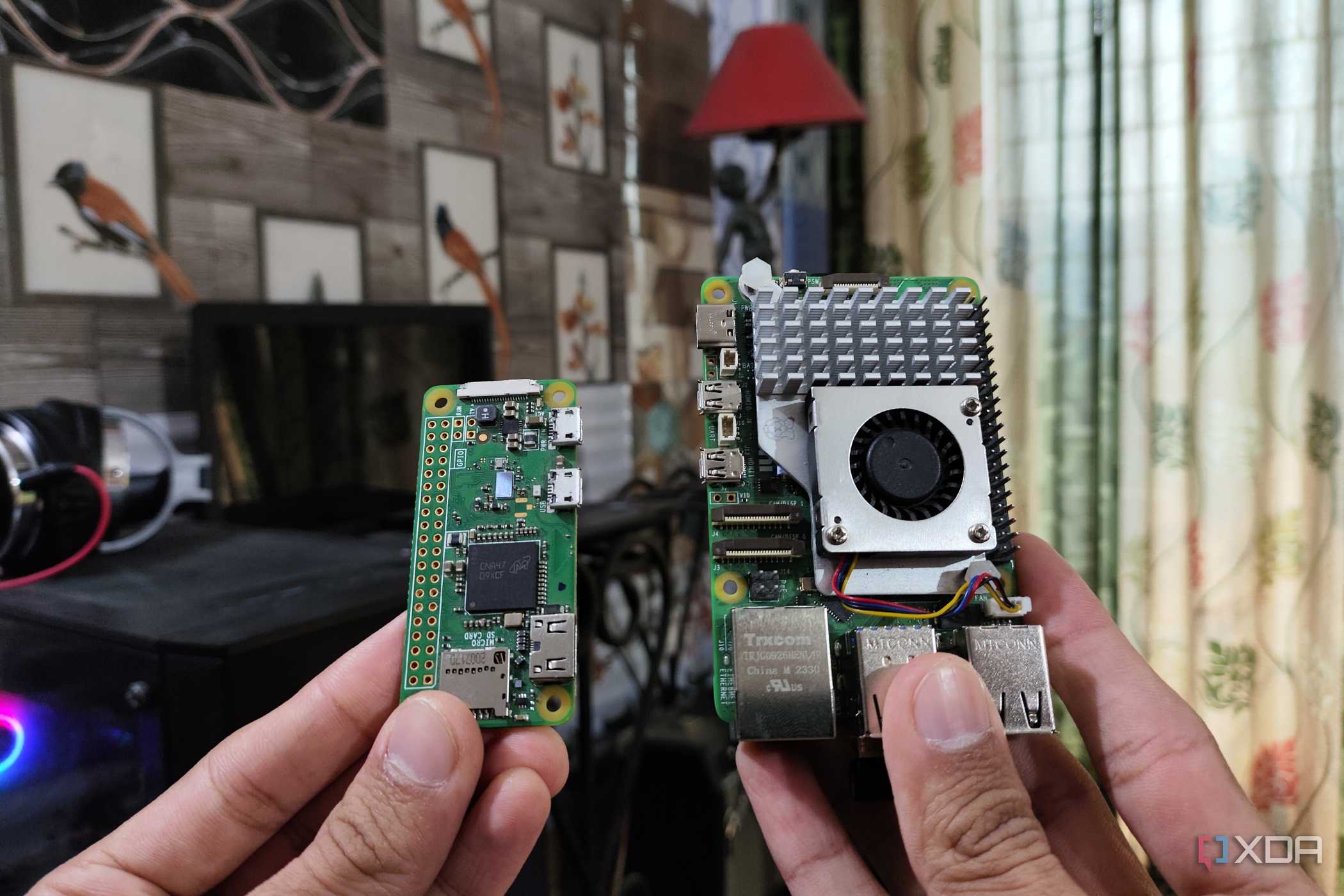
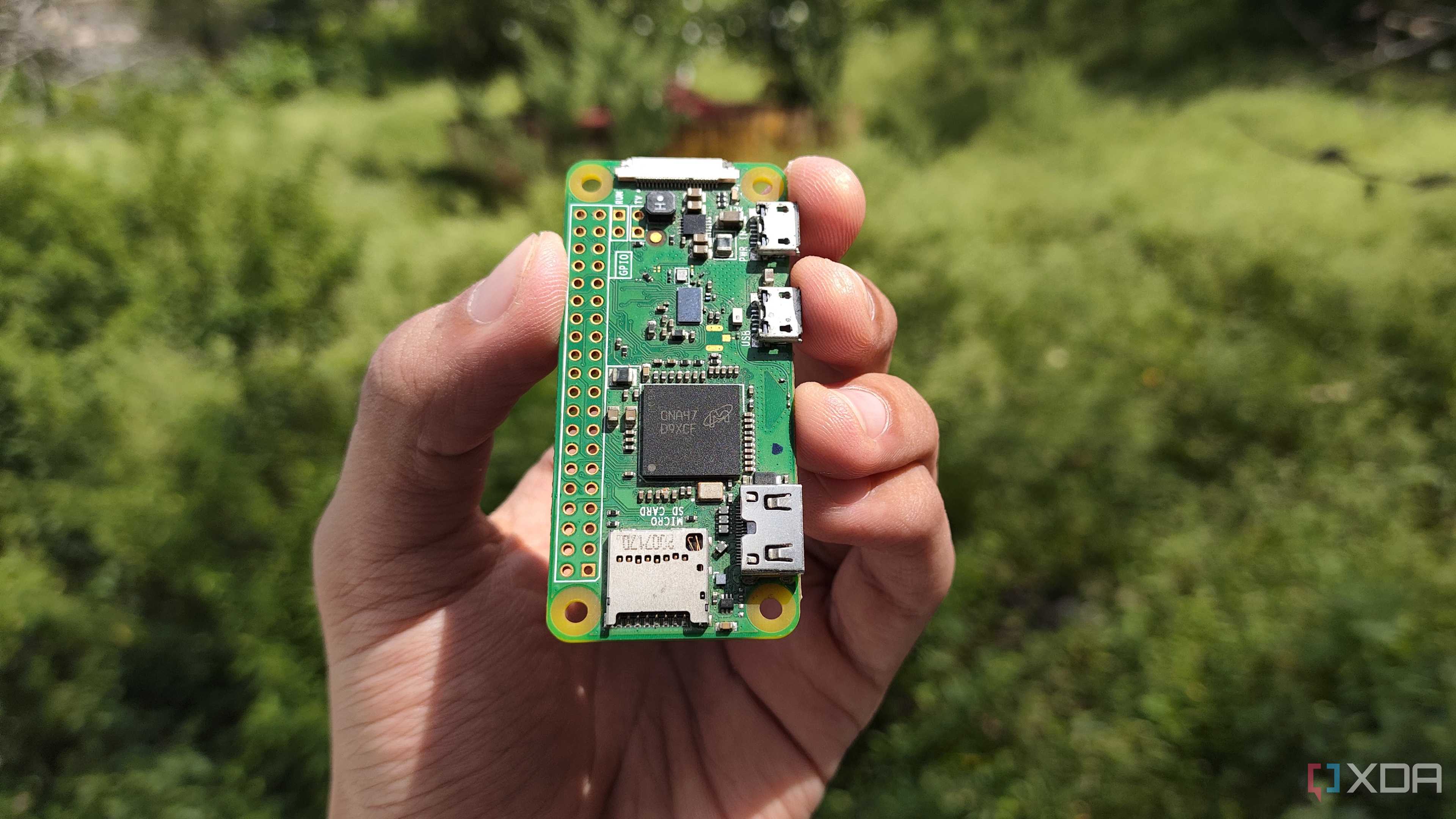
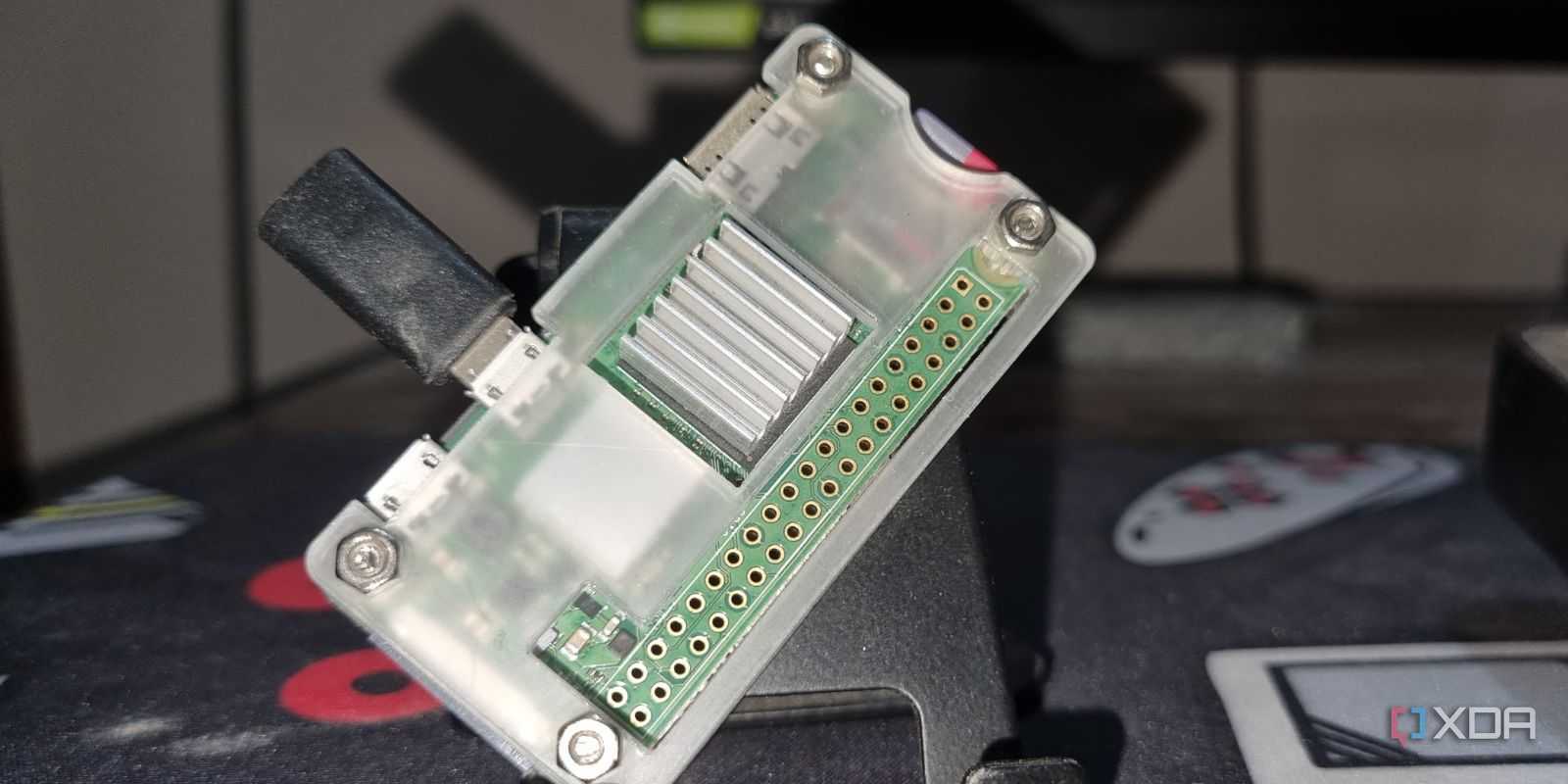

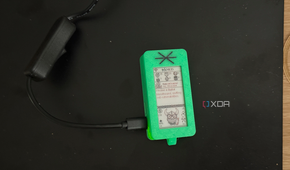
DietPi is one of the smallest and fastest Linux distributions available for Arm-based devices, such as the original Pi Zero W. Its base image is tiny, measuring under 400MB, and it boots to a minimal command line that uses significantly less memory than a full desktop environment. That means more of the Pi’s limited 512MB of RAM is available for your actual projects instead of being eaten up by background services. It also cuts out the fluff, leaving only the essentials and letting you add what you need later.
Every service you install through DietPi is tuned for performance. It disables unnecessary logging, avoids graphical components, and adjusts process priorities to suit low-end hardware. This provides a smoother experience, even when running multiple lightweight services, such as web servers, databases, or monitoring tools. On hardware this constrained, those minor optimizations add up fast.
Even simple interactions, such as package updates or launching scripts, feel faster compared to other distributions. The responsiveness makes it easier to test and iterate, which is especially helpful if you’re using the Pi Zero W for prototyping or background tasks. There’s less waiting and more doing. That’s the kind of performance boost I can appreciate.
5 Installers and automations are built-in
DietPi simplifies setup with helpful automation


DietPi includes a custom automation system that walks you through setup from the very first boot. You don’t need to manually configure locales, expand the filesystem, or enable SSH—it’s all handled for you. The dietpi-software tool then makes it easy to install dozens of pre-configured packages with optimized settings. I was able to get Pi-hole up and running in minutes, and it used less RAM than I had expected.
What sets this apart is how the automation doesn’t just install software—it also configures it intelligently. DietPi optimizes memory usage, disables swap when unnecessary, and fine-tunes each service to run efficiently. It also offers optional tweaks, such as filesystem logging reduction and process prioritization, all through a simple menu. You can skip hours of post-installation tweaks by simply answering a few prompts.
Even better, you can re-run those tools later if your needs change. Want to repurpose the Pi as a local network monitor or basic file server? DietPi makes the switch easy, without requiring a complete reinstall. For a board with limited performance, that kind of flexibility really helps.
4 Updates that are clean and easy to manage
Keeping things simple and transparent to perform smoothly

I’ve had my share of update headaches with other Linux distros. DietPi avoids that mess with a consistent and straightforward update process. The `dietpi-update` command checks for system-level updates and applies them all at once, with precise version control and rollback instructions. It separates system updates from software package upgrades, giving you more control.
This helps prevent surprises that might slow down or break your setup, especially if you're running long-term headless services. DietPi’s default behavior is conservative—it won’t automatically install significant changes or new packages unless you choose to do so. You can also opt into update checks via scheduled tasks or keep it fully manual. That’s ideal when you want stability over bleeding-edge features.
Because DietPi is built on top of Debian Bookworm, you’re still getting current and secure package support. But the distribution’s own tools act like a buffer, shielding your setup from unnecessary bloat. You keep the reliability of Debian without inheriting its more heavyweight tendencies. On a Pi Zero, that’s a real advantage.
3 Great for headless, networked projects
DietPi plays well even without a display

The Pi Zero W is a natural fit for headless work, and DietPi treats that use case as its default. It boots to a terminal, has SSH enabled by default, and provides quick tools for configuring Wi-Fi and networking. That made it perfect for the Pi-based sensor project I run in my workshop. It connects wirelessly, pushes data to my server, and consumes barely any power while doing so.
I didn’t have to fight with graphical login managers or worry about wasted resources. DietPi simply boots, runs, and stays online. That reliability is precisely what I want in a background device that shouldn’t need babysitting. When updates or restarts are required, the logs are easy to follow, and the boot time is brief.
For projects such as network monitors, time servers, or local DNS caching, DietPi offers all the right tools with none of the unnecessary components. Its headless-first design is intentional, not an afterthought. That makes it ideal for automation, scripting, and long-term background operation. The Pi Zero W thrives in those roles, and DietPi helps it shine.
2 A small but helpful community
DietPi users are focused and knowledgeable


Unlike the massive user base of Raspberry Pi OS, DietPi’s community is smaller and more tightly focused on low-resource computing. Most people using it are building specific services, such as network tools, home automation nodes, loggers, or media streamers. That makes forums and discussions far more relevant to Pi Zero users like me. I spend less time filtering out unrelated advice.
The official forums, GitHub issues, and documentation are all kept fairly active. When I’ve run into configuration questions, I’ve often found someone else has already solved the same problem. The developers also interact directly with users and frequently respond to bug reports. That level of responsiveness is rare, especially in lightweight or niche distributions.
DietPi’s documentation is also better than expected. It explains not only what a tool does, but also why it’s configured the way it is. That helps me learn as I build, instead of just blindly copying and pasting. For makers and tinkerers, that educational value is hard to beat.
1 DietPi makes the most of older hardware
Every part of the system works efficiently

The Pi Zero W was never built for speed, but that doesn’t mean it has to be slow. DietPi squeezes the most it can out of every megabyte and every CPU cycle. It avoids background churn, keeps RAM usage in check, and provides you with just the right tools to build something meaningful. You don’t have to fight with the system to make it useful.
Whether you're building a tiny web server, setting up backups, or tracking smart home sensors, the performance is surprisingly good. DietPi helps by trimming every bit of overhead and letting you fine-tune what runs in the background. You’re not stuck using full-size tools when a busybox version will do. That makes the system feel snappy, even when it's doing real work.
Small touches, such as built-in CPU temperature tracking, disk usage summaries, and memory monitors, make it easier to spot trouble before it happens. I can quickly check my system health and adjust as needed, without relying on third-party software. On limited hardware, being proactive matters. DietPi strikes the perfect balance between control and simplicity.
Keeping my Raspberry Pi Zero functional and fast thanks to DietPi
With DietPi, my Raspberry Pi Zero W has found new life. It boots faster, uses less memory, and handles small jobs without breaking a sweat. For a device that’s easy to overlook today, that kind of performance still feels satisfying. It demonstrates that older hardware can still be practical and efficient when paired with the right software.

