


If you've been using the same Wi-Fi router for a while, there's a chance it's still using older versions of wireless connectivity, like Wi-Fi 5. Otherwise known as IEEE 802.11ac or Wireless-AC, this standard found widespread adoption after 2013, and was in everything requiring a fast, stable wireless connection to the internet. But that was a long time ago now, especially in the tech world. Currently, Wi-Fi 7 routers are the fastest available standard, but they're expensive, and not many devices support the new version, so if you're looking to upgrade, it's a Wi-Fi 6 or Wi-Fi 6E router or mesh node system that should be at the top of your list.
Even putting aside that consumer-level routers aren't designed to last forever, so any router from over five or six years ago might be getting to the end of its operational lifespan, you're leaving performance on the table without having a faster Wi-Fi standard available. That's especially true if you have a fast broadband connection, where you might not be able to take advantage of the speeds your ISP is supplying if your equipment is using older standards. Let's talk about some of the things Wi-Fi 6 or 6E are better at than previous Wi-Fi versions, so you can be persuaded to upgrade.
6 Capacity
Do a quick count of how many wireless devices you own, then come back





Our homes are filled with Wi-Fi-connected devices, from smart TVs to appliances and computing devices. That's a problem for earlier Wi-Fi versions, as the multiplexing used to allow those devices onto the network at the same time can only support a certain number of devices at a time. For Wi-Fi 5, the frequency channels 20, 40, 80, and 160MHz can support 64, 128, 256, and 512 subcarriers, with each subcarrier being a single device. That's a fairly low limit, especially if your router doesn't support the 80 or 160MHz channels. You might have noticed delayed responses from your wireless devices or thought that the wireless signal was weak, but it's just as likely that you simply have too many devices for your router to cope with.
With Wi-Fi 6, those existing subcarrier spaces are further divided, so you can support four times as many devices on each frequency band. That's enough for every one of your smart home devices to happily coexist with your gaming consoles, your computers, your smartphones, and other wireless devices.
5 Increased bandwidth
Stream shows and download games even faster


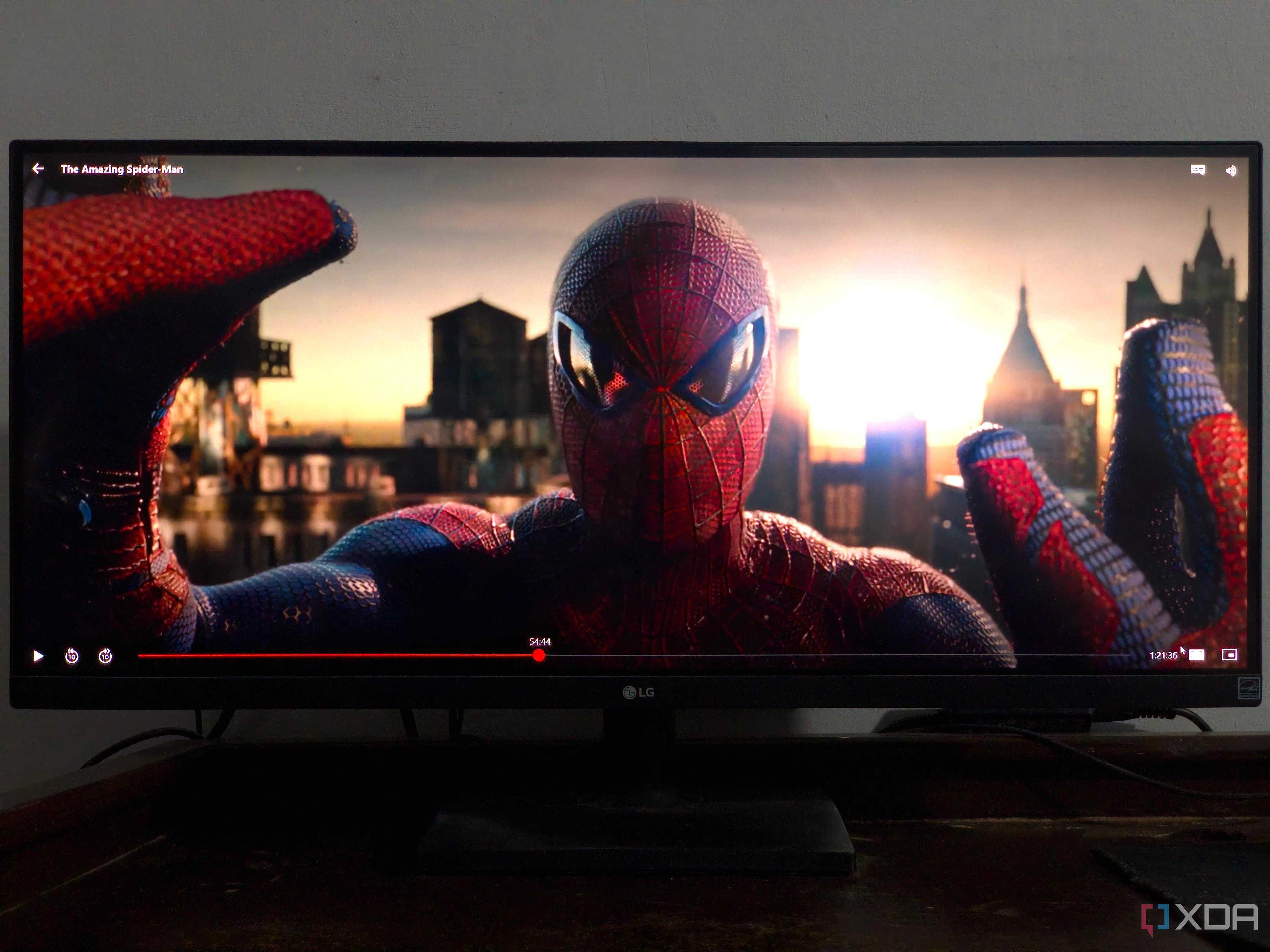
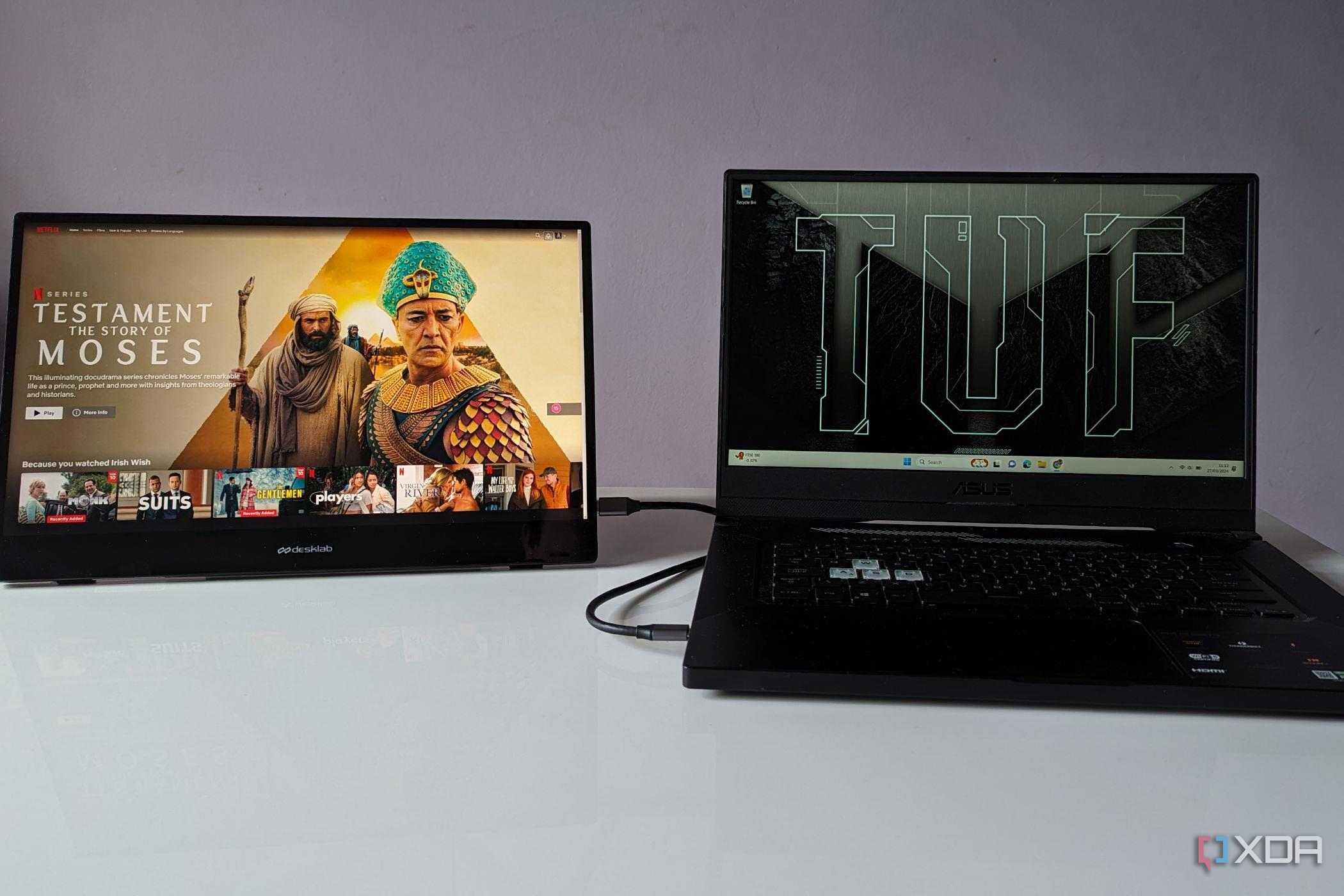
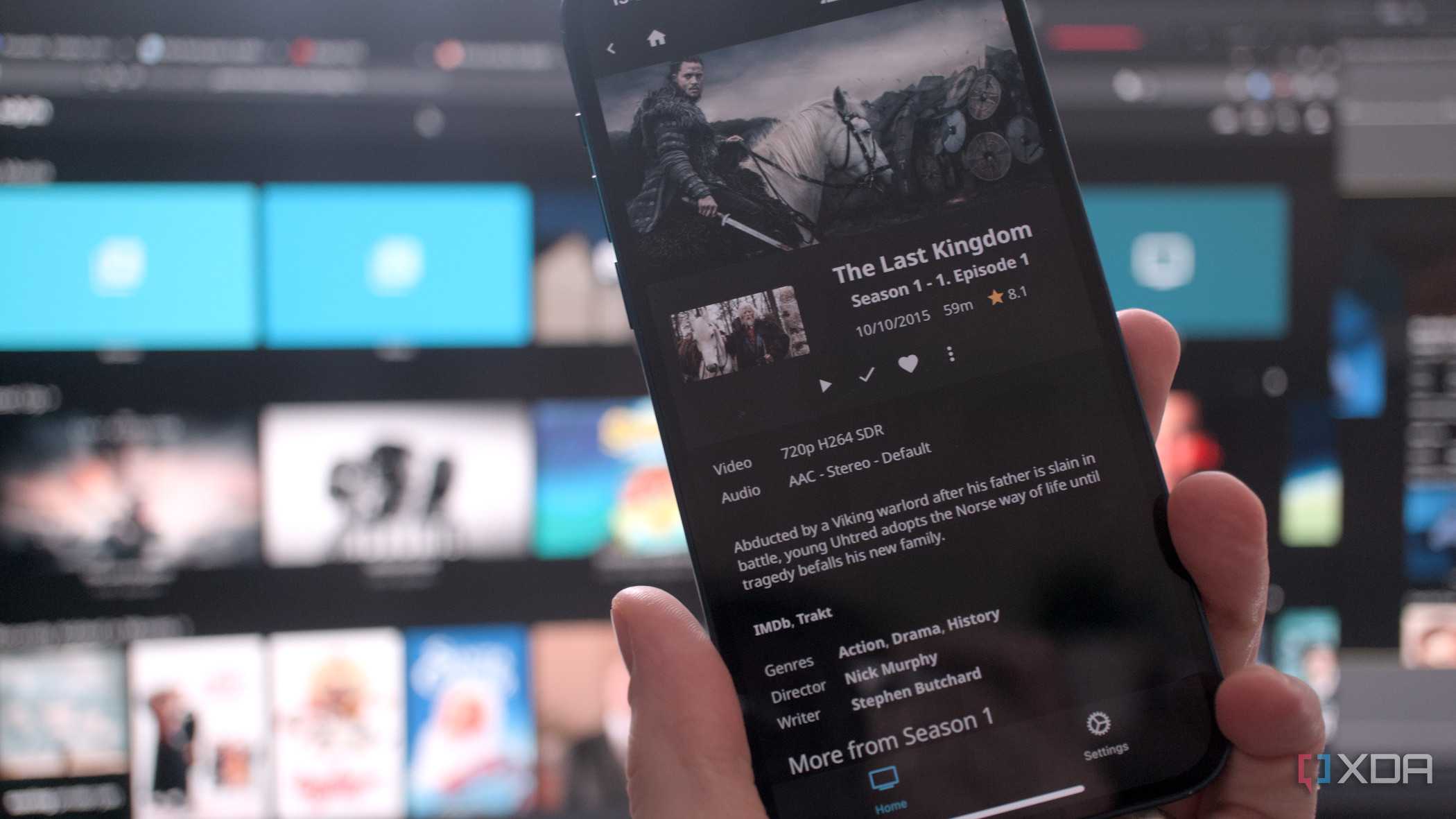
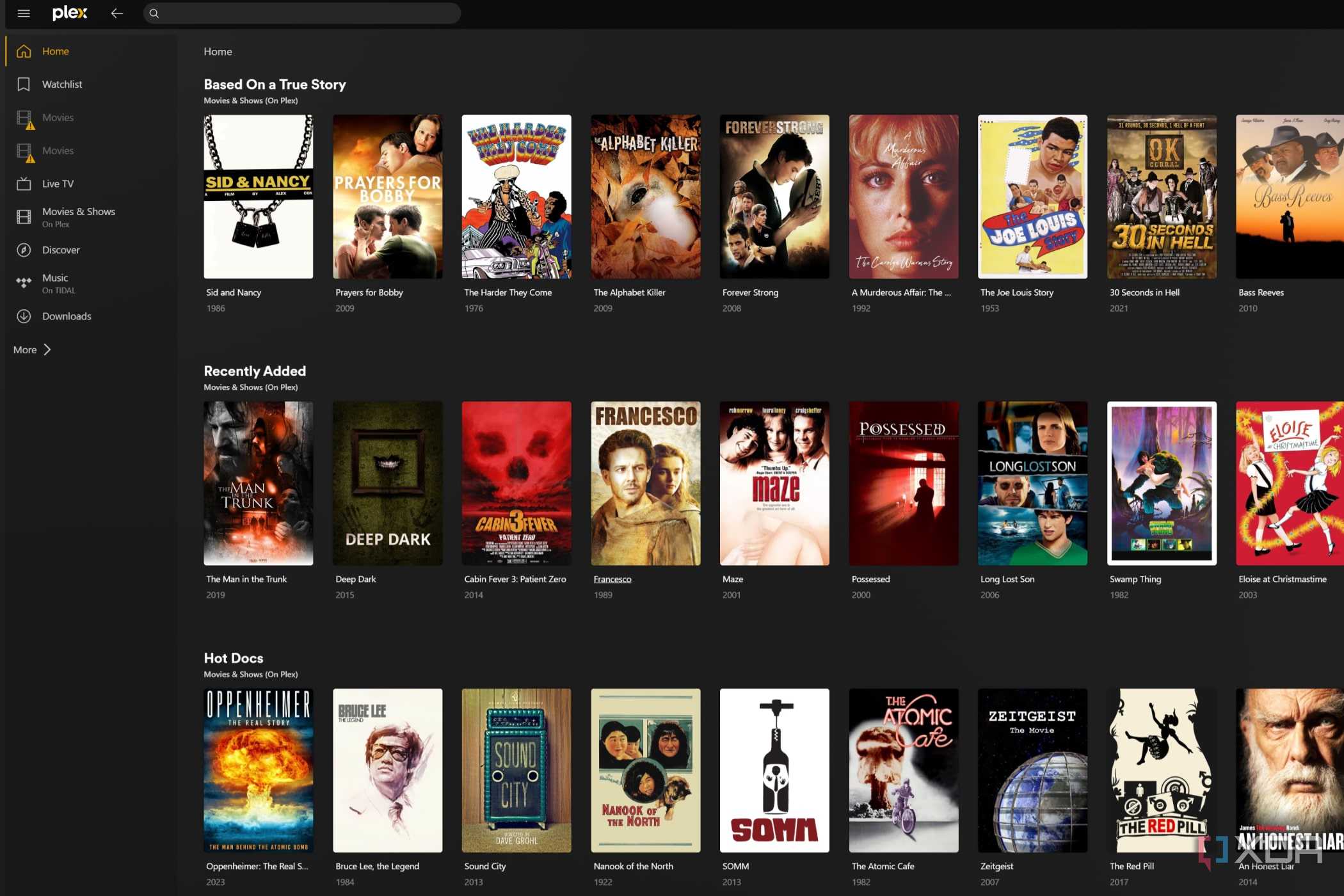
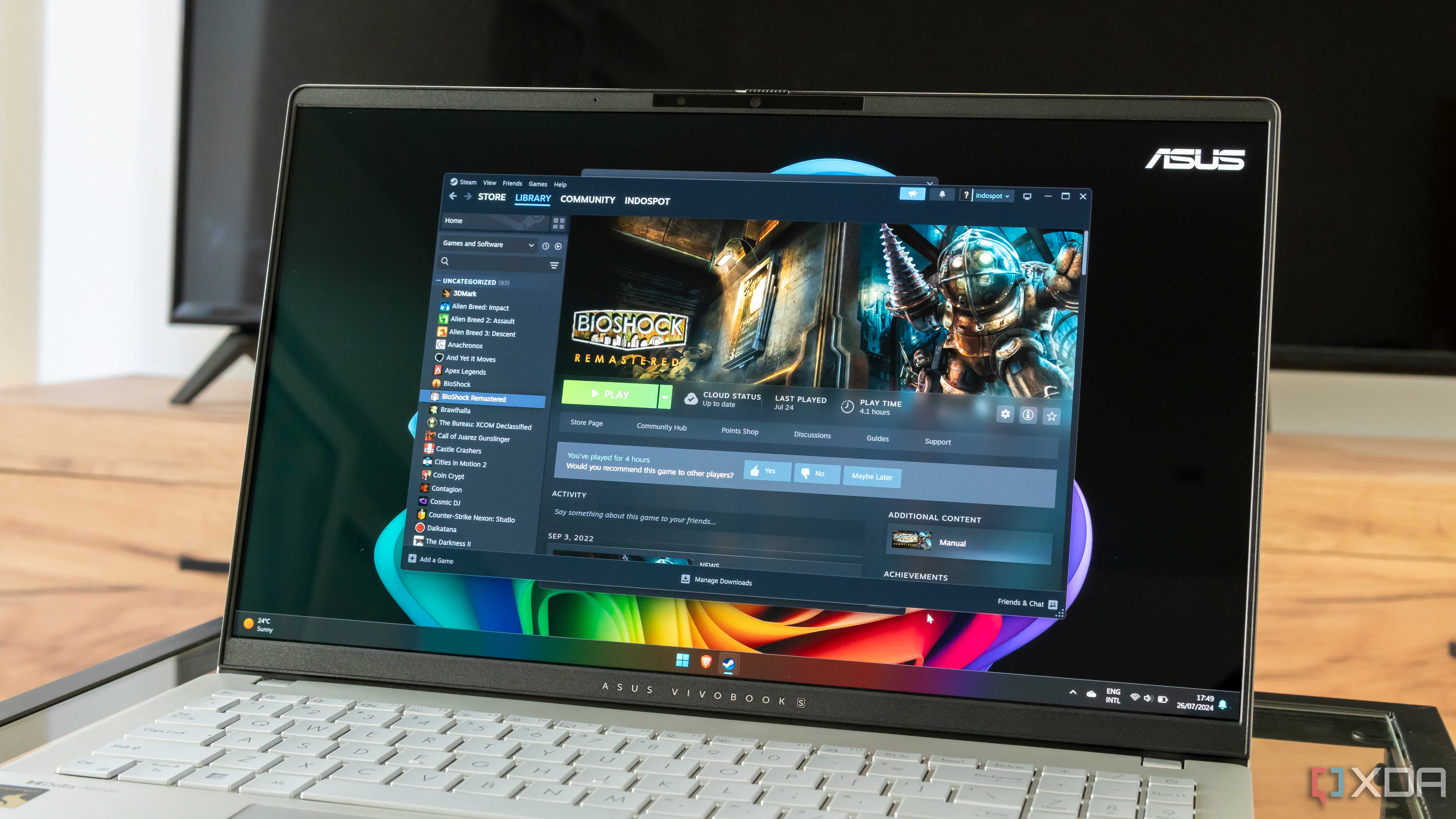




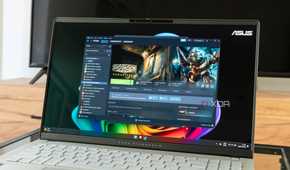
Wi-Fi 6 allows more high-bandwidth traffic to pass over your network simultaneously. Devices like streaming boxes, consoles, and gaming PCs can all access more bandwidth without affecting other users. Wi-Fi 5 had a unidirectional four-simultaneous transmission limit before it got crowded and slowed everyone's connections down to compensate. That means streaming sites would buffer, gaming connections would have increased latency, and even browsing on your smartphone would suffer.
Wi-Fi 6 increases that limit to eight devices actively using the wireless LAN without interference. But it also introduces bidirectional connections so that the PC or other client device can connect to the Wi-Fi access point on multiple bands if there is available bandwidth. That allows you to upload data at the same time as downloading, speeding up transfers or web browsing. The end result is that every data-hungry device on your network can eat properly, without having to wonder if it's going to get fed.
4 Coverage area
Wi-Fi dead zones and reduced coverage are the pits

While Wi-Fi 6 and 6E's range on the 5GHz band is similar to Wi-Fi 5's, and the 6GHz band of Wi-Fi 6E has a smaller range, because of improved beamforming technologies, Wi-Fi 6's coverage is better overall. If you already have Wi-Fi dead zones in your home, a single router might not be enough to solve your problems, but consider a mesh network using Wi-Fi 6E, so one band can be used as a wireless backhaul and improve your Wi-Fi coverage throughout your home.
It's true that jumping to Wi-Fi 6 or Wi-Fi 6E from earlier versions might not increase the signal reach, but that doesn't mean you won't get better coverage inside that zone. That's because the 6GHz band doesn't have many, if any, sources of interference yet, so gets pristine airwaves to use. Compare that to 2.4GHz radios that get interference from other routers, fluorescent lights, Bluetooth and microwave ovens, and you start to see why the newer Wi-Fi versions are better for coverage.
3 Security
WPA3 encryption is much harder to crack

It's never a bad thing to get better security on your home network, and Wi-Fi 6 and Wi-Fi 6E bring that in the form of WPA3 encryption. Wi-Fi Protected Access 3, to use its full name, improves the encryption for password-protected networks significantly over the prior WPA2. But it also goes further, with OWE (Opportunistic Wireless Encryption), which encrypts the data your device is sending and receiving even on network access points with open authentication. That's not something we suggest you should run at home, but it's being mentioned to show how many facets of WPA3 add up to make your wireless network safer to use.
2 Higher speeds
Nobody likes buffering
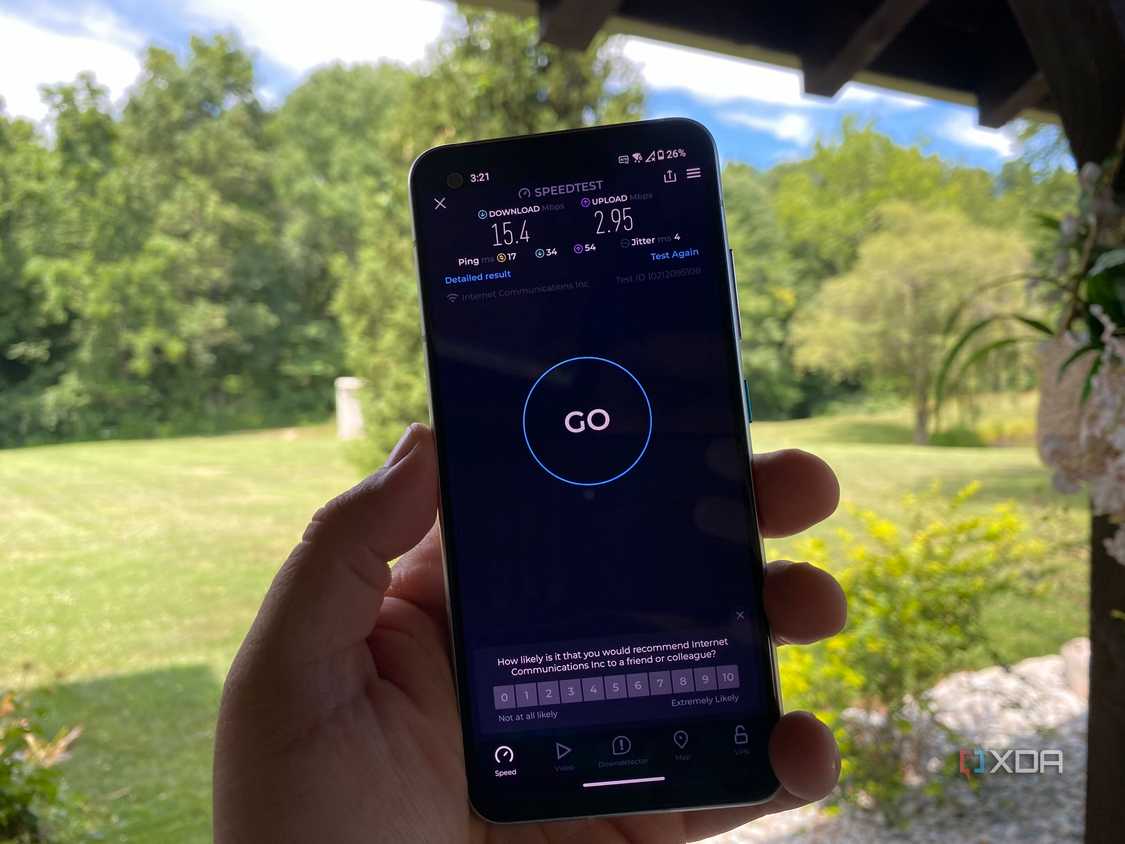
Mesh Wi-Fi can also improve coverage outside your home 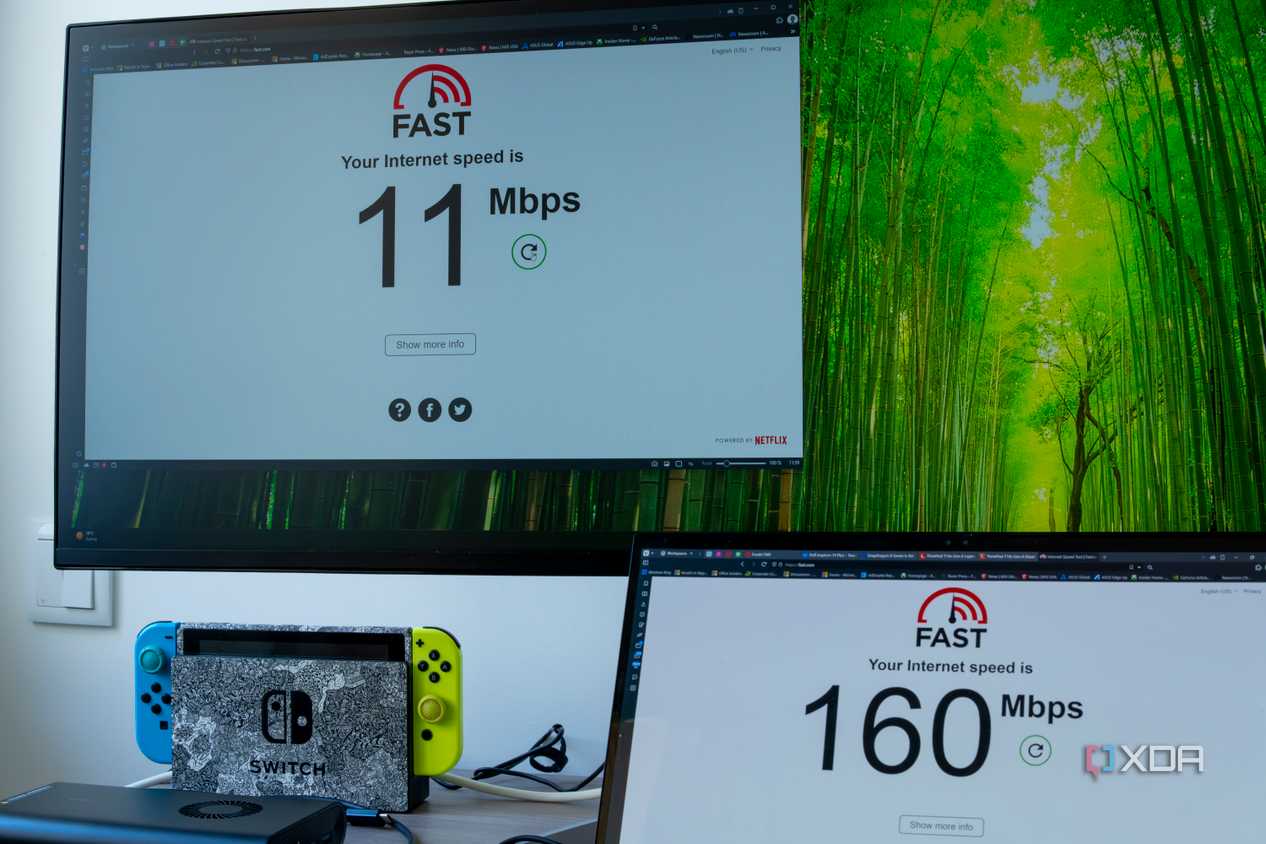


Mesh Wi-Fi can also improve coverage outside your home 

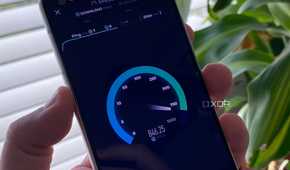

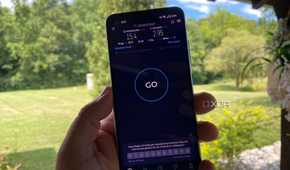

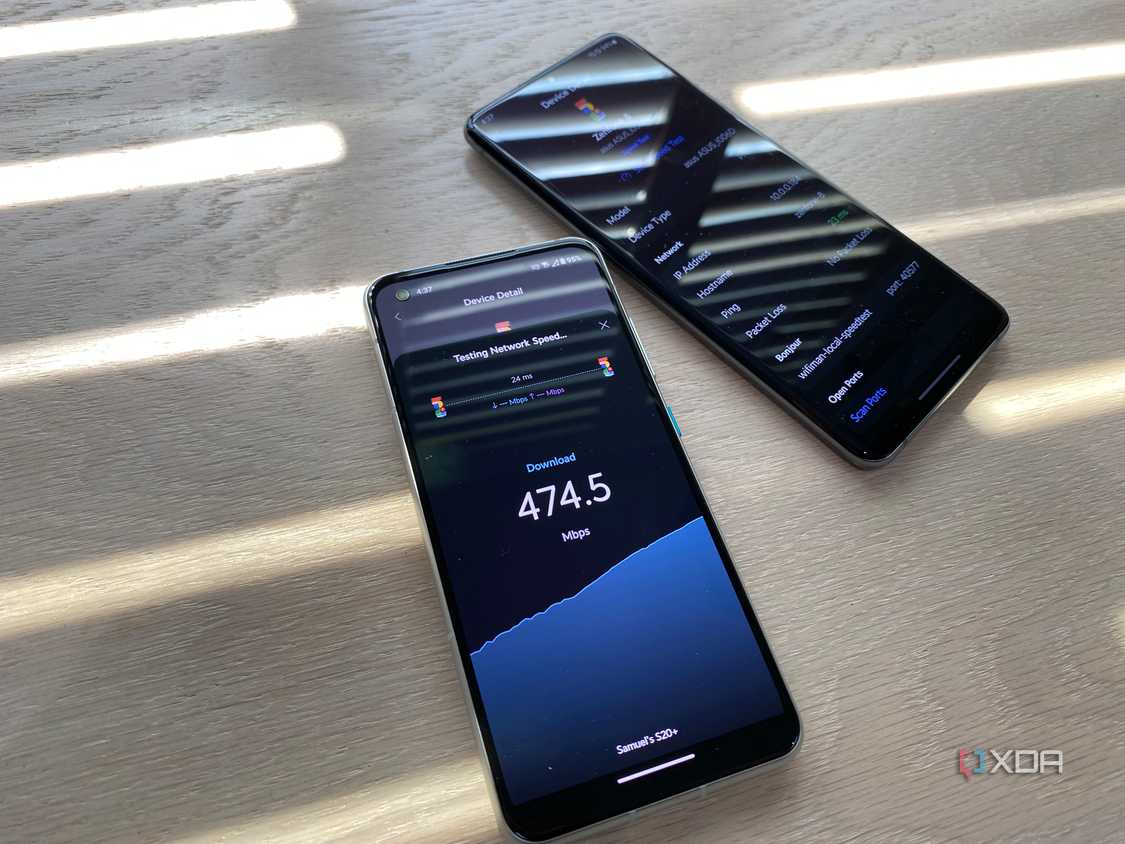
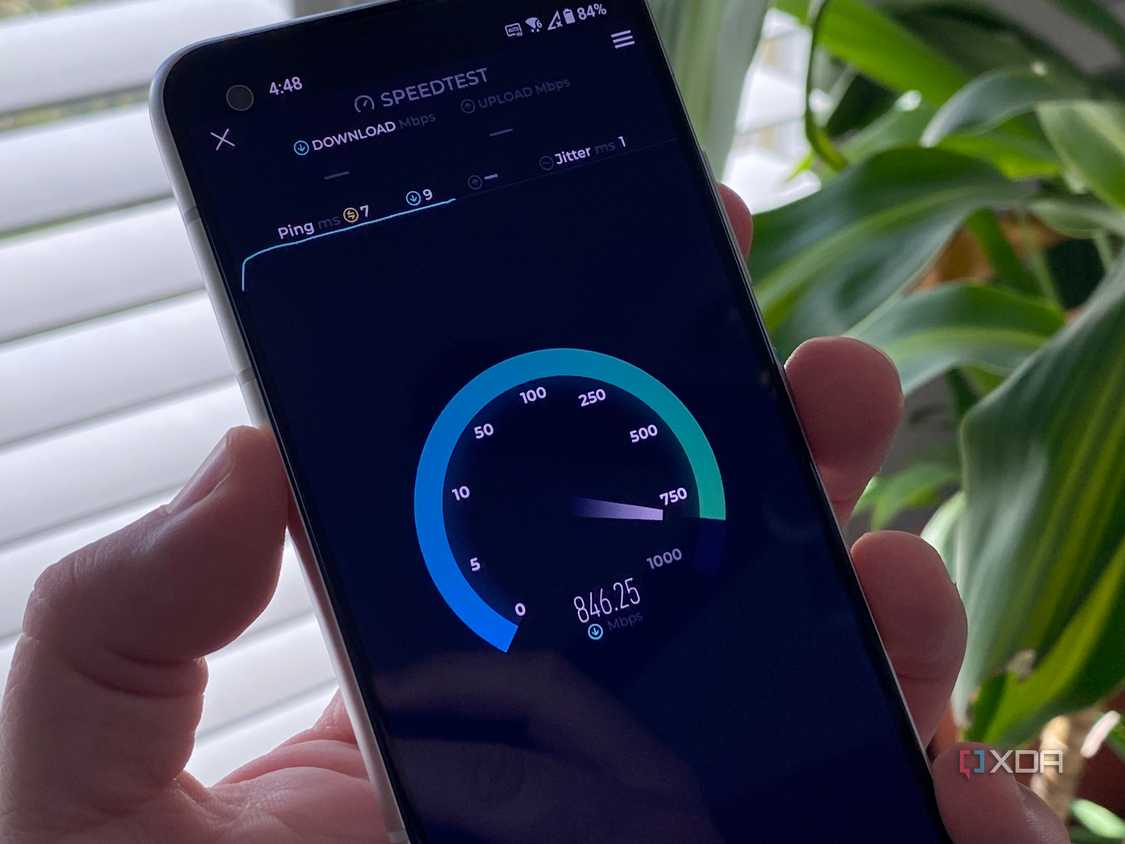
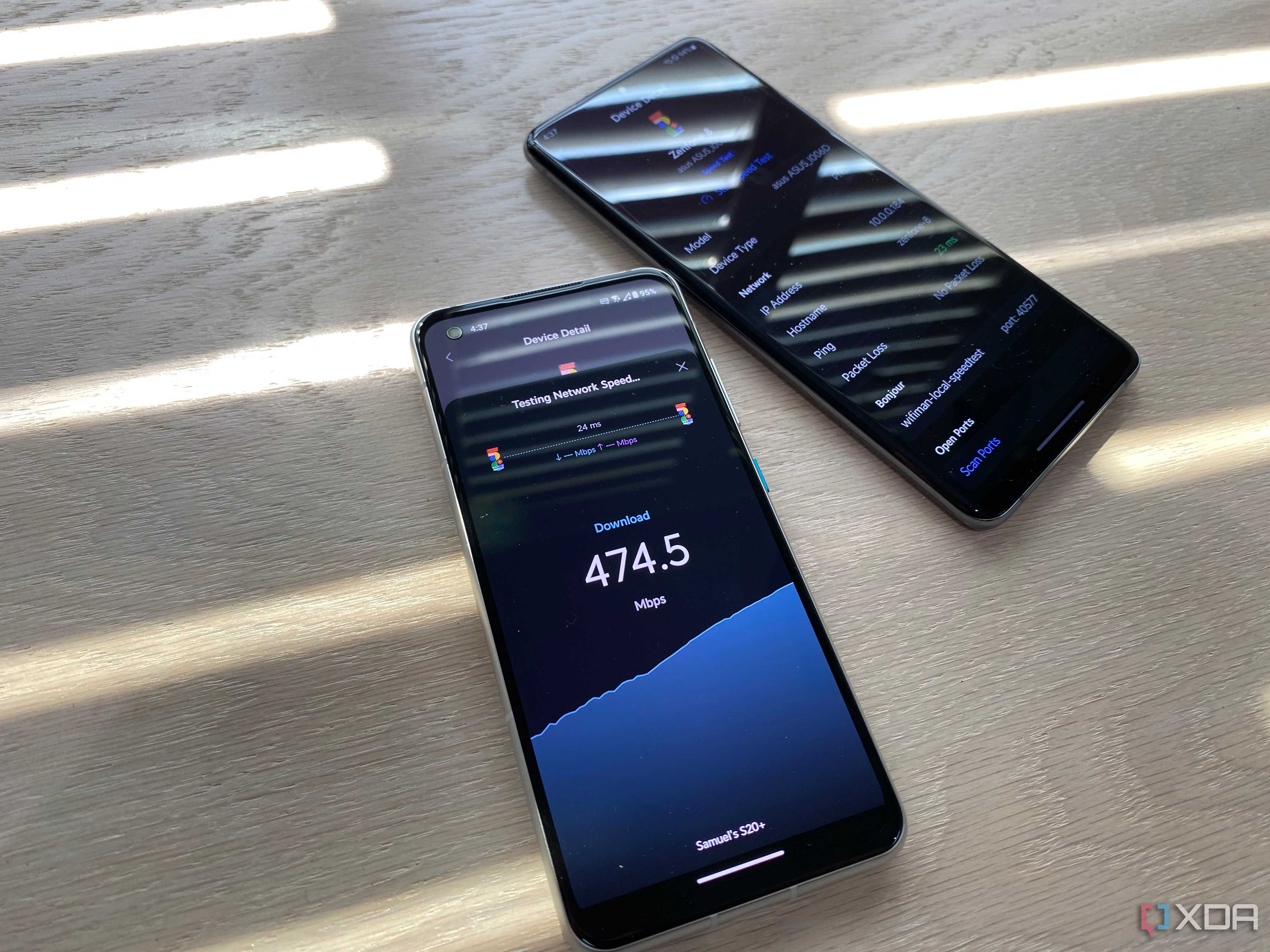
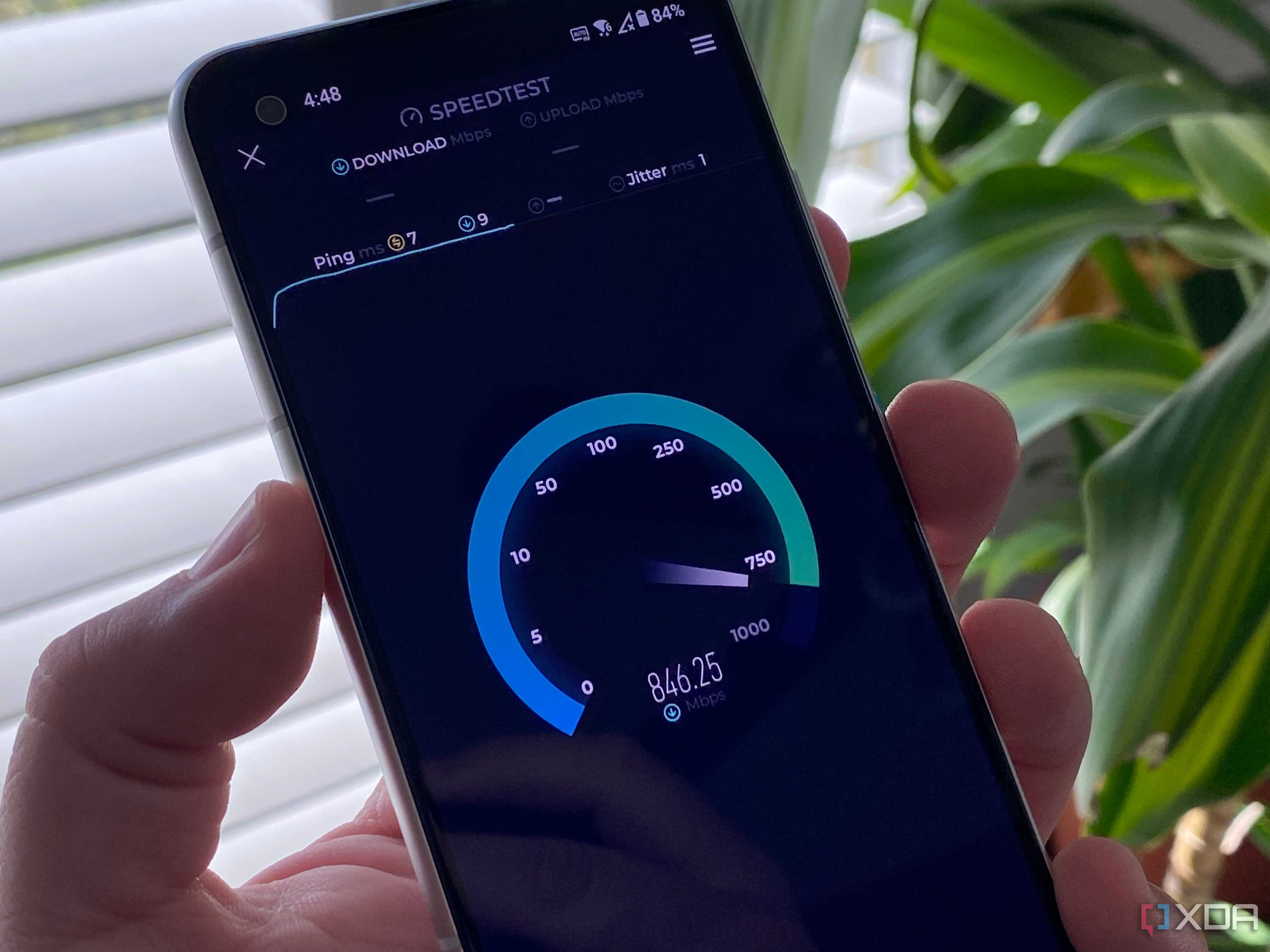
If you're using an older version of Wi-Fi, you probably think that using a wired LAN is going to be much faster than using wireless connectivity. You'd be right, with your particular network configuration, but Wi-Fi 6 and 6E start to rewrite that maxim. Wi-Fi 5 has a theoretical maximum speed of 3.5Gbps, but real-life testing shows it's significantly lower than that, with a conservative average of 200Mbps.
Wi-Fi 6 increases that theoretical maximum to 9.6Gbps, almost three times the speed. I have a Wi-Fi 6E router and Wi-Fi card in my PC, and with a 2x2 antenna setup, I get around 675Mbps download speeds and 600Mbps upload. I get those speeds no matter what other devices on my network are using data, even with multiple TVs streaming in 4K. Nobody has the patience to wait for things anymore, and file downloads are one thing that they shouldn't have to. Wi-Fi 6 or 6E makes that possible.
1 Less congestion
Wi-Fi 6E, in particular, introduces a new, uncongested 6GHz band

Most Wi-Fi routers have two main frequency bands they operate on: 2.4GHz and 5GHz. It's been that way since the early 00s when the 5GHz band was first introduced, but it didn't really get widespread adoption in wireless devices until 2015 or so, as consumers started to upgrade to Wi-Fi 5 routers that could use Wireless-AC speeds. So, that's a decade or more in which every one of your neighbors who got internet service installed received a dual-band router. That's a lot of wireless congestion, especially on the 2.4GHz band which is still used widely by IoT devices.
If you've noticed your Wi-Fi slows down around the time people come home from work, that's a sure sign of congestion. You could channel hop to less-congested ones, but they still overlap with the ones your neighbors are using and will get some level of interference. A router with Wi-Fi 6E gets around the congestion issue by opening up a new band to use in the 6GHz spectrum. This band isn't just faster, it's wider and can serve more bandwidth, but the best thing improvement right now is that not many user devices use the 6GHz band, so they have uncongested airwaves to thrive in.
It's time to plan upgrading to Wi-Fi 6 (or Wi-Fi 6E)
Wi-Fi 5 isn't just becoming obsolete, the physical hardware that still uses it is aging rapidly and should be near the top of your list of things to upgrade. Modern routers are much more user-friendly to setup and use, and the improvements in technology are well worth the investment. It'll also improve the signal you get from your existing devices, as Wi-Fi 6 and 6E routers can handle more devices at once without slowdowns. You might not need Wi-Fi 7 (yet) but that doesn't mean you should stay with an old router for much longer.
