


OLED TVs may offer the best picture quality available today, but despite all the advancements over the past decade, they're still not immune to aging. The self-emissive pixels that make OLED panels so impressive are also what make them wear down over time. Unlike LCD TVs that rely on a backlight, every pixel in an OLED panel produces its own light, which means the panel gradually degrades the more you use it.
I don't want to scare you because this happens slowly enough that you won't notice anything wrong for years. In fact, the LG C8 I bought in 2019 is still doing just fine, even though it doesn't look as good as it did on day one. That said, OLED panels rarely fail without warning. When they're nearing the end of their lifespan, they usually start showing a few clear red flags, such as dead pixels and burn-in. If you know what to look for, these signs can tell you whether it's time to start saving up for a new TV.
Burn-in that won't go away even after a pixel refresh
If it disappears after a pixel refresh cycle, it's just image retention

Almost all OLED TVs offer a pixel or panel refresh feature to help maintain the health of the OLED panel over time. Every time you run a pixel refresh cycle, your TV recalibrates the voltage levels across the panel to compensate for small brightness differences that develop as the pixels age. This process helps even things out and can clear up image retention caused by static elements like channel logos or in-game HUDs.
However, if those outlines remain visible after multiple pixel refresh cycles on a white background, you're most likely dealing with permanent burn-in. Sure, you could argue that pixel and panel refresh cycles can sometimes reduce the visibility of mild burn-in, but they can't fully reverse it. And that's because burn-in results from some pixels wearing out faster than others after displaying the same static elements for long periods of time. Yes, my LG C8 does have mild burn-in at this point, but I rarely notice it unless I'm staring at a white screen.
Uneven brightness across the screen
Gray screens are quick to expose uneven panel wear

Unlike burn-in, which shows up as faint outlines of static elements, uneven panel wear appears as darker patches or subtle vertical bands. It's almost impossible to notice this while watching regular content because the scene is constantly changing. However, the moment you pull up a uniform gray screen, those inconsistencies can suddenly become much more obvious. That's why gray test screens are often used to check for uniformity issues on OLED panels.
The reason for this uneven brightness is that different parts of the self-emissive OLED panel don't always age at the same rate. Some parts of the screen display brighter content more often than others, and the OLED pixels in those areas naturally wear down a little faster over time. My LG C8 from 2019 shows a bit of this if I intentionally pull up a gray test screen and look closely, but I rarely notice it when I'm watching movies and TV shows.
Too many dead or stuck pixels
The more you notice them, the harder they are to ignore

Dead and stuck pixels can happen on any display, and occasionally, you'll find one or two even on fairly new OLED panels. I started noticing a couple of dead pixels on my LG C8 just after a year of daily use, but they never really bothered me enough to file a warranty claim. Fast-forward to 2026, and there are a few more scattered across the screen, though I still don't notice them during normal viewing. Most of the time, they're only noticeable if I'm actively looking for them on a bright or uniform background.
A dead pixel appears as a tiny black dot that never lights up, while a stuck pixel usually stays locked to a single color, like red, green, or blue. One or two defective pixels are easy to ignore, but if you see more of them, especially near the center of the screen, they can become distracting during bright scenes. If it gets to a point where they're annoying under normal use, that's usually a clear sign your OLED panel is starting to show its age.
Your TV doesn't get as bright as it used to
OLED brightness levels don't stay the same forever


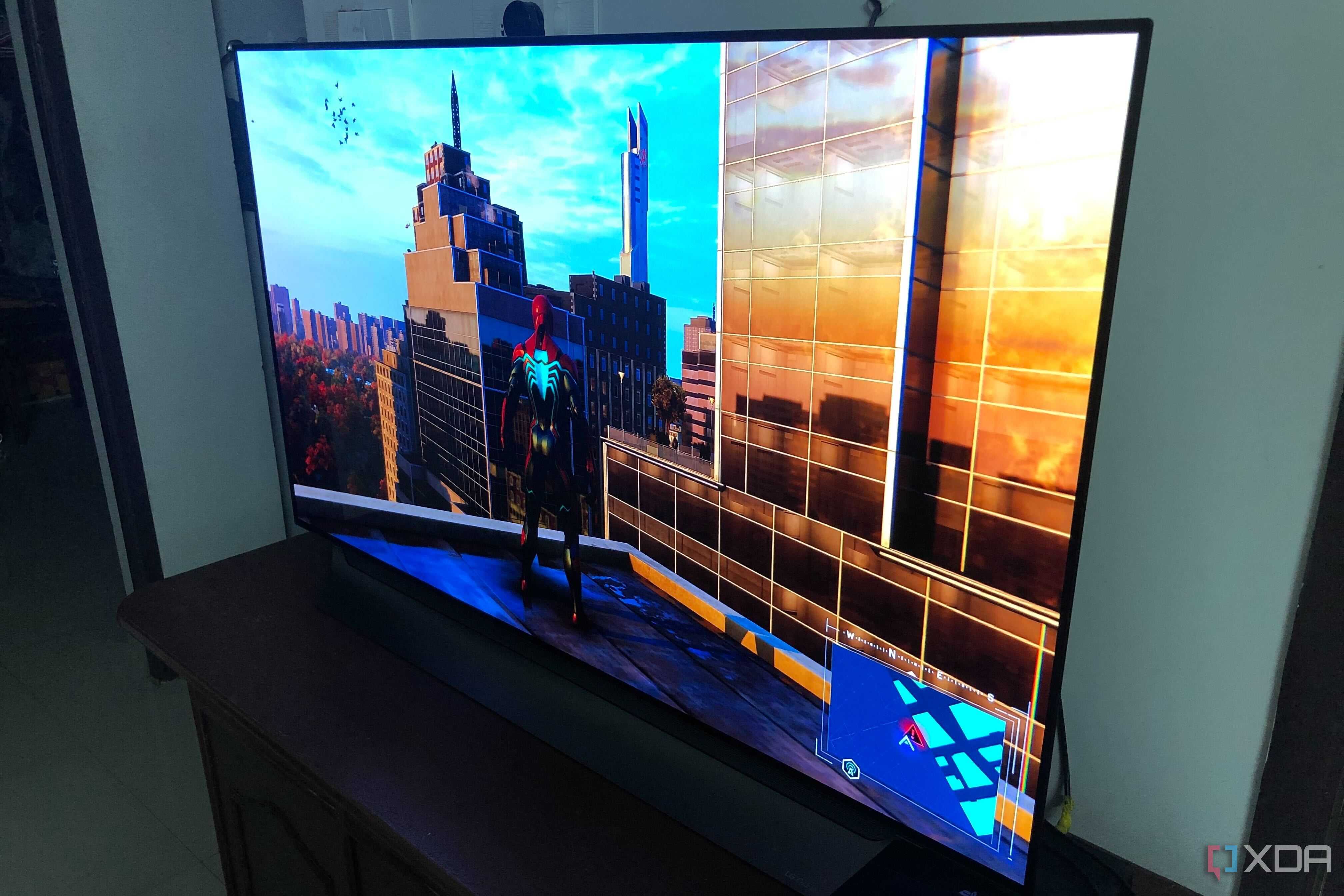
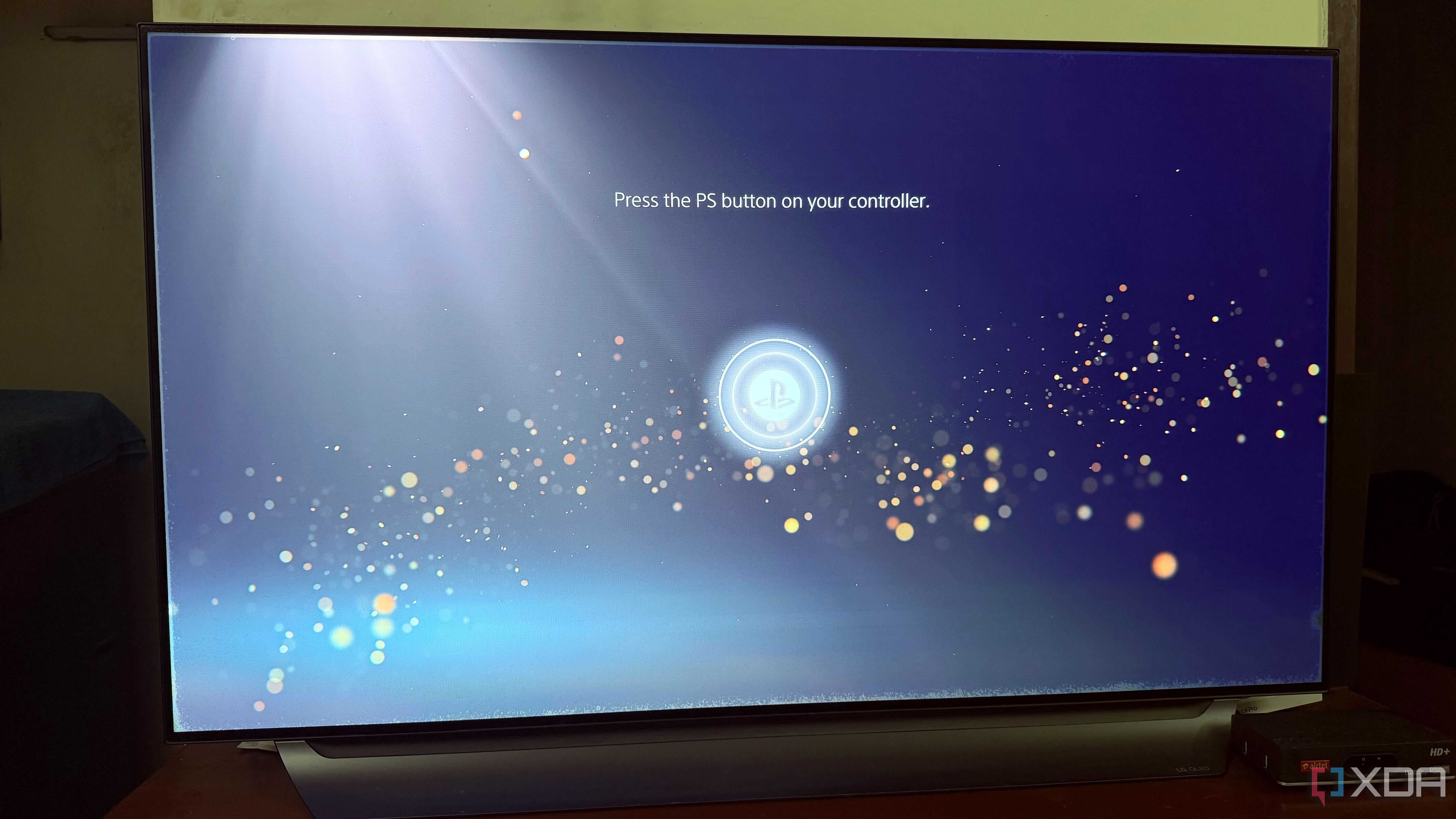
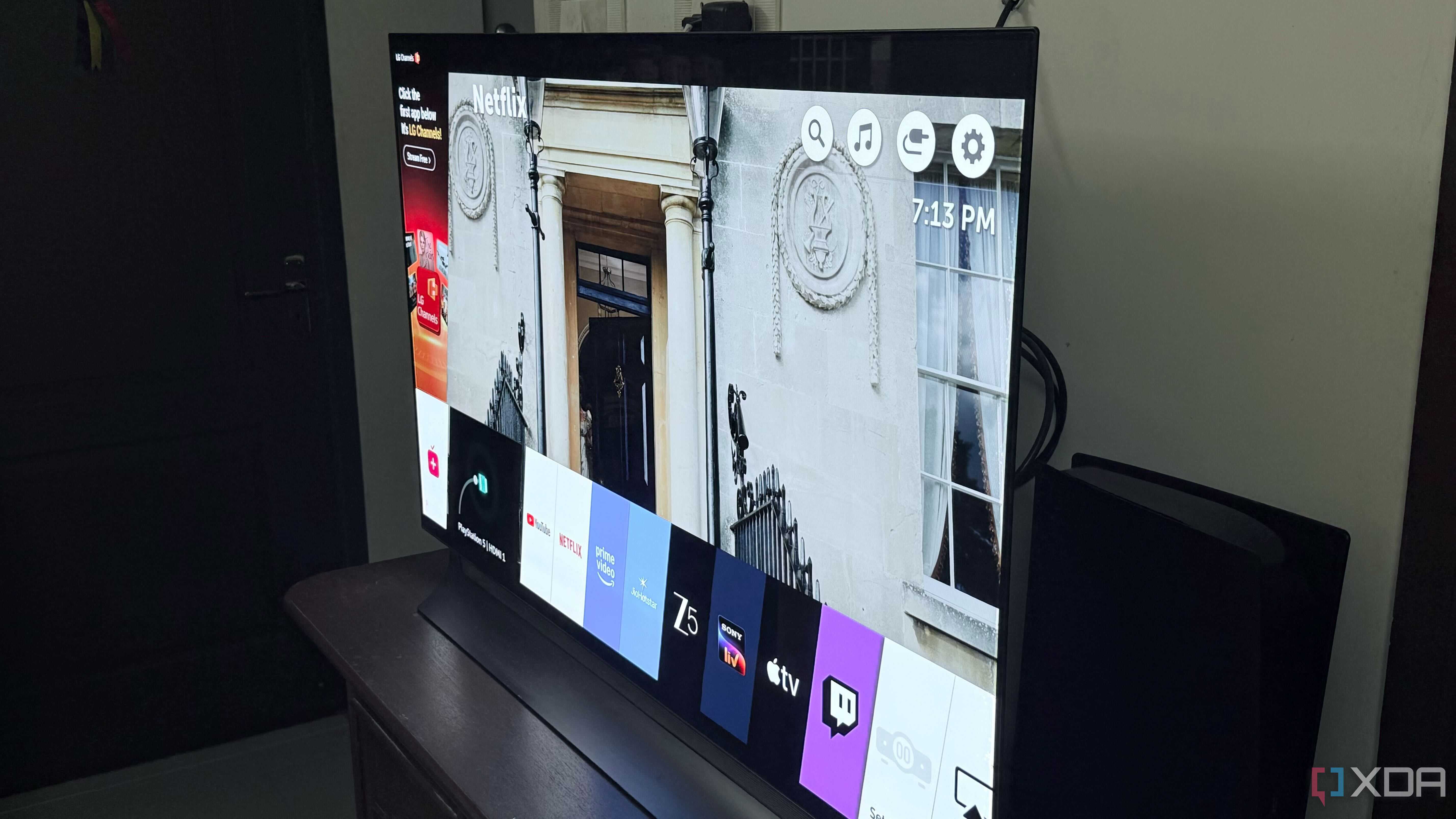
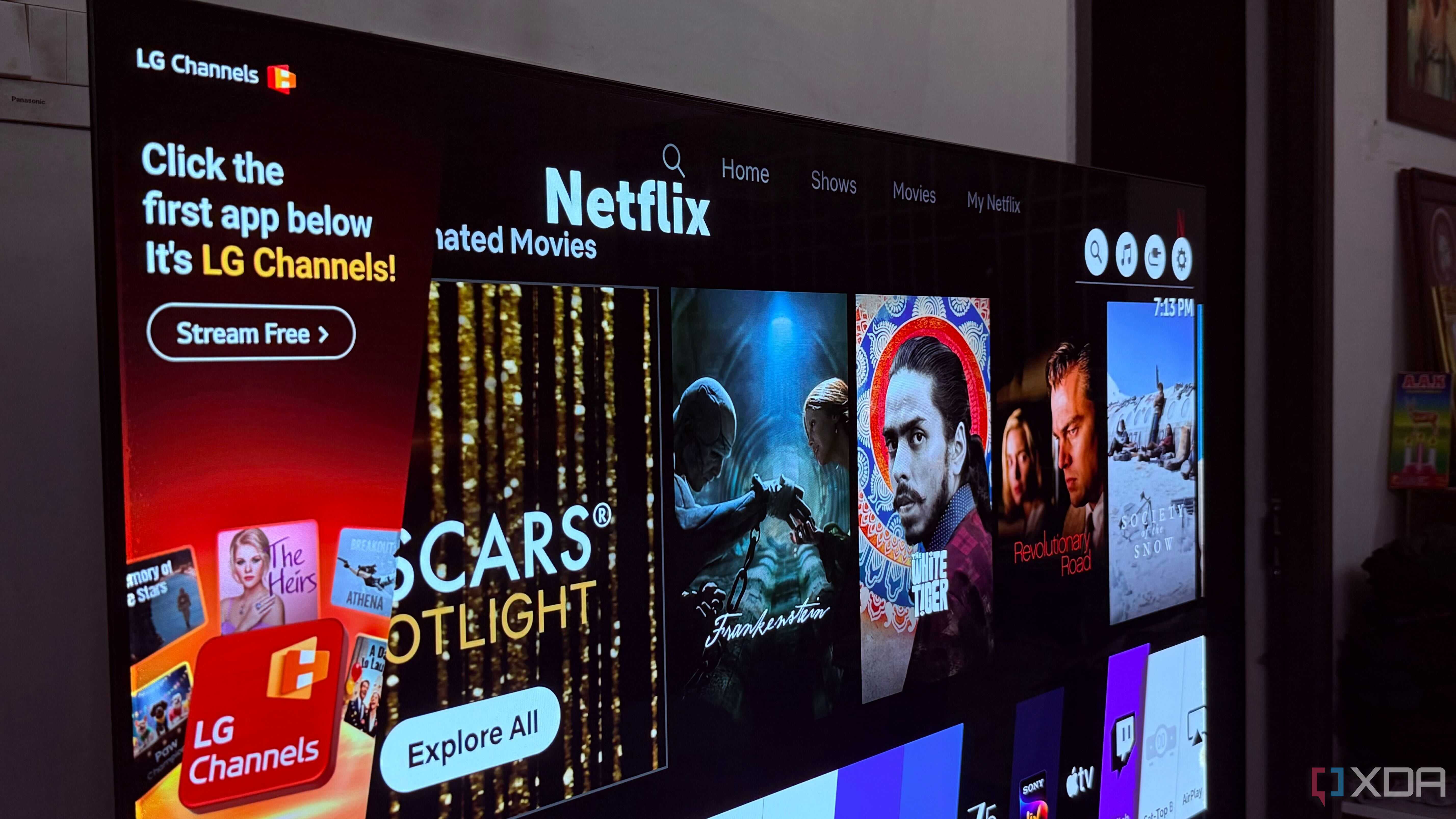
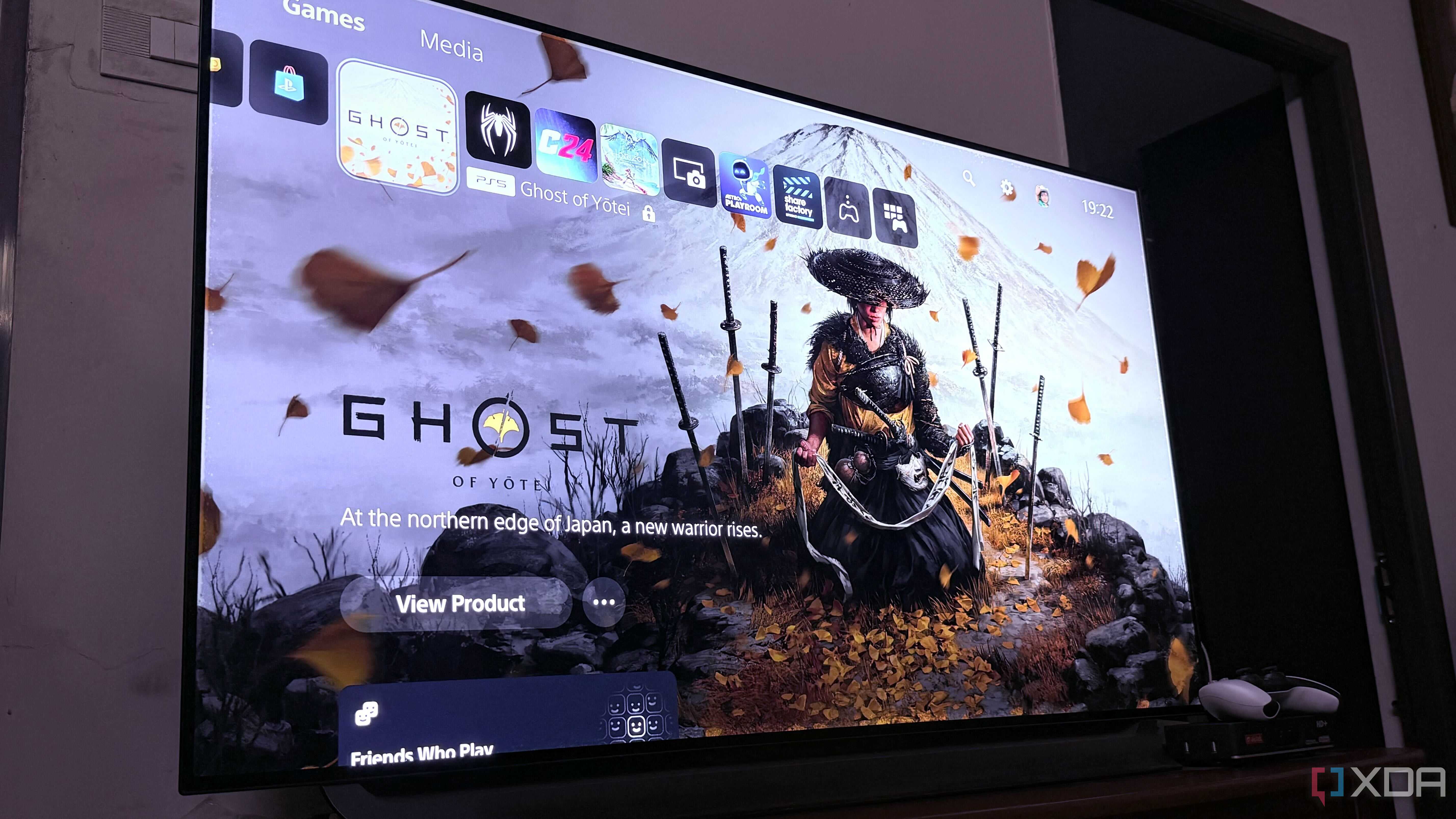



A drop in peak brightness is almost inevitable with an OLED display because the individual pixels gradually wear down as the panel accumulates hours of use. And unlike LCDs, it doesn't rely on a separate backlight to illuminate the screen. That's why you get that infinite contrast and perfect black levels. But as these pixels age, they gradually lose their ability to emit as much light as they did when the panel was brand new.
This usually happens very gradually, so you won't really notice it until you have it next to a new panel and compare it side by side. My LG C8 is a good example of this: it still looks great, but I'm pretty sure that if I placed it next to a brand-new OLED TV, the difference in peak brightness would be immediately noticeable. While this doesn't necessarily make your TV unusable, it's still a problem, considering older models aren't particularly great at brightness in the first place, especially compared to mini-LED displays.
Your OLED TV has probably seen better days
There's no doubt that OLED TVs can deliver excellent picture quality even after years of use, which is why I still hold on to my LG C8 with no plans to replace it anytime soon. However, if you start noticing these signs, especially during normal day-to-day use, it might just be time to start saving up for a new TV. The more you use it, the more those aging effects tend to show up, so it's better to be prepared when the time eventually comes to replace it.

