


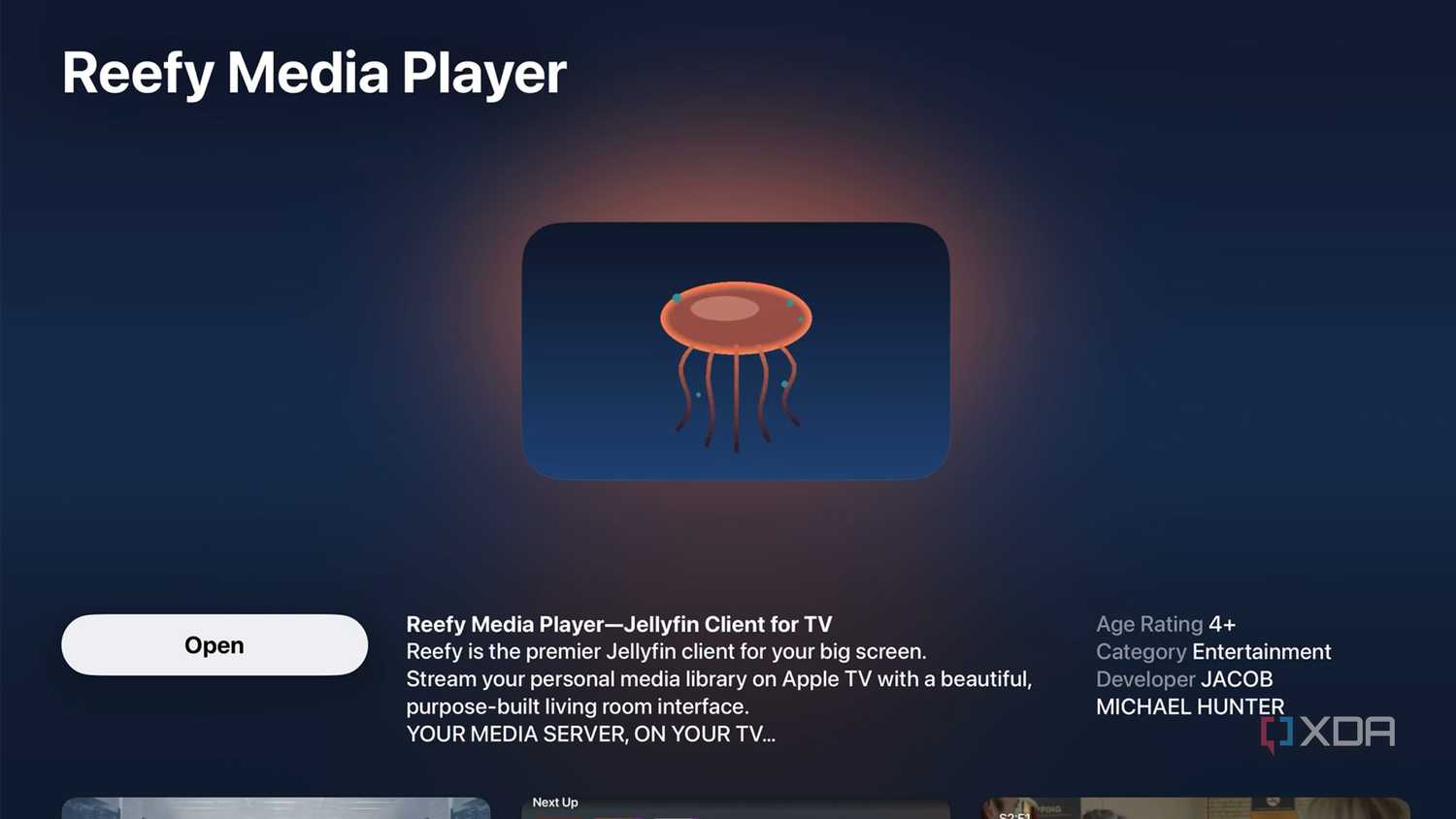
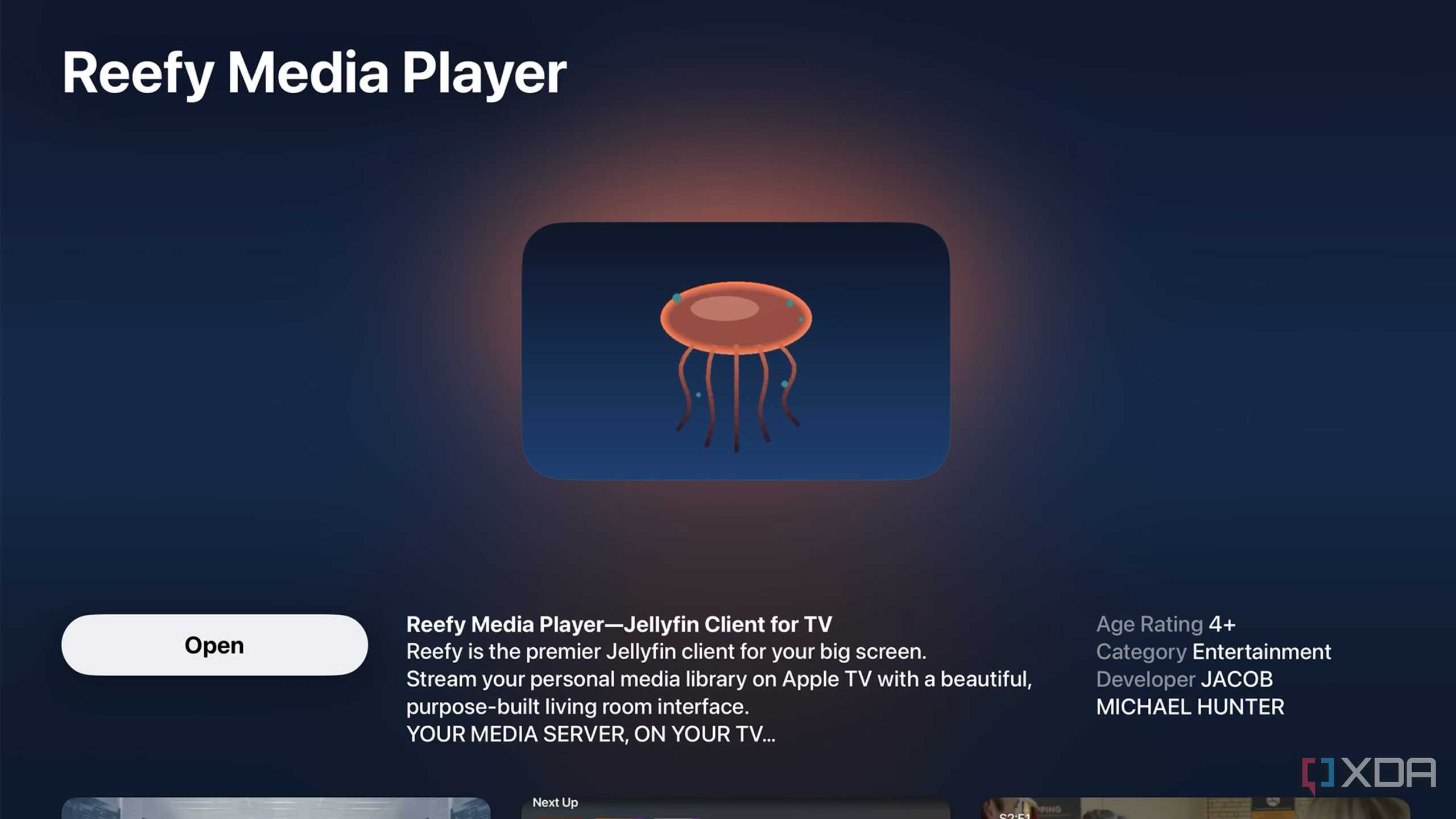
It's still early, but Reefy, a recently released Jellyfin client for the Apple TV 4K and tvOS, might soon be the best way to use the open-source, self-hosted media streaming platform on Apple's set-top box.
When it comes to Jellyfin on the Apple TV 4K, there are a few options, most notably the somewhat neglected free client, Swiftfin. There's also Infuse, another pretty good client, though you'll probably want to pay for its $2/month, $17/year, or $100/lifetime fee to access pro features like AirPlay, Dolby TrueHD, cross-device syncing, and more.
In my experience, both platforms lack the polish of Jellyfin clients available on other platforms and, of course, Plex, my preferred streaming option on the Apple TV 4K (which also isn't free if you want to take advantage of its best features). In the case of Swiftfin, the project's open-source nature has led to infrequent updates and, reportedly, an overly complicated management structure. This is where Reefy comes in to fill the Apple TV Jellyfin client niche.

Like Infuse, Reefy is a paid app. However, instead of a subscription fee, the client costs $9 outright. Based on some Reddit sleuthing I've done over the past few days, Jacob Michael Hunter (jmhunter), the developer behind the project, created Reefy because they were tired of waiting for Swiftfin updates and the Apple TV being treated as an afterthought by the Jellyfin team. It's important to note that Reefy is a paid fork of Swiftfin, and much of its underlying code is based on the client.
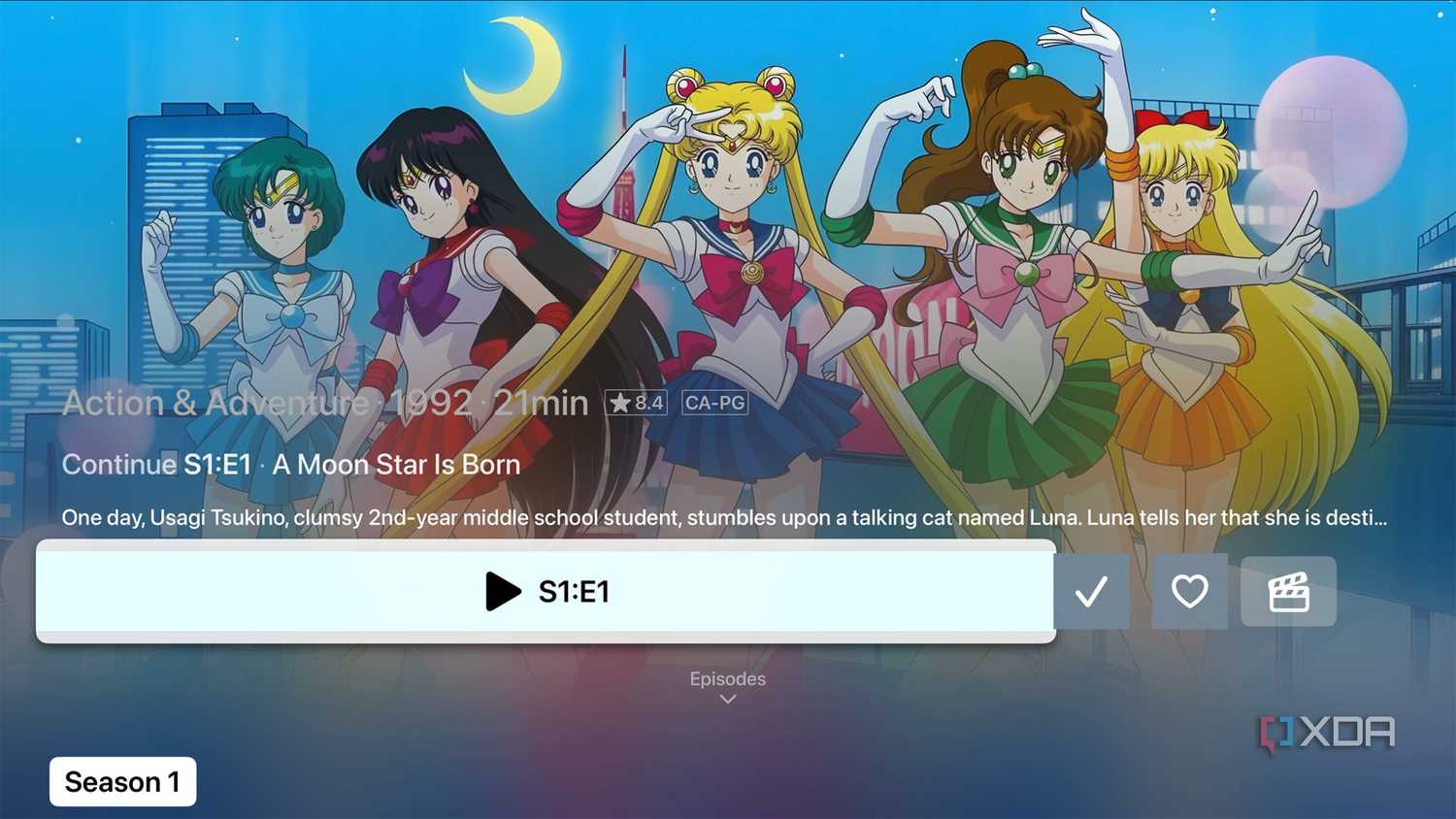
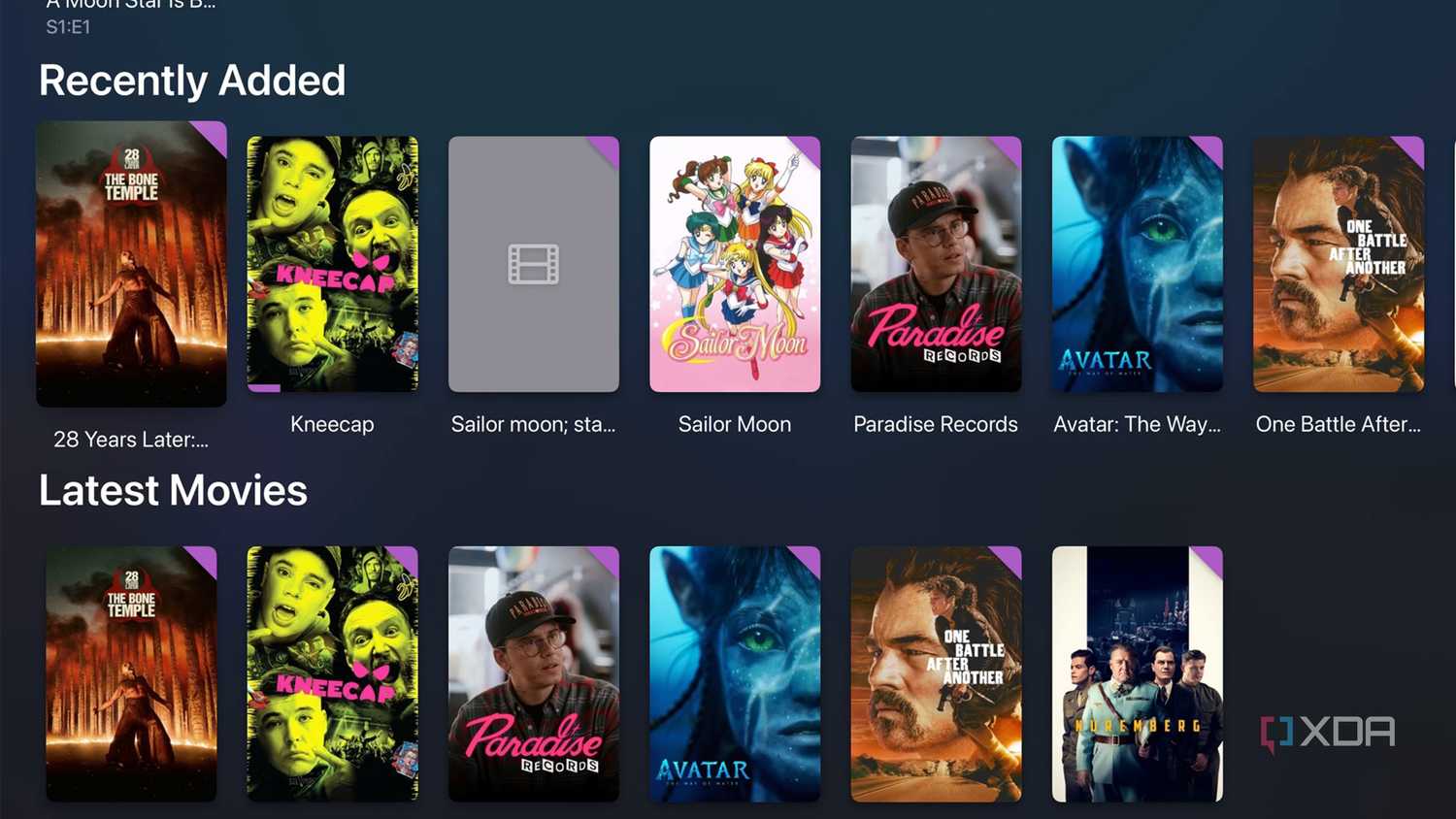
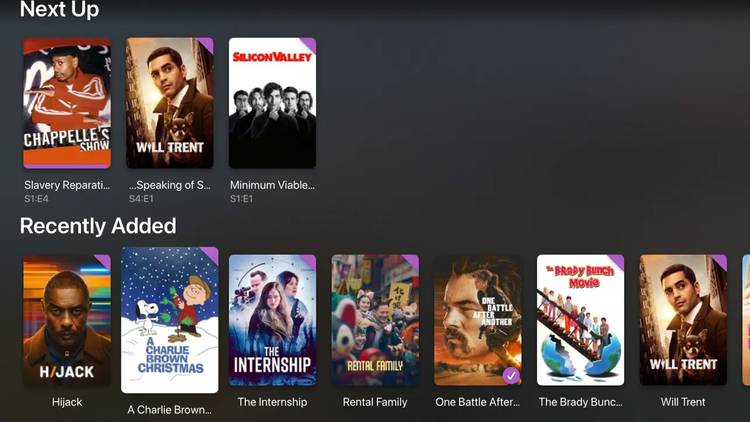
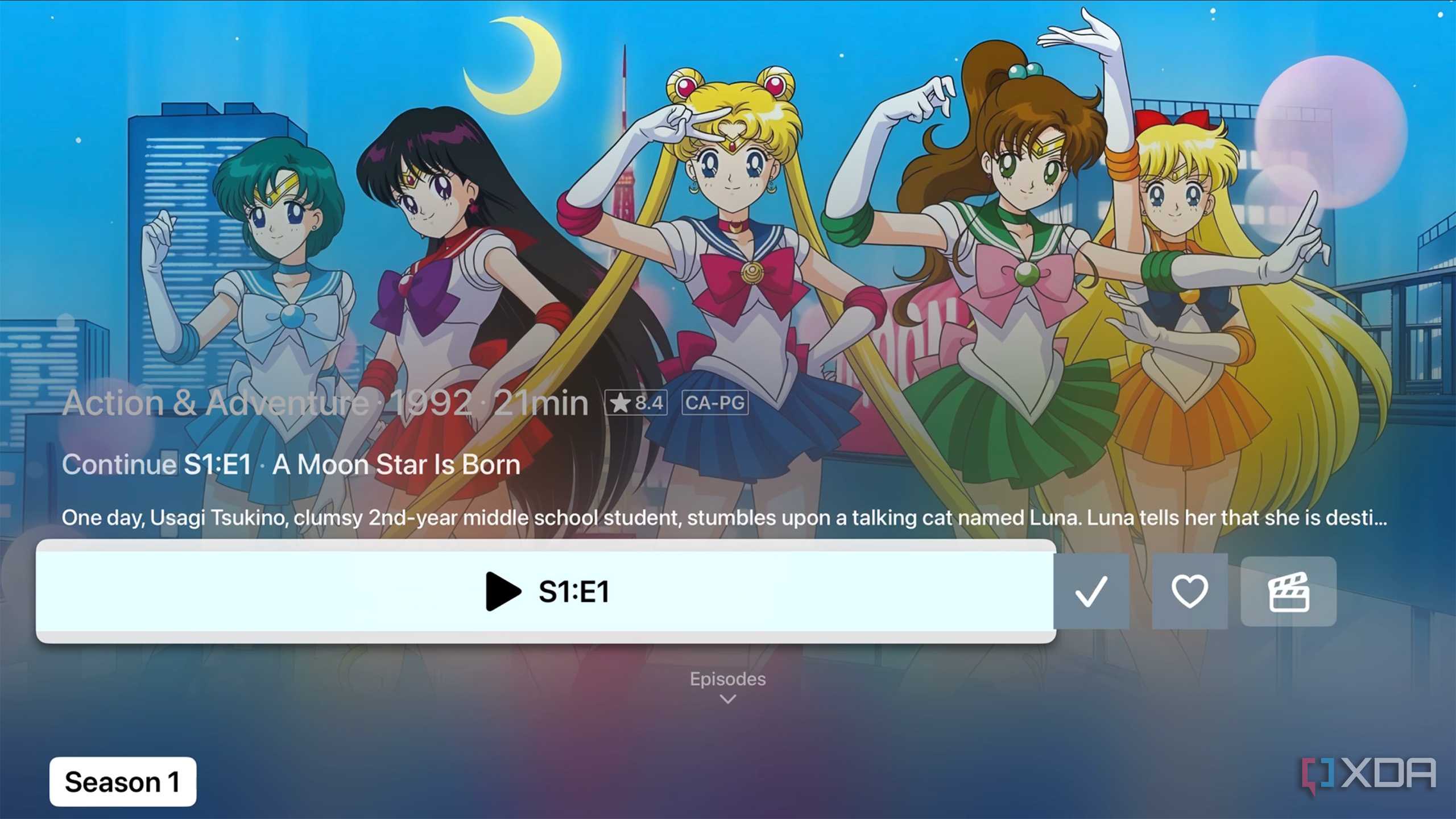
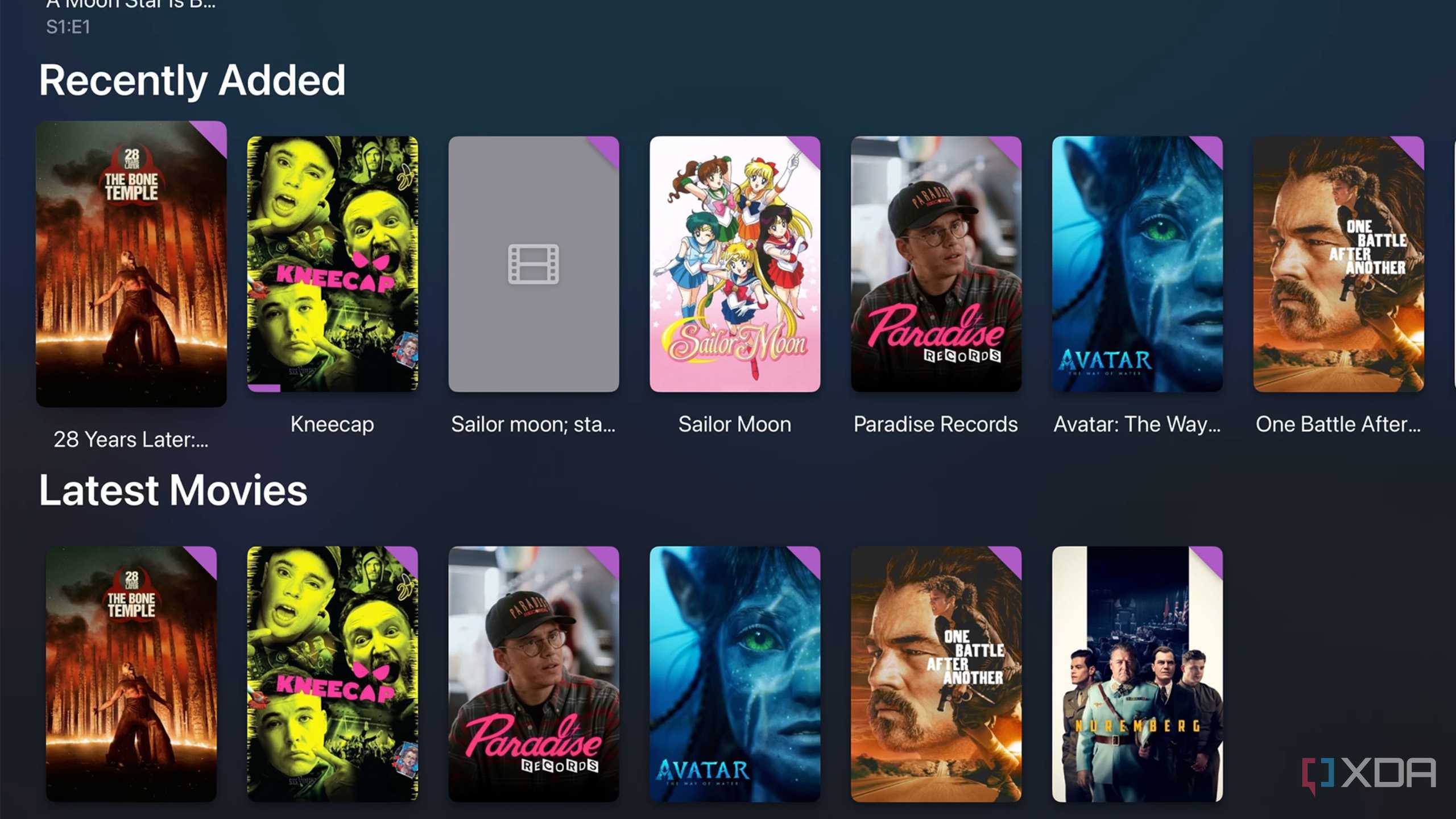
Hunter's goal was to "get something modern, fully working, and up to par with tvOS," complete with the somewhat controversial Liquid Glass look featured in tvOS 26, the latest version of Apple's set-top box operating system. Say what you want about Liquid Glass on the iPhone, iPad, and macOS — it really is a mess sometimes. But on tvOS, the flashy visual style feels modern and is very functional. Reefy matches tvOS 26's vibe perfectly, making it feel less like a third-party and more like it's directly integrated into Apple's operating system. In particular, I'm a big fan of the clean playback controls that closely resemble Apple's Apple TV+ video player.

The groundwork for an active tvOS Jellyfin client is here
With more key features and a bit of polish, Reefy could take the crown



 Credit: Reefy
 Credit: Reefy






Other notable Reefy features include full-screen content details, proper remote interaction, and wide codec support thanks to Reefy's VLC-based playback. There are also various stability fixes, including memory leaks and navigation issues over its Swiftfin base. While I've only used Reefy for a few days, the experience seems more reliable than Swiftfin's tvOS app so far, and it's cleaner and more modern-looking, too. That said, it's clear Reefy's overall aesthetic has a lot in common with Swiftin (the large overlays and actor listings, for example), which makes sense given that it's a fork of the open-source project.
Reefy isn't perfect yet, though. HDR support also remains spotty, though improvements are on the way, alongside new music player features. I've also encountered an instance where the audio in a movie wouldn't play at all (I still don't know why, but I assume it's a file type problem).
Since Reefy's sole focus is Apple TV 4K, the app has the opportunity to build on Swiftfin's foundation in a unique way — as long as its developer continues to support the project, of course. Reefy recently left public beta, so more updates are likely on the way soon.

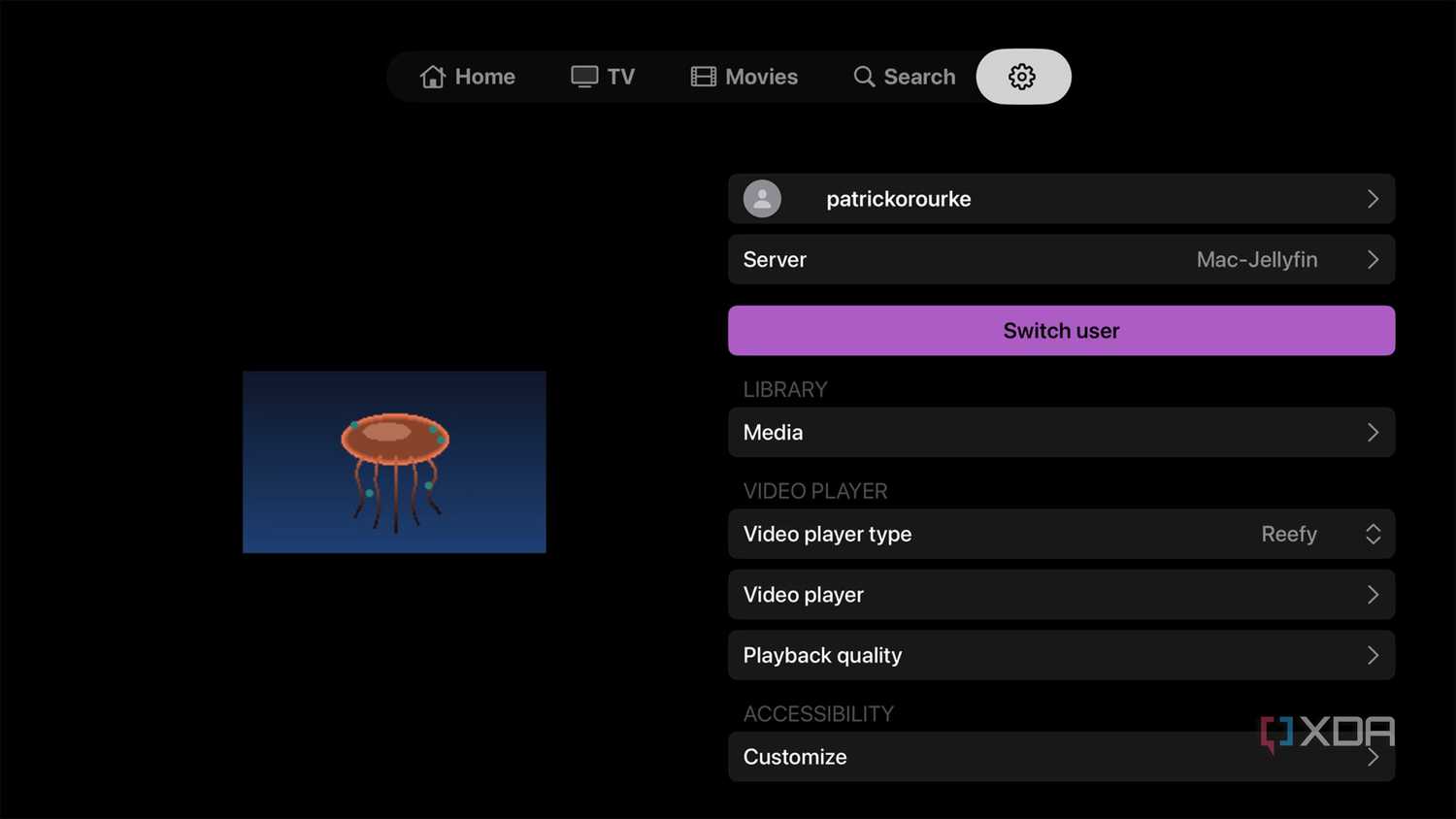
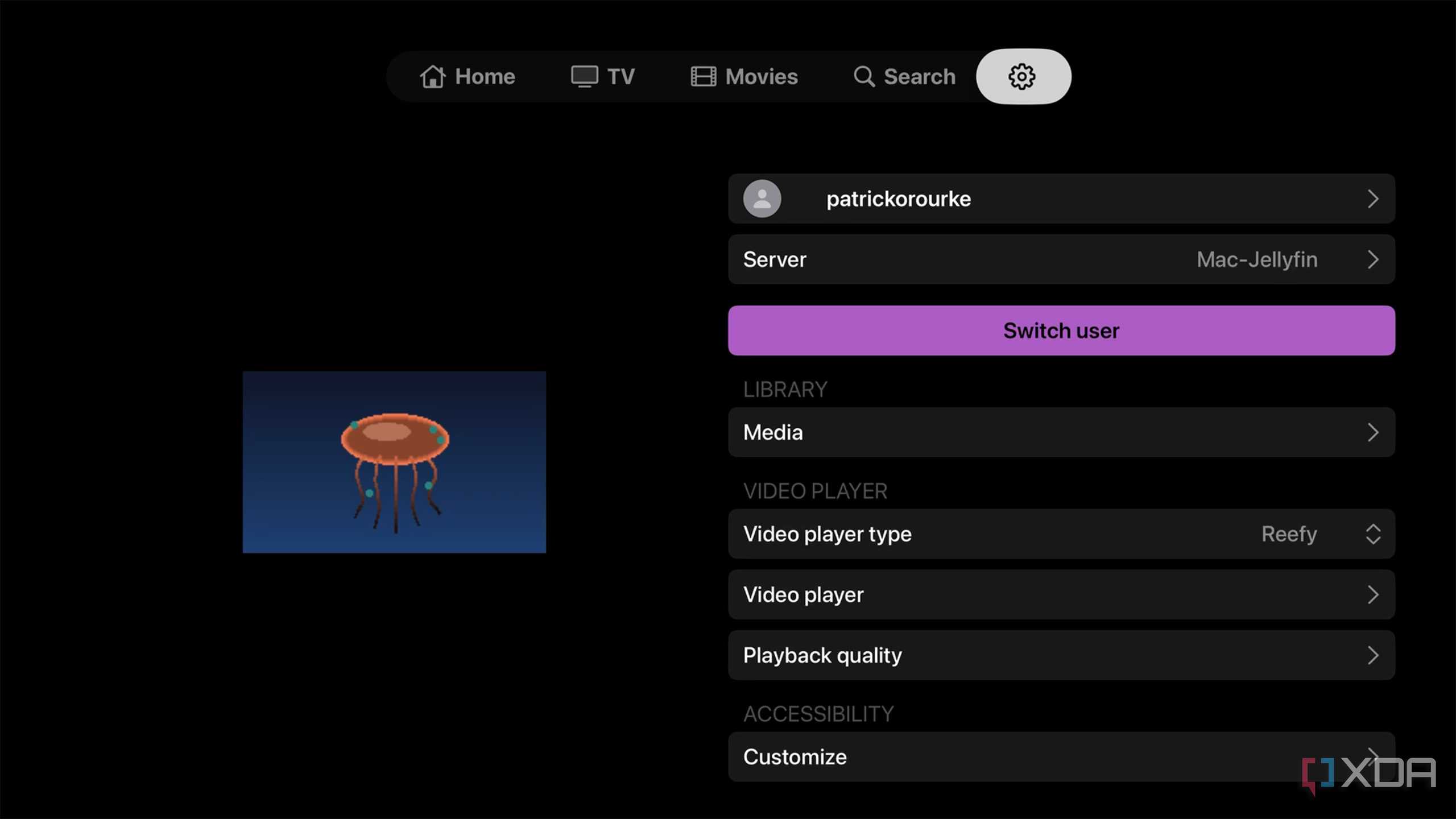
The setup process is very simple: enter your Jellyfin server's IP address (http://your-server-ip:port), then sign in to your account. Your media should appear immediately, just like it does with Swiftfin. If your server is discoverable on your network, Reefy can automatically detect it, removing the need to enter its IP address manually. You also need to already have a Jellyfin server set up. You can find Reefy's GifHub page here.
It's worth noting that, at least initially, Reefy was partially vibe-coded. This is a notable point of contention in a recent Reddit post announcing the app's launch on Reddit.

