


When you experience lower average frame rates or FPS drops, it's easy to assume that your graphics card is the culprit. After all, it's the main component that drives the visuals while you're gaming. However, the issue is that your GPU isn't always the primary cause of all your FPS issues. Although it does most of the heavy lifting in graphically demanding workloads, your CPU plays an equally important role in keeping frames flowing smoothly.
Unfortunately, it’s not always obvious when your CPU is the limiting factor. Without monitoring software like MSI Afterburner, you won't be able to tell if your GPU is sitting below 80% usage or if the 1% lows are poor. The more frustrating part of CPU bottlenecks is that no amount of dialing down the graphics settings will significantly improve your FPS. That's why it's crucial to identify these signs early and prioritize a CPU upgrade over a GPU upgrade.
Lowering settings doesn't help
Downgrading visuals or resolution still doesn't boost your frame rates


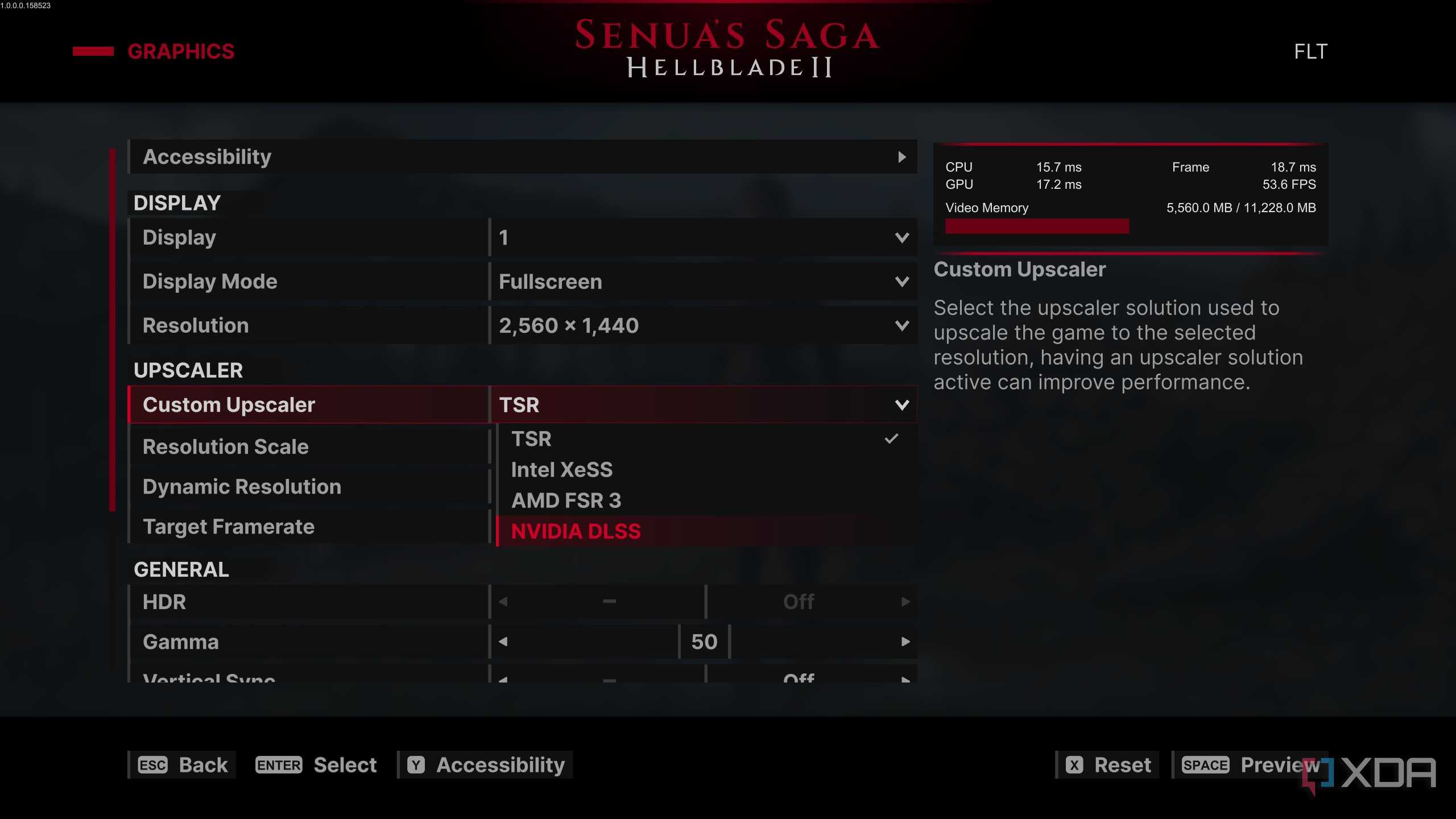

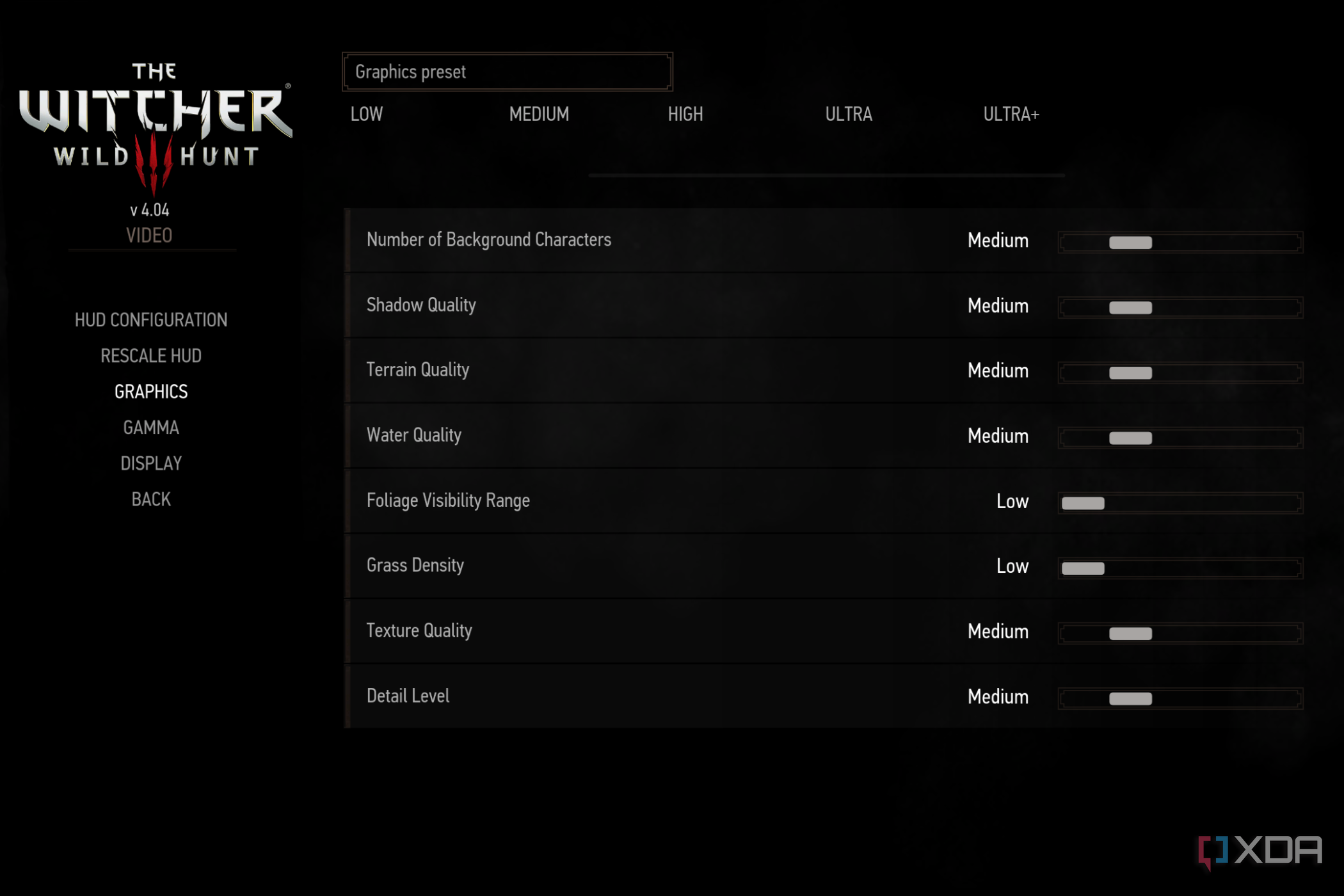


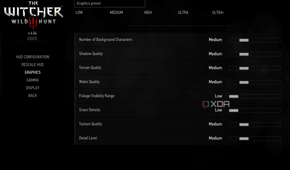
The first thing we usually do when we don't get the frame rates we expect is lower the graphics settings. Ideally, this should boost your FPS by a noticeable amount, but if that's not the case, chances are your CPU is holding your PC back. Simply put, the processor cannot feed instructions or frame data to the graphics card quickly enough, so your FPS remains limited, even if you lower the GPU's workload by adjusting the settings or reducing the resolution.
This is one of the reasons why games become more CPU-bound at lower resolutions. When you shift the demand away from your GPU, your CPU's limitations become more apparent. So, if you feel like your CPU is bottlenecking your GPU, one thing you can do until you upgrade is to increase the resolution or crank up the graphics settings to put more load back on the GPU. While it won't magically boost your frame rates, it can help balance performance and make better use of the graphics card you already have. That's what I did when my Ryzen 5900X was bottlenecking my RTX 4090 until I upgraded to the 5800X3D.
Low GPU usage
It's a red flag if your GPU usage rarely exceeds 90%

When lowering the graphics settings doesn't help improve my frame rates, the first thing I do is launch MSI Afterburner and monitor my PC while I'm gaming to check GPU usage. If I see it hovering below 80%, especially in graphically demanding titles, I'm almost certain that my CPU is bottlenecking my GPU. Sure, it's perfectly normal for GPU usage to dip below 90% while gaming, but if you rarely see it exceed that threshold across multiple games, the problem isn't necessarily your graphics card.
This is a direct result of your CPU struggling to keep up with the game's demands. Remember that the processor is responsible for handling instructions, in-game physics, and AI before the GPU gets the data to render each frame. So, if your CPU isn't fast enough, your GPU just ends up waiting instead of running at its maximum potential. When I had the Ryzen 5900X paired with the RTX 4090, my GPU usage hovered around 75–85% in AAA games and 60–70% in competitive titles. Upgrading to a 5800X3D significantly improved GPU utilization across the board. I'll admit it's still not perfect, but it's far better than what it used to be.
Poor 1% and 0.1% lows
Frame rate dips and stutters often point to a struggling CPU

The next thing I look at while monitoring is the 1% and 0.1% lows, because those numbers tell me more about my actual gaming experience than average frame rates. For instance, a game could be running at 100FPS, but if the 1% lows are hovering around 40, it'll still feel choppy. That's usually a sign that the CPU is unable to feed instructions to the GPU fast enough, which leads to uneven frame pacing, FPS dips, and stutters that affect the overall smoothness of the game.
Of course, you can still experience FPS dips and stutters for other reasons, like asset streaming, VRAM limits, thermal throttling, or poor optimization in certain titles, but when you already know your GPU usage is sitting below 80%, the CPU is most certainly the culprit. I'm saying this because I encountered the exact same issue with the 5900X. After upgrading to the 5800X3D, games felt noticeably smoother, even in the titles where the average FPS didn't increase much. That's when I realized the improvement was a result of higher 1% and 0.1% lows as well as more consistent frame pacing.
Sometimes, your GPU isn't the problem
As you've learned above, not every FPS issue is a sign that you need a new graphics card. Sure, it may be underperforming, not because it isn't capable, but because your CPU simply isn't fast enough to keep up with the demands of modern games. Sometimes, even your RAM could be slowing down your PC for gaming. Before blaming your graphics card every time you encounter FPS dips, stuttering, or lower average frame rates, ensure you monitor your PC and identify the root cause of the problem. I don't want you to waste money on a new GPU only to realize later that your experience hasn't changed significantly.
