


I think it's natural for us to want to enjoy our work rather than merely perform it. However, one issue that gets between us and enjoying our work is the presence of repetitive tasks, which turns our work into a monotonous routine. This makes our professional life less interesting and meaningful. I dislike monotonous tasks and always do my best to avoid getting caught up in such routines. Aside from wasting valuable time, they also don't help the brain improve neuroplasticity by creating new pathways. Thanks to workflow automation tools like Node-RED and n8n, it's quite easy to automate many processes at work and focus on the more creative and fulfilling aspects. As a writer, I need to automate several aspects of my work, especially the creation of social media content ideas and the scheduling of content for publication.
Why I tried switching from Node-RED to n8n
Easy automation

There are several reasons why I eventually decided to switch from Node-RED to n8n, but the main one is its user-friendliness and less technical nature. n8n presents far fewer technical challenges, making it easier for non-developers like me to get things done. While Node-RED is a nice automation tool, it does require some advanced knowledge and you may need to spend some time debugging and fixing issues. Being stuck in an endless debugging cycle has never been my idea of fun.
Given the nature of my job as a writer, I frequently rely on tools like Google Sheets and social media platforms such as Twitter. Integrating all of this with Node-RED is quite challenging, as the API setup must be done manually. n8n, on the other hand, supports OAuth for connections to popular platforms, which can be set up quickly. n8n also includes official nodes for Google Sheets, X(formerly Twitter), OpenAI, and more. Making it easy for writers to automate monotonous tasks without wasting time on technical frivolities.
Setting up n8n is simple and hassle-free
Why not use Docker?


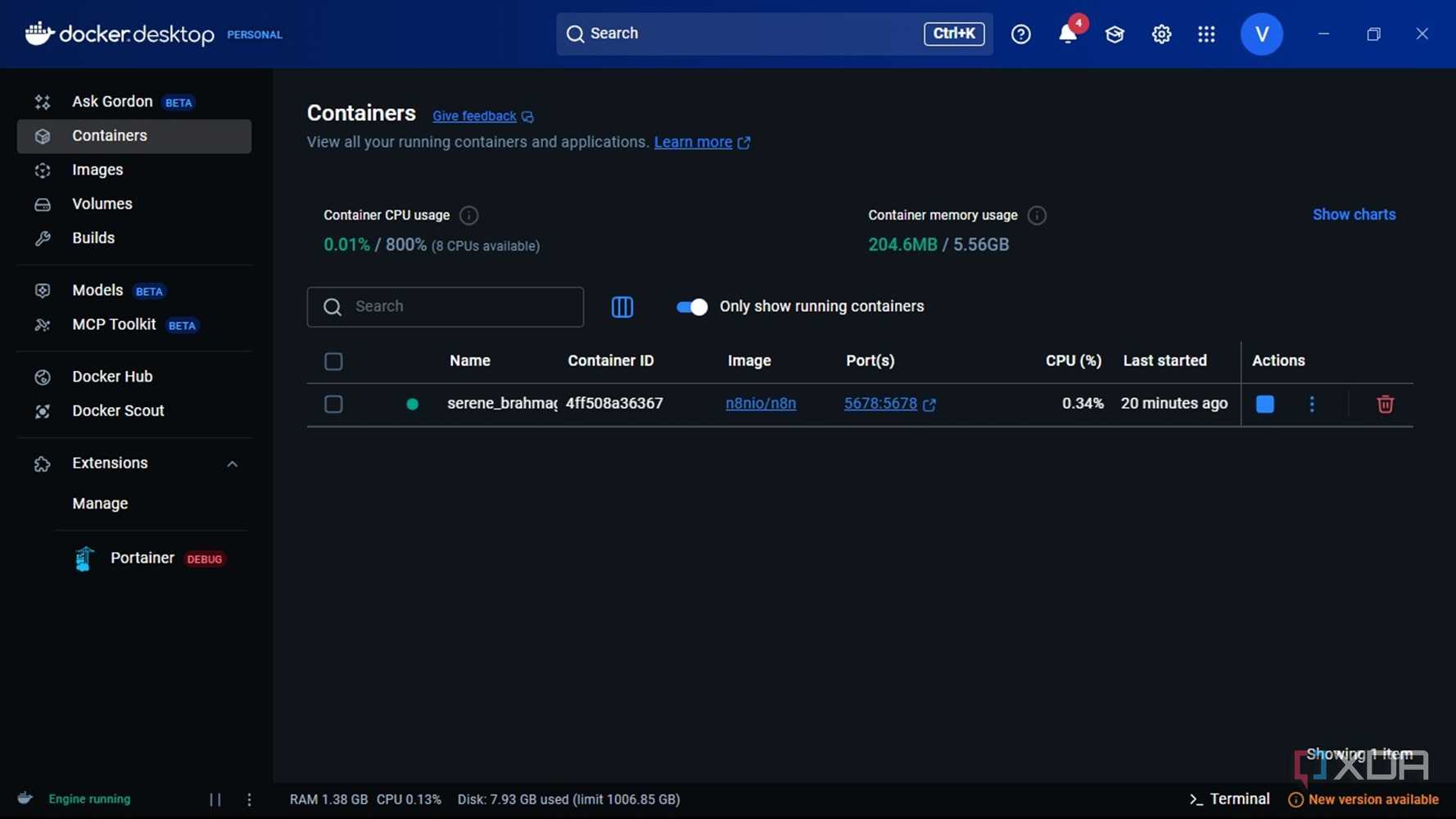
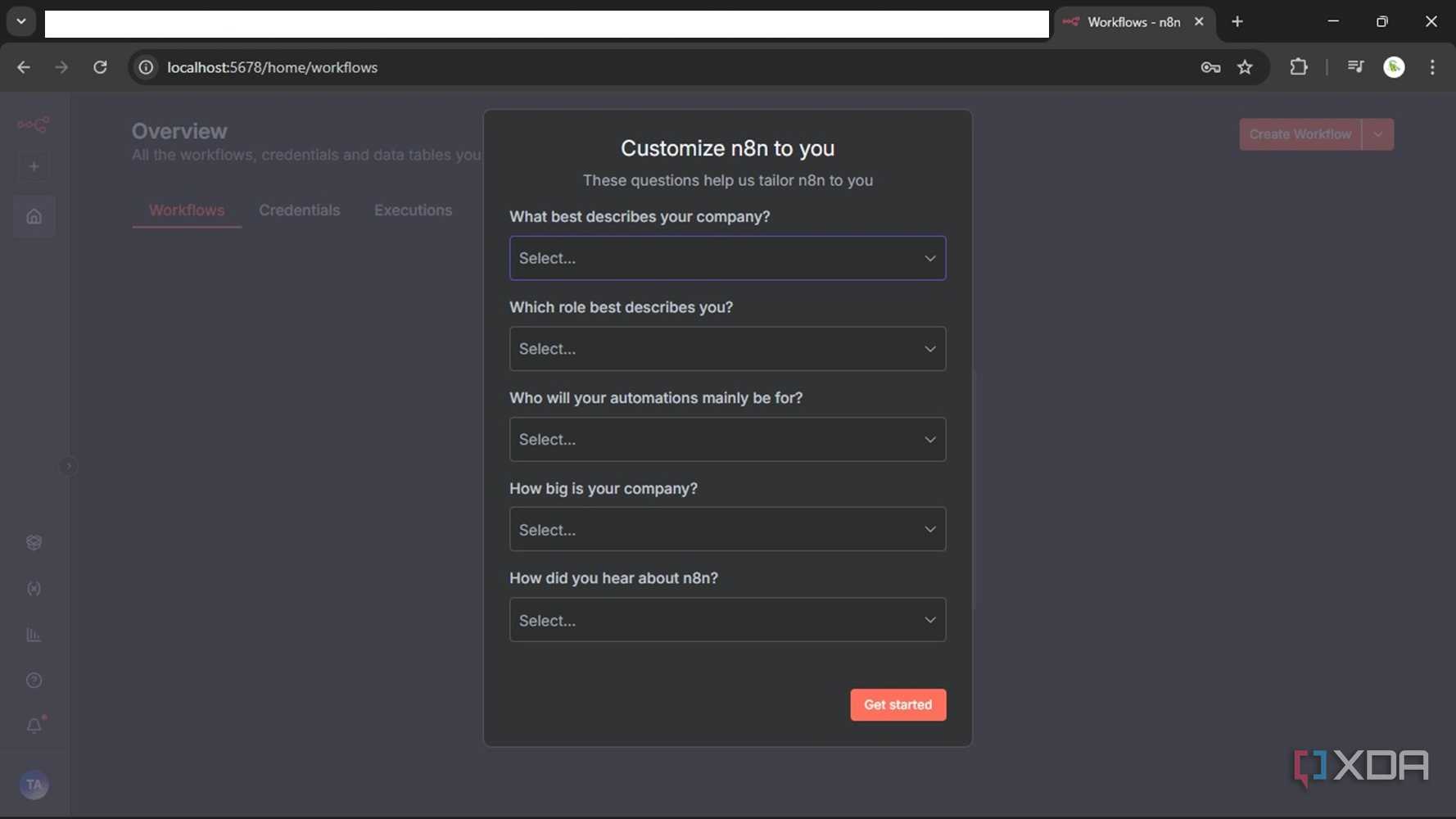
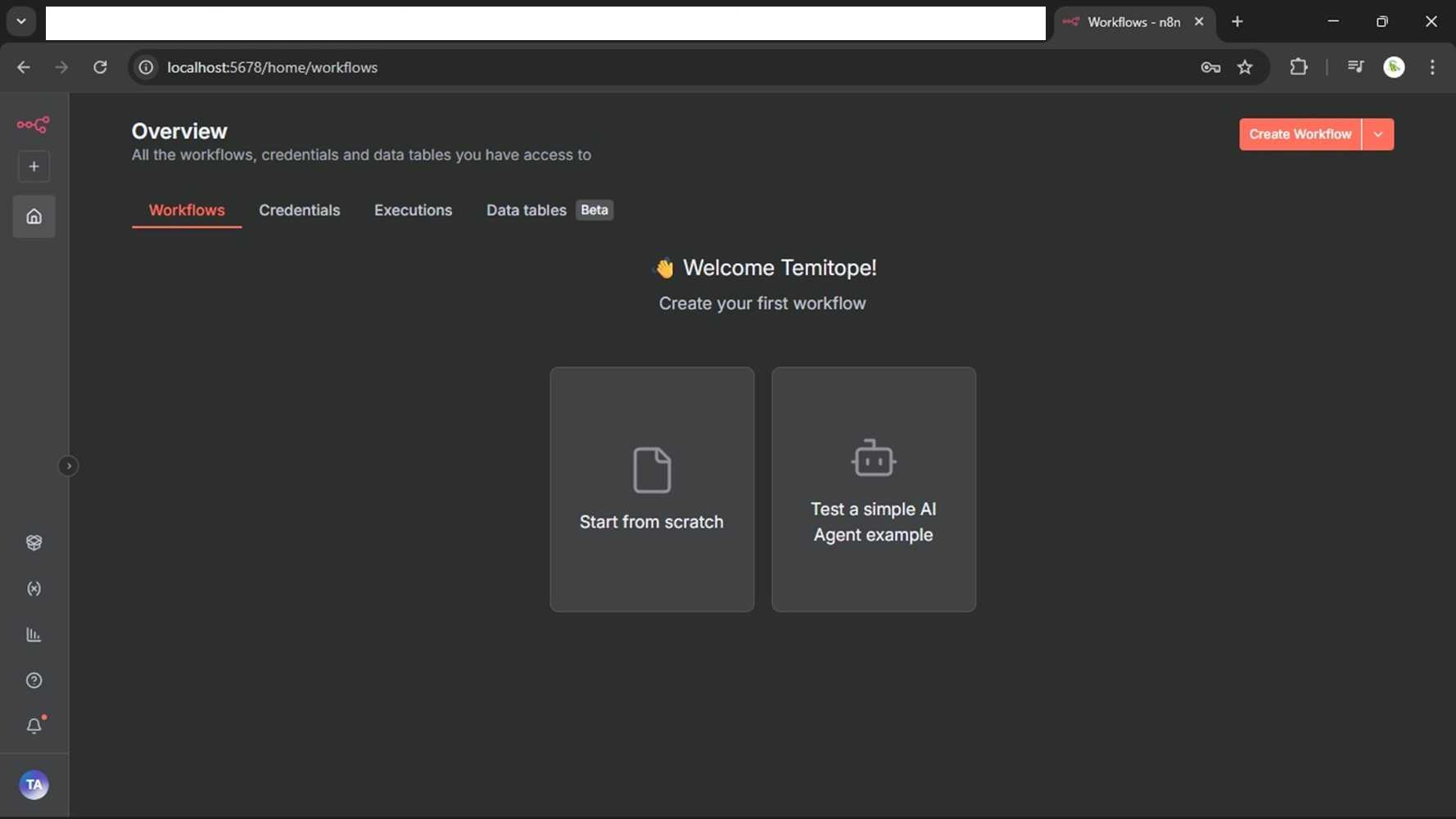
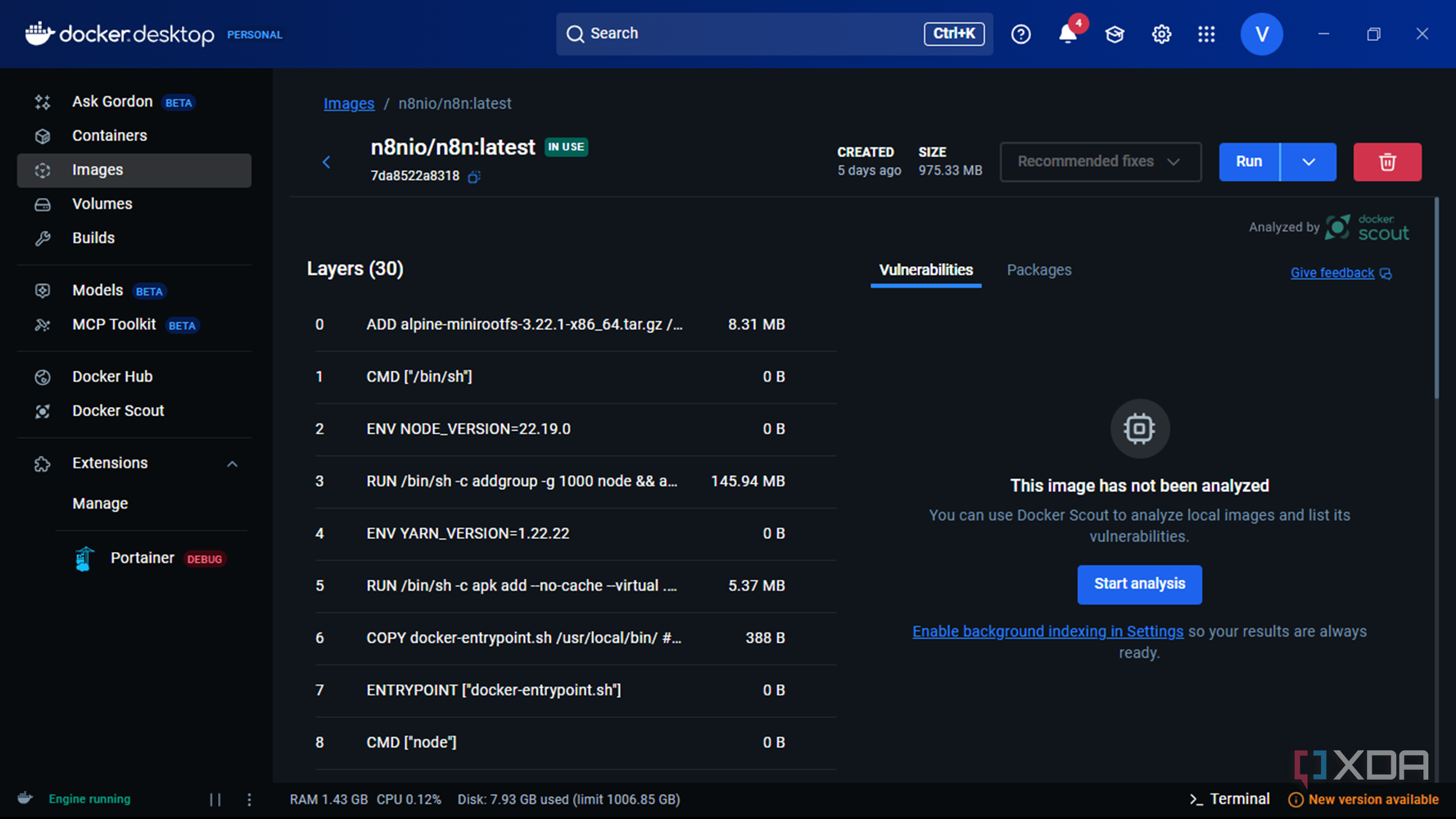
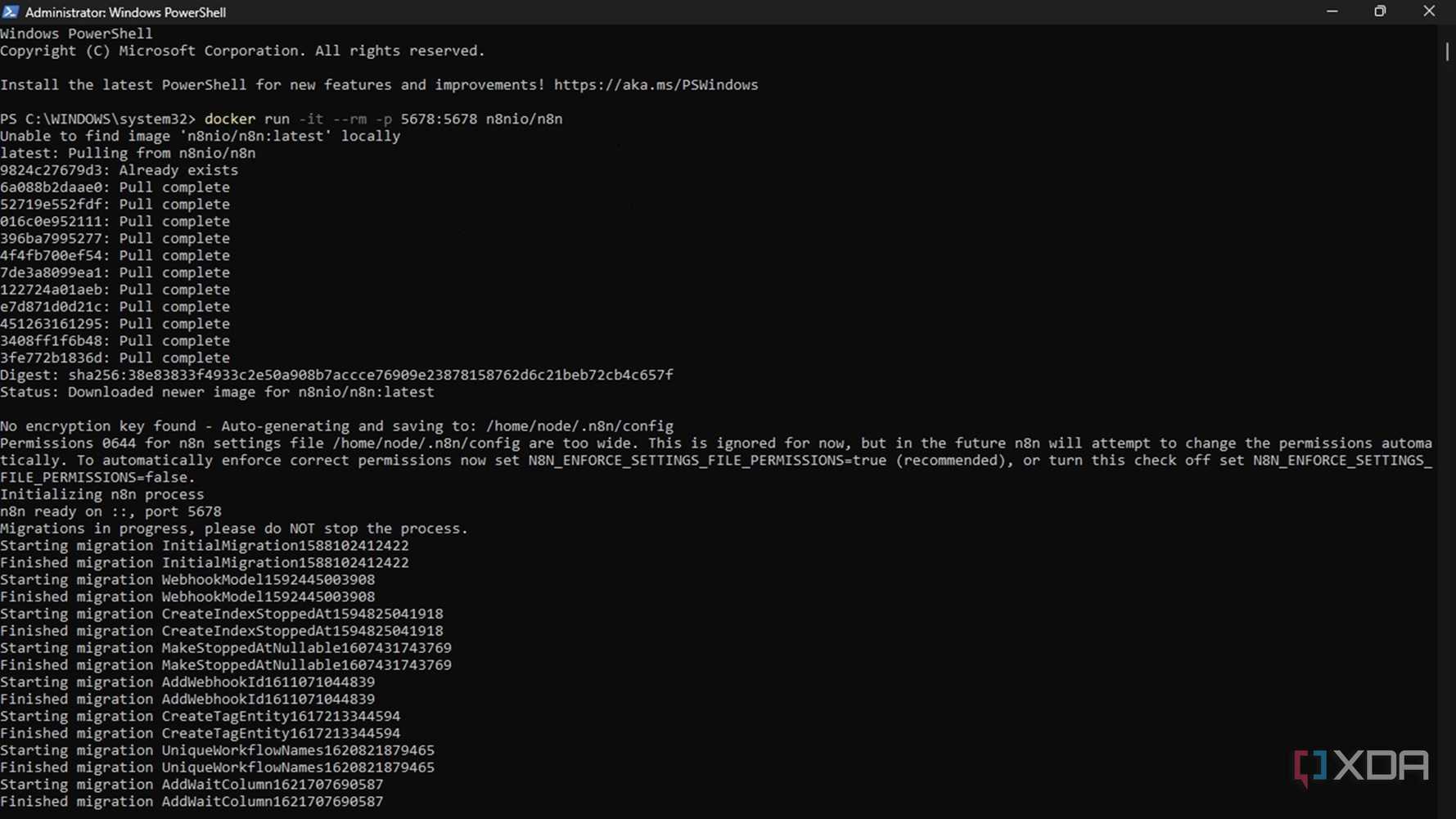
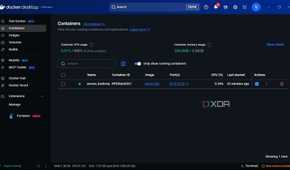
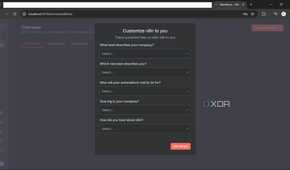
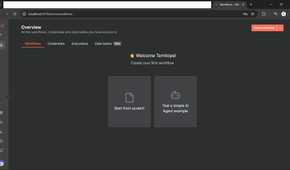
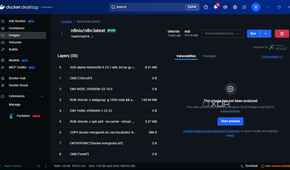
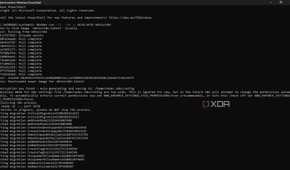
Whenever I try to install a program, I choose the easiest option. When setting up n8n, I strongly recommend going through the Docker route. So after opening Docker, I had to get PowerShell to execute the following command:

The good thing about this command is that it checks whether n8n is already installed on your PC. If it's missing, Docker will go ahead and install everything n8n needs to run and open. Once the setup is complete, PowerShell displays a default URL to access n8n in your browser. It usually indicates an "Editor is now accessible via: http://localhost:5678". If you get it all right, the URL will take you to a page to set up n8n. However, I later realized that the first command doesn't save my workflow. This led me to use the following command, which is more ideal.

It creates a connection between the folder on your PC and the container, which is much better for long-term use. It is worth noting that there are several other ways to access or set up n8n. But if you want to try n8n really fast, you could sign up for a hosted version at n8n.cloud and get started right away.
Automation with n8n templates and combining nodes
Majority of the process is already done

To make my automation setup faster, I had to review over 6000 Workflow Automation Templates available at https://n8n.io/workflows using its search feature. Most of the automation setup you likely need might be available there. So, after finding an automation template that could supercharge the processes I want to automate, all I had to do was copy the JSON code, open a new Notepad doc, and paste it. From there, it's quite easy to access the browser again at http://localhost:5678, create a new workflow, and import the JSON file from a folder on my local computer.
For example, I was trying to automate the processes involved in generating social media-friendly videos with Veo3, eventually publishing them on social media. Since I easily got a template out of over 6000 templates available. Approximately 90 percent of my job is already done. After importing my JSON file, I had to connect my social media handles, add my Veo3 and OpenAI API keys to complete the workflow, and start automating all these processes with ease. It is worth noting that not all available templates are free, but considering the time they save, it may not be a bad idea to pay a little for convenience.
But if no pre-made templates can be used to automate your desired processes, remember that you can always combine existing nodes to achieve your desired result. Also, if you still encounter issues, n8n has a large, helpful community that can offer practical suggestions you're likely to find useful.
Node-RED's visual appeal is great, but n8n is cool
I'd still admit that I sometimes miss Node-RED, especially how it shows my data progressing toward my desired result. I find the visual appeal presented in this regard more impressive than what is obtainable on n8n. However, I have no reason to regret switching to n8n. I did so primarily because of n8n's less technical nature, and it has been richly rewarding. If you are a non-developer who doesn't want to get immersed in a complex troubleshooting loop or other technical procedures. A shift from Node-Red to n8n might benefit you greatly.

n8n
- Key highlights
- Access to advanced AI and LLM, instant AI credits, and more
- What's included?
- Visual workflow builder with code-level customization (JavaScript & Python), 500+ prebuilt integrations and 1700+ workflow templates, and more
- RAM
- 320 mib limit
- Developer(s)
- N8n Gmbh
- Publisher(s)
- N8n Gmbh
