


When building a new PC or server, or upgrading your existing build, your first instinct is to make sure you've got a quality CPU and GPU, with a good motherboard and VRM to take full advantage of your processors. You'll also want to make sure you've got a good cooling solution, particularly if you plan to get deep into overclocking and adjusting your memory timings.
You do still need to make sure you pick the best CPU, GPU, RAM, motherboard, and cooler for your particular needs. But you may not need that 16+ core CPU, or that RTX 5090 in your build. You can get pretty great performance even from a mid-range or budget build, assuming you don't cheap out on one key part: your power supply.
What makes a good PSU?
It's not just pure wattage you want to track.


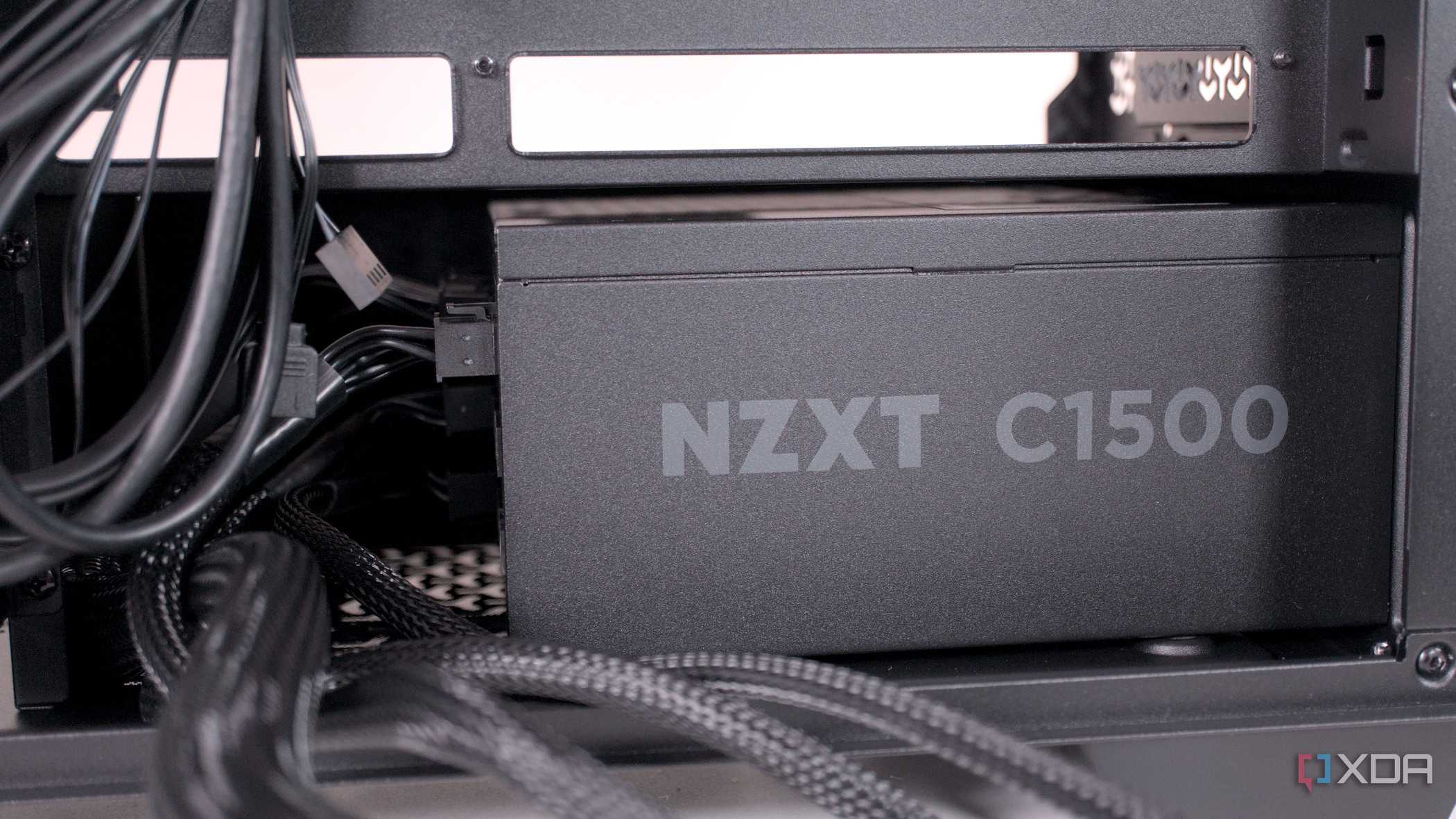
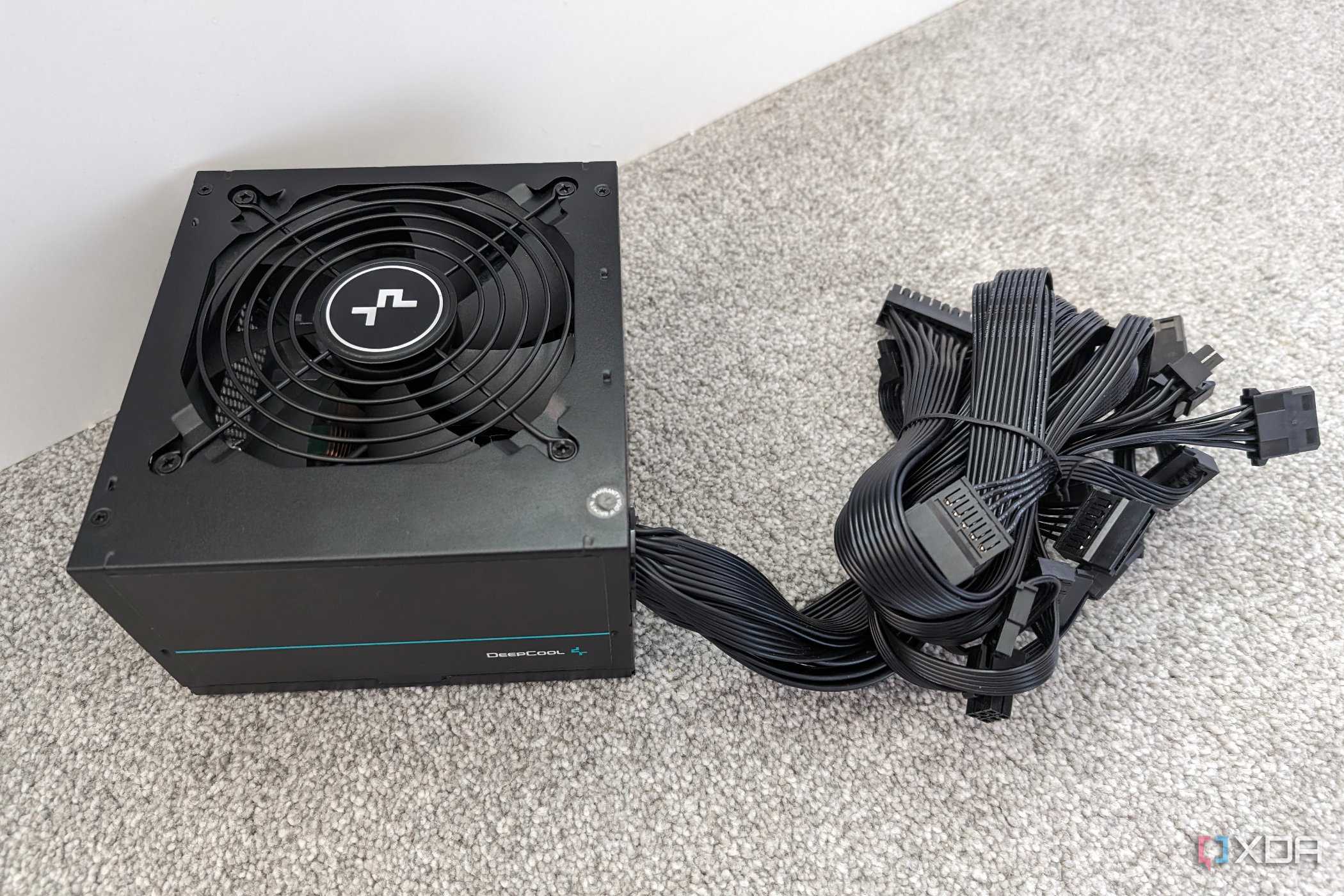
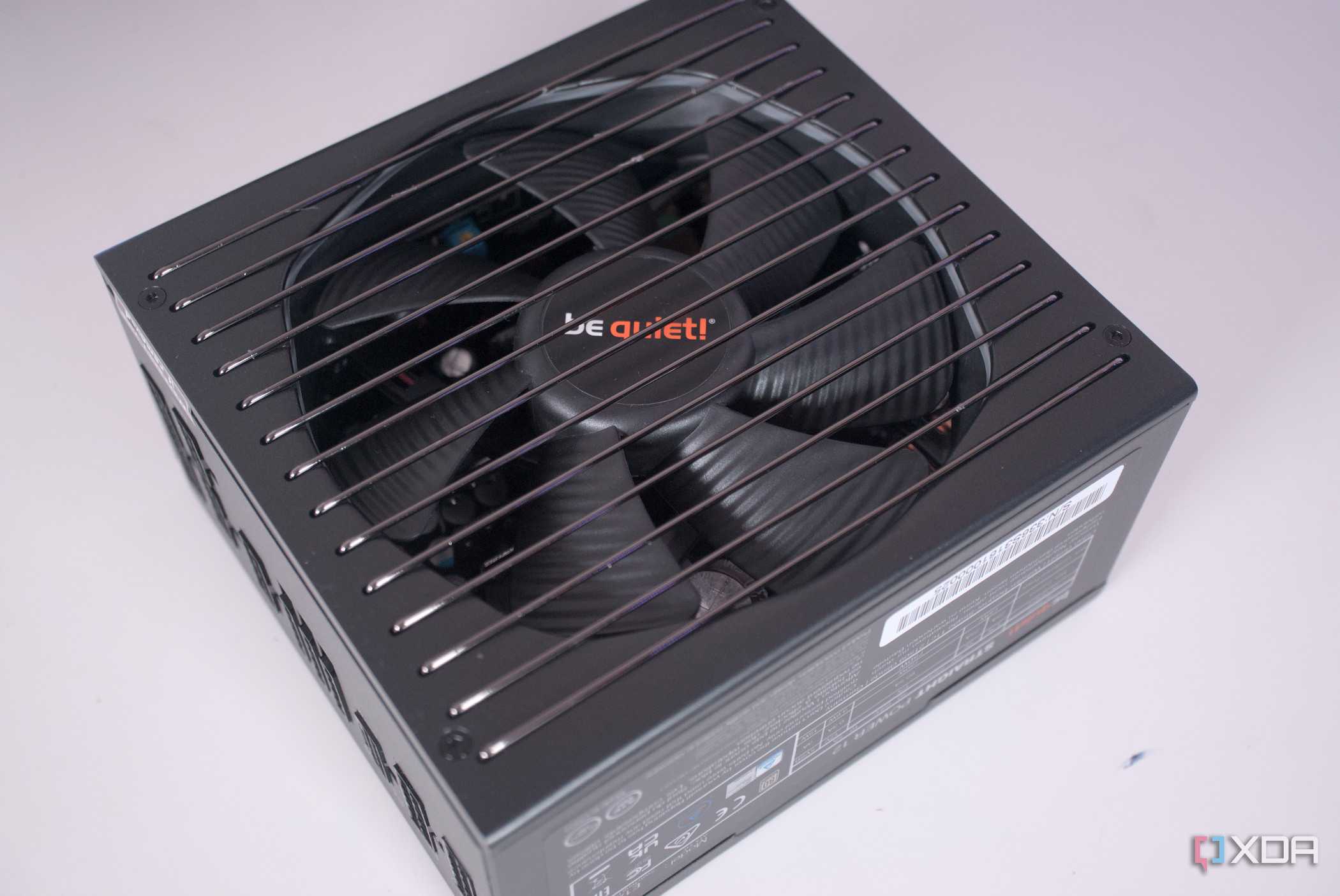
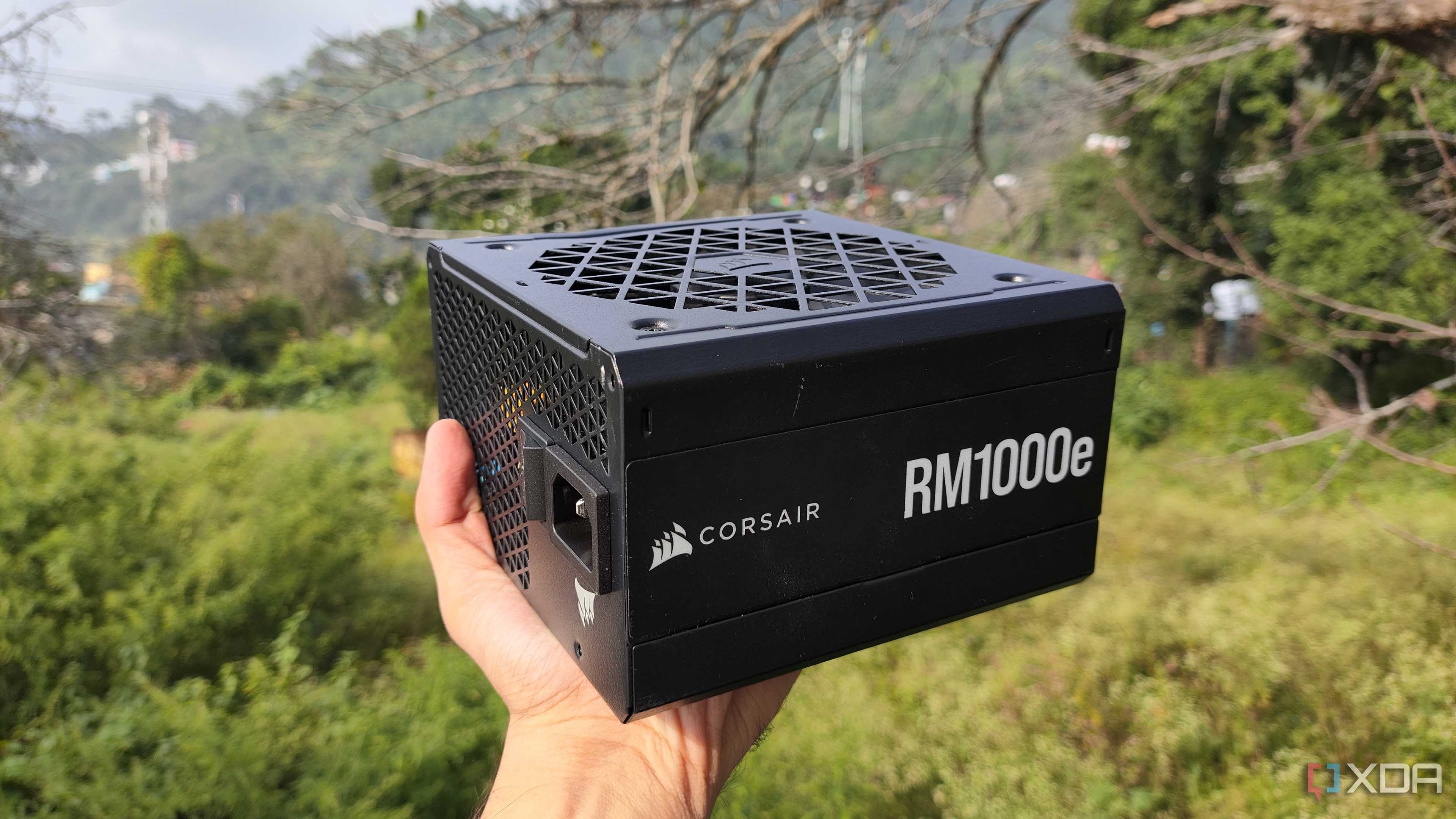

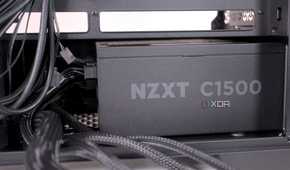
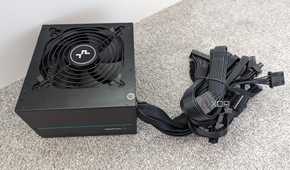

Not all power supplies are created equal. Some will be better than others, but it's not just the power watt rating of your PSU that you need to keep in mind.
When looking at power supplies, you'll want to keep the PSU Rating systems in mind. The best power supplies will have an 80PLUS Gold, Platinum, or Titanium rating, and you really don't want to pick up a PSU that's rated below Bronze (like White or Unrated). You may also see the Cybernetics ratings, which range from bronze to diamond.
These two rating systems determine how efficient a power supply is at providing power to the PC at various loads, though the Cybernetics rating system uses stricter criteria than the 80PLUS rankings and includes factors such as voltage stability, ripple, power factor, and noise level.
Highly rated PSUs on either (or both) the 80PLUS and Cybernetics rankings often come at a premium price, so while the titanium or diamond PSUs are obviously going to be the most stable, the average PC user will have a fine experience opting for a gold-rated PSU.
A bad PSU = a bad PC
You get what you pay for, or you pay in other ways.

The importance of a power supply is in the name: it supplies power to the whole PC. And that's true whether you're overclocking your PC or keeping it closer to stock levels (perhaps with some OEM overclocking features like EXPO or XMP that don't void your warranty).
So if you've got a faulty or old PSU, you're going to be sending unstable voltage to your PC, which can wreak some havoc on your computer's expensive silicon. Not only will a poorly-rated PSU provide unstable voltage that wrecks your performance and tanks your overall PC experience with random crashes, it can also lead to bloated capacitors or possibly damage your other components and reduce their lifecycle.
While it is rare that a failing PSU will damage your other PC components, it isn't impossible. Typically, you notice signs of a failing PSU before things get to that point, but it is a possibility.
Power supplies can last up to 10 years, but may start going bad after five. So, you'll want to make sure to break out a voltage meter to check your PSU if you've reached the 5-year mark. If your PSU is around 8 years old, you're probably better off just grabbing a new power supply since you'll hit the end of the lifecycle for your PSU before you next need to upgrade your CPU or GPU.
Calculate how much wattage you need
Don't just go for a 1000W PSU

You do need to consider more than just your PSU's watt rating when picking a new power supply, but that doesn't mean getting the appropriate wattage isn't still necessary.
While it may seem like future-proofing to get a PSU rated for more watts than you need, it's foolish to pay for an additional 500W you won't ever use. That's a waste of money, since your PSU's power draw is directly related to your PC's power needs. So there's no advantage in getting a high-watt PSU that drastically outpaces what your PC will utilize.
A general rule of thumb when picking a power supply is to get a PSU that provides about 1.4 times as much power as your current build requires. So if your PC uses 500W, you'll want to opt for a 700W or 650W PSU. If you need help figuring out the exact power draw of your PC build, online tools like Newegg's PC Power Supply Calculator can make sure you're in the right ballpark when picking the PSU for your build.
That said, if you think you're ever going to put an Nvidia RTX 5090 in your PC build, you might want to grab that 1000+W PSU anyway, since the 5090 is something of a power hog at a TGP of 575W.
It's worth the money to get a high-rated PSU
A good PSU won't set you back that far, either.

You can still have a budget-friendly PC build or upgrade, even with an expensive PSU. Our favorite PSUs on the market range from just $40 to $290, so even our most expensive, high-wattage PSU is still pretty affordable. Especially compared to the price of an Nvidia RTX 50-series graphics card.
If you budget appropriately and get a PSU with the right amount of wattage overhead you need for your CPU and GPU, you can still stay within budget constraints on a sub-$1,000 PC build. But if you were going to go over-budget on a single component, a good PSU is going to be more worthwhile than any other component, since a solid PSU can last you a good 5 to 10 years. So it will last at least one or two upgrade cycles, depending on how often you swap out your GPU and CPU.
