


If you're building out a new media server or just considering the rising costs of a Plex subscription, you might be wondering if it's time to switch to Jellyfin. Both do a brilliant job of organizing your movies, shows, and even music. But once you start using both, you might notice that both apps have their pros and cons. So, while you're still trying to make up your mind, you might consider using both apps for a bit. But that's got a problem too. Being two segregated apps, watch progress doesn't sync between them, and that's bound to make running an A/B test between the two apps more complicated than you'd want. Your Jellyfin session thinks you're halfway through a movie while Plex believes you haven't even started watching it. But there's a solution to that problem.
That's where WatchState comes in. It's a small, open-source Docker-based app that solves one of the most basic headaches in self-hosted media. It can keep your watch progress synced between Plex, Jellyfin, and even Emby. And it does all that automatically without relying on third-party servers or cloud services. So, if missing out on your watch history is what has been holding you back from checking out other media apps, this might be the only app you need to solve that problem.
One app to keep every media player on the same page
Consistent playback progress across every platform

The beauty of WatchState is in how simple the app is. It follows the single source of truth philosophy and maintains a single database that acts as the universal truth for what you've seen and how far along you are. WatchState directly connects to your Plex and Jellyfin servers, keeps an eye out for updates, and mirrors that information across whatever other services you've configured. So when you finish watching a movie on Plex, it shows up as watched on Jellyfin and Emby, too. And vice versa, too, of course.
Unlike many other homegrown solutions to streaming headaches that require complex API scripts or webhooks, WatchState handles all the heavy lifting. It starts off as a lightweight Docker container, so you can drop it right alongside the same streaming stack that's running on your server. That said, WatchState's approach means that it doesn't necessarily have to be on the same server either. For example, I host Plex on a VPS and run WatchState on my home NAS to sync with Jellyfin. It all works seamlessly.
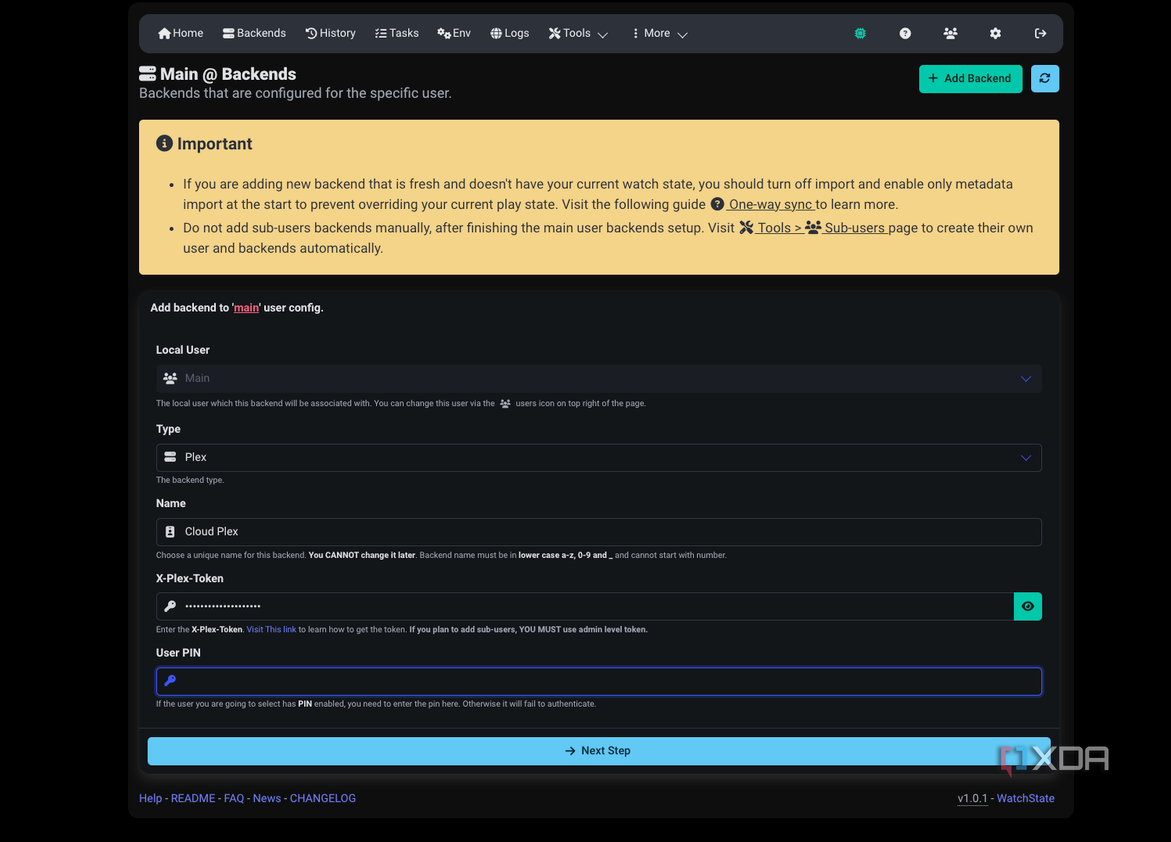
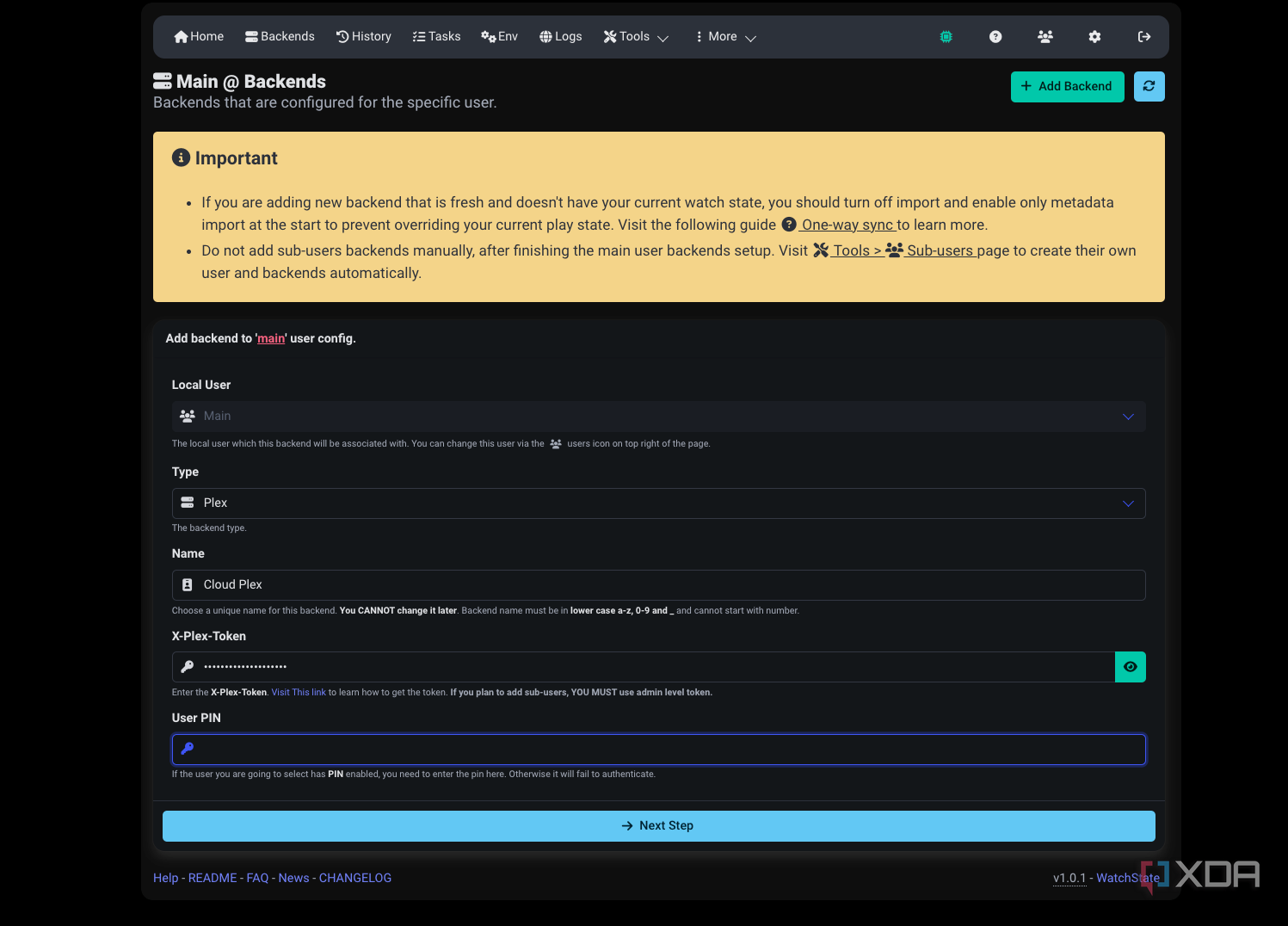
All you need is access to each server's API and credentials. For Plex, you won't even need to figure out how to get the Plex access token, as WatchState offers a login with Plex option. Once connected, WatchState builds a local database of everything you've watched and then syncs the status across to any other streaming app that you're connected to. You can choose a one-way or bidirectional sync depending on how you use your servers, making it a very flexible way to keep everything synced. If Plex is your primary app, you can make sure that Jellyfin stays updated, and vice versa. And if you find yourself switching between the two, you can set up bidirectional sync to keep both apps matched up in lock step.
Of course, reliability is a big factor in an app like this, and the result is precisely what you expect. You won't have to go back to marking episodes as watched on your backup streaming app anymore. In case you're using a tablet on the go with Plex, or streaming from Jellyfin at home, you get to choose your preferred interface depending on the use case, and WatchState handles the rest.
Set and forget configuration
Webhooks add flexibility and integration capabilities
Credit: 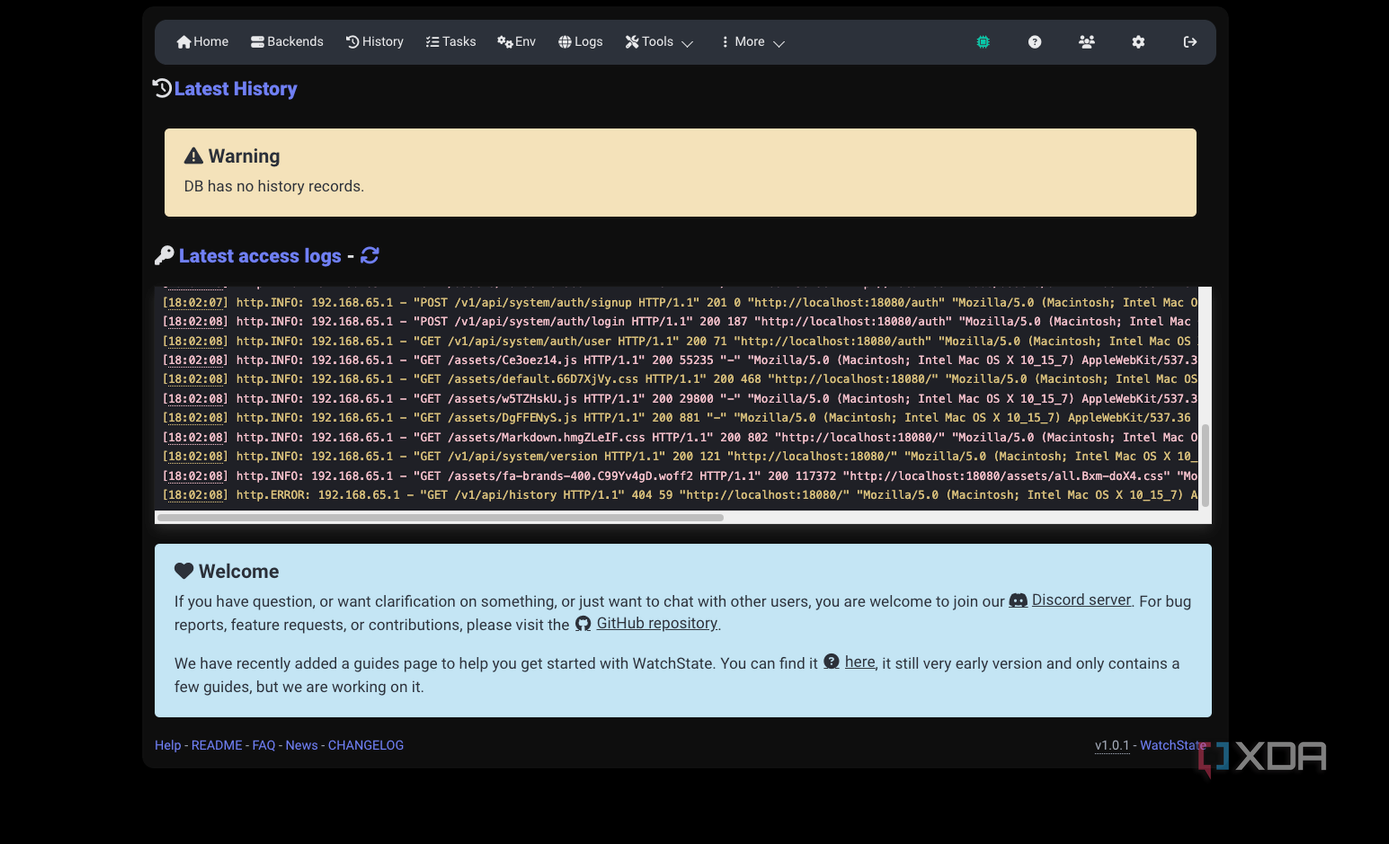
Credit: 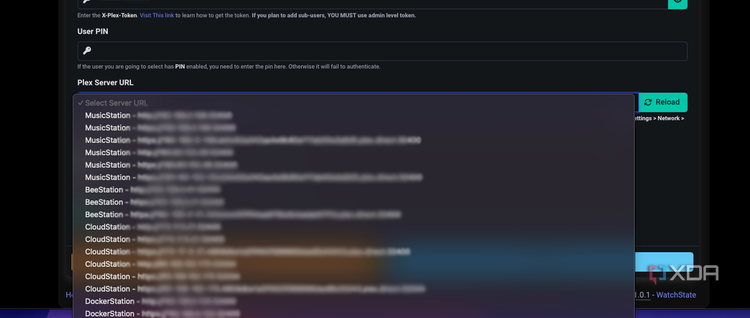
Credit: 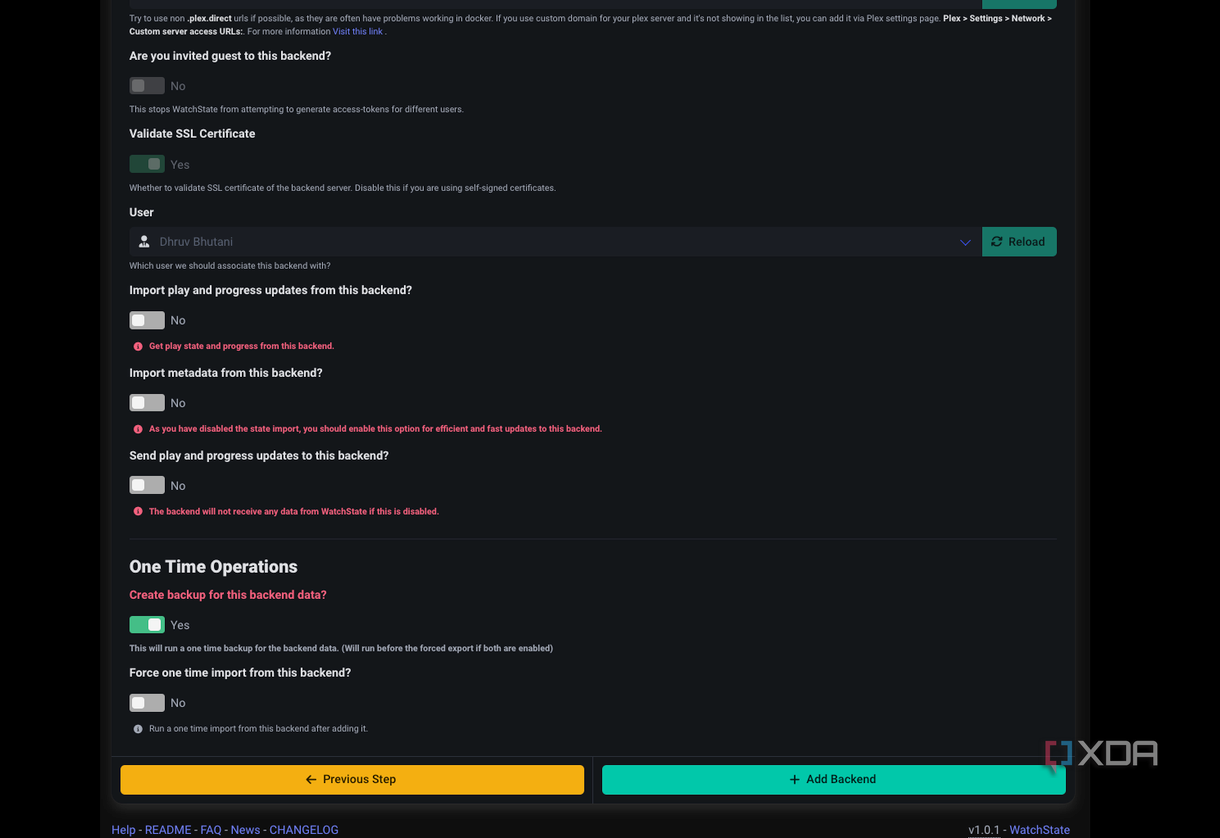
Credit: 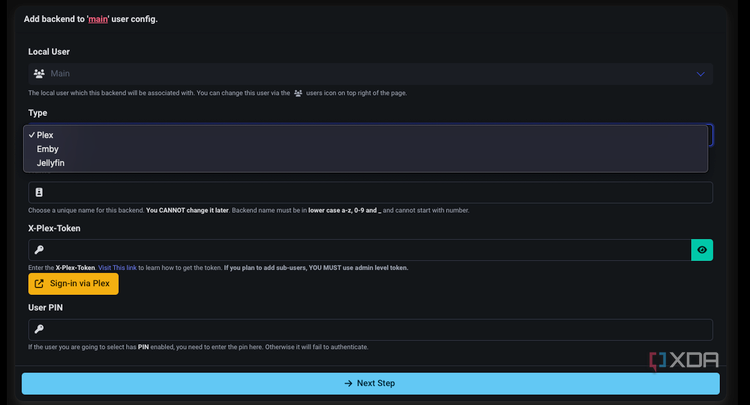
Credit: 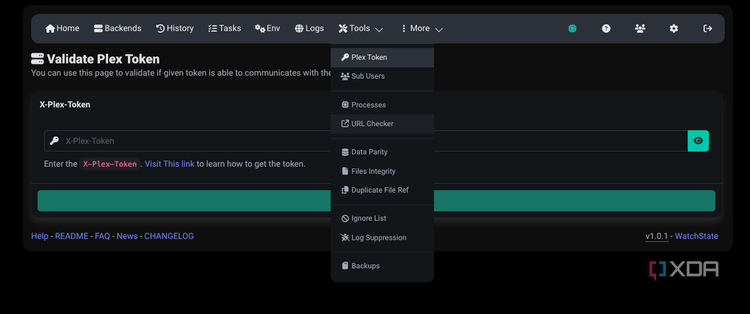
Credit: 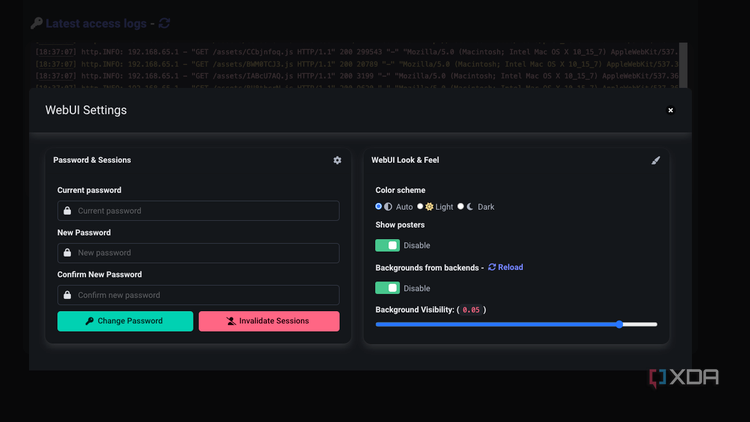
Credit: 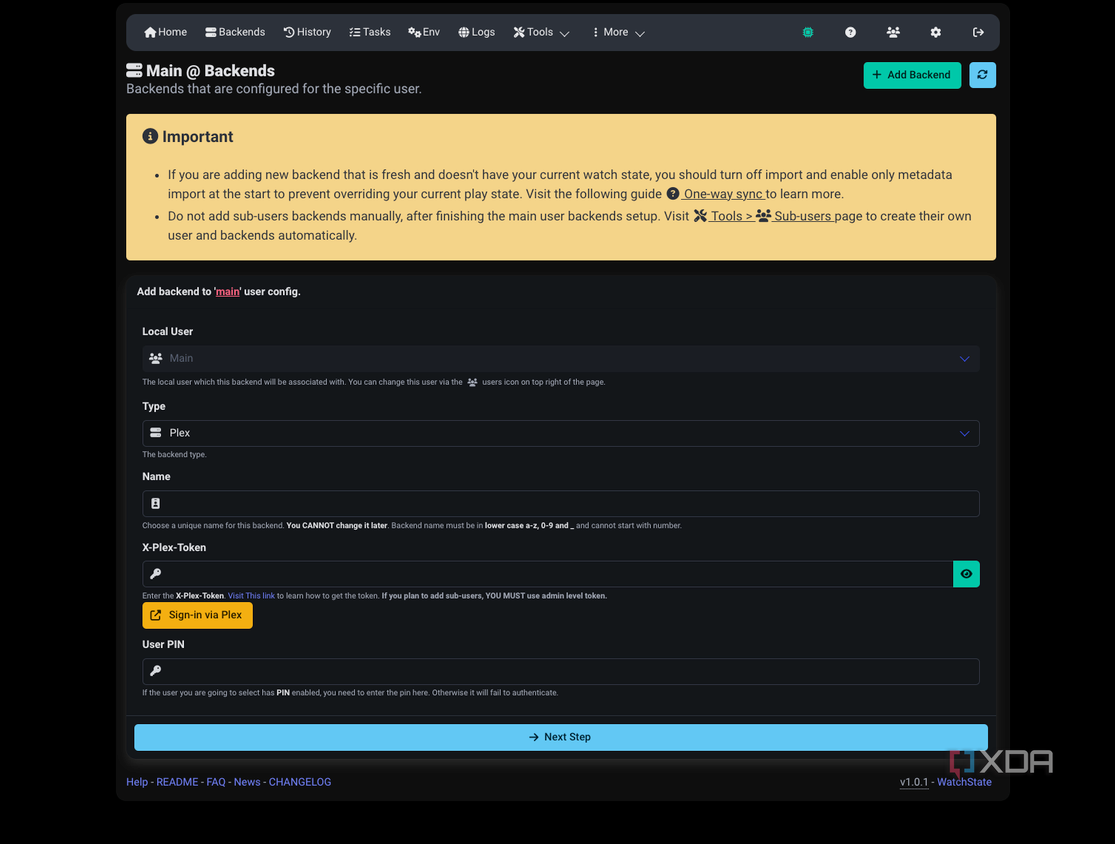
Credit:


Credit: 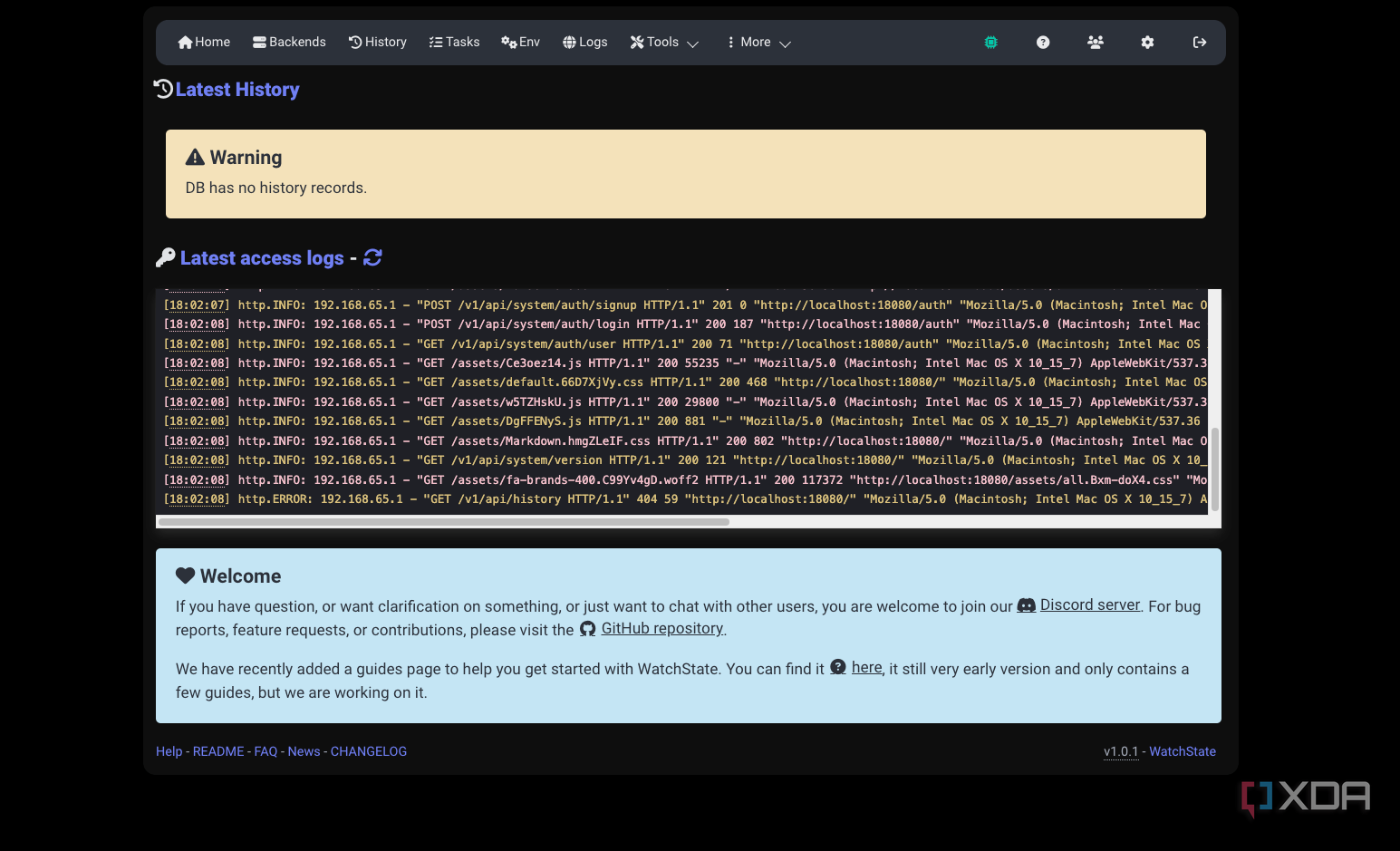
Credit: 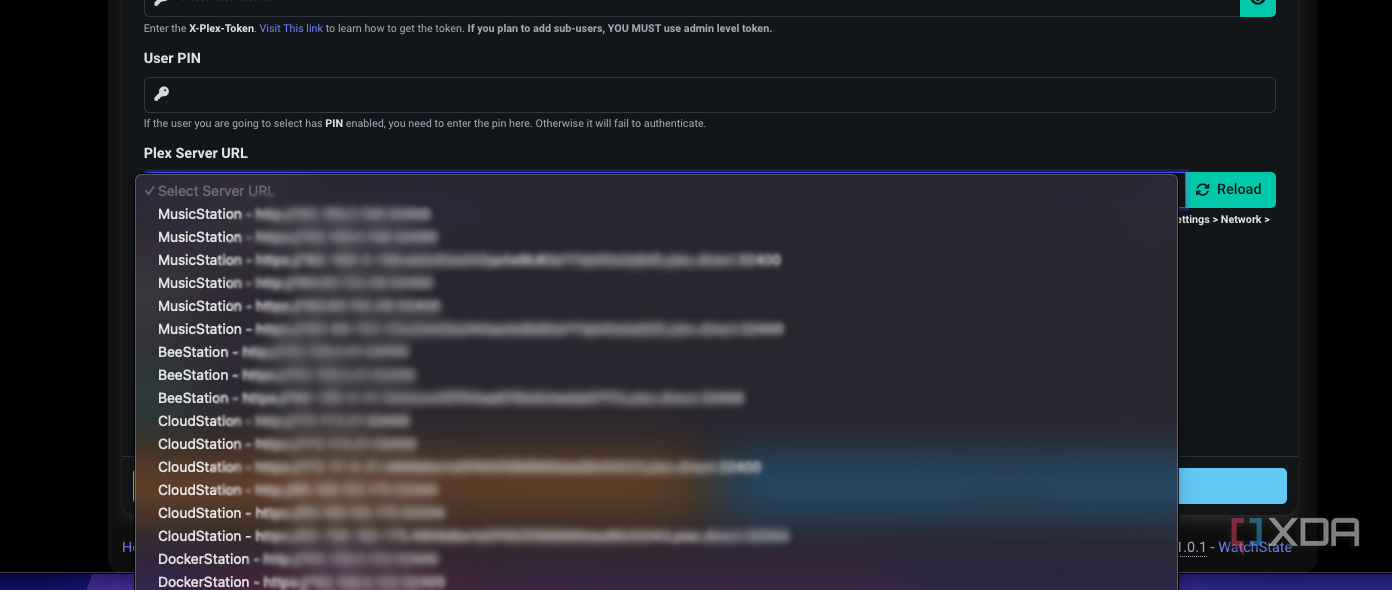
Credit: 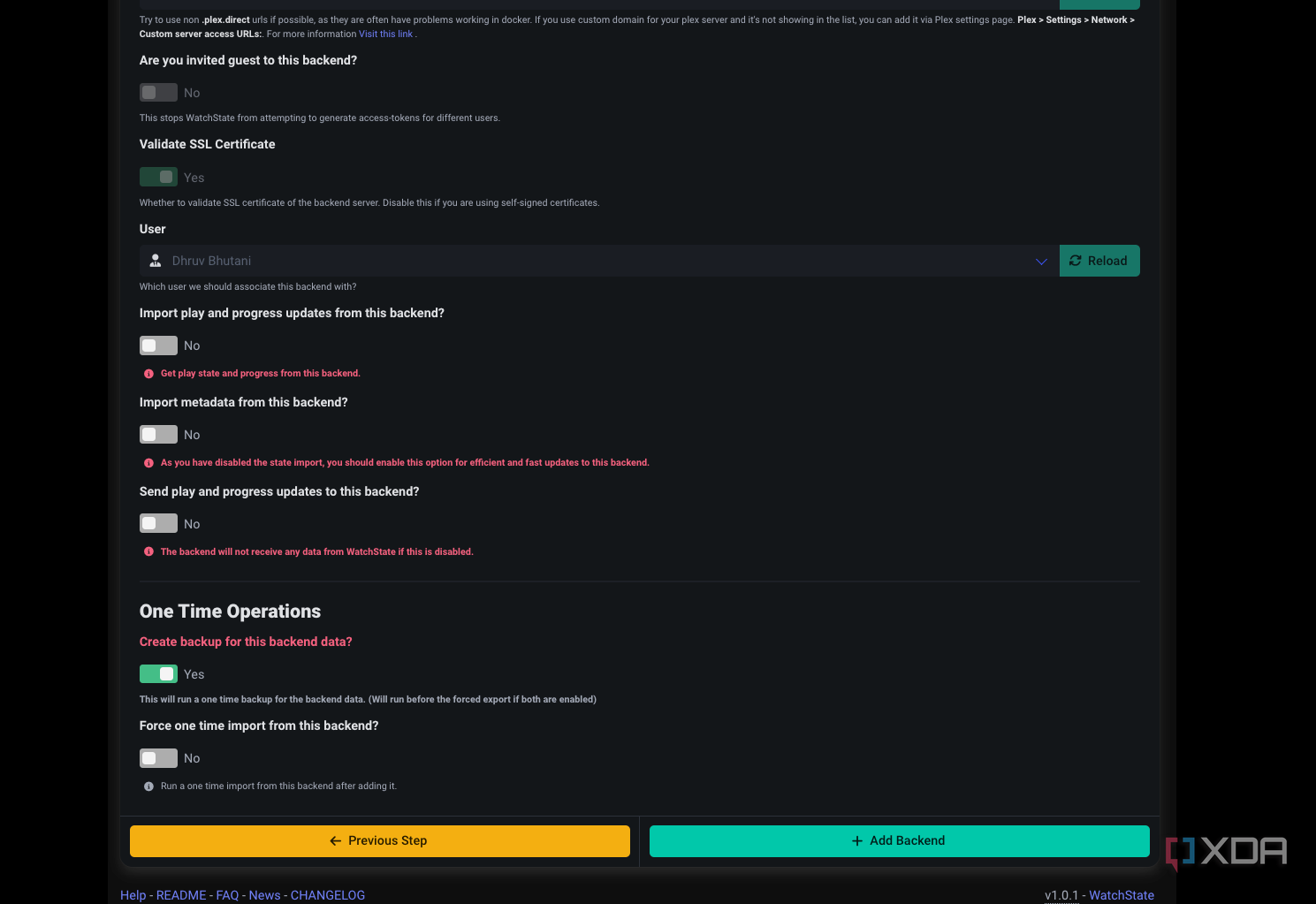
Credit: 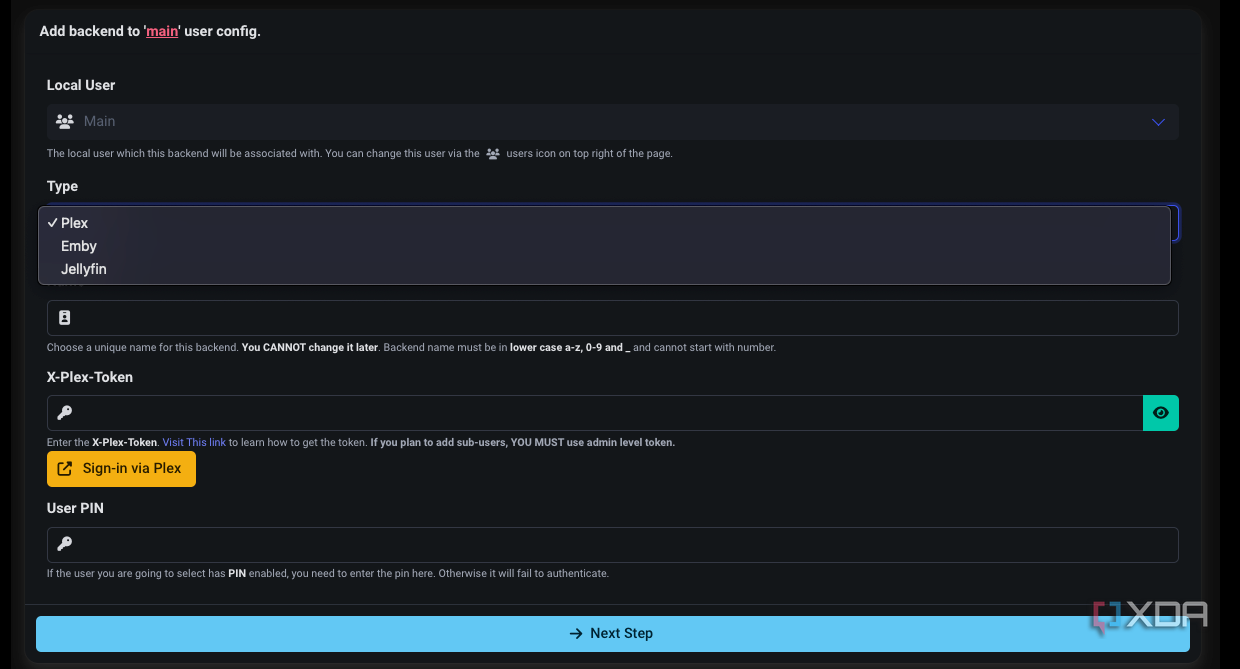
Credit: 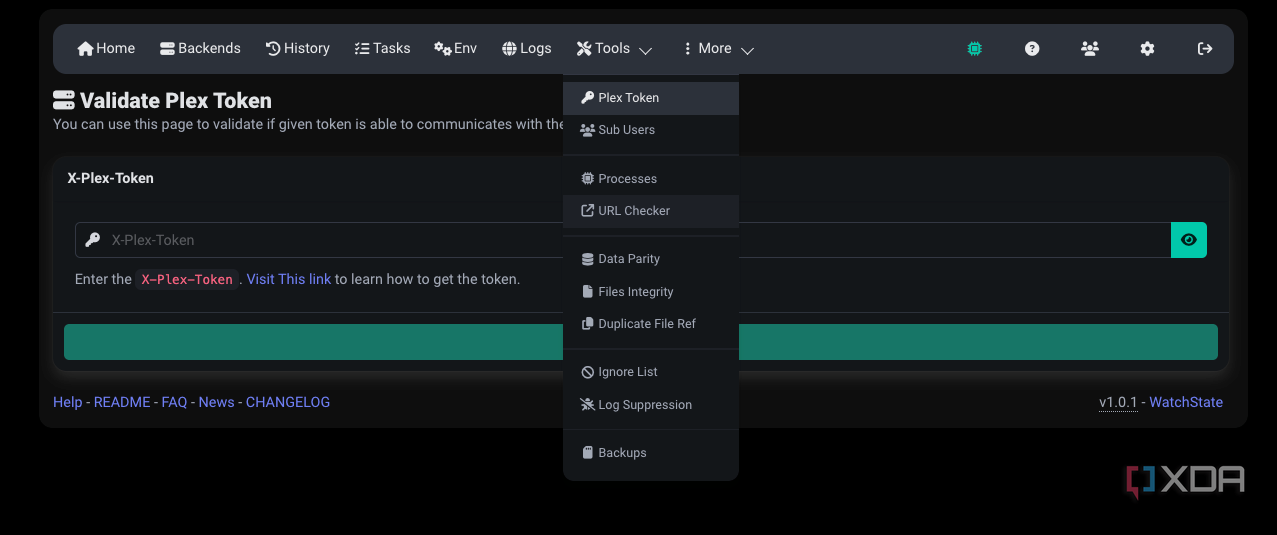
Credit: 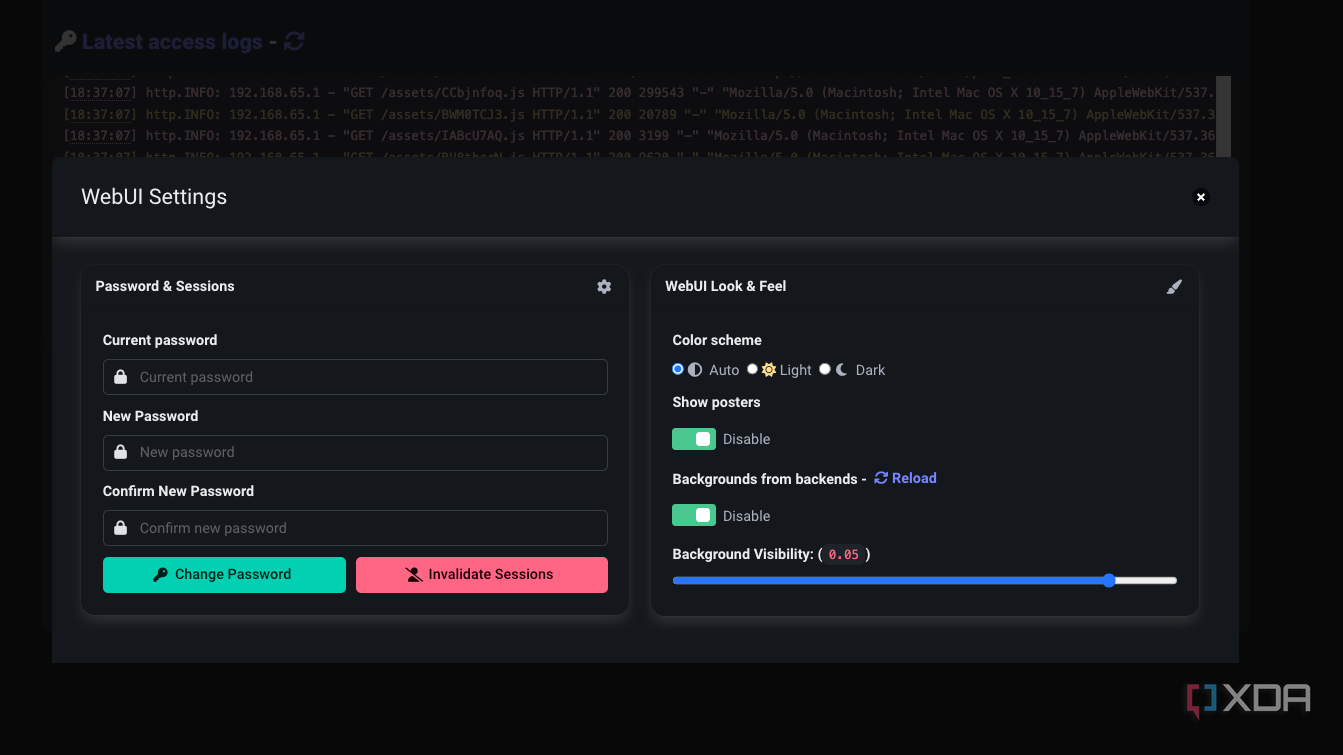
Credit: 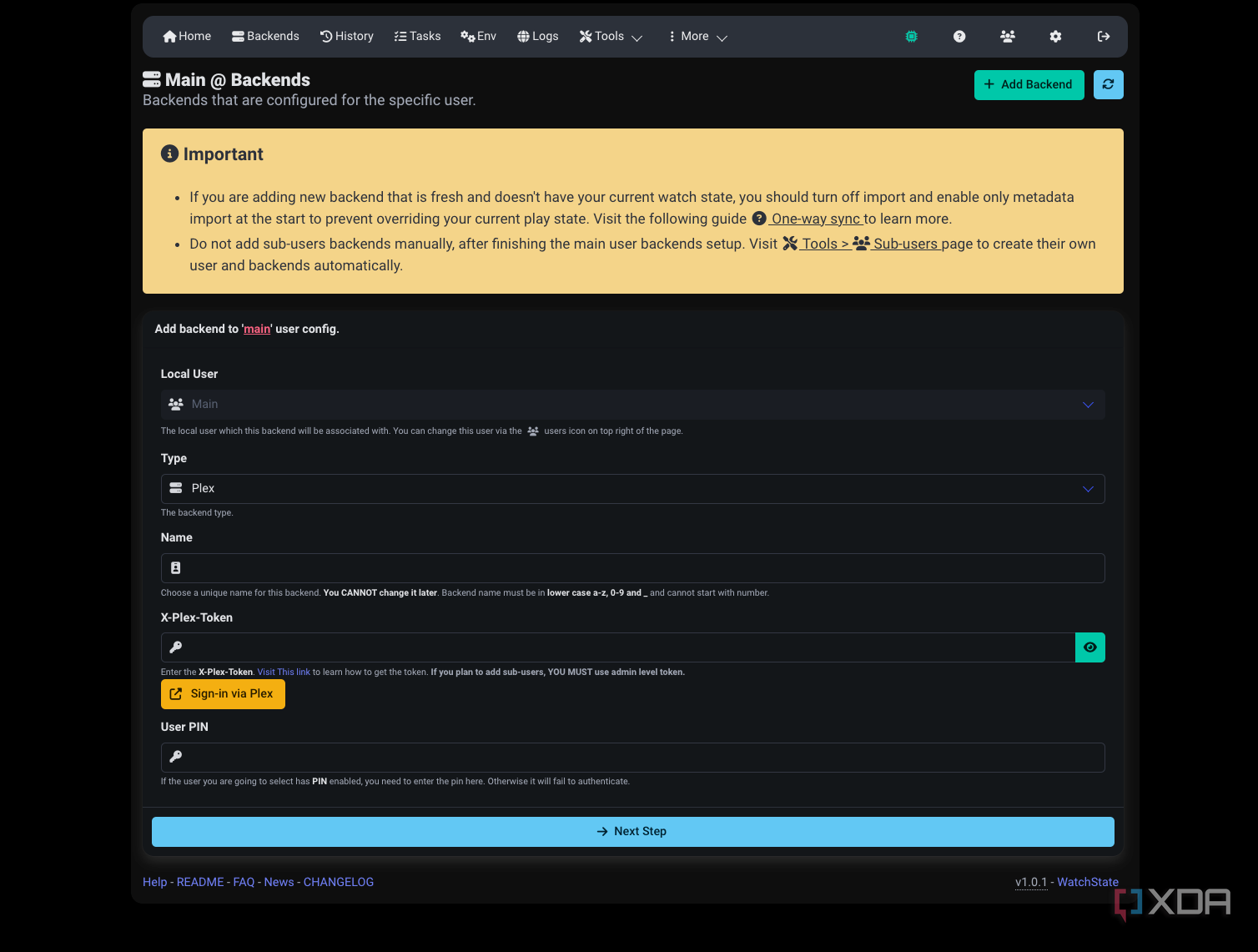
Credit:
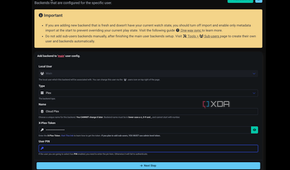
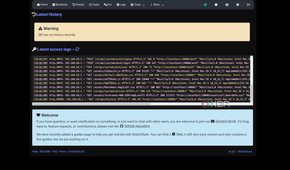
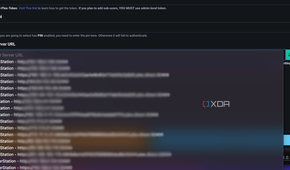
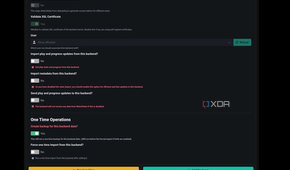
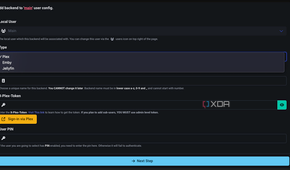
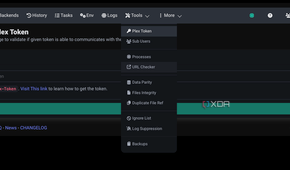
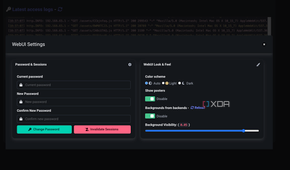
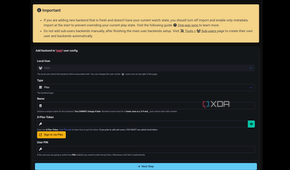
While WatchState does offer a web interface, it's not something that you'll go back to all that often. For the most part, the Docker-based install and the initial setup, once done, are all you'll care about. Connect your media servers, select between one-directional and bidirectional sync, or add backups to the mix, and that's it. The rest is handled automatically, and more importantly, reliably, so you won't need to go back and check logs to see if the sync happened or not.
Finally, WatchState includes support for webhooks as well. This can be a useful addition in case you want to integrate the app with Home Assistant or to trigger notifications.
A seamless bridge between your media players
If you've spent hours fine-tuning your media stack, WatchState makes a useful addition. It opens up the option to test out alternative media players, while ensuring that your original media player doesn't get left behind with an out-of-date watch status or history. It can also be a very nifty addition if you are trying to match viewing status between a portable setup and your preferred media player for your home entertainment system.
The app is entirely self-contained and works without any third-party server dependence, making it a perfect choice to plug into your media library. WatchState solves a basic problem with running your own media library, and solves it beautifully, making it an obvious recommendation for your self-hosted stack.

watchstate
Watchstate is an open-source tool to sync watch status between a Plex and Jellyfin server.
