


I've been configuring networks for what feels like forever, and even took a Network+ certification course in the early 2000s. In that time, I've lost track of how many bone-headed mistakes I've made, either through a lack of knowledge, being too sure of my knowledge, and not checking things that I was told were working fine.
That makes it tricky to talk about which mistake was the longest running. Maybe it's the Cat6 cable that I snaked under the skirting boards from the ONT to the living room, which was damaged in the process, and I only noticed once I upgraded our ISP package to a higher tier. Or trusting the barely-there firewall on the consumer router I bought to replace the ISP's box. And I'm still terrible at saving login details for network equipment, although it's easier now I have 1Password on every device I own.
But these are all fairly common issues, and ones that I could have figured out quickly. It's much harder to troubleshoot intermittent issues, like the one I inadvertently created by trying to improve the wireless connectivity in one of the apartments I lived in.
It's all too easy to make this mistake
Many devices set up their own DHCP server by default

Back in the days when my tech budget was considerably lower, I had a problem in one apartment where the kitchen and its old appliances blocked much of the wireless signal from the router in the living room. Yes, the same router that I broke the Cat6 cable on, but that is another mistake and yet another story.
To try and get coverage in the bedroom, I picked up a cheap and cheerful Wi-Fi extender and connected it to the main router. Nowadays, I would have run more cable into the room and added an access point, but I was trying to do things as cost-effectively as possible, and the extender was the first option that seemed reasonable. For years, it made a difference, with our mobile devices able to use the Wi-Fi in that room, and it was a noticeable improvement over the existing coverage.
And then, as I brought more devices into our home, I started seeing issues when devices tried to connect to the network, only to get error messages saying the IP address was already in use by another device.
I half-fixed one issue only to make another

I tried troubleshooting this so many ways, hardwiring anything that had an Ethernet port, setting static DHCP reservations in the router,
and even buying another router to test with, just in case the original one was faulty. Nothing worked, and I never thought to go into the wireless extender's management pages to poke around until I ran out of other things to do. Well, one thing first: I unplugged the extender because the issues started when I set it up, and left it unplugged for a few days.
My Wi-Fi dead zone came back, but I didn't expect devices to start connecting to the network without problems. Every device that wasn't connecting properly worked again, so I plugged the extender back in and dove into the management pages. If you know anything about networking, you probably realize that there was a second DHCP server on there, set to the same IP range as the router, giving out IP addresses like candy on Halloween. It was a humbling moment, the sudden realization that I hadn't double-checked every setting I could have, and skipped straight to setting up an SSID for wireless connectivity.
It's not even the worst mistake I've made
Although I've made it multiple times now


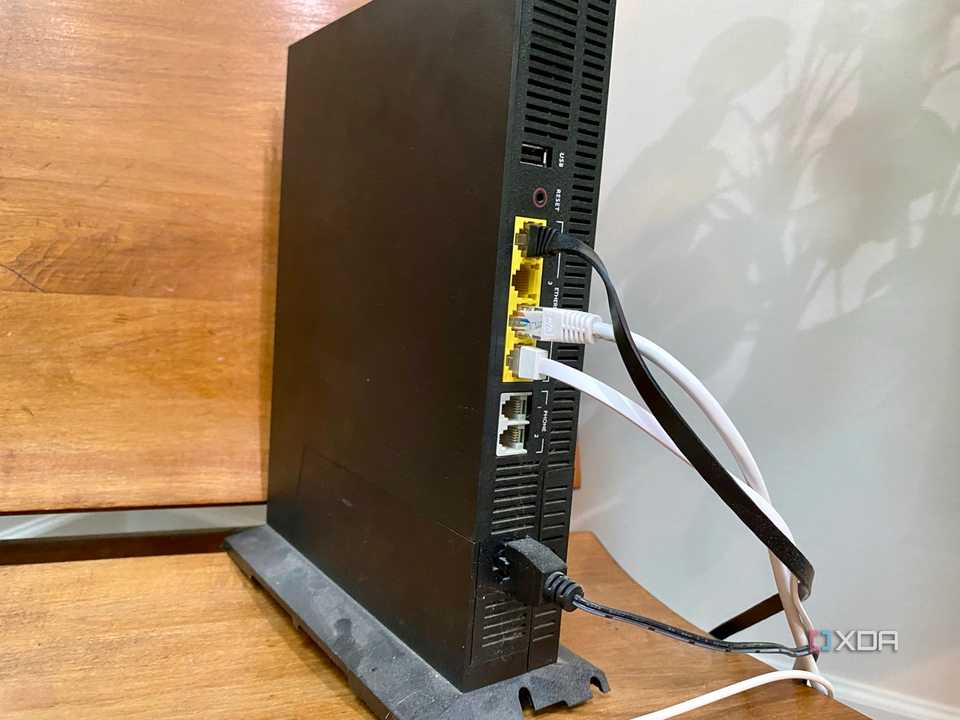


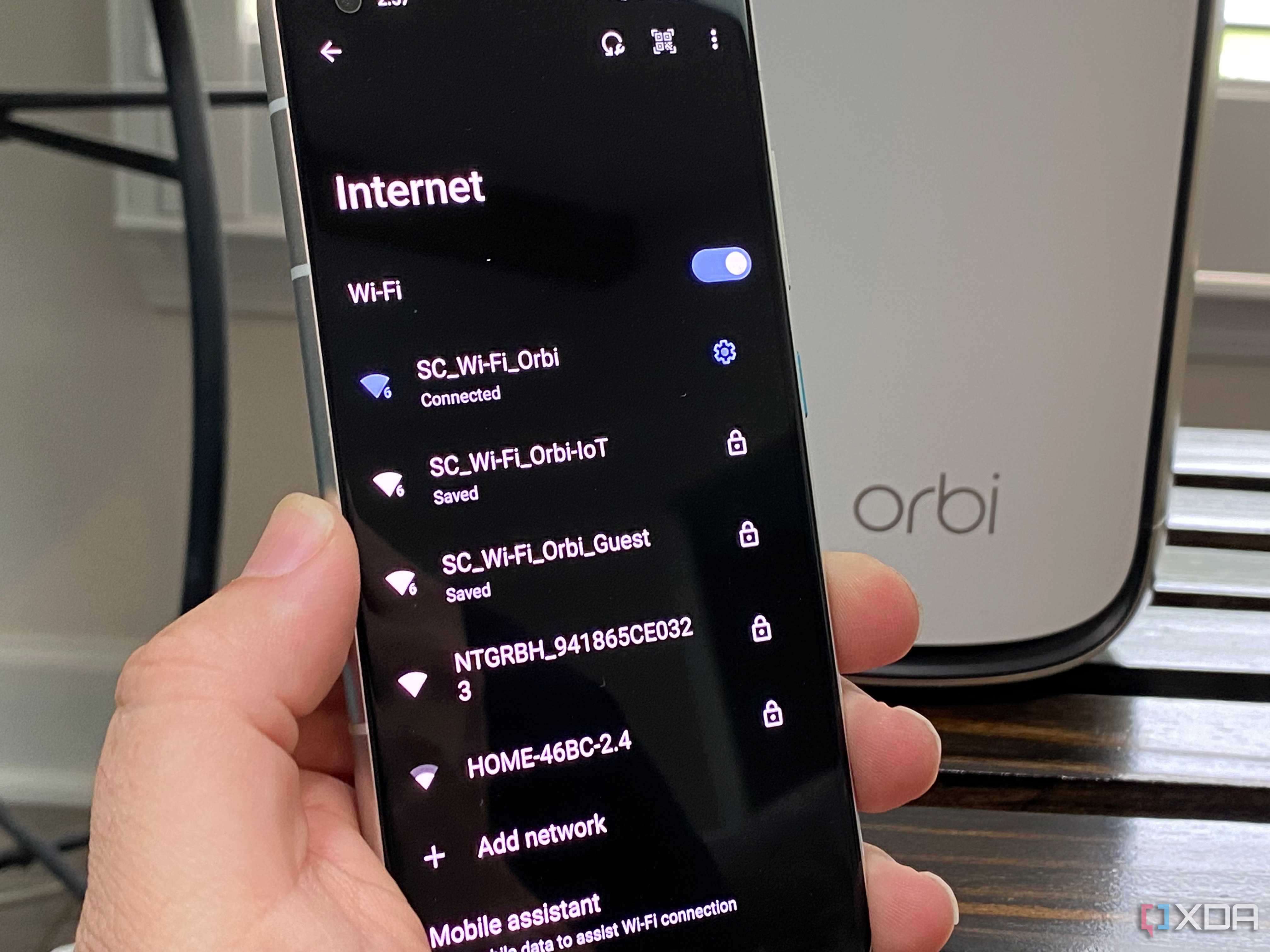
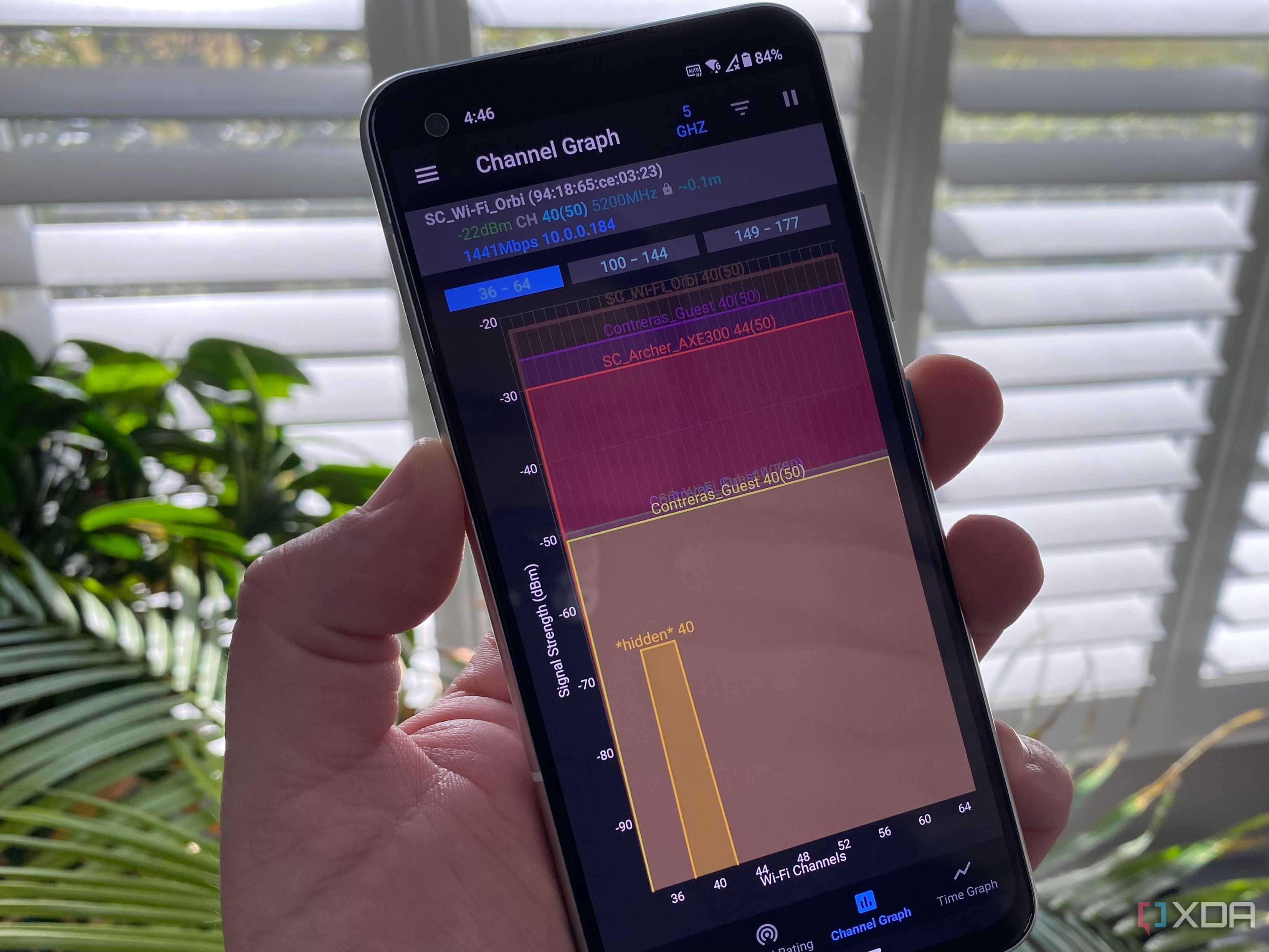
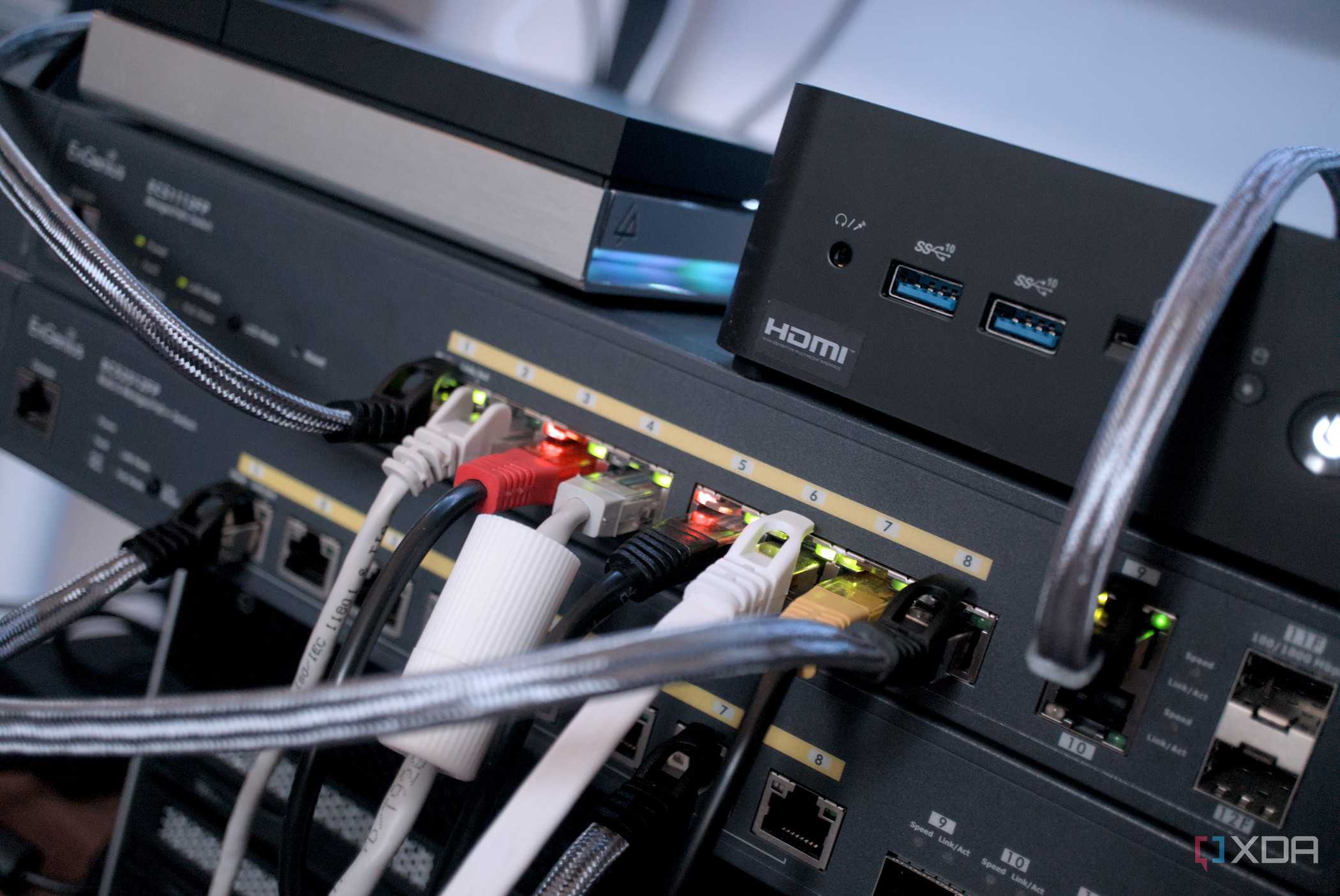
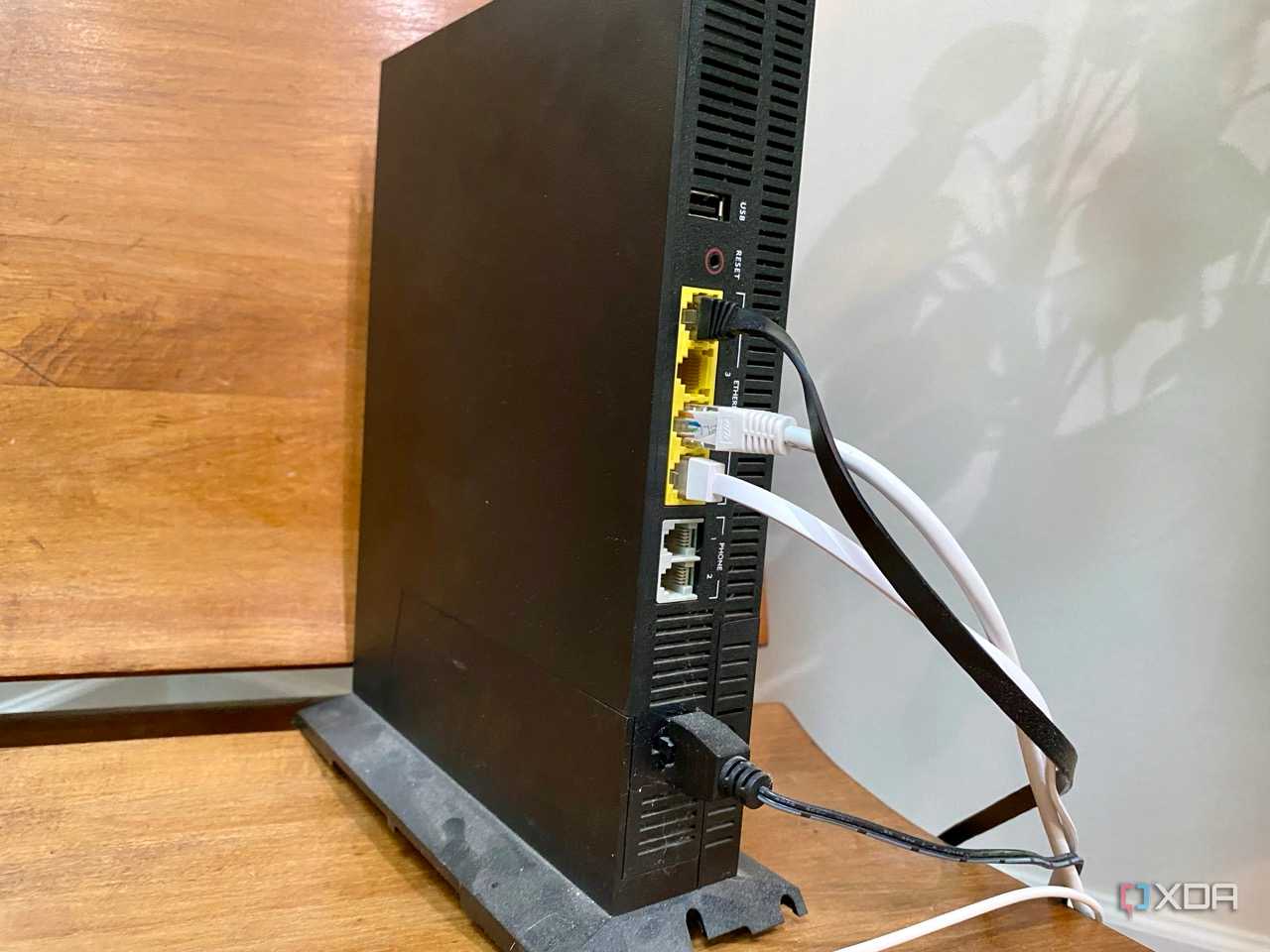
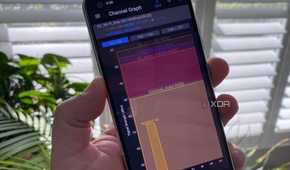
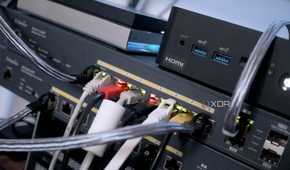
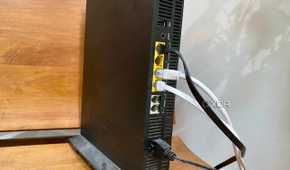
I've since learned that Wi-Fi extenders are a necessary evil in some cases, but that mesh nodes or wired APs are better options in almost every situation. I've had mixed results with Powerline adapters, and I've done some pretty silly setup things with network equipment. Things like getting spanning tree set up oddly, or picking two ends of the same cable out of a bunch and creating a loop on an unmanaged switch.
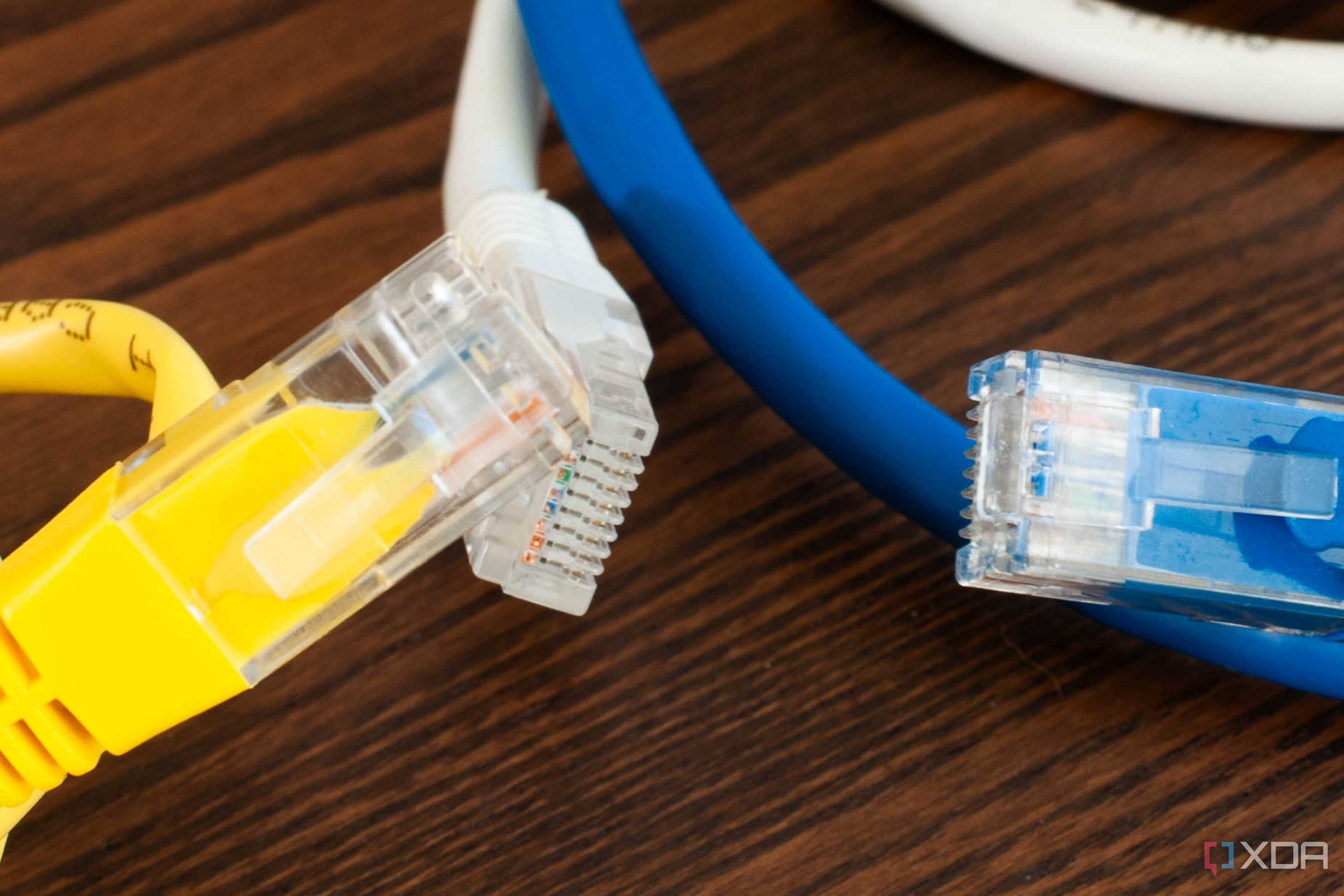
And yes, having two DHCP servers on the same network segment, because I forgot that my homelab router would have one running. I'll check it most of the time now, but sometimes I forget. Or the time I wondered why a particular network segment wasn't negotiating at the correct speed, only to notice that the locking tab on the 8P8C connector was broken, and it wasn't seating properly in the port.
It could happen to anyone
Every time I research networking issues for new articles, I see that I'm far from alone in making simple mistakes that cause odd troubleshooting situations. Often this is undocumented setups, like manual entries in a device's host file that mess up DNS queries, or errant spaces in login details. But it can be anything from physical issues to multiple devices handling routing, and not every issue shows up consistently. Troubleshooting is hard, and the only way to learn many of the things to check is by going through it the hard way first.
