


Over the last couple of months, I’ve slowly removed cloud-based services from my application stack and started using local FOSS tools wherever I can. That’s because I’ve grown tired of the paid subscriptions and privacy-intrusive nature of online platforms. In particular, I’ve started avoiding Google’s app collection as much as I can, with tools like Nextcloud, Grist, and Immich being my favorite replacements for the online utilities offered by the tech giant.
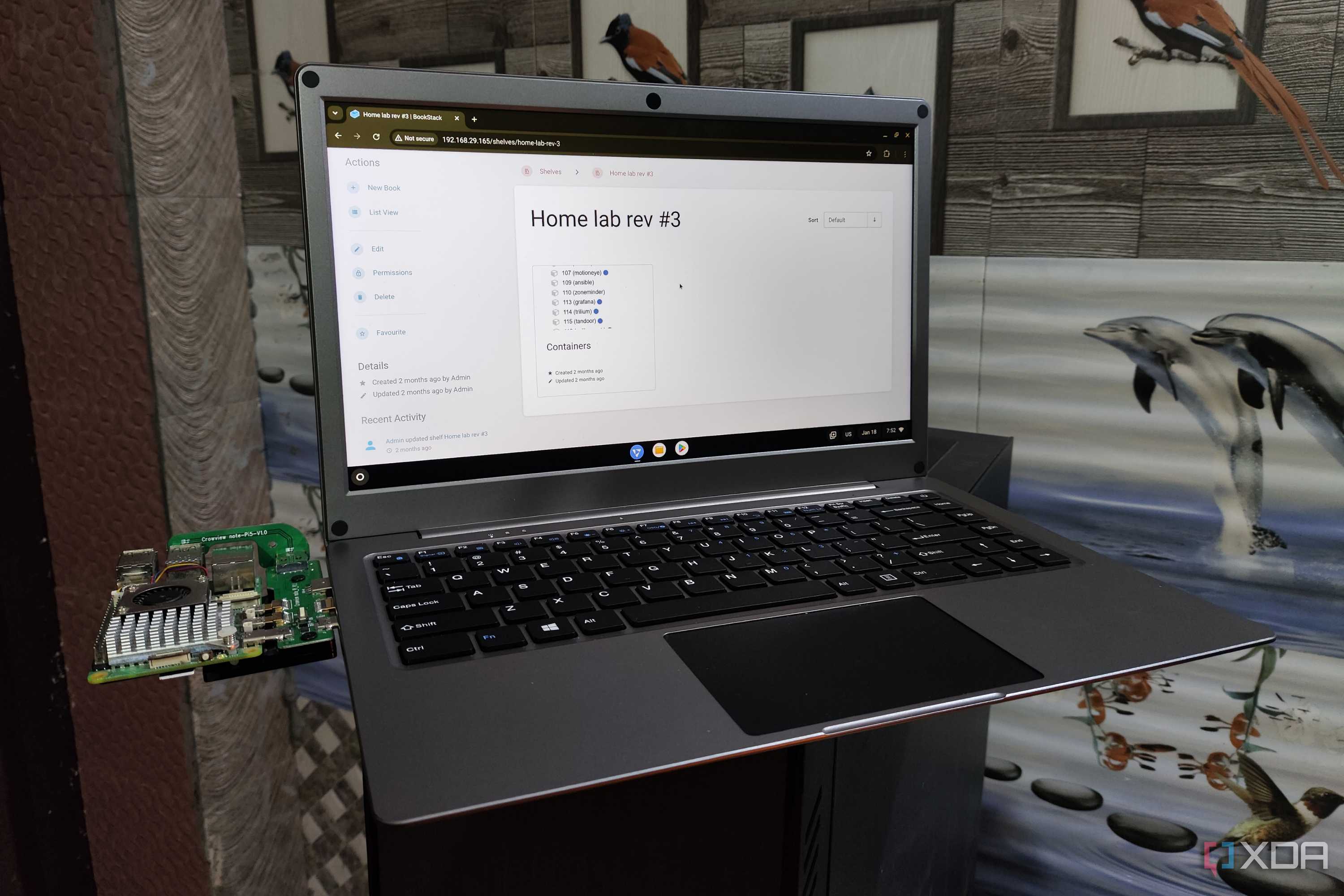
Then you’ve got the more obscure services that, despite not possessing 1:1 counterparts in Google’s cloud arsenal, have served as amazing alternatives. BookStack, for example, helped me create a personal wiki for my family, and it’s precisely what solved the disorganized mess of Google Docs notes stored on our family account.
BookStack helped me build a local wiki, one page at a time
Its hierarchical approach is great for categorizing documentation



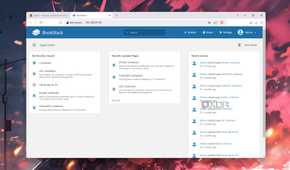
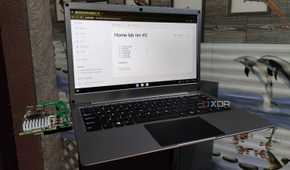
Google Docs provides a straightforward way to organize data: you’ve got folders containing different .docx files, and any new files you create get stored on Google Drive. While nested folders can get the job done, managing all your notes gets pretty annoying when you’ve only got a bunch of folders to work with. BookStack, however, does things far more intuitively, at the cost of making the initial setup somewhat annoying (and I’ll get to that in a bit).
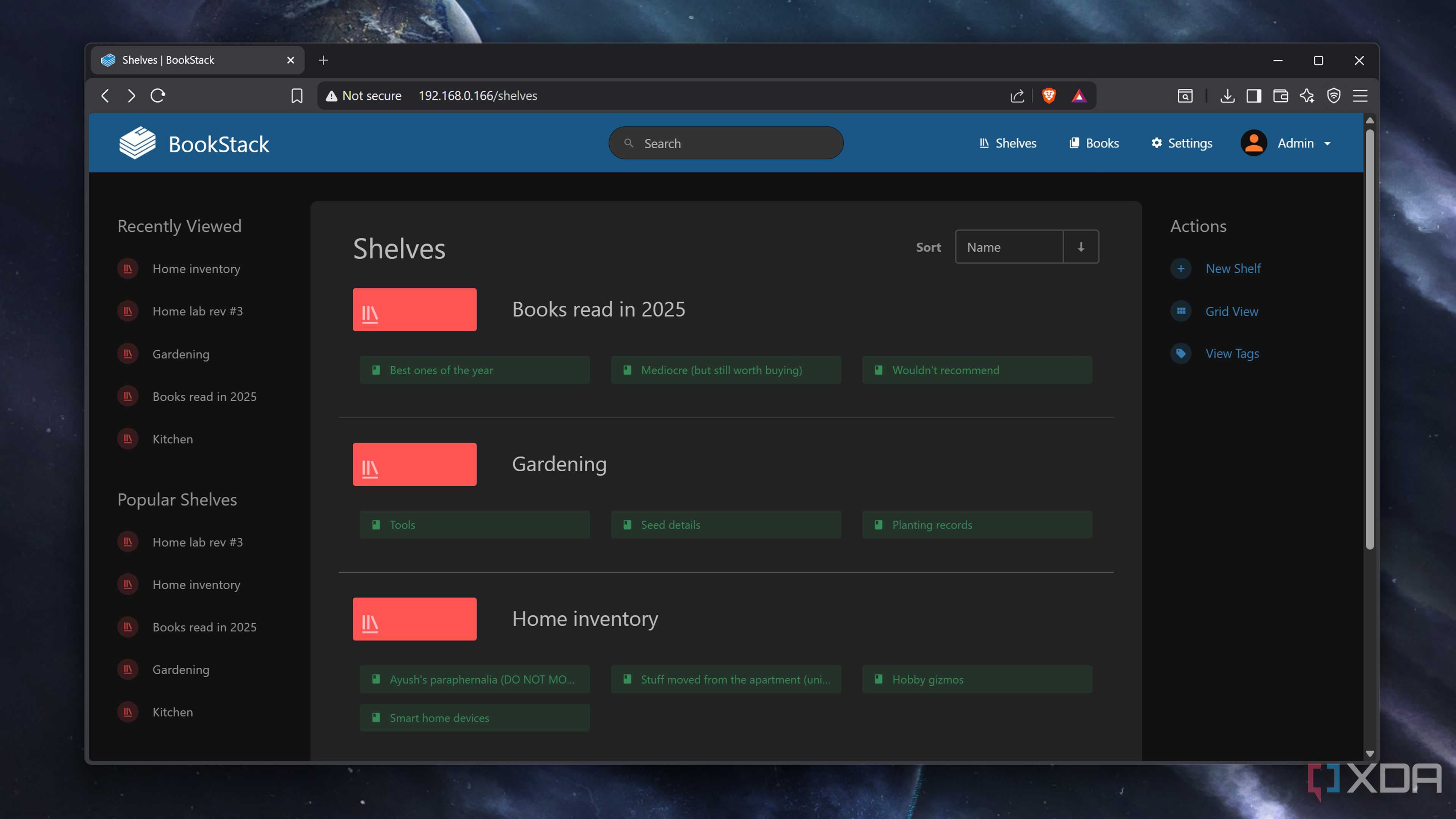
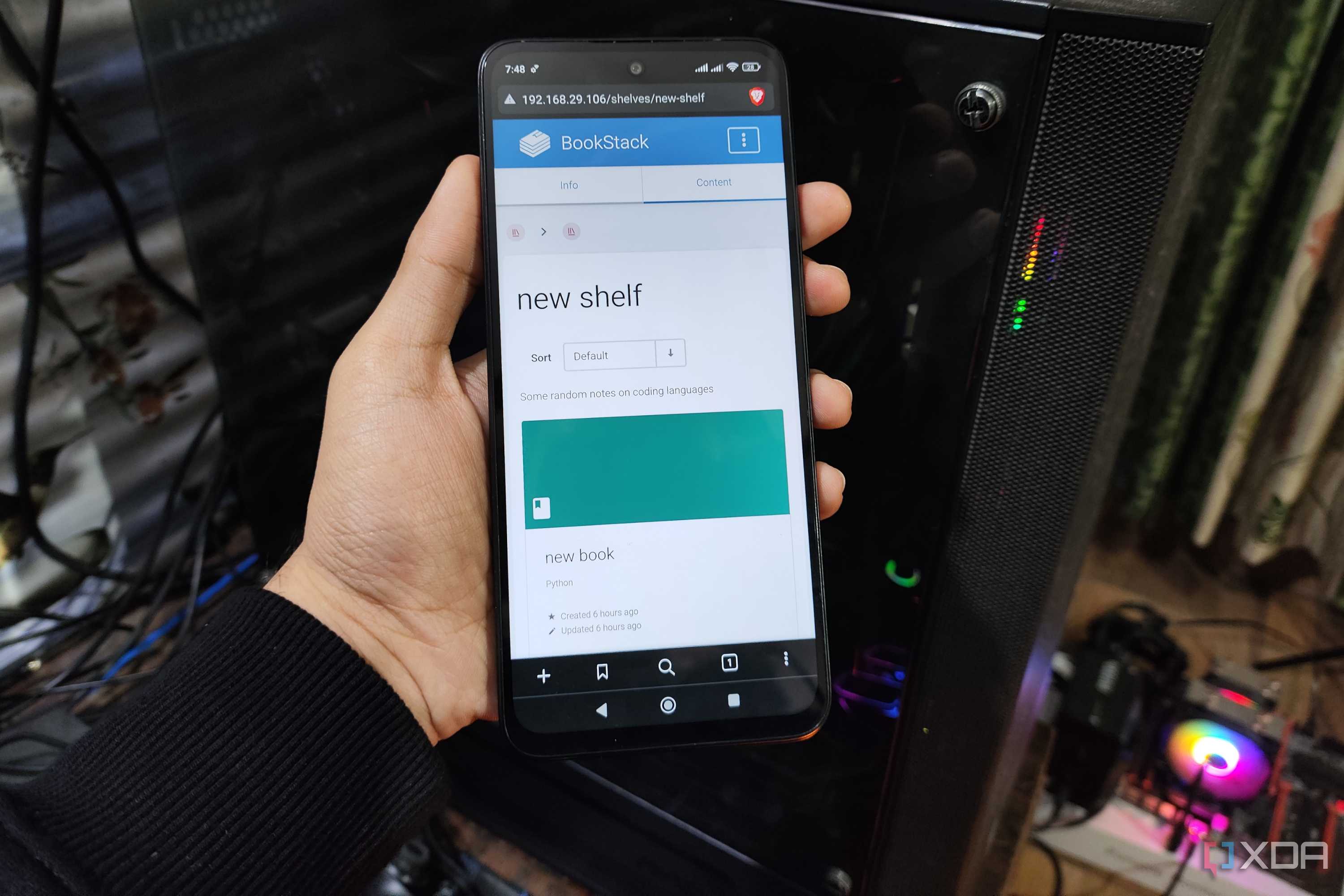
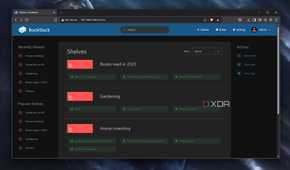
BookStack arranges all the documents in a hierarchical format, with shelves lying at the top of the chain. Shelves serve as the primary compartment for the shared family notes, and it’s how we split topics that have nothing in common. For example, I’ve got a shelf containing detailed records of my home lab, while another shelf houses a collection of notes about our kitchen garden.
Books are the next element in the hierarchy, and each book can be placed in multiple shelves, allowing my family to share topics between us. For example, I’ve got a “book” containing all the documentation about my essential self-hosted stack, which is synced with a shared inventory shelf, so my family can perform basic troubleshooting when I’m away from home. Anyway, a book in BookStack contains pages, which are the equivalent of the actual notes I had to manually copy from our chaotic Google Docs directories.
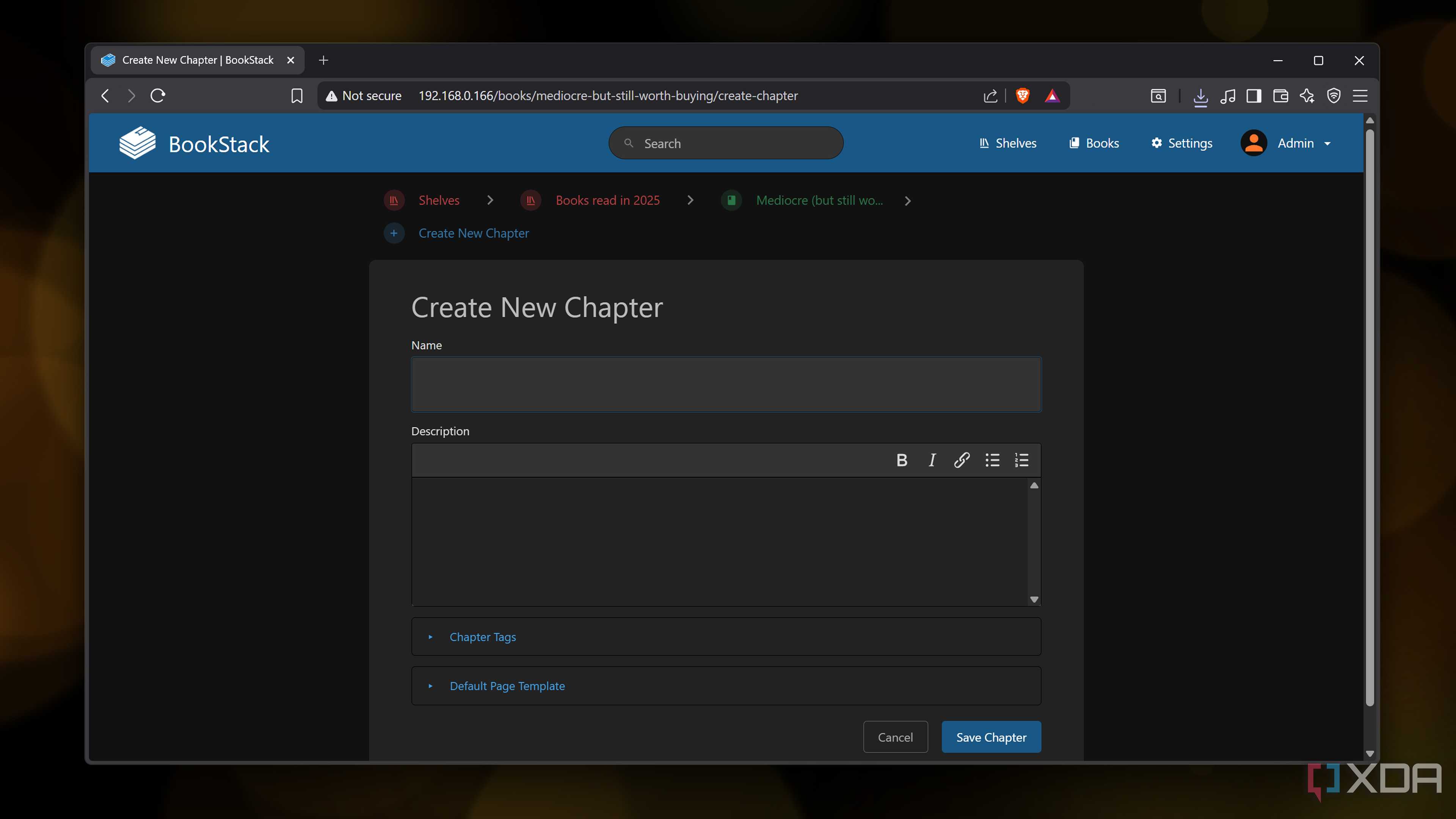
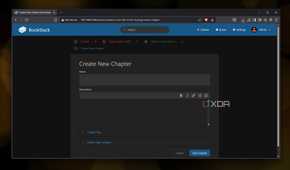
There are also chapters, which let me group multiple pages together under a common header. Think of it as an organizational level that bridges the gap between books and pages, though I don’t use them anywhere except for my programming notes. Nevertheless, being able to split the information into different hierarchical elements makes managing notes a lot easier, especially considering the diverse set of notes my family maintains for our hobbies.
Its Markdown editor and drawing capabilities are pretty useful, too

While the hierarchical arrangement is fine and all, a documentation tool is pointless if it can’t edit notes. Fortunately, BookStack is well-equipped with all the tools I need to make my notes presentable for myself and the other denizens of my household. Editing a page lands me at a WYSIWYG editor, which includes everything from standard headers and tables to code blocks and media files. Since BookStack ships with a diagrams.net integration, it’s also possible to insert custom flowcharts, illustrations, and doodles into my notes.
Better yet, BookStack lets me switch to a Markdown editor, making it easy to bring my GitHub documentation to this self-hosted wiki. Plus, it supports internal linking, so I can connect different pages together, while its export utility lets me save my notes as .pdf, .html, .md, and .txt files.
BookStack also packs some powerful data management tools

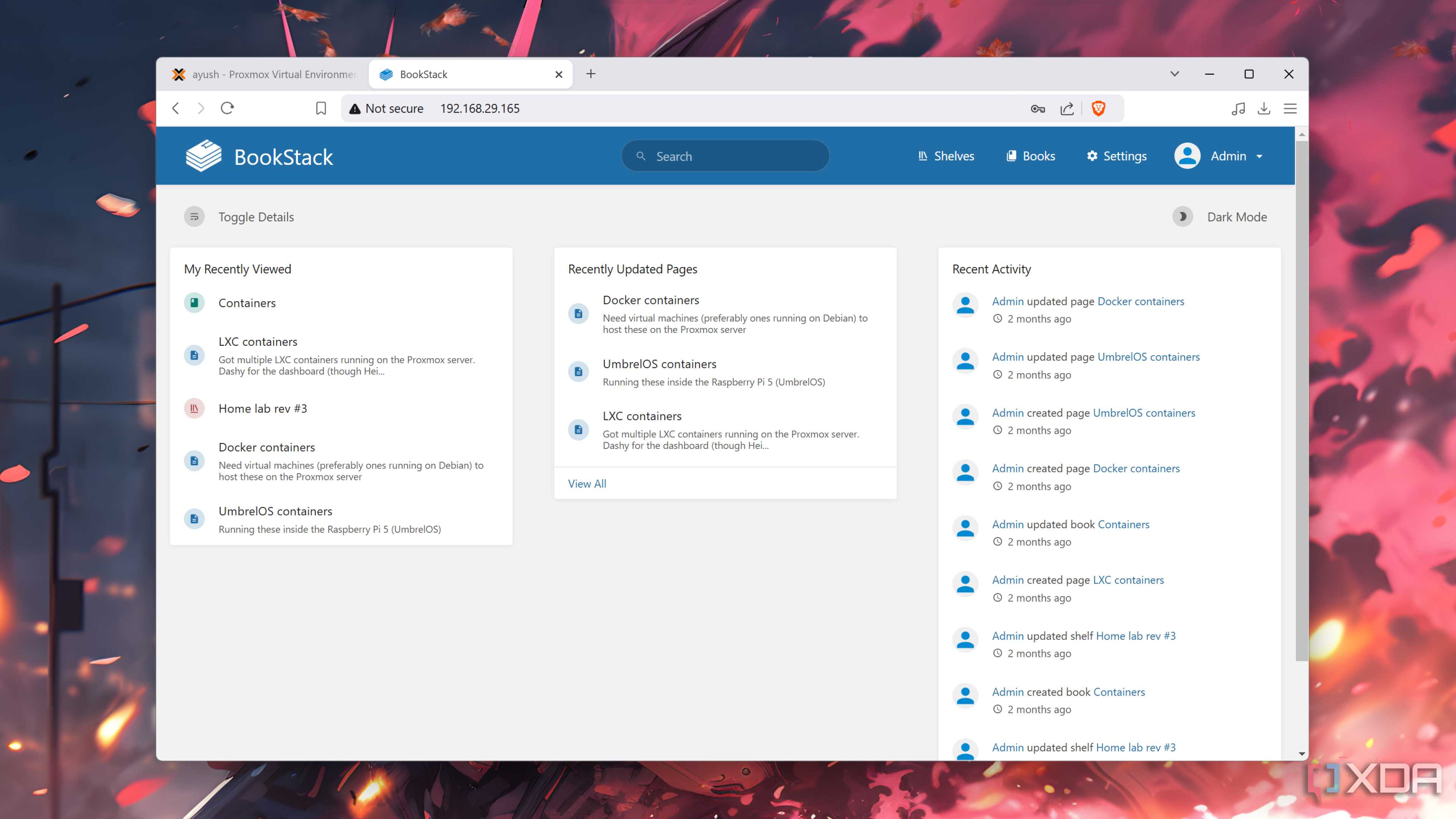
So far, I’ve only discussed BookStack’s text manipulation tools and note organization capabilities. But it’s also armed with a ton of management provisions to customize my knowledge hub to my liking. The revisions tab keeps a detailed log of changes made to the pages, and I can modify the permissions for my family members per their needs.
The pages can be tagged with custom attributes to make finding information a lot easier, and I can even create custom templates to avoid rewriting multiple lines of text after creating a new page. Throw in its audit log, webhook support, and compatibility with LDAP and other authentication protocols, and I don’t have to worry about my family members accidentally breaking our self-hosted wiki.
Deploying BookStack is a cakewalk
But I can’t say the same about building a wiki from scratch

Another neat perk of BookStack is that you don’t have to be a containerization maestro to use this tool. On Proxmox, the https://raw.githubusercontent.com/community-scripts/ProxmoxVE/main/ct/bookstack.sh)" command from the PVE Helper-Scripts repo is all it takes to whip up BookStack within an LXC, though I recommend increasing the amount of storage allocated to the container if you’re planning to attach high-resolution images to your extensively-documented wiki.
Or, you can go down the Docker route by creating a compose.yml file with the code from the LinuxServer image page on DockerHub. In fact, Cosmos Cloud, CasaOS, YunoHost, and other containerization tools let you deploy a BookStack instance from their neat UIs.
That said, building a new BookStack wiki from the ground up can get rather tedious. Unlike Grist, which can import Excel and Google Sheets directly, BookStack can’t directly add .docx files as pages. Sure, formatting is preserved when copying text from Google Docs, but not being able to bulk import the documents from Google Drive can be a bother.
It's not a replacement for Google Docs, either

As much as I love BookStack, it's not meant to replace the collaborative editing aspect of Google Docs (even though BookStack lets you add comments under pages). That's something a Nextcloud + OpenOffice combo is better qualified for. Instead, BookStack is more of a convenient UI that lets you arrange notes in a streamlined, wiki-like format, while also allowing other users to access your knowledge base.
Either way, once you get the ball rolling, creating a wiki in BookStack becomes a lot more fun – and I say this as someone who still has to bring dozens of other family documents to my self-hosted wiki.
