


In the beginning, I was a self-hosting purist. If an app existed, I wanted to own the instance, the database, and the Docker Compose file behind it. I convinced myself that this total control was the ultimate productivity hack, a bespoke digital cockpit where I owned every byte.
But as my dashboard grew, my output plummeted. I was so busy perfecting the "engine" that I forgot to actually drive. I wasn't a writer anymore; I was a part-time sysadmin for my own to-do list. Here is how I realized my "freedom" was actually a burden, and why I finally decided to prune the bloat.
The self-hosting honeymoon phase
The early days of self-hosting optimism and excitement


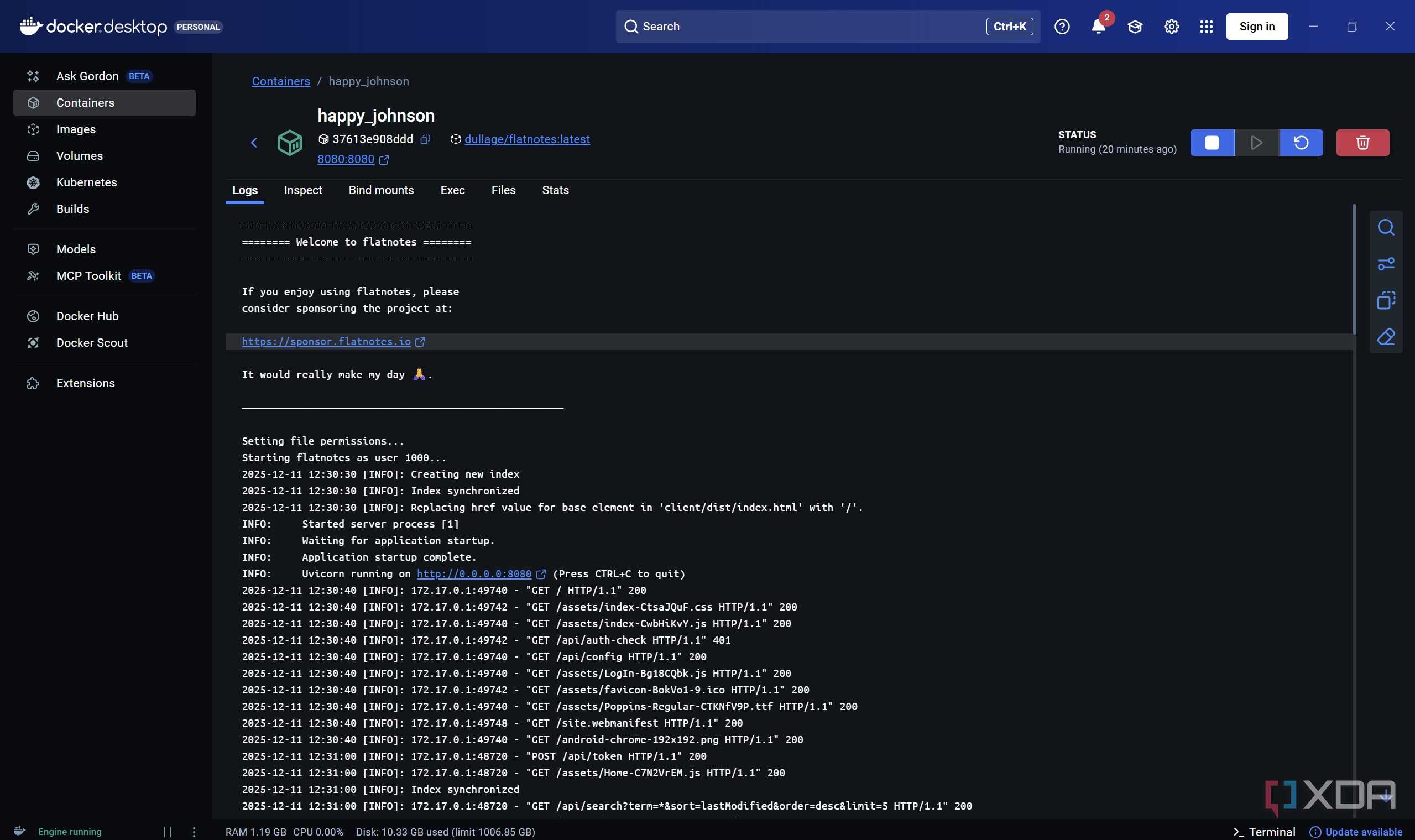
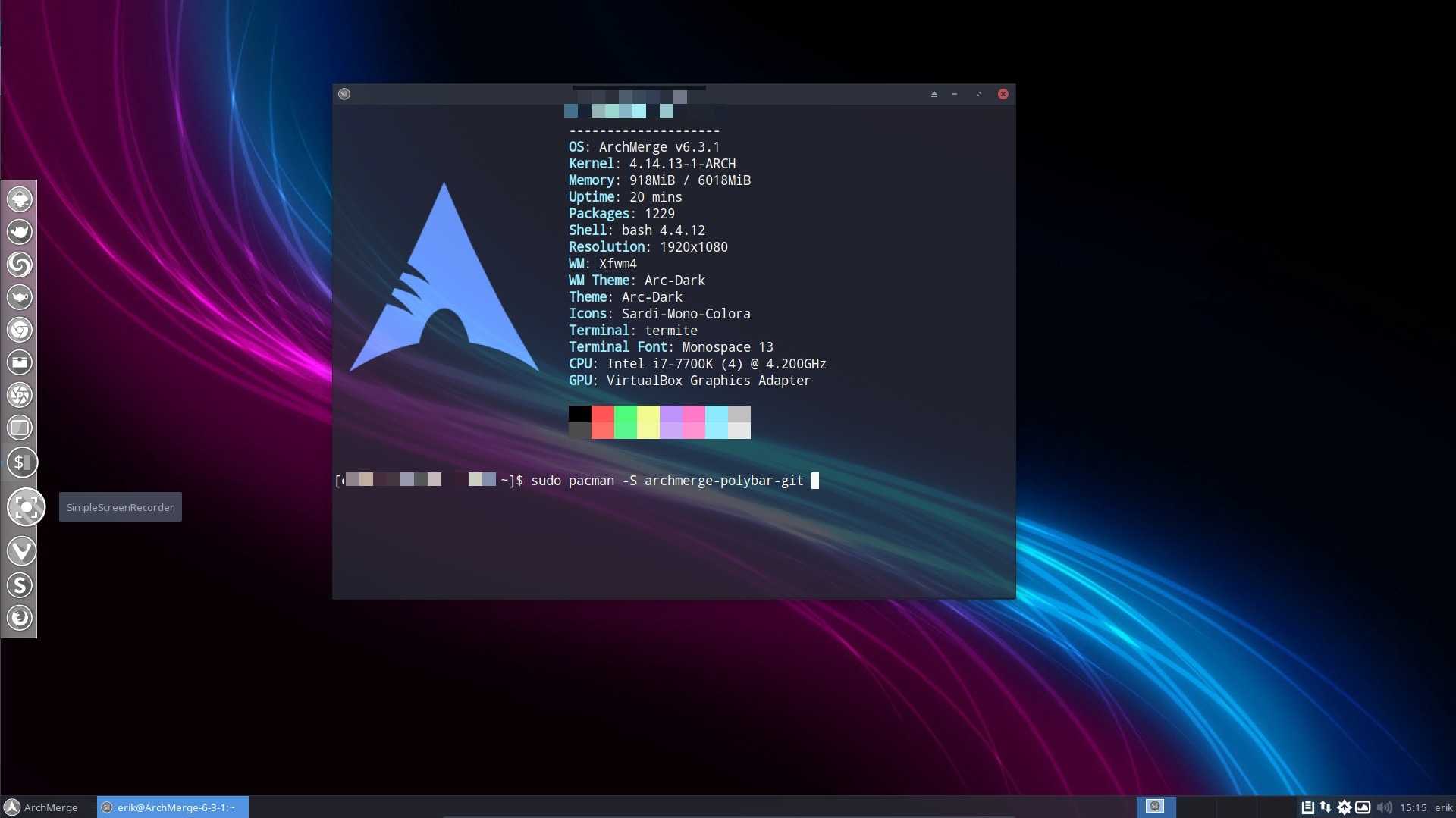
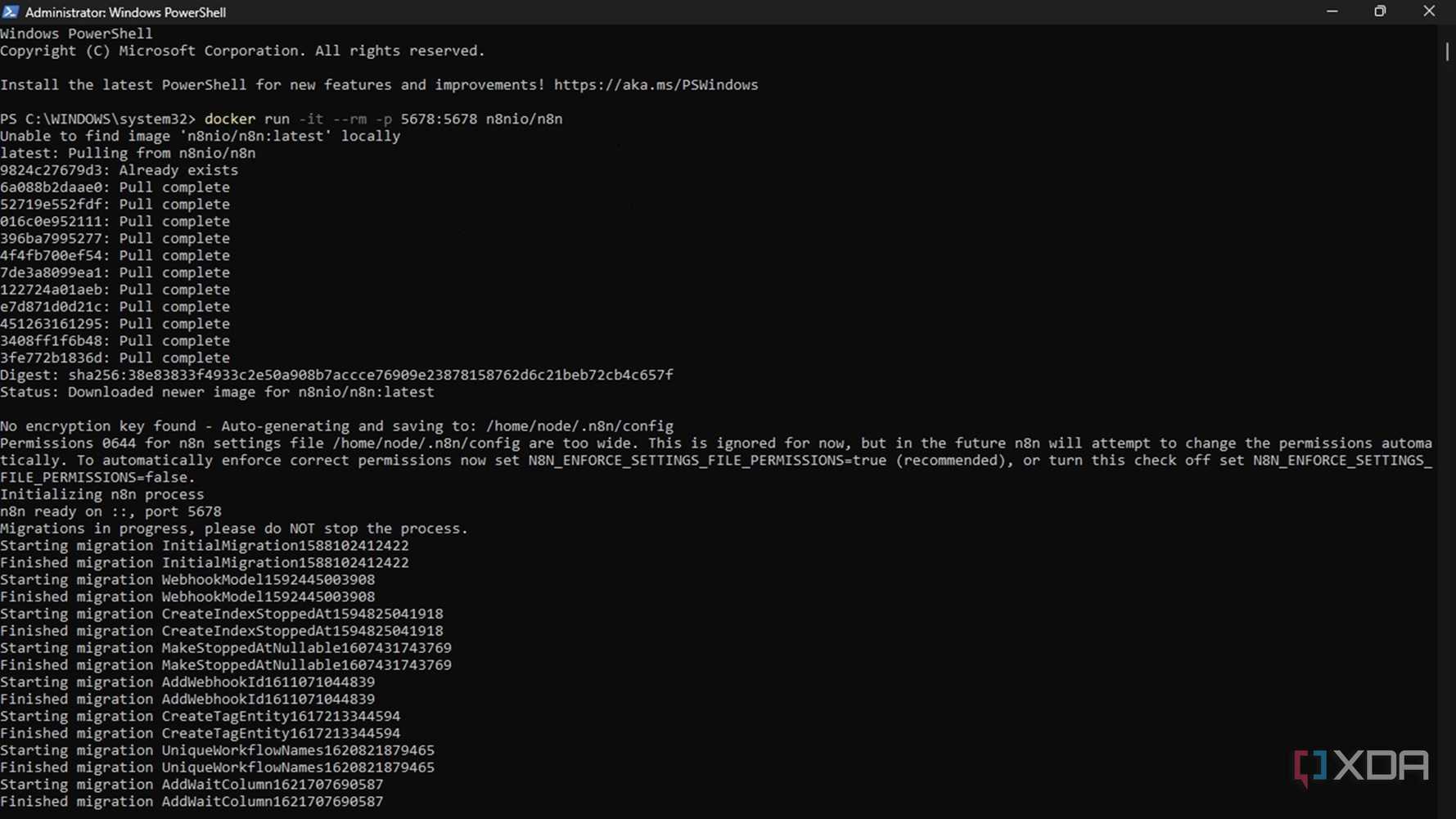
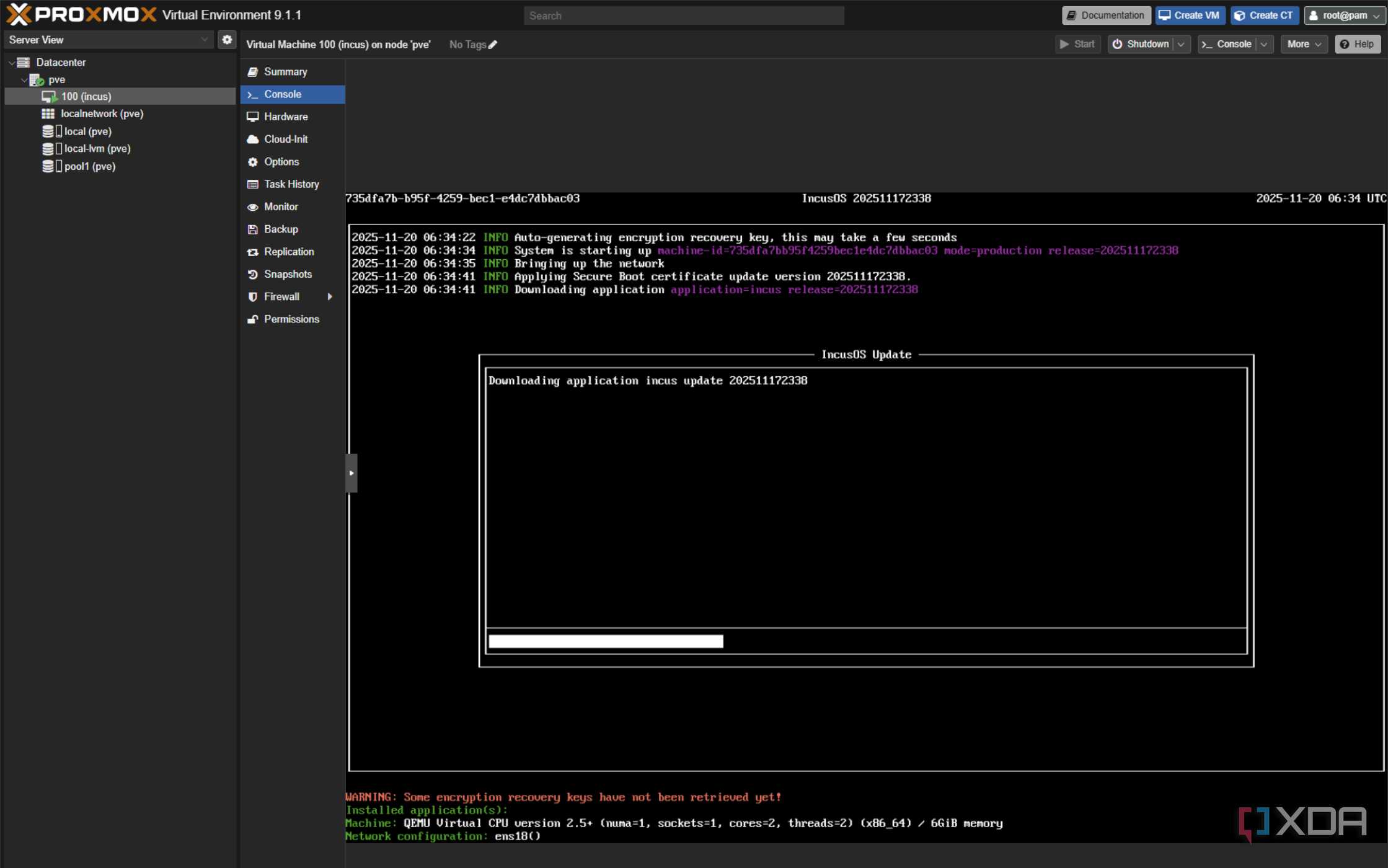
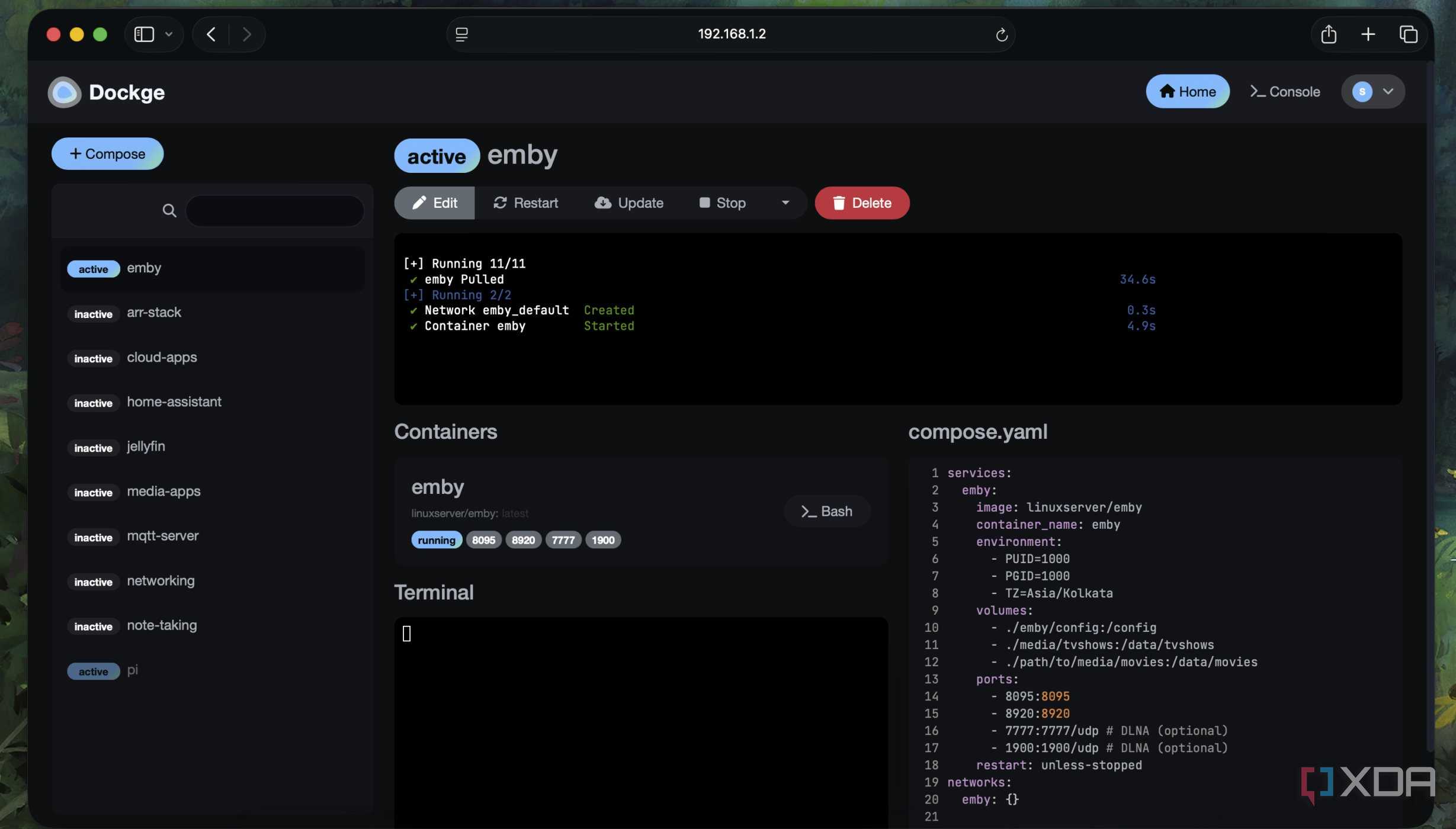
Self-hosting felt like freedom at first. I loved the idea of owning my data, ditching subscriptions, and running my own perfectly tailored productivity stack. Every new app I deployed felt like a win. A dashboard here, an automation there; everything was customizable, private, and technically satisfying. I told myself this was the “right” way to work.
In the early days, the excitement masked everything else. Spinning up containers was fun. Tweaking configs felt productive. I wasn’t just using tools; I was building my system. It gave me a sense of control that SaaS apps never did.
When productivity turns into maintenance work
The day my tools needed more care than work

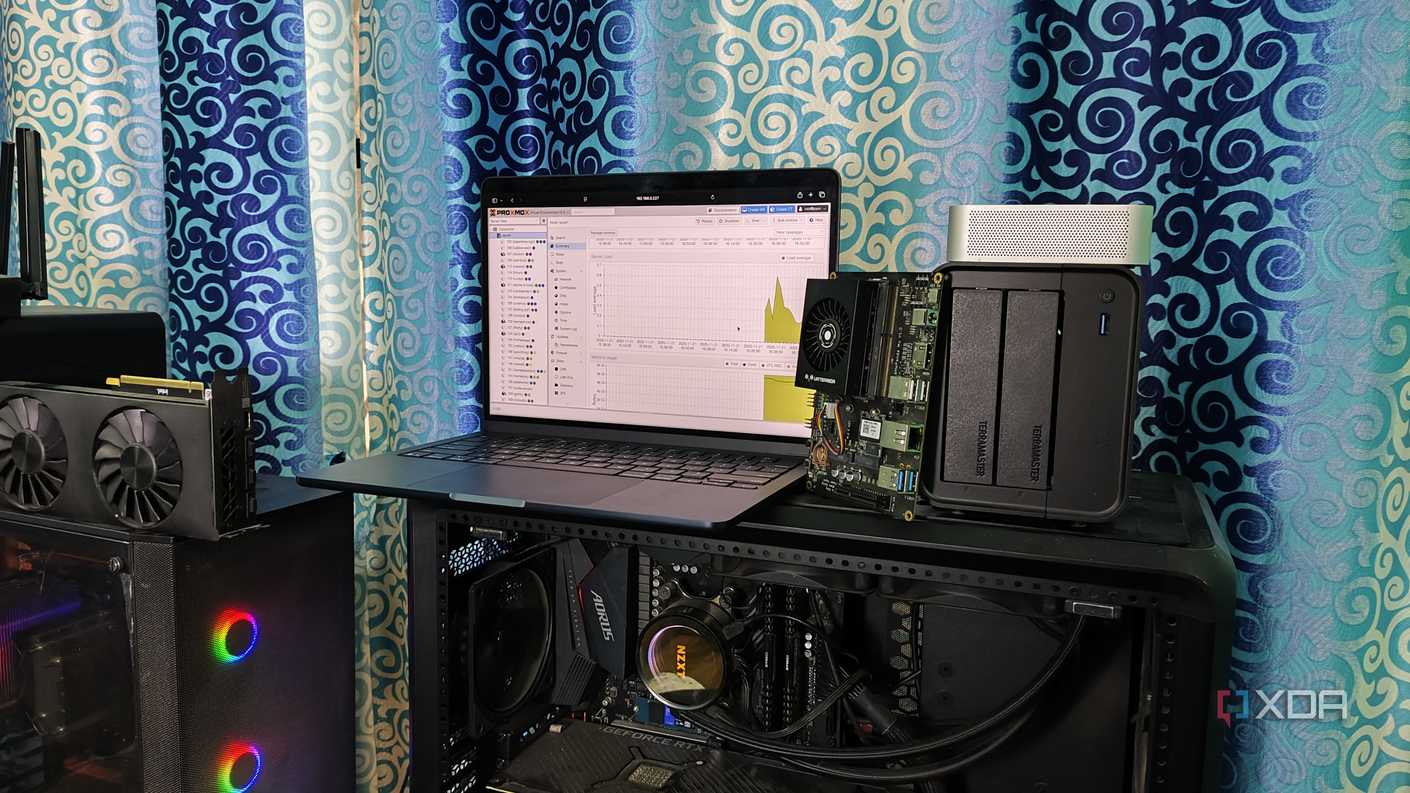


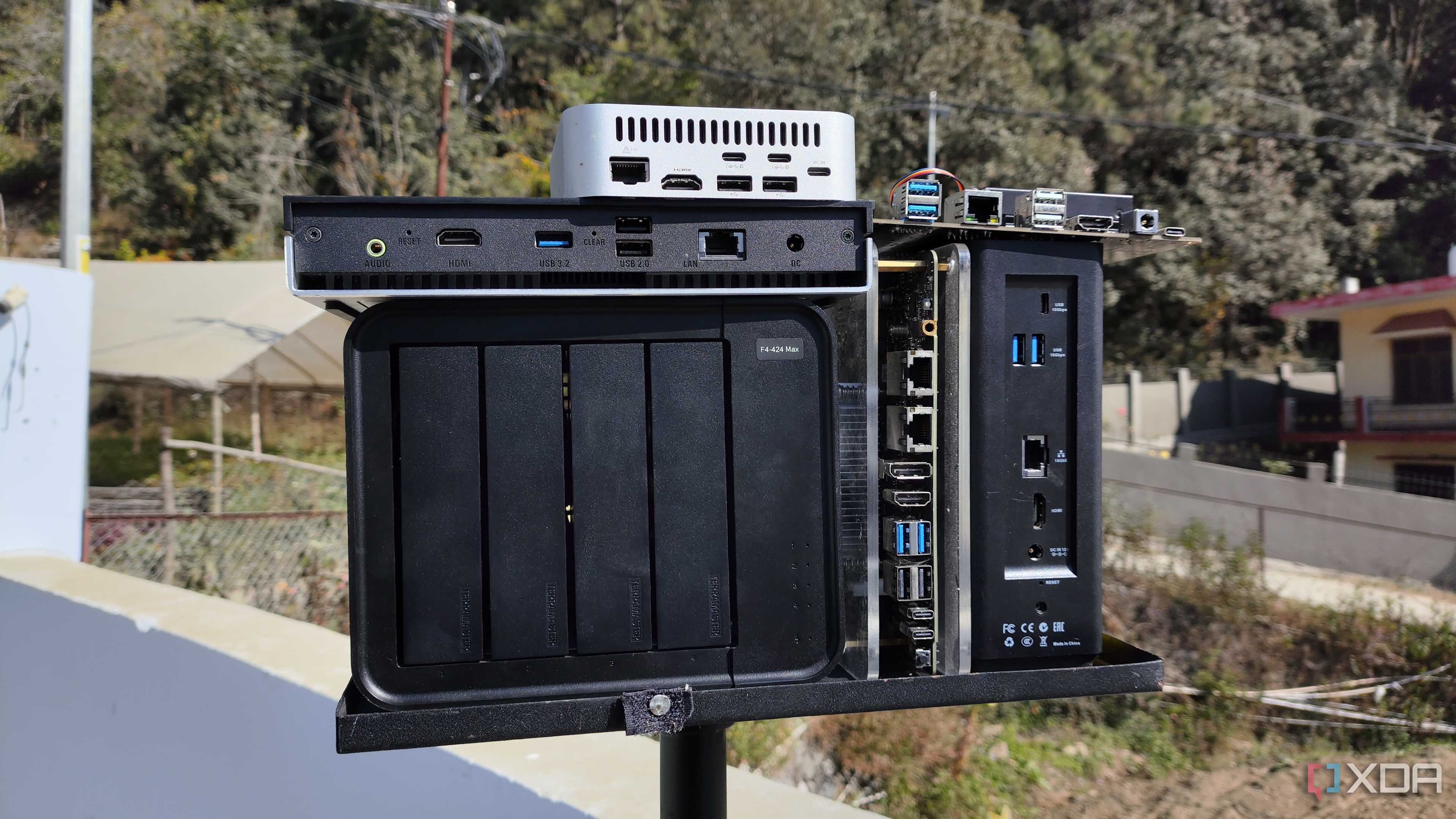
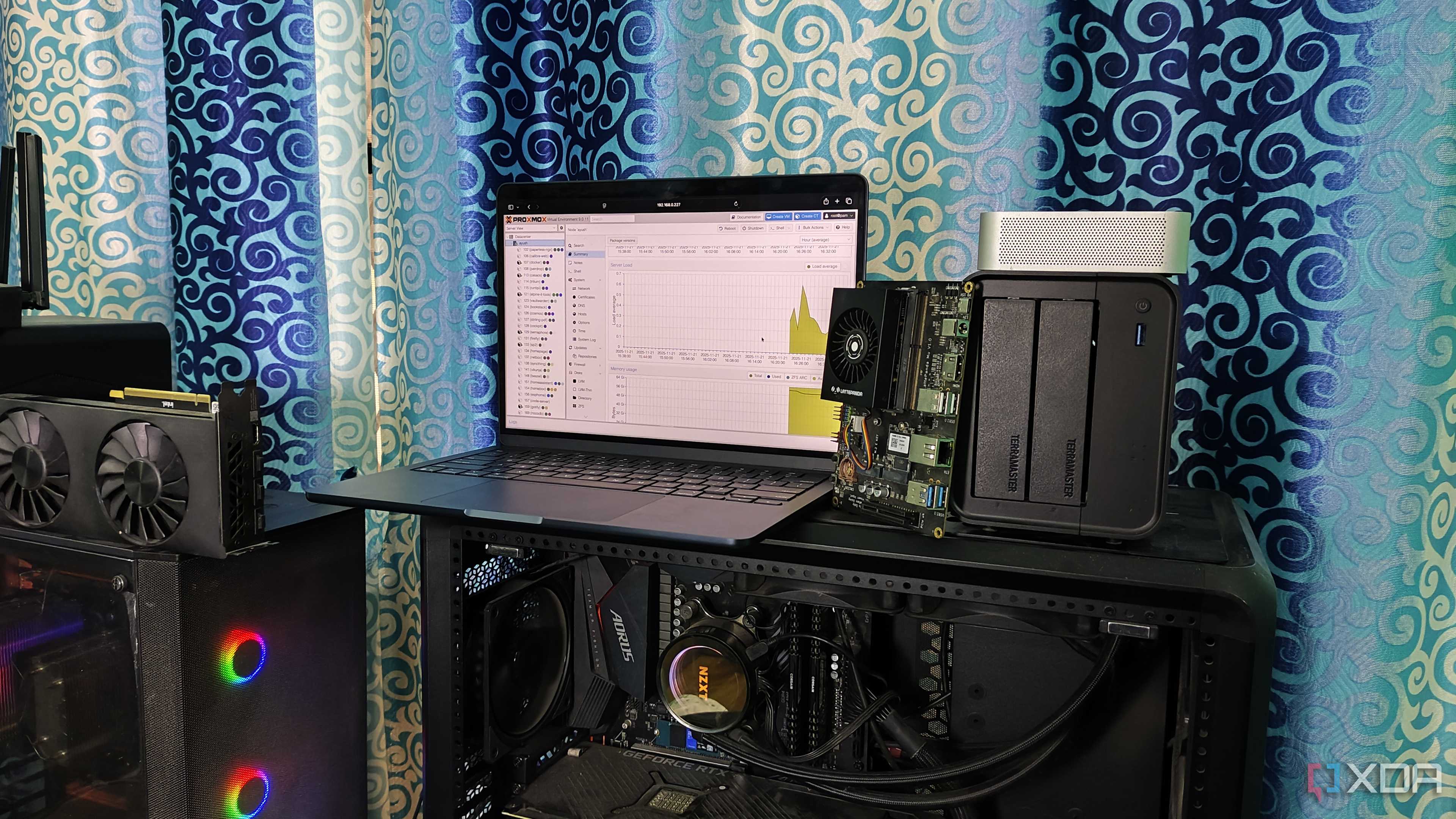

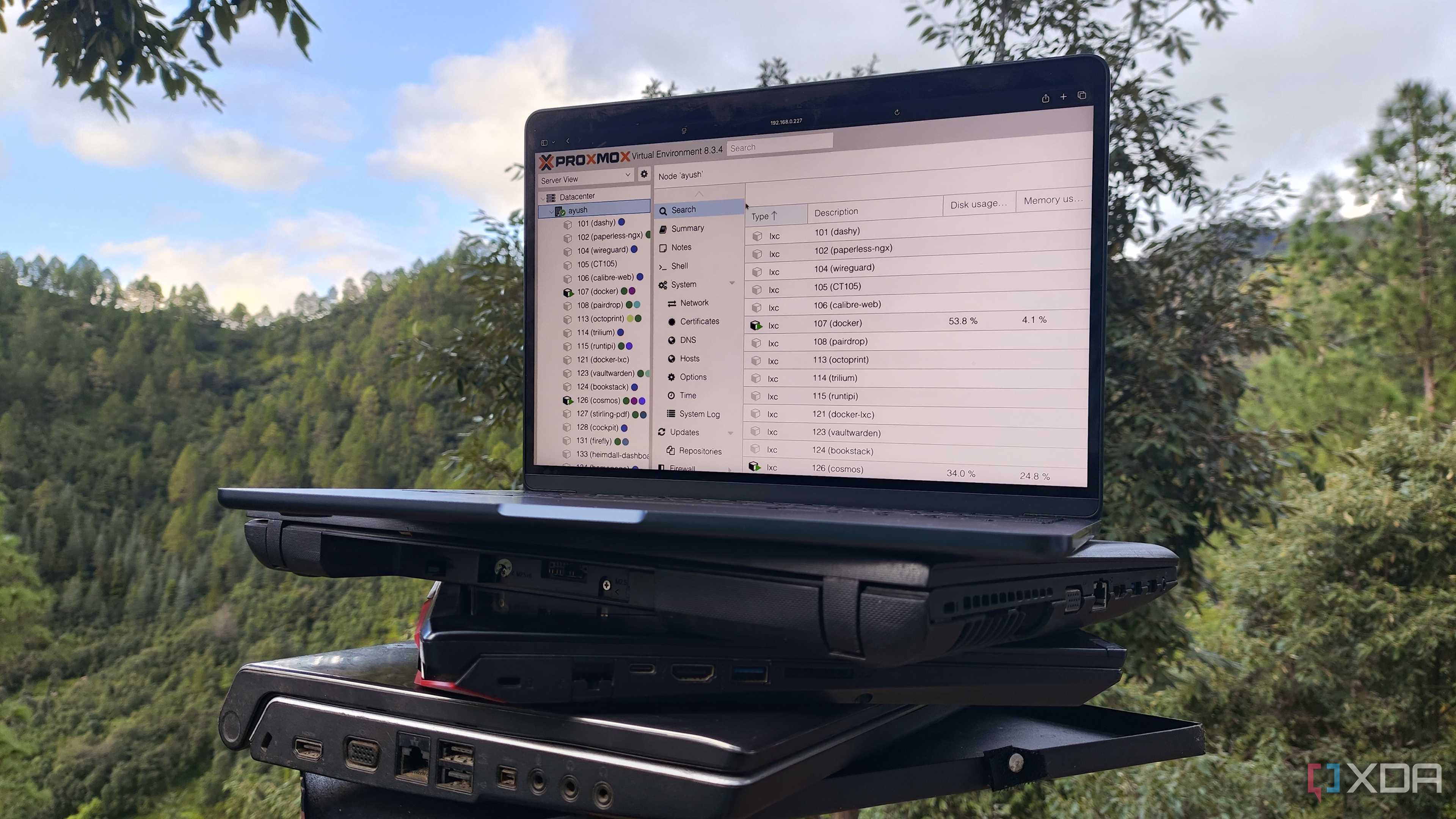
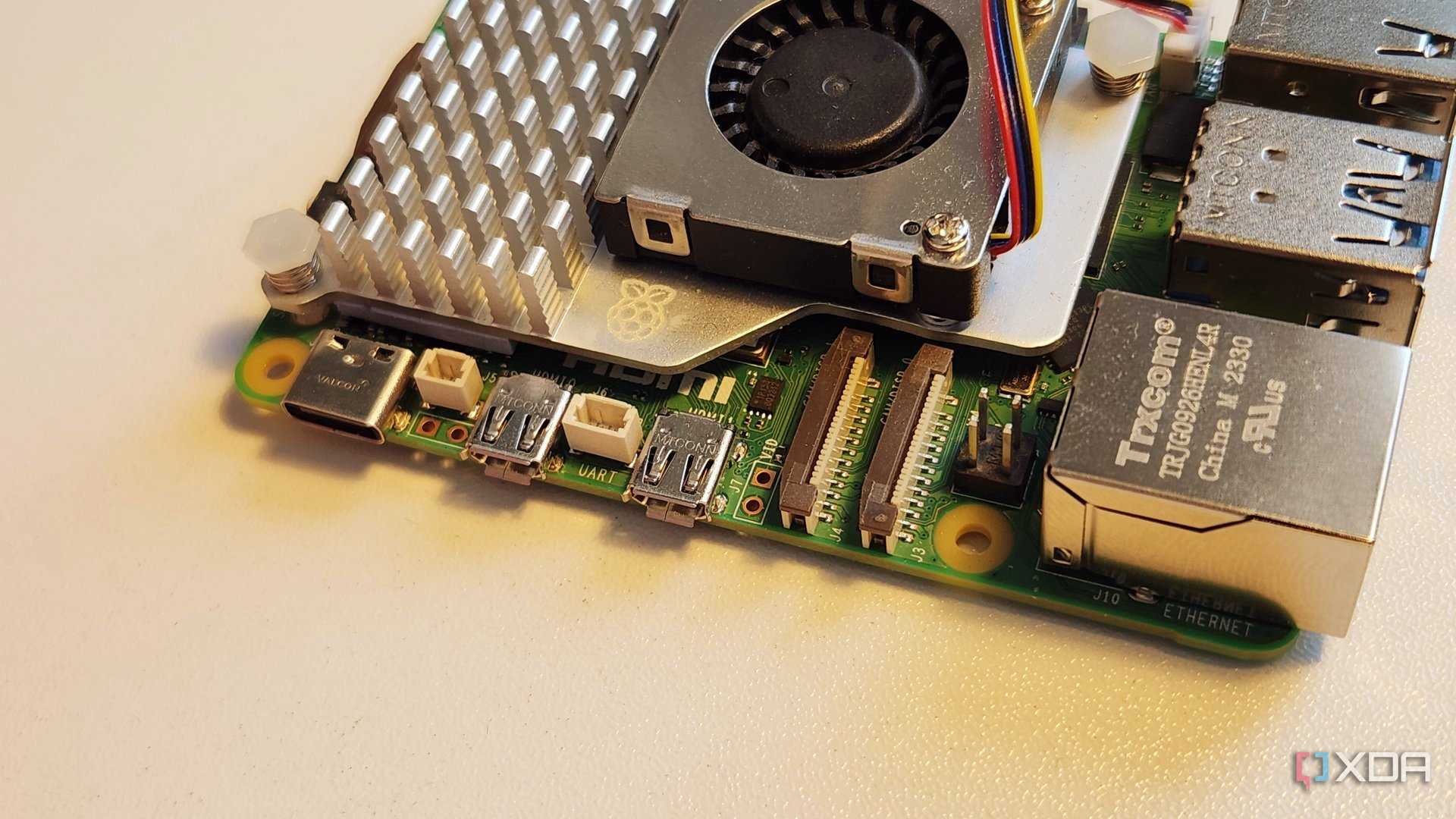




At some point, my productive setup quietly became a second job. What started as a few useful tools slowly turned into a system that constantly needed attention. Containers needed updates. Backups needed checking. Something would break after an update, and I’d lose an hour just figuring out what went wrong.
The worst part? This work felt productive. I was busy, focused, and solving problems; but none of it moved my actual work forward. Instead of writing, researching, or shipping content, I was babysitting dashboards and logs. A quick note-taking session would turn into a detour to fix sync issues or storage warnings.
Small tasks began to carry hidden friction. I couldn’t just open an app and start working anymore. There was always something slightly off that needed “just five minutes” to fix. Those minutes added up.
That’s when it hit me: my productivity stack wasn’t supporting my work anymore. It had become work. And once that line is crossed, no amount of customization or control can justify the cost.
The hidden cost of too many productivity apps
My stack was working against me

I didn’t realize it at first, but my productivity stack had quietly turned into friction. I had a few apps for notes, a few others for tasks, another for tracking, and a few more “just in case.” On paper, it looked powerful. In reality, it was exhausting.
Every task required decisions before the work even began. Where should this go? Which app did I use for this last time? Context switching became constant. My focus was scattered across tools instead of staying on the work itself.
Then there was the maintenance. Each app came with its own updates, backups, sync issues, and occasional breakage. Individually, they were manageable. Together, they drained time and mental energy. I was maintaining a system that was supposed to save me time.
That’s when it became obvious: more tools didn’t mean more productivity. They created overhead. My stack wasn’t helping me work better anymore; it was slowing me down.
A simple formula to trim down the stack
How I decided what stayed and what left

I didn’t wipe my stack in one go. I needed a clear rulebook to decide what stayed and what had to go, so I simplified it.
First, I forced myself to keep one tool per purpose. I didn’t need three ways to take notes or two dashboards telling me the same thing. If a lightweight markdown editor covered my needs, I wouldn’t need a full-blown knowledge base running in the background. The simpler tool won.
Second, I started valuing low maintenance over endless customization. A heavily configurable app looked powerful, but if it needed frequent updates, database tweaks, or manual backups, it was out. I chose tools that worked well out of the box, even if they did a little less.
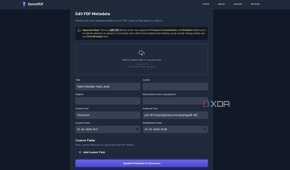
Finally, I preferred on-demand tools over always-running services. If I only used something occasionally, like a PDF tool or a one-off tracker, it didn’t need to live on my server 24/7.
This formula made decisions easy. It removed emotion from the process and shifted my focus back to work, not maintaining the tools meant to support it.
The surprising benefits of a smaller stack
The quiet power of a simpler productivity setup


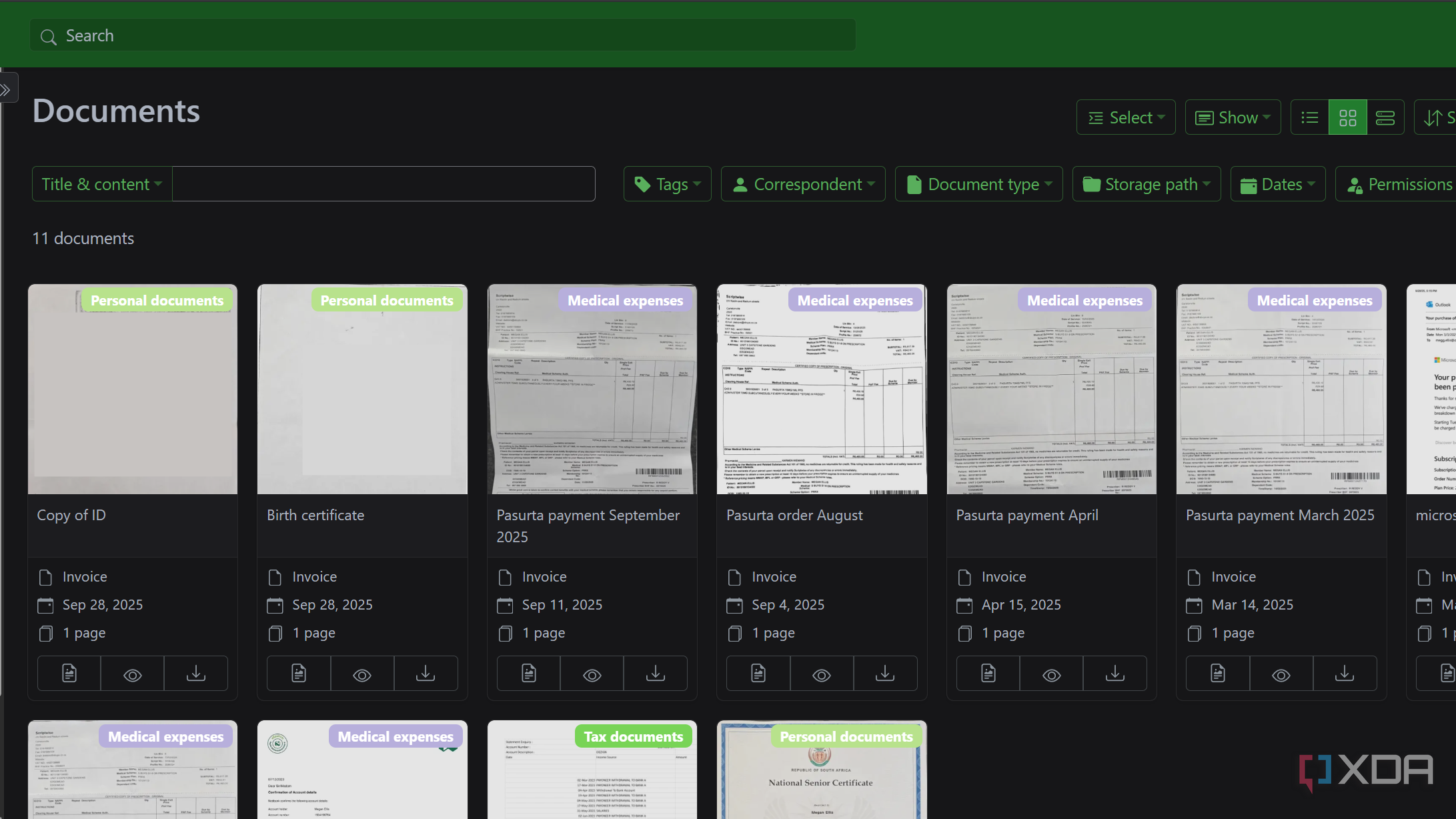
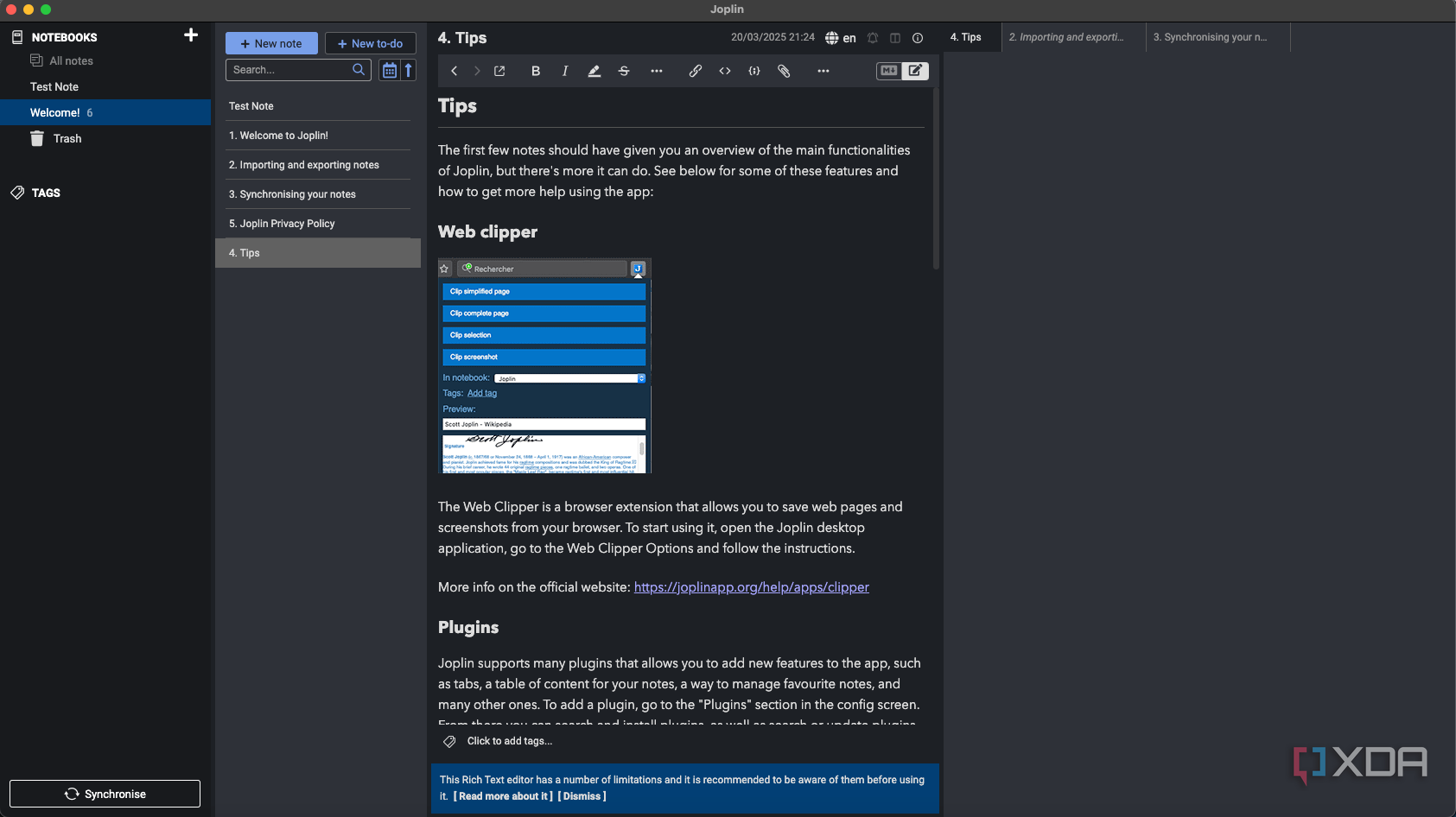
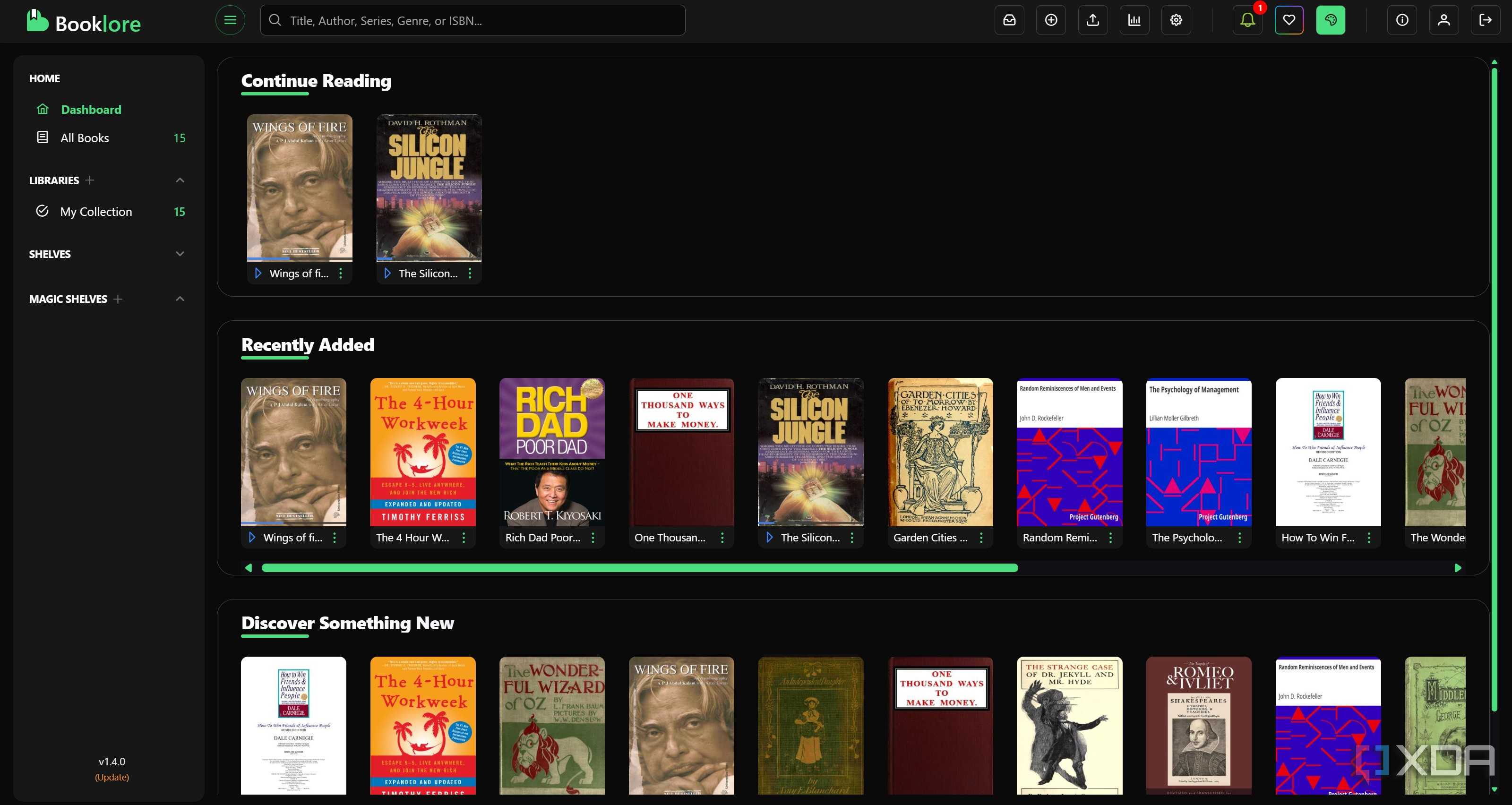
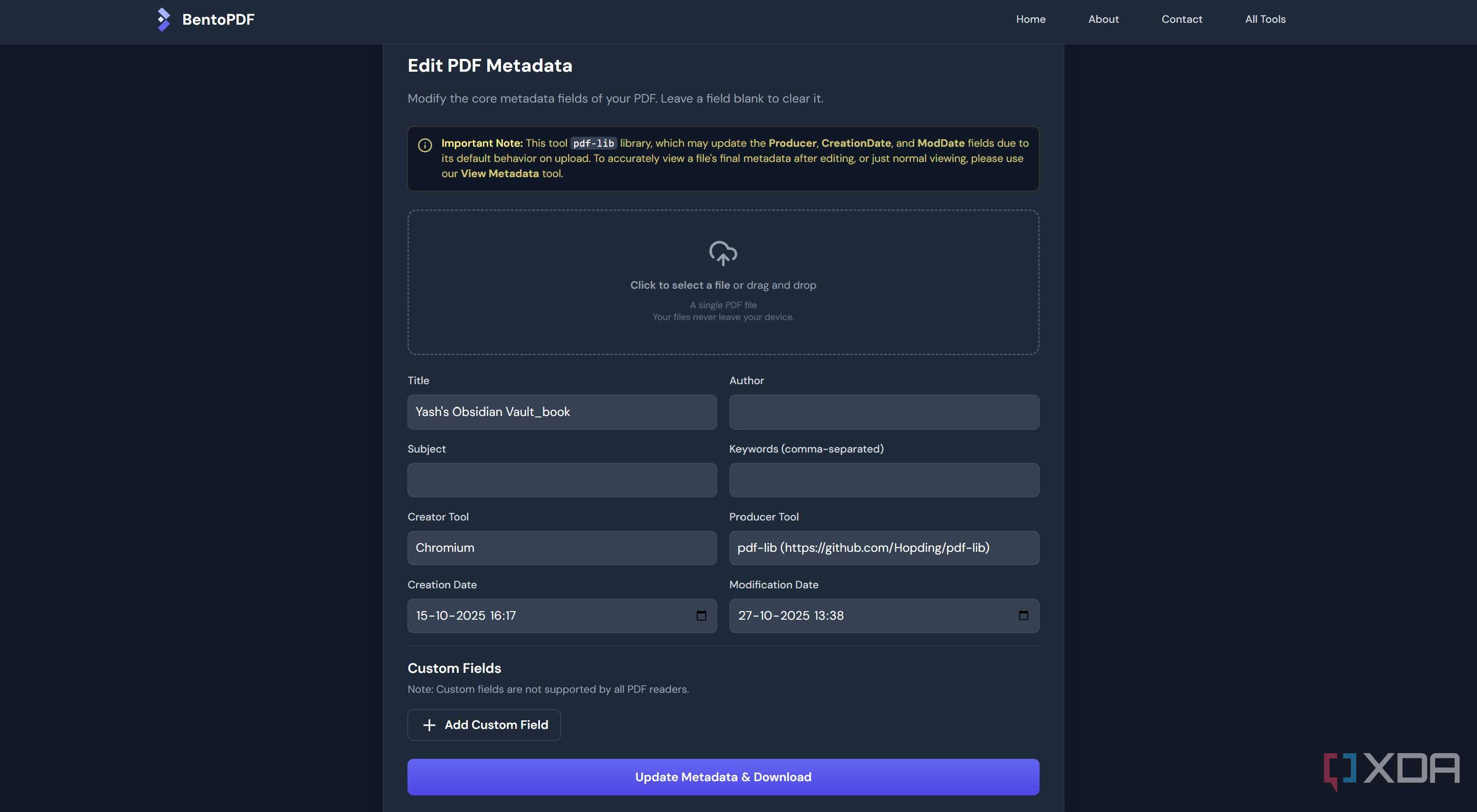
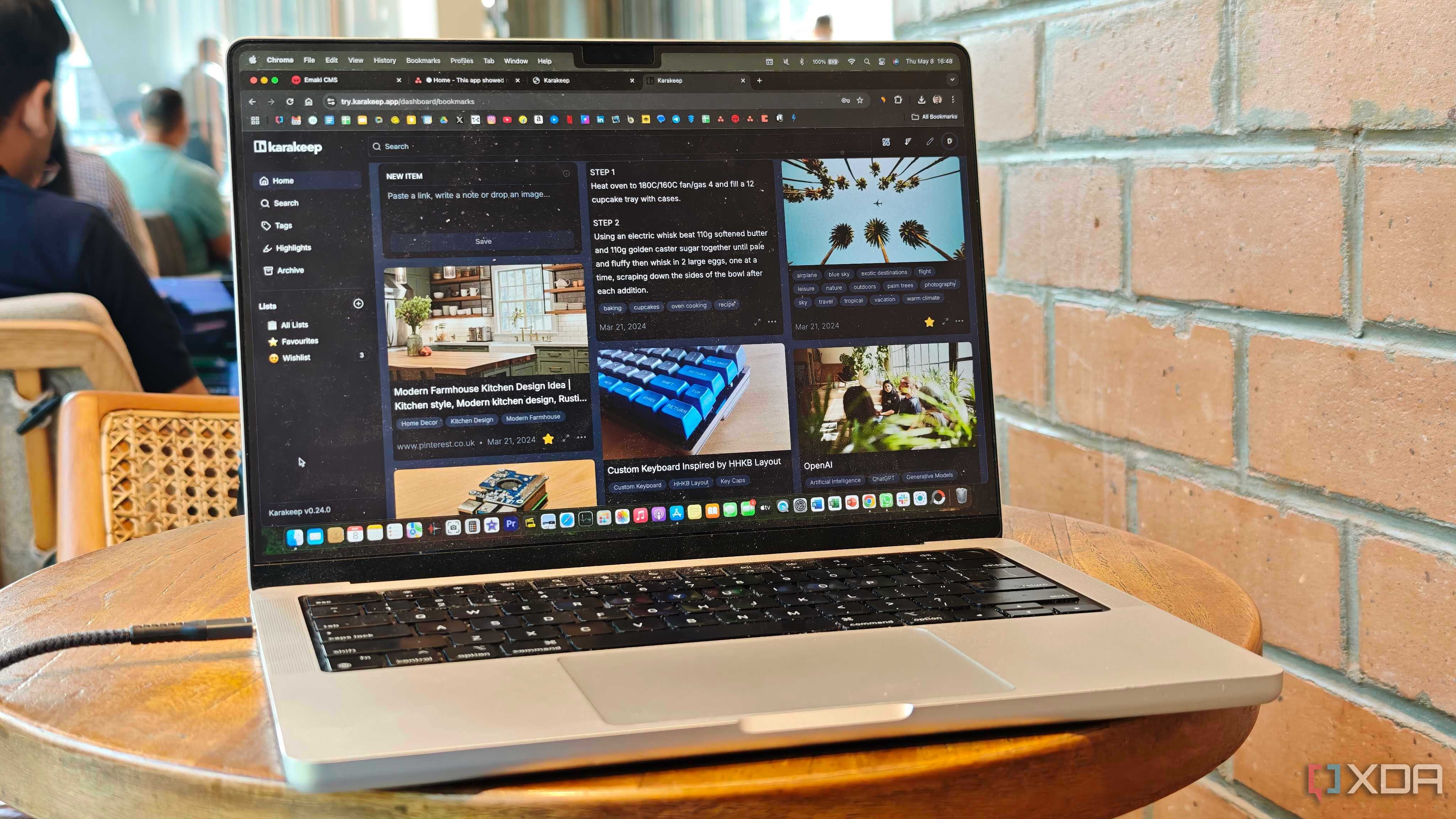

I expected trimming my stack to feel restrictive. Instead, it felt like relief. With fewer tools, I stopped wasting energy deciding where to do the work and started actually doing it. Everything had a clear place, and my workflow finally felt predictable.
The biggest surprise was how much mental space I got back. No constant background stress about updates, backups, or whether something might break. My system faded into the background, which is exactly where productivity tools belong.
I also noticed I finished tasks faster. With less context switching, I could stay focused longer and move from idea to output without friction. Writing sessions became deeper and more consistent.
Most importantly, my stack started serving my work again, not the other way around. It wasn’t about minimalism for the sake of it. It was about removing noise. A smaller stack didn’t make me less capable; it made me clearer, calmer, and far more productive.
Productivity isn’t about more; it’s about enough
Looking back, trimming my stack wasn’t a downgrade; it was a reset. Fewer tools gave me cleaner workflows, fewer decisions, and more energy for meaningful work. The goal was never to build the smartest system, but one that stays out of the way. Simplicity turned out to be the real productivity upgrade. If your tools demand more attention than your work does, it’s probably time to let some of them go.
