


When you first start learning about splitting your home network into VLANs (Virtual Local Area Networks), one of the core concepts you'll encounter is VLAN isolation. It sounds tricky, right? I mean, how do you separate bunches of electrical impulses traveling across twisted-pair cables, but in practice, it's really very straightforward.
The devices on each VLAN are free to talk to each other, but VLAN isolation means they're in virtual rooms, like they're at school. You wouldn't expect Grade 1 to be talking to Grade 6 while class is in session, and that's essentially what VLAN isolation looks like. You can layer on more fine-grained rules once the overarching ones are set up, because not every device needs to reach every other service either, and then you're mitigating risk if any of your networked devices gets hacked.
Starting from a principle of Zero Trust keeps everyone safer
In the immortal words of The Offspring, "you gotta keep 'em separated"


 Credit: Source: Corebb/YouTube


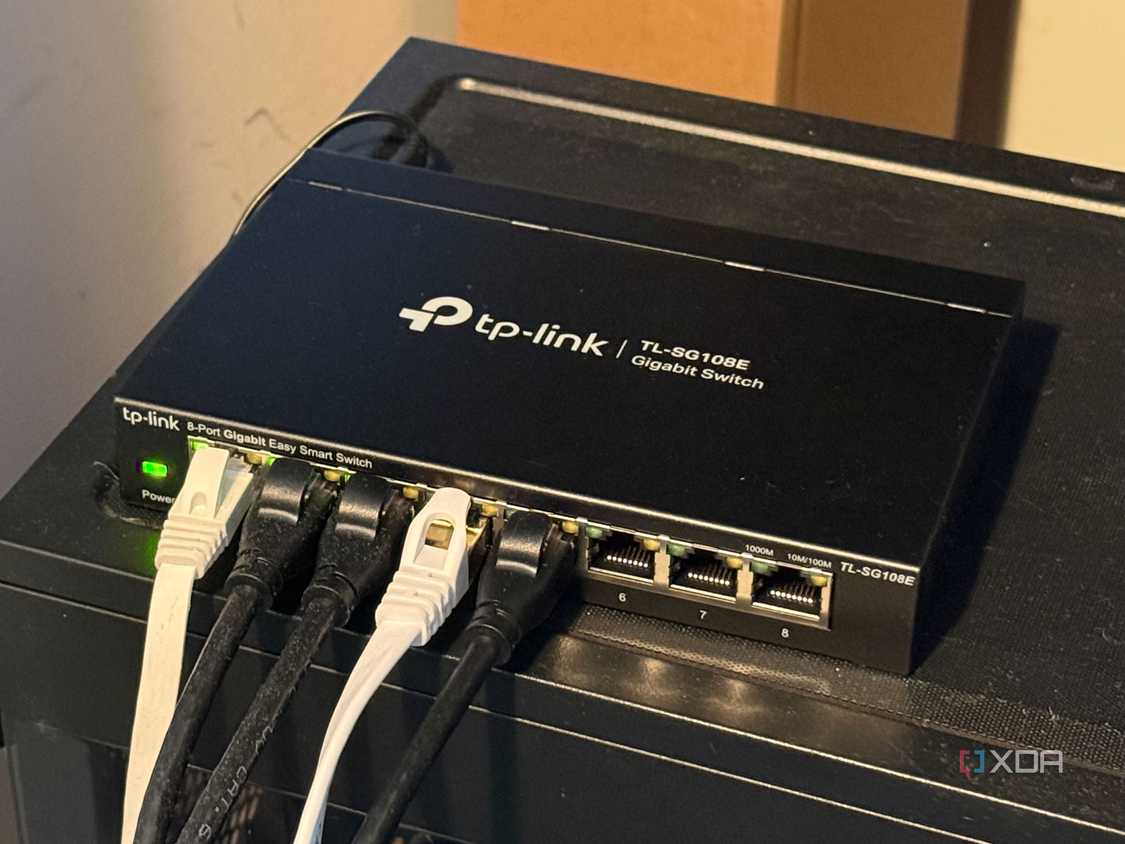
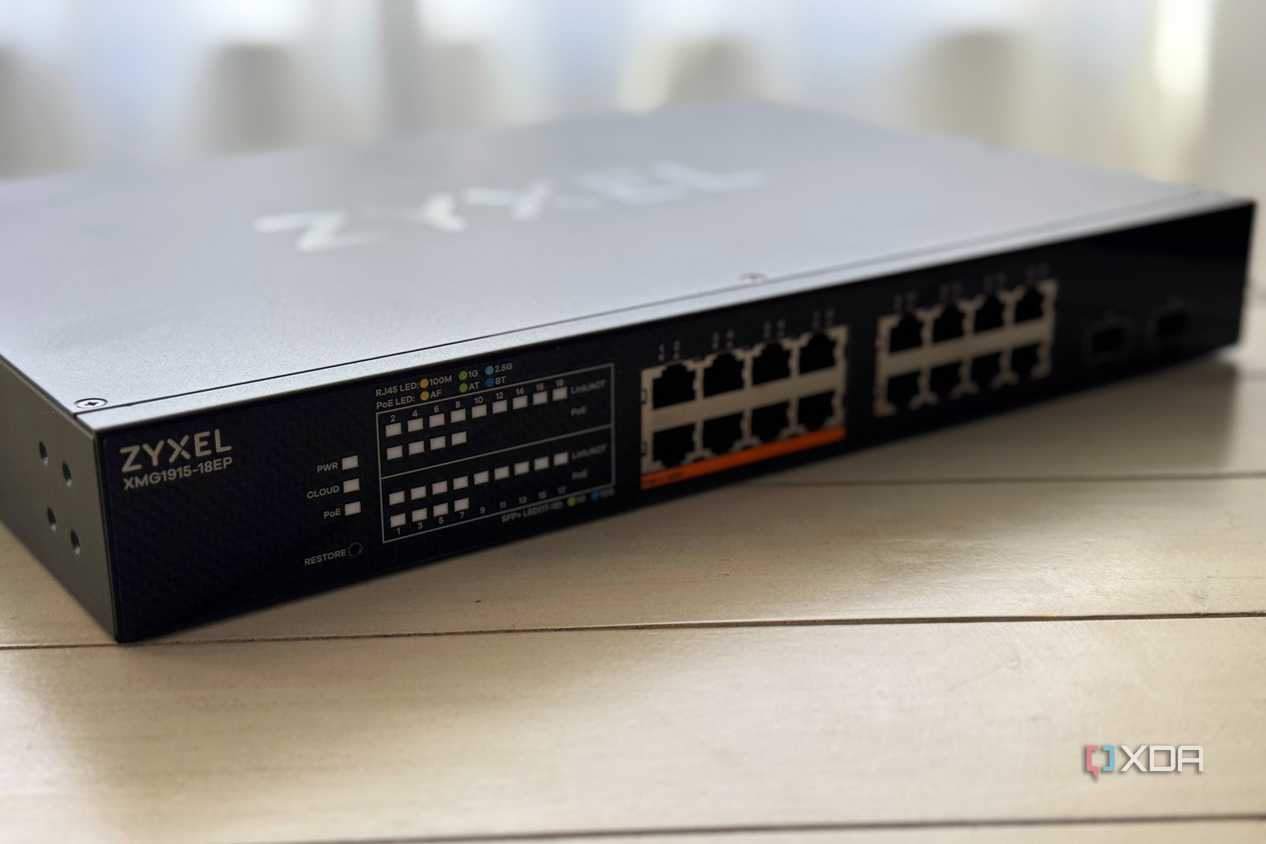
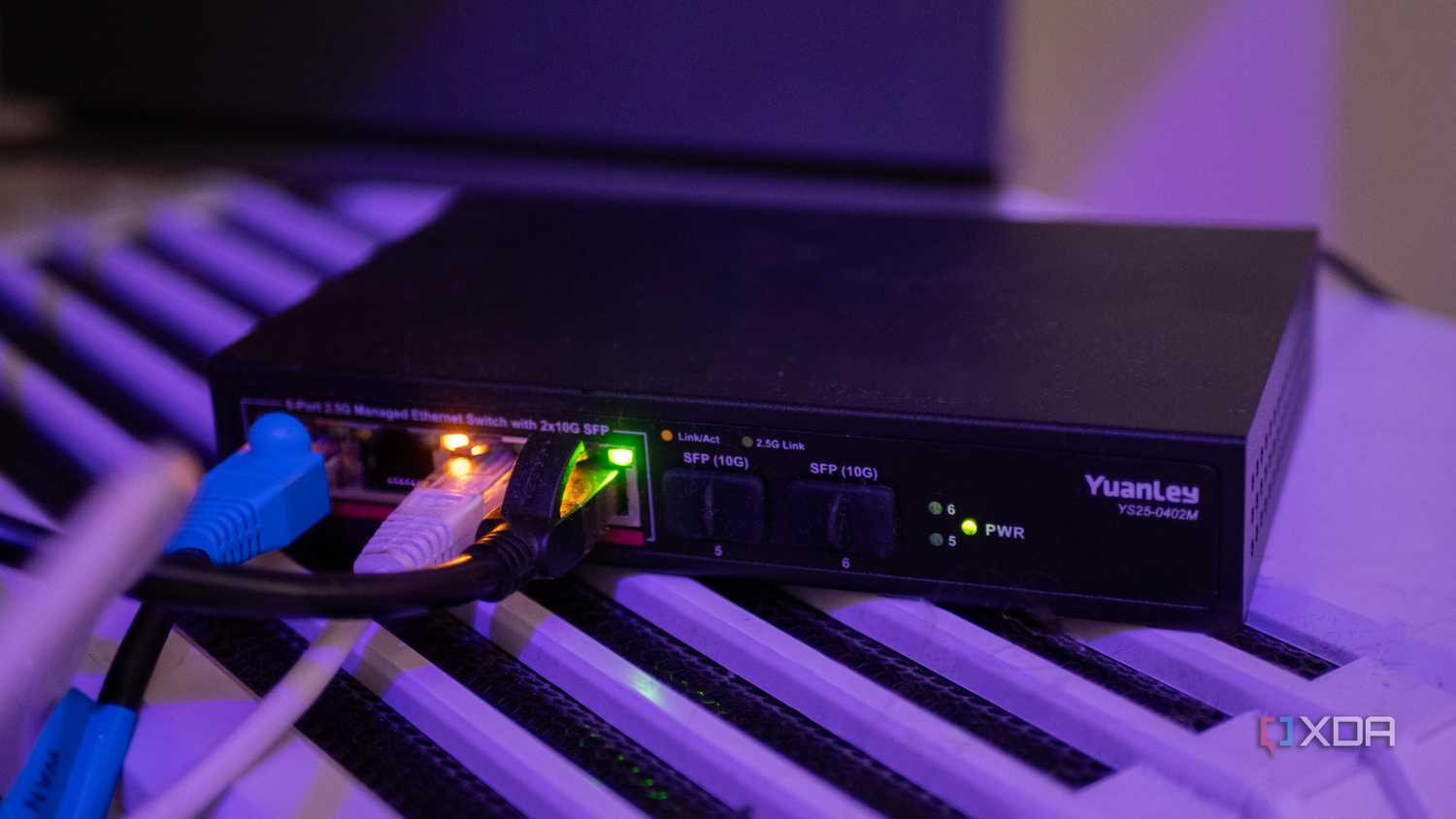
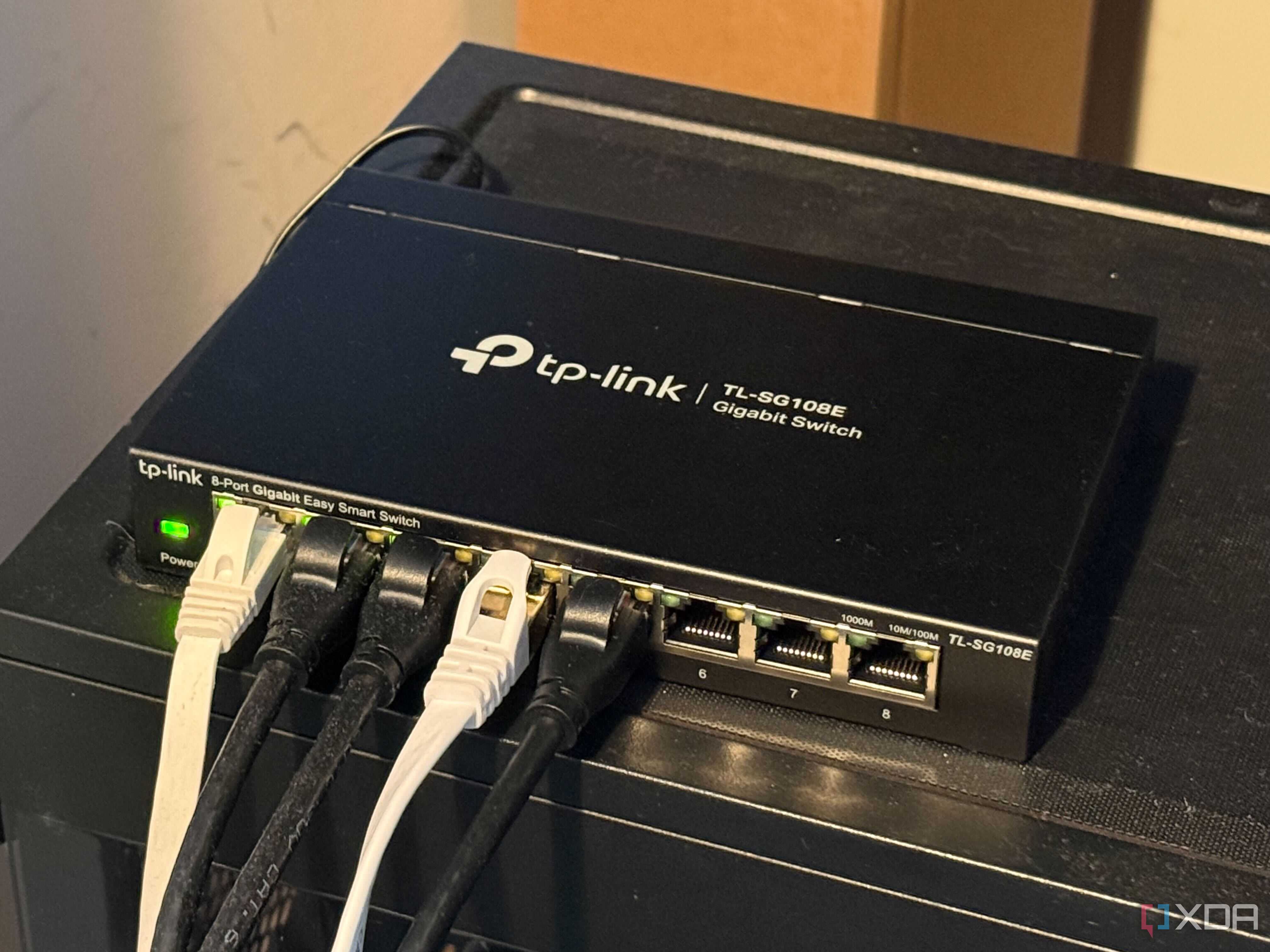
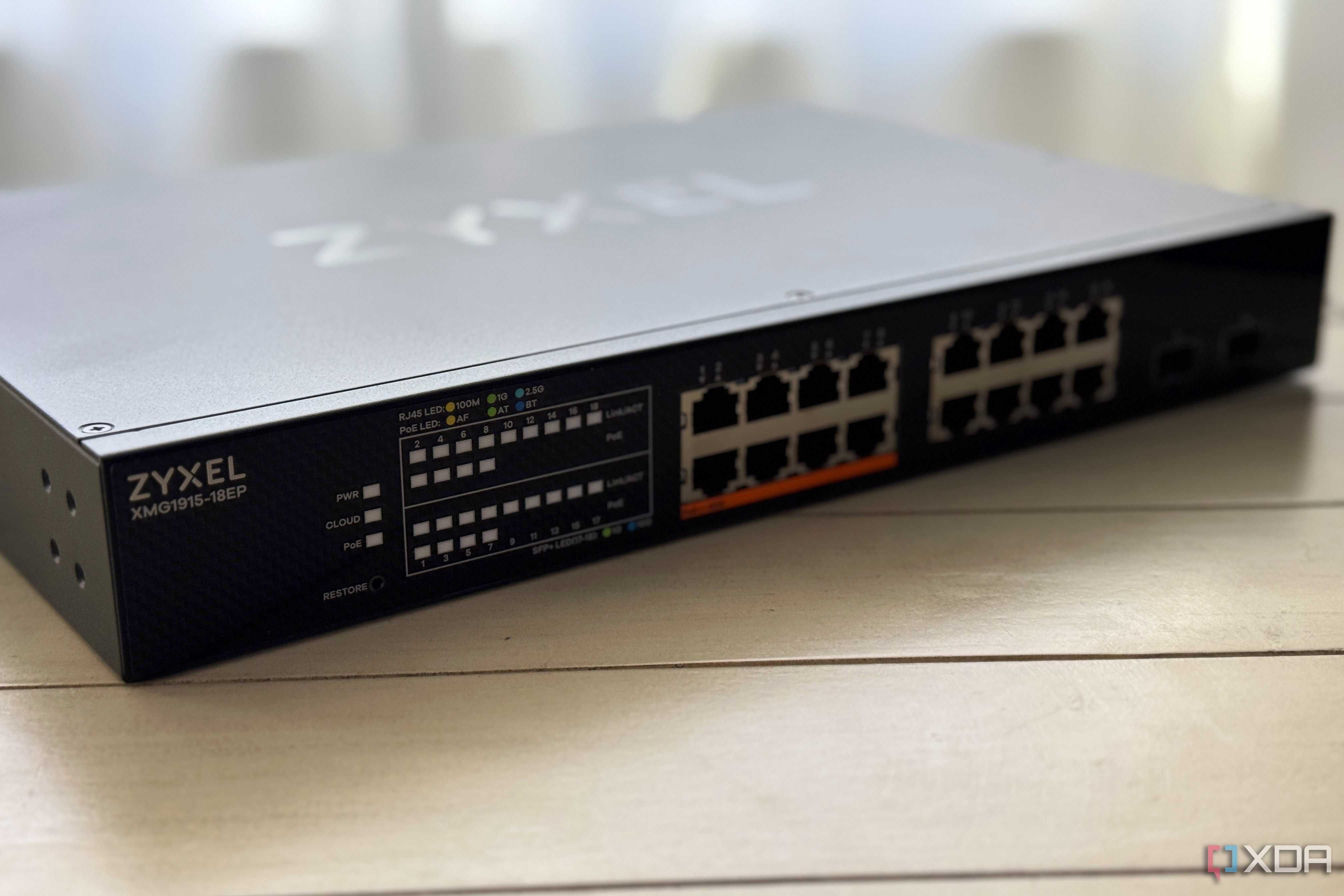
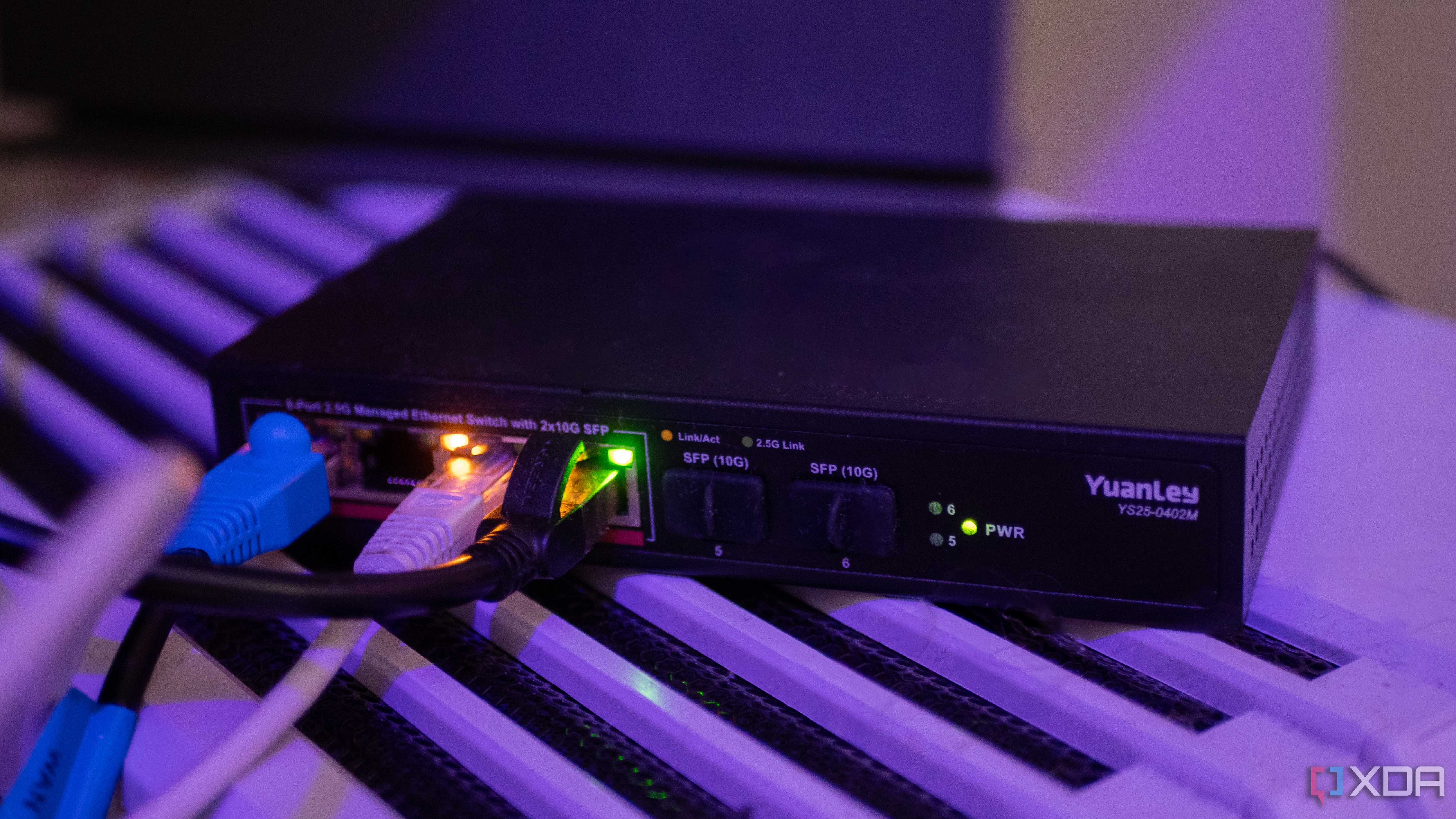
While it's true enough that you don't need to use VLANs to get a segmented network, it can be easier to start by creating VLANs, then fine-tuning. You'll want to have at least one managed switch for this, and you'll need more depending on how extensive and complicated your home network is.
It's also important to check the manual for your network switch before you start creating rules, because some brands set a default deny-all rule between VLANs, while others set a default allow-all rule. Knowing which is in play will influence the way you structure your firewall rules.
Once you've got that information, a little bit more time in the planning stages will make everything easier, whether that's the time it'll take to set up the VLANs and tag every device and port properly, to the reduced mental strain from no longer needing to consider the entire network when something goes wrong.
VLAN isolation comes from good planning
When designing your home network's VLANs, think about grouping similar devices together, but also which devices need to be able to communicate with others. Like my IoT VLAN, it doesn't need to talk to anything else, even the internet, because I have a mini PC with Home Assistant on that VLAN segment. It's got two network interfaces: one on the VLAN for the noisy, insecure IoT rabble to talk to, and the other on the VLAN for laptops, PCs, and cellphones.
- VLAN10 - main devices like laptops and PCs
- VLAN20 - media/streaming devices
- VLAN30 - security cameras
- VLAN40 - guest network
- VLAN50 - IoT devices
- VLAN60 - servers/NAS devices
Notice that, in most cases, these groups don't need to access anything outside their own network segment or the internet. Some exceptions will always be necessary, like servers and NAS devices being reachable from your other computers, but you can set individual rules for those devices to go through the VLAN isolation layer.
Grouping your devices together on VLANs is a smart idea
And you can take the isolation even further if you want


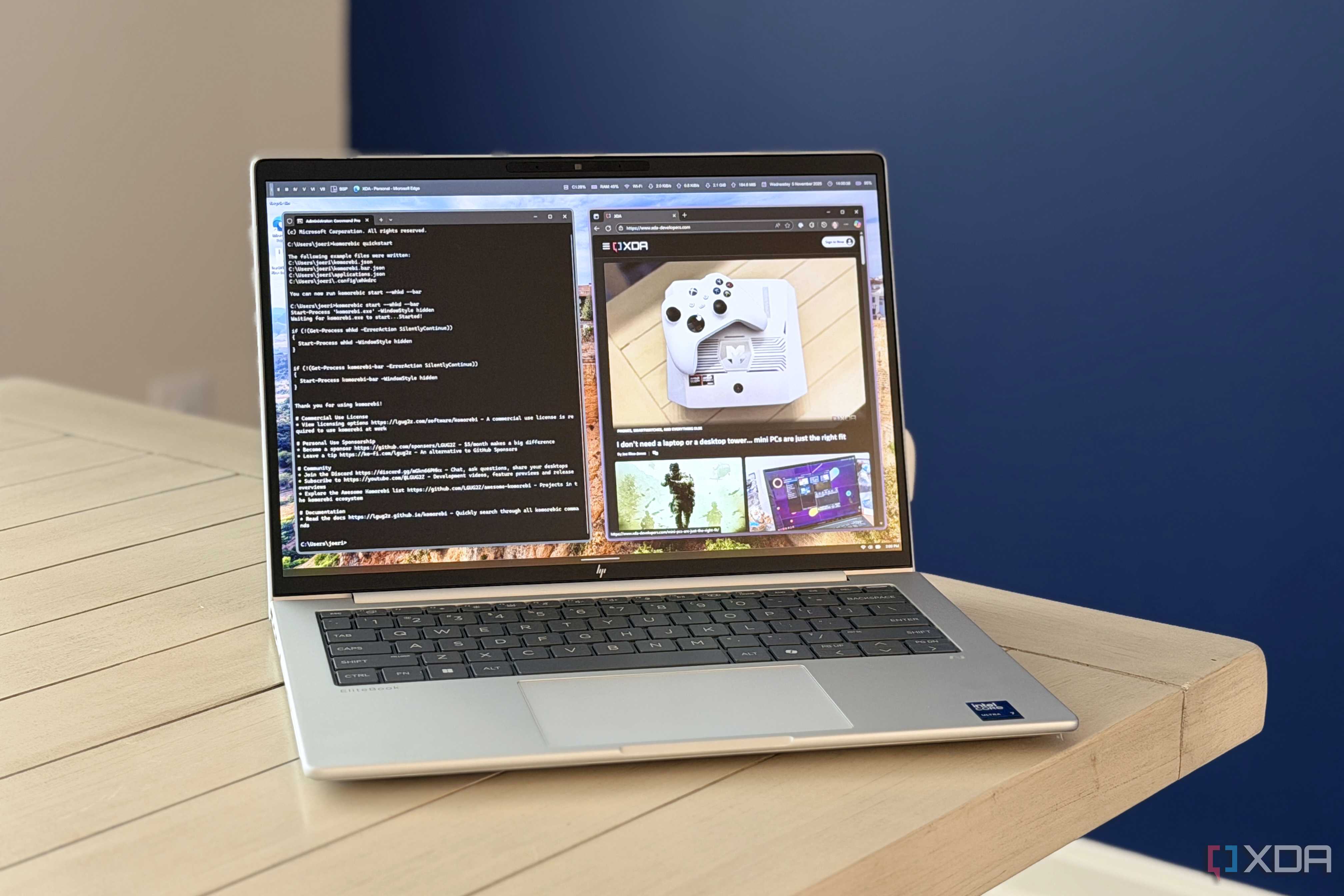
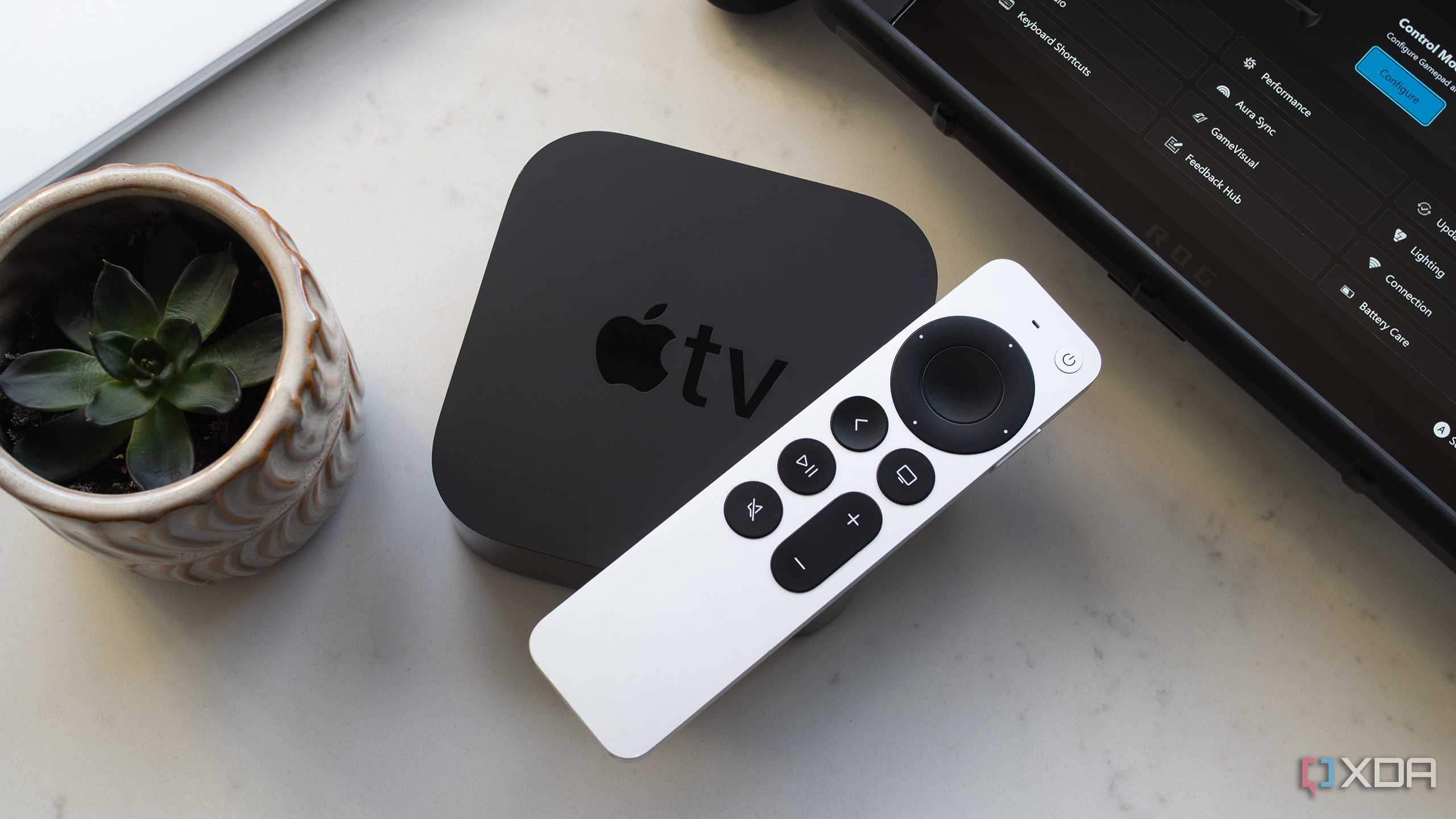
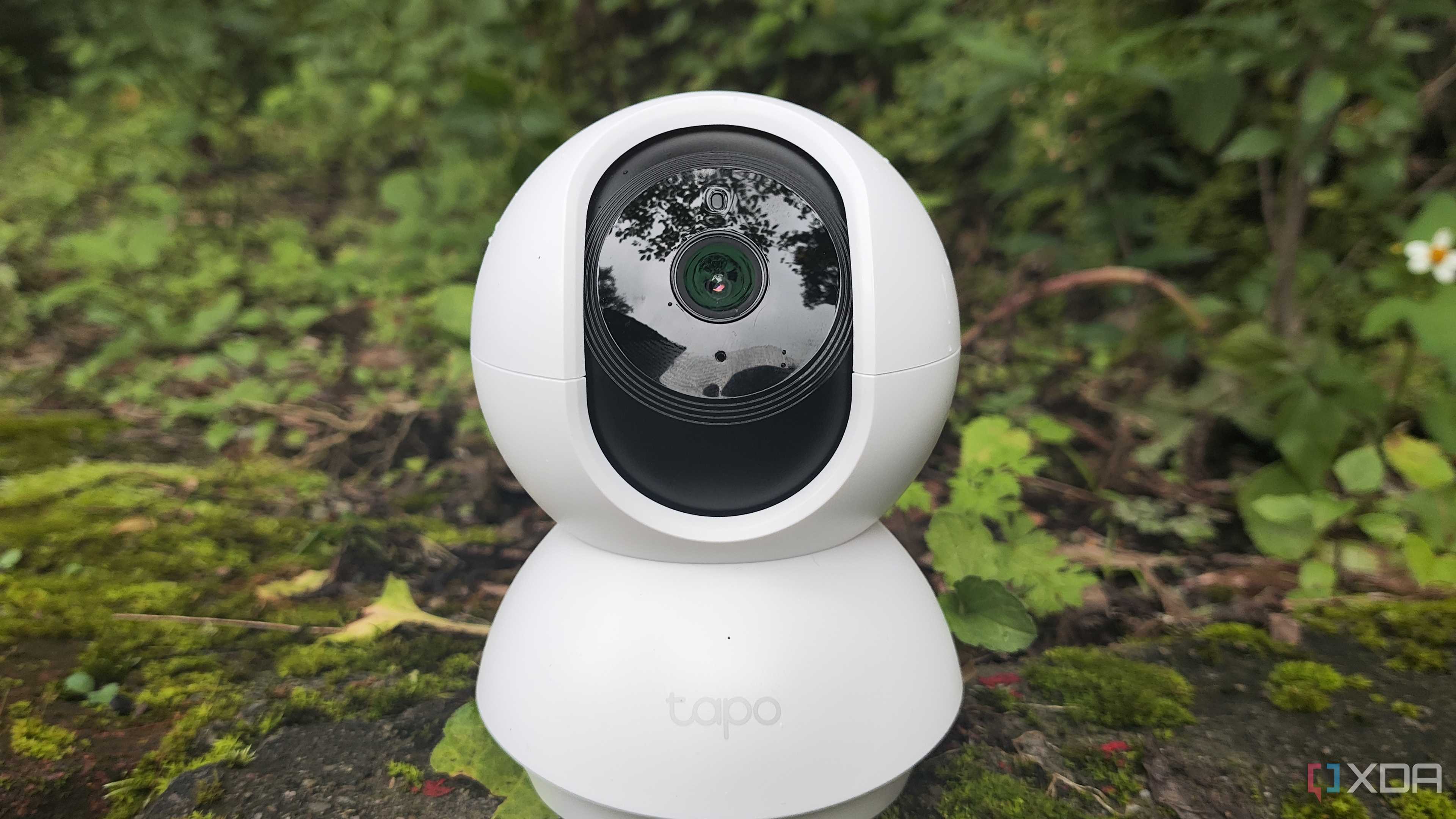





Even if you trust every device on your home network, setting up VLANs for management makes sense. It's quicker to troubleshoot when you have only a handful of devices on any one network segment, and it's even better practice to keep your untrusted devices well away from your private data.
I like operating from a position of Zero Trust, where even individual devices on each VLAN can't talk to one another unless they need to. And then my self-hosted apps and home lab are all linked to Tailscale, so they're on a separate, encrypted network segment that adds another layer of protection. And tying it all together is a hardware firewall, that enforces the virtual walls between the VLANs, while letting important messages past when I want.
Port isolation makes things even more secure
Once you've grouped your devices into VLANs, it's time to start creating Access Control Lists (firewall rules) to control traffic between VLANs. You can go even further with port isolation, which prevents devices on isolated ports from communicating with other isolated ports while still allowing them to reach printers, servers, and the internet.
If you've ever noticed the rules Windows sets up between Public and Private networks, you have a good idea of how VLAN isolation and port isolation can control traffic on your home network.
VLAN isolation is part and parcel of a secure home network

Whenever you're learning new skills, every piece of terminology looks scary and complicated at first. VLAN isolation is one of the easier things to explain and implement, and a little planning and time will pay off in reduced troubleshooting time and peace of mind. By segregating your home network into VLANs, you will see improved responsiveness since fewer devices are on any given network segment, and you'll know your precious data is kept apart from devices you can't actively monitor.
