


Most home servers begin their lives using whatever storage connectivity happens to be built into a consumer motherboard. You plug drives into the onboard SATA ports, maybe enable a BIOS RAID option if you're feeling spicy, and for a while everything works well enough. With only a few disks and lighter workloads, you can get by just fine with what your hardware gives you. The trouble is that home servers and home labs almost never stay that simple. They accumulate more drives, start running continuously, and slowly become responsible for data you actually care about.
This is where a Host Bus Adapter (HBA) can come into play. Once you amass enough drives, you'll need an interface to plug them into, and an HBA allows you to expose each individual drive to the OS without layers of abstraction. It's a great add for a home server that needs more storage breathing room, if you don't already have one.
What HBAs actually do
They're not just more SATA interfaces

A Host Bus Adapter, or HBA, is a dedicated PCIe expansion card designed specifically to connect storage drives to your system. Its job is not to manage disks, create arrays, or cache data, but to present each drive directly and transparently to the operating system. In practice, this means the OS sees the disks exactly as they are, without firmware RAID layers or abstraction getting in the way.
This behavior is especially important for storage implementations that are software controlled. When you're working with filesystems like ZFS or inside an environment like Unraid, these things expect direct access to disks so they can handle redundancy, error correction, and recovery themselves. An HBA gives those tools the clean, predictable view of storage they were designed around, rather than forcing them to work through a motherboard controller with its own quirks and limitations.
HBAs give you a bit more reliability
On-board SATA can become a liability over time


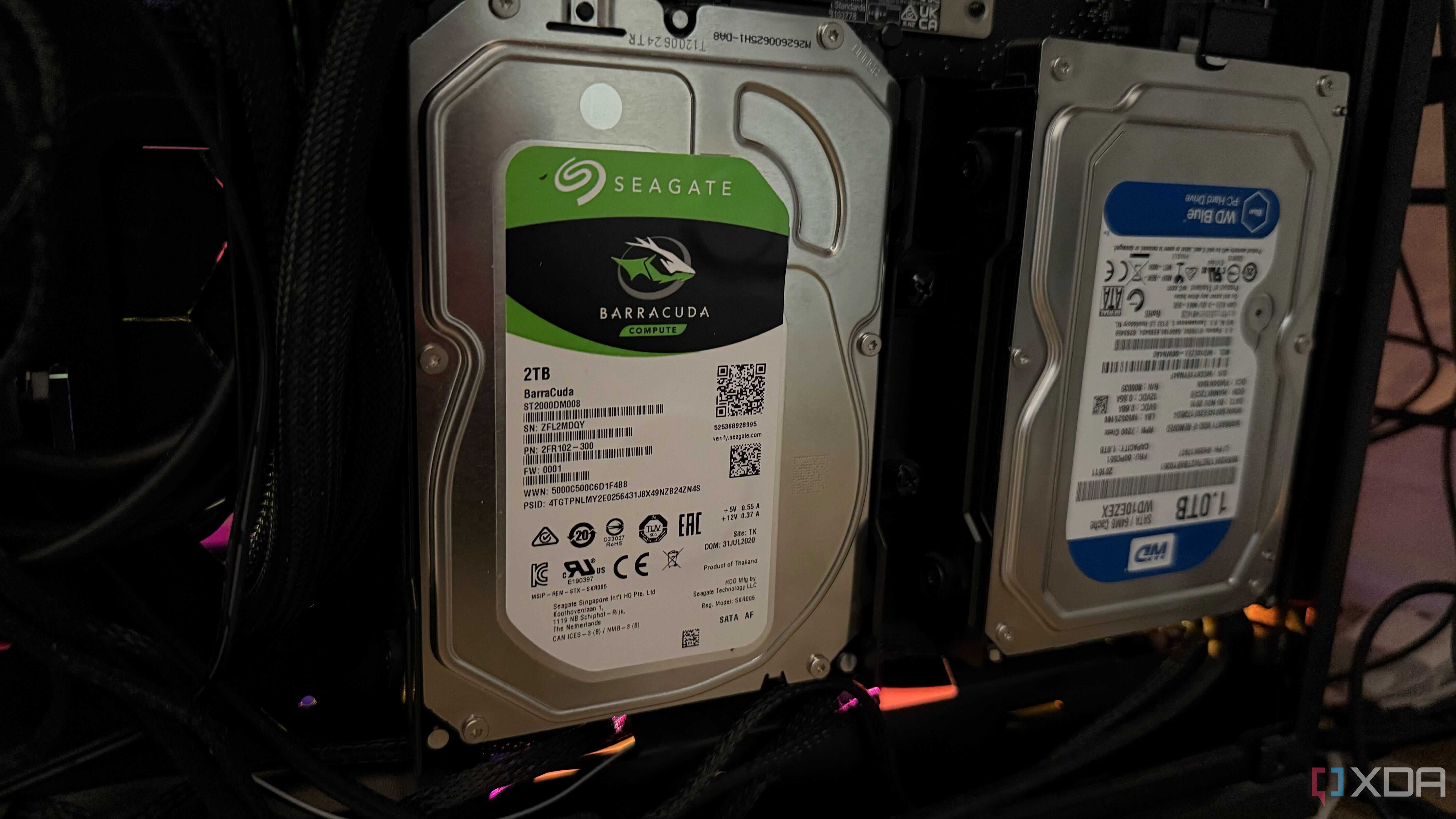
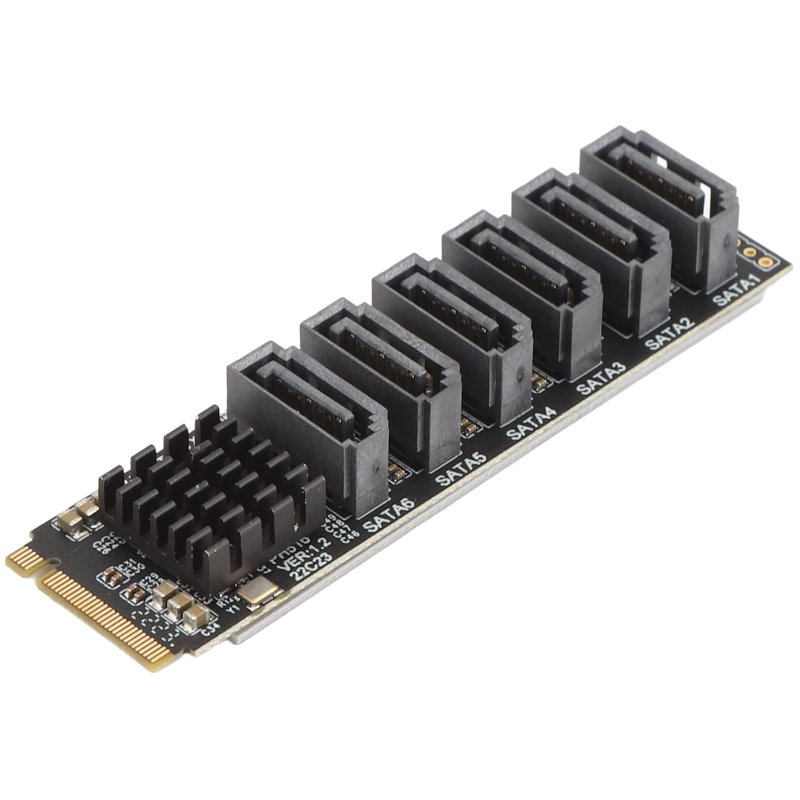
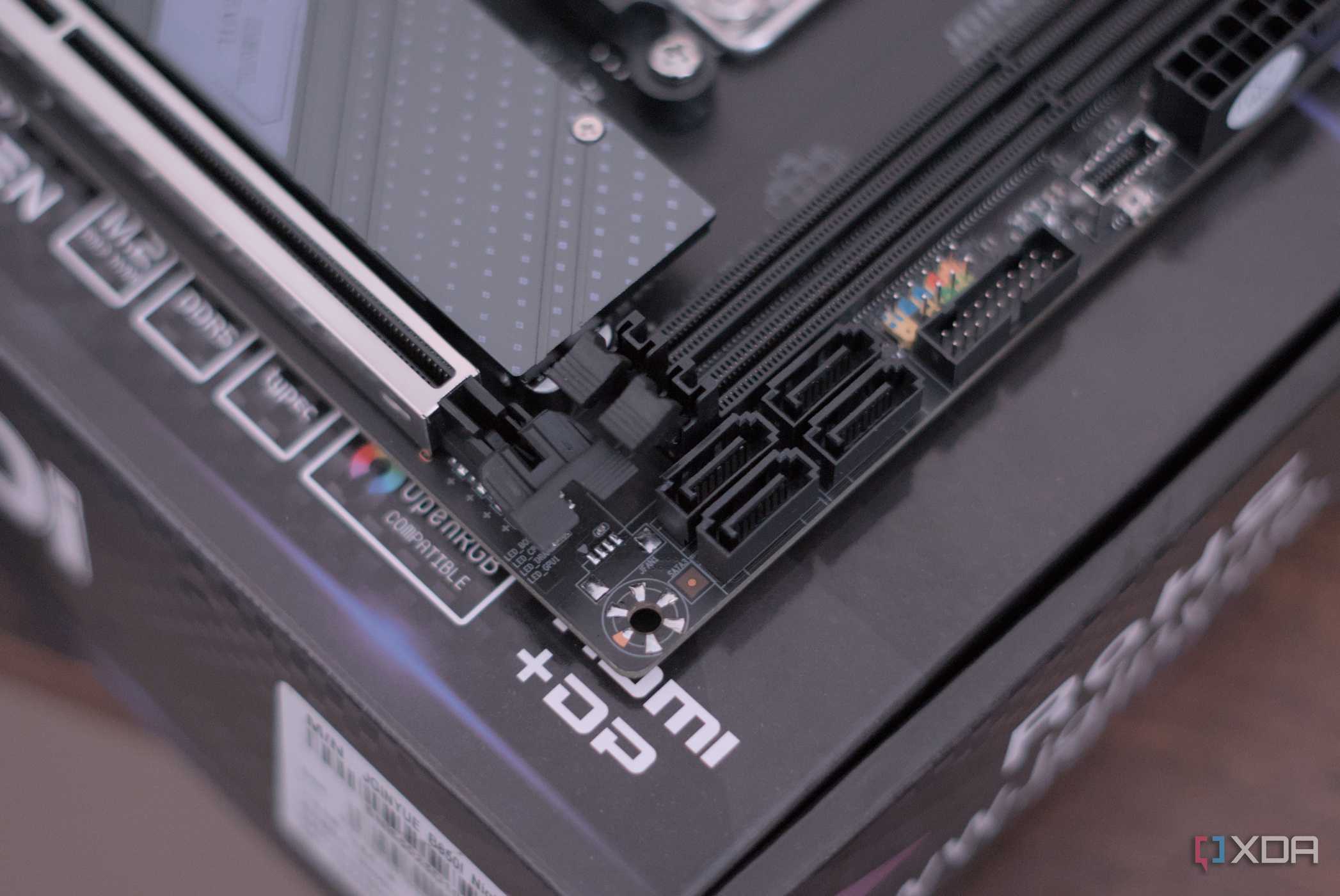
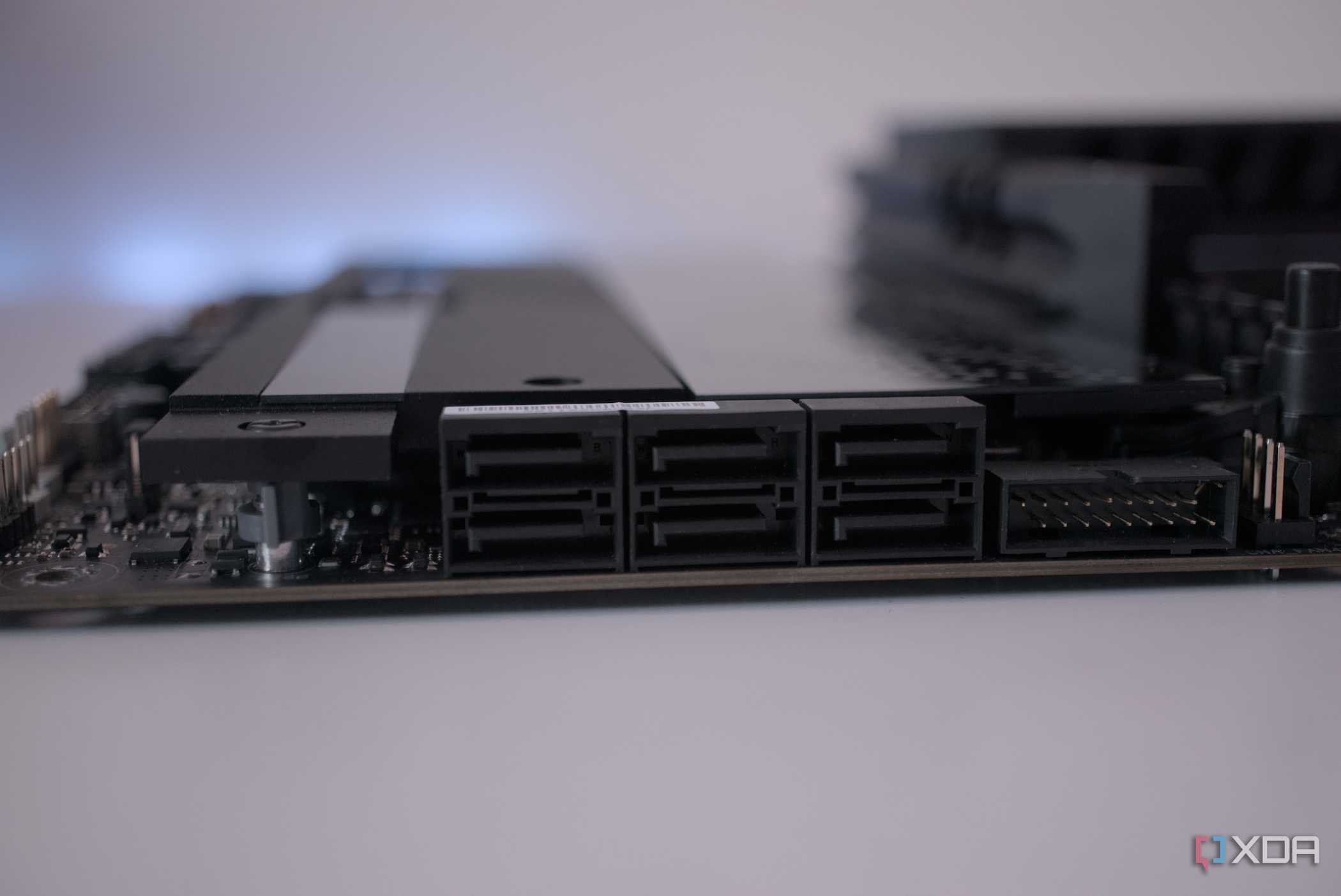
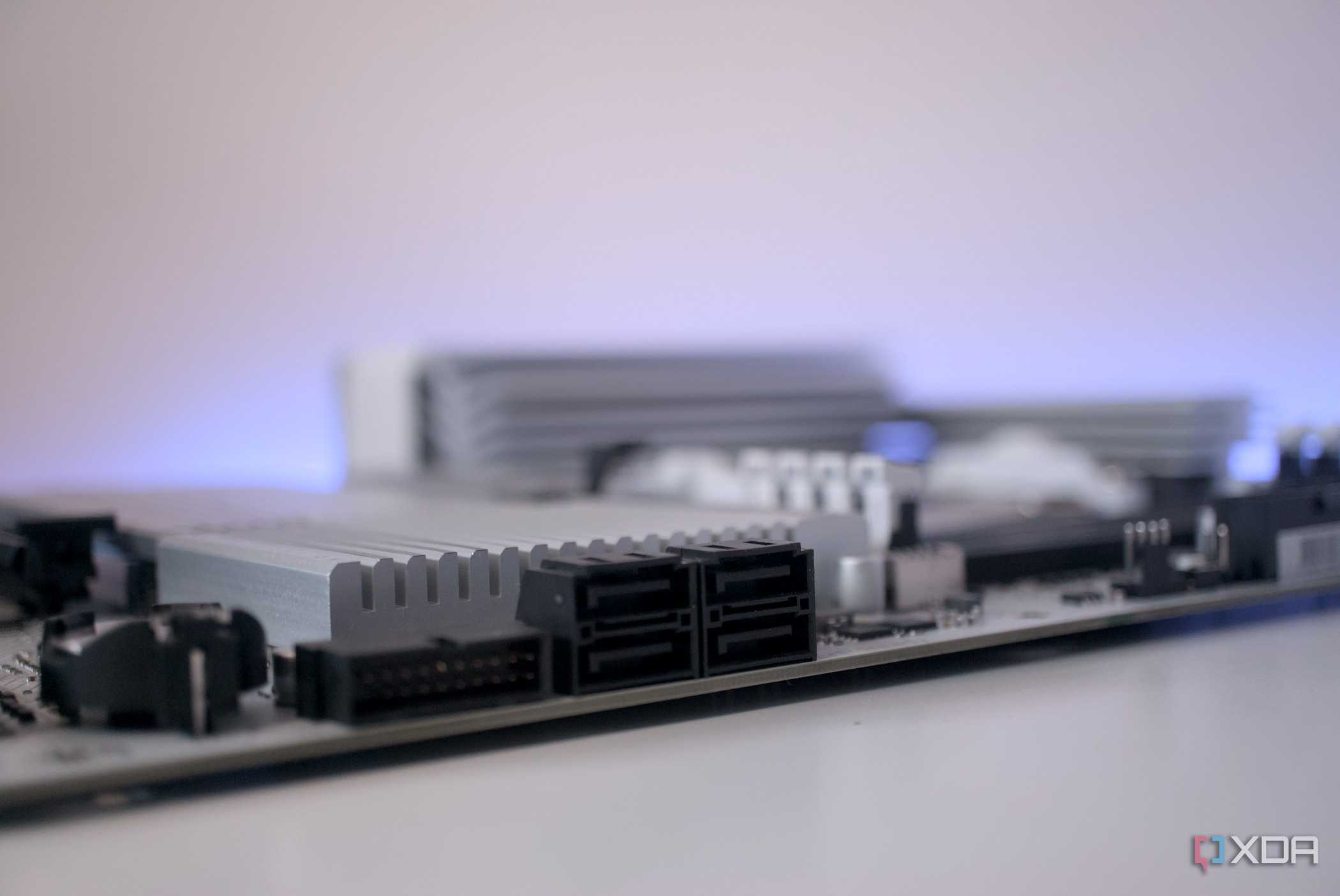
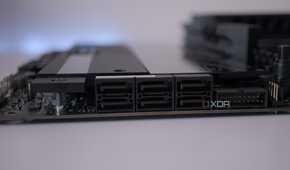
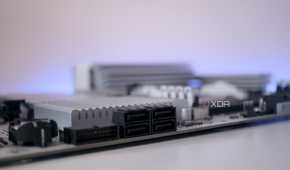
Onboard SATA controllers are rarely a priority feature for motherboard manufacturers, especially on newer boards. They’re typically connected through the chipset alongside USB controllers, networking, and other I/O, which means they're all competing for shared bandwidth. Under light usage, this is fine, but under any kind of sustained load it can become a source of inconsistent behavior.
The issues that crop up aren’t always super dramatic and noticeable. Drives may disappear briefly, port ordering can change after a BIOS update, or a pool may refuse to import cleanly after a reboot. These problems are notoriously difficult to diagnose because nothing appears “broken” in isolation, but little annoyances crop up over time. An HBA sidesteps much of this by moving storage I/O onto a dedicated device with its own drivers.
HBAs scale better than consumer SATA ever will
It's used in proven server environments for a reason

Another major advantage of an HBA is how naturally it scales. Consumer motherboards usually top out at six to eight SATA ports, and expanding beyond that often means stacking cheap SATA cards or relying on port multipliers. While those solutions can work, they add complexity and additional points of failure.
An HBA paired with proper SAS-to-SATA breakout cables can support eight or more drives from a single card, with cleaner cabling and better compatibility with backplanes and hot-swap bays. As drive counts increase, this also tends to simplify power and thermal behavior, since fewer controllers are competing for chipset resources during heavy I/O operations.
There's a good reason why HBAs are so widely used in server environments, and it's because of the almost boring scalability it offers. Popular models based on controller families from vendors like LSI have been deployed at a massive scale for years, and their behavior is extremely well understood. They expose disks consistently across boots, operating systems, and firmware revisions, and that kind of consistency matters far more than raw performance for most home servers.
HBAs aren't always necessary
It depends on what you're running, of course

HBAs are not a universal requirement by any means. Many commonly used models are based on older PCIe standards, draw more power than onboard SATA, and can require decent airflow to stay cool. There’s also a small learning curve, especially for users encountering concepts like IT mode firmware for the first time. It's worth learning, but if your current hardware needs don't require one, I wouldn't run out to buy one.
For very small servers with one or two drives and no plans for expansion, onboard SATA can be perfectly adequate. In those cases, adding an HBA may introduce more complexity than benefit. The value of an HBA grows in proportion to how much you expect to expand your storage, so if that's something you're thinking of doing, investing in an HBA might be a good idea.
Stability is key for home servers
If your home server already runs multiple drives, uses a serious filesystem, or is expected to grow over time, an HBA can be a key upgrade for your system. It probably won't improve performance, but its benefits for reliability and overall organization for a server can be invaluable. On-board SATA and RAID setups can really only get you so far, and should only be relied upon if you're not storing mission-critical data.
