


Synology makes some of the best network-attached storage (NAS) solutions on the market. The company is renowned for high-quality hardware and an OS that even NAS beginners can get to terms with in a short time. The thing is, Synology NAS, and turnkey products in general, aren't the only solution for network-attached storage. You can build your own NAS enclosures with nothing more than an old PC or single-board computer (SBC) and a few drives. I'm running custom NAS, servers, and branded enclosures, and here's why I sometimes regret using Synology NAS in my home lab setup.
4 Weaker specs for the price
Better value using PC parts


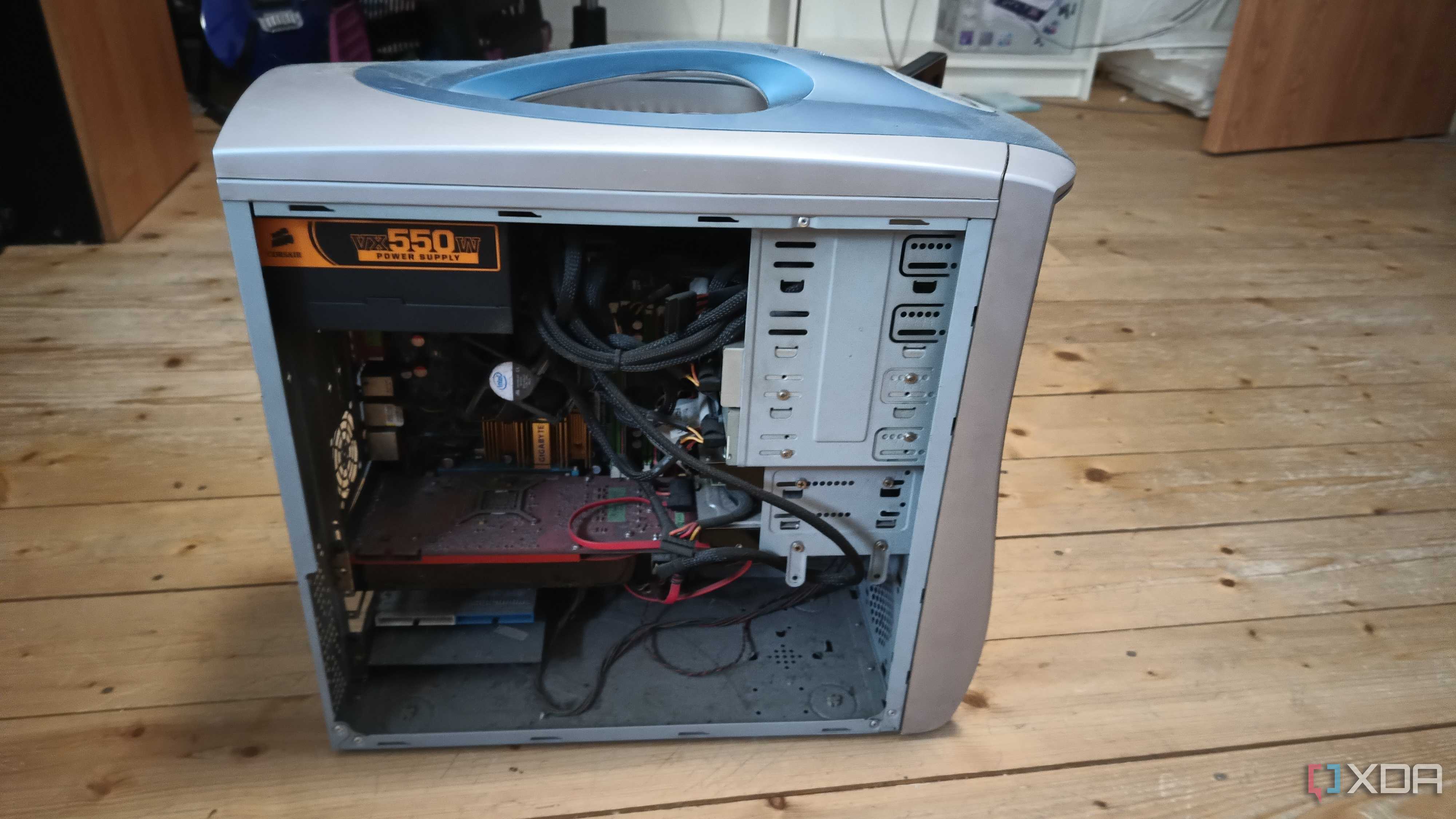
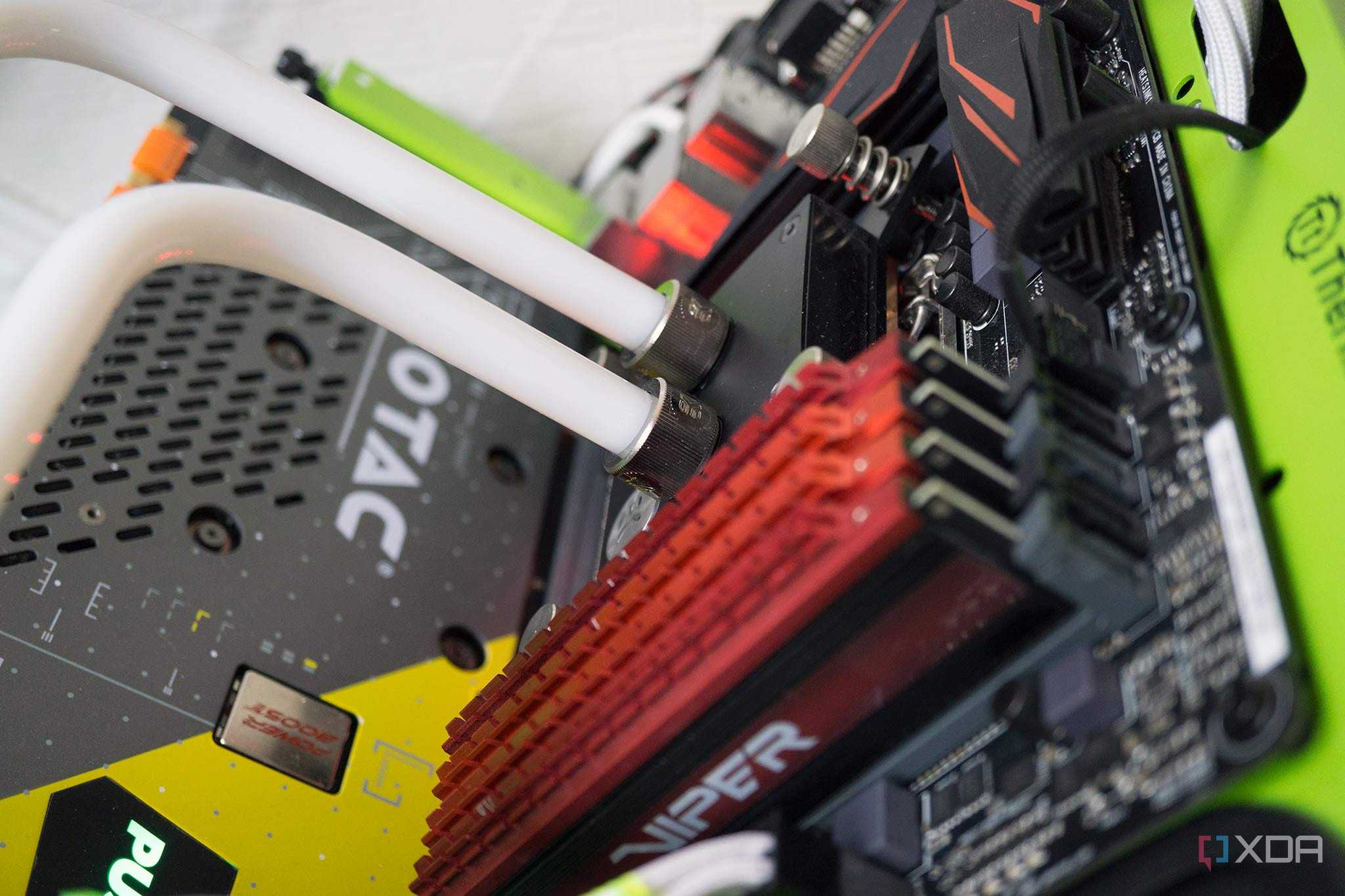
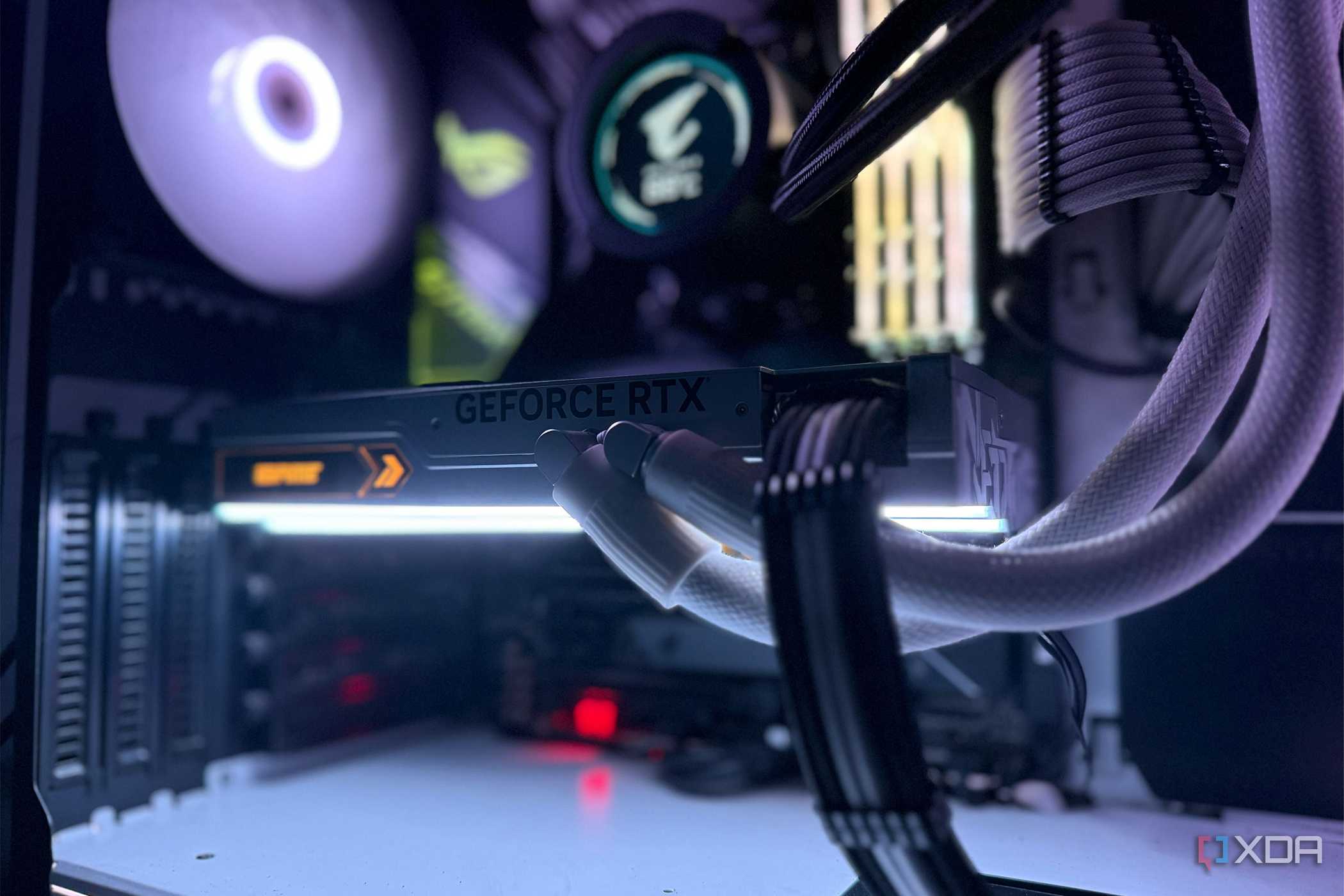
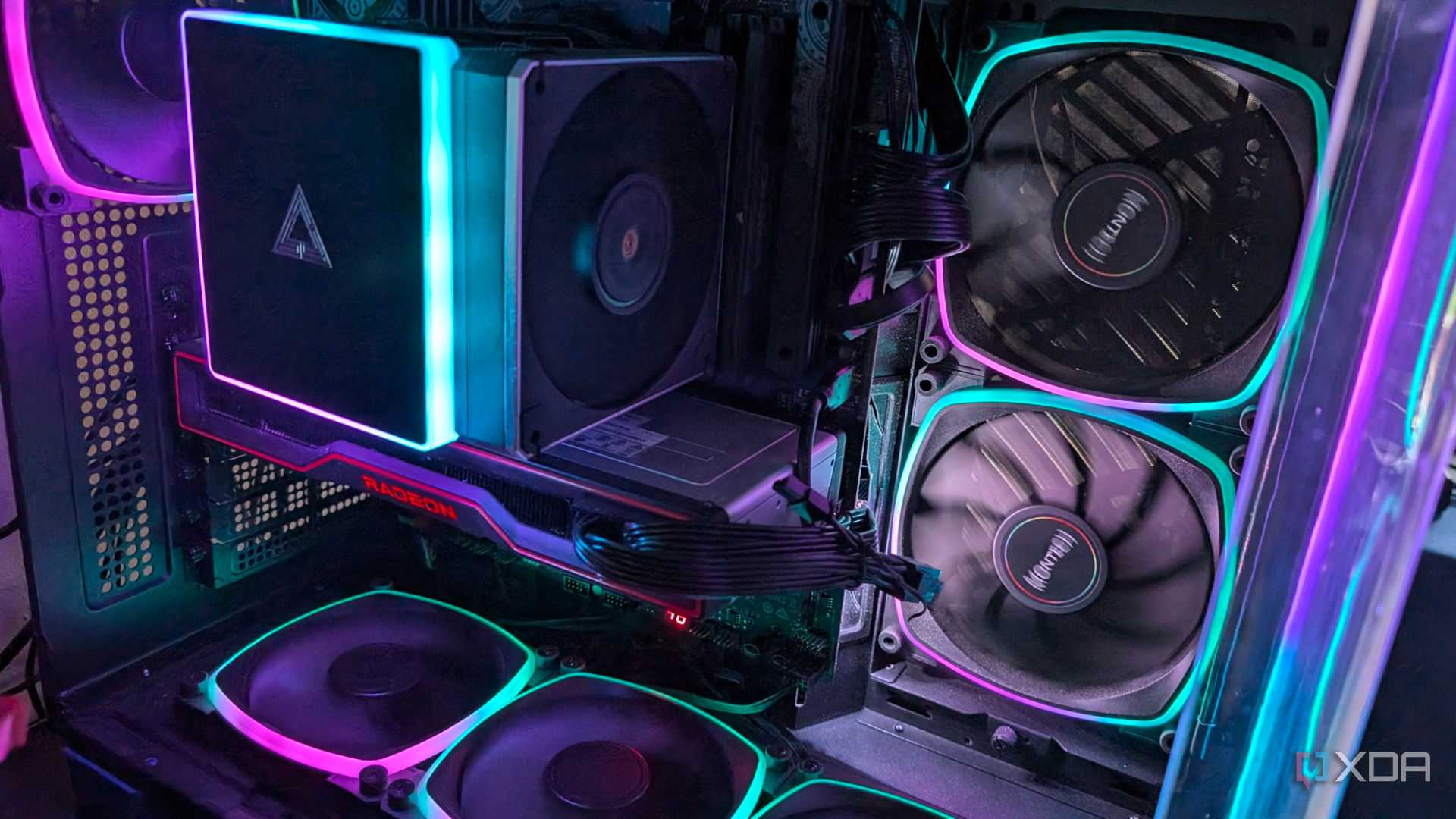
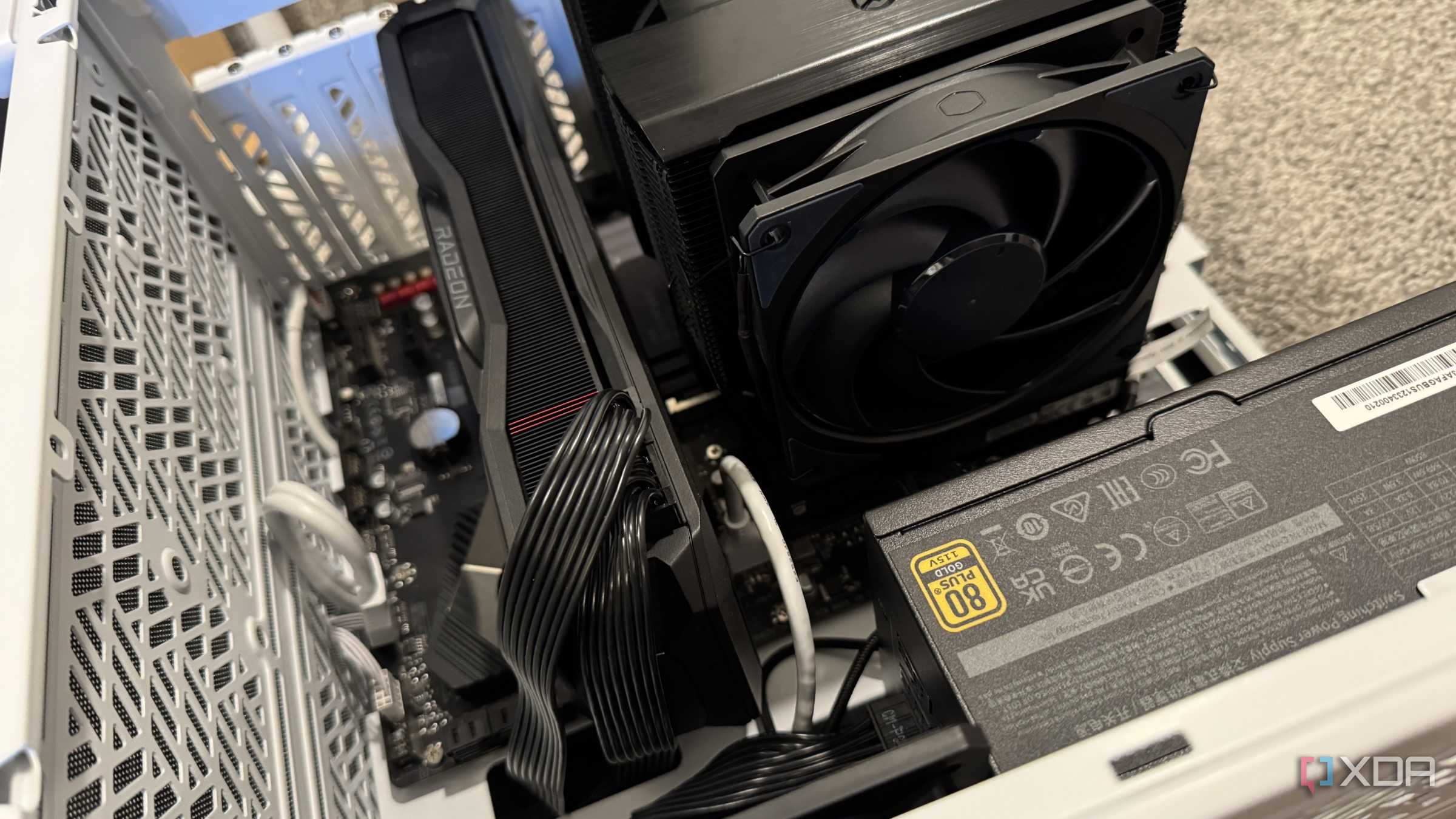

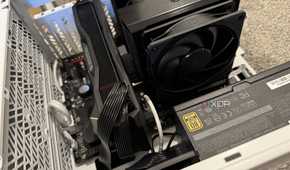
All branded NAS models offer worse value than a similarly priced custom DIY NAS, and that's by design. It's similar to how a prebuilt PC will cost you more than one built using off-the-shelf parts. This is because revenue has to be generated to cover research and development, as well as official support channels. One of the many great things about owning a Synology NAS is having a line open to the company for support. Building your own NAS means you're in charge of handling all hardware and software-related issues.
That's not to say you shouldn't purchase a Synology (or other branded) NAS because the hardware is high-quality and is proprietary in that you can enjoy using a compact system that can be placed anywhere in the home.
3 No means of upgrading
Outside of RAM and SSDs


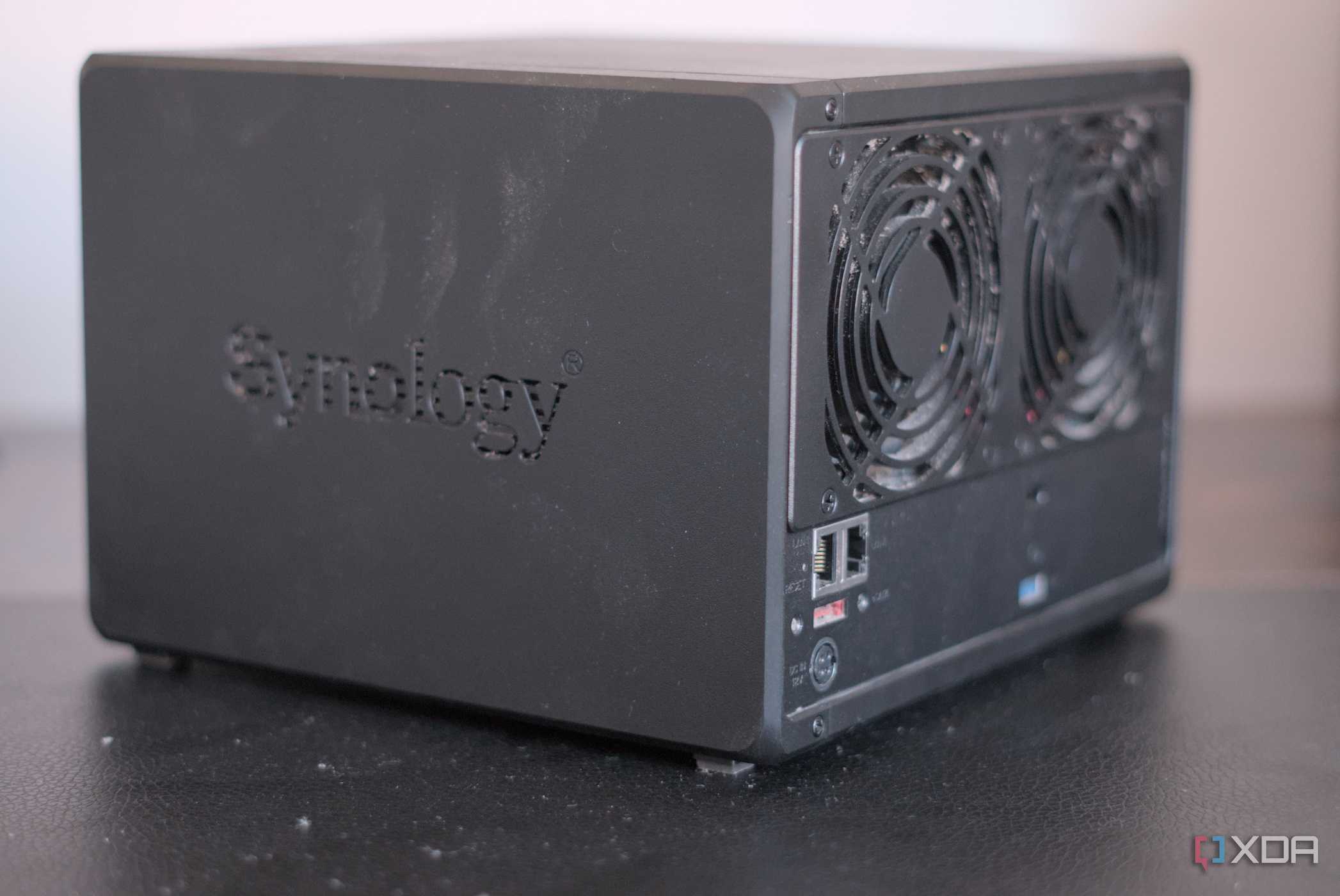
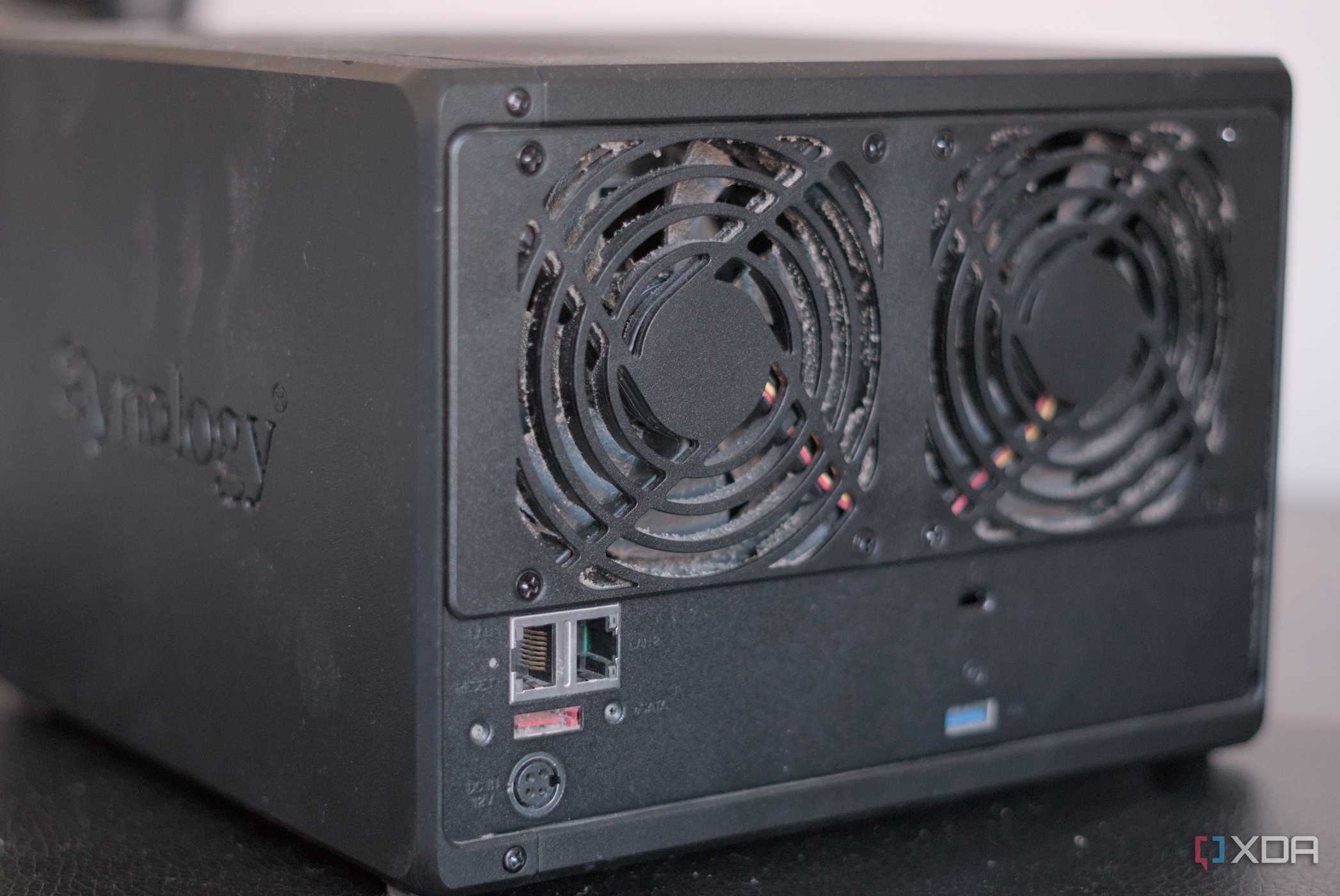
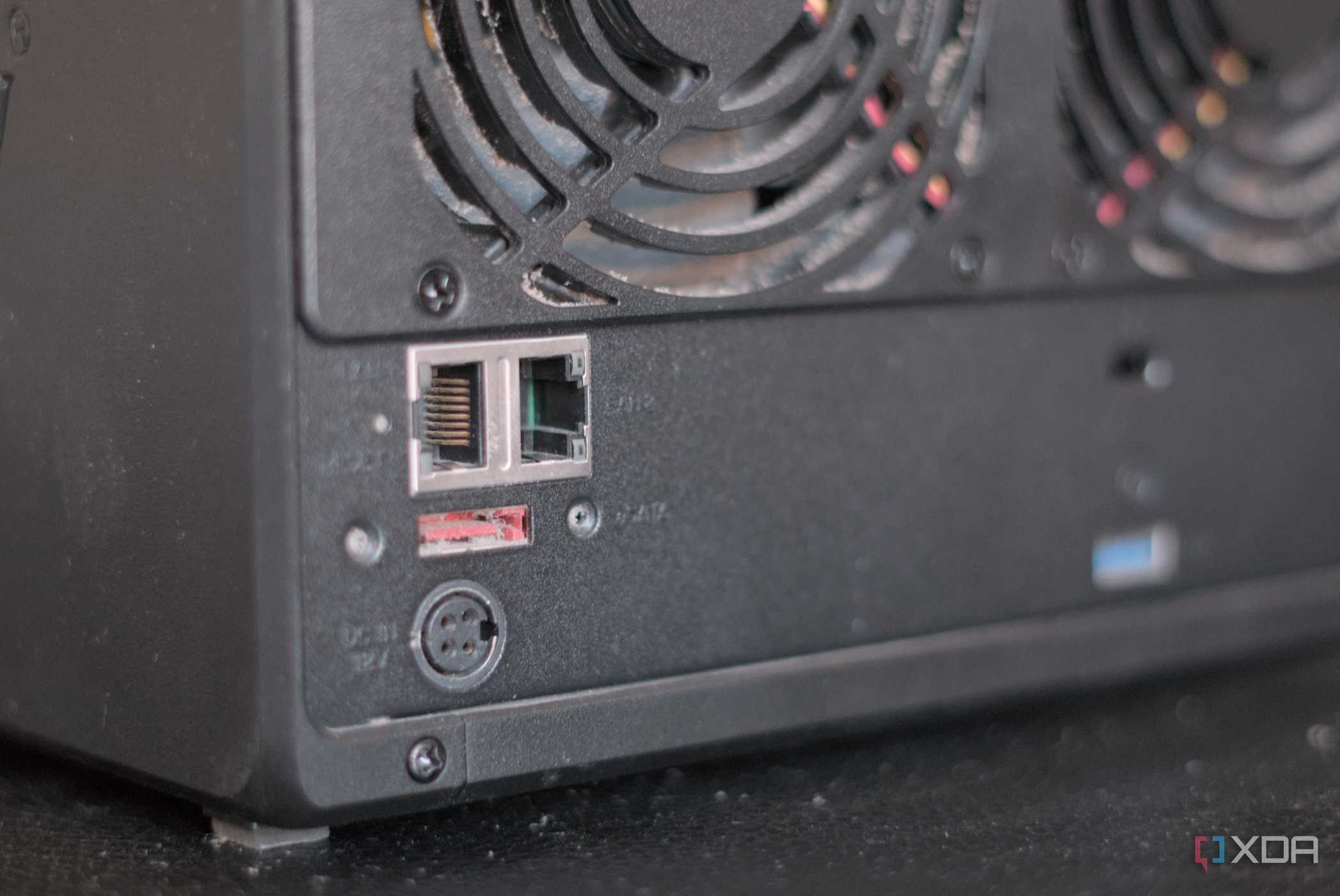


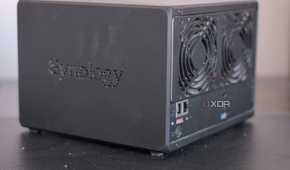
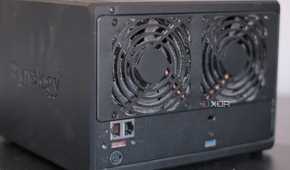


Running out of processing power or system memory? Sucks to be you! That's unfortunately the only response possible for turnkey NAS, as their specification sheets are tightly controlled to create a catalog of products targeting various price points. The same goes for Synology, which offers the means to upgrade and expand RAM and load up a NAS with SSD caching to improve performance, but these features aren't catalog-wide and you'll need to fork out for the luxury. There's also no telling whether you'll need them, making choosing a NAS all the more important.
It makes choosing the right enclosure for the job more of a challenge since you can't tell how your usage will alter post-purchase. A small two-bay ARM-powered Synology NAS will suffice for backups and running a few services here and there, but you'll hit a brick wall for hosting a media streaming platform, productivity suite, and more. The only solution is to replace the NAS with a new one with all the essentials to get the job done. Since the enclosure itself is the most expensive part, this can cause costs to spiral.
Or, you could build a NAS.
2 DSM is great until it's not
A solid OS for beginners


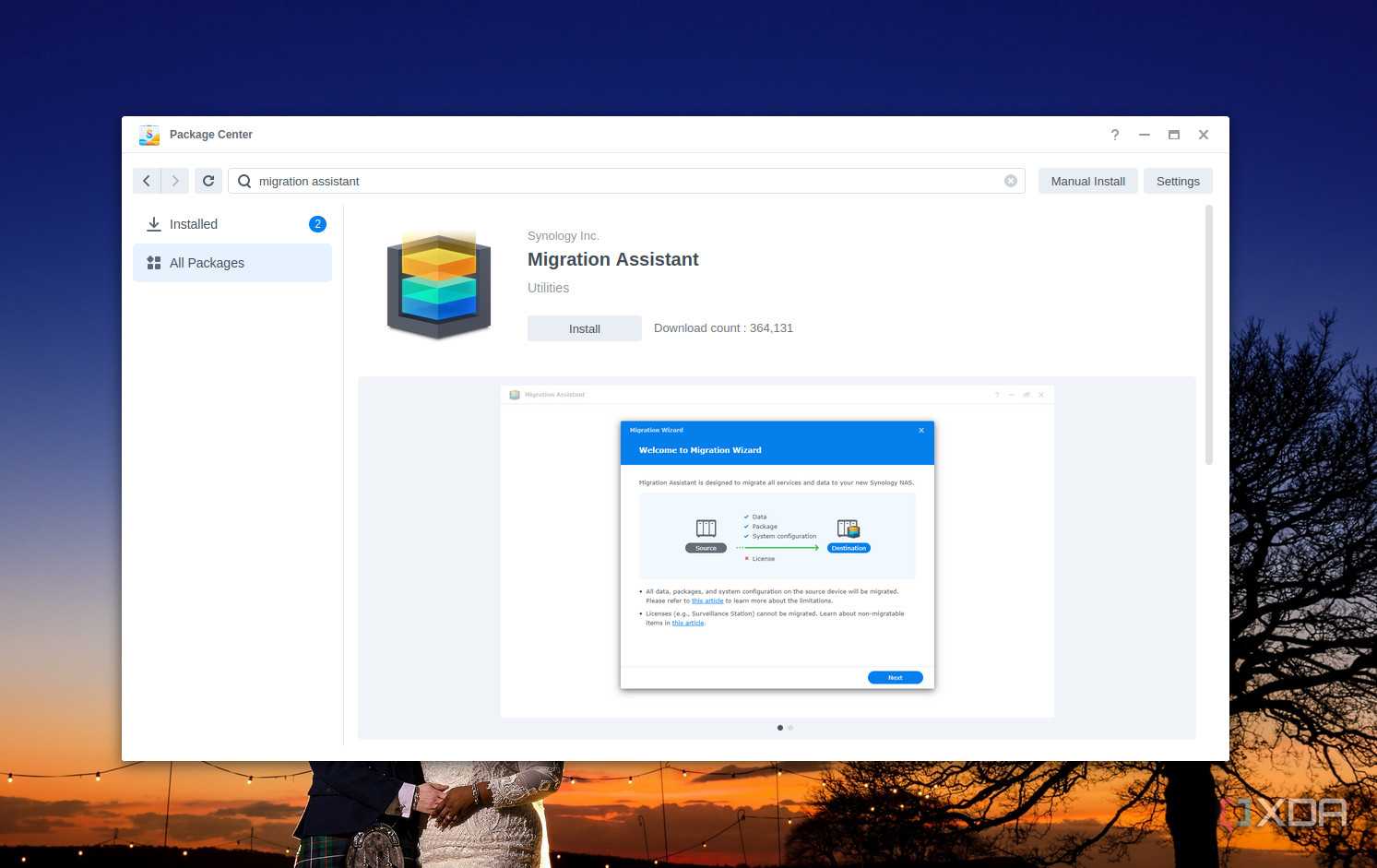
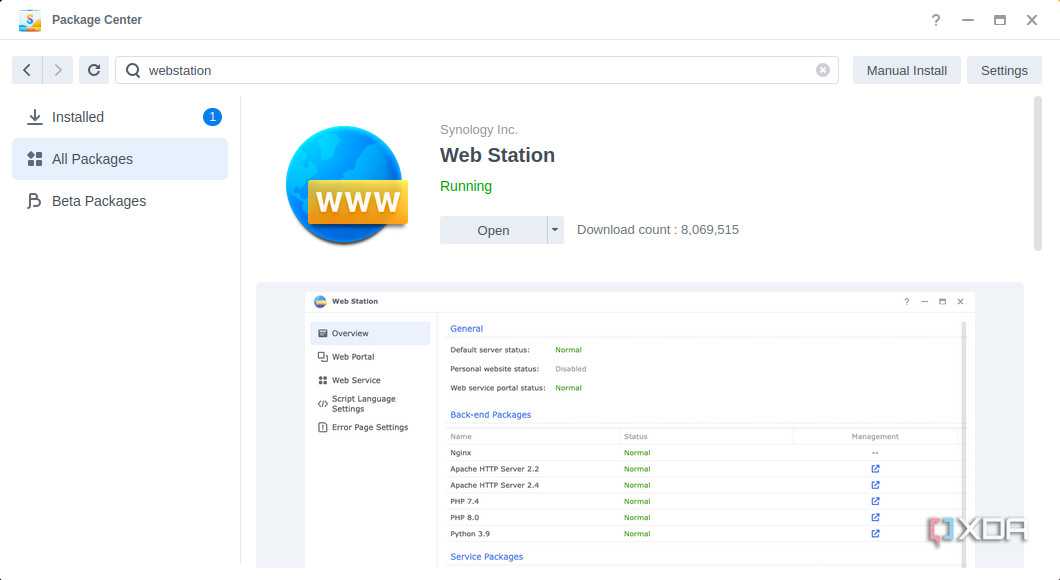
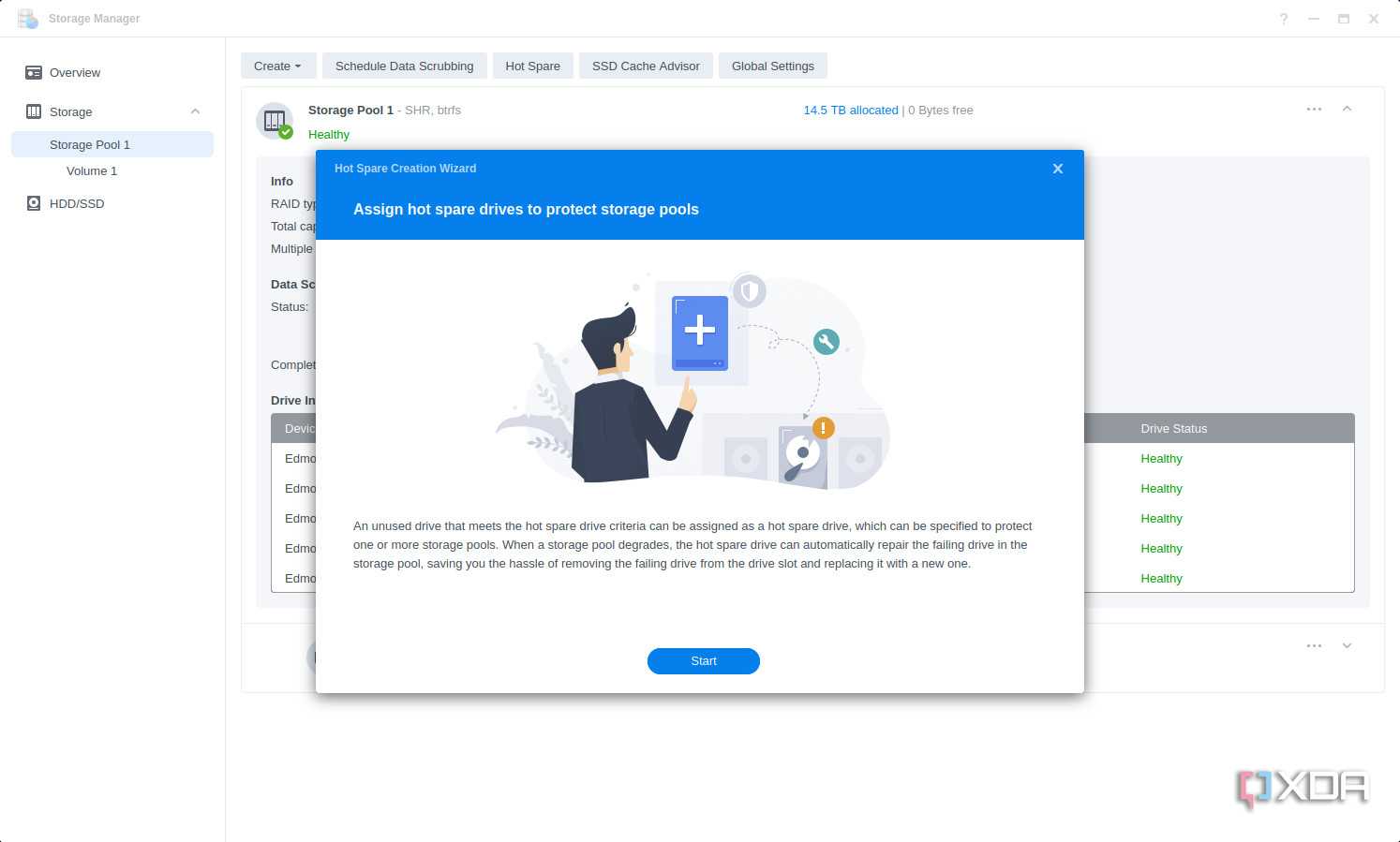
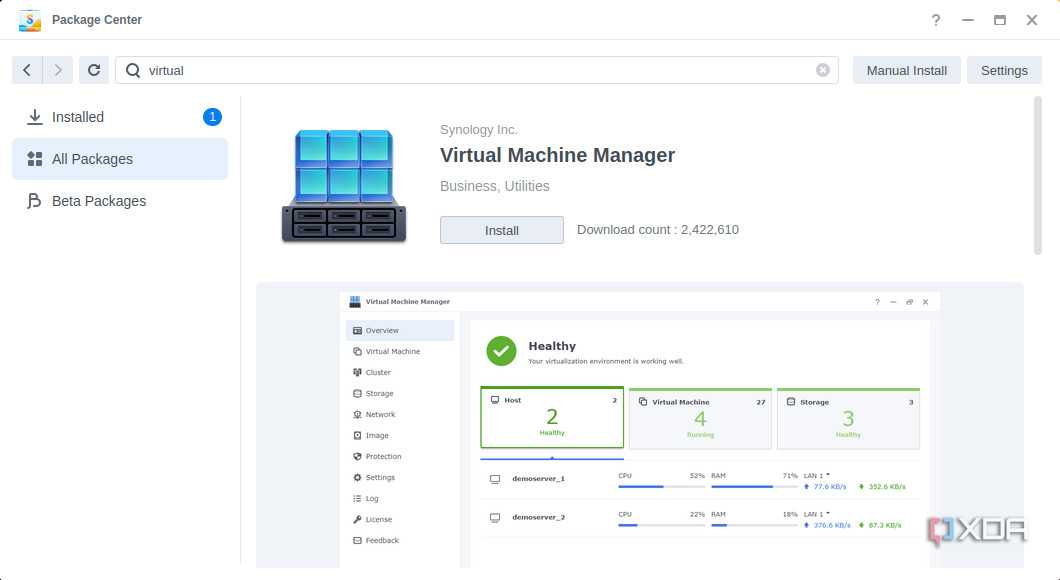
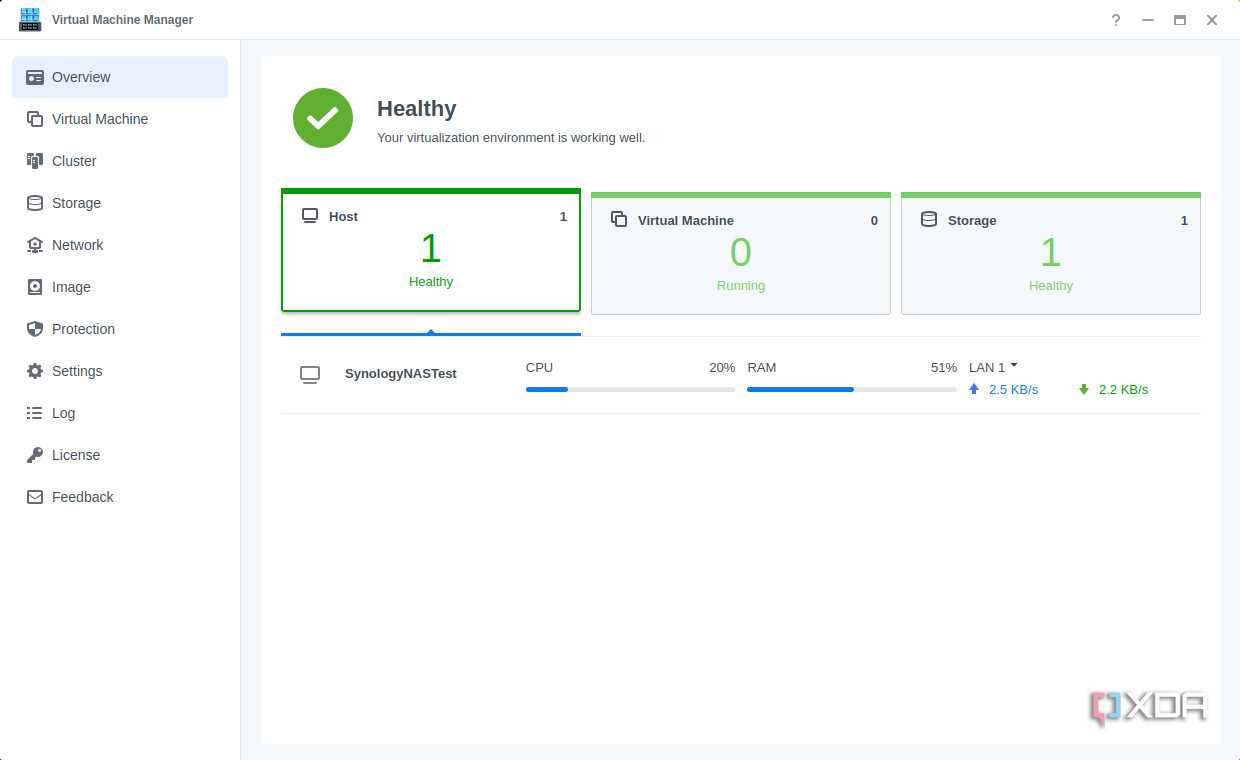
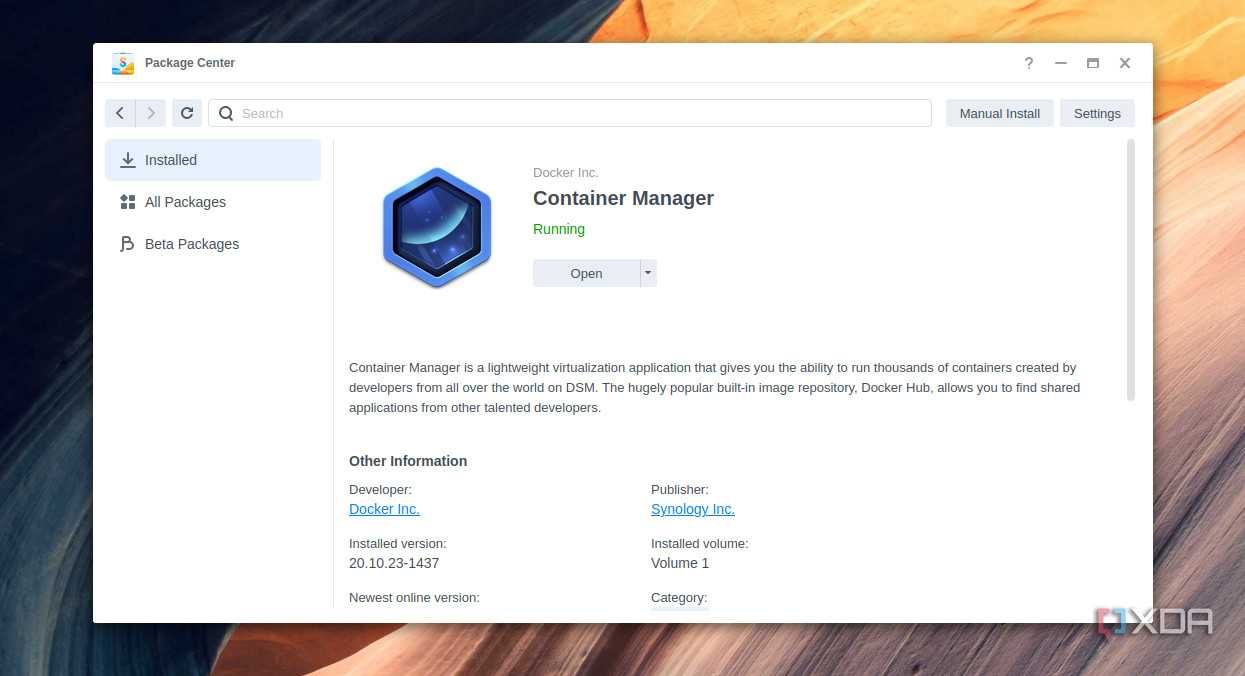
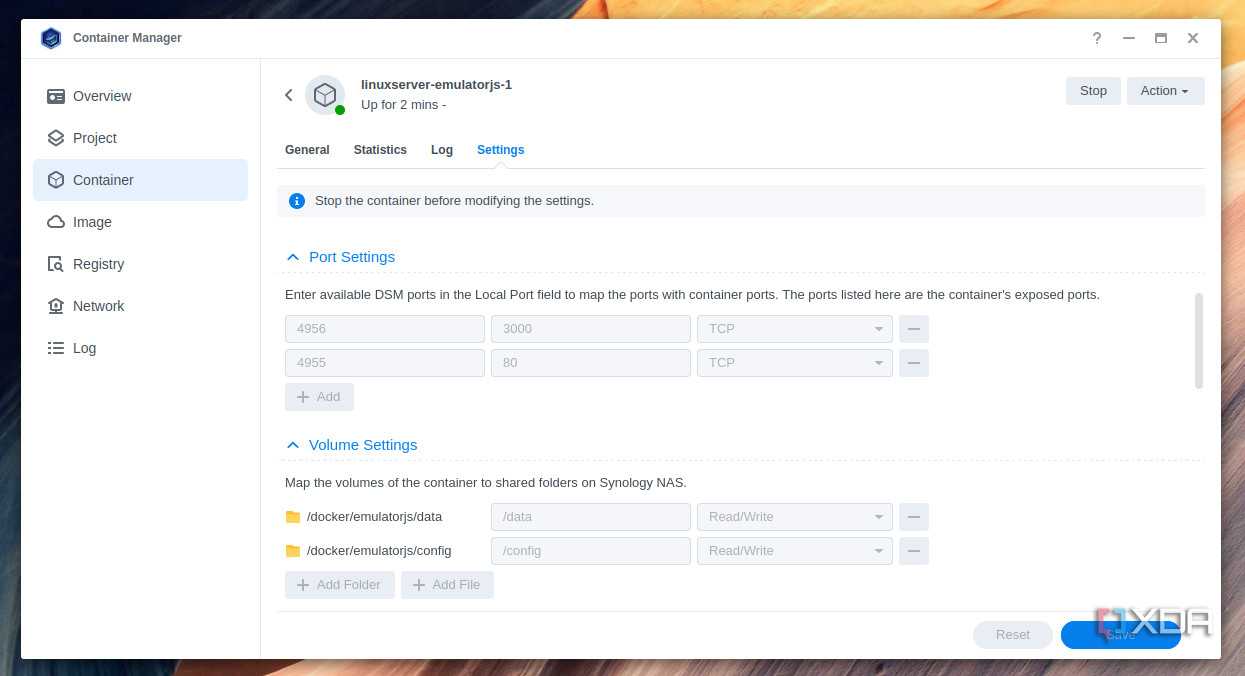
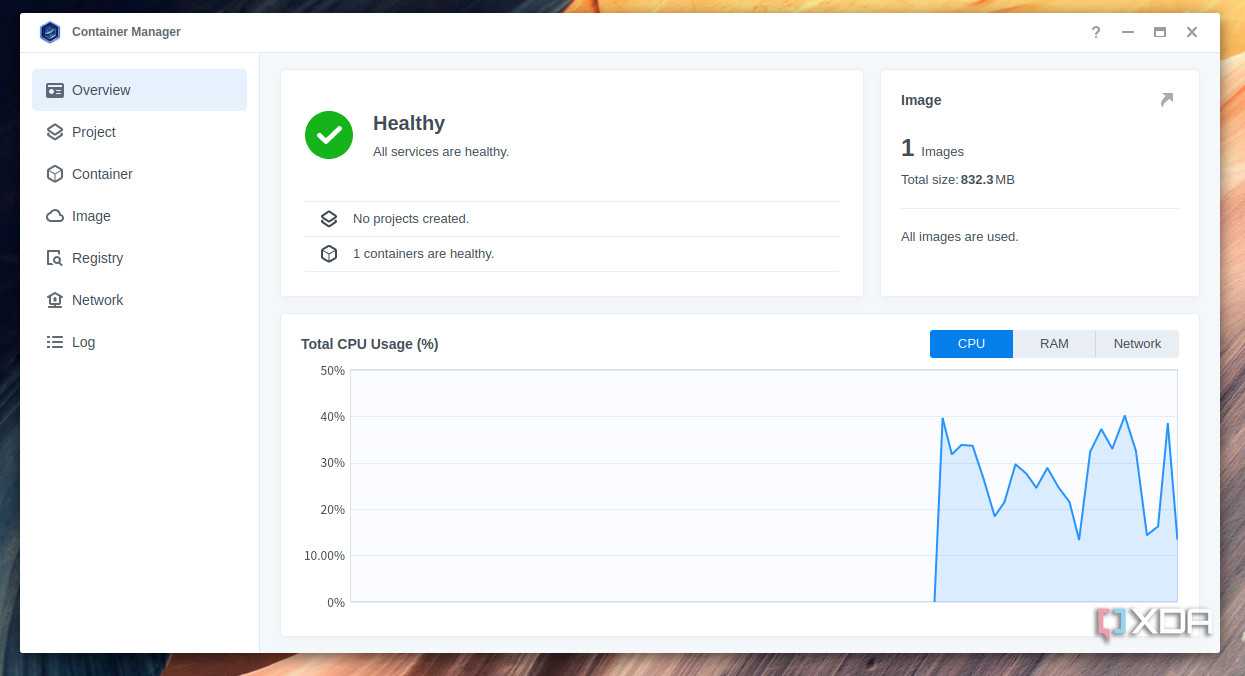
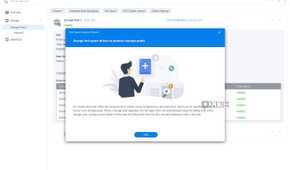
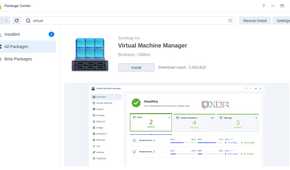
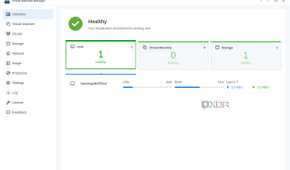
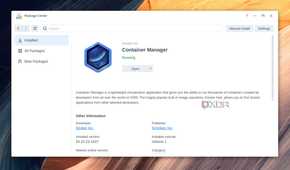
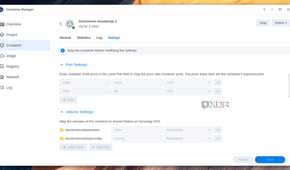
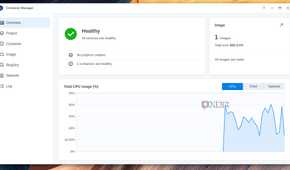
The software that powers Synology NAS is called DiskStation Manager and is often regarded as one of the best turnkey NAS OS solutions, also by yours truly. It's easy to use, is great for beginners, and performs much like a desktop OS, making it straightforward (and most importantly, fast) for just about anyone to pick up a Synology NAS and go from zero to hero in a few minutes. DSM has an impressive library of apps available through the official Package Center, though more can be installed through the available Docker support.
It's where Synology's OS can fall short, where the issues start to show. Being a turnkey OS, you're limited to branded hardware for running the OS, meaning you'll have to learn everything all over again should you switch to TrueNAS, Unraid, or some other aftermarket OS solution. You're also relying on Synology to continue developing the software, and should your NAS eventually reach its end of life (EOD), then you're all out of luck in receiving the latest and greatest releases. That's not the same with an aftermarket OS where it will continue to support your system so long as it meets the minimum requirements.
1 I outgrew its capacity
Storage limits are met quicker than you think
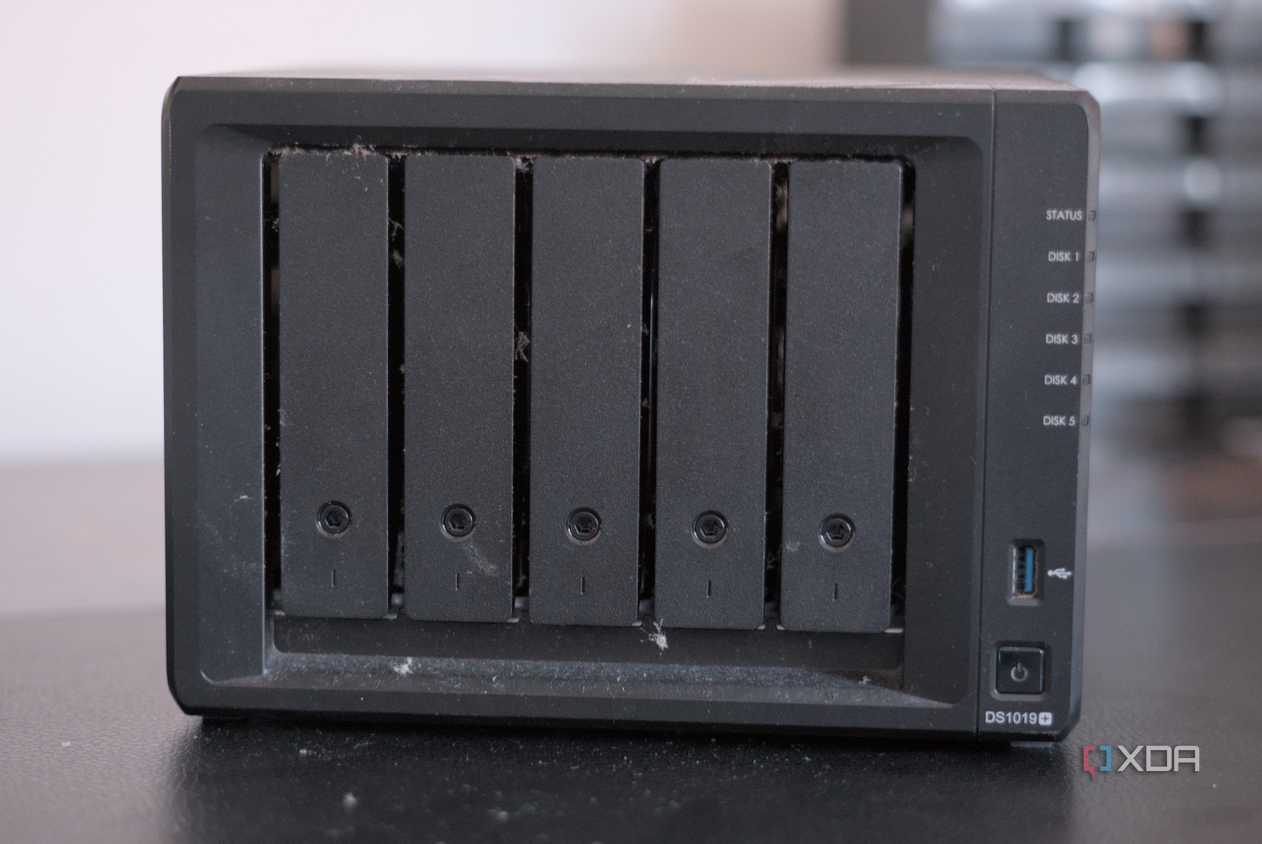
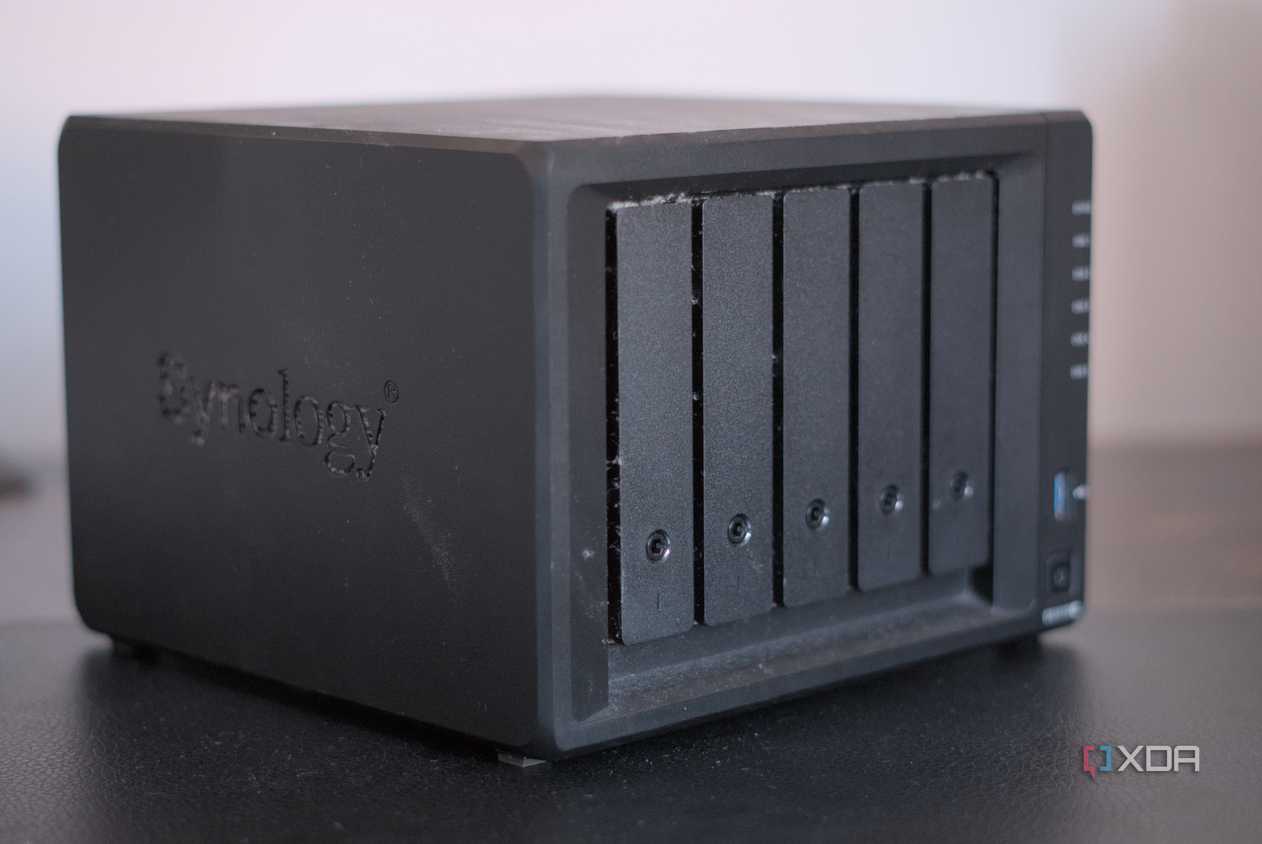
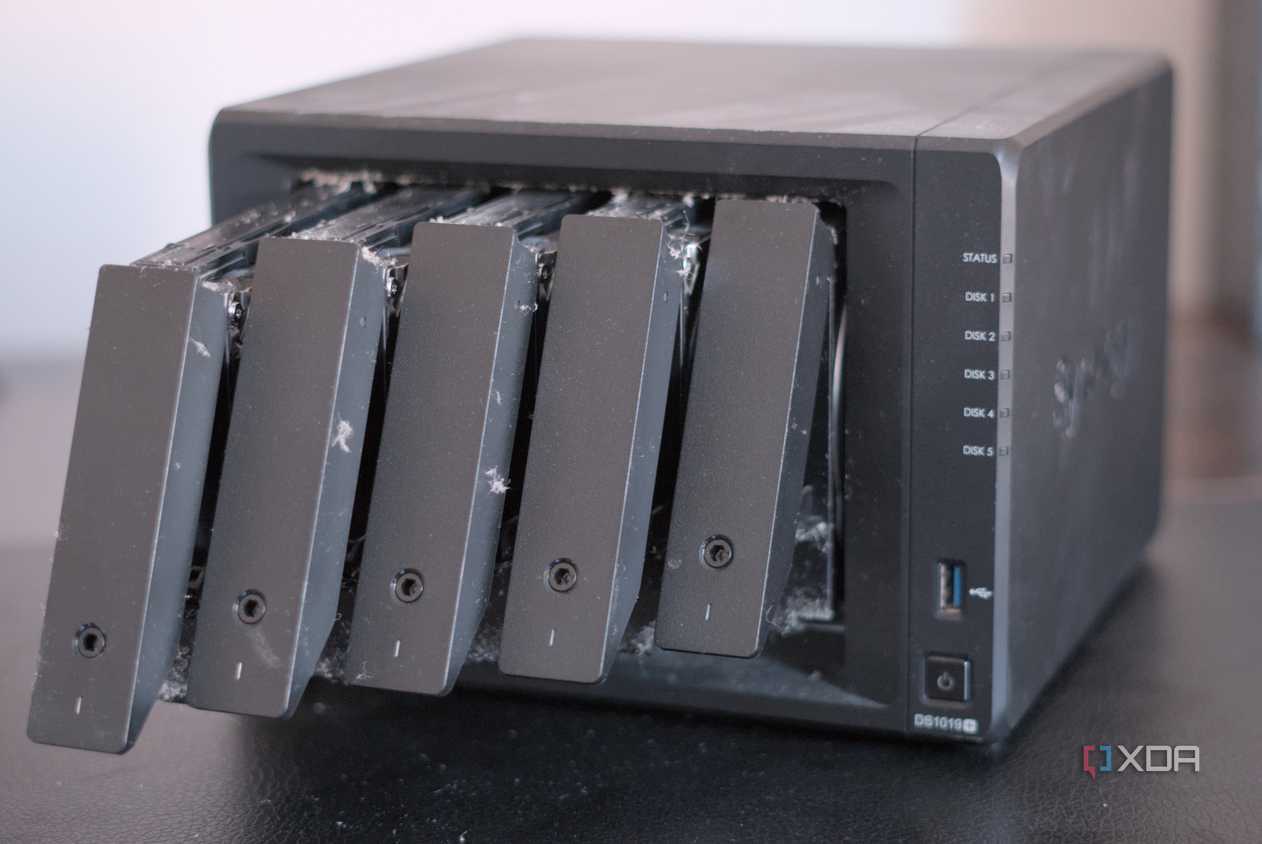

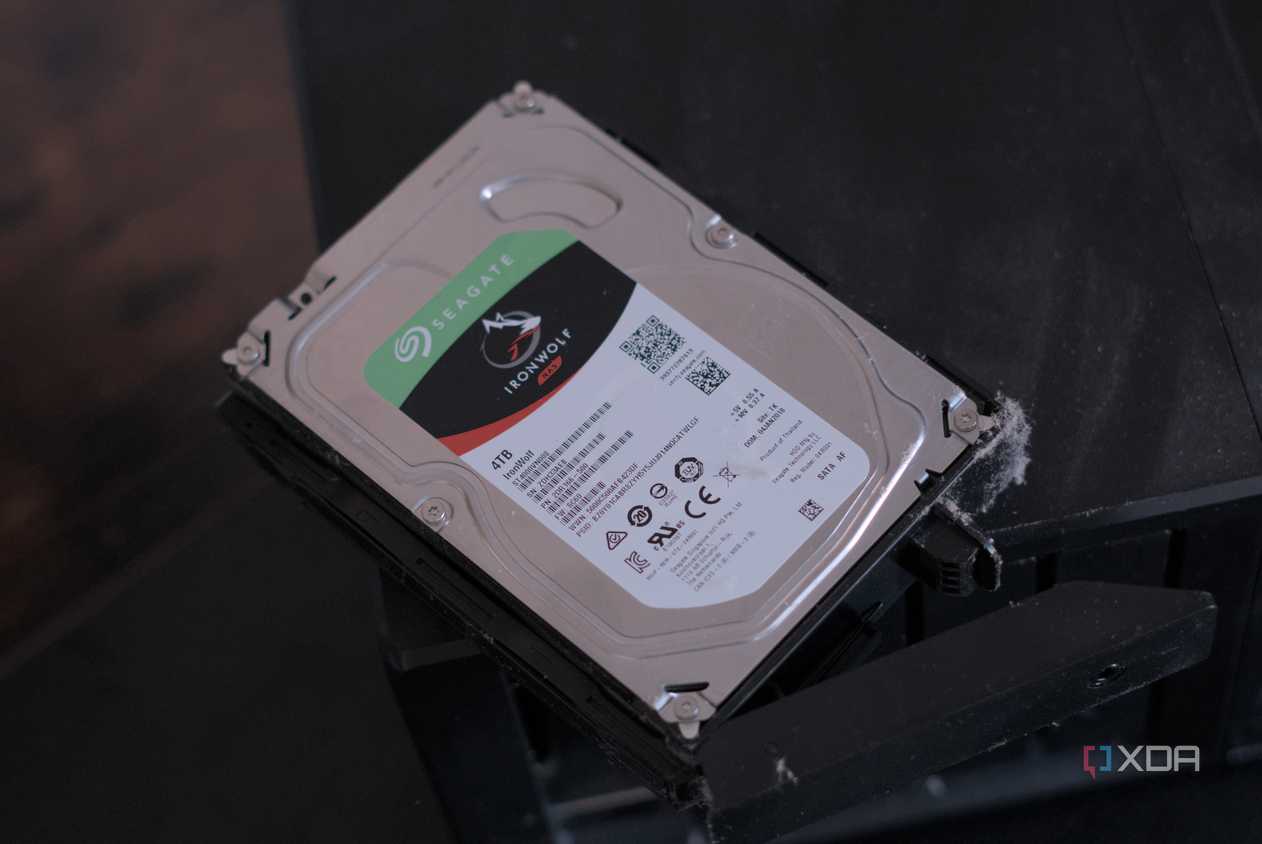


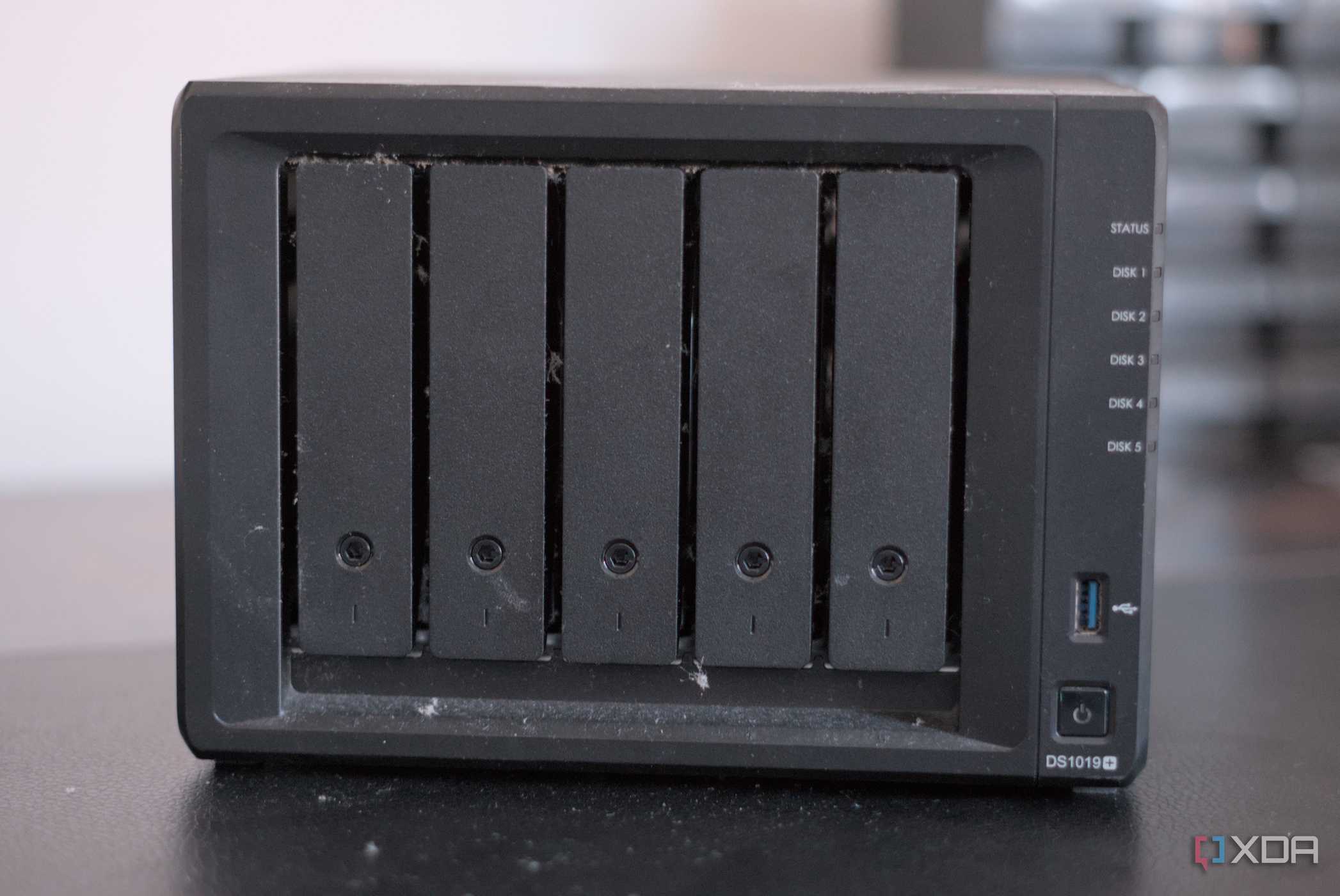
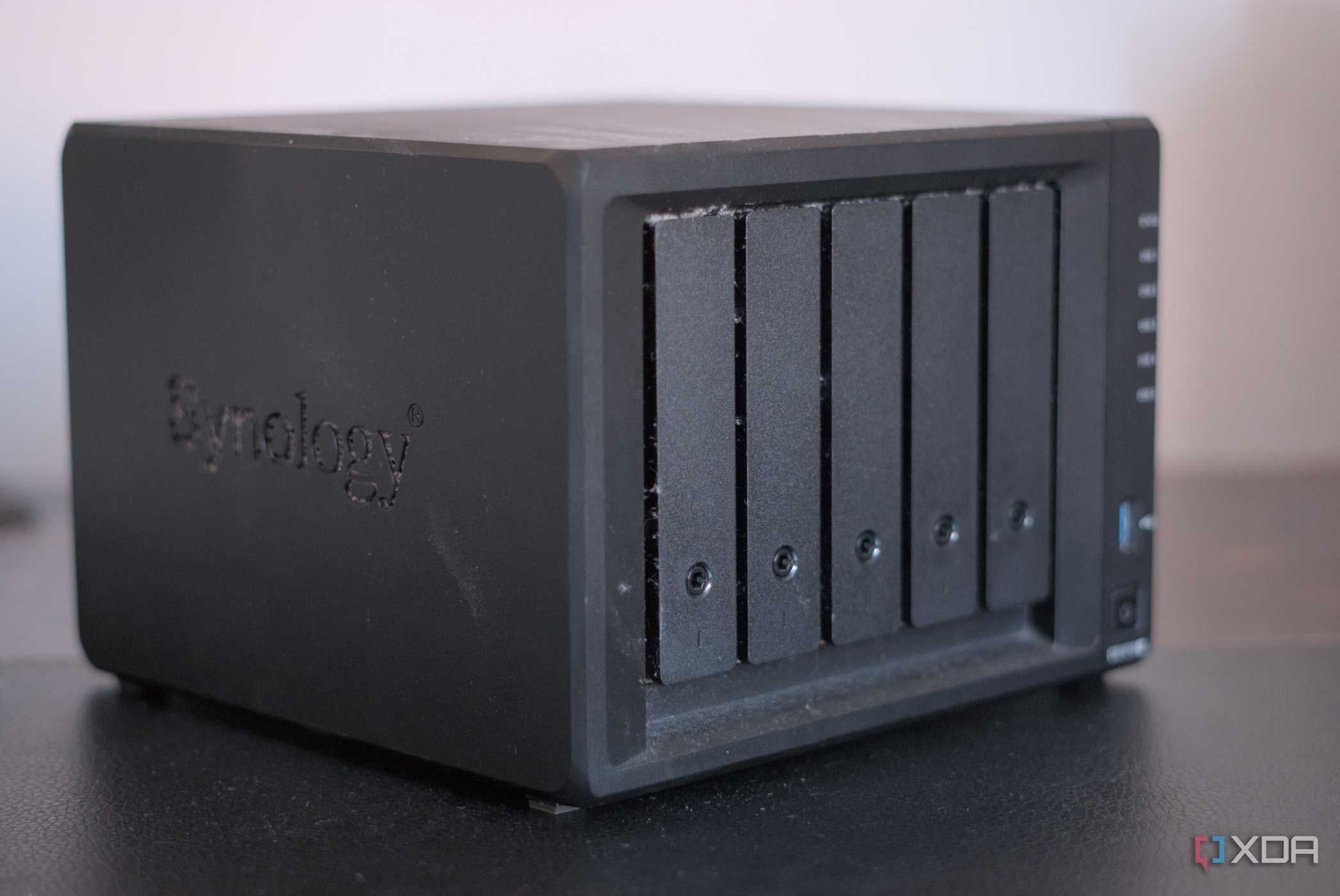
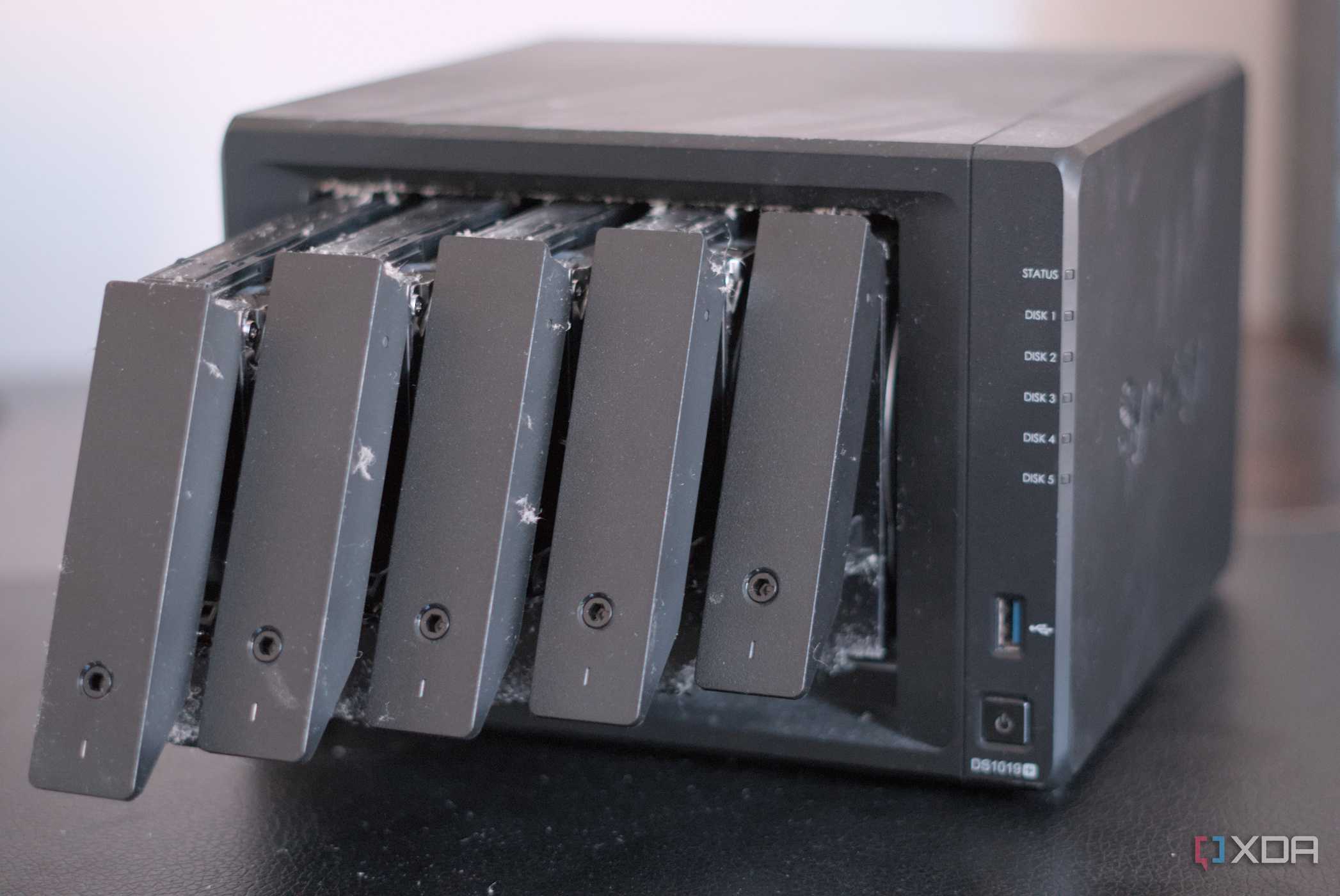
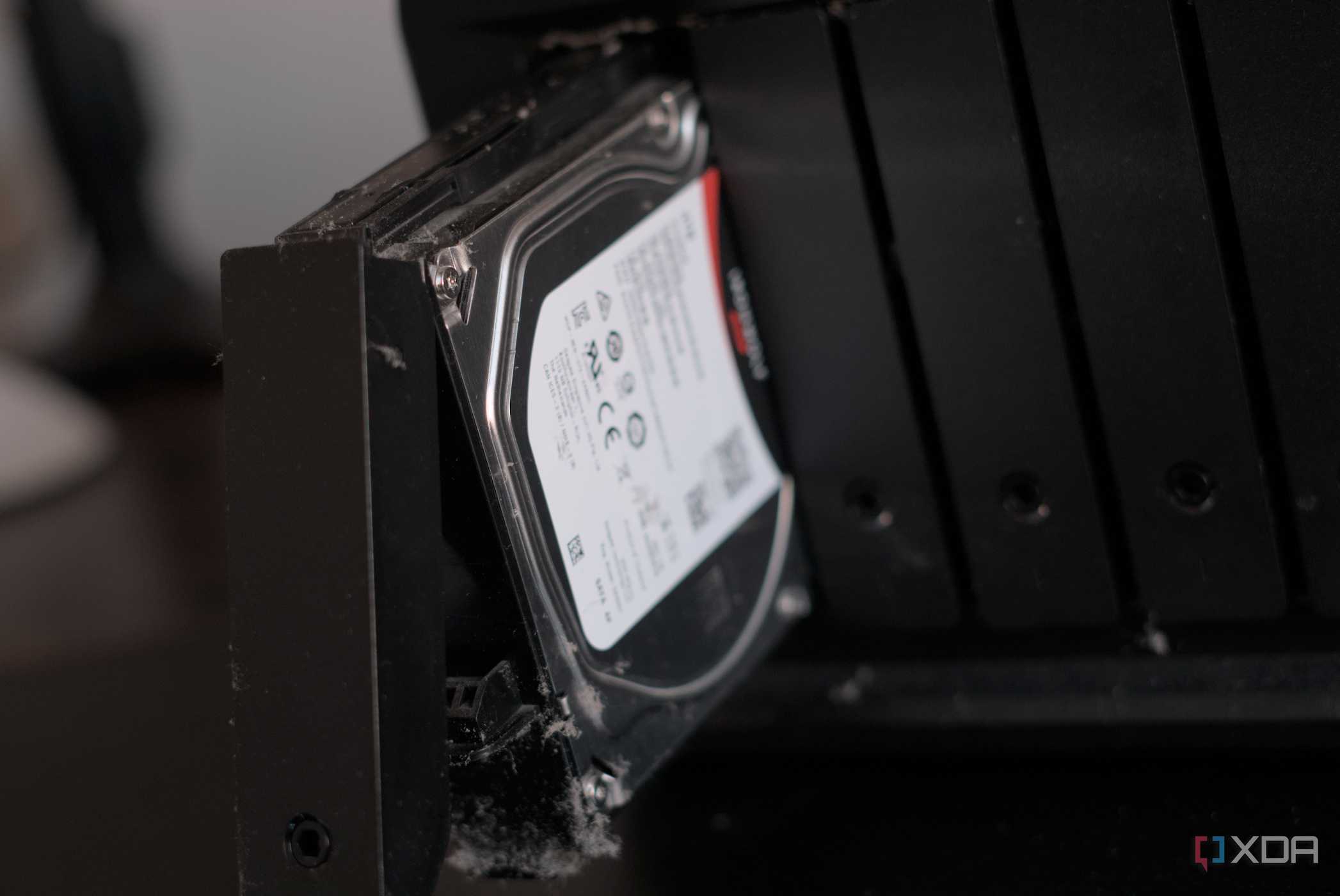

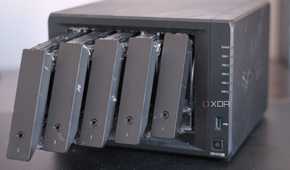


An issue Synology (and other branded) NAS enclosures have is limited drive support. If you purchase a two-bay NAS, there's a strong possibility you'll be limited to just two drives with no expansion capabilities. The same can't be said for a custom solution since you typically have more than four SATA ports on a standard PC motherboard, followed by a few M.2 SATA and NVMe slots. The free PCI slots can then be used for expansion cards, unlocking additional SATA ports for yet more drives to be installed.
Moving onto server hardware, things get interesting with yet more bandwidth for storage. A compact turnkey NAS solution such as the excellent Synology DiskStation 923+ is brilliant for homes with limited space, server management knowledge, and available time to learn everything needed to deploy a custom NAS with TrueNAS or some other OS. It also takes away much of the overhead with integrated DDNS, proxies, and more, something you'd have to learn separately when configuring the LAN.
I much prefer applying such features on the network-level since, should the NAS go down for whatever reason, you'll lose out on any running services. Using a firewall will keep everything online even when clients on the network drop off.
Synology NAS is still worth using
Especially if you're starting with your first NAS. The Synology DiskStation DS223 is one of my favorite budget-friendly enclosures thanks to how simple it is to set up and use. It's a NAS I feel comfortable recommending to people who have never touched a NAS before. The company has more powerful enclosures available, and some can be expanded with units and external storage, but sometimes there's nothing better than building your own NAS with specifications that meet (or often exceed) your requirements.
