


Before my ISP finally replaced my Wi-Fi 5 router, I struggled with a dead zone inside the apartment where the Wi-Fi dropped to unusable speeds, often disconnecting entirely. This spot was in the bedroom furthest from the router, proving too much for its limited capabilities. After ignoring the problem for months (since I spent only an hour or so in the bedroom before sleeping), I had had enough. I decided that a cheap extender would be the easiest solution. I knew it was more of a band-aid than a proper fix, but if it solved this one issue, my home Wi-Fi would have been near-perfect. As it happens, the Wi-Fi extender technically improved the Wi-Fi speed in the bedroom, but the real difference was negligible. It was as if the extender did a whole lot of nothing, and that's when I understood why people prefer wired access points and mesh networks so much.
My Wi-Fi 5 router just couldn't cover the entire house
I guess Wi-Fi 5 wasn't sufficient after all


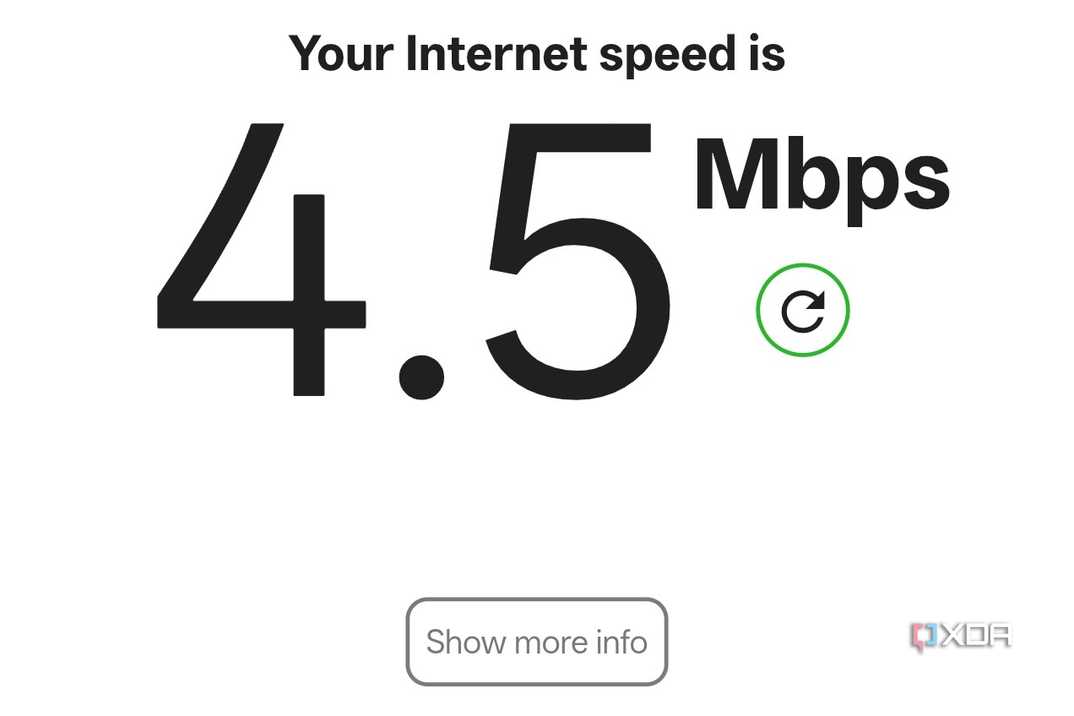


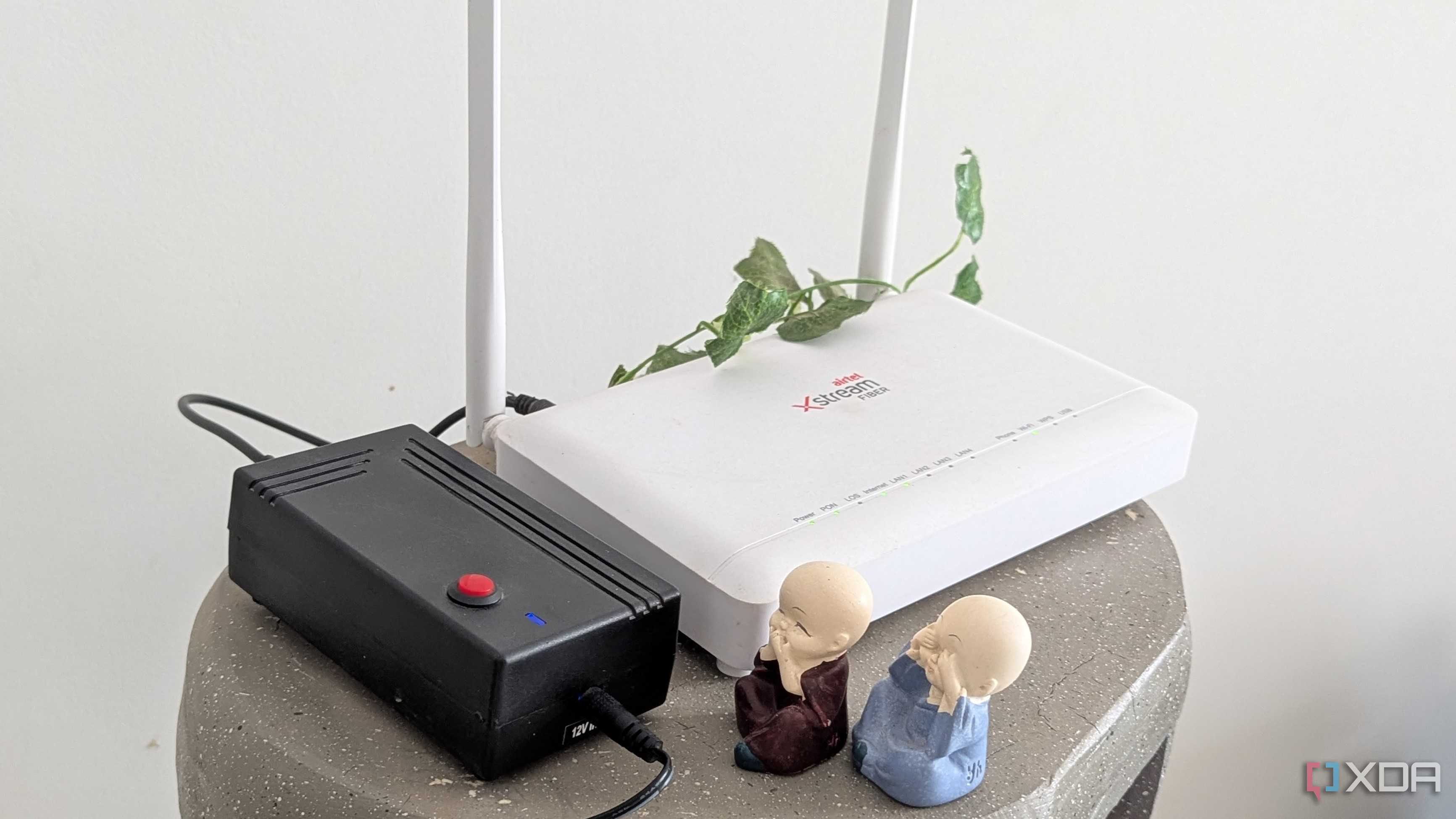

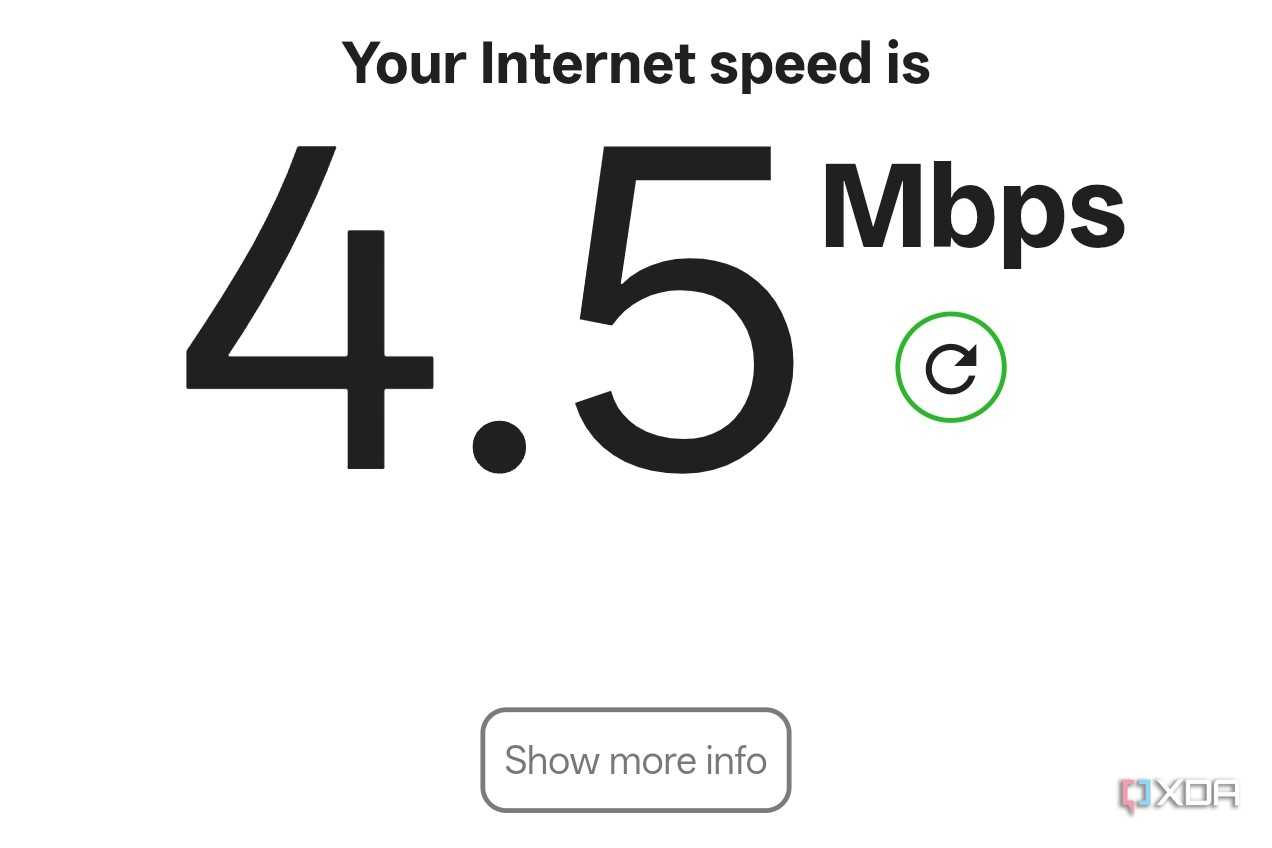






Wi-Fi 5 routers should not really be prevalent in 2026, but my ISP refuses to upgrade old customers to one of the Wi-Fi 6 routers they readily provide to new subscribers. Hence, I was forced to use a Wi-Fi 5 router for almost six years, during which I faced more than a few connectivity problems. The biggest annoyance was the dead spot I mentioned before. The router was probably too underpowered to cover the 1600 sq. ft. apartment, which isn't a lot, by the way. If the door to the bedroom was closed, the furthest spot in the room only got around 4.5 Mbps of speed. Even on the 2.4GHz band, the latency was so bad that my phone sometimes struggled to send WhatsApp messages. Other times, the phone switched entirely to mobile data, giving up on the connection entirely.
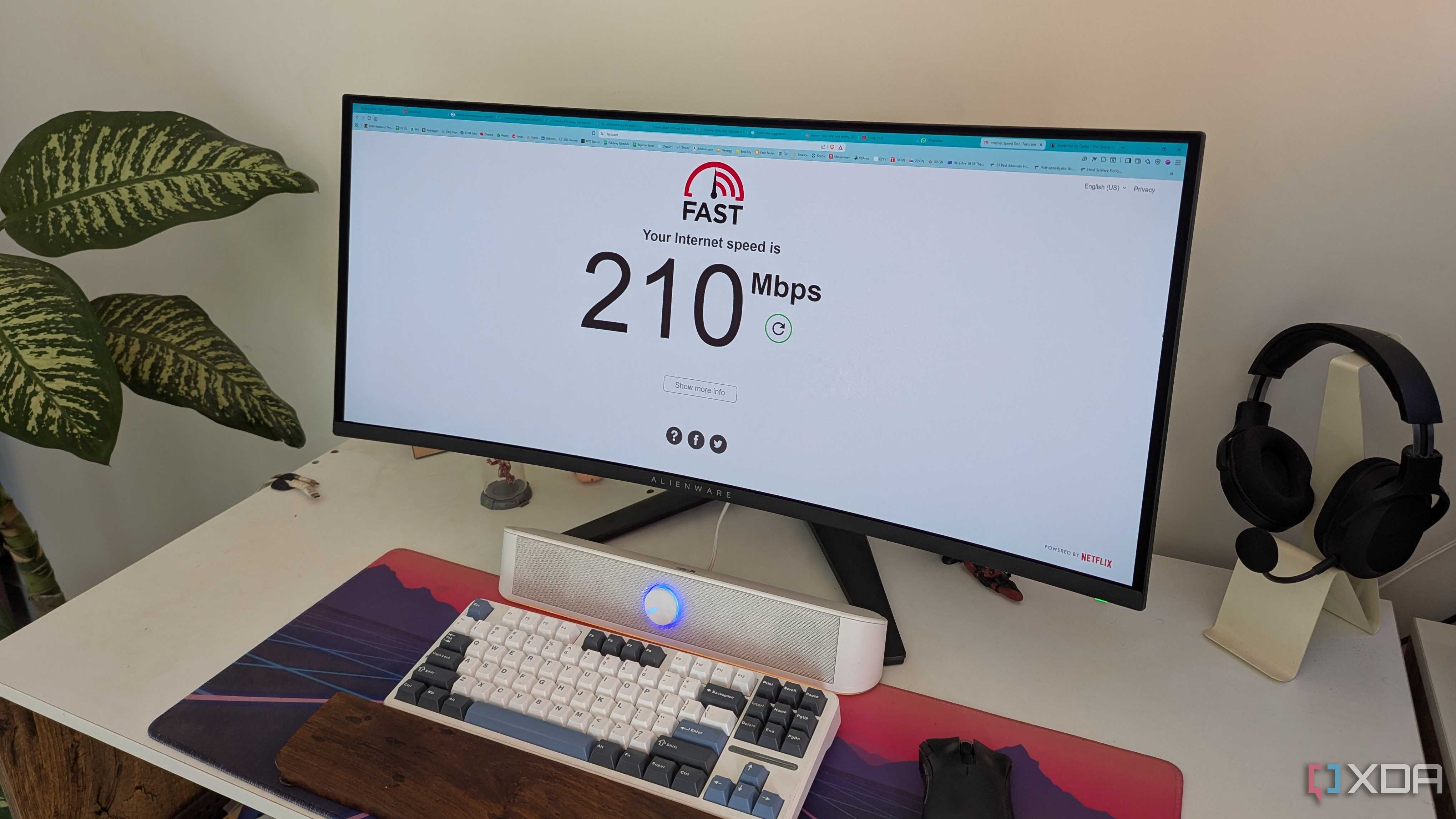
Then, there was the bizarre issue of my PC's Ethernet link speed occasionally dropping to 100 Mbps, essentially halving my internet speed. Most of the time, it enjoyed the full 200 Mbps speed of the internet plan, but this link speed downgrade started happening more often than I could stomach. Even the WPA2 security standard of the router was far from ideal, leaving my connection exposed to external exploits. This was the time I had given up on my ISP replacing the router, so I went after the most burning problem of the network — the dead spot. I didn't want to invest in a mesh network yet, as even a Wi-Fi 5 router is supposed to cover 1600 sq. ft. easily. Hence, I decided to start with a cheap and simple solution: a Wi-Fi extender.
Wi-Fi extenders aren't perfect, but they couldn't be that bad
Or so I thought

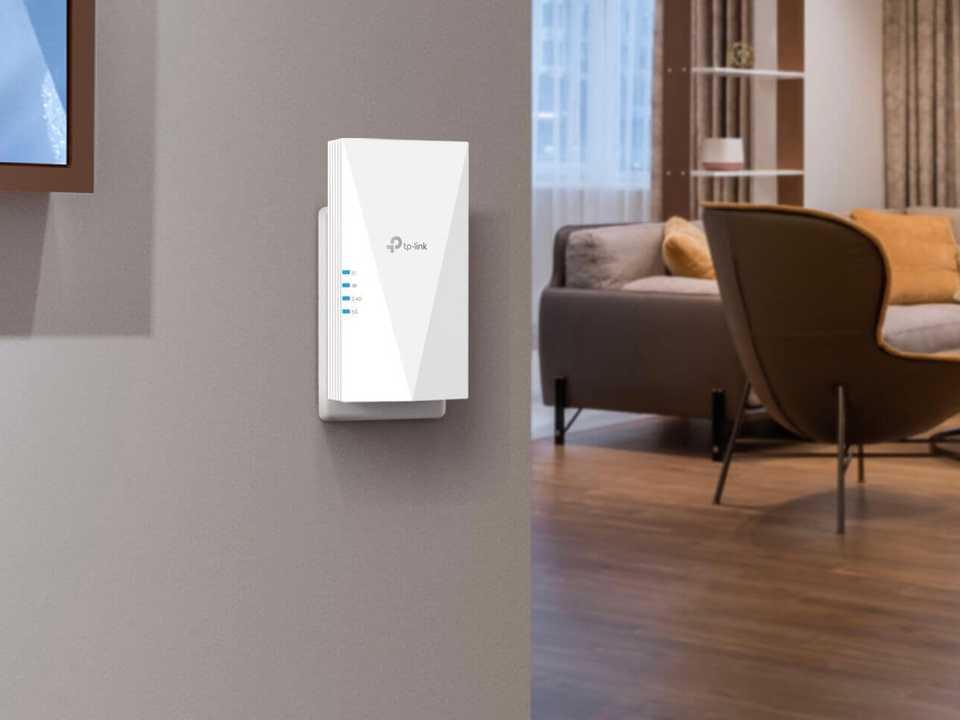


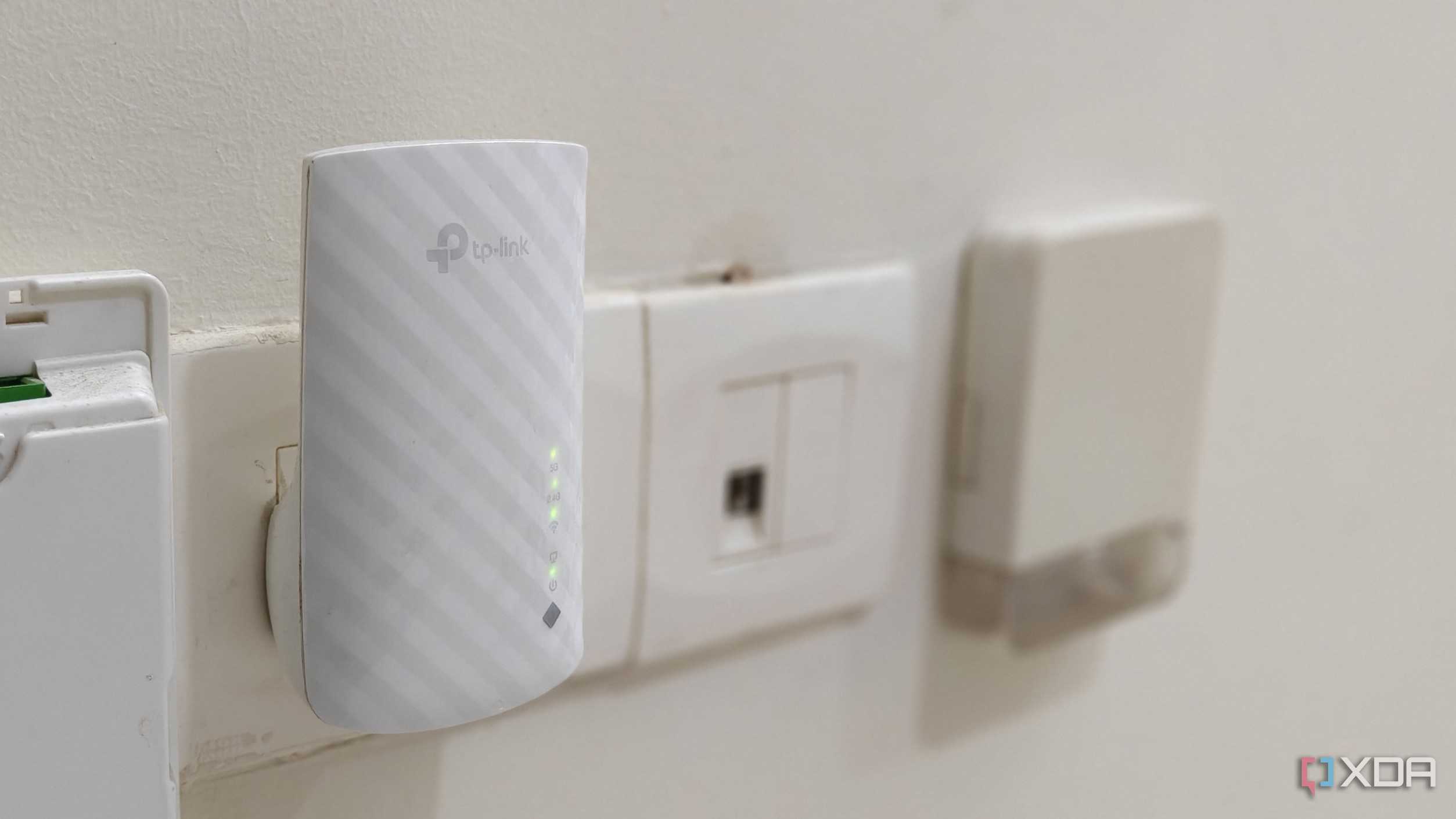
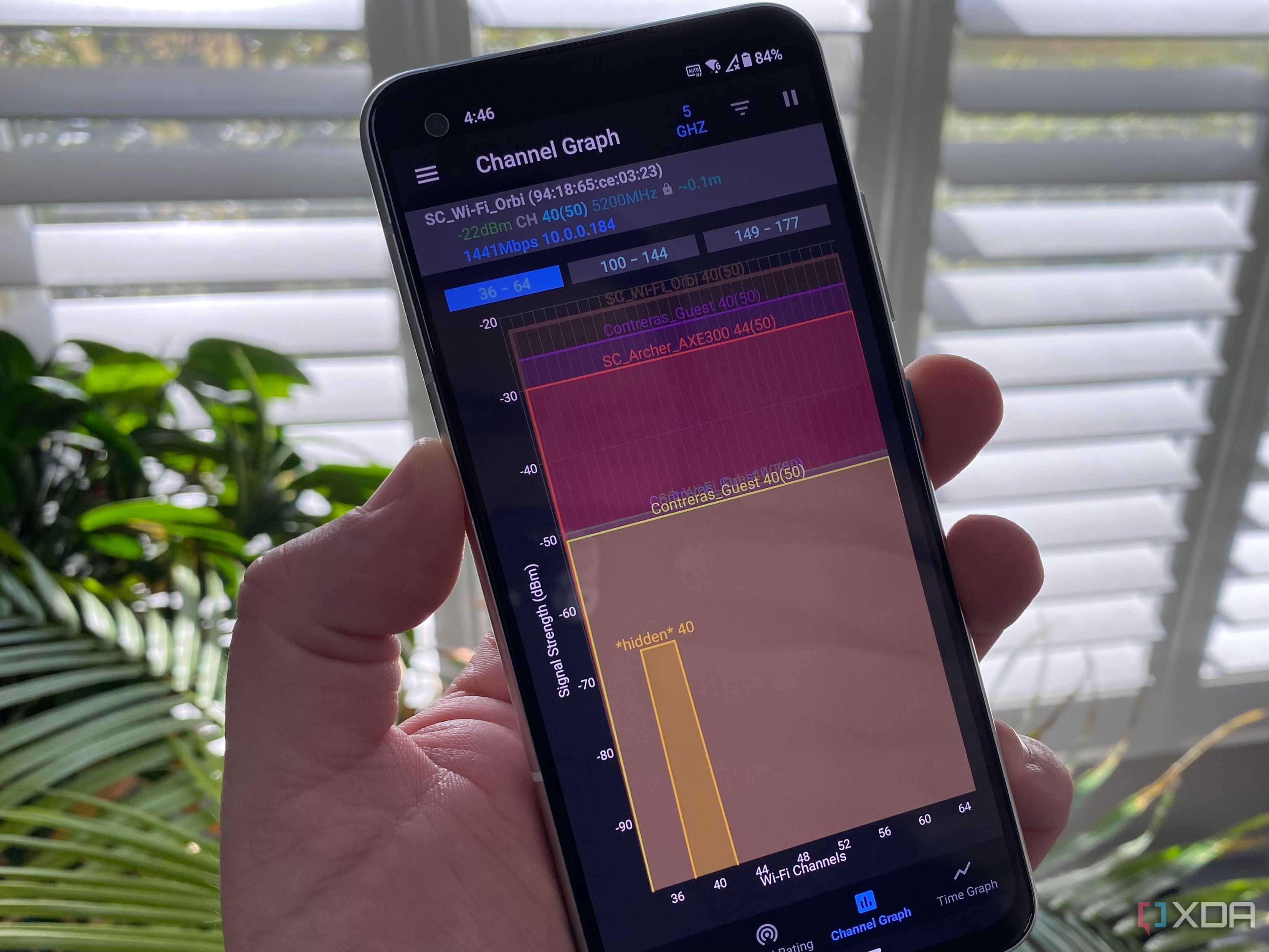
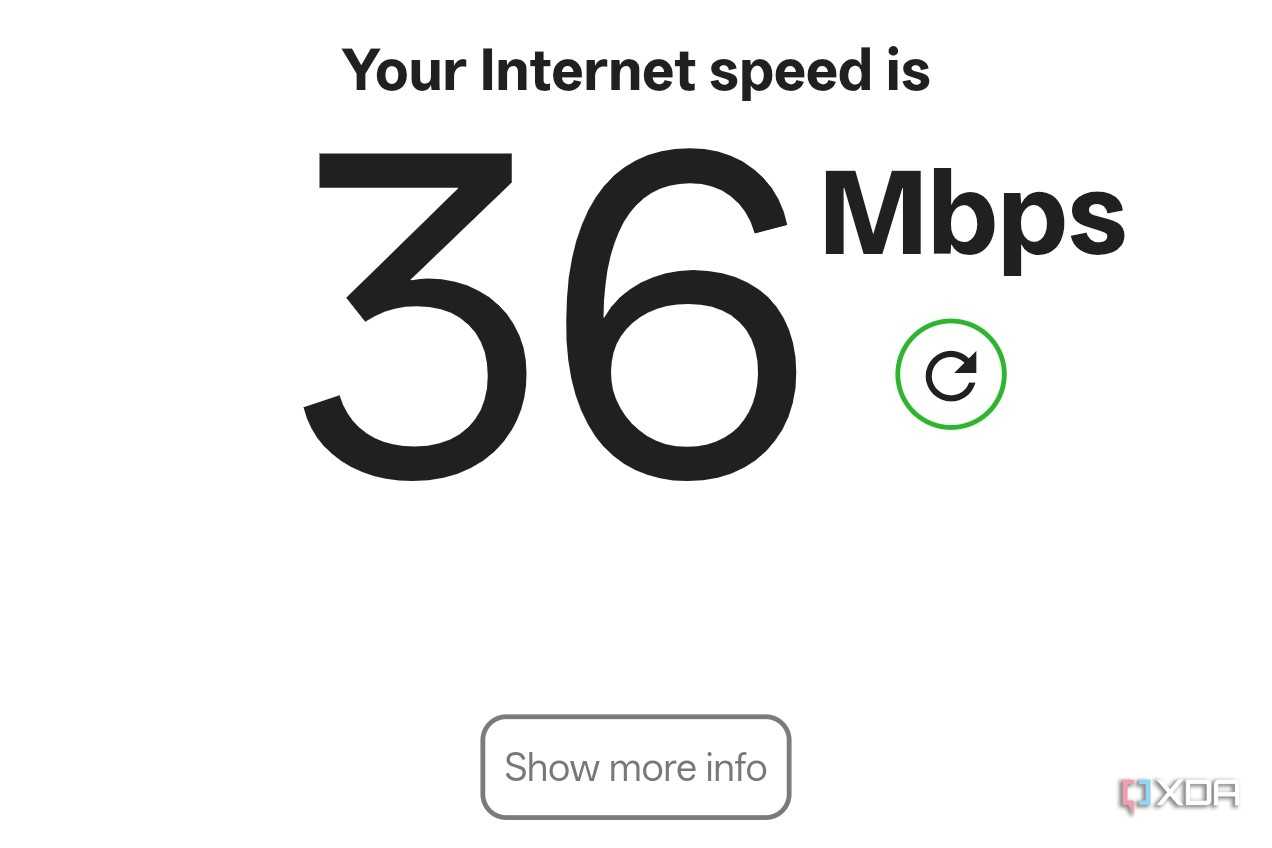
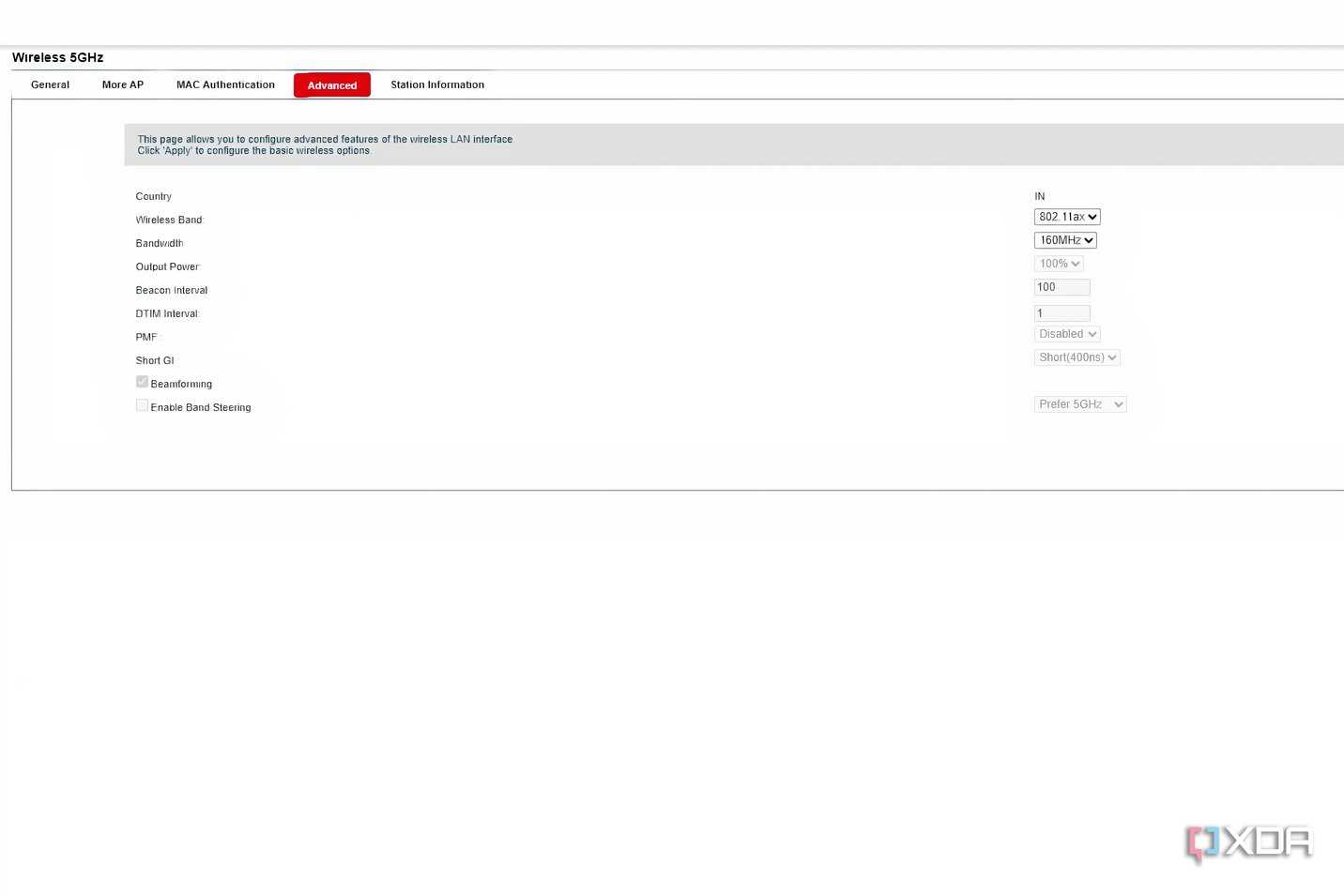
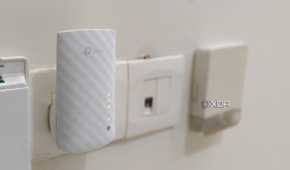



Between buying an aftermarket router, investing in a mesh network, and setting up a wired access point, nothing seemed particularly appealing to me. I didn't want to commit to a costly fix, since I hadn't yet tried the cheapest one. I knew a Wi-Fi extender wouldn't magically get rid of all the connectivity issues, but I hoped it would at least improve the range of the network. So, I bought a $20 extender from TP-Link, set it up with the home network, and waited to see the magic happen. When I measured the Wi-Fi speed with the same test in the same spot, I saw an eight-fold increase, but the reality was very different.
The connection didn't feel any more responsive or faster than before. The extender was receiving signals from the router and rebroadcasting them to the furthest room, but this wasn't creating the desired outcome. Perhaps the only silver lining here was that the extender was functioning just like it was designed to. Since Wi-Fi extenders need to connect to the router and then bounce that signal to your devices, this doubles the traffic in both handshakes — device to extender and extender to router. Combined with the fact that an extender needs proximity to the router for adequate signal strength, this means that extenders are designed to fail. They can be helpful in some situations where the connectivity gap you're trying to bridge is short enough, but not when you expect a high-speed Wi-Fi extension to far-away dead zones.
My Wi-Fi 6 router is an improvement, but I may need other upgrades
It's only a matter of time


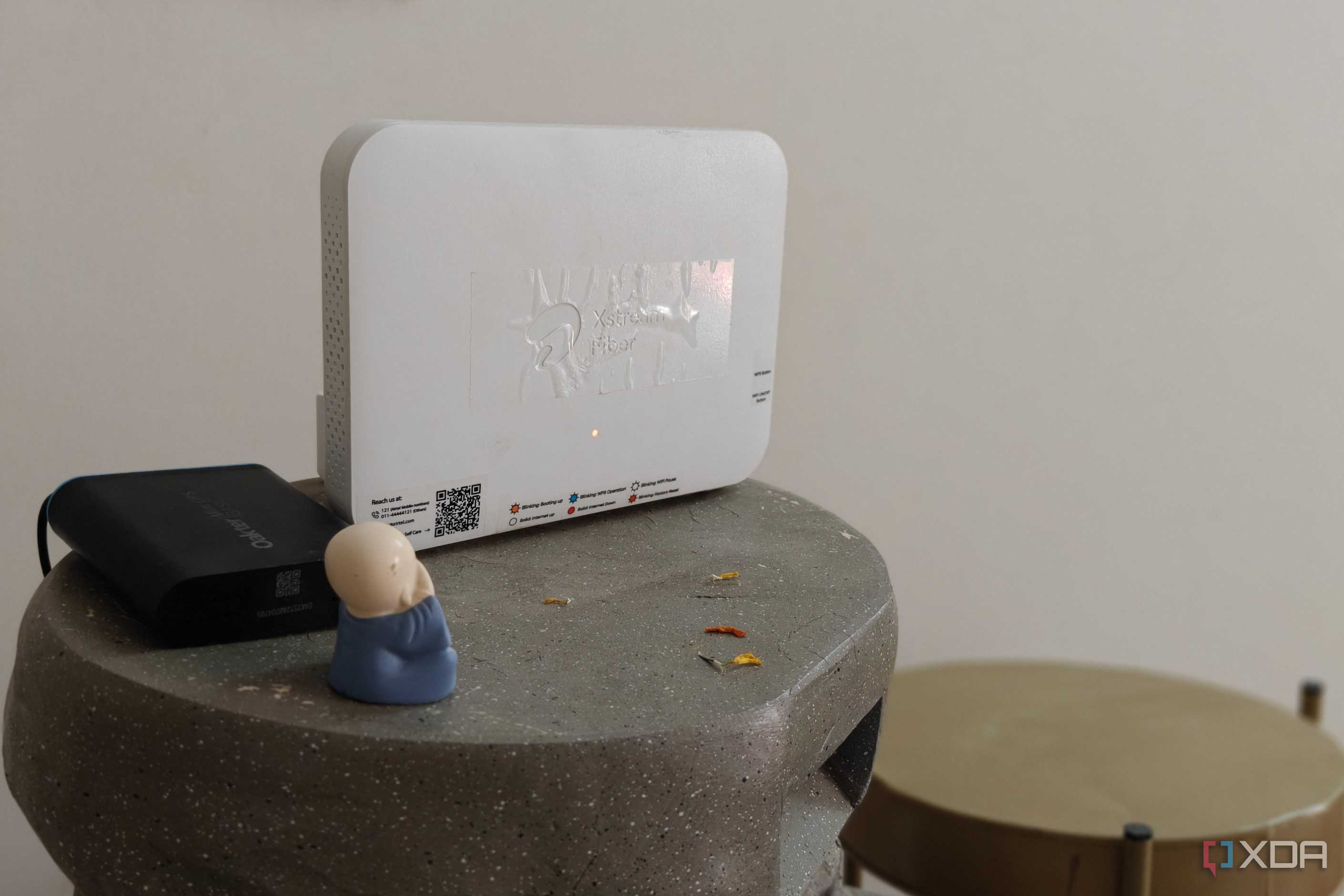
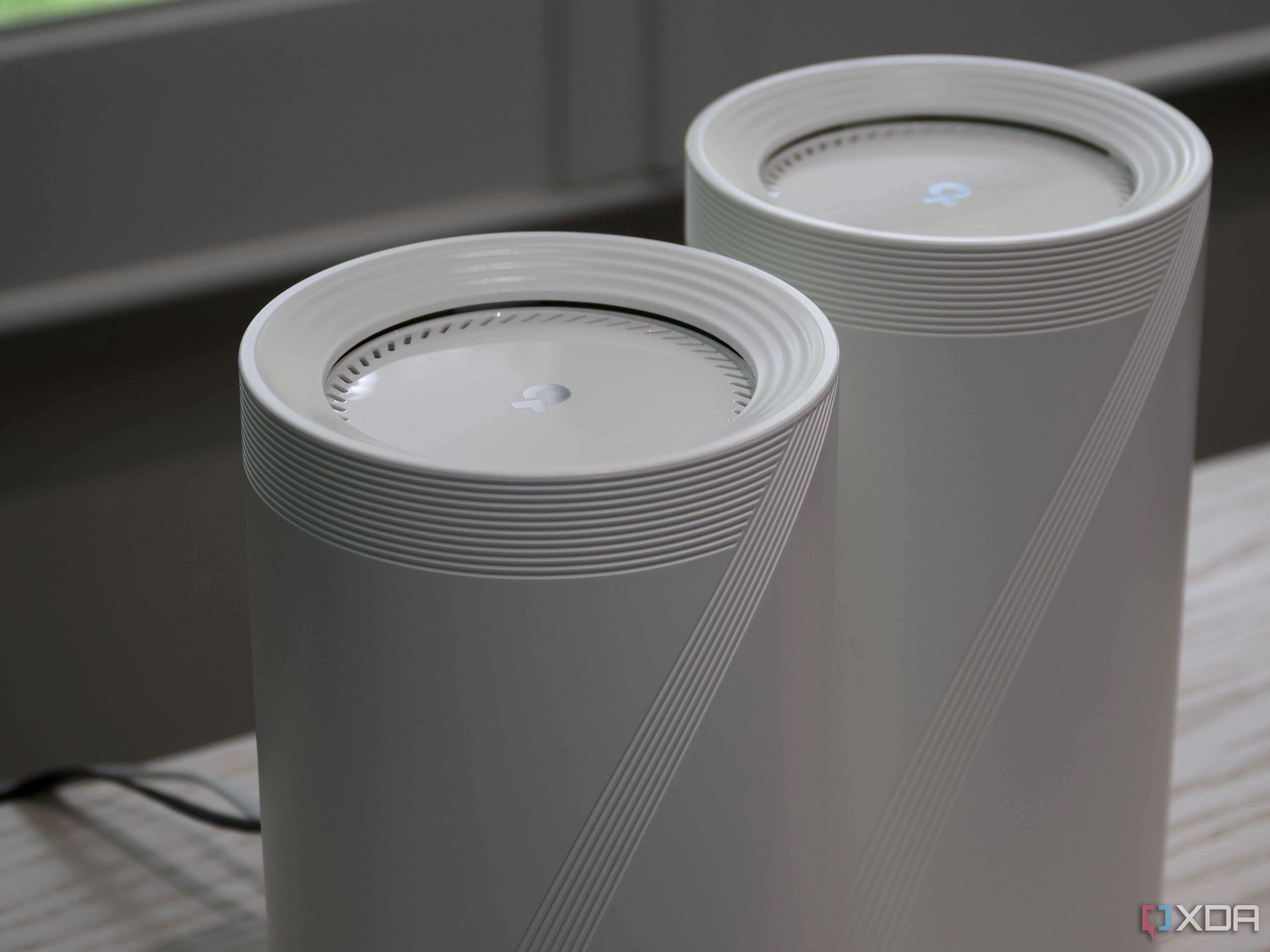
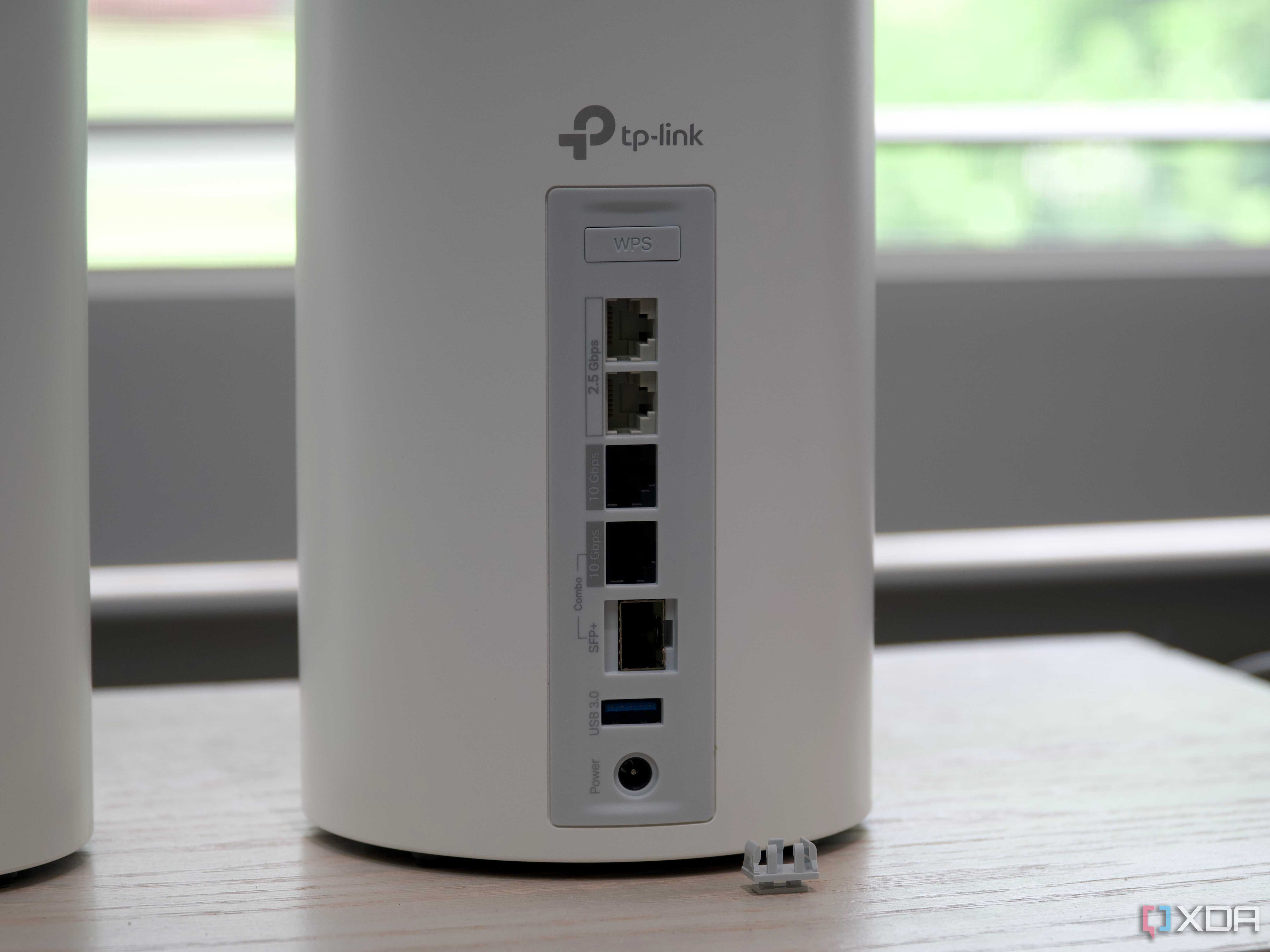
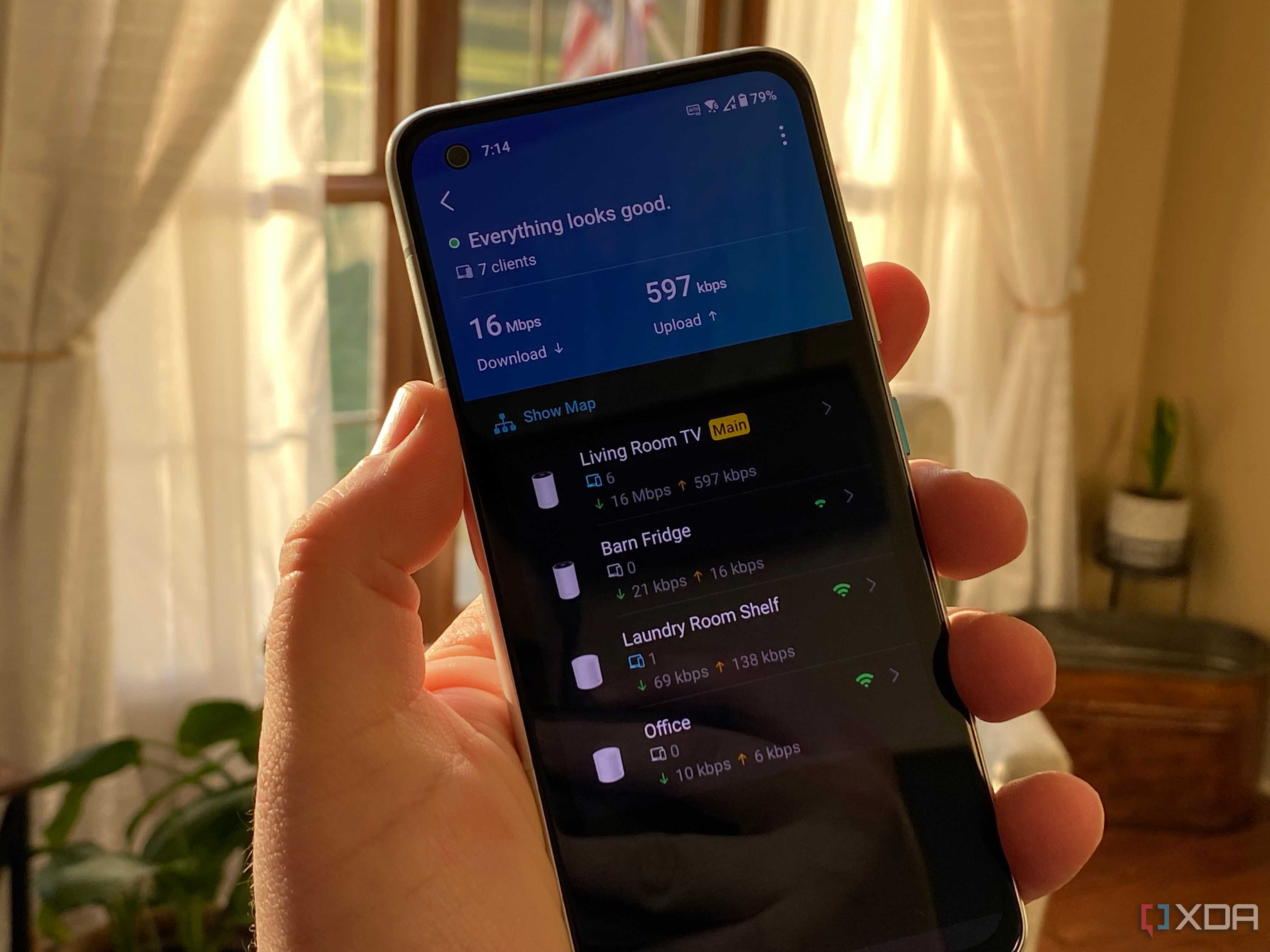
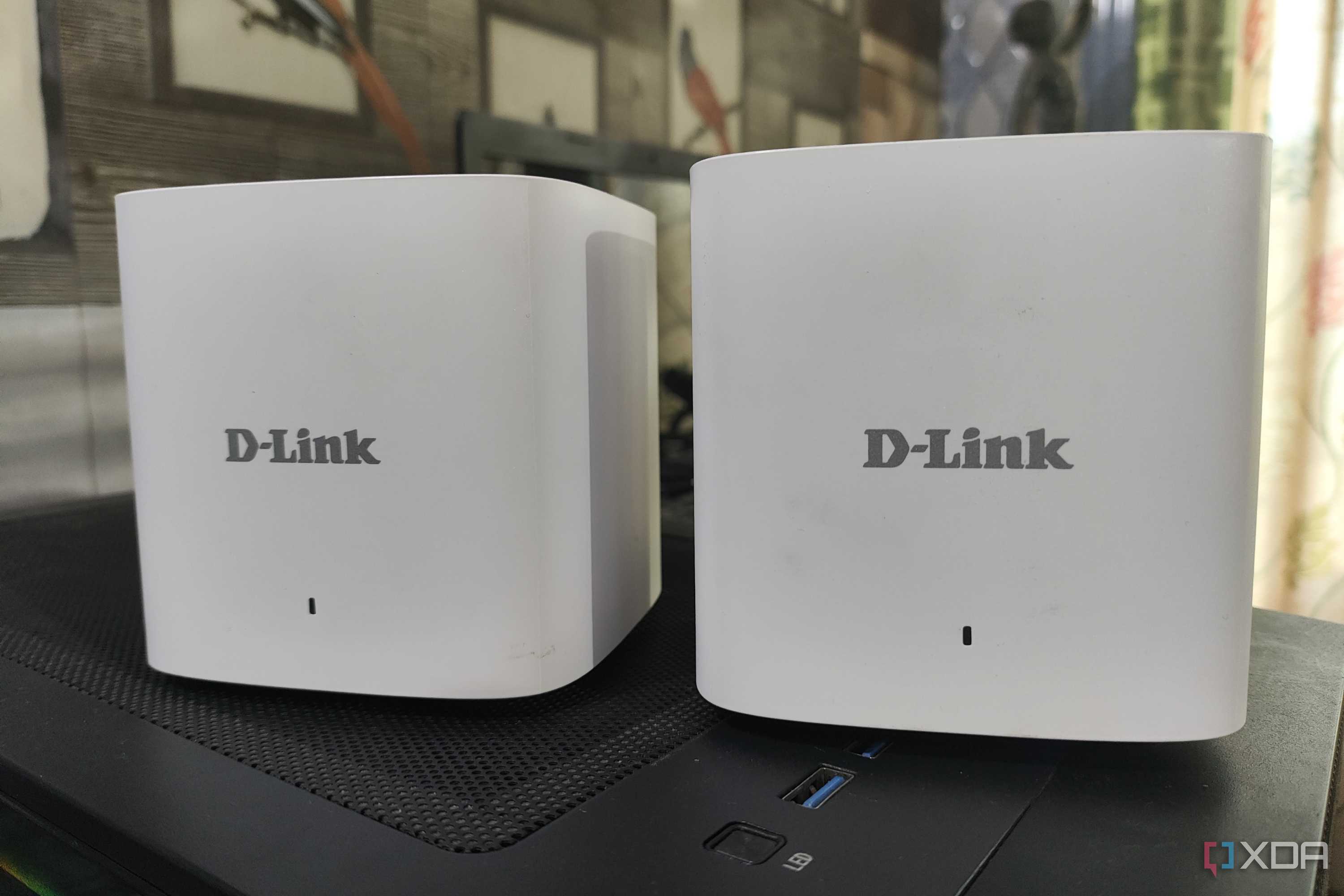



I kept trying to get my ISP to replace my Wi-Fi 5 router, and lo and behold, they finally agreed last month. I got a Wi-Fi 6 router after six years of using an underpowered Wi-Fi 5 model, and I had great expectations. The expanded range of the new router instantly fixed the dead spot in the bedroom, so the upgrade was definitely working. That said, the new router didn't really make the network that much more responsive or efficient. Perhaps it's the low number of devices in the house, the lack of a Gigabit plan, or the fact that Wi-Fi 5 was already good enough except for that one dead spot. Still, my home network is now equipped with a modern router and ready for future speed upgrades and high-bandwidth devices like a NAS or home server.
My Wi-Fi range is much better now, but I might still need to get a mesh network or wired access points in the future. A wired connection for my smart TV will make streaming significantly better, getting rid of the occasional weirdness that still happens on Wi-Fi. A mesh node will boost the connection speed in the bedroom, especially one with a wired backhaul. These upgrades will cost more in the short term, but provide long-lasting benefits. They may not prove to be as radical as one might expect, but they'll certainly make my home network more evolved, flexible, and reliable.

TP-Link Deco X68
TP-Link's new AX3600 (Deco X68) Tri-Band WiFi 6 mesh router lives up to its range promise, but I wasn't able to see the advertised speeds and want TP-Link to address the unexplained data transmissions and software issues with the Deco app
Wi-Fi extenders are rarely a good option
While a Wi-Fi extender can be a cheap solution to increase the range of your network, it seldom works as you'd like it to. It can technically increase the network speed to the dead zones inside your house, but the way it communicates with your router makes the connection sluggish. You will probably feel no major difference after installing an extender. Better solutions are wired access points or mesh nodes that use advanced methods to offer true upgrades to your router's capabilities.
