


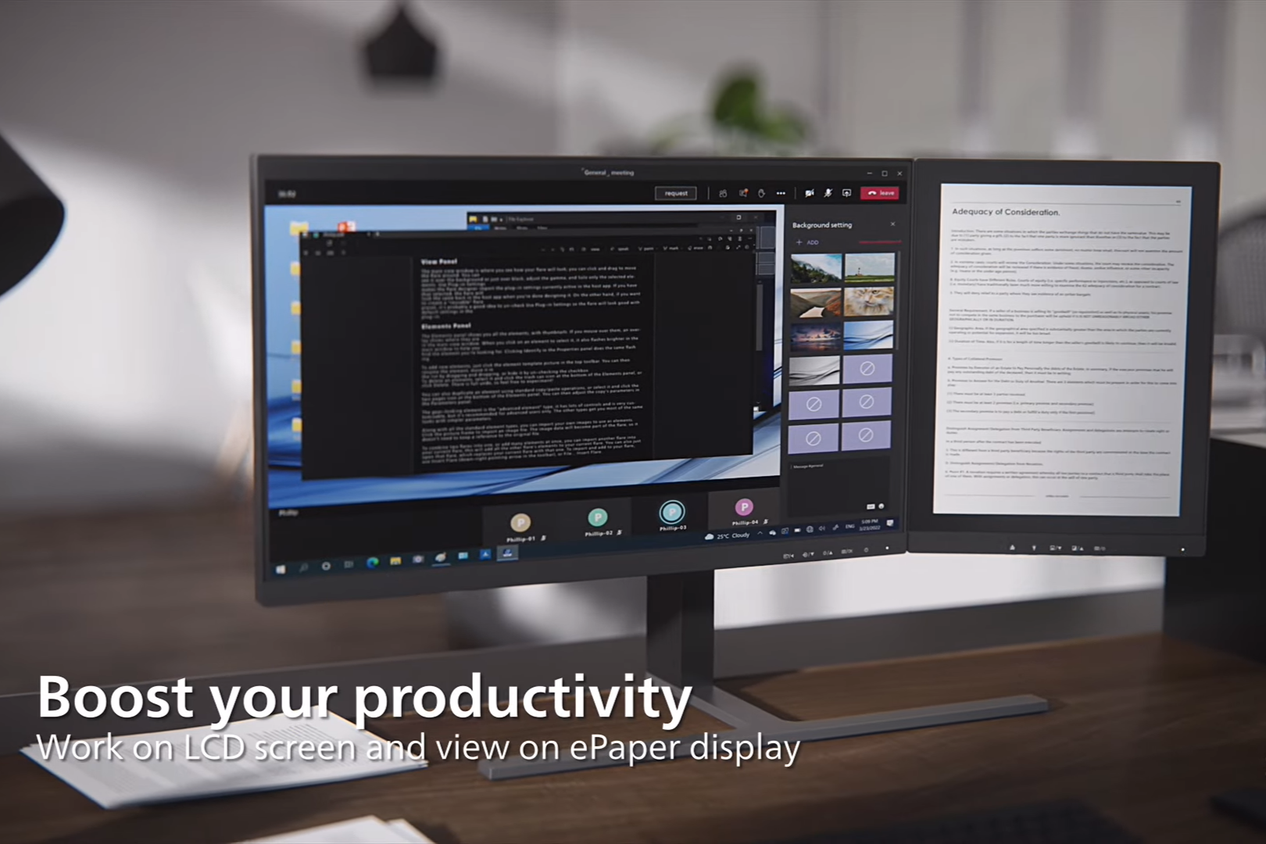
When you think about the best monitors, you probably visualize a panel type like OLED, TN, VA, or IPS because those are the most common. For the longest time, they were the only types of panels available. But one monitor type is starting to inch into the market, and that's E Ink. Usually found on the best e-readers, E Ink hasn't traditionally been used on desktop monitors, but that's starting to change with companies like Boox, Phillips, and Dasung showing how good E Ink could be if we gave it a chance. The unique properties of E Ink mean it's even more suited to general productivity tasks than any other panel type, unless you need color accuracy for graphic design, photography, or video work.
5 Less eye strain
E Ink beats even the best monitors for comfort
Source: Philips (YouTube) 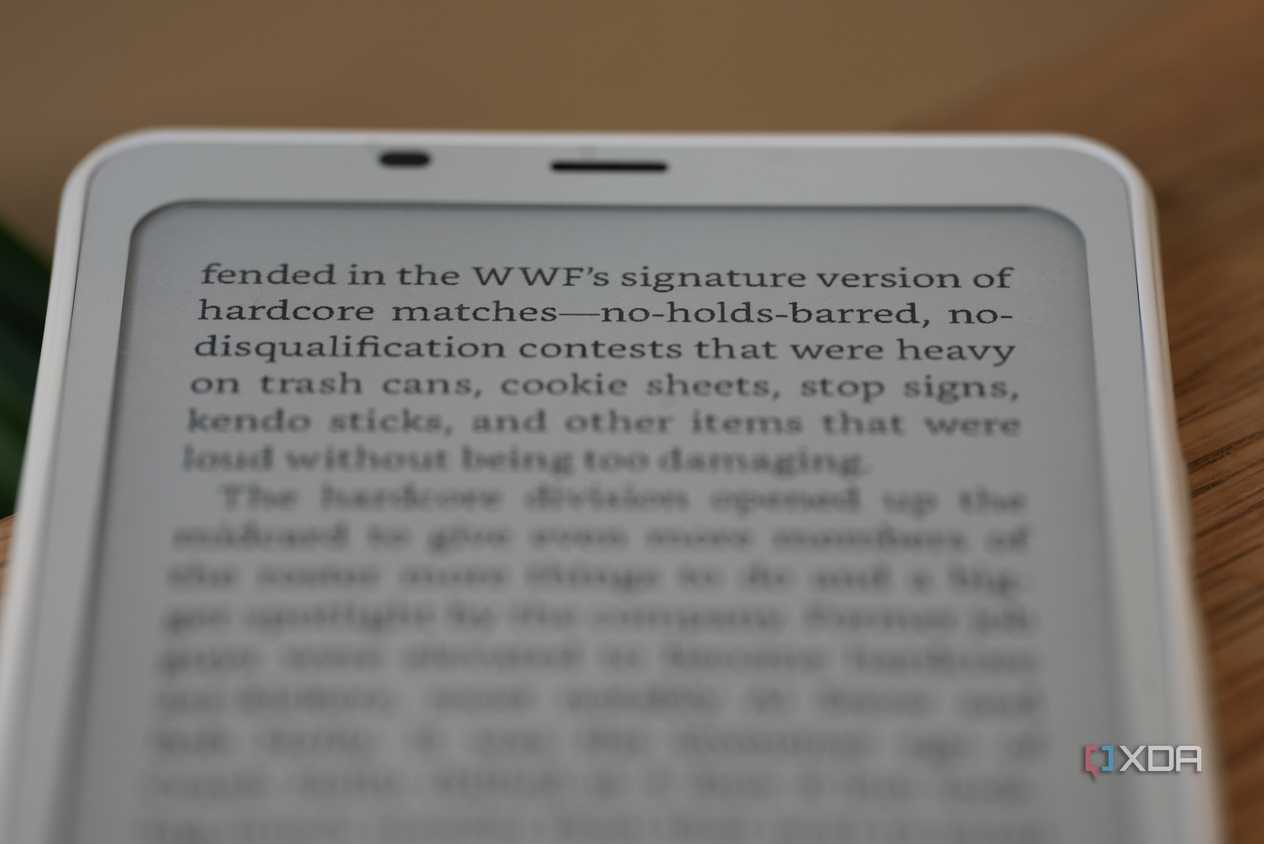


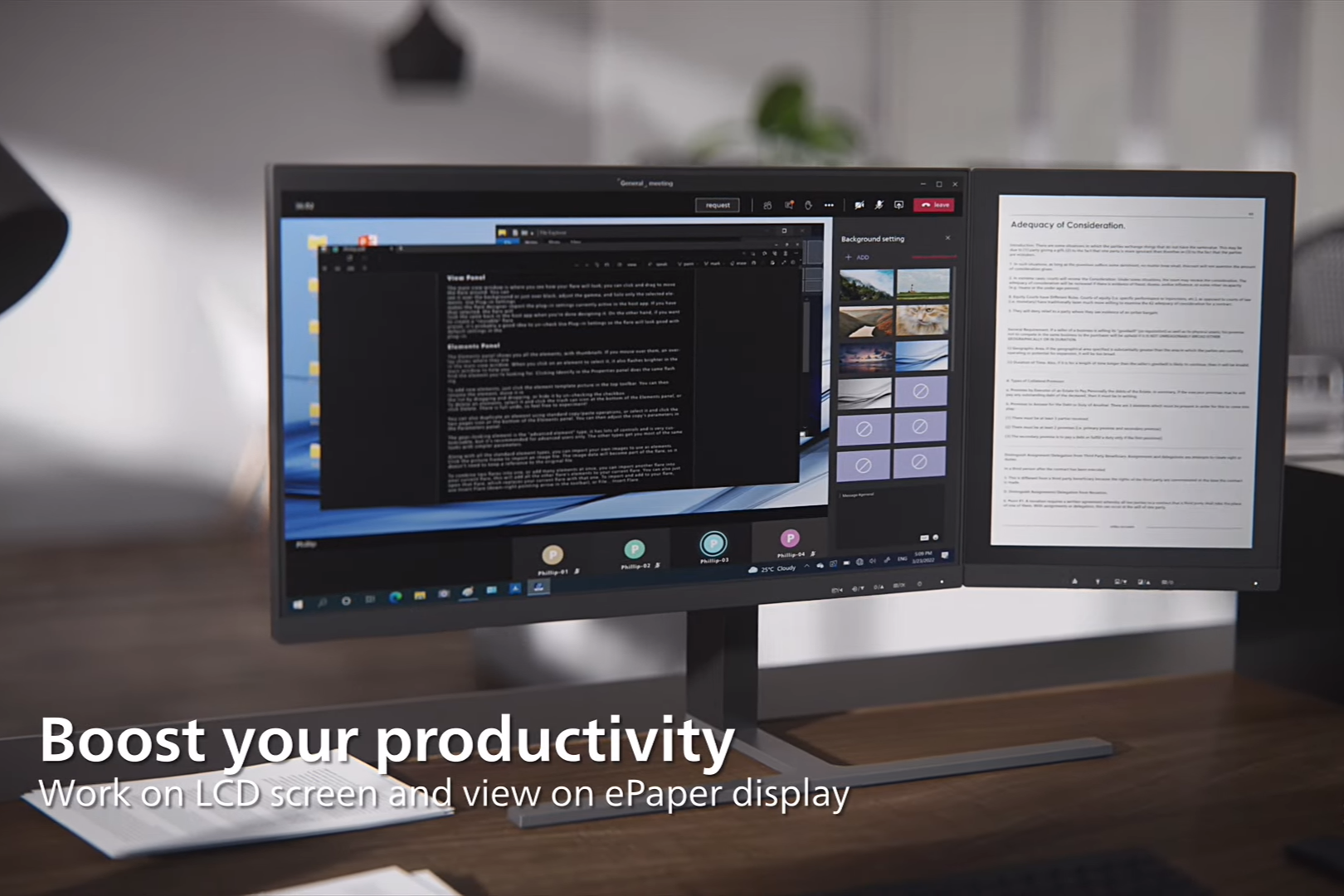
Source: Philips (YouTube) 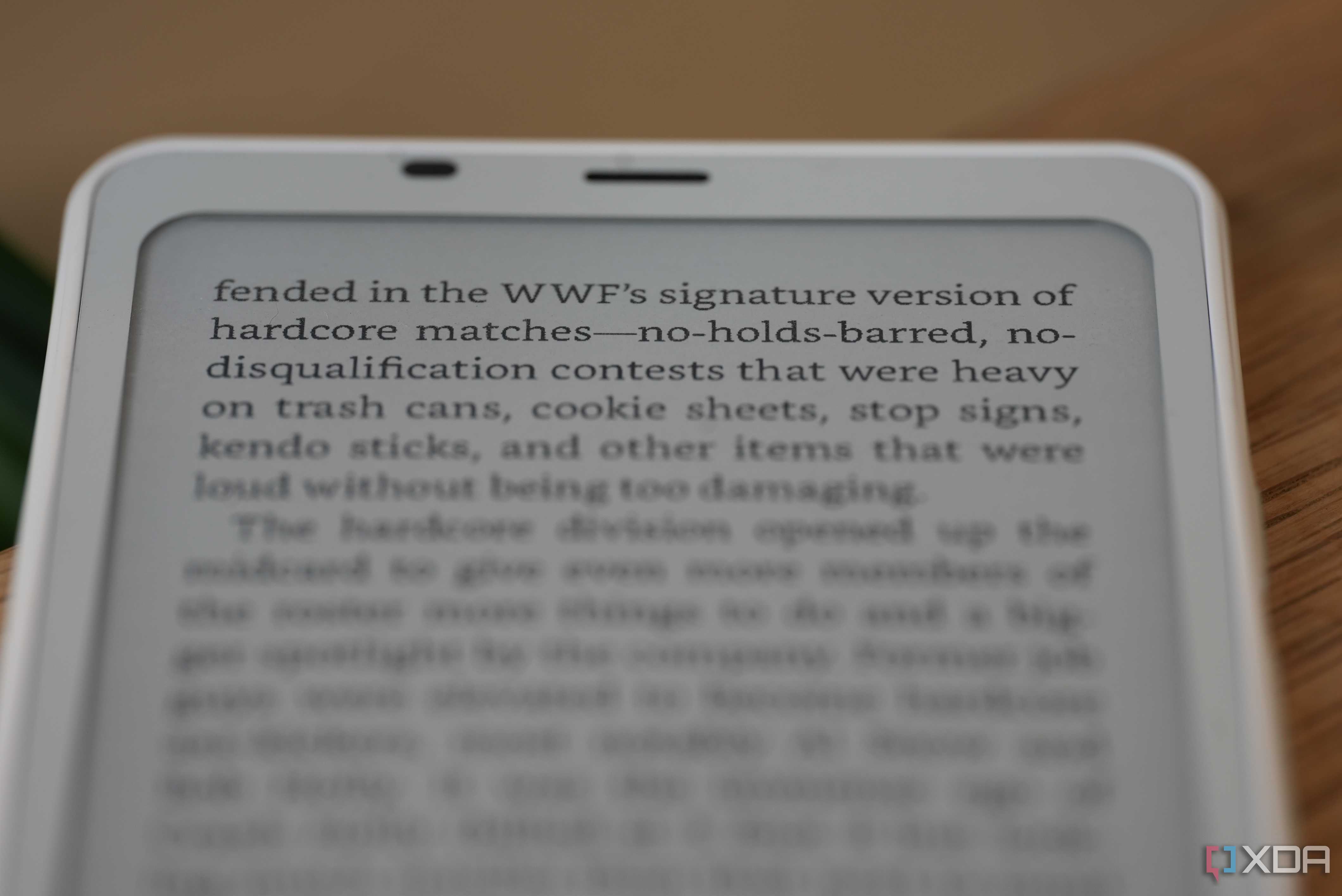
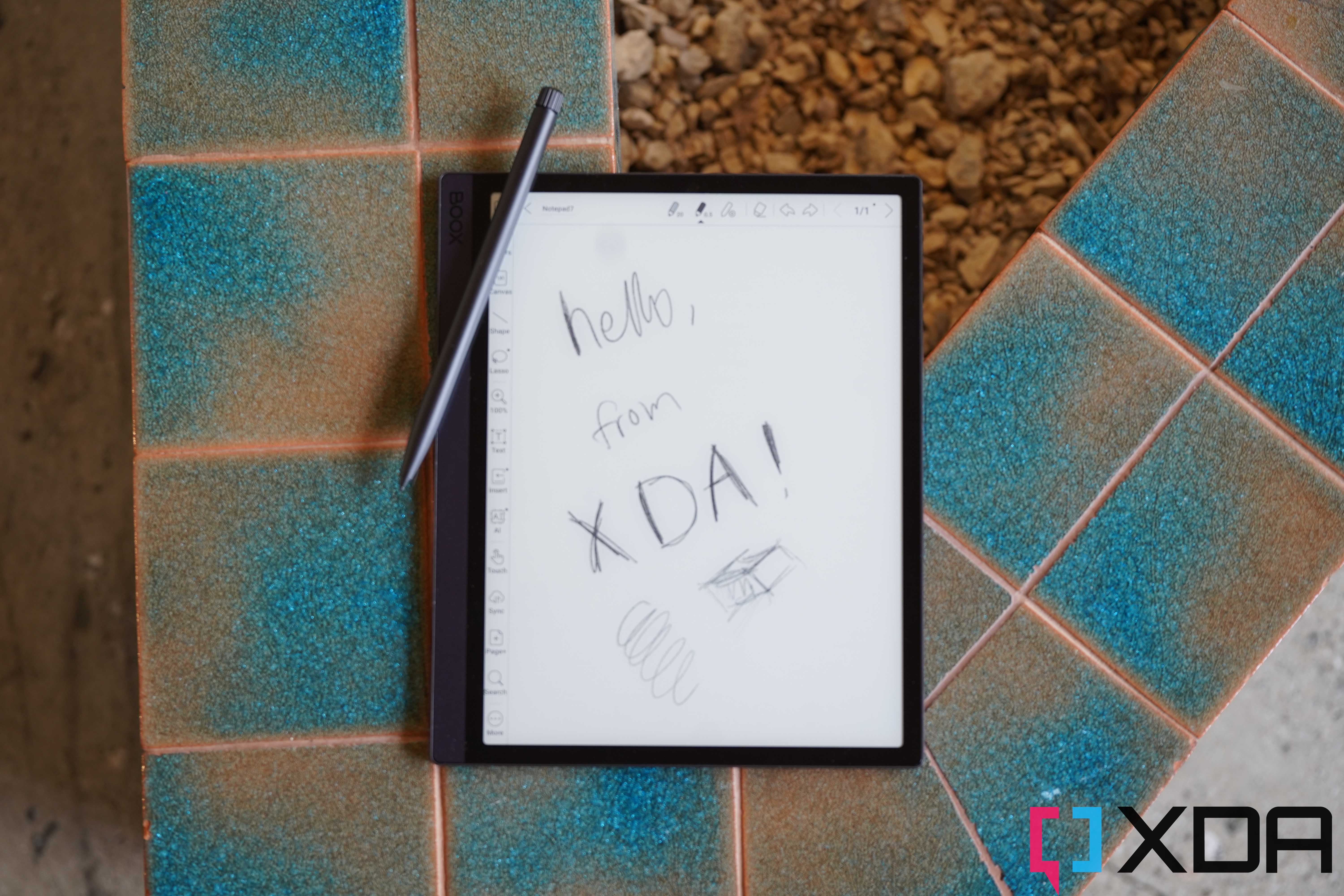
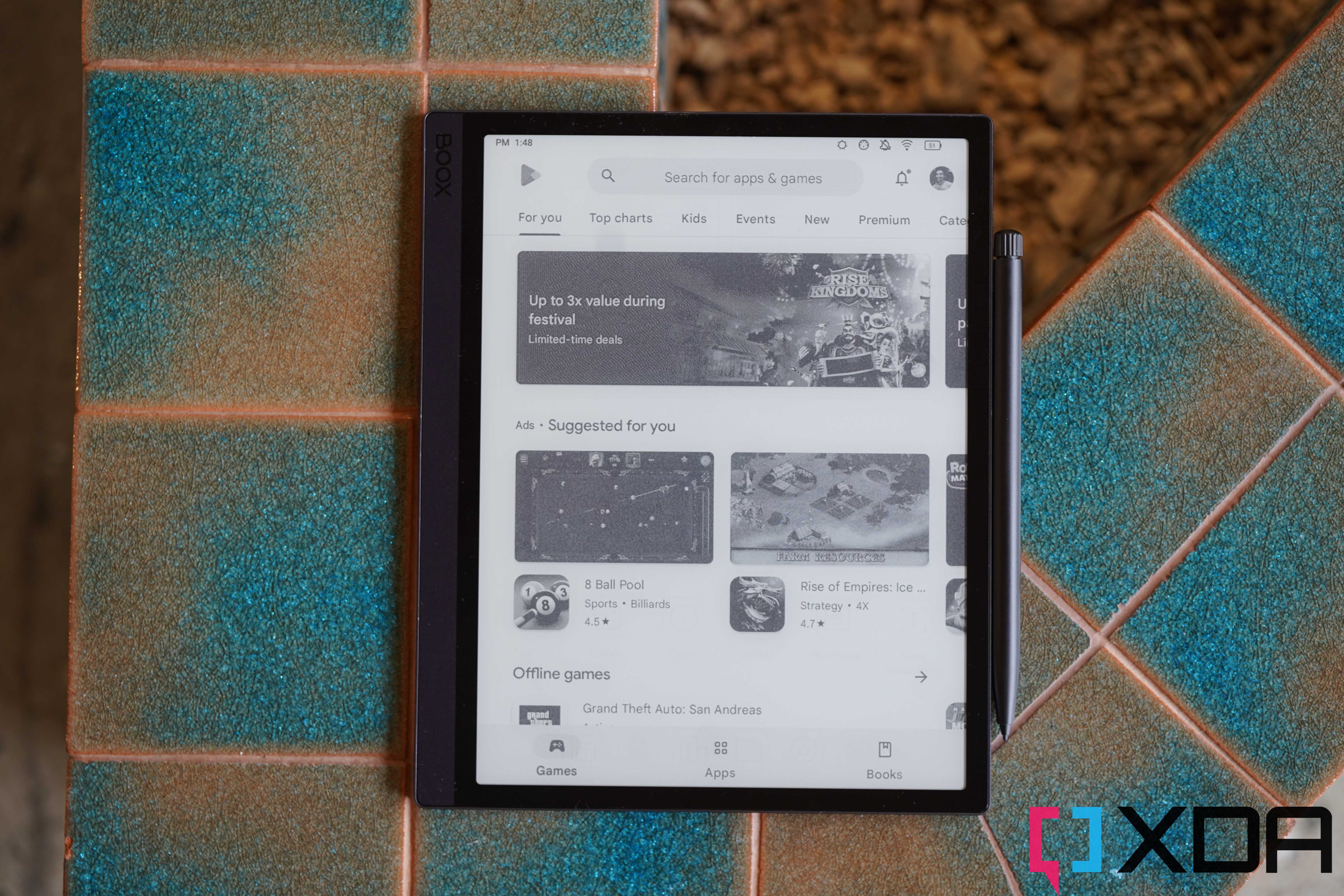



One thing that most monitor types have in common is that they all use an emissive light source to display their images. While the majority of users don't suffer any ill effects from this, a significant number of computer users complain about headaches, eye strain, and other issues while using computer monitors for extended periods of time. Given that our workdays are becoming ever more reliant on computing, that's a problem. While blue-light blocking glasses help, they can't help against PWM dimming, temporal dithering, or any of the other issues documented by the users of the LED Strain forums.
E Ink panels on the other hand, use ambient light to show you an image, just like if you were reading a piece of paper. For nighttime use, they often have a front light which also reflects off the E Ink display before it reaches your eyes, reducing the amount of strain. That's why e-readers favor E Ink, as it gives a more paper-like viewing experience while reading. It also removes one of the main annoyances I find with LCD or OLED monitors—glare. That's simply down to how E Ink is designed to harness the ambient light and reflect it like paper. E Ink monitors are already being used for accessibility reasons by users with light sensitivities, but because of the long-term effects of backlit monitors, it's worth looking at E Ink as a viable alternative for eye health.
4 E Ink can refresh faster now
One of the main drawbacks is drastically reduced

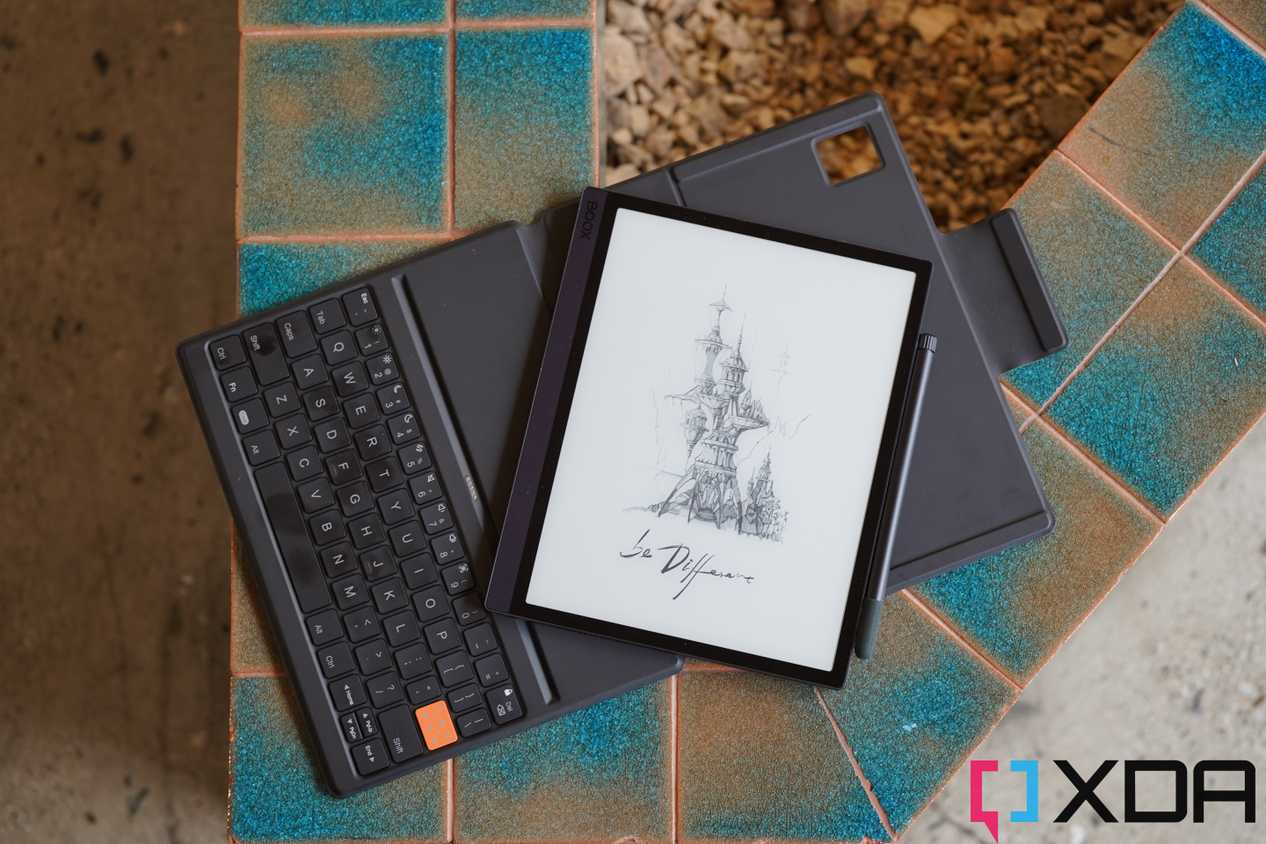
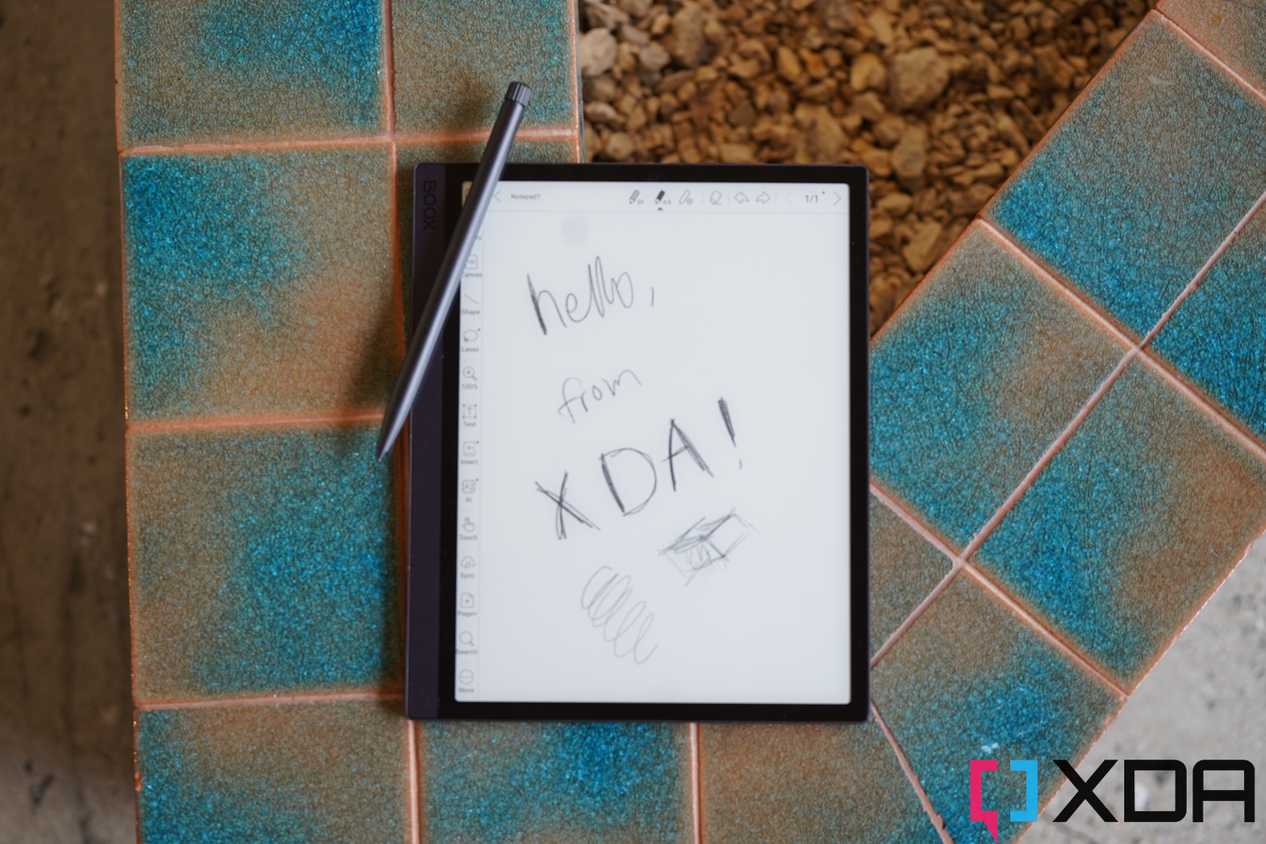
As E Ink was designed to mimic paper, the refresh rate was a secondary concern, if it was one at all. The construction of E Ink displays uses tiny white and black particles that move according to an electric charge, and the movement of these particles takes time. Once they've moved, they can stay in position without needing additional charge, but the refresh rate has been an issue for desktop use. Think about flipping pages on an e-reader, and how long it takes for the next page of text to show up clearly. That's a problem for typical computing tasks like web browsing, but newer versions of E Ink panels are a vast improvement over the early models.
One company that is leading the charge with high refresh rate E Ink panels is Modos, with a claimed 60Hz refresh rate for their Modos Paper Monitor. That's the same refresh rate as many budget monitors, giving you a better experience while scrolling and reading documents. Dasung, who has been a leader in desktop monitors using E Ink, also has 33Hz and 40Hz monitors, which are several times faster than the E Ink tablets I've been using when I want to be working away from an LED screen. They're not fast enough for gaming use, but E Ink isn't designed for gamers; it's for paper-like reading and productivity, and these new panels are easily fast enough for those tasks.
3 It's now in color
Color E Ink is a game changer

If the only E Ink displays you've encountered are early e-readers, you might be thinking that you don't want to use a monochrome monitor for your computer. And you know what, I completely agree, as while monochrome has its place for reducing distractions, it makes tasks like web browsing troublesome. But E Ink comes in many color options now, from the rich Spectra (which uses six layers of colored ink) to Gallery 3, which is used in the new reMarkable Paper Pro eNote device. Lenovo put a full-color E Ink display on the ThinkBook Plus Twist, bringing the benefits of E Ink to wherever your laptop is.
The adoption of full-color E Ink on desktop monitors is slow, partially due to the high costs involved, but the Dasung Paperlike Color is a 25.3-inch desktop monitor with a 33Hz refresh rate and full-color support, meaning it can be a viable option for most users. I use my color E Ink e-readers and tablet to read manga and other comics, and they're not far off reading the printed versions. As E Ink technology matures further, expect more vibrant colors from these wonderful panels.
2 It enables super thin monitors
No backlight and no need for cooling means gorgeous designs

The technology of E Ink panels means no backlight is necessary, enabling monitor designers to reduce the overall size of the monitor. It also means they don't need bulky heatsinks or space for cooling. OLED doesn't need a backlight either, but the heat generated by the pixels has to go somewhere, and monitor makers need to factor in heatsinks and even active cooling in some cases so that the organic diodes stay cool and last through their expected lifespan. E Ink needs none of these considerations, so the monitors can be slim, light, and beautiful. It's a shame that it's mainly smaller companies or startups that are using E Ink for monitors, because I'd love to see what an established player with resources could come up with as a design.
1 They're energy-efficient
E Ink only needs power when changing an image, not to display one

We should all be a little more conscious of our daily power use, and our computing devices are a large contributor to individual use. Because E Ink only needs power when changing the image, it can be more power efficient than a traditional LCD or even an OLED panel. If you're using the E Ink monitor for reading research or websites, it's hardly drawing power at all until you scroll or turn the page. With localized refresh features, only the part of the screen that's changing gets power, so things like moving your mouse cursor don't make the entire panel refresh. The net result is less power usage on your computer, saving you money and reducing the strain on the power grid.
E Ink monitors look to be great for productivity, but they need one thing to change
For those who are sensitive to PWM flicker, or get eye strain from backlit screens, E Ink monitors could be the answer. Even if you're not, worrying about your eye health now before it becomes an issue is never going to be a bad thing. Things like clarity and refresh rates are improving, with PPI that rivals good monitors and refresh rates that are good enough for text-based tasks like writing or coding, but one big issue needs addressing if E Ink is to have wide adoption on the desktop. That's cost, with E Ink monitors costing 10x or more compared to similar specification LCD panels. That said, if you suffer from headaches or eye strain from reading a monitor all day, no cost is expensive compared to the health benefits.
