


Most of us first noticed GPU upscaling through games because of the cleaner edges, the sharper image quality, and, well, the "free" performance. Features like DLSS and FSR have made upscaling feel like magic, powered by dedicated hardware like tensor cores that reconstruct detail faster than brute force rendering ever did.
Our GPUs' upscaling abilities aren't limited to games and their internal resolutions, however. The same GPUs we bought for frame rates also clean up the rest of our screen time, and once you start using upscaling daily, even outside of games, it's virtually impossible to ever go back.
Virtual Super Resolution is a miracle-worker for old videos
480p is the new 1080p

We may have all upgraded to sharper displays years ago, but that doesn't mean that the content we grew up consuming has caught up. A 1440p or 4K panel only makes compression in online videos a lot more obvious. In fact, it's especially glaring when you try rewatching old TV shows from back when 480p used to be the standard. Anything that hasn't been remastered looks rather ghastly on our screens, with smeared textures and an uncanny softness to everything below native resolution. Even "full HD" videos on YouTube and Twitch streams are aggressively compressed for smoother streaming, and our expensive monitors end up exposing every single flaw on screen.
That's where RTX Video Super Resolution and AMD Video Super Resolution enter the chat. Running directly through supported browsers like Google Chrome and Microsoft Edge, VSR upscales low-resolution video in real time using your GPU. The result isn't native 4K, of course, but it is certainly a lot cleaner, more stable, and far less distracting. Nvidia leans harder into reconstruction, smoothing over artifacts and sharpening detail more aggressively. On the other hand, AMD users report that their cards' approach to VSR is lighter and more conservative. Either way, though, the effect is immediate. Old videos become instantly better to look at — cleaner and sharper.
VSR is available for any Nvidia RTX GPU
Those with any RTX card can enable it in seconds


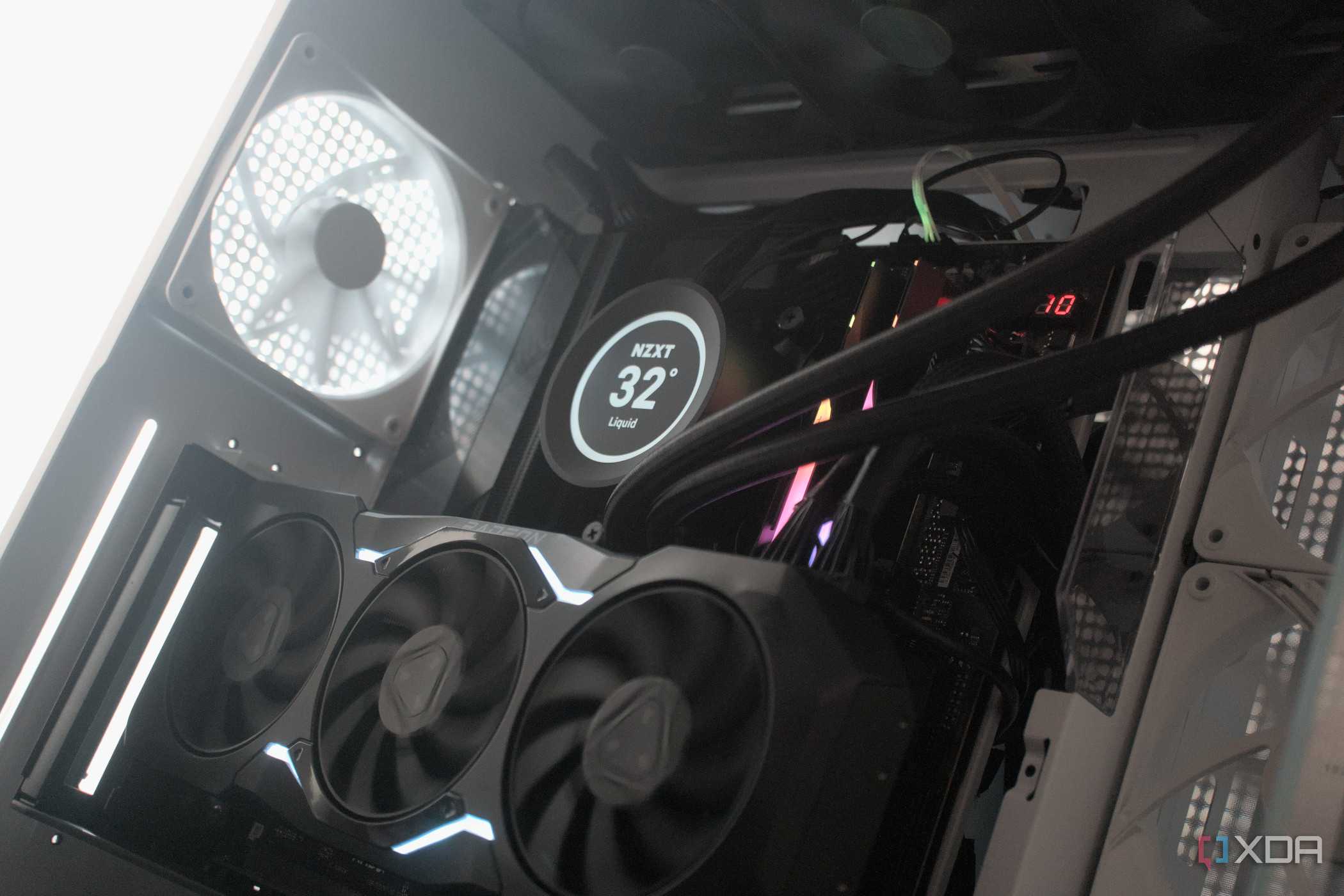
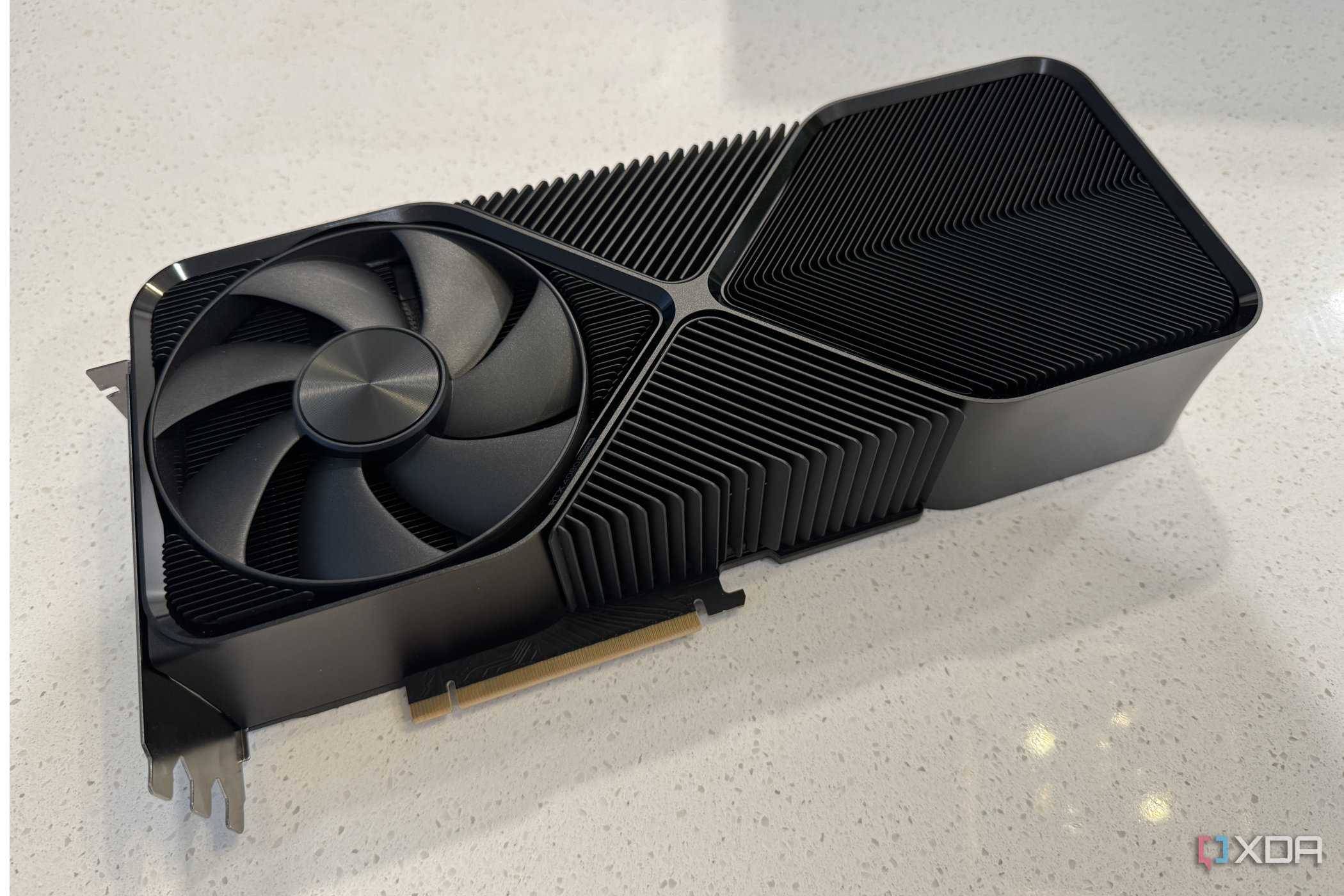
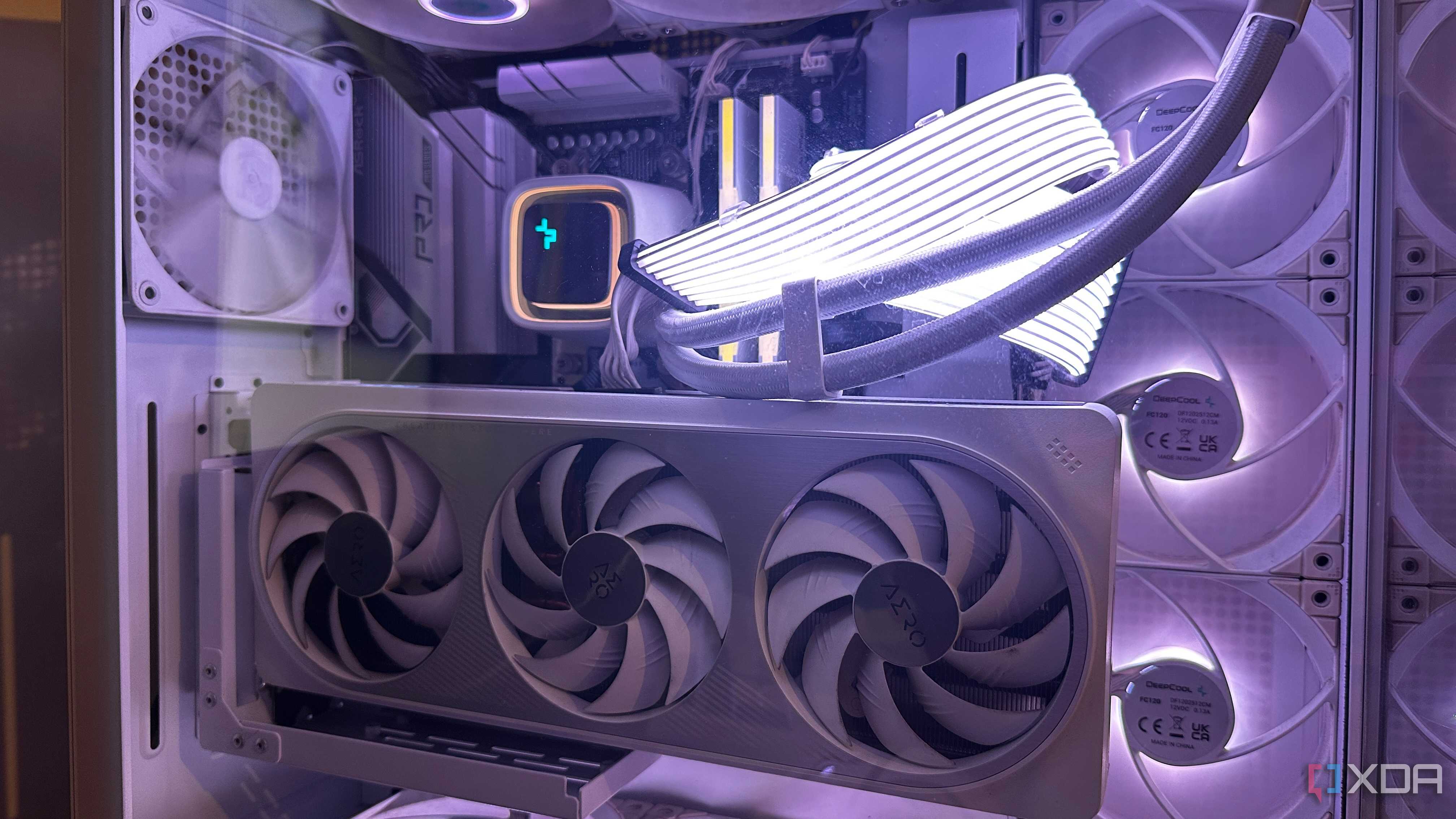
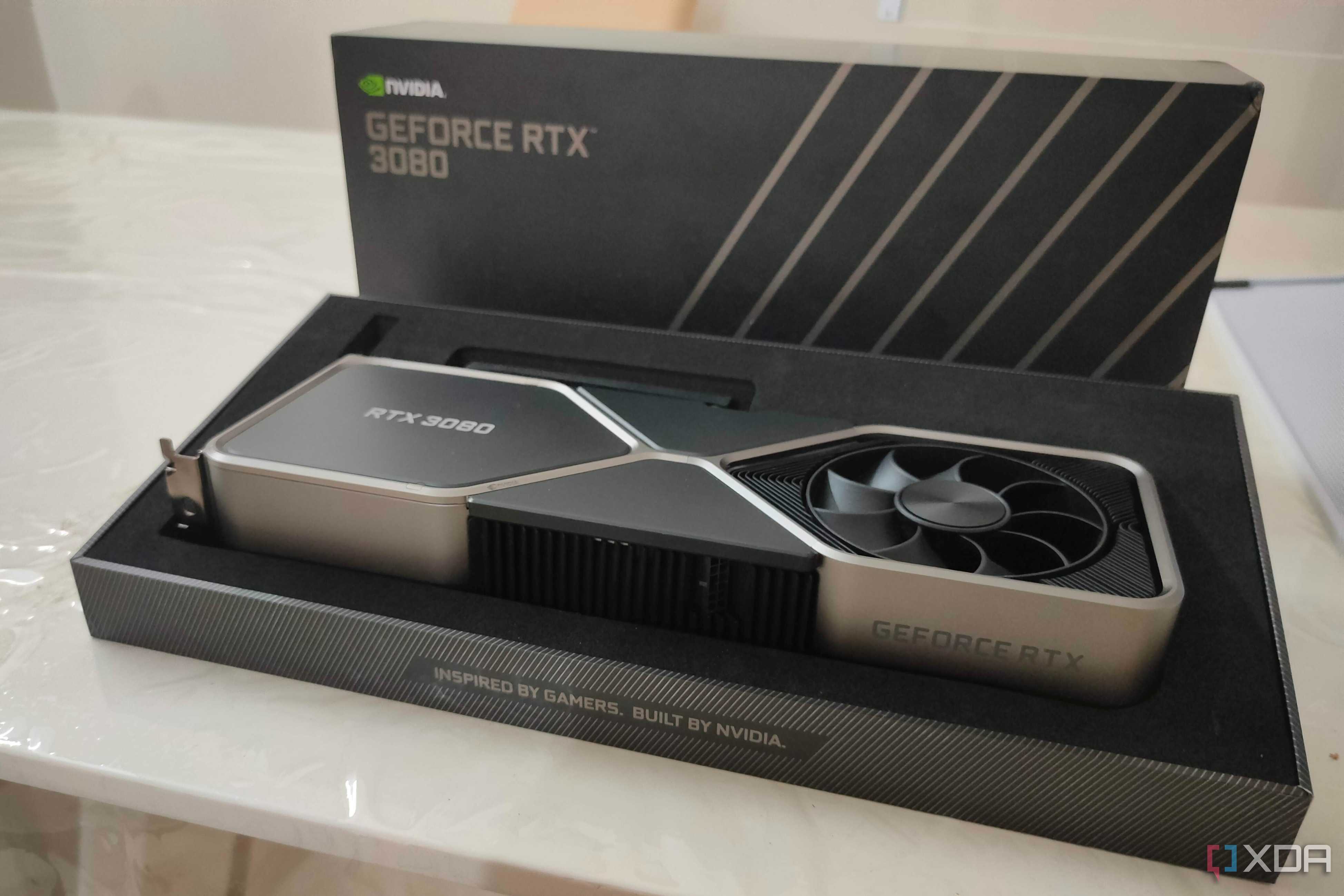

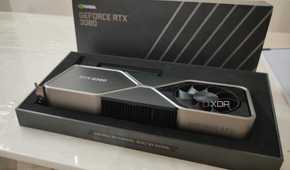

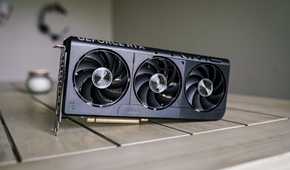
On paper, both implementations of Virtual Super Resolution on AMD and Nvidia GPUs solve the same problem. They take low-quality video and make it look significantly better using GPU acceleration. In practice, however, they do land differently. RTX VSR feels like a feature you actively notice. It offers multiple quality levels, leans heavily on AI reconstruction, and even makes sure you know you're using it with an "RTX VSR" logo plastered all over the video playback in your browser (you can turn it off, though). Even the roughest of streams can look surprisingly refined when you use RTX VSR, although in my experience, turning up the strength of the super resolution, or putting GPU priority on "high" does tend to take things into motion smoothing or "soap opera effect" territory.
For using VSR in your local browser, make sure you have hardware acceleration turned on in the browser's settings.
Turning RTX VSR on for Nvidia users is a pretty straightforward affair. As long as you have an RTX graphics card (20 series or higher), all you need to do is open up the Nvidia App and head into System settings. Then, head into the Video tab, and you'll easily spot Super Resolution there. Turn it on, and leave the quality to either Auto or Manual. Choosing Manual gives you a lot more control over how aggressively VSR upscales video playback in your browser, or even your local media player.
AMD's VSR implementation is subtler
It's still effective in its own way

On the other hand, AMD Video Super Resolution, enabled through the Adrenalin app, takes a subtler route. It sharpens, stabilizes, and improves clarity without pushing too far into "over-processed" territory. AMD users have reported online that their version of VSR looks and feels less "transformative" compared to what they see Nvidia GPU users post, especially when it comes to heavily compressed content. Neither Team Red nor Team Green's approach to Super Resolution is "wrong," per se. They're just tuned differently, but the important bit here is that both AMD and Nvidia users can always put their GPUs' AI cores to good use for upscaling even their video playback, especially when the video source isn't at native resolution.
AMD's VSR is available only on RX 5000, 6000, 7000, and 9000 series GPUs.
Having used RTX VSR every single day for the past couple of years, I've found that the one place it proves to be most effective is watching anime or cartoons. When it comes to anime, VSR genuinely feels like a magical upscaler working in real time to make the characters and effects on screen remarkably more beautiful and sharper than they are. In fact, half my collection (or backlog, if you will) is 480p and 720p content archived over the course of several years, all of which benefits immensely from my GPU's inbuilt real-time upscaler.

Your GPU upscales more than just your games
Using our GPUs to play the latest games is only scratching the surface.
The most interesting thing about all this isn't the technology itself, but rather how easily it melds into daily life and becomes invisible. There might not be any benchmarks to validate VSR and how "effective" it is, but the difference is night and day for anyone who uses it on old video footage or just low-resolution videos.
We love how our GPUs enable us to play the latest and greatest games, but that's only scratching the surface. Be it upscaling, using AI cores for accelerating machine learning, or just keeping the PC running smoothly, the GPU makes sure that everything on the screen is easy on the eyes.
