


Over the past few weeks, I've been experimenting exclusively on older hardware, trying to find ways to make the most demanding AAA titles 'playable' on gear that most people have already written off. We're talking an RTX 2070 Super with no native FP8 support, paired with a Ryzen 5 3600. It's safe to say you'd find most workstations equipped with newer chips.
When Nvidia announced that their Dynamic Multi Frame Generation would be locked to Blackwell GPUs, a lot of people just sighed and moved on. But most people miss that there are actually a few ways to get frame generation running on older hardware, and it works for both Nvidia and AMD SKUs.
How to get frame generation on any GPU
This open-source tool brings frame gen to older architectures

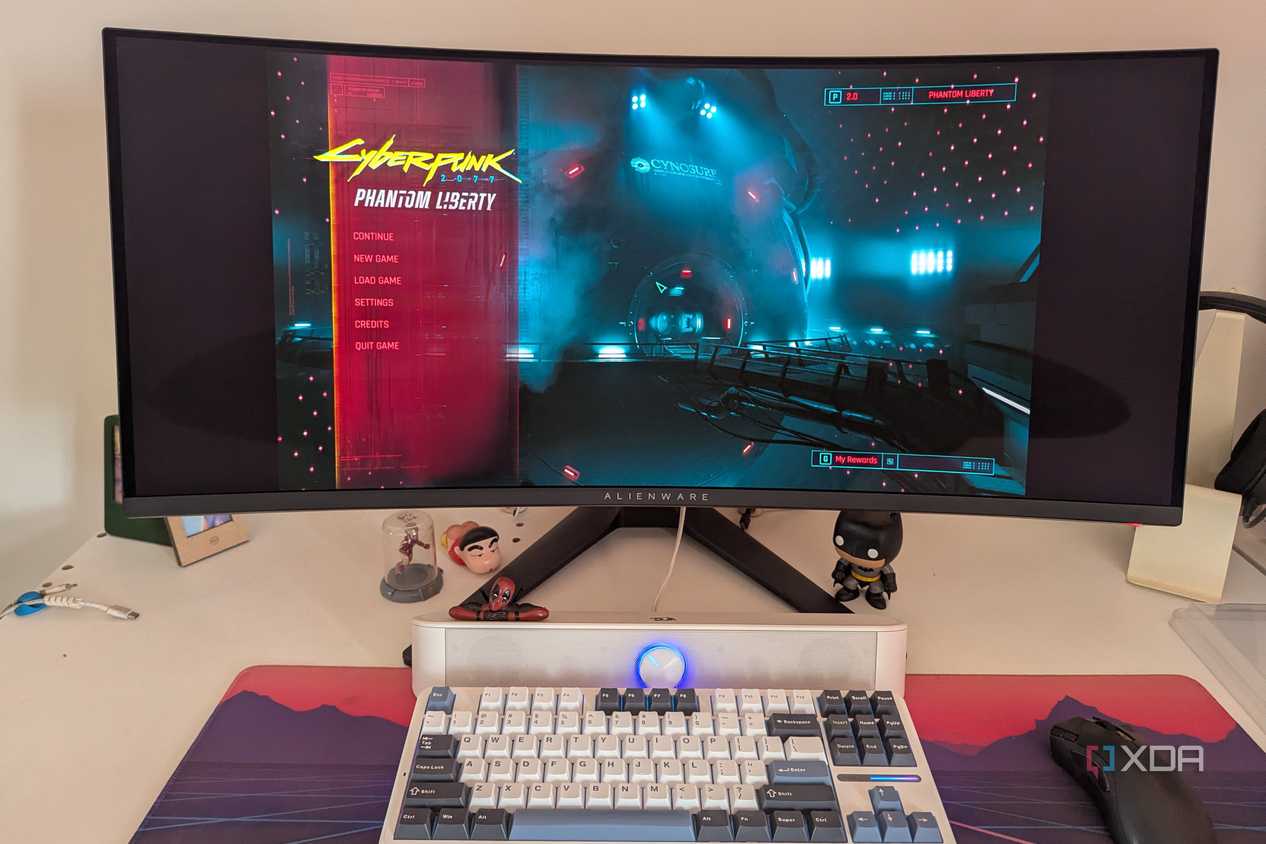

Source: CD Projekt Red 
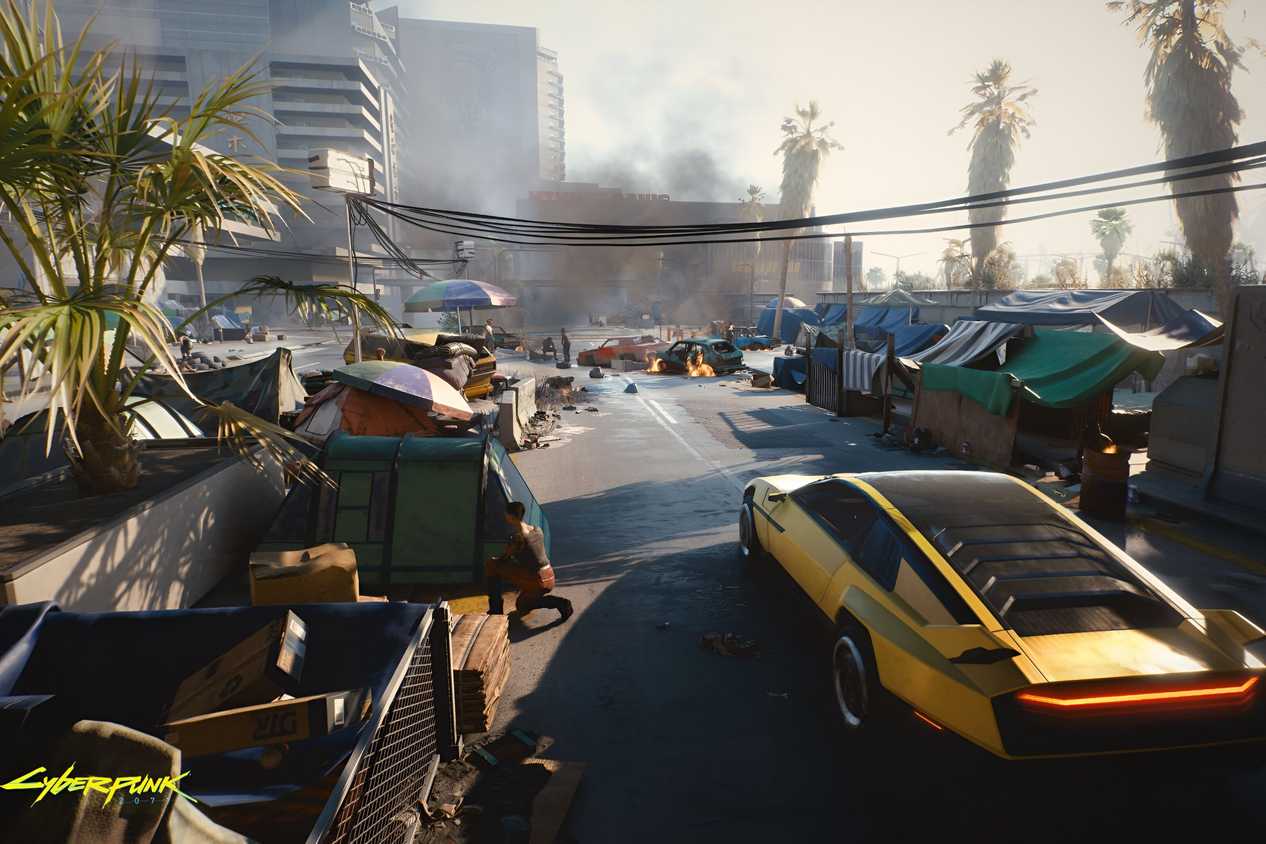
Source: Cyberpunk.net


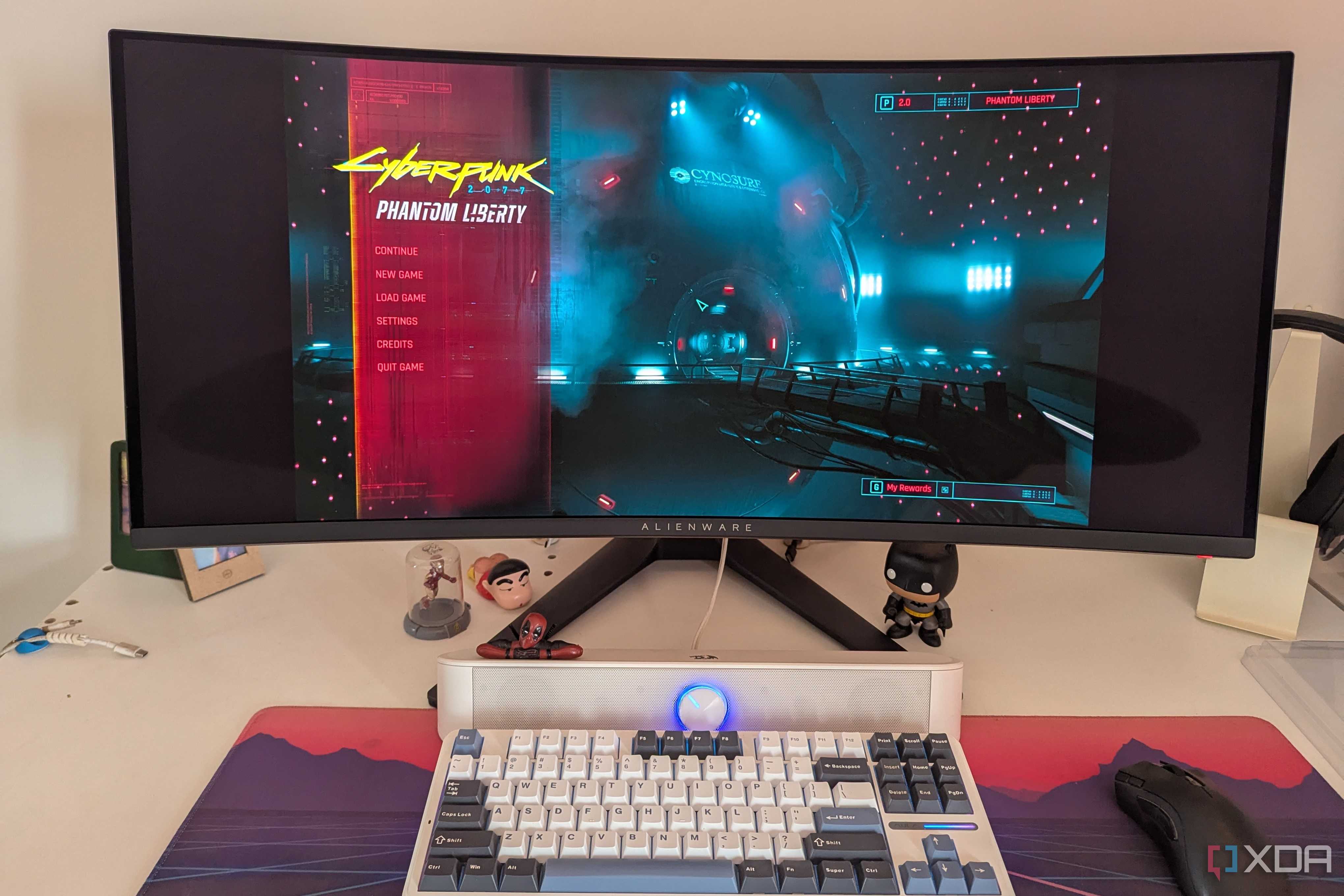

Source: CD Projekt Red 
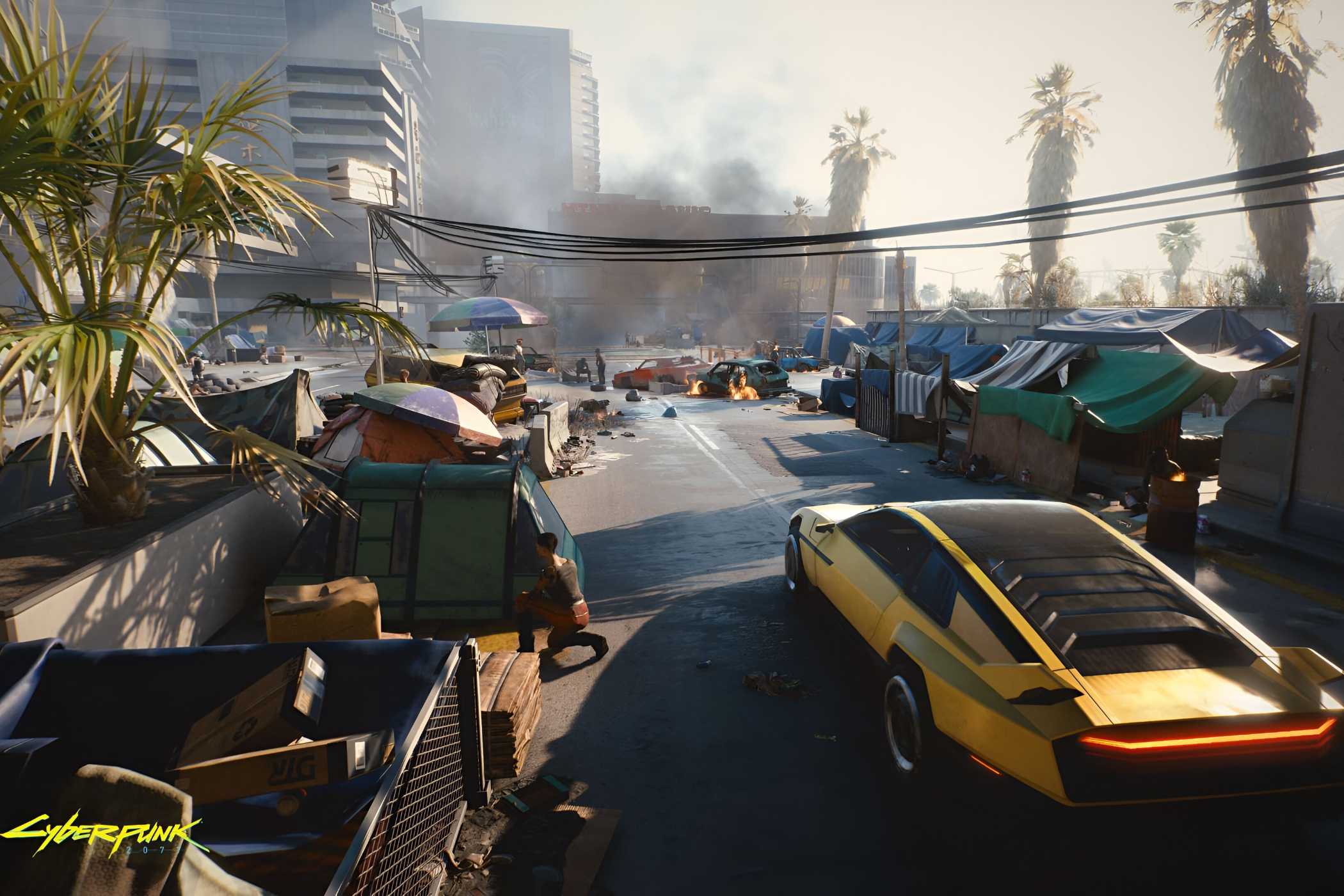
Source: Cyberpunk.net




The software you need is called DLSS Enabler, which is built by developer artur07405 and available for free on NexusMods. It's an all-in-one package packed in one executable, and it does something for older GPUs that Nvidia clearly won't. With the DLSS Enabler, you can unlock DLSS upscaling and DLSS-G multi-frame generation on any DX12-compatible GPU, regardless of whether you're on Nvidia, Intel or AMD hardware.
The tool works by spoofing the necessary identifiers so that games that implement DLSS 2.0 or 3.0 features will actually run frame generation on cards that otherwise aren't compatible with the technology. Under the hood, it's built on OptiScaler—which is a community-developed software, as its unified upscaling backend.
Its compatibility is broader than you'd expect. Since it is based on OptiScaler, RTX 30-series and 20-series get full support, older GTX 16-series and 10-series are well-covered, and even Pascal series cards can hold up quite well. Furthermore, even RDNA 2 and RDNA 3 owners can benefit from the utility. There's experimental support pushing back as far as Maxwell-era cards, which is incredible for a mod.
How to use DLSS Enabler in almost any game
A quick walkthrough to get you up and running

To get started, you need to head over to the official NexusMods page and download the latest release of DLSS Enabler, which is version 4.0.0.11. Installation is quite straightforward, but you need to keep a couple of things in mind depending on the GPU you're using.
For Nvidia GPU owners:
- Download the DLSS Enabler DLL file v4.0.0.xx (depending on the latest release) and extract it.
- By default, the extracted file is named version.dll, but depending on your game, it may need to be renamed. Compatible filenames include version.dll, winmm.dll, dbghelp.dll, psapi.dll or winhttp.dll. For Cyberpunk 2077, winmm.dll is the one that works, as tested.
- Once renamed, the file must be placed into the game's root directory, specifically the bin/x64 folder where the game's executable is located.
- Launch the game, and once you're in, press the Tilde (~) key to pull up the DLSS Enabler overlay to configure settings.
For AMD/Intel Arc GPU owners:
If you're on AMD or Intel Arc, you'll have a much easier time, although you will need to stick with the stable version 3.x release rather than the 4.0.0.xx build, as the compatibility with these GPUs is yet to be carried over.
- Head over to the Main Files section on Nexus mods and download the version 3.x installer.
- Run the executable and follow the on-screen prompt.
- Once prompted to enter a download directory, point it towards your target game's directory.
- Once the installer finishes, launch the game and you should be good to go.
What can you do with DLSS Enabler?
You can 'force' dynamic multi frame generation and ray-tracing on older hardware

DLSS enabler is one of the tools that brings cutting-edge optimization to older hardware, further bolstering its capabilities. Its core functionality is to simply force features reserved for newer GPUs. Most notably, this includes Dynamic Multi Frame Generation and a lighter, performance-friendly form of ray-traced lighting.
The standout feature, obviously, is Multi Frame Generation. Instead of the usual default FG modes, you can take it a little further by pushing into 3x and 4x modes. Having the option to dynamically adjust frame-gen output means the generated frames will only ramp up when the performance dips below a target you set manually, rather than injecting synthetic frames consistently. This balance lets you strike the right balance between 'snappiness' and smoothing motion on ultra-high resolution displays.
The utility also brings ray-tracing to cards that lack dedicated ray-tracing cores through screen-space ray-traced global illumination (SSRTGI). While it's certainly not comparable to full RT or path tracing in the very least, it does add convincing light effects, shadows and a boost to the scene depth without the associated performance penalty.
If you're on older hardware and not looking to upgrade soon, DLSS Enabler is well worth trying.
Should you give it a go?
If you're on older hardware and not looking to upgrade soon, DLSS Enabler is well worth trying. It's dynamic MFG and lightweight ray-tracing can noticeably improve the gameplay experience by adding visual depth and fluidity, which are often things one looks for through a several-hundred-dollar hardware upgrade. It is always recommended to back up your bin/x64 files before experimenting as setup can involve a degree of trial and error. Once configured, you can surprise yourself by unlocking performance you never knew your hardware could deliver.
