For Marketers

AI presentations for campaign decks, strategy updates, and performance reports.

Turn your marketing data, campaign plans, or existing drafts into presentations your leadership team wants to open.

For Marketers

AI presentations for campaign decks, strategy updates, and performance reports.

Turn your marketing data, campaign plans, or existing drafts into presentations your leadership team wants to open.

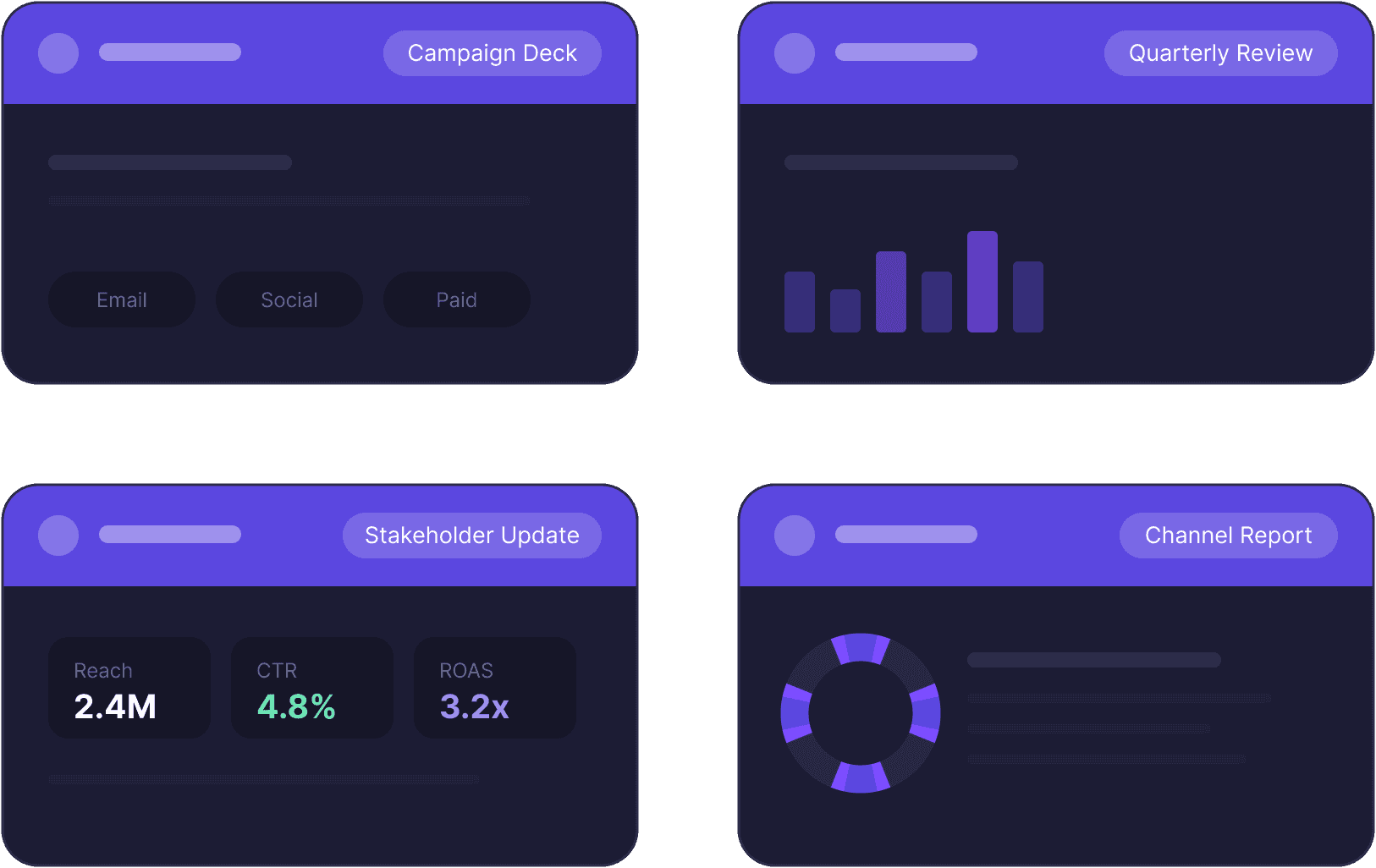
Decktopus AI presentation examples for marketing managers, showing a campaign deck, quarterly review chart, stakeholder update with reach and ROAS metrics, and channel report.

The Problem

The data is ready. The deck is not.

Your campaign numbers are in a spreadsheet, your quarterly summary is in a doc, and the leadership meeting is tomorrow. You end up spending the afternoon on slide formatting instead of preparing what you want to say.

The Problem

The data is ready. The deck is not.

Your campaign numbers are in a spreadsheet, your quarterly summary is in a doc, and the leadership meeting is tomorrow. You end up spending the afternoon on slide formatting instead of preparing what you want to say.

Two versions of the same deck built by different team members, one flagged off-brand and the other with wrong fonts, illustrating inconsistent presentations on Decktopus AI's marketer page.

How it works

From your content to a leadership-ready deck in 3 steps.

How it works

From your content to a leadership-ready deck in 3 steps.

Step 01

Paste your draft or describe the deck

Drop in your draft, upload a document, or describe what the presentation should cover. Decktopus builds a complete deck around your input.

Step 01

Paste your draft or describe the deck

Drop in your draft, upload a document, or describe what the presentation should cover. Decktopus builds a complete deck around your input.

Decktopus AI turning campaign results, quarterly reports, and Google Sheets data into a structured presentation with overview and performance sections.

Logos

Logos

Primary Logo

Primary Logo

logo-brand.svg

logo-brand.svg

Colors

Colors

Primary Palette

Primary Palette

Step 02

Apply your brand

Paste your company website URL and your colors, fonts, and logo apply to every slide automatically.

Step 02

Apply your brand

Paste your company website URL and your colors, fonts, and logo apply to every slide automatically.

Step 03

Present or share

Download as PDF, PPT, or PNG, or share a live link that updates whenever you edit the deck.

Step 03

Present or share

Download as PDF, PPT, or PNG, or share a live link that updates whenever you edit the deck.

Diagram showing a Decktopus AI presentation shared via live link with CMO, VP, and CEO stakeholders, each seeing the latest version.

Build the deck with Decktopus Slides.

Rehearse your delivery with Decktopus Loop before the meeting.

Key Benefits

Built for marketers who present every month, not once a year.

Key Benefits

Built for marketers who present every month, not once a year.

Campaign decks and performance reports

Monthly reviews, quarterly performance decks, strategy presentations. Describe the topic or upload your data and get a structured, branded deck.

From draft to designed deck

Already have a draft summary written? Paste it in and Decktopus handles the design. Many of our most active users work this way.

Your numbers stay as you wrote them

Upload your file and choose Redesign to change only the look. Every number, percentage, and data point stays exactly as you provided it.

On-brand without a design team

Paste your website URL once and every presentation comes out in your brand. No manual formatting, no brand guidelines PDF open on the side.

Edit by describing the change

Need to update a chart label or rework a section? Just describe what you want changed.
Common questions

Common questions from marketing teams

Common questions

Common questions from marketing teams

Can I paste a draft and get a presentation?

Yes, just paste your text and Decktopus builds a presentation around it. If you want every word preserved exactly, upload it as a file and choose Redesign.

Can I paste a draft and get a presentation?

Yes, just paste your text and Decktopus builds a presentation around it. If you want every word preserved exactly, upload it as a file and choose Redesign.

Will the AI change my numbers?

When you upload a file and choose Redesign, every number and data point stays exactly as you provided it. When you generate from a prompt, the AI creates content from your input and you can edit any slide after.

Will the AI change my numbers?

When you upload a file and choose Redesign, every number and data point stays exactly as you provided it. When you generate from a prompt, the AI creates content from your input and you can edit any slide after.

Can I create the same type of report every month?

You can duplicate a previous presentation and update the content, or generate a new one with the same brand applied each time.

Can I create the same type of report every month?

You can duplicate a previous presentation and update the content, or generate a new one with the same brand applied each time.

What export formats work for leadership presentations?

PDF, PPT, and PNG. You can also share a live link that always shows the latest version.

What export formats work for leadership presentations?

PDF, PPT, and PNG. You can also share a live link that always shows the latest version.

Can I create presentations in other languages?

Yes, Decktopus generates in 100+ languages.

Can I create presentations in other languages?

Yes, Decktopus generates in 100+ languages.

Your next campaign deck is a few minutes away.

Paste your content. Apply your brand. Done.

Paste your content. Apply your brand. Done.