


 文章详细介绍了如何在电脑上安装Unity,包括从Unity中国官网下载最新版本,登录账号,以及在Mac环境下配置C#开发环境。用户需要在命令行验证dotnet安装,并在VSCode中安装C#、DebuggerforUnity和UnityCodeSnippets这三个插件,以支持Unity项目的开发。
参考资料:
unity官方文档:https://docs.unity3d.com/cn/current/Manual/ScriptingToolsIDEs.html
安装unity
1、打开unity中国官网下载,https://unity.cn/releases#undefined
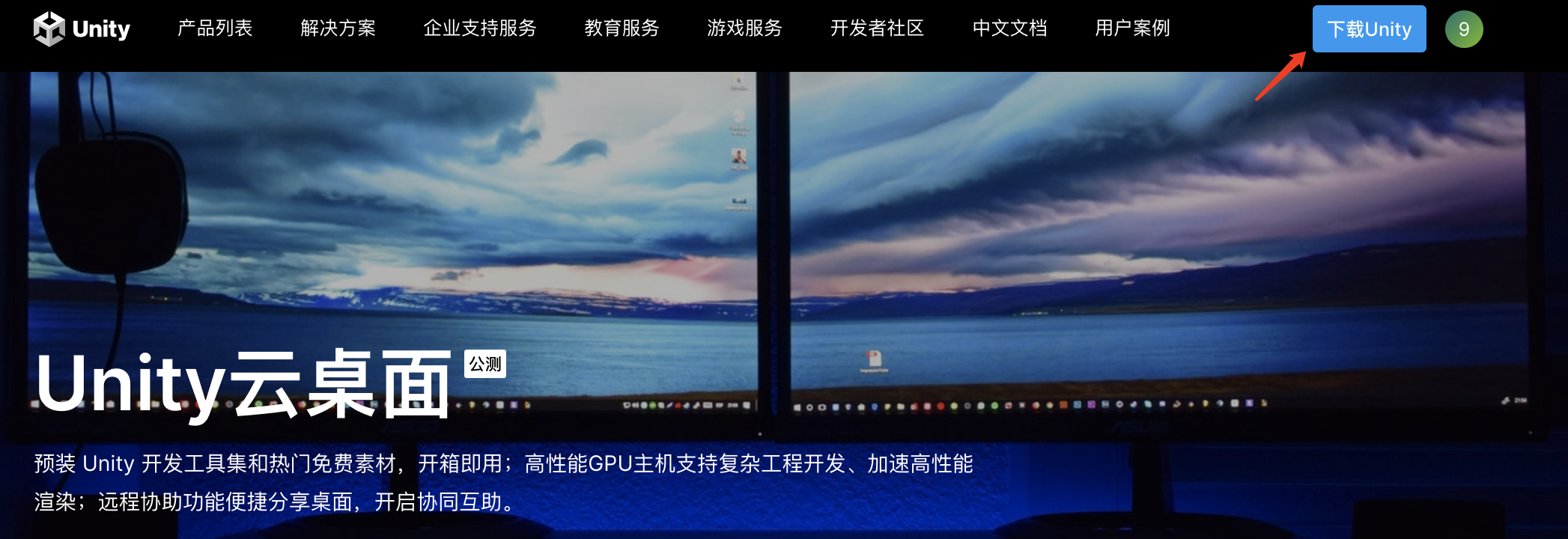
2、安装成功后,登录帐号。
3、安装unity 推荐版本
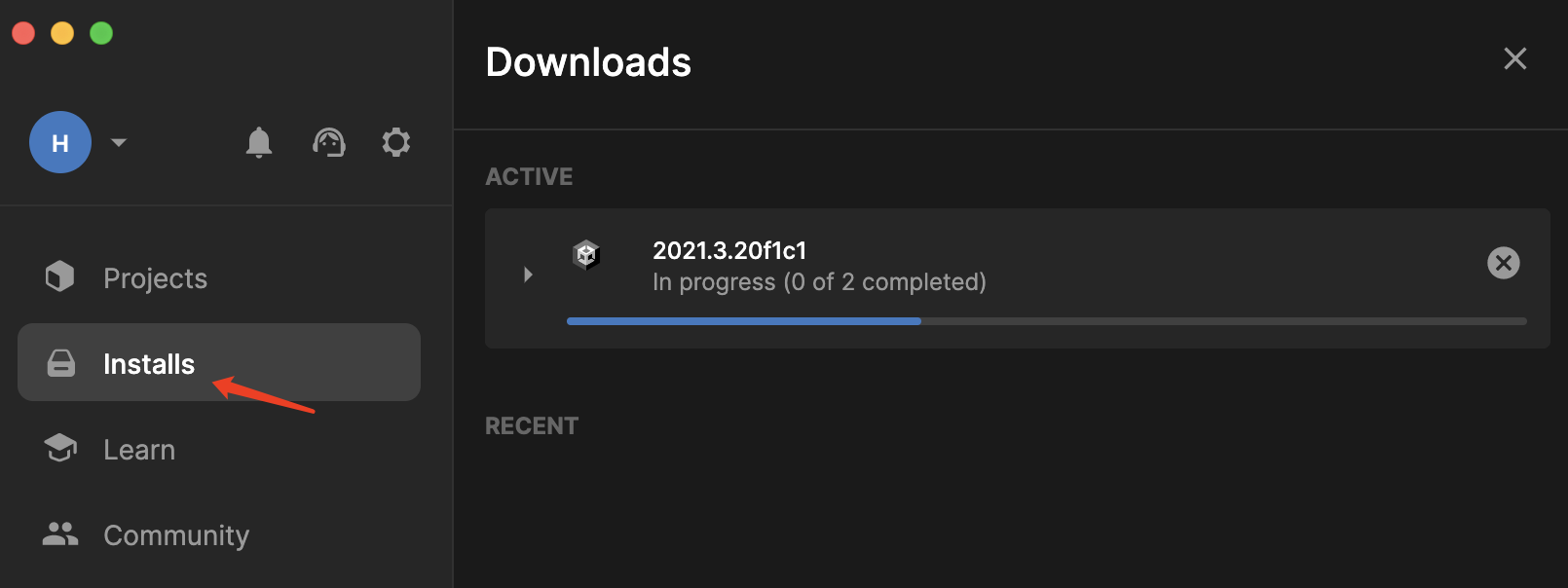
mac 配置C# 环境
https://dotnet.microsoft.com/zh-cn/download
在命令行输入dotnet -info,显示版本信息,说明安装成功。
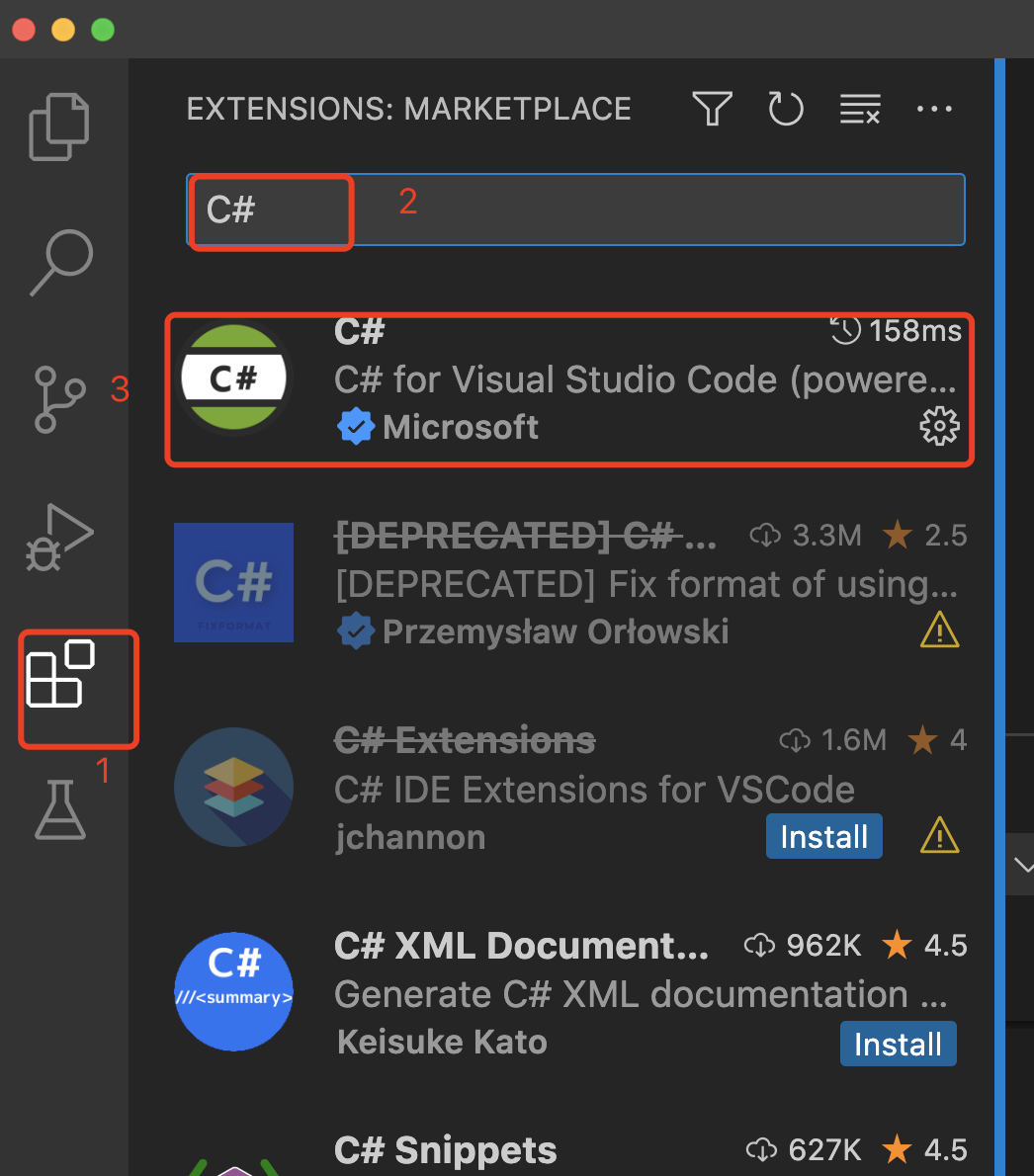
VS code安装C# 插件
需配置3个插件:
1)C#
2)Debugger for Unity
3)Unity Code Snippets





 扫一扫
扫一扫


 5763
5763

 被折叠的 条评论
为什么被折叠?
被折叠的 条评论
为什么被折叠?
 到【灌水乐园】发言





