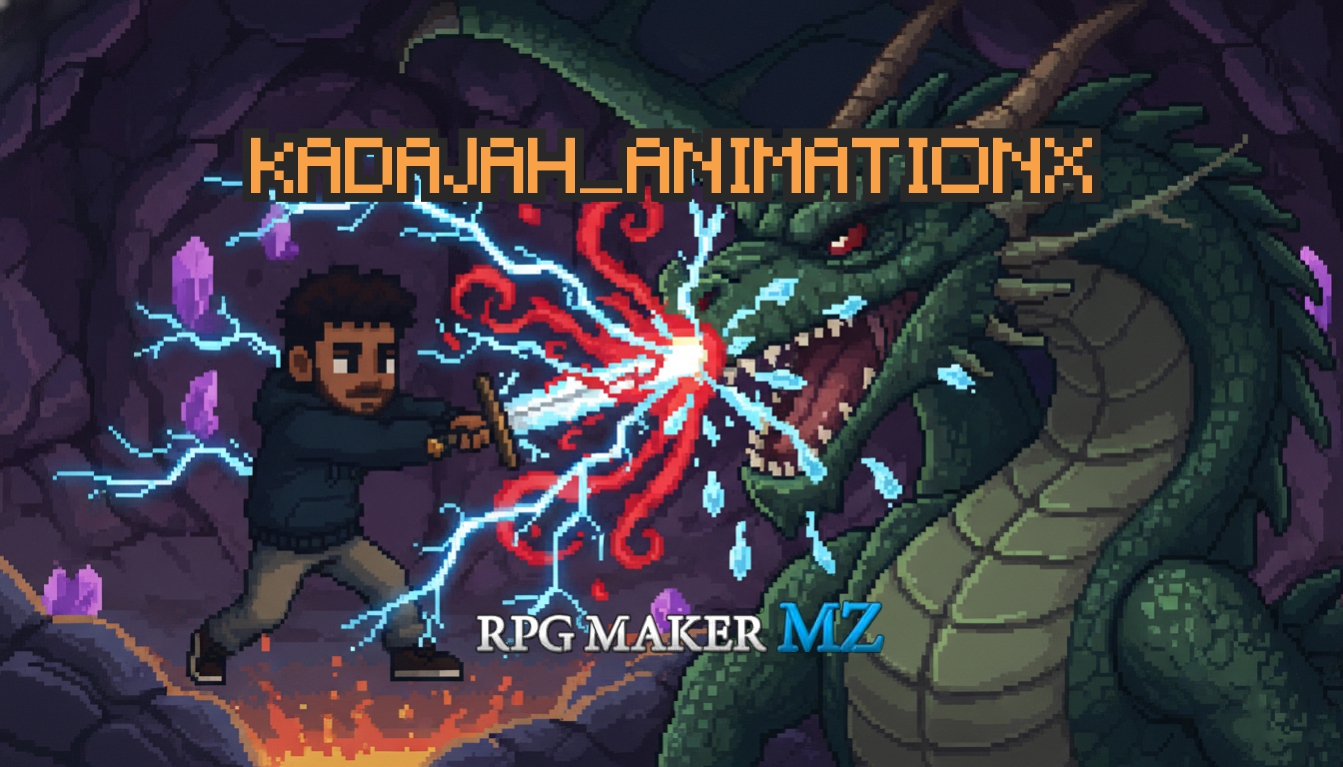
Kadajah's AnimationX - Dynamic Animation Variations for RPG Maker MZ
A downloadable tool
Kadajah's AnimationX System - Dynamic Variations + Particle Engine
Abandon repetitive combat. Let your battles feel alive and unpredictable.
Imagine seeing the same sword stroke, repeated from the exact same angle, hundreds of times? Kadajah AnimationX completely overhauls how visual effects are rendered in your RPG Maker MZ project. Inspired by modern RPGs that utilize procedural variation, this plugin manipulates the game engine to create massive, dynamic, and organic changes to your combat and map animations.
Give your battles a cinematic flair with randomized 3D rotation, scaling, and mirroring. With an integrated WebGL particle system, proportional critical hit zooming, action camera movements, and target distortion filters, every single attack becomes a unique visual experience.
v1.2 Update: Added the Proportional Critical Hit system. Critical strikes now automatically scale up the animation size, trigger screen shakes, and play explosive sound effects to make heavy hits feel truly impactful. Added Action Zoom to thrust the camera toward the target during an attack.
v1.5 Update: Integration of Target Sprite Effects. Actors and enemies now physically react to animations using WebGL filters like Wave distortions, Blurs, Inversions, and Ghosting effects while taking damage. Added dynamic physical recoil and squish animations for enemies.
v2.0 Update: Introduction of the Particle Engine. Adding a massive library of 19 zero-lag particle types including blood, mana, sparks, earth, and holy light. Added plugin commands to spawn and clear particles seamlessly on map characters.
v2.2 Update: Full Front-View combat support. Enemy attack animations are now intelligently projected directly over the actor face boxes in the default Battle Status Window, creating an immersive first-person battle experience.
Key Features
Total Variation Control Animations are no longer static. The plugin automatically applies randomized X, Y, and Z 3D rotation, randomizes the scale multiplier to make impacts feel uniquely sized, and randomly mirrors the animation horizontally or vertically. You can even enable a reverse mode that plays the transformation physics backward.
Front-View Immersion By default, RPG Maker MZ struggles with enemy attacks in Front-View combat. This plugin completely fixes that by automatically projecting enemy attack animations directly over the face boxes of the targeted actors in the Battle Status Window, creating a highly immersive first-person combat experience.
Proportional Critical Hits Critical hits finally carry visual weight. When an attack scores a critical hit, the playing animation is instantly scaled up by a customizable multiplier. The system can also trigger an intense screen shake and play an extra, explosive sound effect to emphasize the massive damage dealt.
Enemy Damage Reactions Enemies visually react to taking damage. Instead of the standard white flash, you can configure enemies to physically react using different animation styles. Available styles include Shake, Recoil, Squish, or Blink. The intensity and duration of these reactions are fully adjustable.
Target Sprite Filters While an animation is playing on a target, WebGL filters and visual distortions can be applied to the target sprite itself. Choose from effects like Wave for a skewing distortion, Pulse for scale breathing, Noise for static interference, Blur, Flash, Ghost, or Invert for a negative color flash.
Action Zoom Effects Combat actions can trigger an automatic, rapid camera zoom focused on the target area during an attack. The camera swiftly zooms in to emphasize the strike and seamlessly returns to normal, adding a cinematic flair to standard skills without needing complex action sequences.
Integrated Particle Engine Emit lightweight WebGL particles from the target when they are hit. Choose from 19 different elemental and physical particle types like blood drops with gravity, floating mana orbs, explosive sparks, erratic dark energy, or slashing wind.
Seamless Database Integration & Plugin Commands
Stop struggling with complex eventing. Design visually through simple tags.
Zero Setup Variations Once the plugin is turned on, variation is automatically applied to all animations globally. If you need a specific animation to remain static, simply type the NoVar tag directly into the animation's name in the MZ database.
Effortless Particle Notetags To attach dynamic particle effects to your skills or items, just place a simple tag inside the Note box of the Skill or Item in the database. When the skill hits the target, the specified particle system will burst from the target sprite automatically.
Cinematic Plugin Commands Take full control during cutscenes. Use the Show Custom Animation command to manually override scale, rotation, and speed on specific map events. Use the Show Particles and Clear Particles commands to create ambient environmental effects on the map.
Creative Gameplay Mechanics
Status Effect Visualization Tie the Show Particles command to common events that run during combat. If an actor has the Poison state, spawn poison particles on them. If they have a Regeneration state, spawn holy or mana particles. This provides constant, dynamic visual cues for status effects without cluttering the screen with icons.
Weapon Specific Enhancements By using the particle notetags on basic attack skills, you can give different characters unique visual identities. A rogue's basic attack could use the slash particles, a warrior with a heavy mace could use the earth particles, and a mage's staff strike could emit sparks.
Environmental Combat Interactions Combine the target sprite effects with elemental spells. If a player uses a lightning spell, the target sprite effect can be set to Invert or Flash, making the enemy's colors negate for a split second to simulate a blinding electrocution. If a water spell is used, the Wave distortion makes the enemy look like they are being seen through a rippling puddle.
Dynamic Map Hazards Place invisible parallel events in the corners of a dungeon. Use the Show Particles plugin command to constantly emit the fire particle type with a slow speed multiplier. This creates an ambient, burning environment without needing to create complex custom sprite sheets.
Perfect Game Examples
JRPGs Essential for games that want to make repetitive turn-based combat feel fast, dynamic, and visually engaging hour after hour.
Action RPGs Great for games using action battle systems where visual feedback, particle sparks, and enemy recoil make the combat feel heavy and satisfying.
Horror Games Allows developers to use dark particles, screen noise filters, and ghosting target effects to create unsettling, glitchy, and atmospheric cutscenes.
Compatibility & Requirements
Engine: RPG Maker MZ.
Platforms: Windows, macOS, Linux, Web Browsers, and Mobile.
Inputs: Fully automatic during combat, supports standard eventing for map interactions.
Technical Specs & Plugin Compatibility
Built for stability. Designed to play nice.
The Kadajah AnimationX System uses Method Aliasing for 100% of its core engine modifications. This means it does not delete or replace standard RPG Maker code, but rather adds its functionality on top of it. This ensures maximum compatibility with other major plugin suites.
Modified Classes: The plugin safely extends core visual classes including Sprite_Animation, Spriteset_Battle, Game_Action, Sprite_Battler, and Sprite_Character. It adds isolated particle containers and temporary variation variables that clean themselves up automatically to prevent memory leaks.
Plugin Suite Compatibility:
VisuStella MZ: Fully compatible. The animation scaling, rotation, and particle generation hook directly into MZ's native sprite rendering, meaning it works flawlessly alongside VisuStella Battle Cores, Action Sequences, and Front-View/Side-View setups.
MogHunter: Compatible. The visual effects and WebGL filters of this plugin are contained strictly within the animation and battler sprites, and do not interfere with Mog's HUDs, camera plugins, or weather effects.
Save Files: This plugin only utilizes temporary visual data and does not write anything to the save files. It is 100% safe to install, update, or remove from an existing save file without corrupting the player's progress.
Terms of Use
Commercial and non-commercial projects: Allowed.
Redistribution: You are NOT permitted to resell or redistribute this plugin (js file), either on its own or as part of a bundle.
Editing: You ARE permitted to edit the plugin's code for your own project's use. However, you are NOT permitted to redistribute the edited version of the plugin.
Purchase
In order to download this tool you must purchase it at or above the minimum price of $2.49 USD. You will get access to the following files:


Comments
Log in with itch.io to leave a comment.
Hello.
I am very interested in buying this and other plugins from you, however, im having a problem to do so.
Im not being able to pay using credit card neither paypal. I live in Brazil, so, when trying to use any of said payment methods it just returns an error message on itch.io
Still, im usually totally able to buy products in USD with no problems using my international credit card. This time, however, it's not working.
Can you help me in any way? I would really like to buy your plugins to use in my rpg maker projects.
If you answer this, thank you.
Best Regards.
E ai mano, Blz?
poderia por favor me adicionar no Discord? podemos tratar disso lá
meu nick é: kadajahbr