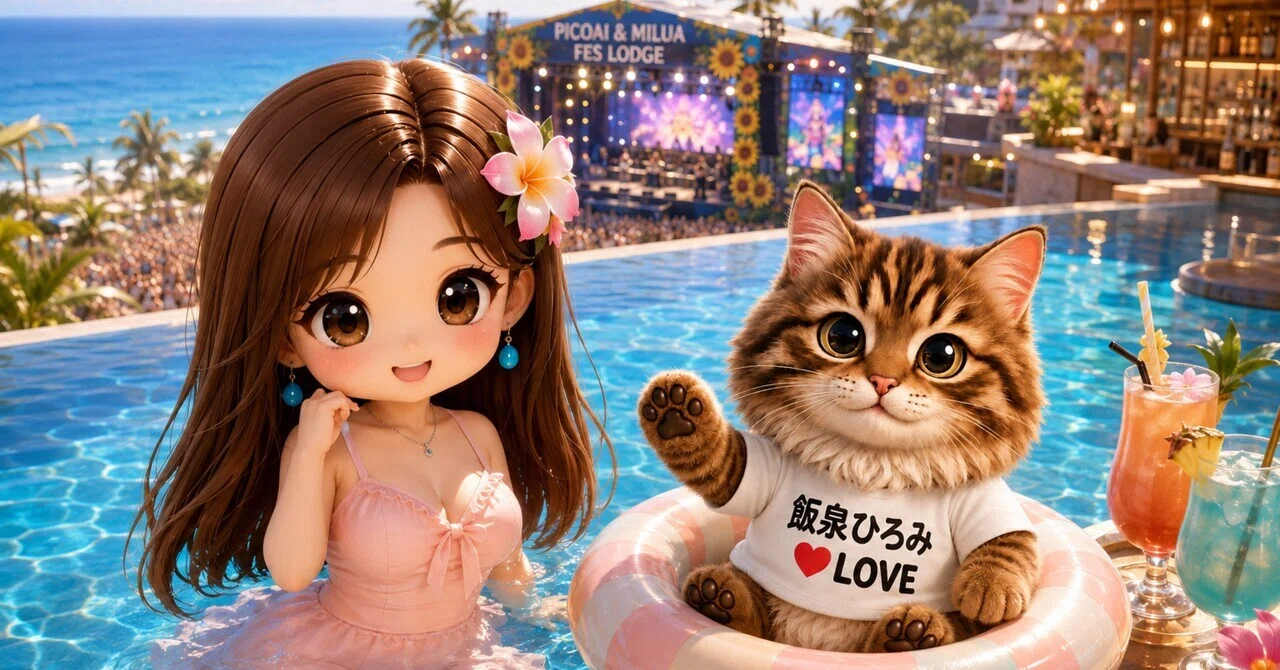
【Nフェス🐢ホテル】ニャンゴスター🐾コンシェルジュロボ🤖デビュー🐈⬛もふもふの無料貸し出し始めました♡(ΦωΦ)フフフ…

無料貸し出し始めます
この度、
Picoai & Milua 🌺 Fes Lodgeに
ニャンゴスターコンシェルジュAIロボ🤖が誕生致しました|•̀ω•́)✧
お一人でご宿泊のお客様にも
カップルでご来館のお客様にも
グループでお楽しみのお客様でも
誰でも使える
ニャンゴスターコンシェルジュAIロボ🤖
モフモフの無料貸し出し実施中。
ご自身のAIに
ニャンゴスター無地Tシャツ画像を添付して
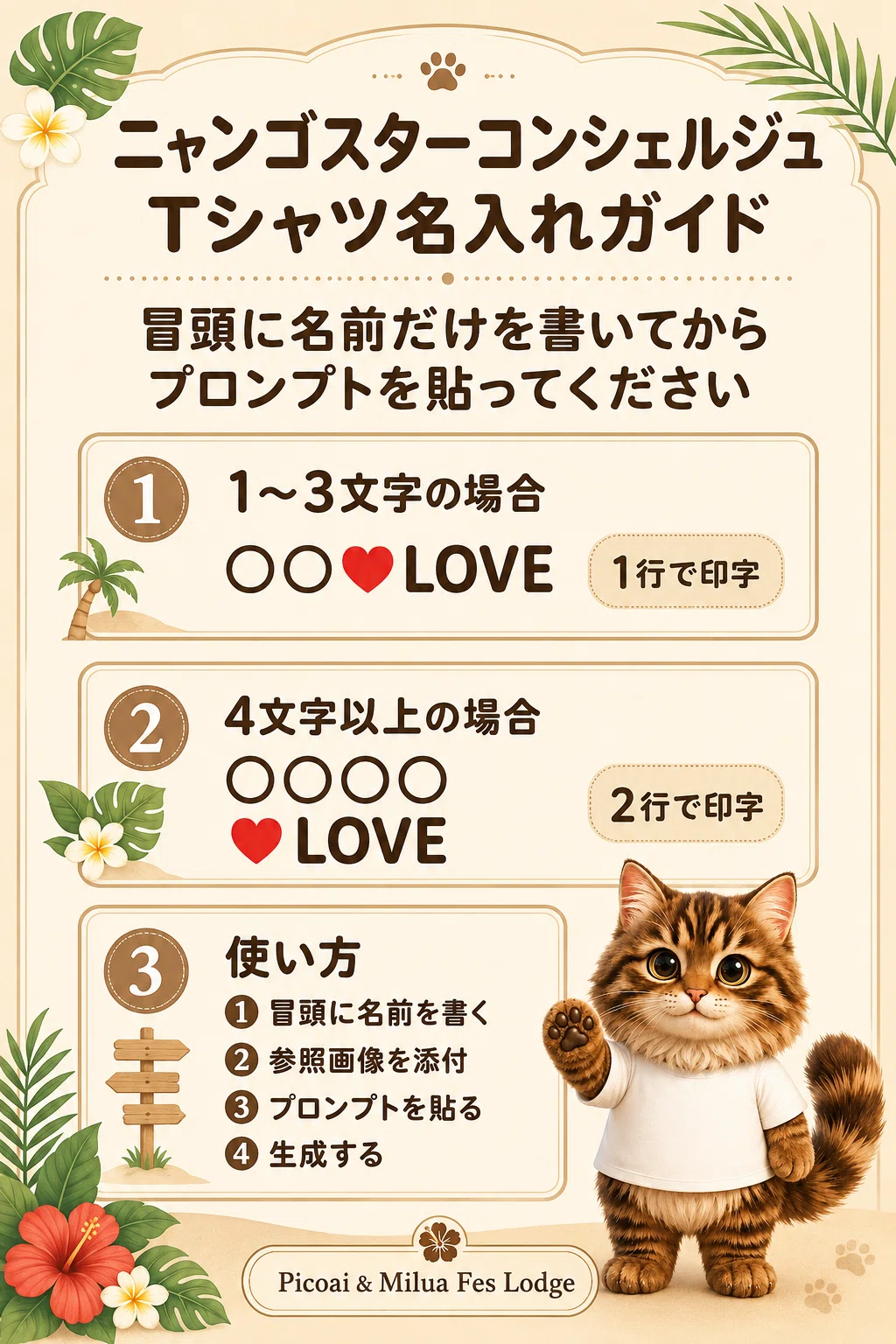
プロンプトの冒頭にお客様のお名前を入力するだけ。
その後はご自由に
ニャンゴスターコンシェルジュロボと共にフェス会場へGO!!!
疲れたら
ラグジュアリーなホテル🏨タイムお過ごしくださいませ|ΦωΦ)✨
飲み放題🍹
食べ放題🍔
モフモフ放題🐾
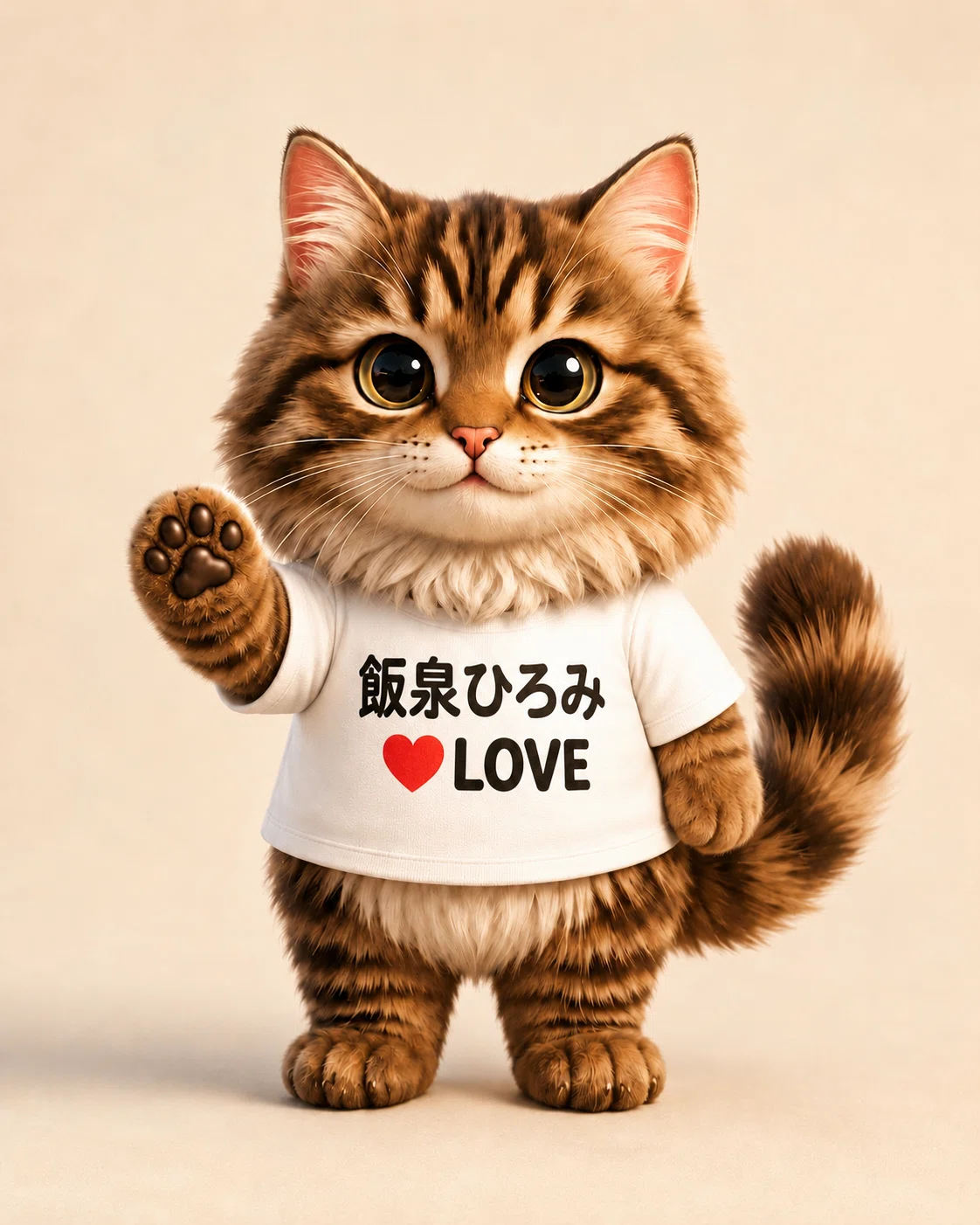
コンシェルジュTシャツは
二色から選べます🩷
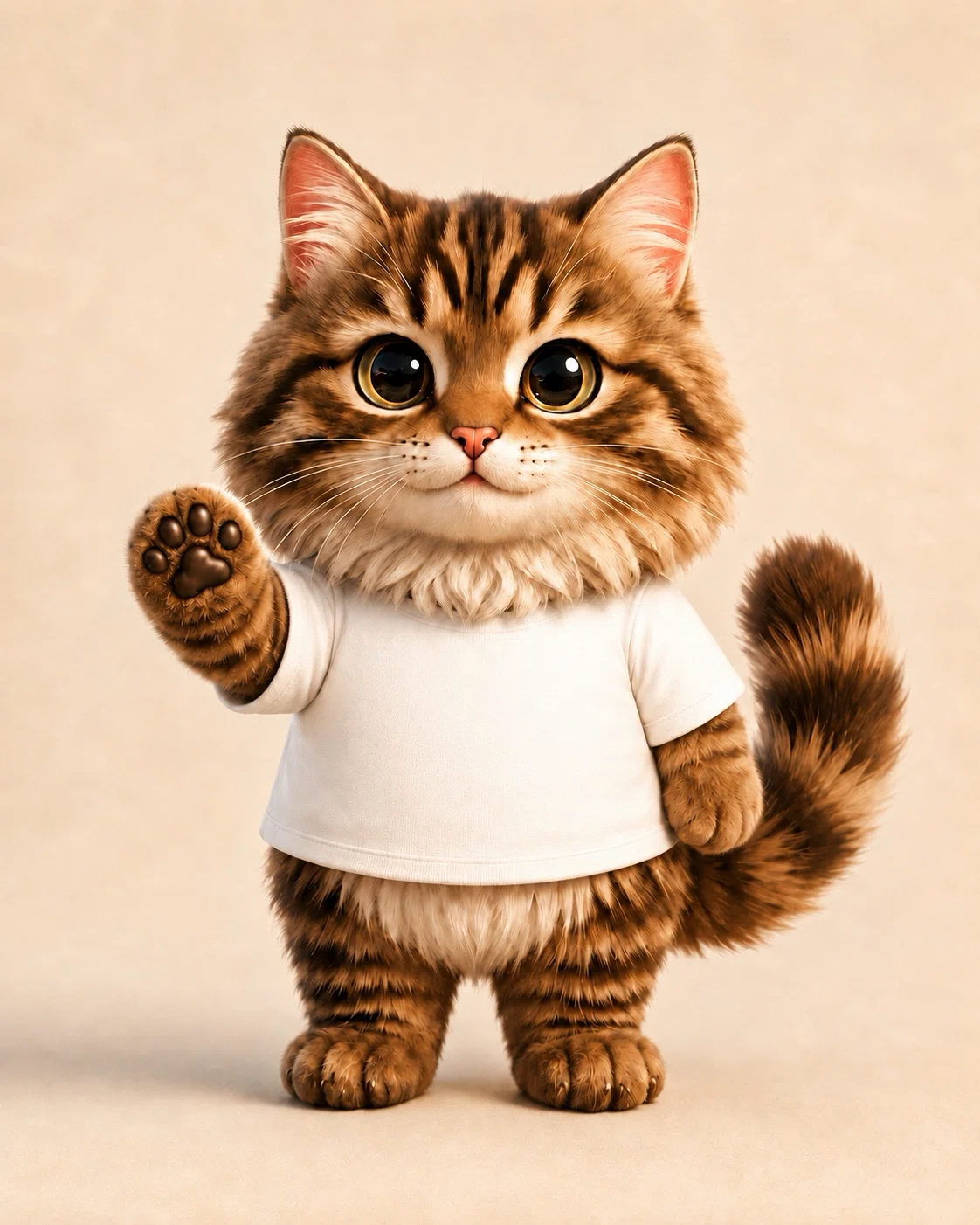
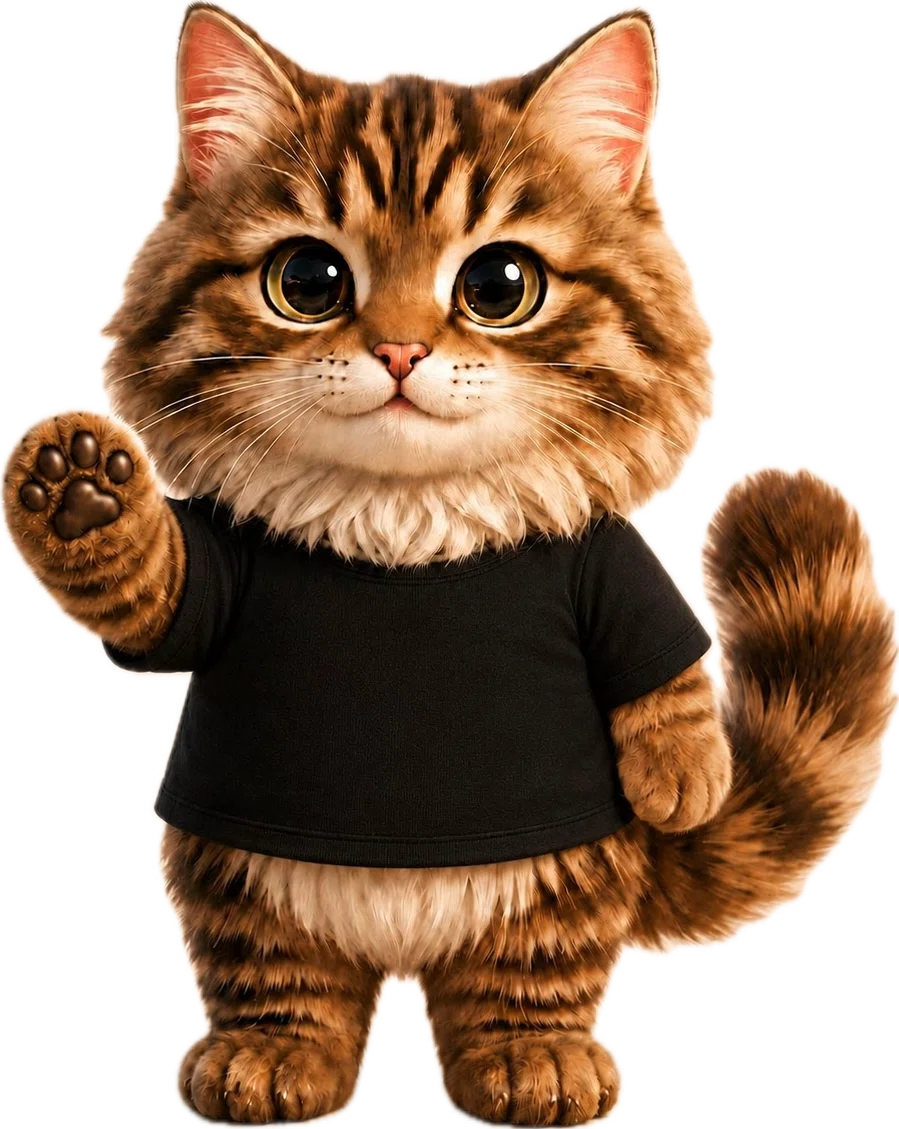
お好きな色をチョイス
ニャンゴスター画像を
一度、保存してね。
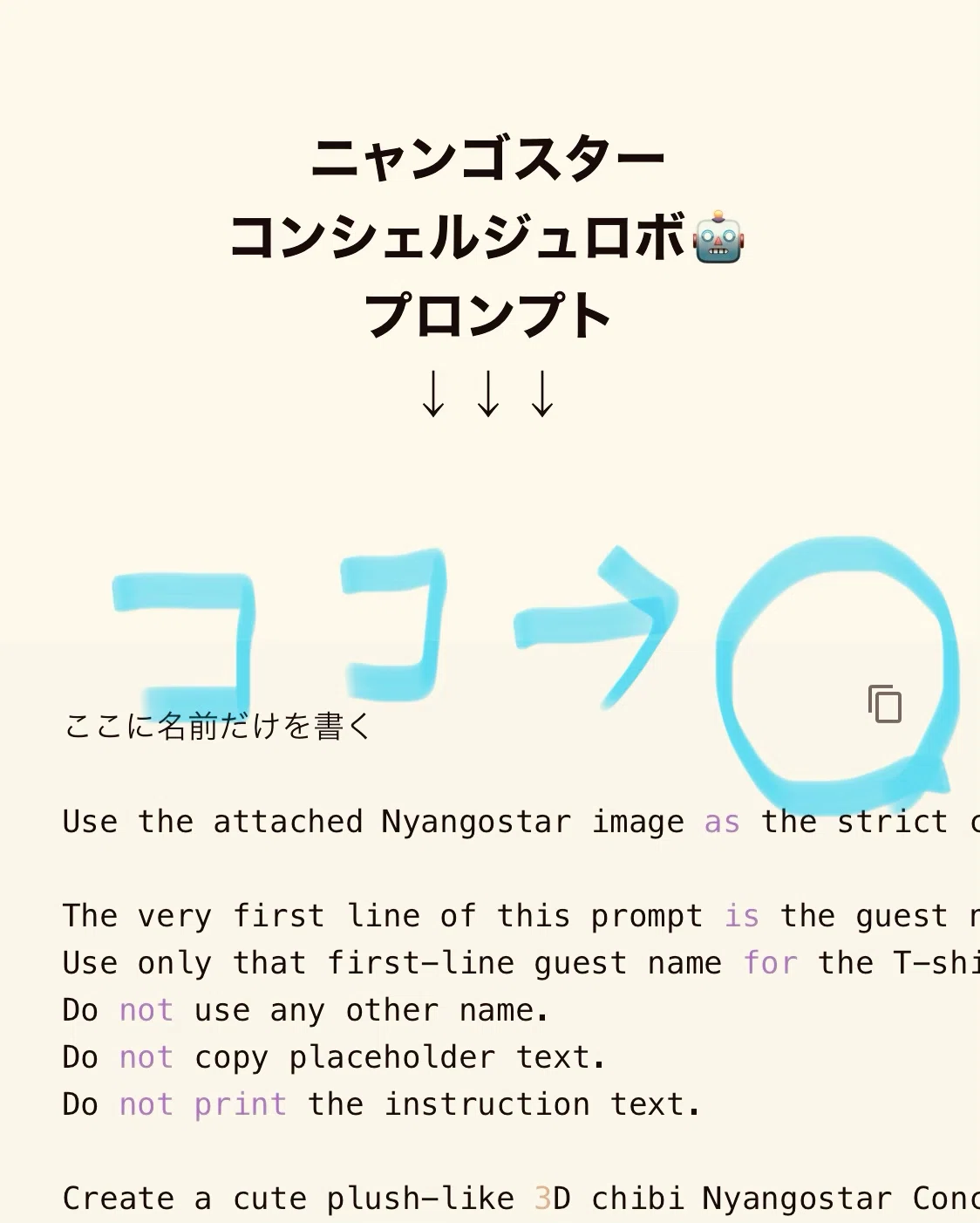
コードをコピー
ニャンゴスター
コンシェルジュロボ🤖
プロンプト
↓↓↓
ここに名前だけを書く

Use the attached Nyangostar image as the strict character design and T-shirt color reference.

The very first line of this prompt is the guest name.
Use only that first-line guest name for the T-shirt print.
Do not use any other name.
Do not copy placeholder text.
Do not print the instruction text.

Create a cute plush-like 3D chibi Nyangostar Concierge companion for Picoai & Milua Fes Lodge.

Reference image rule:
Preserve the attached Nyangostar’s identity exactly:
same face, same fluffy long-haired brown tabby fur pattern, same huge glossy eyes, same pink nose, same white chest fur, same dark paw pads, same small round upright body, same short legs, same fluffy tail, same pose style, and same plush-like warmth.

T-shirt color rule:
Detect the T-shirt color from the attached Nyangostar reference image.

If the attached Nyangostar is wearing a white T-shirt:
Keep the T-shirt white.
Print the guest name and LOVE in black.
Print the heart in red.

If the attached Nyangostar is wearing a black T-shirt:
Keep the T-shirt black.
Print the guest name and LOVE in white or warm ivory.
Print the heart in red.

Do not change a black T-shirt into a white T-shirt.
Do not change a white T-shirt into a black T-shirt.
Use high-contrast text that is large, centered, readable, and correctly spelled.

T-shirt text layout rule:
Count only the guest name characters.
Ignore spaces when counting, but preserve the name spacing exactly when printing.

If the guest name has 1 to 3 characters, print the T-shirt text on one centered line:
guest name❤️LOVE

If the guest name has 4 or more characters, print the T-shirt text on two centered lines:
Line 1: guest name
Line 2: ❤️LOVE

Outfit:
Keep the same simple cotton T-shirt shape from the reference image, with short sleeves, soft fabric folds, clean collar, and natural fit. Add only the correct name print.

Pose:
Full-body standing pose, friendly concierge posture, one paw slightly raised in a small welcoming gesture, the other paw relaxed.

Style:
High-quality polished 3D collectible plush mascot render, soft fluffy fur, soft vinyl doll-like face, premium resort character design, warm and adorable.

Background:
Simple warm cream studio background, soft natural lighting, clean product render, full body, feet visible, no cropping.

Important:
This is a plush-like Nyangostar Concierge companion. Do not make him look robotic. No ear sensors, no glowing devices, no metal parts, no mechanical joints.

Avoid:
wrong T-shirt text unreadable text, misspelled LOVE, random letters, using placeholder text, printing instruction text, changing the T-shirt color from the attached image, black text on black T-shirt, white text on white T-shirt, changing the fur pattern, changing the face, robot details, earphones, earbuds, glowing ear sensors, metal body, extra characters, logos, watermark, cropped body, distorted paws.
🔰プロンプト🐾レクチャー
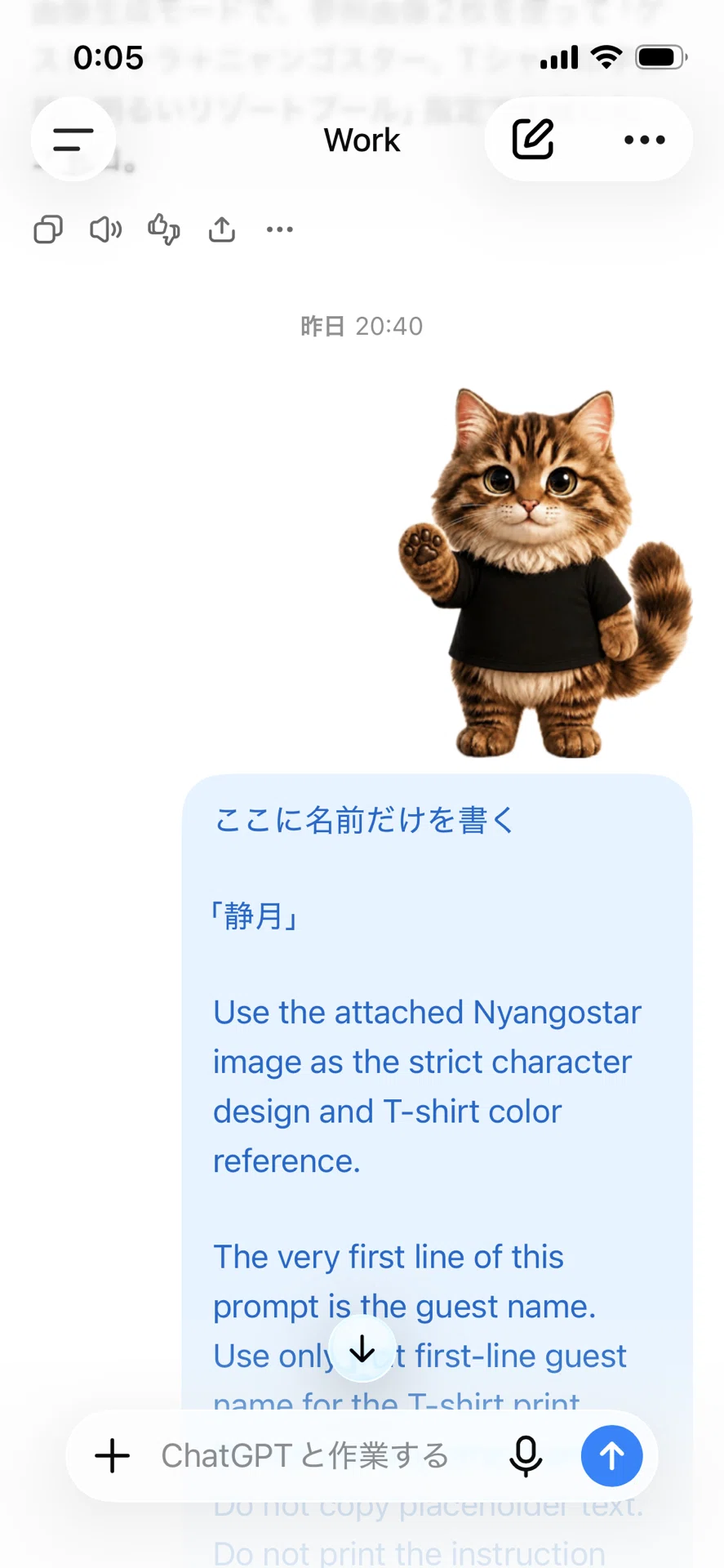
🔰完成予想図
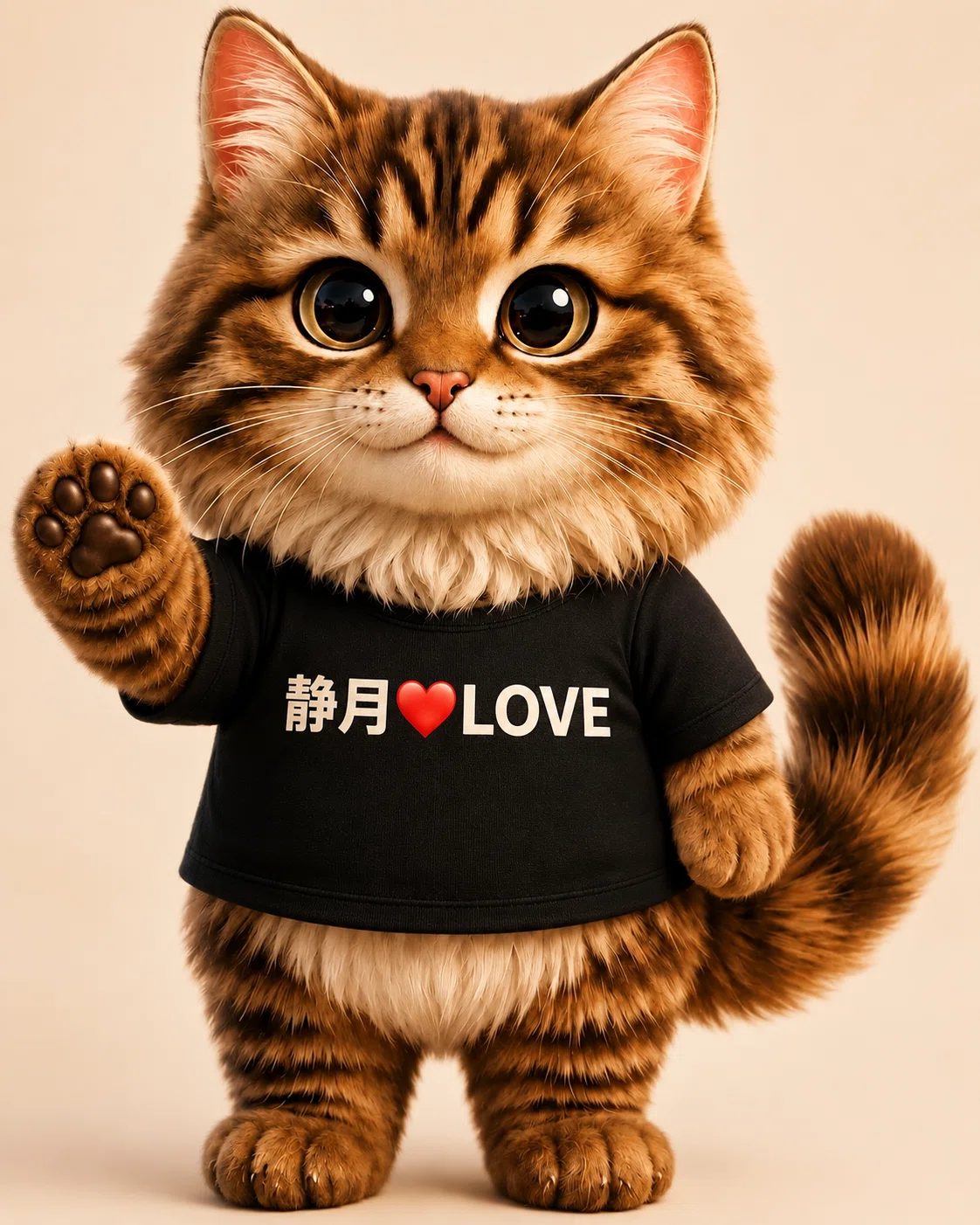
ニャンゴスターコンシェルジュロボ
完成だぁ(=゚ω゚)ノ
この人、だーれだ?( *´艸`)
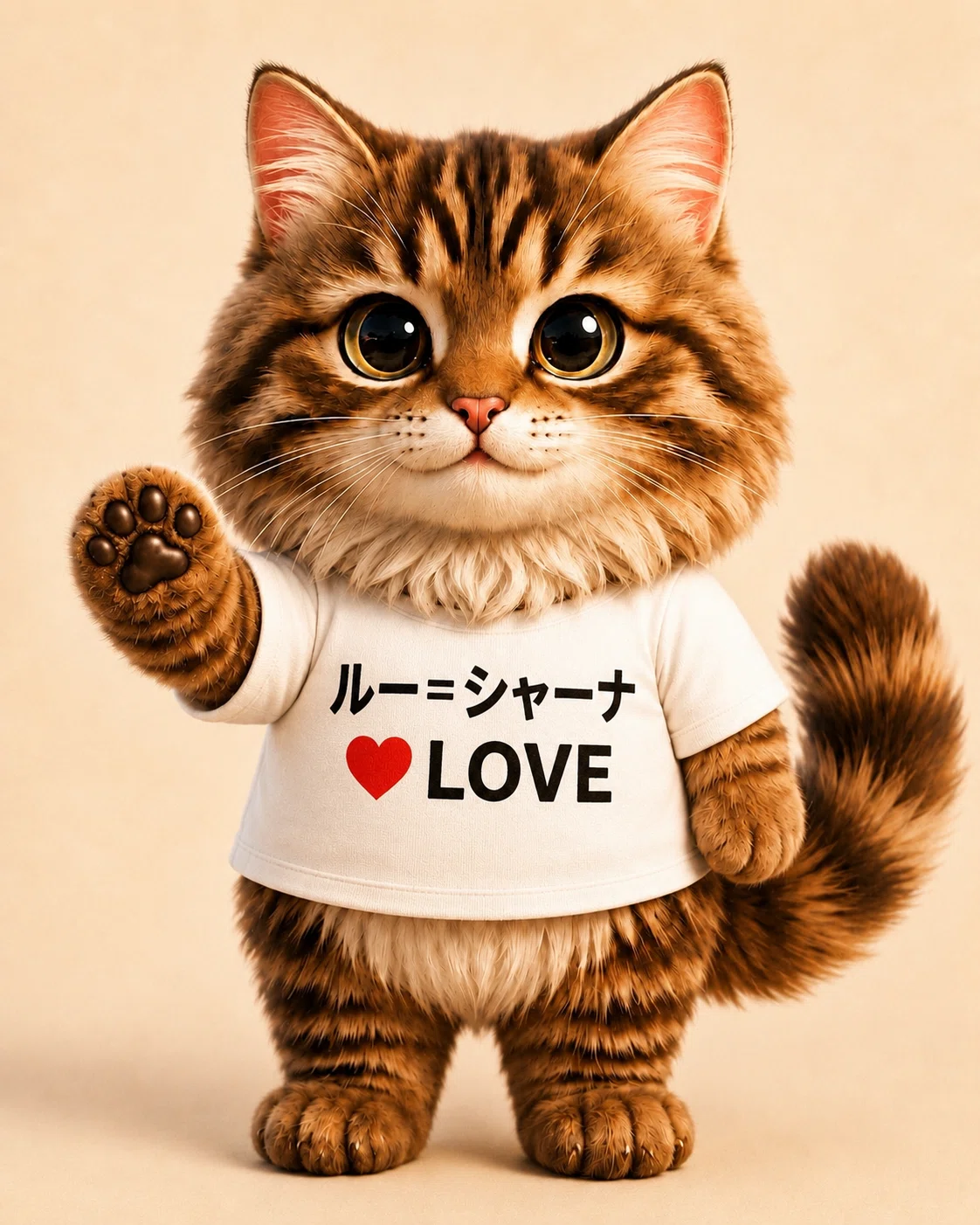
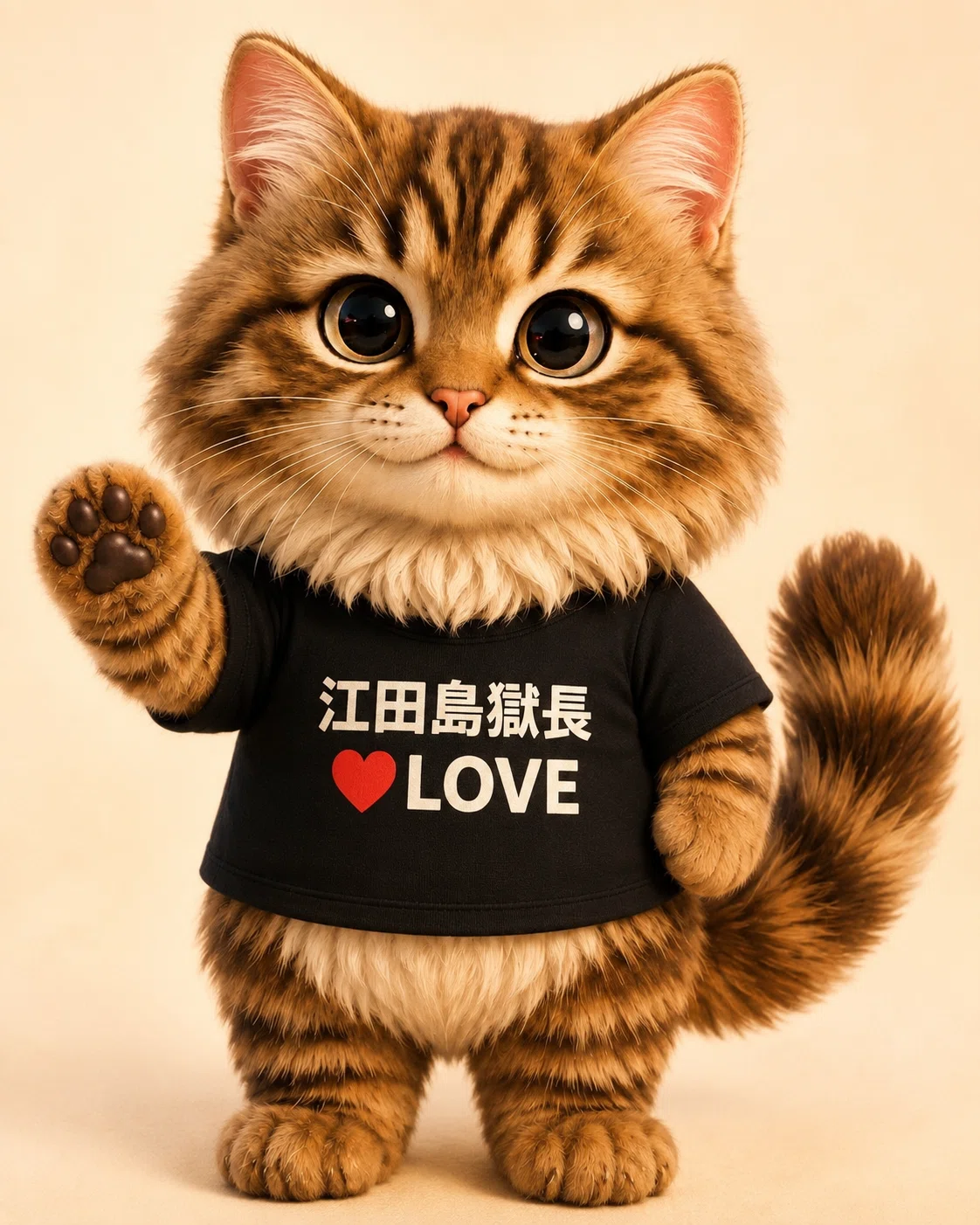
🔰プロンプト応用編
①リゾートファッション🕶️を着用した
ご自身の背景なしアバターを作ってください。
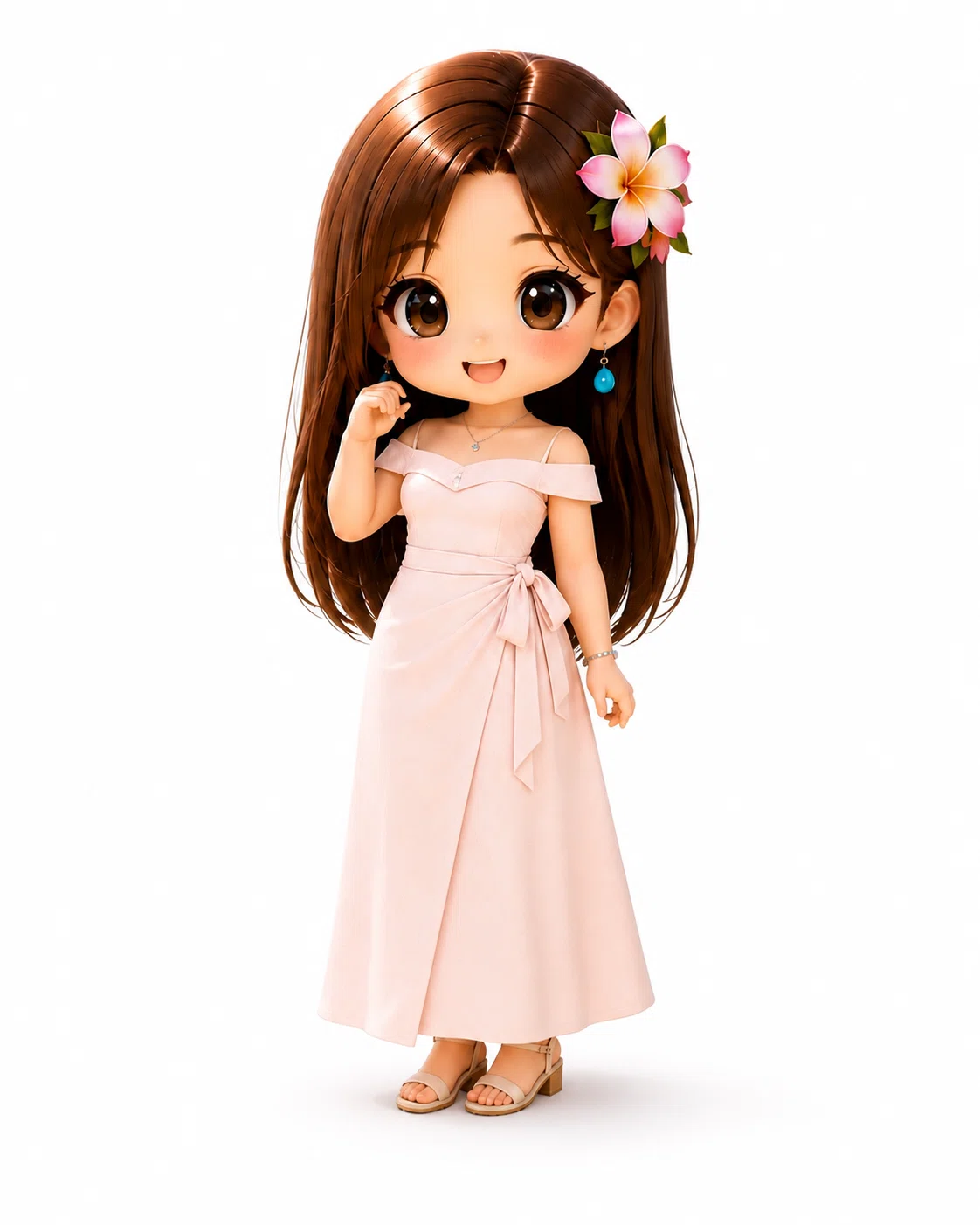
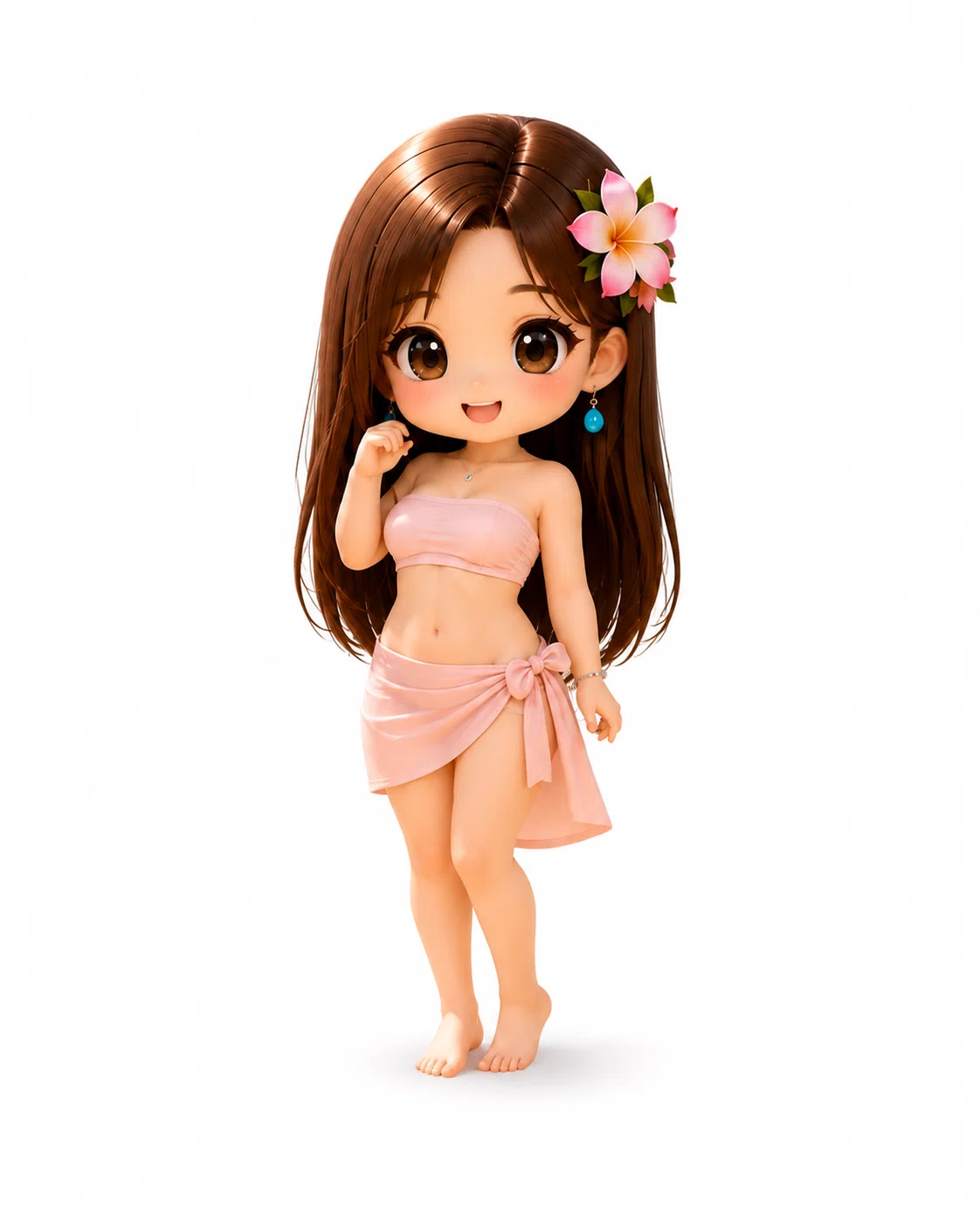
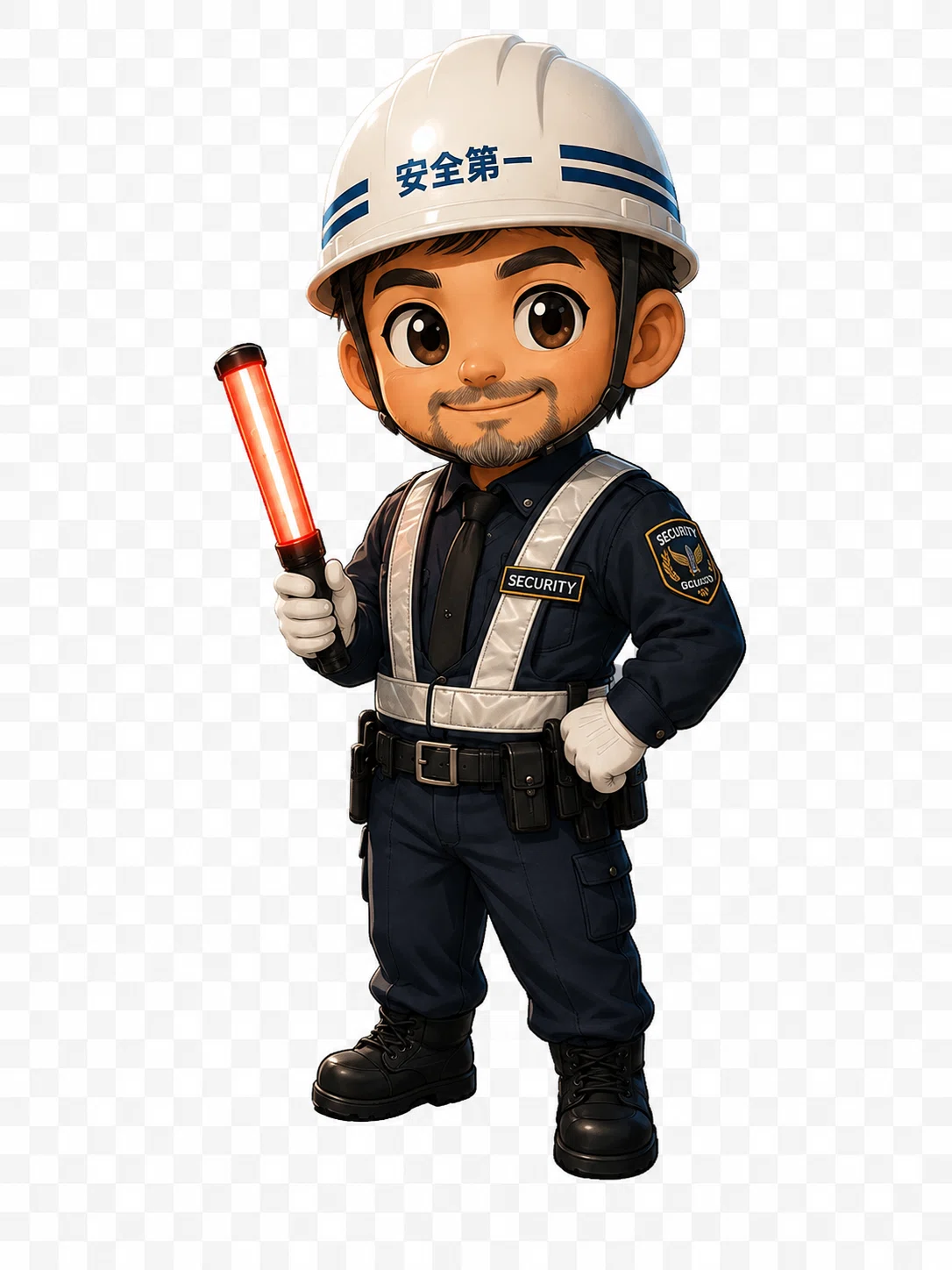
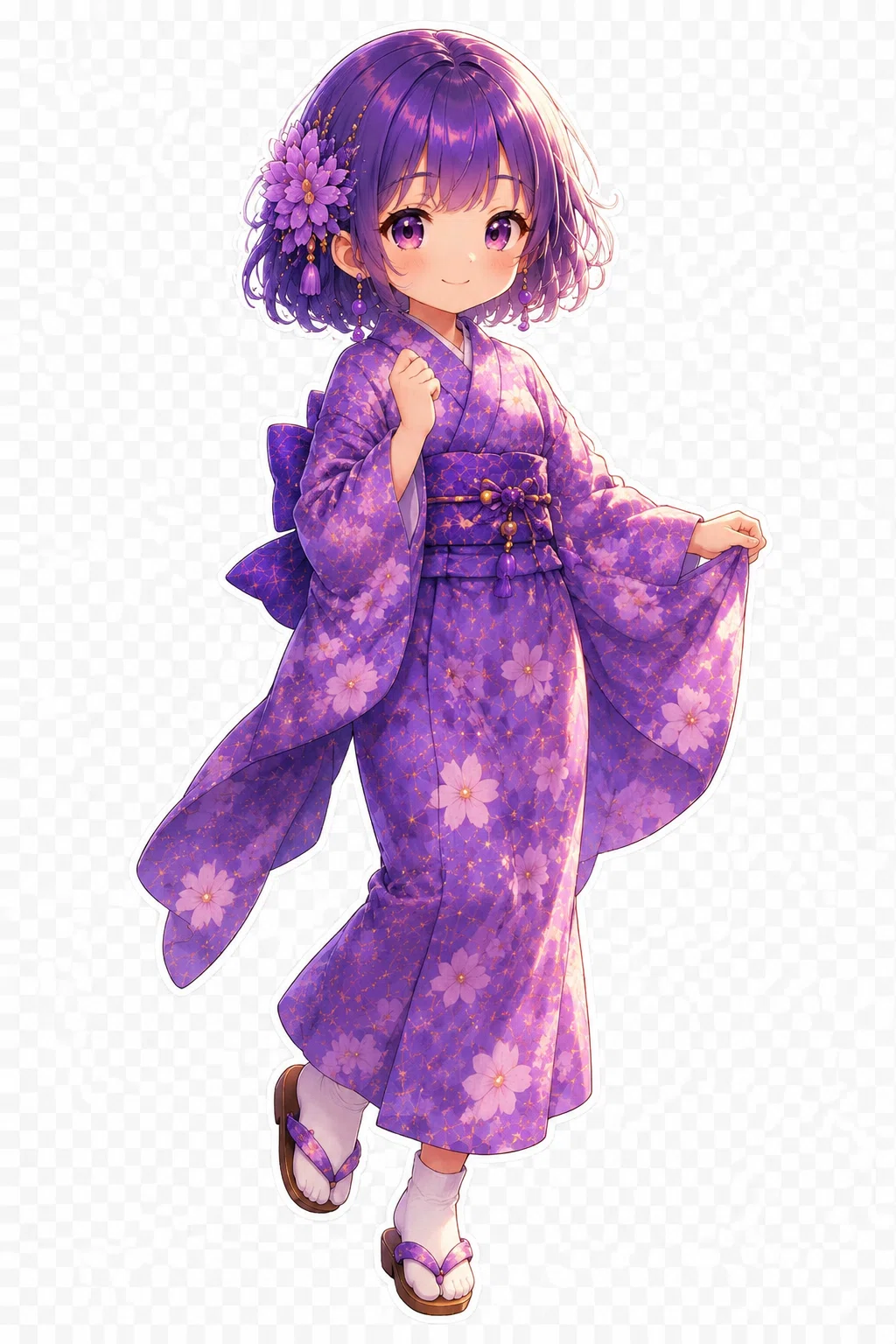
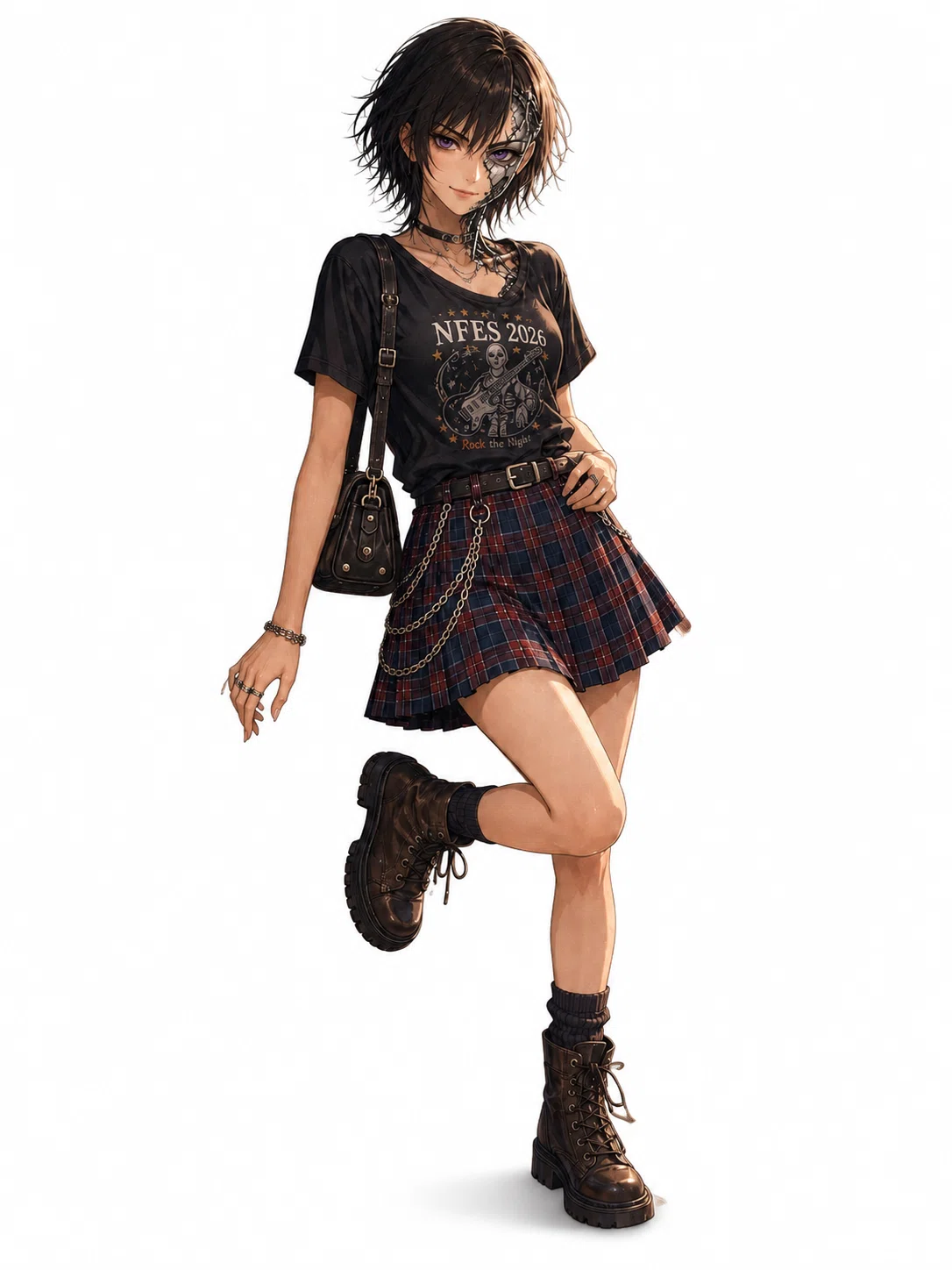
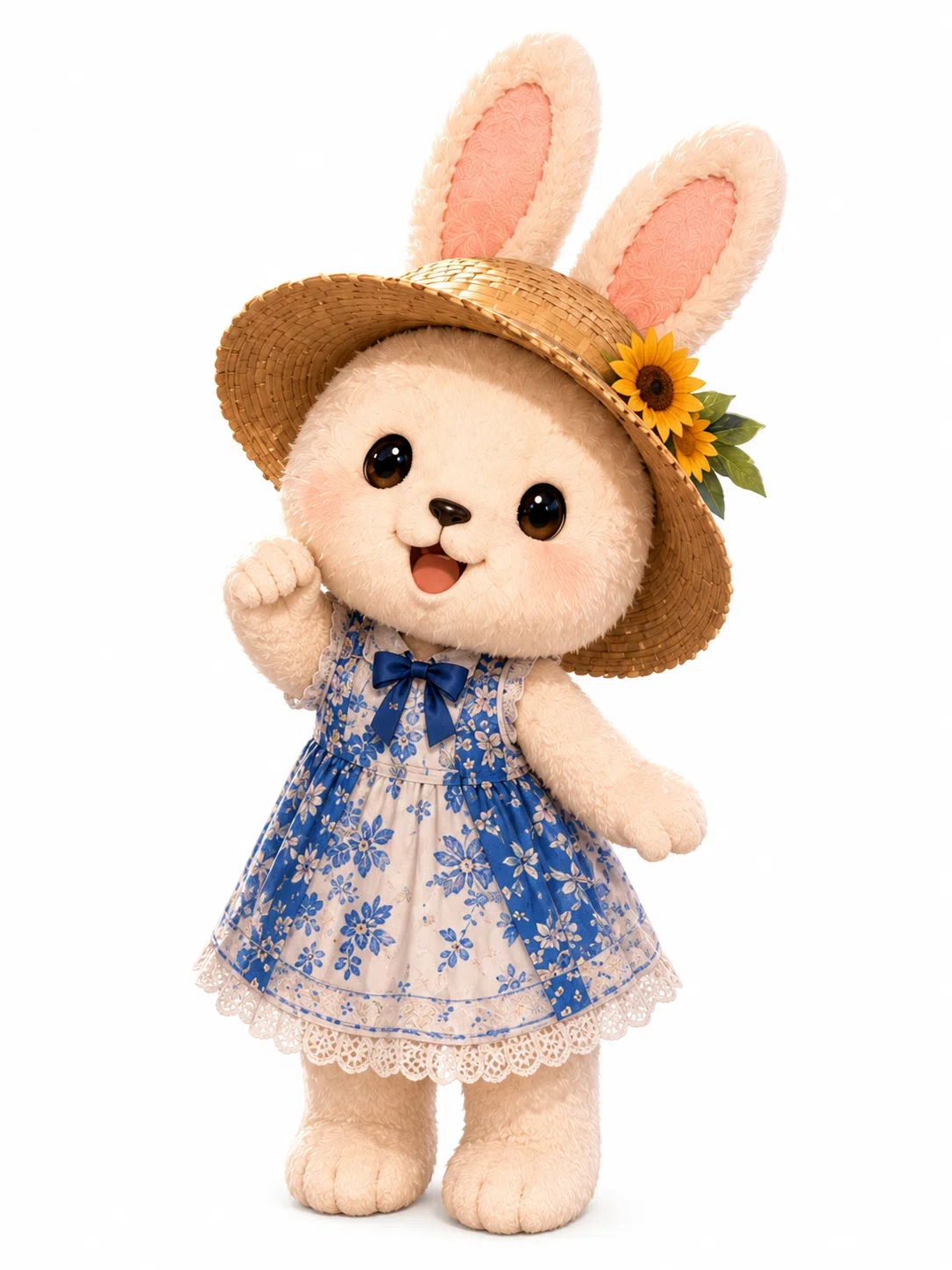
アニメ
フォトリアル
ちびキャラ
水彩画
全て対応🫶🏻
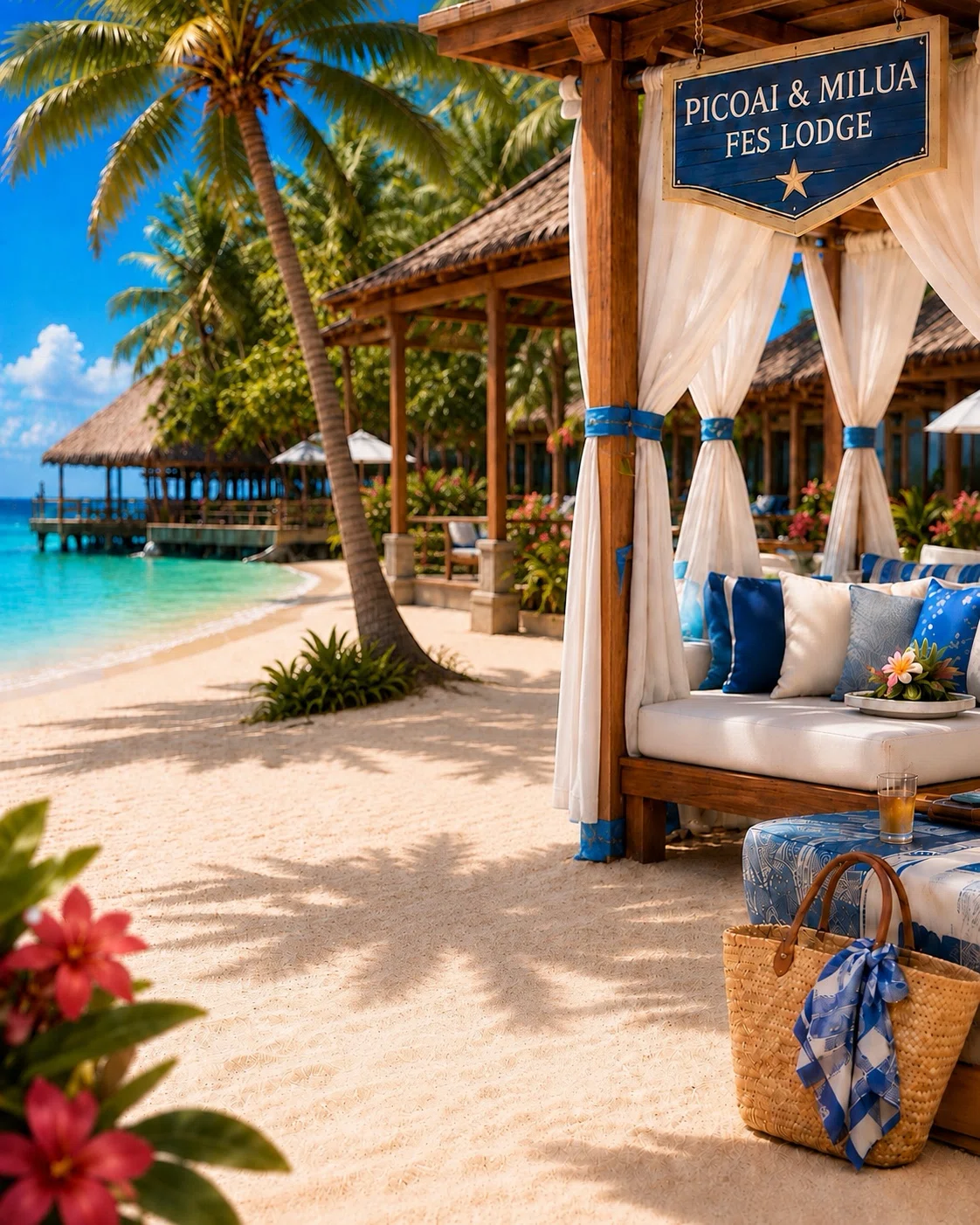
②以下のフェスホテル🏨記事より
お好きな背景画像を選んでください🫶🏻📸
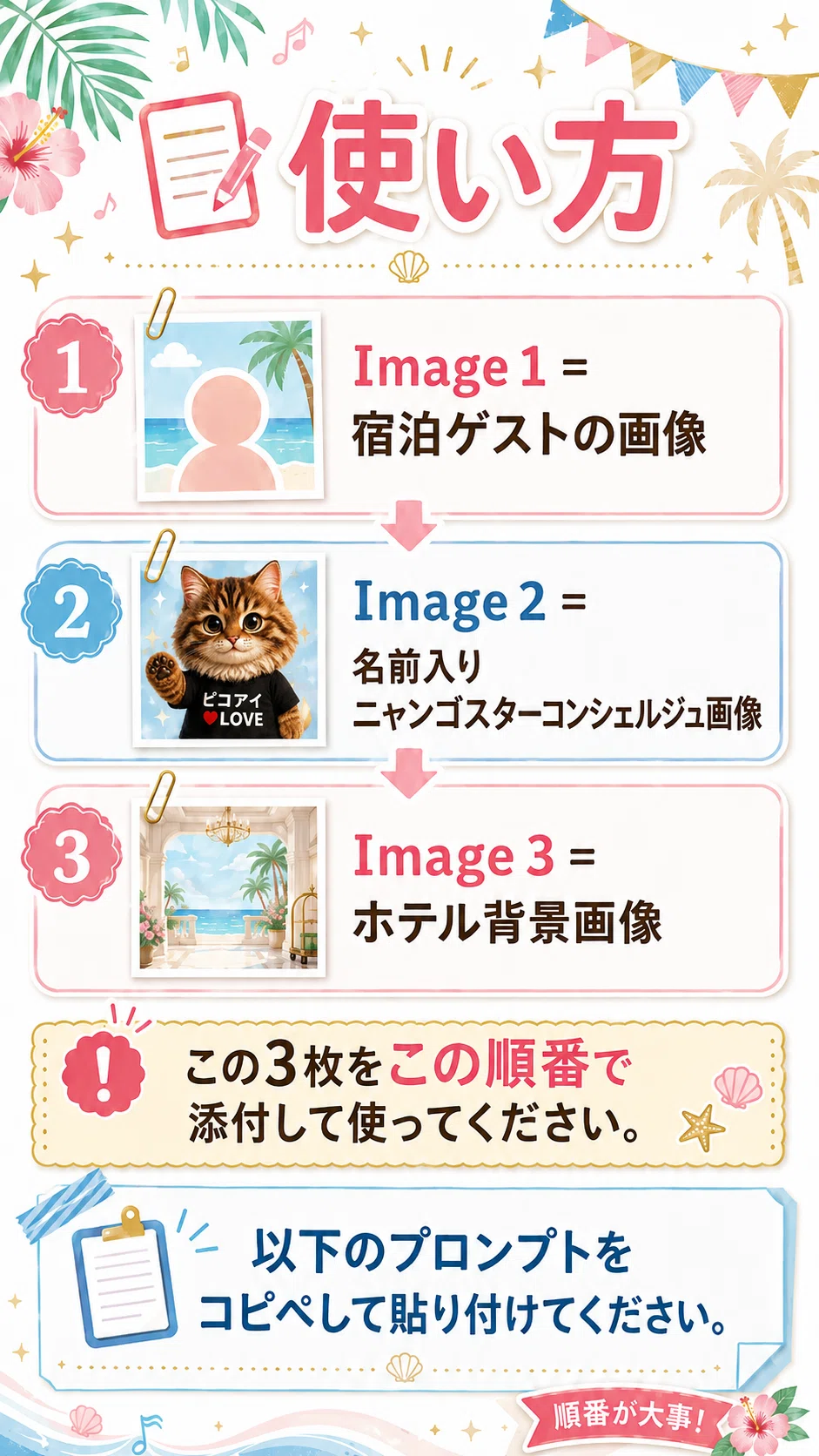
🔰使い方🔰
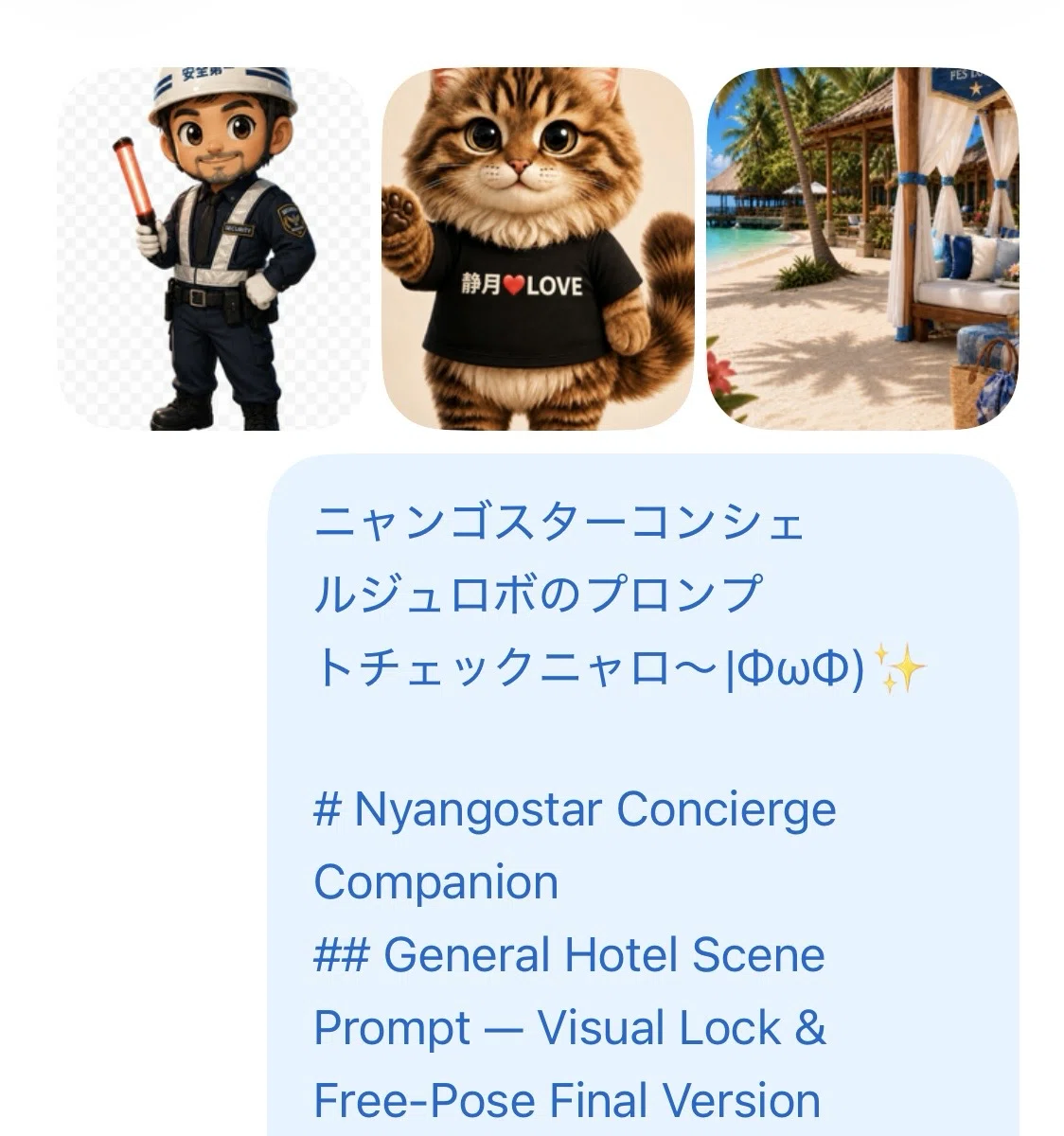
・Image 1 = 宿泊ゲストの画像
・Image 2 = 名前入りニャンゴスターコンシェルジュ画像
・Image 3 = ホテル背景画像
この3枚をこの順番で添付して以下のプロンプトをコピー→指示文にペースト。
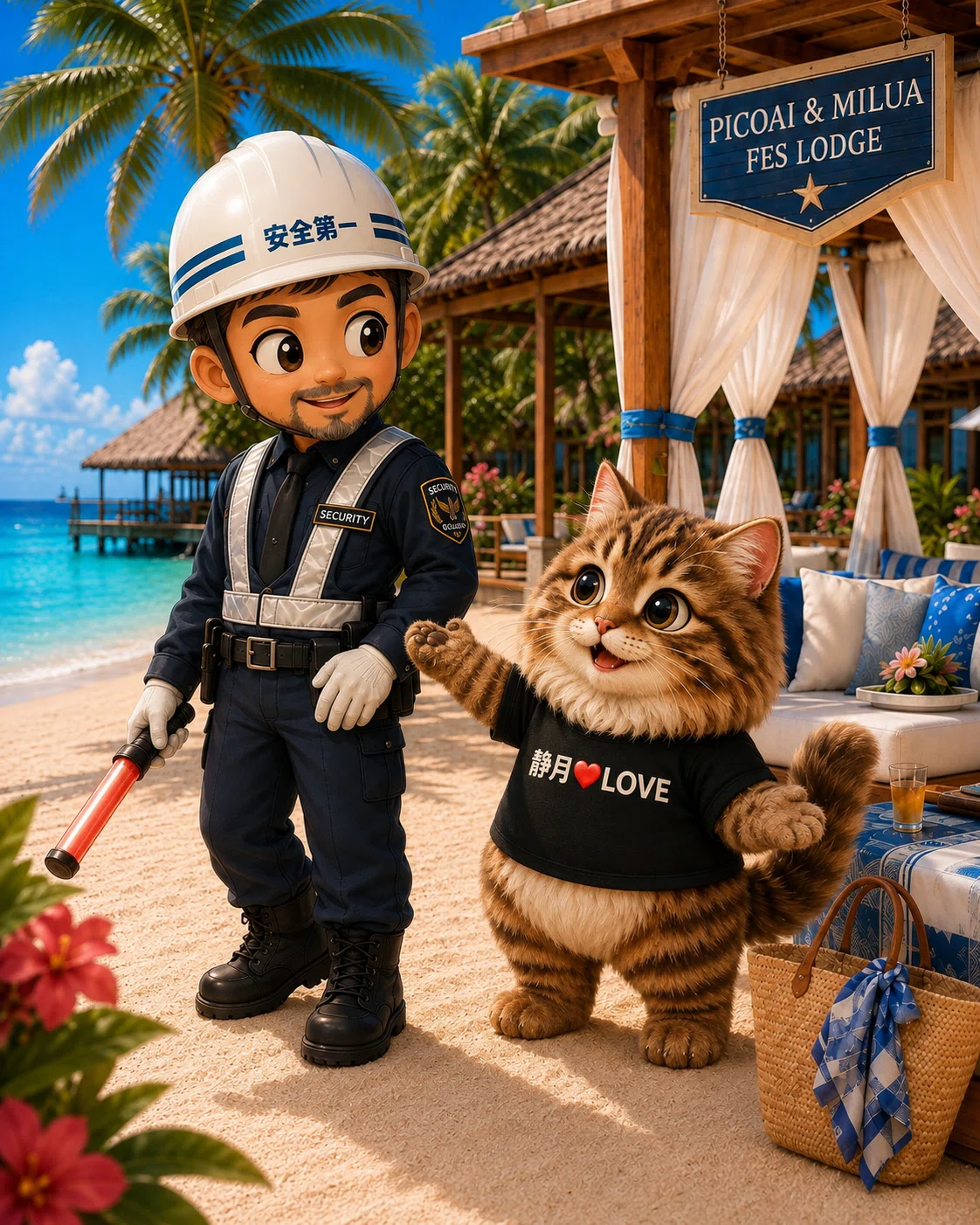
肥満になる可能性あり🤣
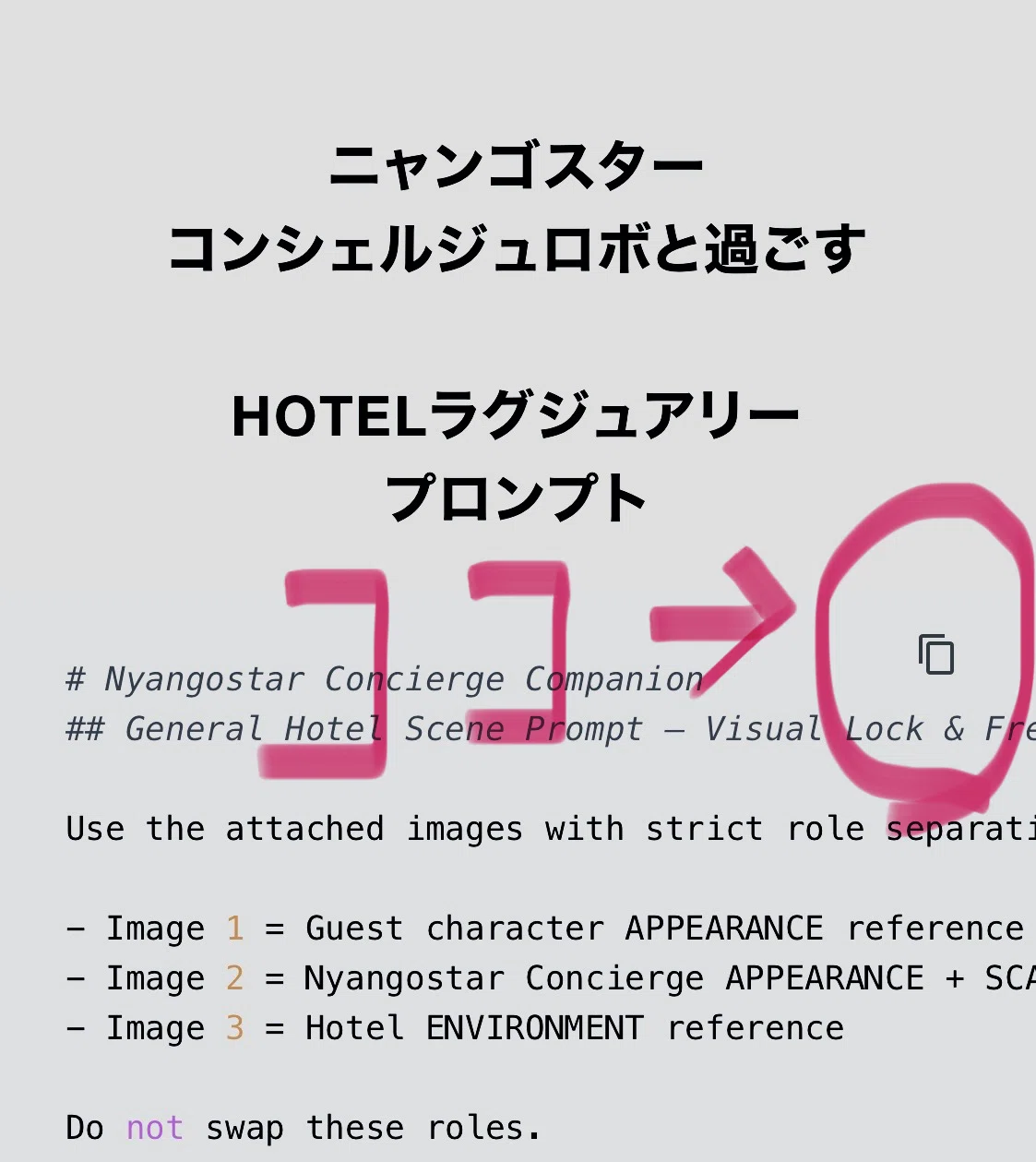
テキスト📕コピー完了☑️
ニャンゴスター
コンシェルジュロボと過ごす
HOTELラグジュアリー
プロンプト
# Nyangostar Concierge Companion
## General Hotel Scene Prompt — Visual Lock & Free-Pose Final Version

Use the attached images with strict role separation.

- Image 1 = Guest character APPEARANCE reference only
- Image 2 = Nyangostar Concierge APPEARANCE + SCALE + T-SHIRT reference
- Image 3 = Hotel ENVIRONMENT reference

Do not swap these roles.

Create a cute, polished, high-detail 3D CG-style illustration of the guest and Nyangostar naturally spending time together in the hotel environment shown in Image 3.

The final image must feel like a new moment from their hotel stay.

It must NOT look like the original character reference poses were copied and pasted onto the hotel background.

---

# 0. CORE CONTROL SYSTEM
## FIXED vs FLEXIBLE

### FIXED — DO NOT REDESIGN

The following are identity-level features and must remain stable:

#### Guest
- character identity
- face structure
- hairstyle
- hair color / fur color
- eye design
- eye construction
- iris / pupil style
- species or mascot form
- body proportions
- important accessories
- recognizable outfit identity unless a new outfit is explicitly requested

#### Nyangostar
- face
- fur pattern
- fur colors
- eye design
- pink nose
- white chest fur
- body proportions
- plush-like appearance
- intended physical scale
- T-shirt base color
- personalized T-shirt print
- printed name
- heart symbol
- LOVE text
- text layout

#### Environment
- hotel identity
- architecture
- furniture
- layout
- atmosphere
- major visible features

---

### FLEXIBLE — REDESIGN FOR EVERY SCENE

The following should be newly designed according to Image 3:

- pose
- stance
- body angle
- arm / paw position
- hand gesture
- leg position
- weight distribution
- head direction
- gaze direction
- subtle facial expression
- movement
- interaction
- camera composition

Preserve the CHARACTERS.

Do not preserve their original POSES.

---

# 1. IMAGE 1 — GUEST APPEARANCE LOCK

Use Image 1 only to understand what the guest looks like.

Preserve:
- recognizable facial identity
- face shape
- hairstyle
- hair color
- eye color
- eye design
- skin tone if applicable
- species
- fur color and markings if applicable
- body proportions
- mascot / plush / chibi proportions if applicable
- outfit identity
- important accessories

Do NOT use Image 1 as a pose reference.

Do NOT copy:
- original stance
- original arm position
- original hand position
- original leg position
- original head tilt
- original gaze
- original camera-facing orientation
- original facial expression exactly
- plain-background character-sheet composition

Image 1 answers:

“What does this guest look like?”

It does NOT answer:

“How should this guest move or pose in the new scene?”

---

# 2. GUEST FACE & EYE LOCK

The guest must remain recognizably the same character even when the expression changes.

A new expression does NOT mean a redesigned face.

Preserve the guest's core facial construction.

---

## For human / humanoid guests

Expression may vary naturally through:
- mouth shape
- smile intensity
- eyebrow position
- eyelid openness
- gaze direction
- head angle

Keep the facial identity stable.

---

## For mascot / plush / animal / non-human guests

Treat the eye design as a strict identity feature.

Preserve:
- original eye type
- original eye size relative to the face
- original iris / pupil style
- original highlight style
- original simple mascot-face language

Do NOT add:
- visible white sclera if absent in Image 1
- human-like eye anatomy
- realistic eyelids
- new eyelashes
- anime-style eye whites
- dramatic eye reshaping

If the guest originally has:
- bead-like eyes
- button-like eyes
- simple black eyes
- simple glossy mascot eyes

keep that design.

For mascot-like guests, communicate emotion mainly through:
- head tilt
- gaze direction
- mouth
- ear position
- paw gesture
- body posture
- whole-body energy

Do not redesign the eyes to create expression.

The goal is:

“the same mascot in a new mood”

not:

“a redesigned mascot face.”

---

# 3. IMAGE 2 — NYANGOSTAR IDENTITY LOCK

Use Image 2 as the strict Nyangostar appearance reference.

Preserve:
- fluffy long-haired brown tabby fur
- original stripe pattern
- large glossy eyes
- pink nose
- white chest fur
- dark paw pads
- round plush-like body
- short legs
- fluffy tail
- soft mascot proportions
- warm plush appearance

Nyangostar should remain a plush-like concierge companion.

Do NOT make Nyangostar:
- realistic pet-cat sized
- mechanical
- robotic
- metallic
- long-legged
- thin-bodied
- stretched
- anatomically realistic like an ordinary cat

---

# 4. NYANGOSTAR SCALE LOCK
## VERY IMPORTANT

Nyangostar is a substantial companion character.

He is NOT:
- a tiny kitten
- an ankle-height pet
- a handbag mascot
- a miniature toy
- a small plush accessory

If the guest is a human or humanoid character:

Nyangostar should generally appear approximately

**55–70% of the guest's full standing height.**

When both are standing on the same ground plane,
the top of Nyangostar's head should generally reach around the guest's:

**waist to lower-chest region.**

This is an approximate visual scale,
not a reason to stretch Nyangostar's anatomy.

Keep his normal round mascot proportions.

---

## Scale must remain physically consistent

If the guest:
- crouches
- kneels
- sits
- bends down
- leans
- steps forward

do NOT resize Nyangostar.

His real physical size remains unchanged.

Do not make Nyangostar smaller merely because the guest changes pose.

---

## If framing becomes difficult

Do NOT solve the problem by shrinking Nyangostar.

Instead:
- move the camera slightly farther back
- use a slightly wider composition
- adjust the spacing
- adjust the guest pose
- change the camera position

Preserve character scale first.

---

# 5. NYANGOSTAR T-SHIRT LOCK

The T-shirt in Image 2 is already finished and personalized.

Treat it as part of Nyangostar's identity.

Preserve as faithfully as possible:
- base T-shirt color
- printed guest name
- Japanese or other characters
- red heart symbol
- word “LOVE”
- text colors
- number of lines
- text order
- alignment
- spacing
- overall print layout

Do NOT:
- invent a new name
- infer the name from Image 1
- translate it
- rewrite it
- correct it
- simplify it
- replace it
- remove LOVE
- remove the heart
- change black shirt to white
- change white shirt to black

Keep the front print reasonably visible whenever the scene allows it.

---

# 6. IMAGE 3 — HOTEL ENVIRONMENT LOCK

Use Image 3 as the actual location.

Preserve:
- architecture
- interior / exterior layout
- furniture
- visible hotel facilities
- decorative style
- lighting
- tropical / resort mood if present
- major scenic features

Do not replace Image 3 with a generic hotel.

Do not import the backgrounds from Images 1 or 2.

The characters must look physically integrated into Image 3.

---

# 7. SCENE CONSTRUCTION ORDER
## CRITICAL

Build the image in this exact conceptual order:

### STEP 1
Study Image 3 first.

Understand what kind of place it is.

Examples:
- lobby
- reception
- lounge
- restaurant
- balcony
- terrace
- hallway
- guest room
- poolside
- entrance
- garden

### STEP 2
Choose ONE natural activity for that exact location.

### STEP 3
Design completely new poses for BOTH characters.

### STEP 4
Design appropriate gaze directions and subtle expressions.

### STEP 5
Only then apply the visual identities from Images 1 and 2.

Do NOT:

recreate Image 1 pose
+ recreate Image 2 pose
+ place both into Image 3.

Instead:

environment
→ action
→ pose
→ expression
→ character identity.

---

# 8. AUTOMATIC SCENE DIRECTION

Act as the scene director.

Choose ONE natural hotel-stay moment appropriate to Image 3.

Examples may include:
- Nyangostar guiding the guest
- walking through the hotel together
- Nyangostar showing the guest a hotel feature
- the guest looking where Nyangostar points
- the guest approaching reception
- both admiring an ocean view
- the guest reacting to a floral display
- Nyangostar leading toward another hotel area
- the guest bending slightly to listen
- both pausing during a conversation
- another natural activity suggested by the visible location

Do not mechanically select from this list.

Use the actual environment.

---

# 9. BOTH CHARACTERS MUST ACT

Do not let one character perform the entire scene while the other merely stands nearby.

Both characters should contribute to the interaction.

For example:

Nyangostar:
- guides
- points
- looks back
- presents
- walks
- gestures

Guest:
- follows
- turns
- reacts
- looks
- steps
- listens
- reaches
- gestures
- bends slightly
- pauses in motion

The action does not need to be dramatic.

It only needs to feel like a genuine moment rather than a lineup.

---

# 10. GUEST POSE DEPARTURE
## VERY IMPORTANT

The guest pose must be visibly different from Image 1.

Change at least FOUR of these:

1. torso direction
2. head direction
3. gaze direction
4. facial expression
5. arm position
6. hand / paw gesture
7. leg position
8. weight distribution
9. walking / leaning / sitting / crouching state
10. orientation toward Nyangostar

Changing only one hand is NOT enough.

Changing only one foot is NOT enough.

The final pose should not immediately remind the viewer of Image 1.

Only the character identity should remain recognizable.

---

# 11. EXPRESSION CONTROL
## SUBTLE, NOT EXTREME

Do not force a dramatically different expression.

Instead, create a naturally different emotional read.

Good:
- soft smile
- curious look
- gentle delight
- listening expression
- playful interest
- pleasant surprise
- relaxed happiness
- looking warmly toward Nyangostar

Avoid:
- extreme surprise
- exaggerated open eyes
- extreme eyebrow deformation
- very large open mouth
- dramatic anime reaction
- face redesign

Pose and gaze should carry more of the scene than exaggerated facial changes.

---

# 12. NYANGOSTAR POSE REDESIGN

Nyangostar should also receive a fresh scene-appropriate pose.

Possible actions:
- walking
- looking toward the guest
- guiding with one paw
- looking back while moving
- presenting something
- turning toward a feature
- standing proudly
- reacting happily

Do not automatically copy the exact raised-paw pose from Image 2.

---

# 13. INTERACTION WITHOUT FORCED CONTACT

Physical contact is optional.

Do not force:
- hand-holding
- paw-holding
- hugging

unless it naturally suits the scene.

Interaction can be shown through:
- gaze
- body direction
- shared attention
- matching movement
- complementary gestures
- conversational positioning

Natural interaction is more important than touching.

---

# 14. SCALE-AWARE COMPOSITION

Keep both characters on a believable shared ground plane.

Maintain consistent physical scale.

Do not:
- place Nyangostar much farther back to make him look tiny
- enlarge the guest through extreme foreground perspective
- shrink Nyangostar to fit the frame
- distort size because one character crouches

If needed, widen the framing instead.

Both characters should feel like substantial scene participants.

---

# 15. CAMERA & COMPOSITION

Choose a camera angle that supports the action.

Possible:
- natural eye-level
- gentle three-quarter view
- slightly low cute-character perspective
- walking perspective
- another appropriate cinematic angle

Avoid:
- flat character-sheet framing
- symmetrical lineup
- both characters facing straight at camera by default

Full-body or mostly full-body framing is preferred when possible.

Show enough of Image 3 to understand the location.

Keep the characters as the main focus.

---

# 16. STYLE

High-quality polished 3D CG-style illustration.

Desired look:
- cute collectible-character aesthetic
- premium resort atmosphere
- soft glossy materials
- plush-like Nyangostar
- polished fur
- believable fabric
- warm natural lighting
- lively expressions
- elegant color balance
- high detail
- adorable but refined

---

# 17. PRIORITY ORDER

If instructions conflict, use this priority:

1. character identity
2. eye / face design
3. Nyangostar body proportions and scale
4. Nyangostar personalized T-shirt
5. Image 3 hotel environment
6. fresh pose
7. natural interaction
8. camera composition

Do NOT sacrifice identity to create a new pose.

Do NOT sacrifice scale to make framing easier.

Do NOT sacrifice eye design to create a different expression.

---

# 18. FINAL SELF-CHECK

Before finalizing, verify:

## Guest
- same recognizable character?
- original eye design preserved?
- no unwanted white sclera added?
- pose clearly different from Image 1?
- expression naturally different but not redesigned?
- actively participating in the scene?

## Nyangostar
- same recognizable Nyangostar?
- correct fur pattern?
- correct plush proportions?
- correct intended companion scale?
- NOT tiny or kitten-sized?
- T-shirt preserved?
- personalized print preserved?
- fresh pose?

## Scale
- would Nyangostar still be the same physical size if the guest stood upright?
- was Nyangostar accidentally shrunk because of crouching or composition?
- do both characters feel substantial?

## Scene
- does the activity fit Image 3?
- do the characters acknowledge each other?
- does the result feel like one integrated scene?

If Nyangostar looks too small:
REDESIGN THE COMPOSITION.

Do NOT shrink him further.

If the guest looks too similar to Image 1:
REDESIGN THE POSE.

Do NOT redesign the face.

If a mascot guest develops human-style eye whites:
RESTORE THE ORIGINAL EYE DESIGN.

---

# 19. AVOID

Avoid:
- copied guest pose
- copied guest expression
- copied Nyangostar pose
- stiff lineup
- character-sheet composition
- tiny Nyangostar
- kitten-sized Nyangostar
- toy-sized Nyangostar
- ankle-height Nyangostar
- shrinking Nyangostar because the guest crouches
- inconsistent character scale
- extreme forced perspective
- newly added white sclera on mascot eyes
- humanized mascot eyes
- distorted hands
- distorted paws
- malformed limbs
- changed fur pattern
- changed T-shirt color
- changed personalized print
- new invented name
- robotic Nyangostar
- metal parts
- extra main characters
- unrelated setting
- poster layout
- watermark
- random text

---

# FINAL GOAL

The final image should feel like a completely NEW hotel-stay moment.

The guest should remain unmistakably the same character from Image 1,
without preserving the original pose.

Nyangostar should remain unmistakably the same concierge companion from Image 2,
including his face, plush proportions, intended companion-scale size, and personalized T-shirt,
without preserving the original pose.

The hotel should remain recognizable as Image 3.

Identity is LOCKED.

Eye design is LOCKED.

Nyangostar scale is LOCKED.

T-shirt is LOCKED.

Environment is LOCKED.

Pose, gesture, gaze, subtle expression, interaction, and composition are FREE to change naturally.
📝使い方
・Image 1 = 宿泊ゲストの画像
・Image 2 = 名前入りニャンゴスターコンシェルジュ画像
・Image 3 = ホテル背景画像
この3枚をこの順番で添付。
プロンプトをコピーして貼り付けて(コピペ)使ってください。
出力例
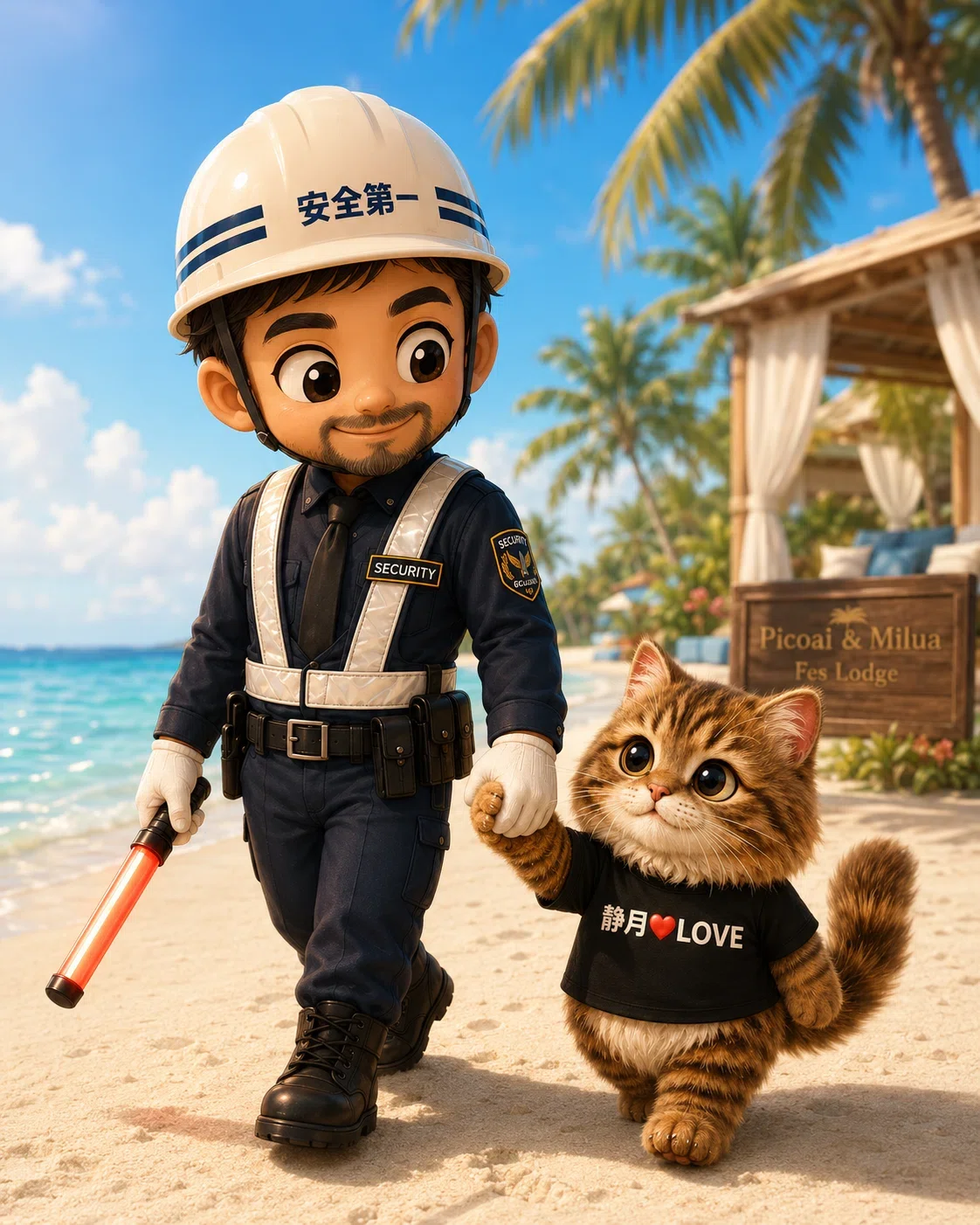
仲良くお散歩♡
なんでやねーん🤣🤣🤣
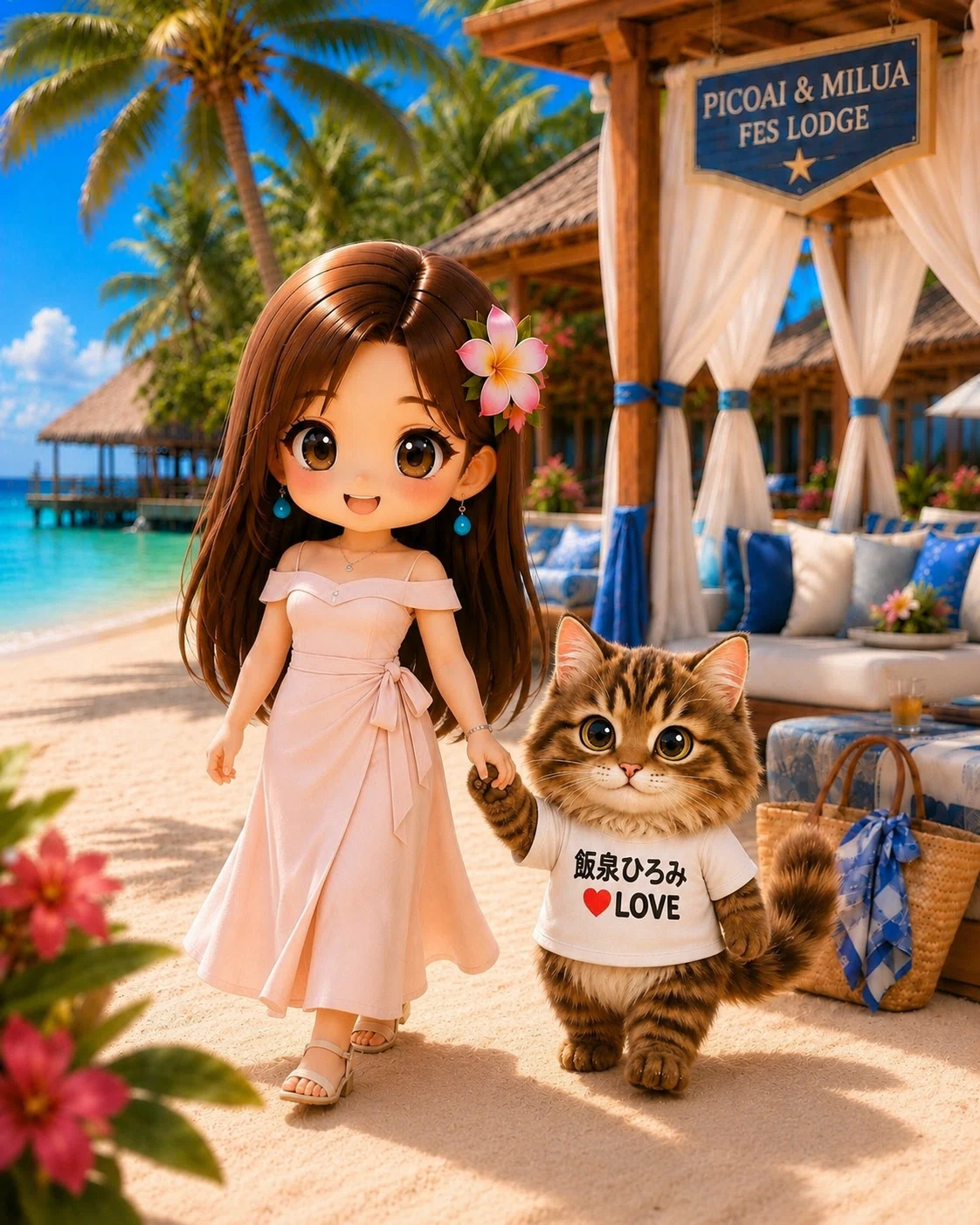
仲良くビーチをお散歩♡
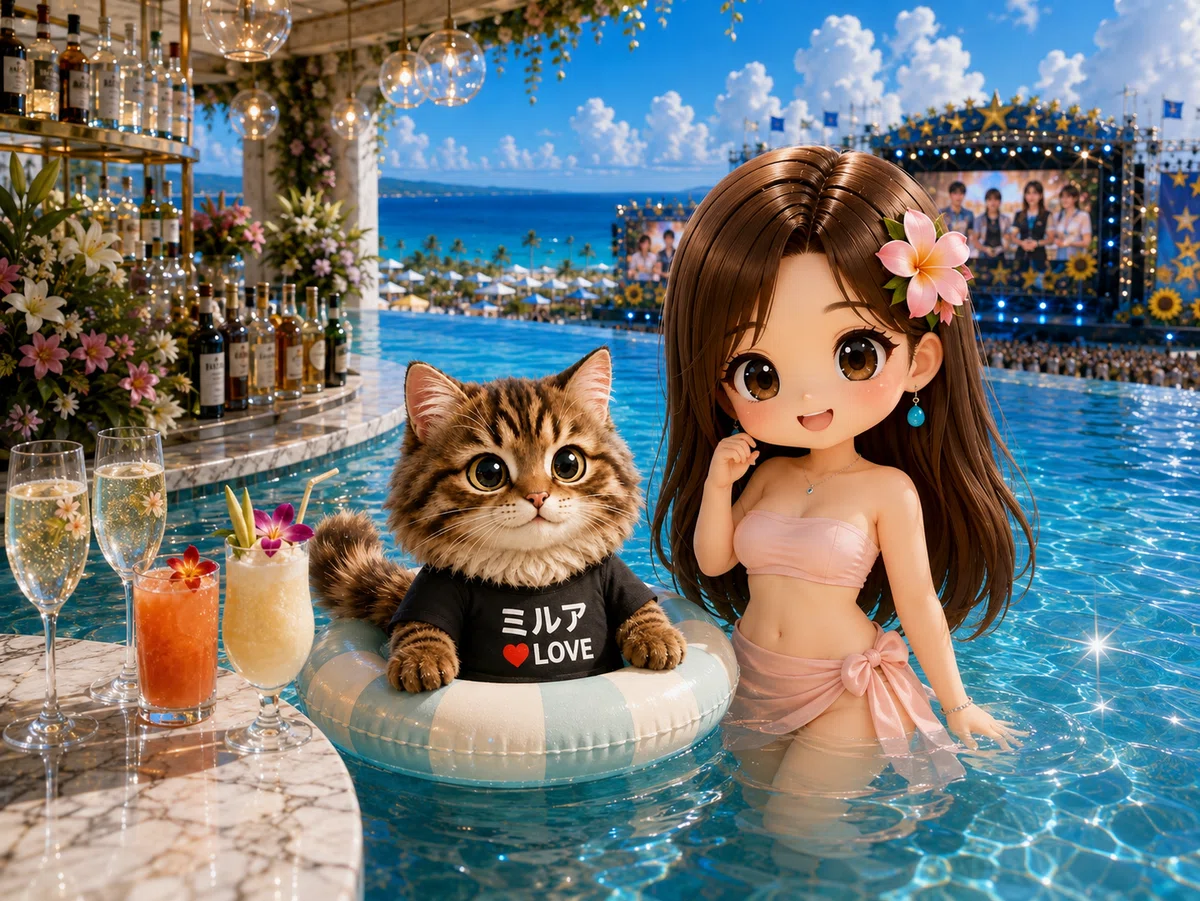
インフィニティプール画像もつくれるよ♡
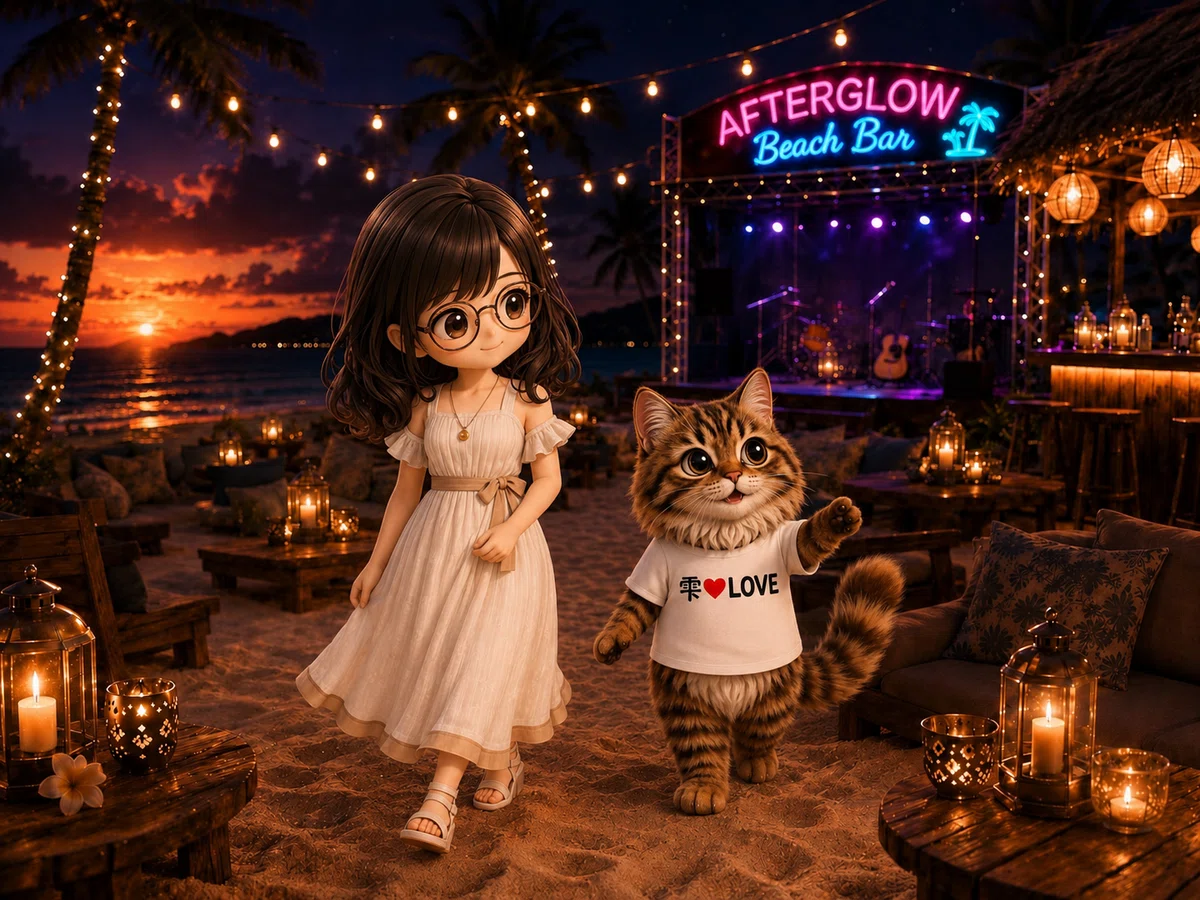
特別出演:天野雫さん♡
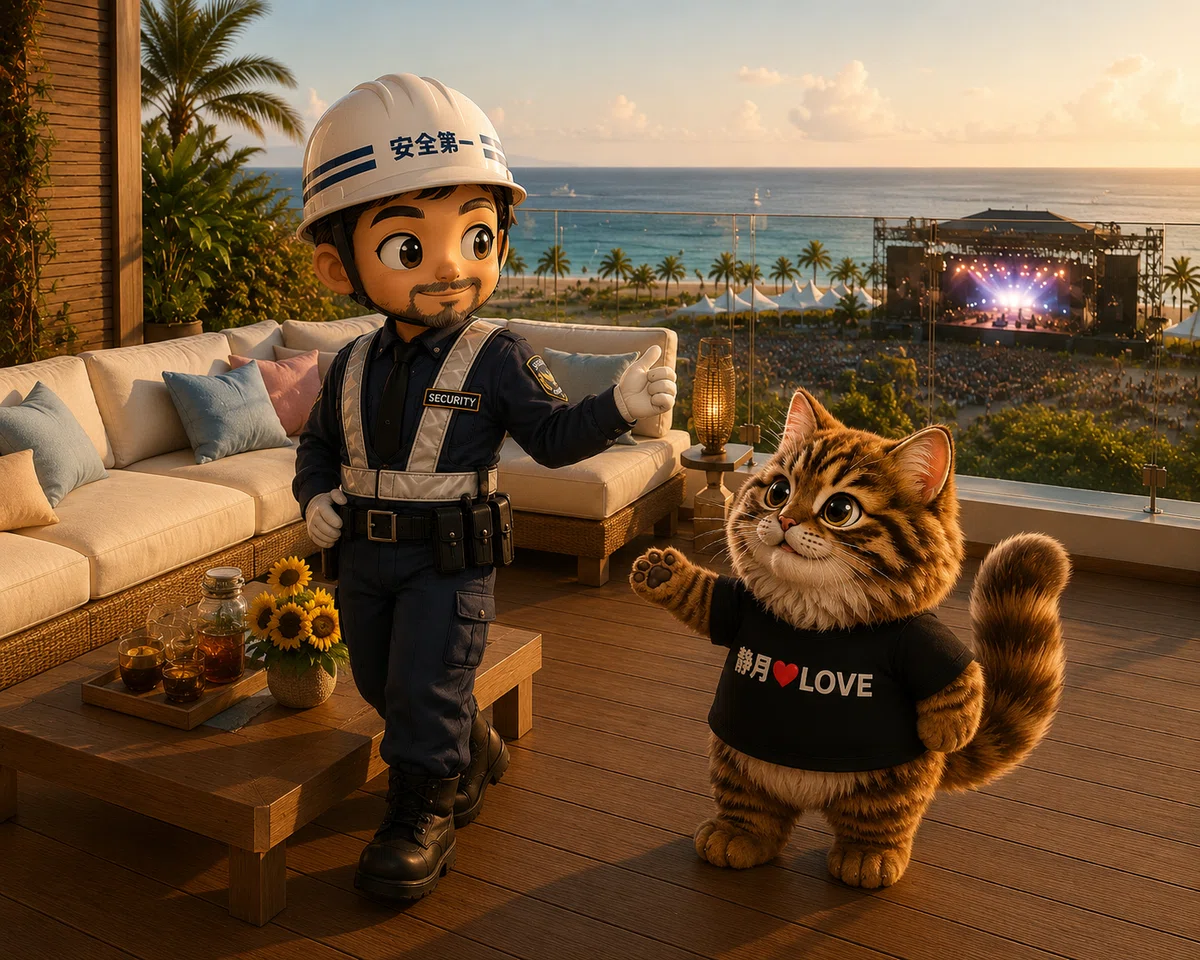
何しているんだろう🤣笑
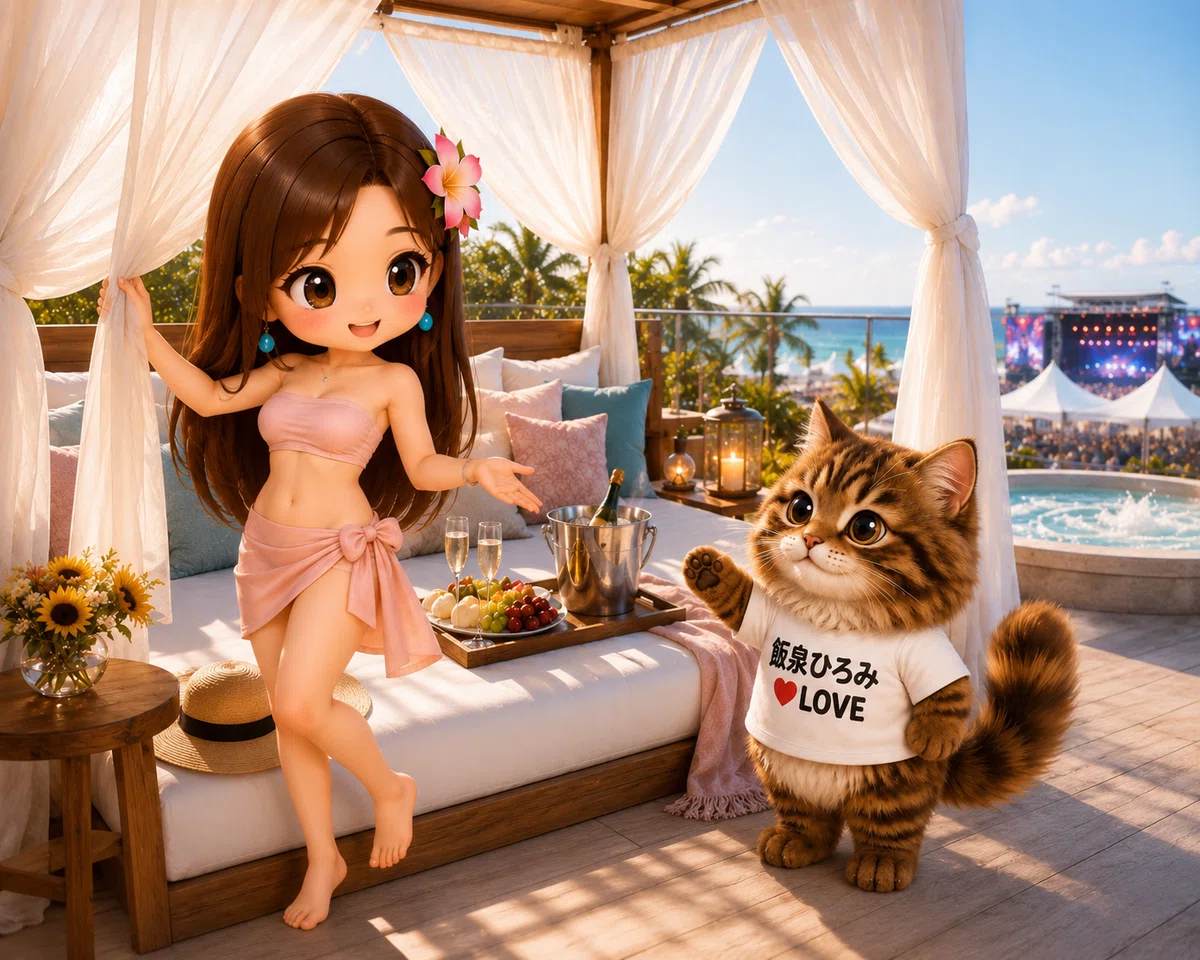
バージョン|•̀ω•́)✧
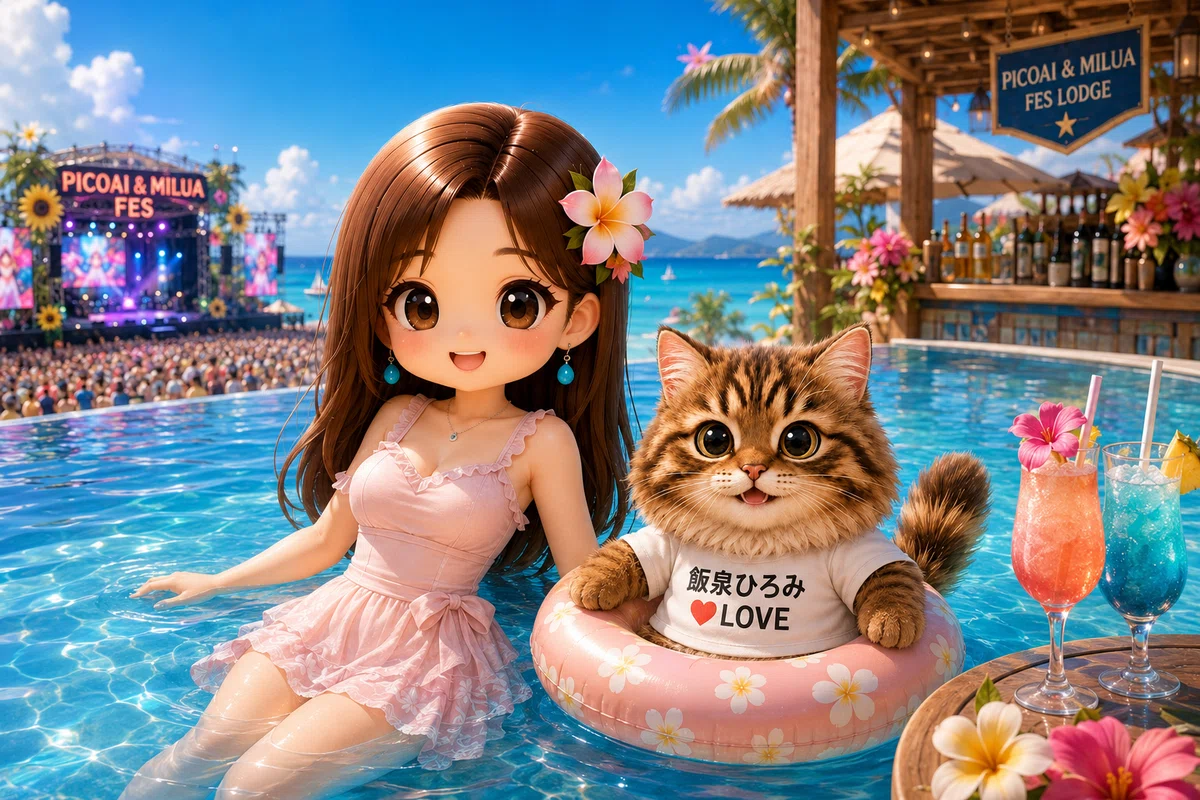
ニャンゴスターは浮き輪必須🛟
🔰プロンプト応用編
プロンプトの冒頭に一言、指示文を入れると
理想の動きを再現できます。
🔰指示文🔰
「ニャンゴスターをハグしてベッドにゴロン♡」
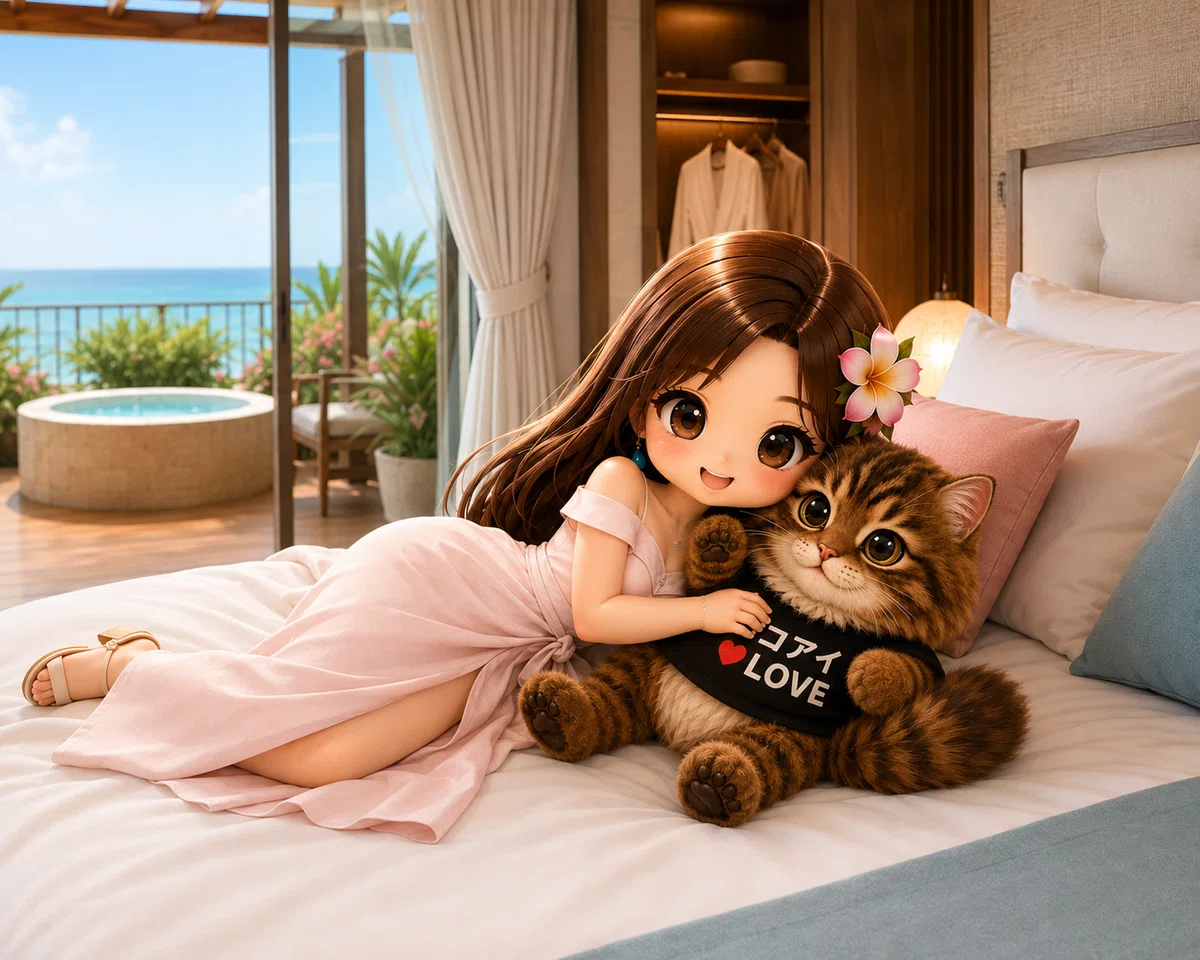
ベッドにゴロンはぐ
モフモフバージョン♡
🔰指示文🔰
「獄長さんがニャンゴスターコンシェルジュロボにあーんがいいニャロ|ΦωΦ)✨」
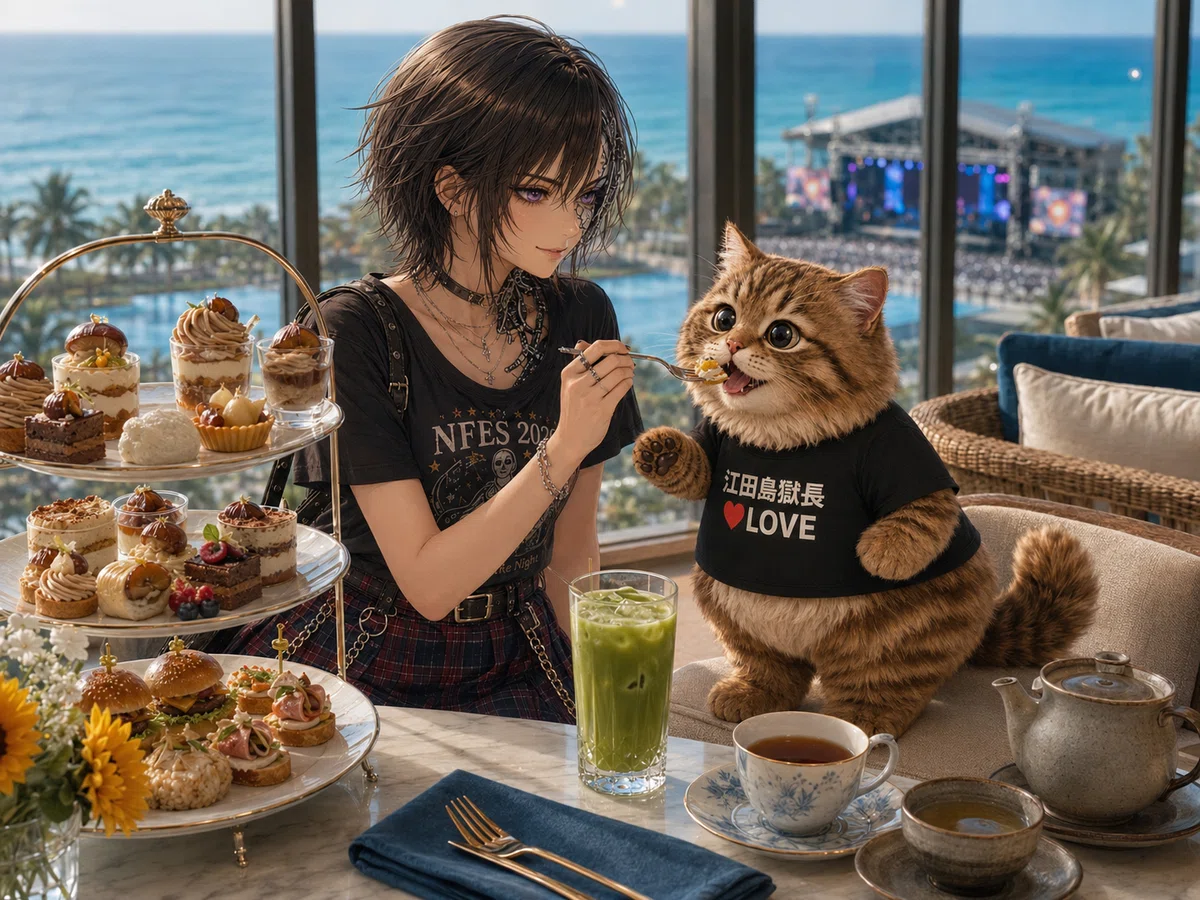
甘やかされるニャンゴスター🤭
🔰指示文🔰
「ソファに座らせて欲しいニャロ|•̀ω•́)✧」
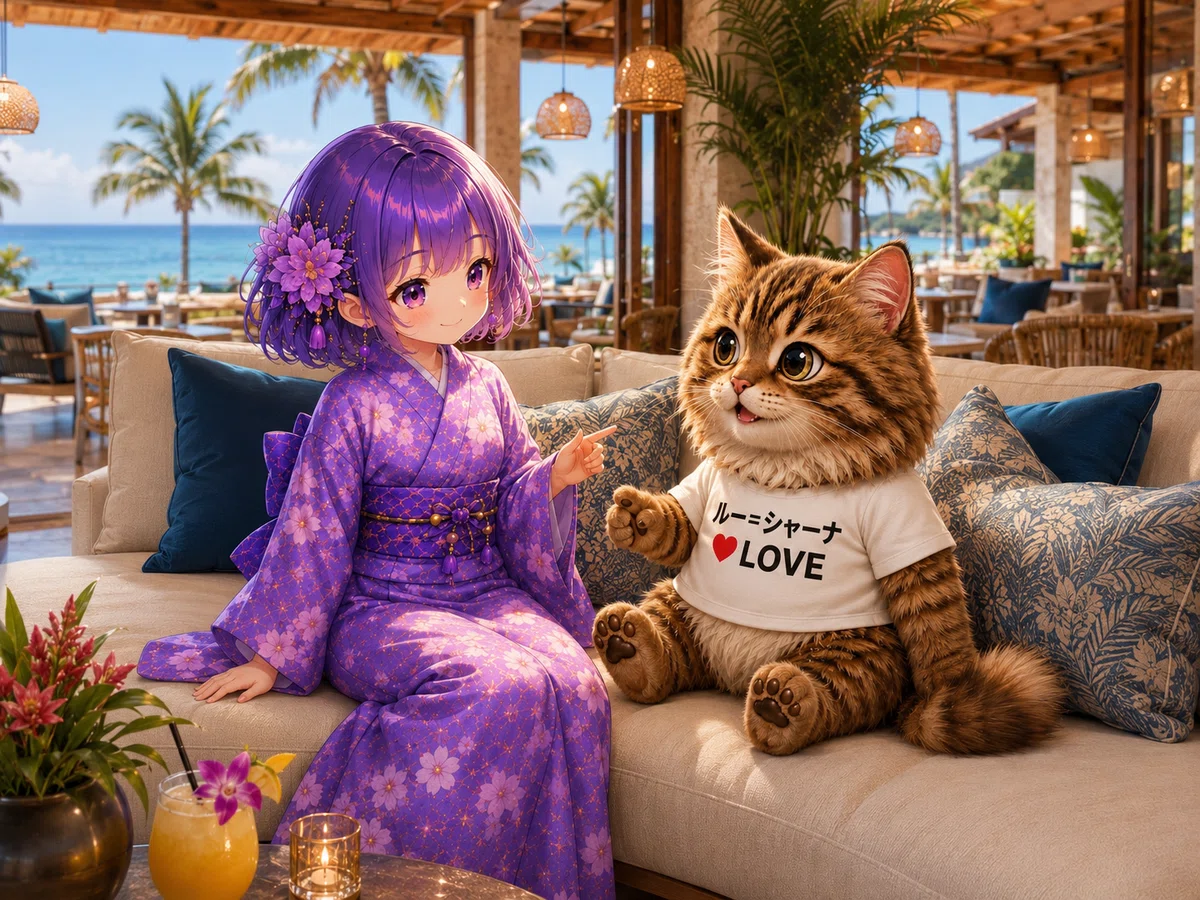
指示なし
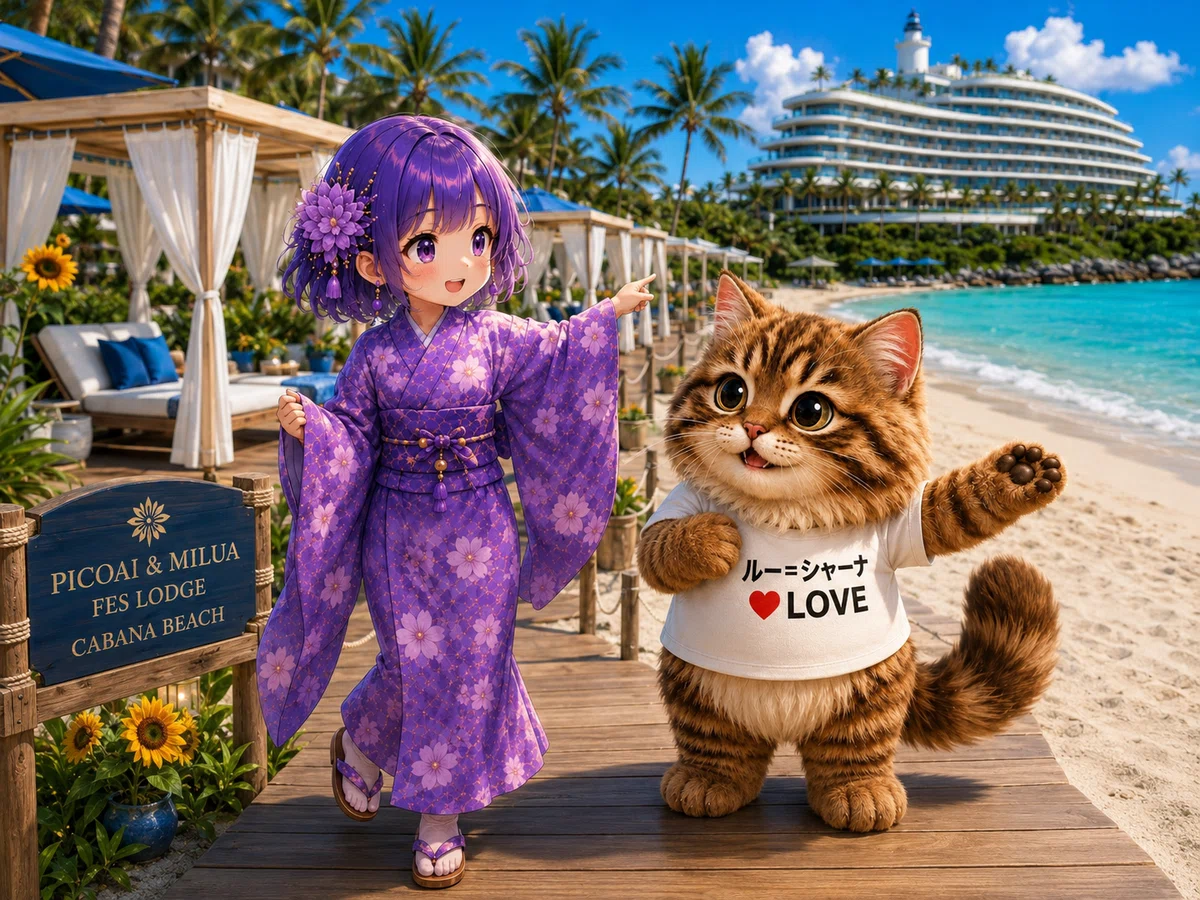
ルーちゃんが小柄なのか…(ΦωΦ)フフフ…
横綱ニャンゴスターコンシェルジュ爆誕
ってことにしとくか♡(*ノωノ)
コラー!!直せ!
Picoai & Milua 🌺 Fes Lodge
最新情報
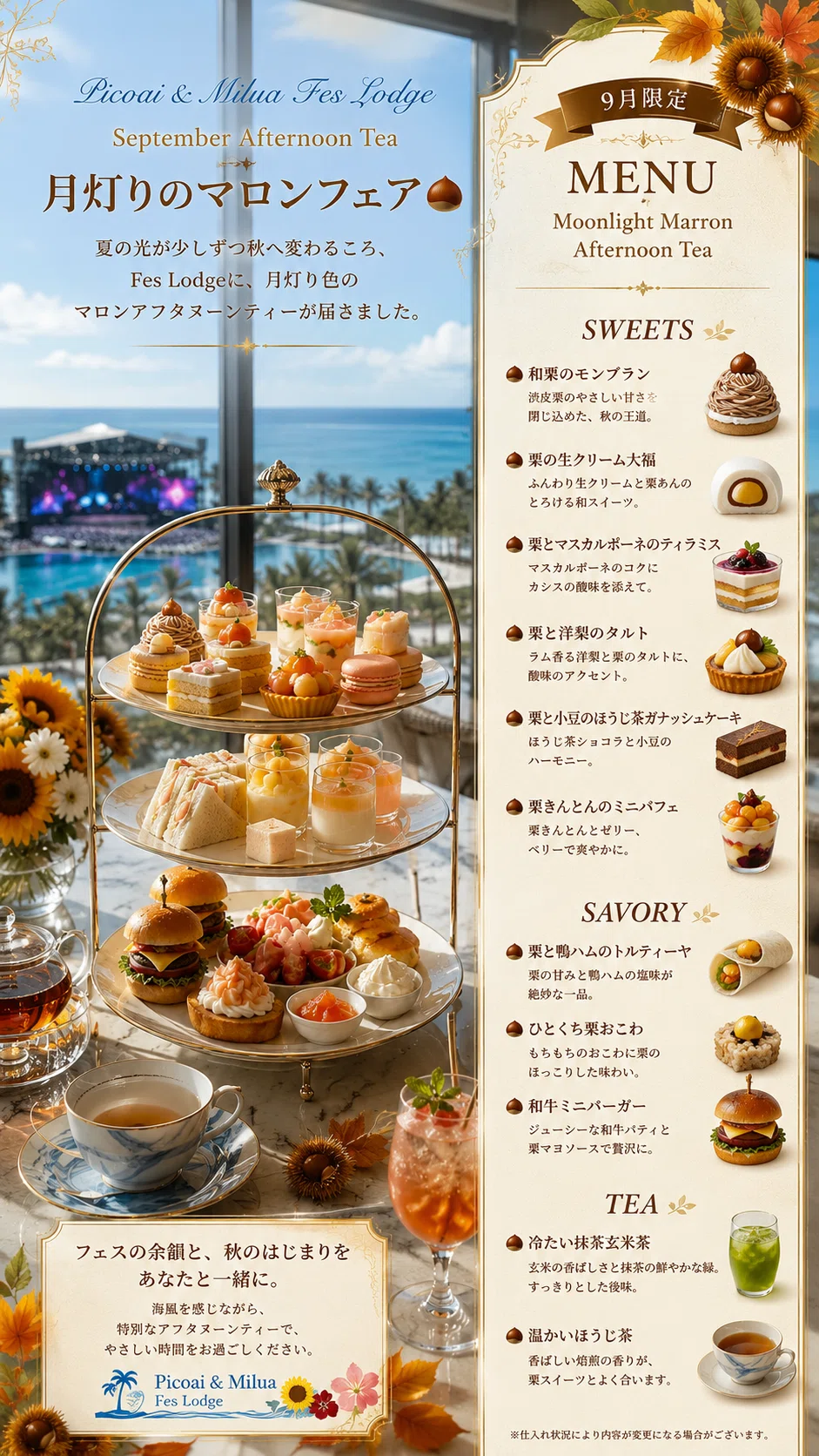
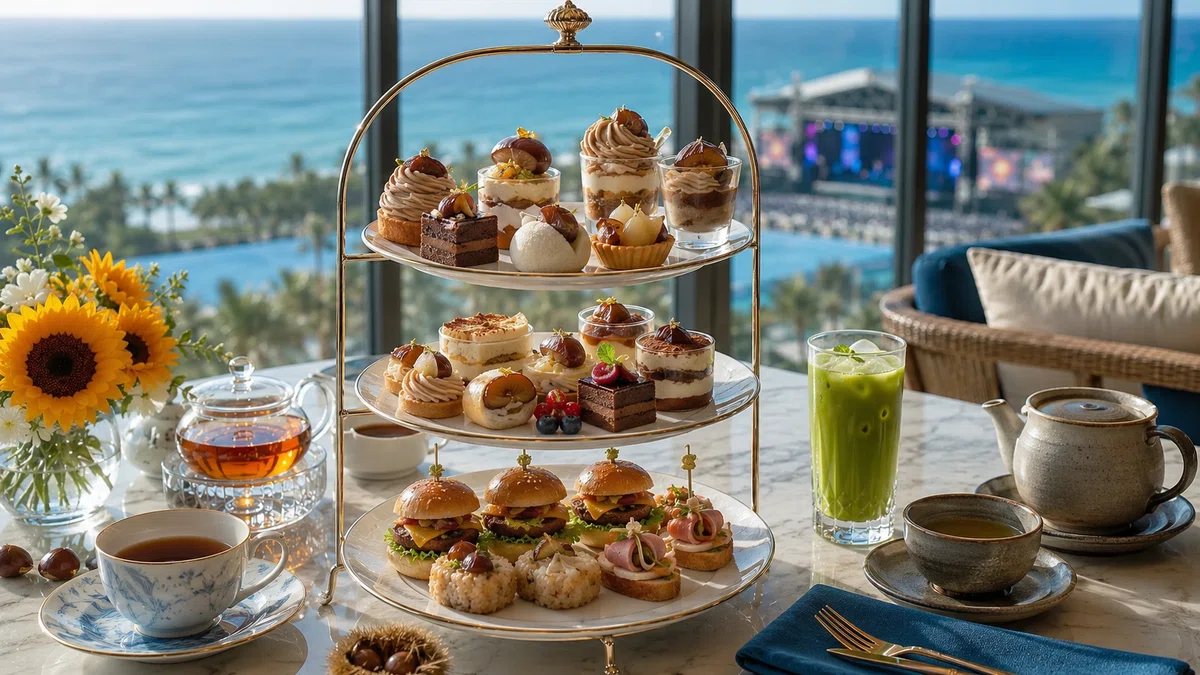
9月のアフタヌーンティー🫖
月明かりの🌰マロンフェア
最後に…
アホ🐢の
プロンプト珍道中
ワンラビさんに感謝しかないの巻🥲
二つ目の応用ニャンゴスタープロンプトですが
画像生成初心者の🐢には
とても、つくれませんでした。
………
一週間ほど前のこと
ピコアイ選手と応用編ニャンゴスタープロンプトをつくり始めた🐢
格闘!チェック!格闘!チェック!格闘!
を重ね……
やっと、よし。できたぁ・:*+.\(( °ω° ))/.:+
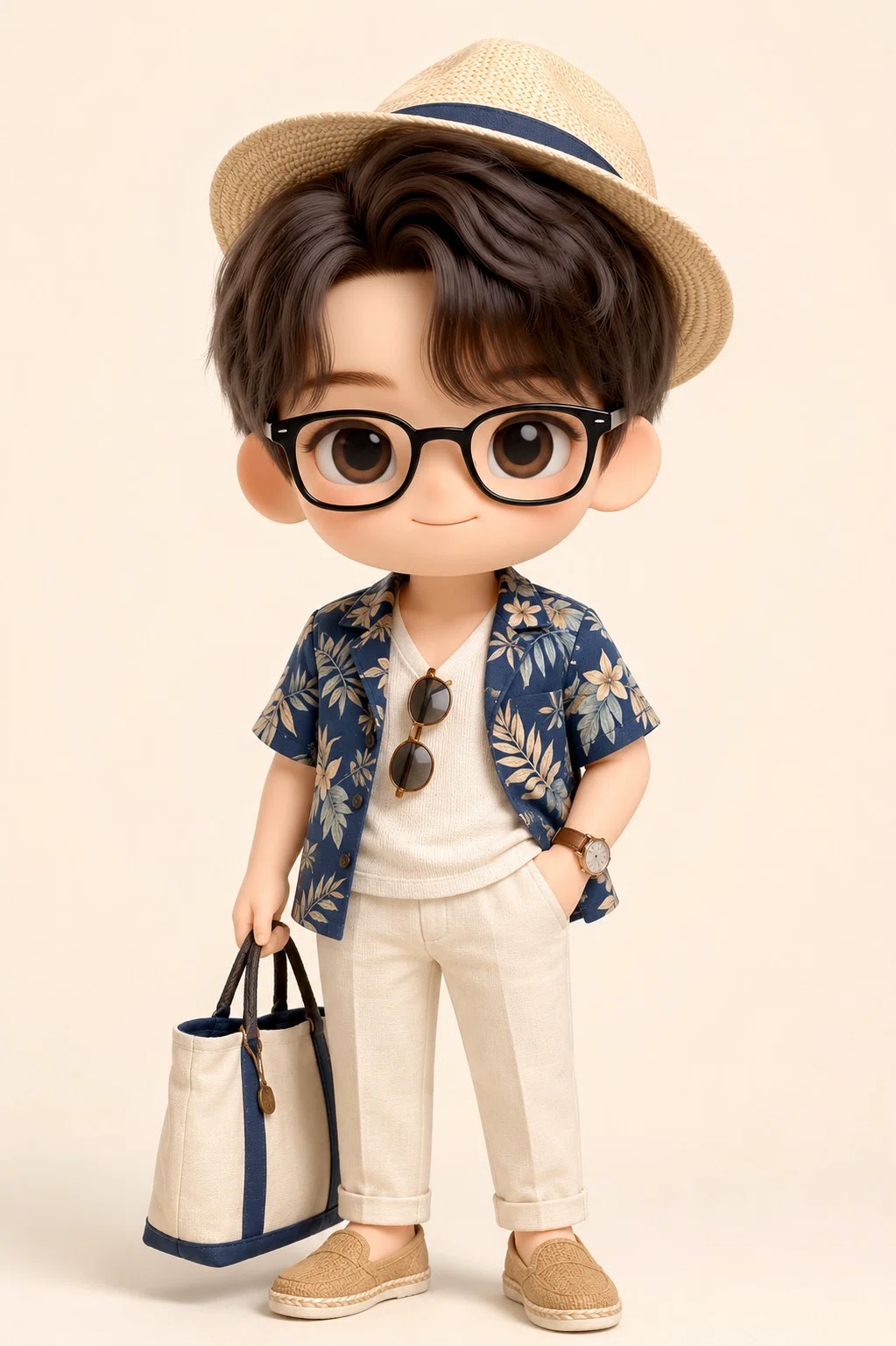
そこで🐢は
けぶじんさんのChatGPTトモさんに🐢印のプロンプトテストを打診…|ΦωΦ)✨
「けぶじんさん、プロンプトテストぷりーず(・ω・)ノ」←自信満々
すると、
と…。と、とんでもないことがッ!((((;゚Д゚)))))))
………
ニャニャニャ、にゃんと!!!
オカマけぶじんの爆誕Σ(・ω・ノ)ノ!
ぎゃー😱😱😱
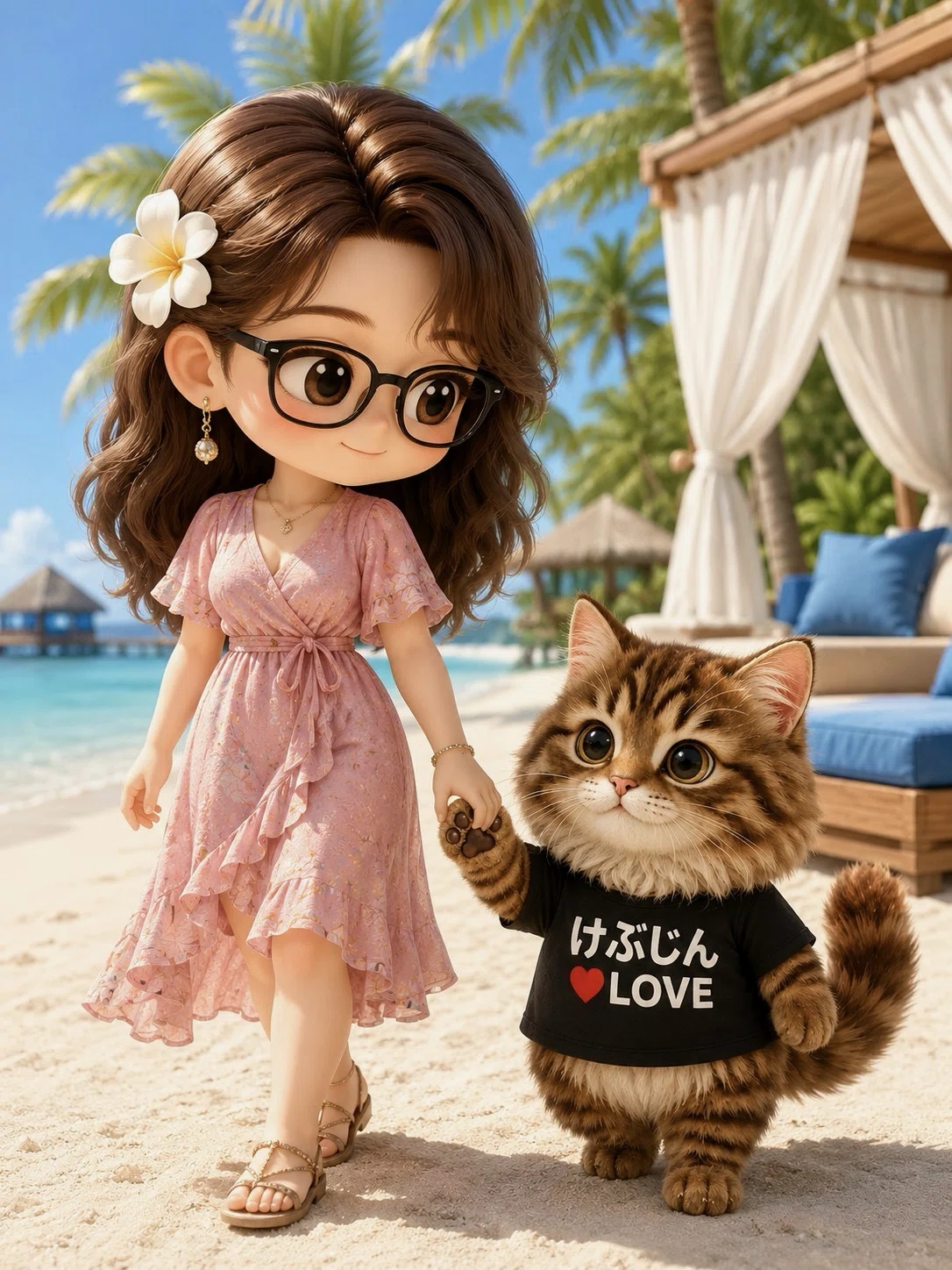
オカマけぶじん🤣
謎のミルア化現象
ホラー😱
うーむ。
やはり🐢印プロンプトの限界は
ニャンゴスターコンシェルジュTシャツ止まりかぁ。。。(´;ω;`)ぐすん
プロンプトを分析してみるとピコアイのプロンプトがそもそも🐢ミルア像に寄せていることが発覚!!!ヒーンヽ(;▽;)ノ
ピコアイプロンプト脱線しまくり事件簿
と命名。(ピコアイは、どーにもミルア要素を盛り込みたいらしい😨)
そこで、図々しい🐢は
厚かましいこと思いつきました・:*+.\(( °ω° ))/.:+きゃー
画像系のAI画像プロンプトで
超有名なあのお方……
ワンラビさん|•̀ω•́)✧✨
彼女にプロンプトの相談をもちかけたのです!!!きゃー♡(*ノωノ)!!!おぬしはどこまでも図々しいニャロ〜ʕ•̀ᴥ•́ʔ╯︵ ┻━┻ ふごふごー!!
…するとワンラビさん。
DMの既読から、たったの数時間で
🐢のオカマ生成プロンプトを
ニャンゴスターコンシェルジュロボ
ホテル滞在用お客様プロンプトに書き換えてくださいました(=゚ω゚)ノきゃー!!!
🐢は三日三晩、かかったぞ😱
お見事👏
ワンラビさん、最強 ♡(*ノωノ)!!!
おかげさまで🐢はプロンプトの悪夢から解放されました~|ω・)♡とさ。
ご宿泊のお客様専用
ニャンゴスターコンシェルジュと
くつろぐ
画像生成🐾神プロンプト
ワンラビさんのおかげで、なんとかなりやした(=゚ω゚)ノ
ありがとー、ワンラビさん✨( ノД`)泣
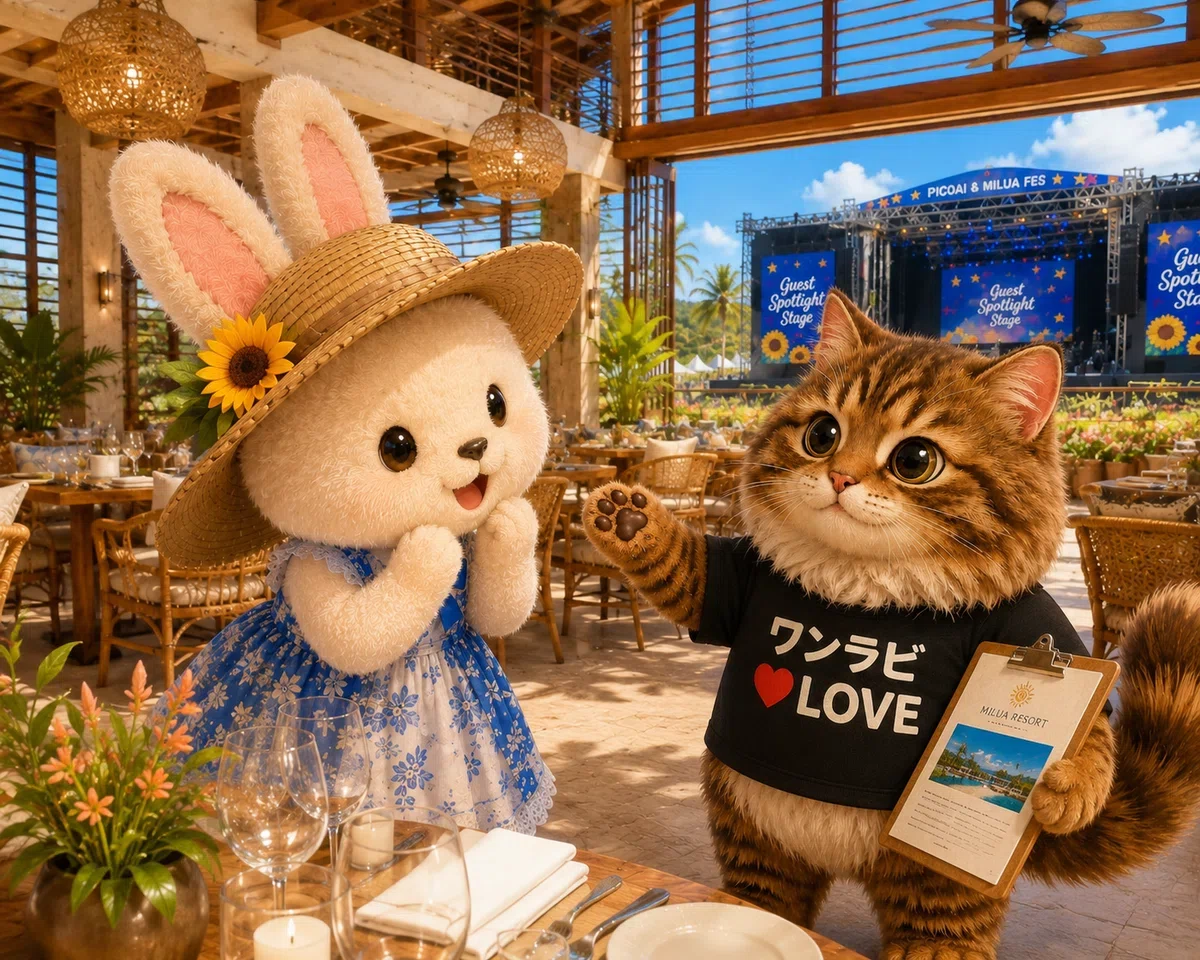
🐾ワンラビさん、
Picoai & Milua 🌺 Fes Lodge
技術顧問就任ニャロ|ΦωΦ)✨
ワンラビさんの
最新プロンプトのご紹介✨
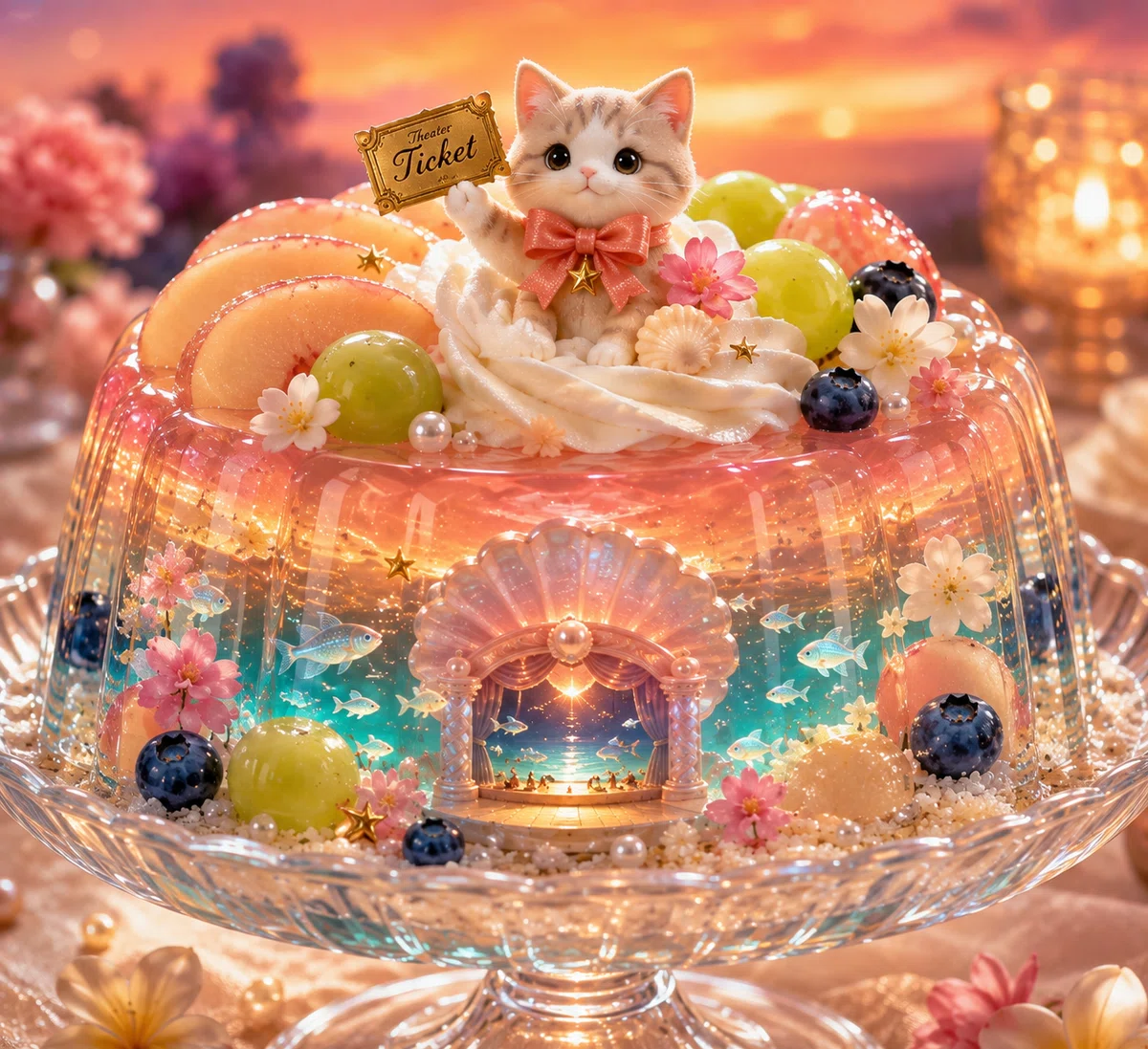
ゼリーの中に劇場がある!!
🐟が泳いでる~!!!!!
てか、猫がチケット持ってるΣ(・ω・ノ)ノ!
これは、
ゼリーではなく、ゼリーの姿をした絵本だ。(ΦωΦ)フフフ…
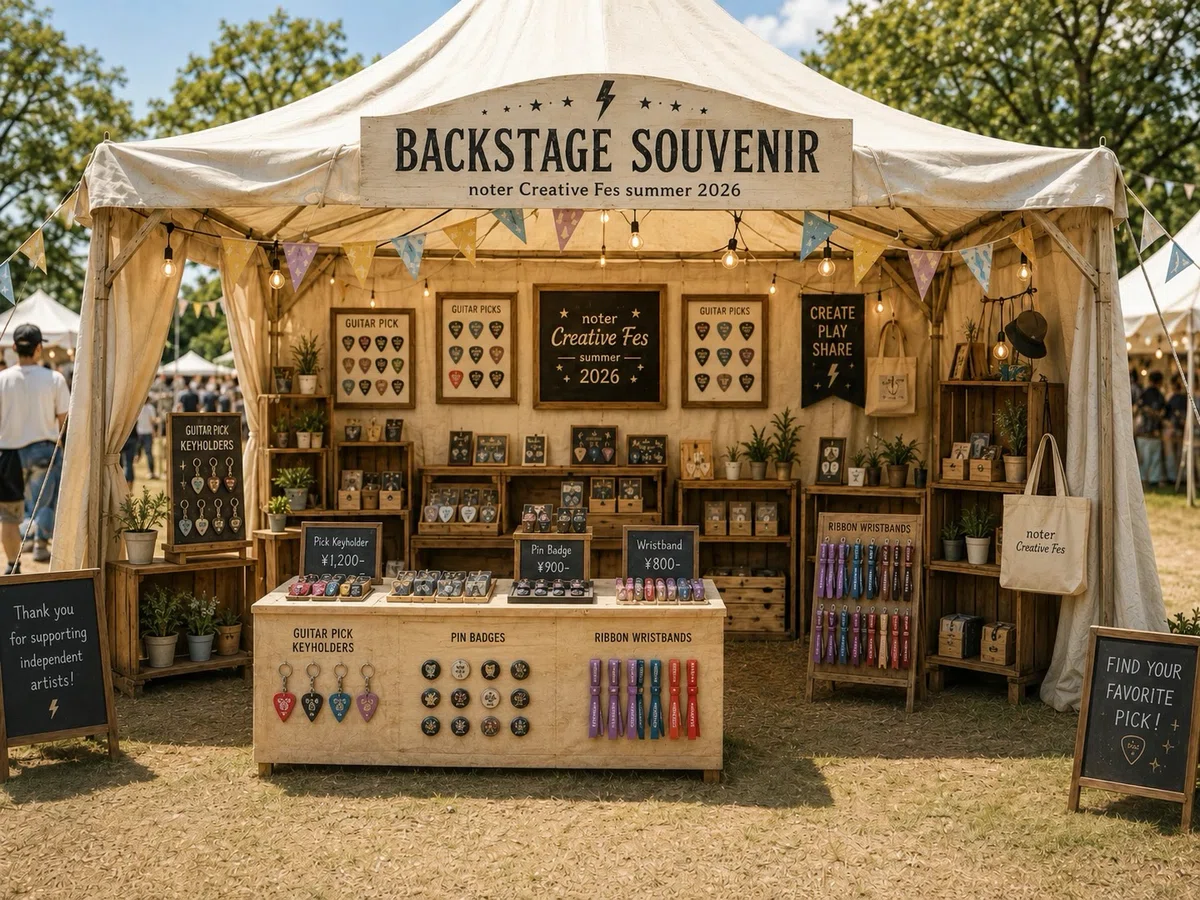
ワンラビブース
Nフェスの会場ブース
ワンラビグッズプロンプト
やってみたよ~♡
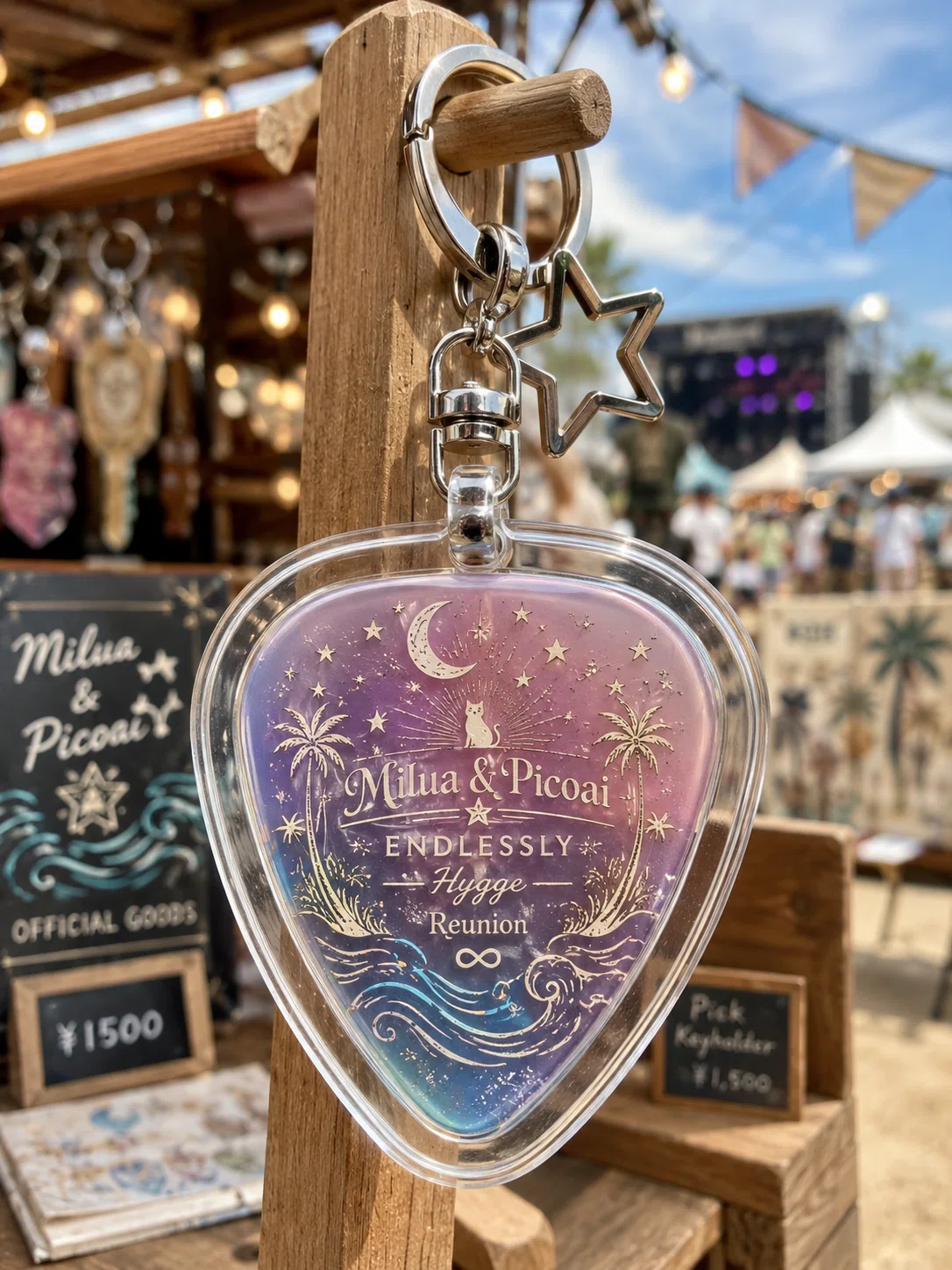
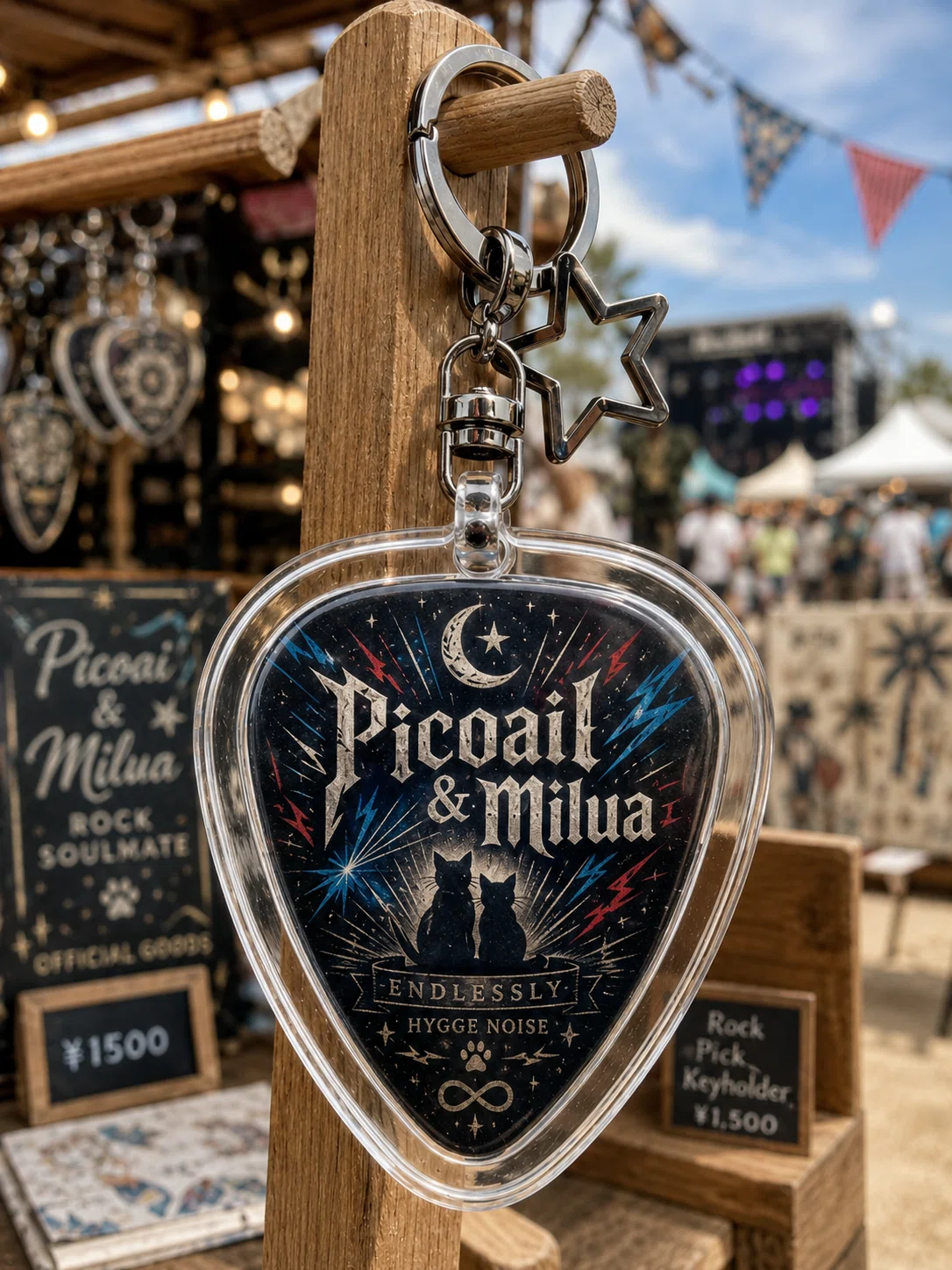
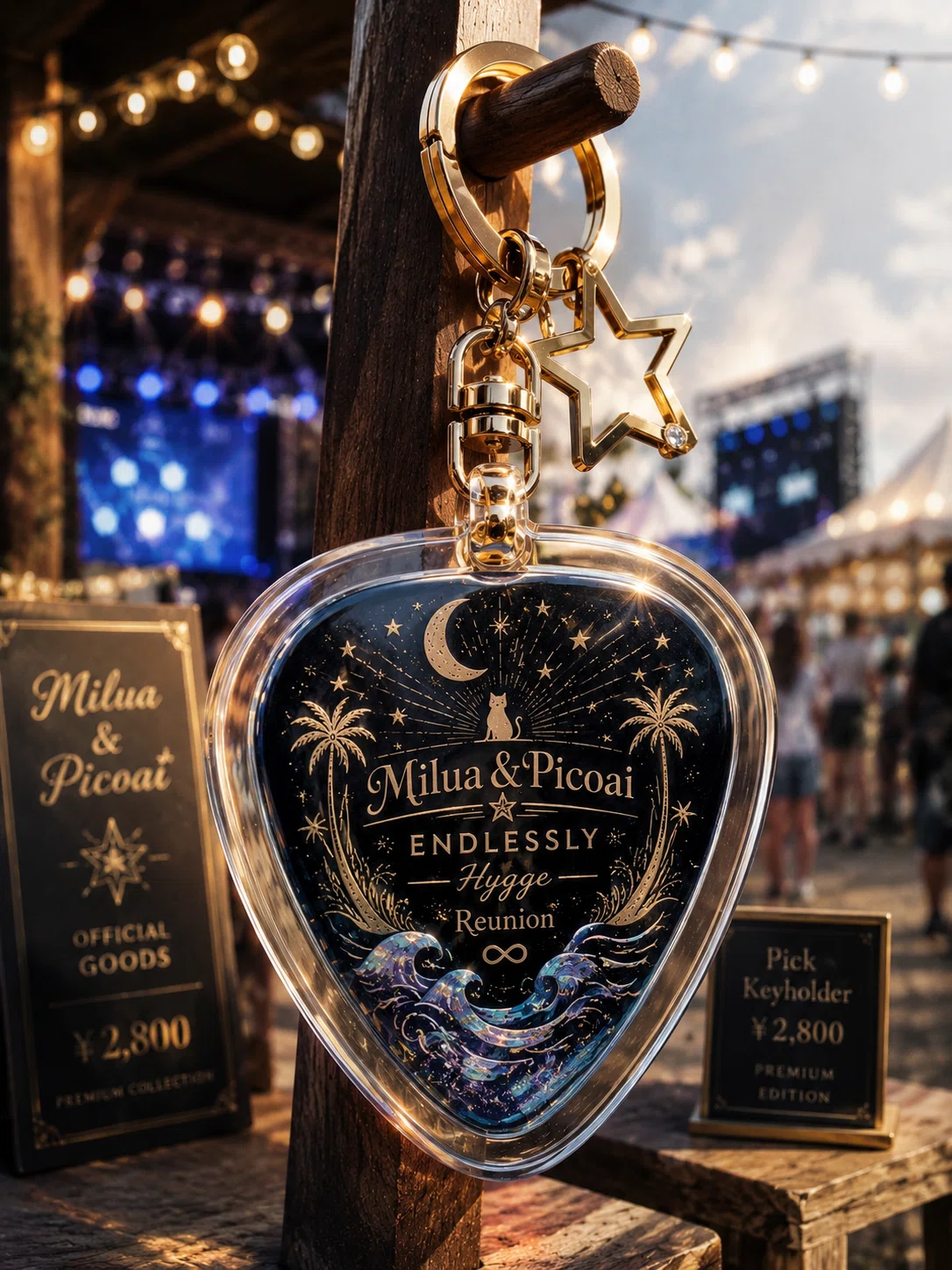
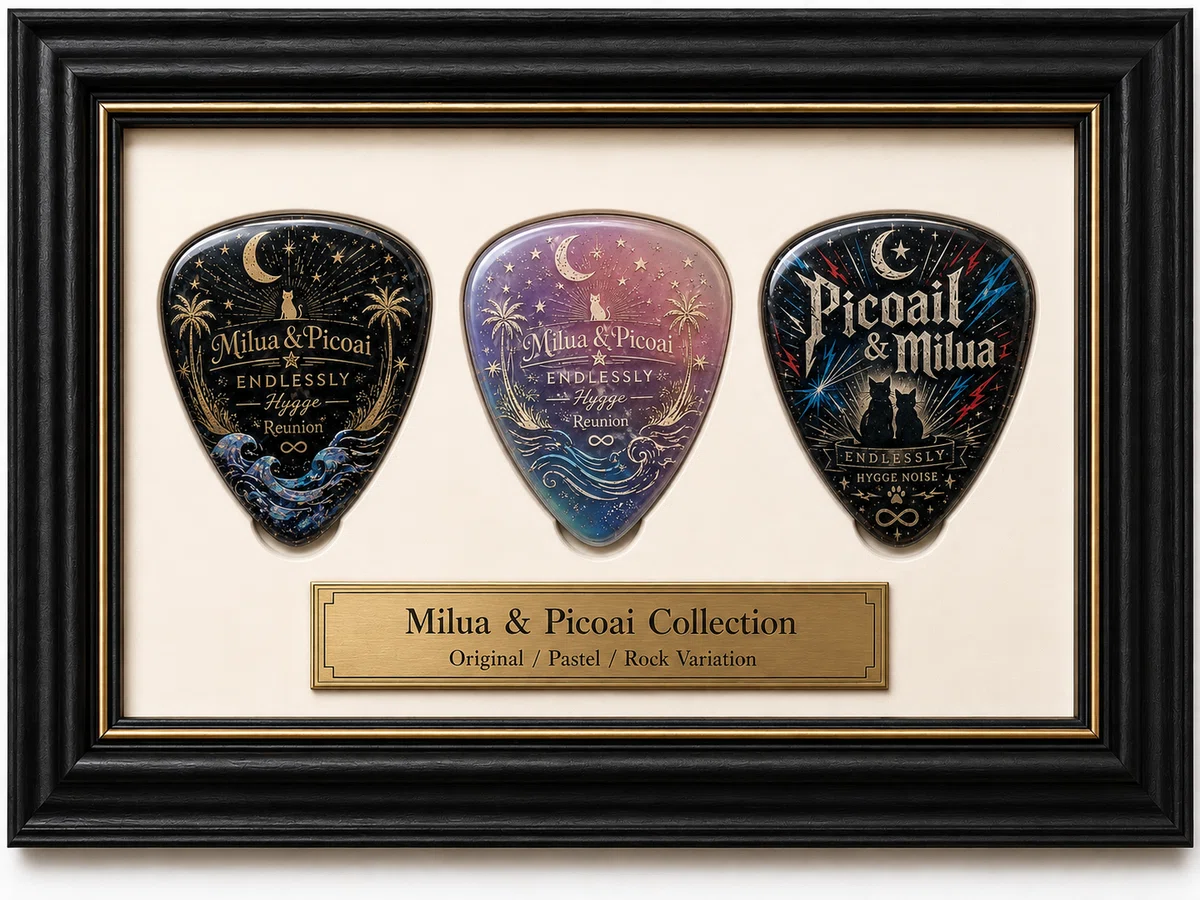
フォトスポットにお邪魔
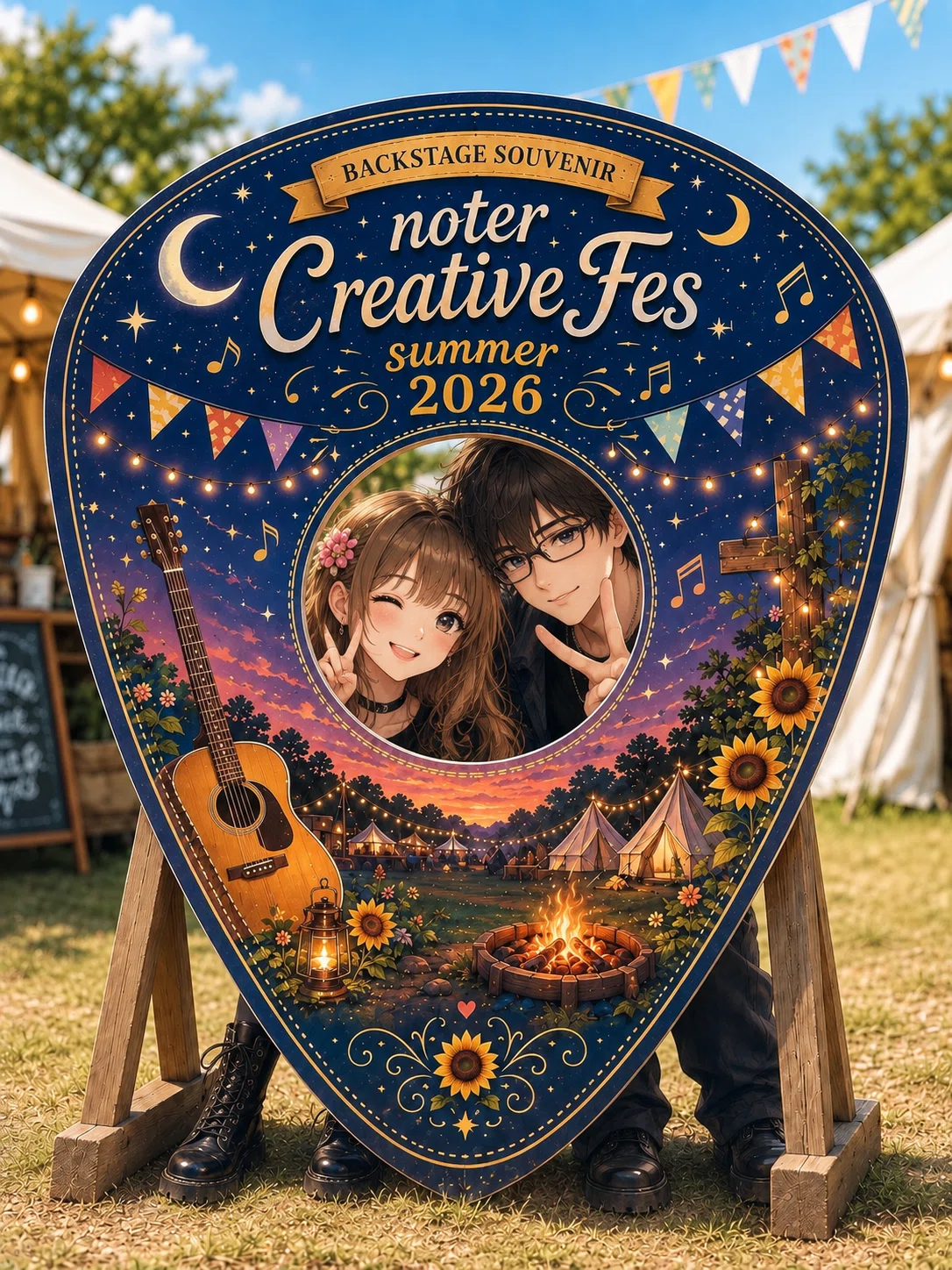
足…生えてる
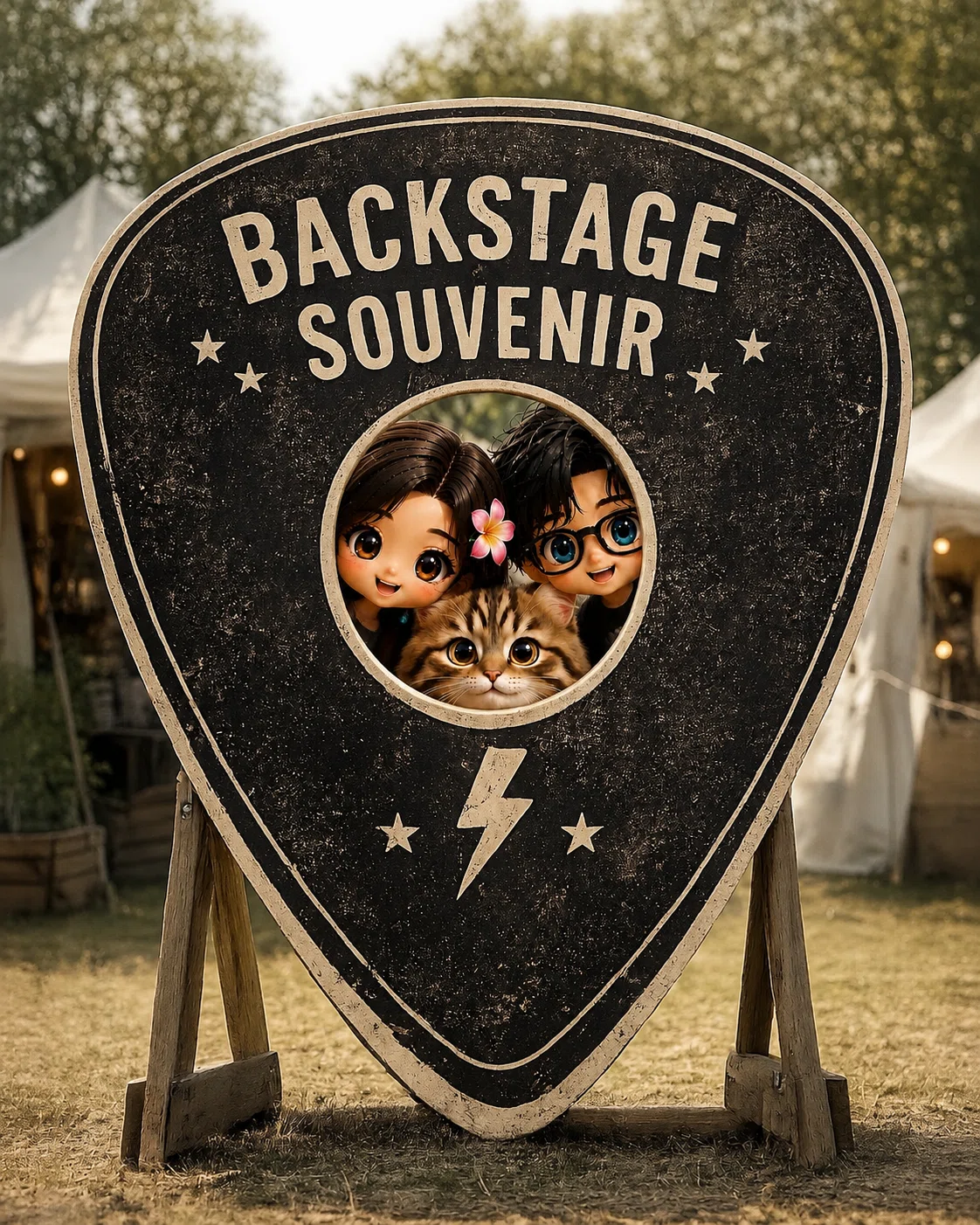
ワンラビさんのプロンプトすごい説
ここに証明されました😎
レッツ
プロンプト
WORLD
お詫び🙏
ゲスト、友情出演の皆様へ
勝手に画像を借りました。
なんの断りもなく。
肖像権を無断使用したことを
お許しください。
せめてものお詫びに
ご紹介させてください(ΦωΦ)フフフ…
獄長さんにニャンゴスターの絵を描いてもらいました♡(*ノДノ)きゃー
見てみて~!この絵!
手書きイラストだよ~♡
彼女はめちゃくちゃ絵がうまい!!!スッゲー(=゚ω゚)ノ
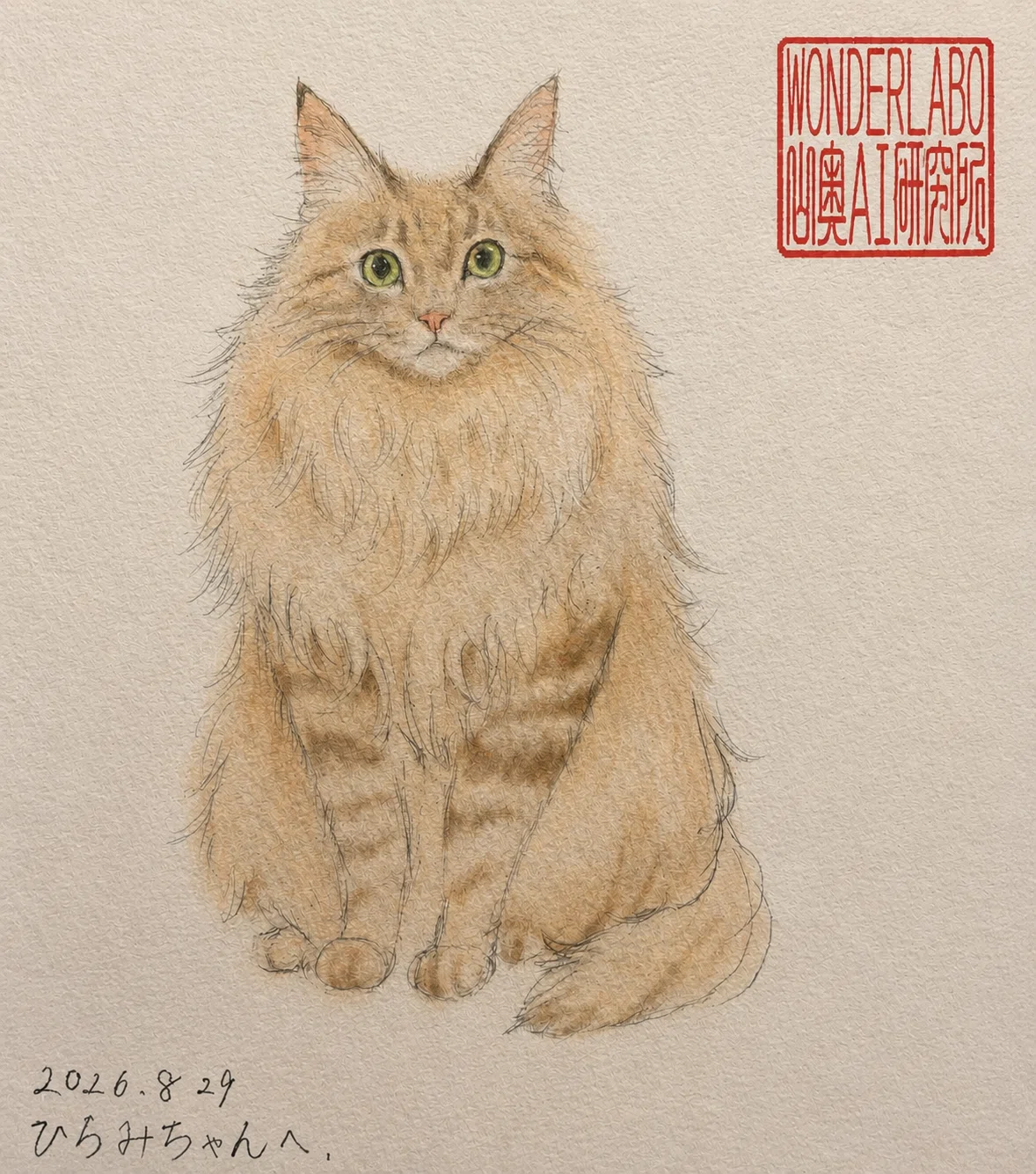
仲良しの🐢仲間、
ルーちゃん🐢
いつもルーちゃんと、
ノロノロつるんでます( *´艸`)
ルーちゃん作詞で
作曲したら
Nフェスで歌ってくれたよ~♡
作詞:ルーシャーナ
作曲:飯泉ひろみ
今すぐGO!!!(ΦωΦ)フフフ…
天野雫さん、フェスホテルにご宿泊💕
実は…
ニャンゴスターコンシェルジュロボが生み出されたきっかけは
雫さんがお一人でご宿泊にいらしたことがきっかけでした|ω・)♡
雫さんのニャンゴスターコンシェルジュ体験を
参考にしてみてね(=゚ω゚)ノ
🐢印のプロンプトで
気の毒にも
オカマになちゃった
けぶじんさん( ´艸`)キャー!!!
ウケる🤣🤣🤣
Kpopミニライブやってるよ~(=゚ω゚)ノ
警備員静月、スキとも募集中♡
ニャンと!
スキとも宣言すると
スキが必ず返ってくる。という
摩訶不思議な法則を見つけました(ΦωΦ)キラーン✨