Divi Page Builder is a visual WordPress website builder, and yes — wpDataTables integrates with it so you can insert tables and charts with just a few clicks.
Divi Website Builder is a completely new website building platform that replaces the standard WordPress post editor with a vastly superior visual editor.
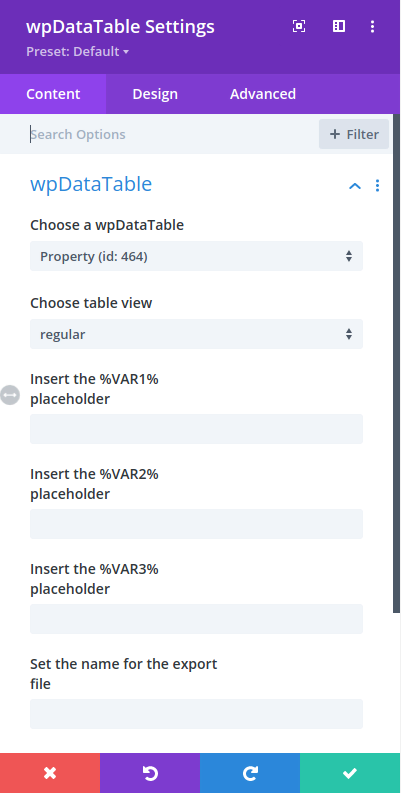
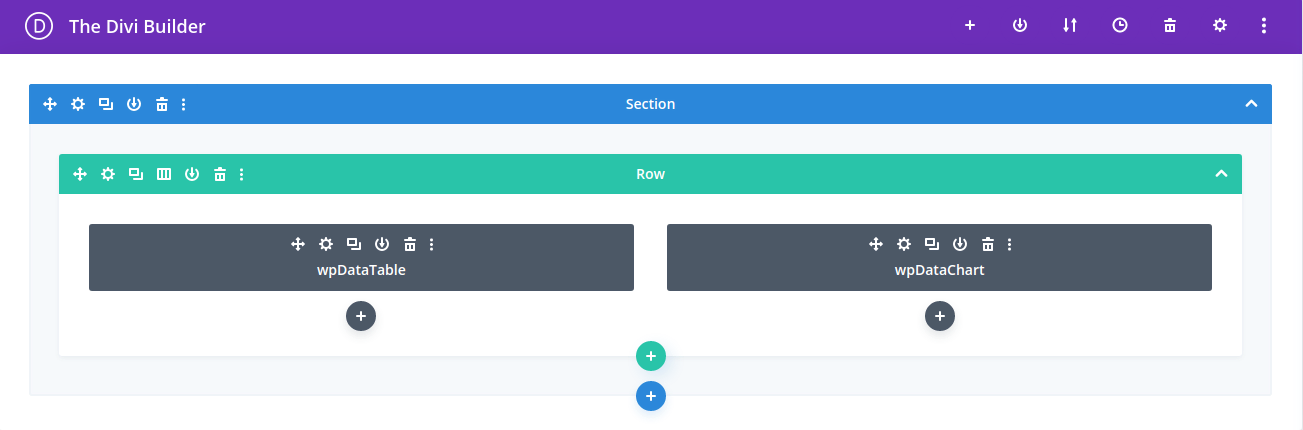
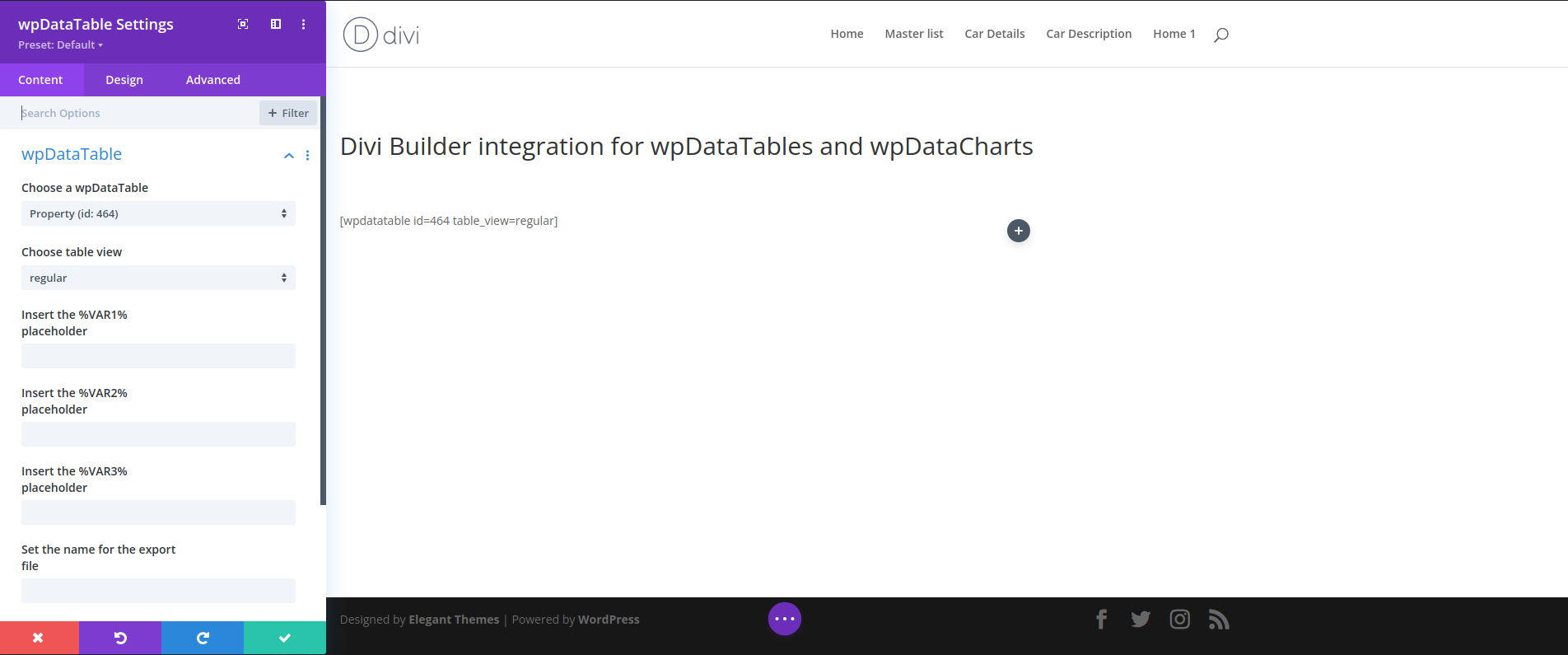
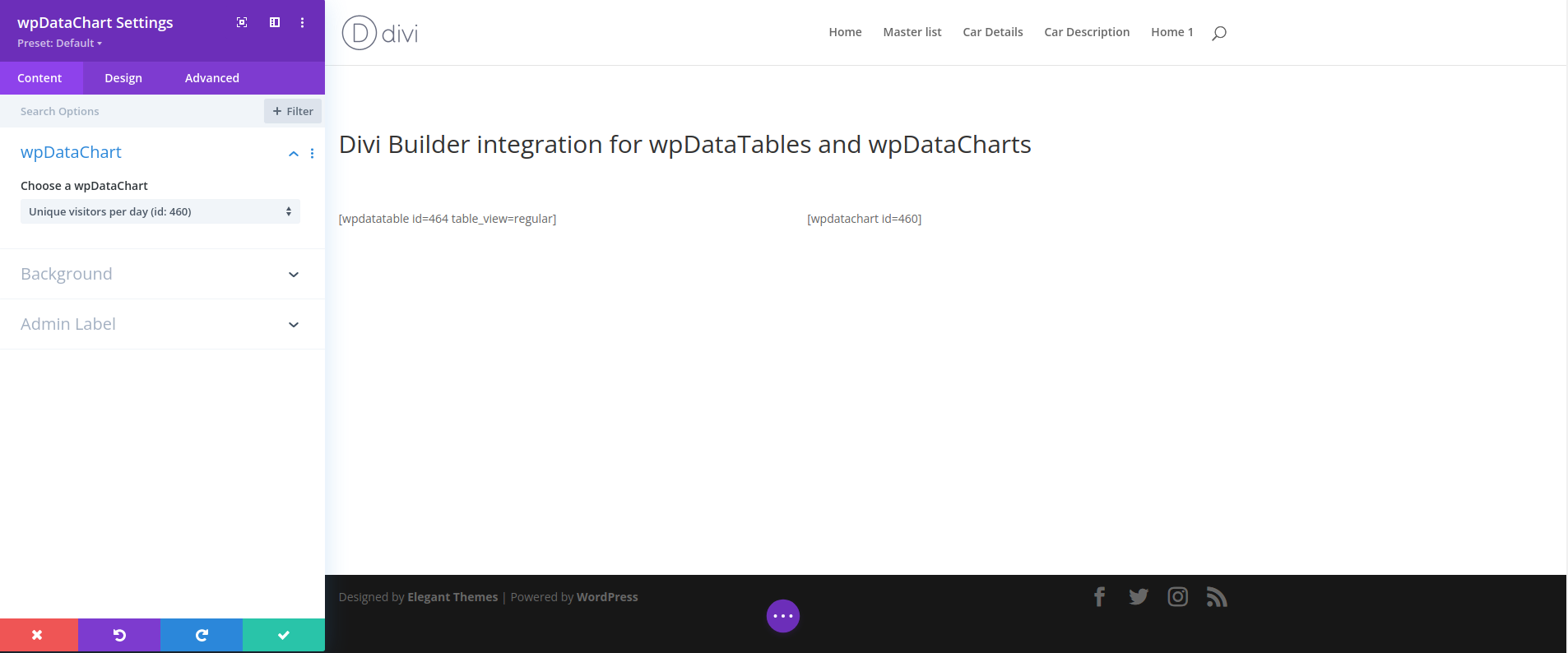
wpDataTables can be integrated with Divi Page Builder. You can insert tables and charts you’ve created with wpDataTables onto your pages using the Divi Page Builder interface with just a few clicks. The only thing to note here is that you should build your tables first (with the “Table Creation Wizard“) before inserting them in any page you create with the Divi Page Builder.
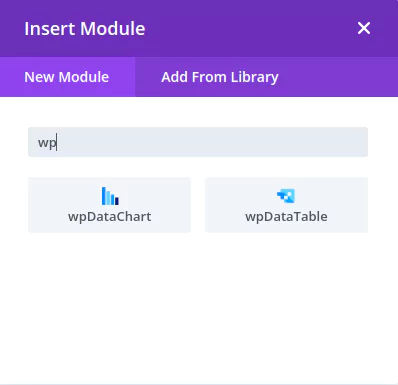
If you open the Divi Page Builder back-end editor after creating wpDataTables, after scrolling down you will see two new buttons in the “Insert module” Divi Page Builder popup or you can insert “wp” in search: