
The strcat() function appends the source string to the end of the destination string. It is declared in the <string.h> header file.
- It adds the source string after the destination string and appends a null terminator at the end.
- The destination array must have enough space to store the concatenated string.
#include <stdio.h>
#include <string.h>

int main() {
    char dest[20] = "Hello ";
    char src[] = "World";

    strcat(dest, src);

    printf("Concatenated string: %s\n", dest);

    return 0;
}
Output
Concatenated string: Hello World
Syntax
char *strcat(char *dest, const char *src);Parameters: The method accepts the following parameters
- dest: This is a pointer to the destination array, which should contain a C string, and should be large enough to contain the concatenated resulting string.
- src: This is the string to be appended. This should not overlap the destination.
Return value
- The strcat() function returns dest, the pointer to the destination string.
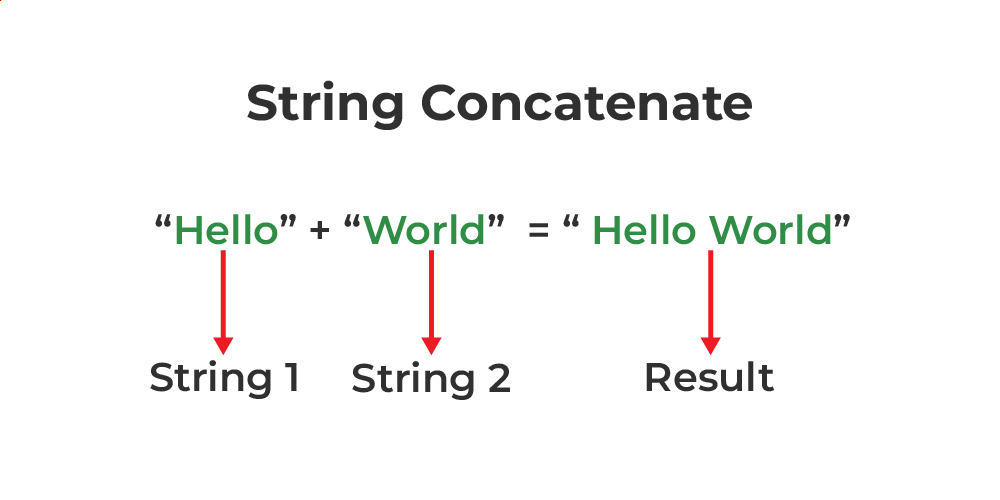
Below is the C/C++ program to implement the above approach:
// C program to implement
// the above approach
#include <stdio.h>
#include <string.h>

// Driver code
int main()
{
    // Define a temporary variable
    char example[100];

    // Copy the first string into
    // the variable
    strcpy(example, "Geeks");

    // Concatenate this string
    // to the end of the first one
    strcat(example, "ForGeeks");

    // Display the concatenated strings
    printf("%s\n", example);

    return 0;
}
Output
GeeksForGeeks
The behavior of strcat() is undefined if
- the destination array is not large enough for the contents of both src and dest and the terminating null character.
- if the string overlaps.
- if either dest or src is not a pointer to a null-terminated byte string.
Applications of strcat()
The strcat() function is commonly used in programs that require combining or extending strings.
- Combining two or more strings into a single string.
- Building messages or sentences by appending multiple strings.
- Creating file names and file paths dynamically.
- Appending user input to an existing string.
- Joining strings while processing text or reading data from files.
Points to Remember
- Include the <string.h> header file before using strcat().
- Ensure the destination array has enough space to store the concatenated string; otherwise, the behavior is undefined.
- The destination string must be null-terminated, and the source and destination strings should not overlap.
- strcat() appends the entire source string to the destination and returns a pointer to the destination string.
