


If you've ever wanted to show off your GPU vertically or convert a spare PCIe slot into M.2 slots, you probably know about PCIe riser cables. These PCIe extenders bring added flexibility to your PC, but they do so with some unavoidable complications. To make matters worse, the PCIe risers on the affordable end of the spectrum often make matters worse instead of improving functionality. You not only risk BSODs and glitches on the GPU side, but also data corruption on the storage side. Here's how to pick the right PCIe riser for your system.
PCIe riser cables have inherent problems
Some unavoidable complications
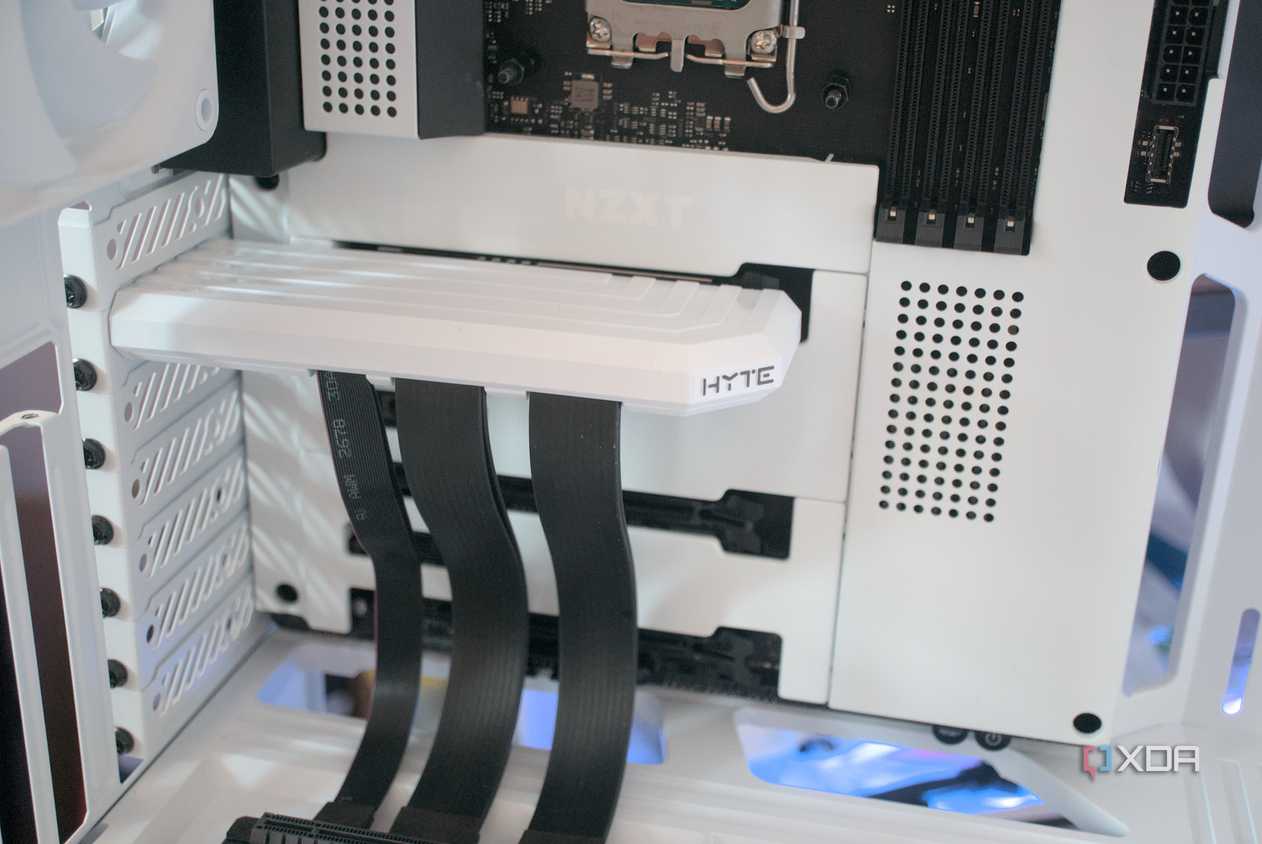
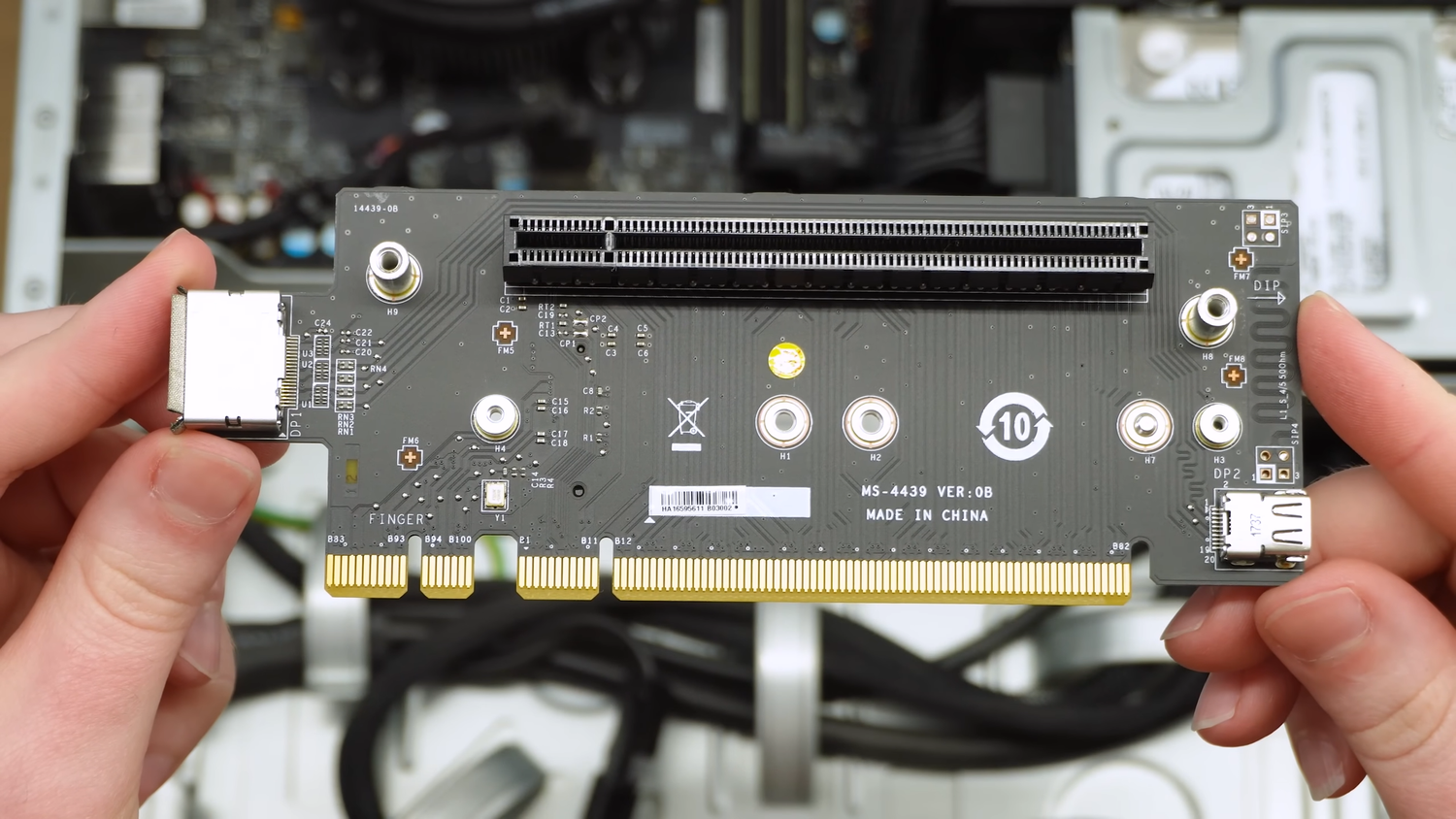
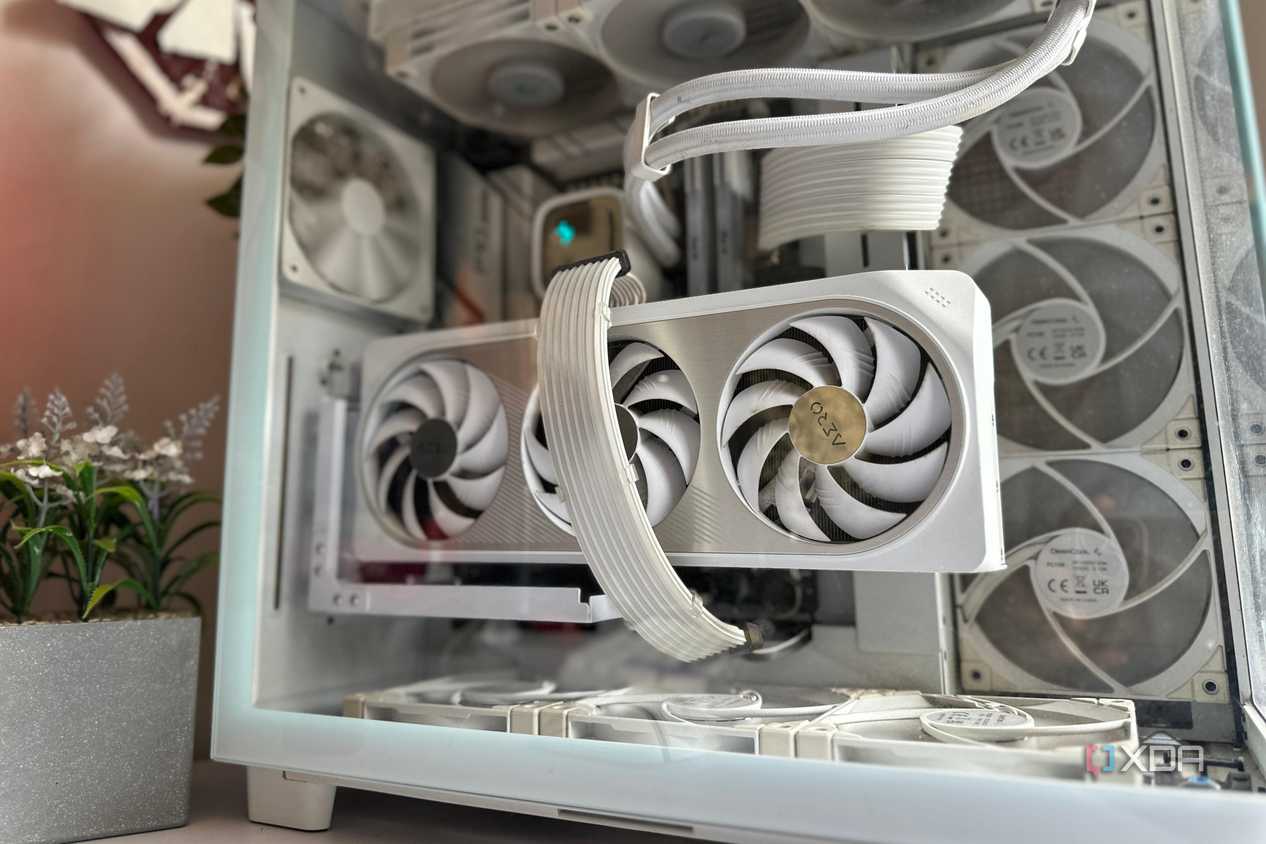


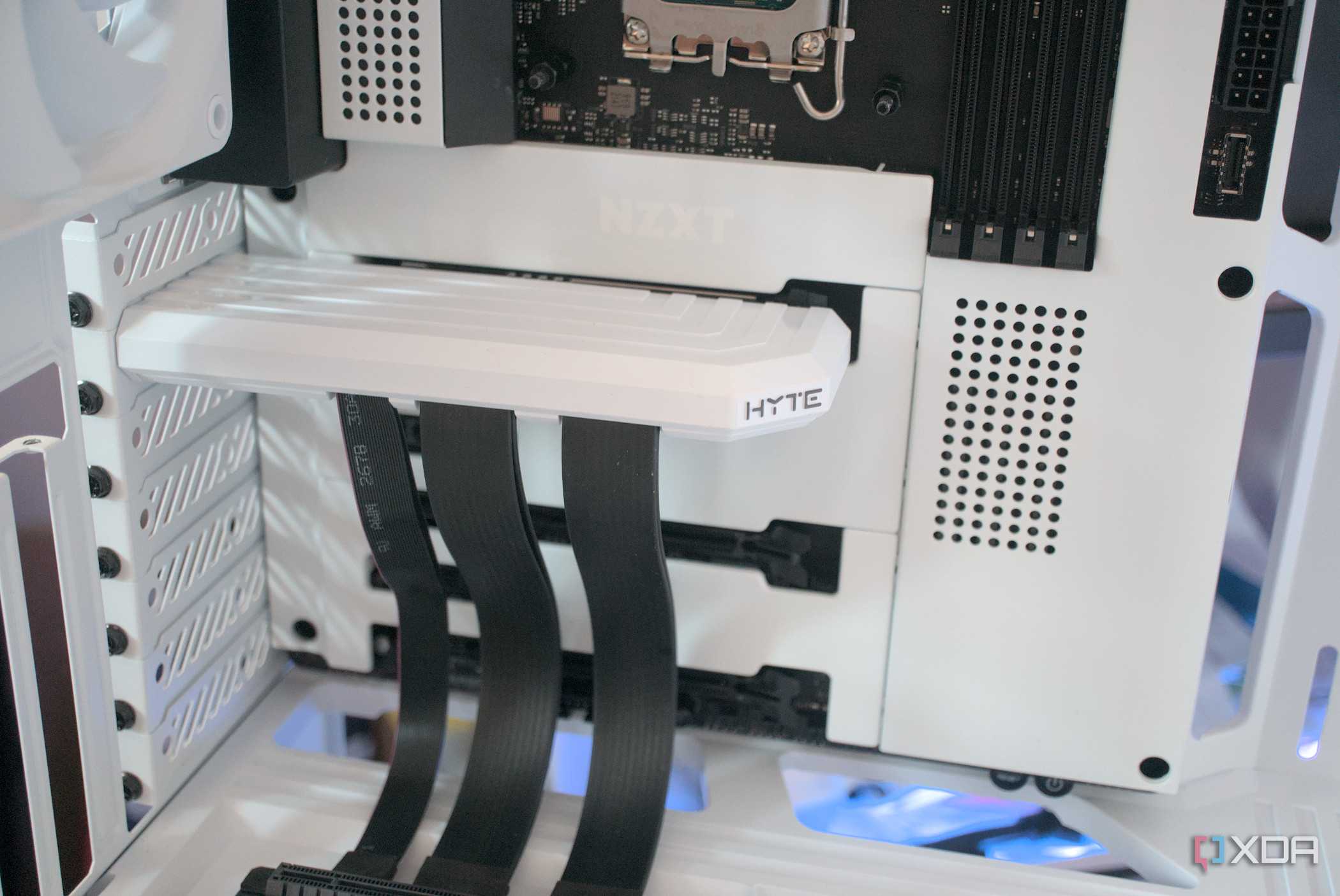
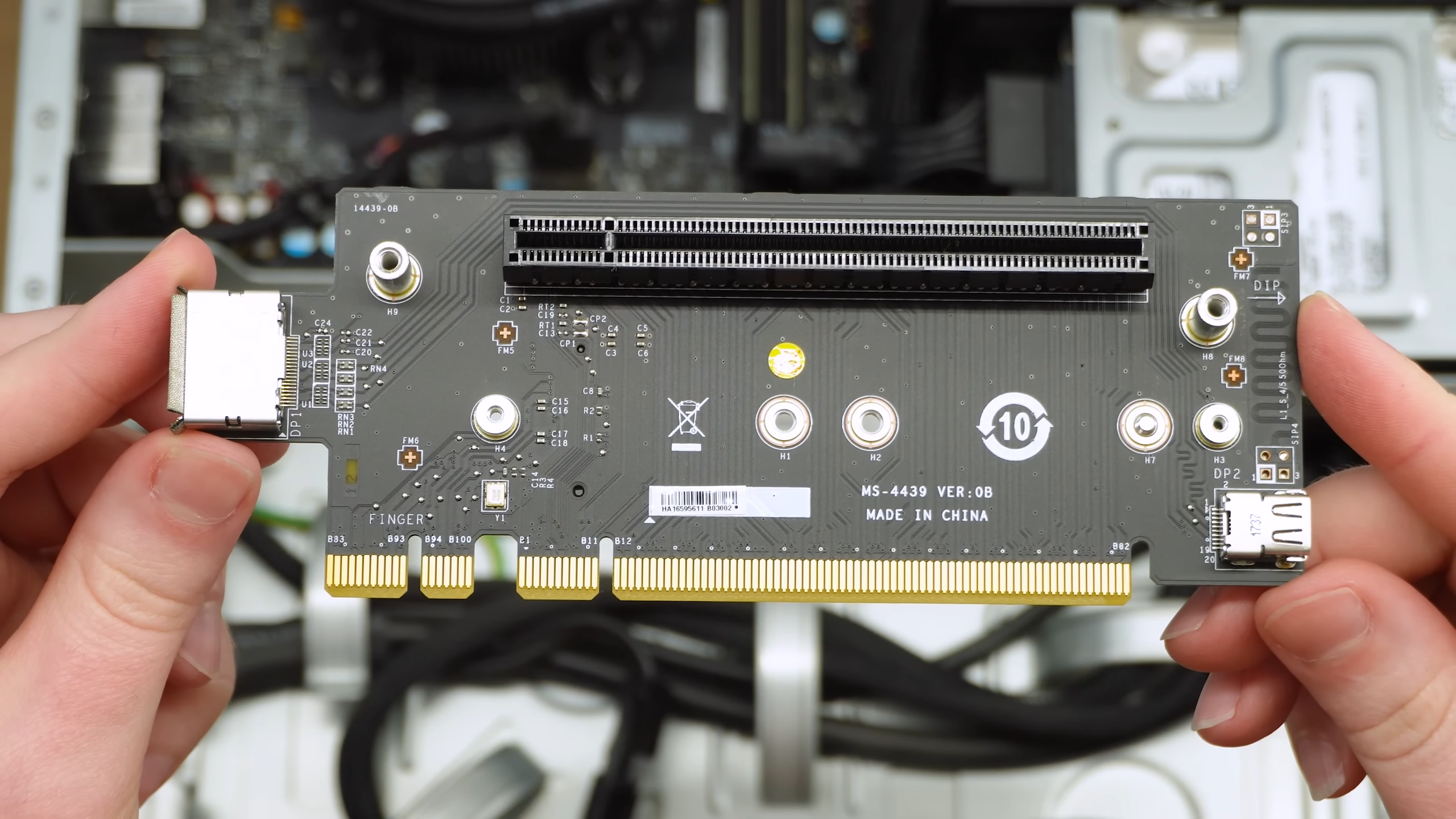 Credit: Source: Bringus Studios
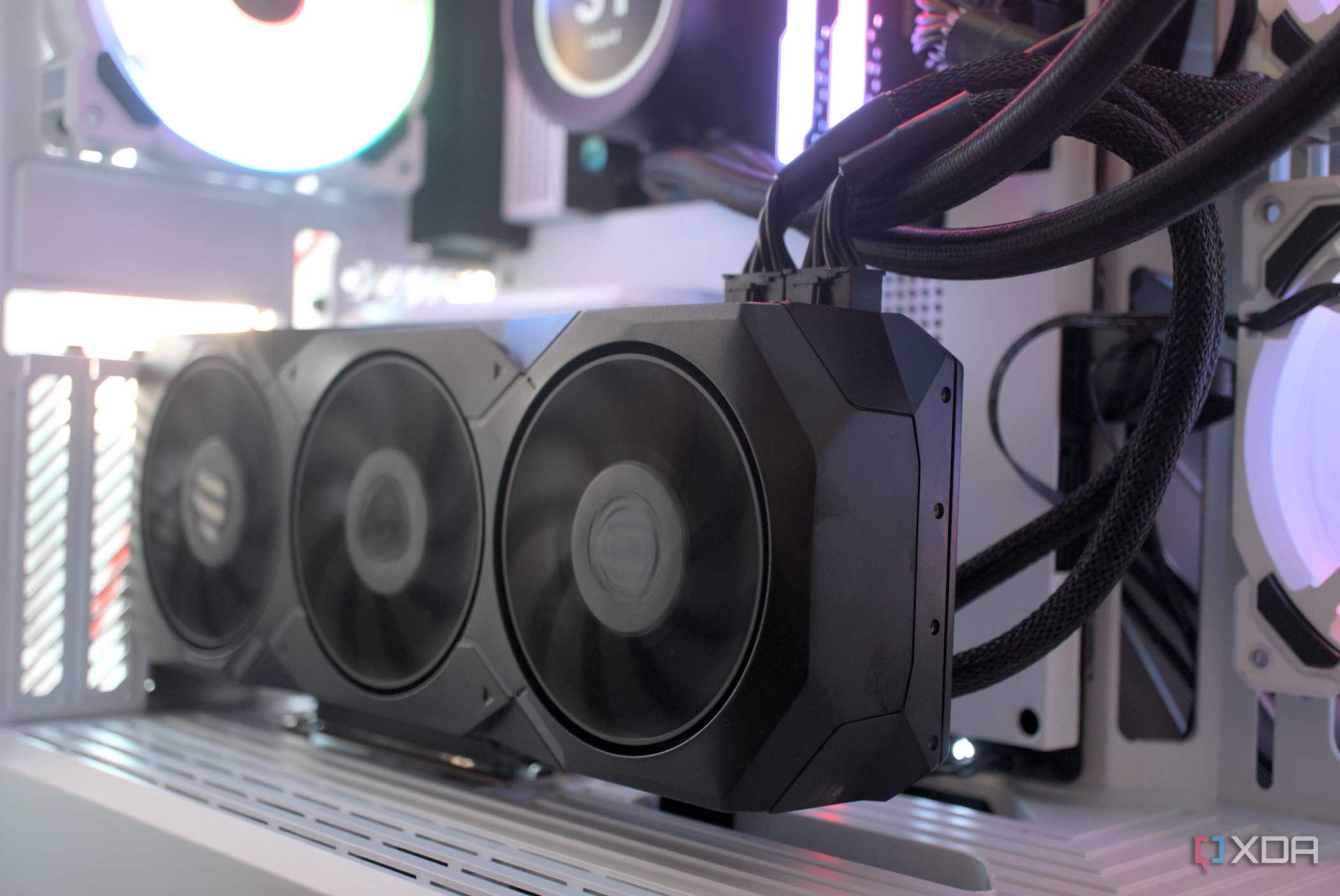
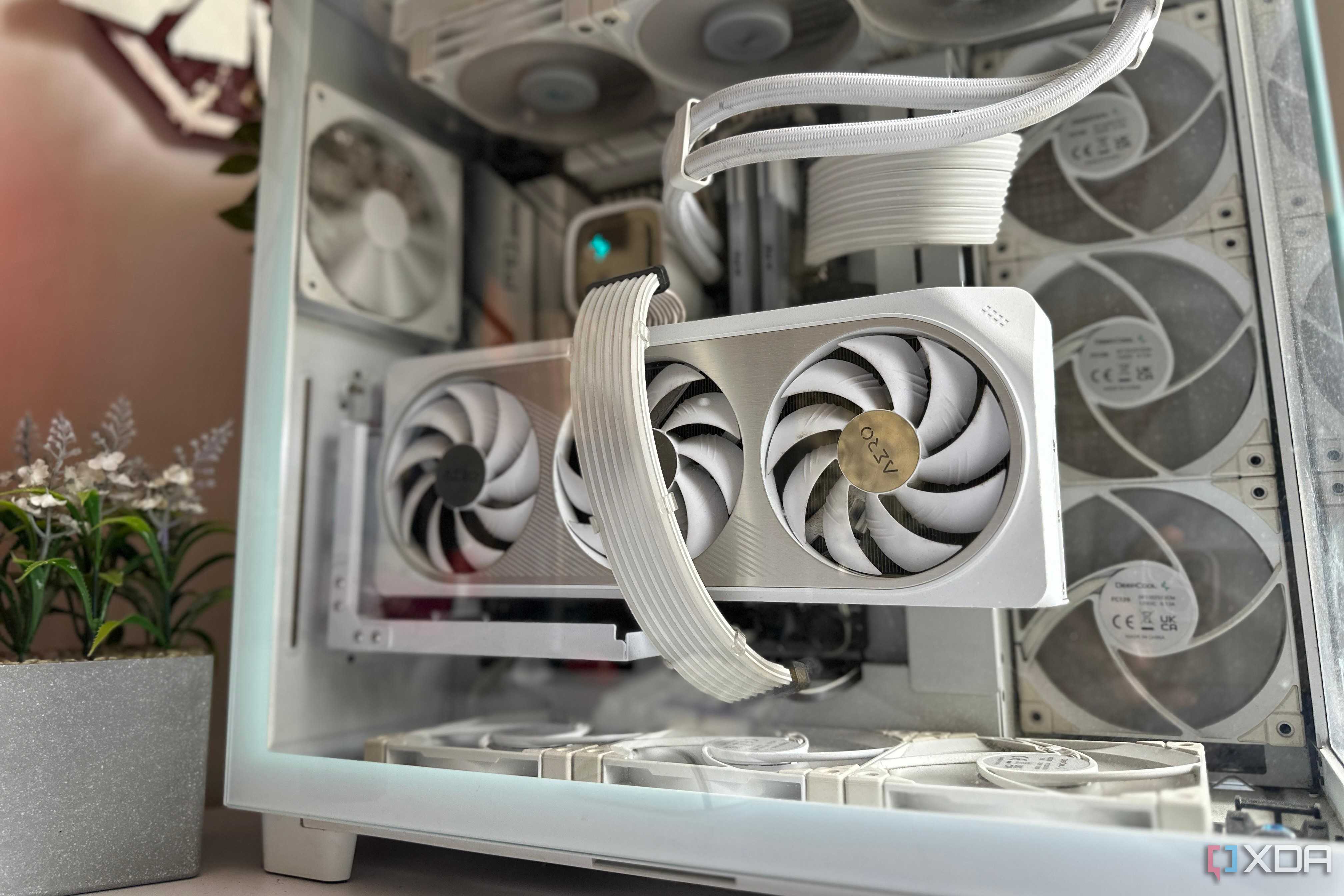

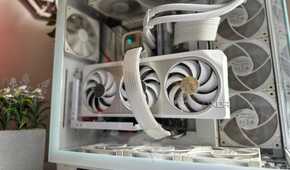
The biggest issue with PCIe riser cables is the fundamental complexity. The moment you try to extend the PCIe signal over a long cable (or cables), you introduce additional points of failure into the data flow. PCIe lanes are sensitive, and riser cables can introduce signal degradation and loss of bandwidth. For PCIe 3.0 devices, these issues might be masked to an extent, but when you deal with high-bandwidth PCIe 4.0 or PCIe 5.0 devices, that's when the limitations of most riser cables are exposed.
If you're using a riser to mount your GPU vertically, you might start experiencing random crashes, graphical artifacts, BSODs, stuttering, or black screens. Since these symptoms are so diverse, you might not even be able to trace the problem to the riser. Alternatively, using a PCIe to M.2 extender can cause data corruption if the riser cable isn't robust enough to handle the high-speed PCIe signal. Besides, most risers use ribbon cables that aren't as sturdy as a direct PCIe connection. They are prone to premature wear, even with a handful of connection cycles.
In the worst cases, cheap PCIe riser cables can even cause a fire inside the system, risking the safety of more than just your GPU (or SSD). PCIe risers certainly have their uses, but you need to be cautious before buying one.
The case for vertical GPU mounts and SFF builds
The heart wants what the heart wants
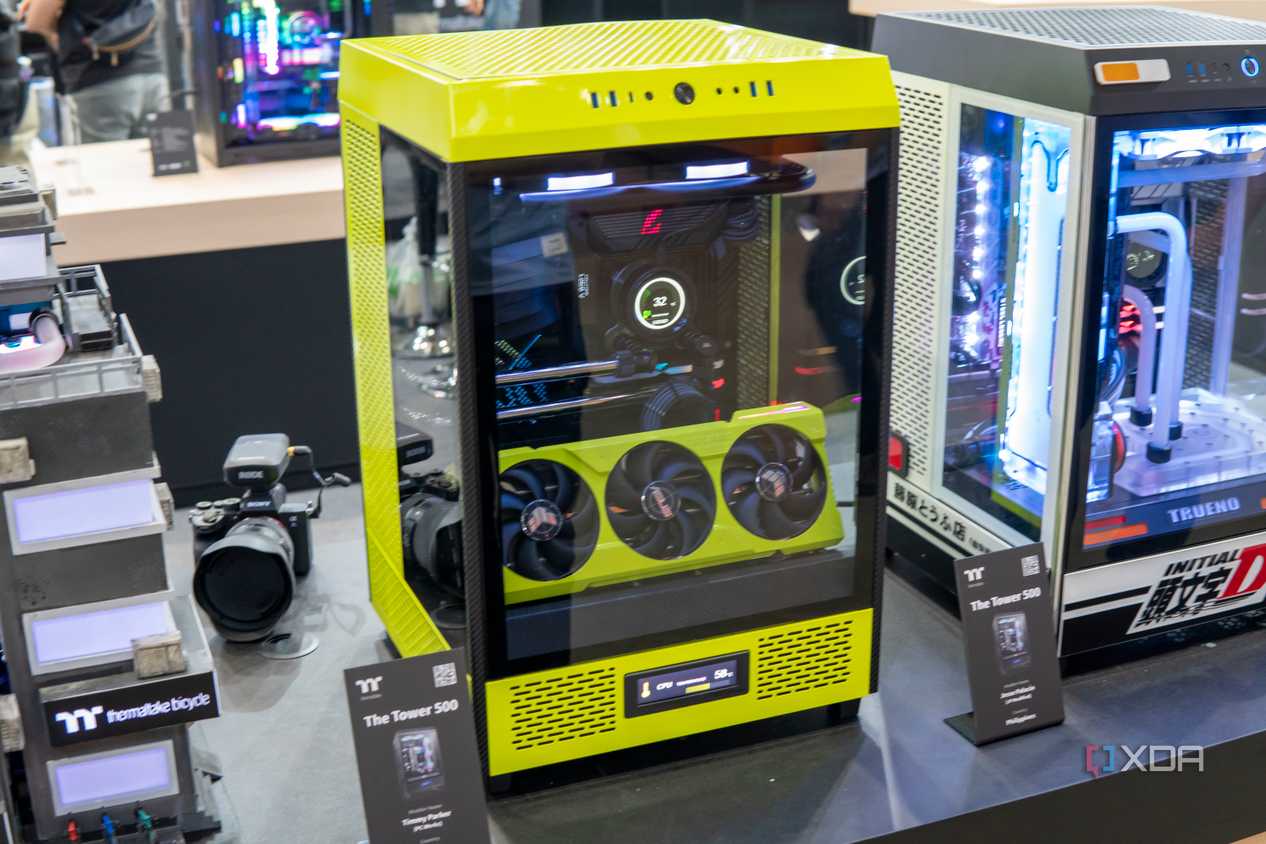


 Credit: Custom PC by Timmy Parker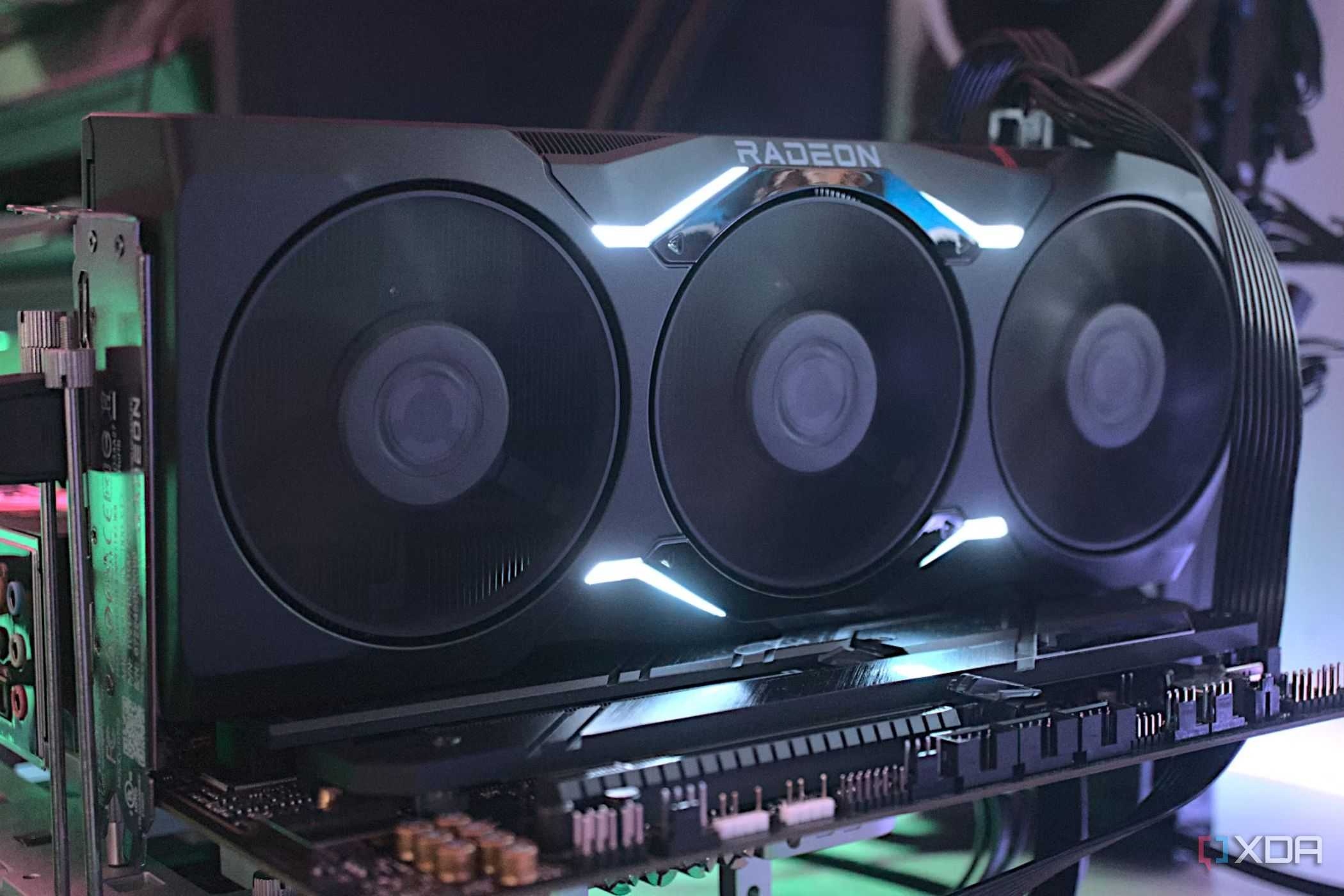
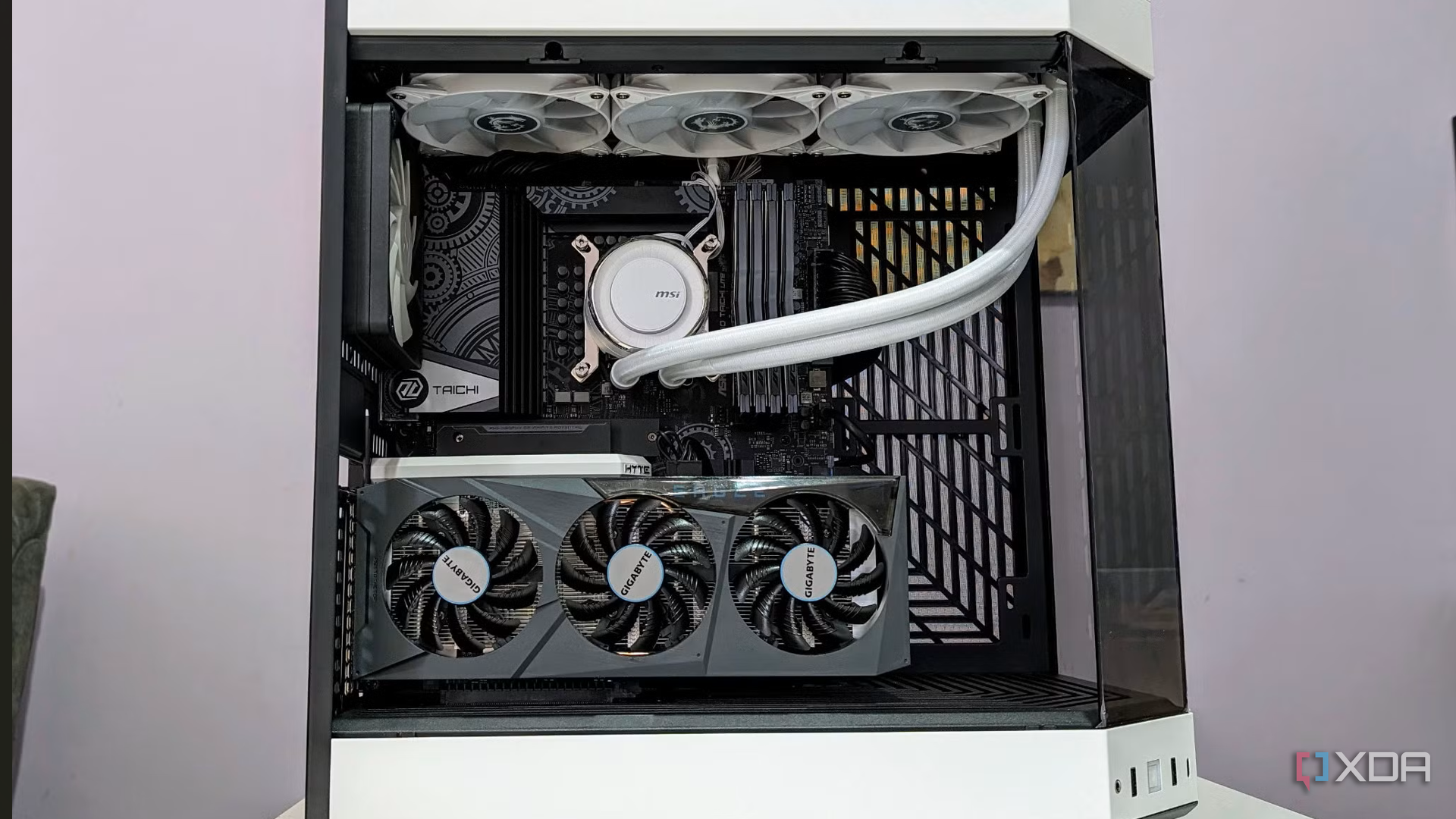
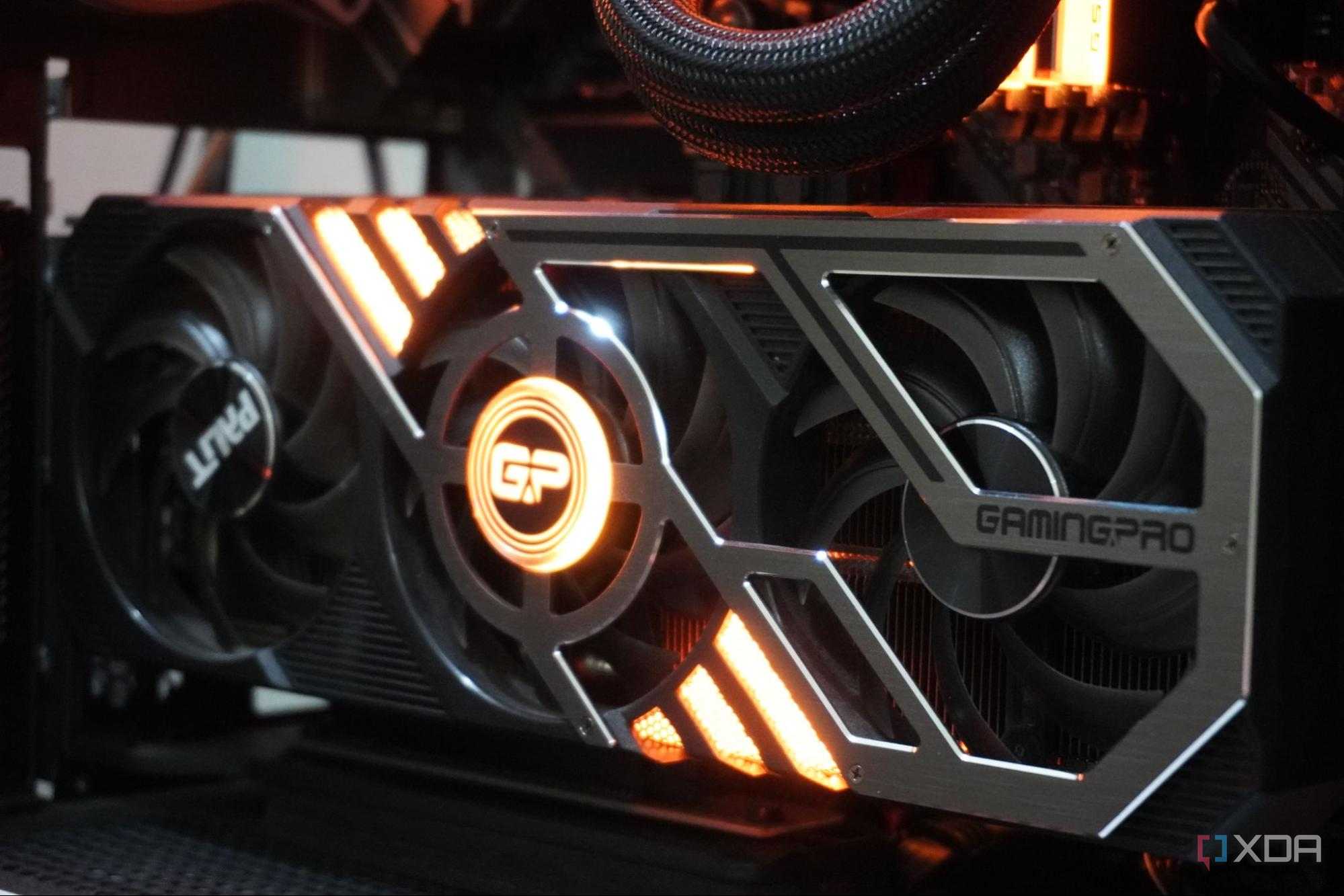

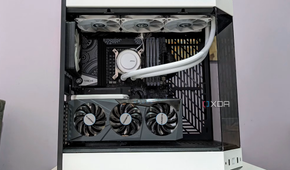
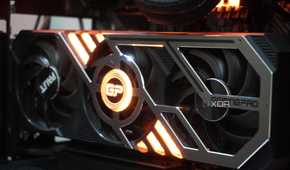

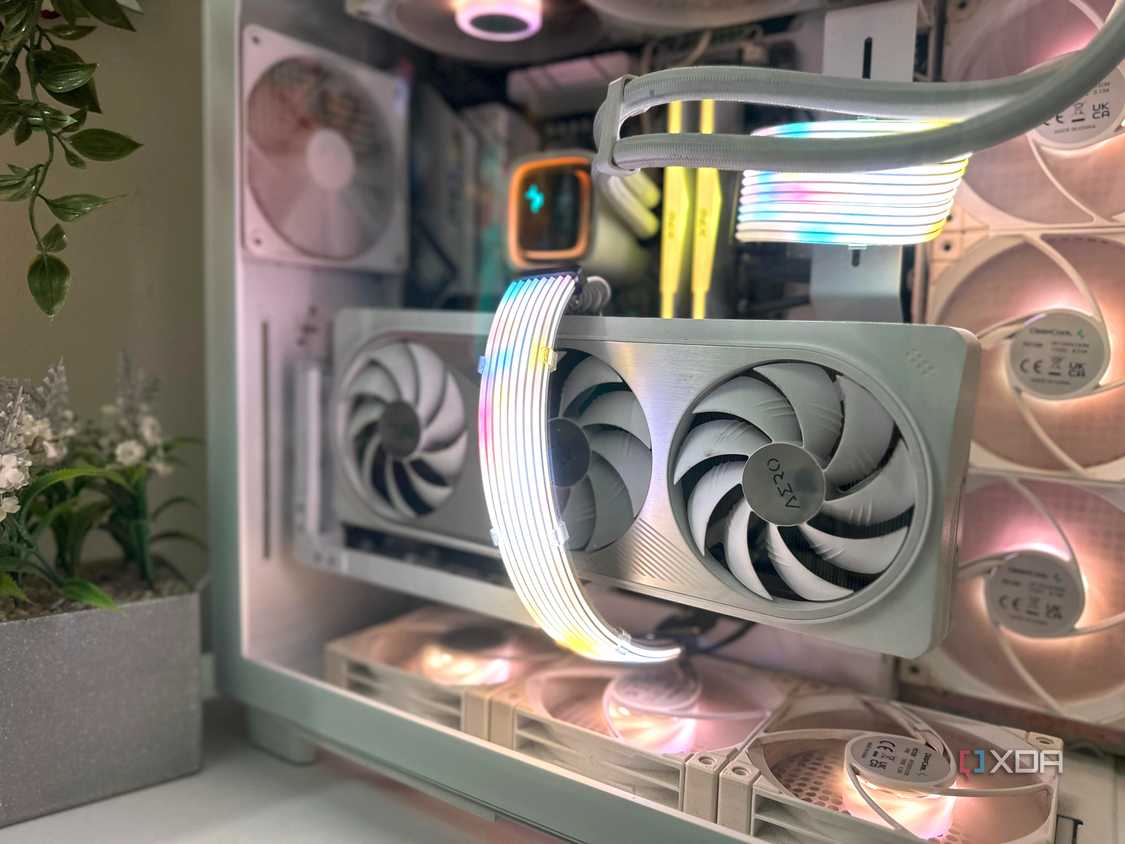
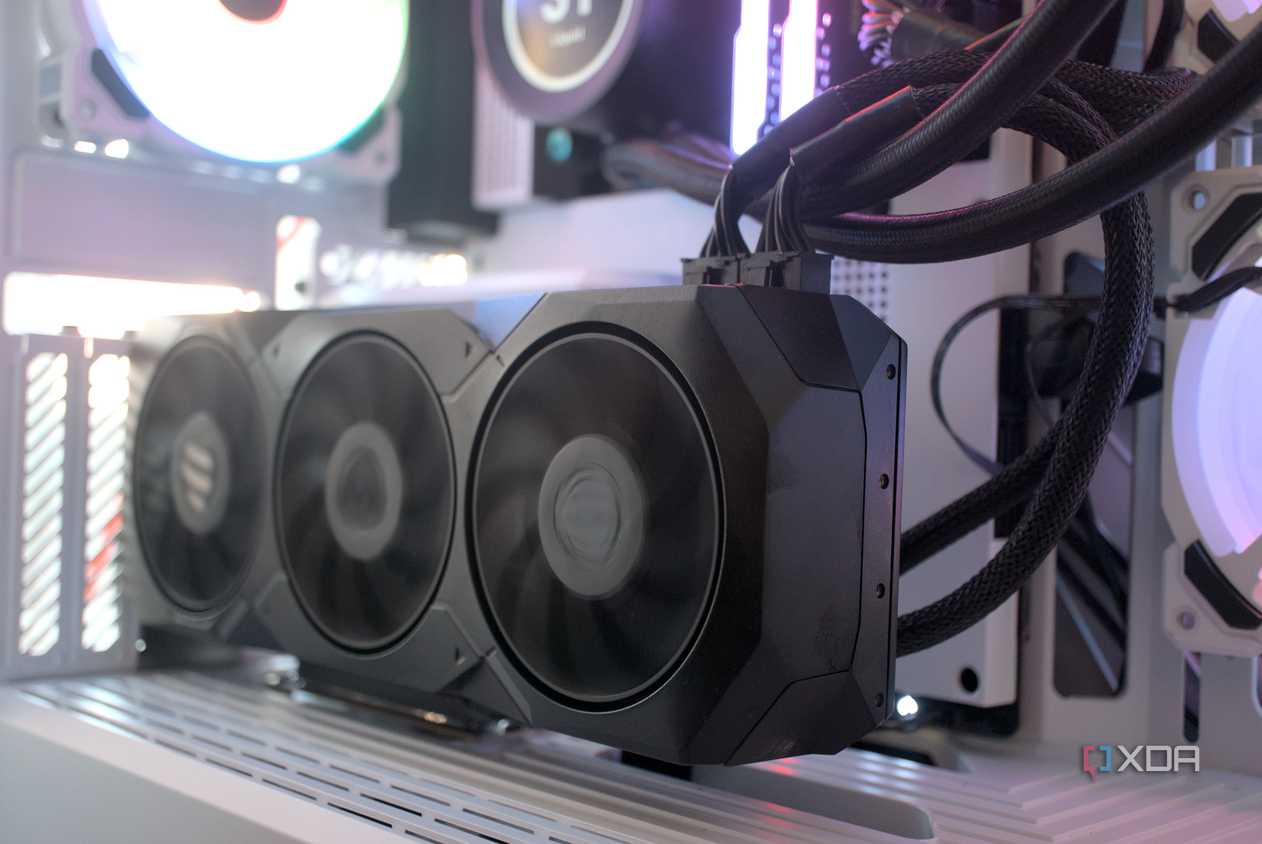
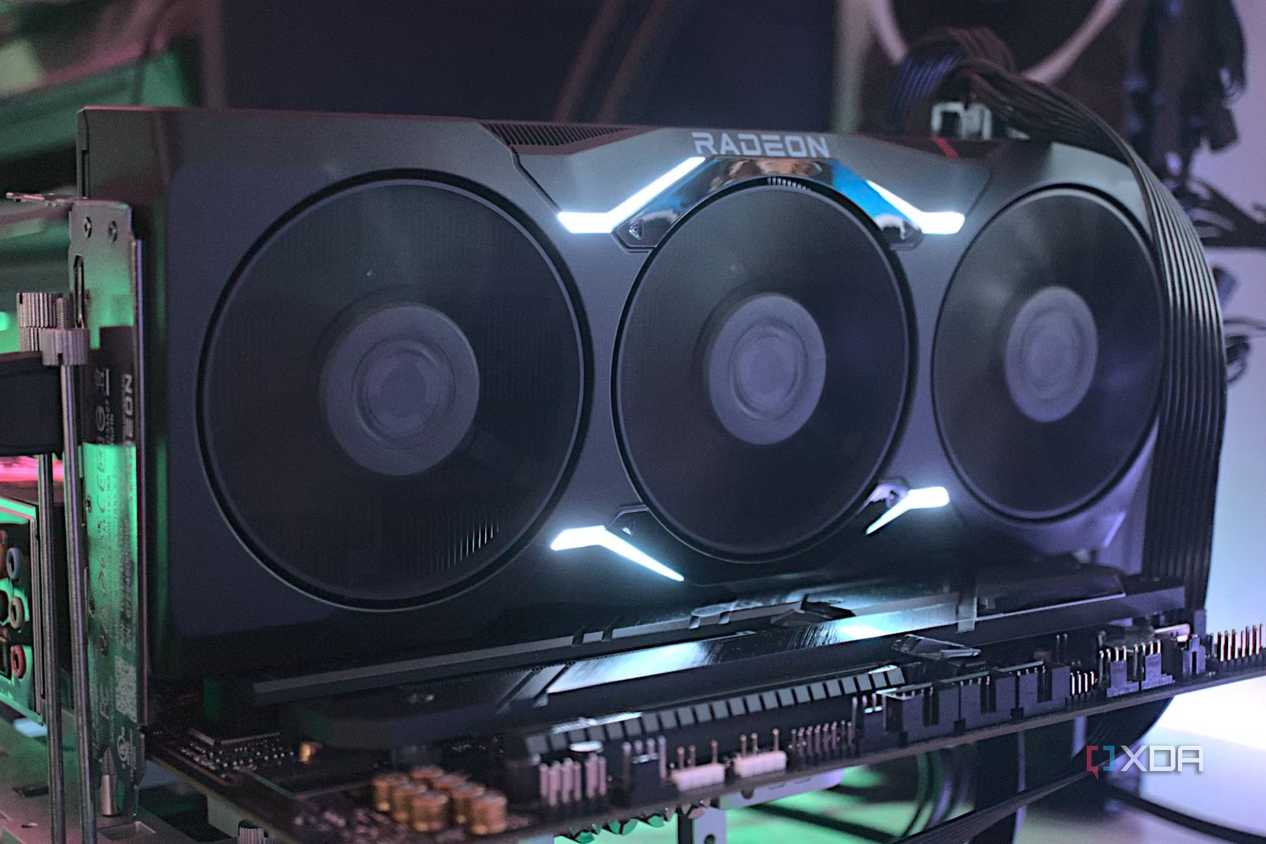
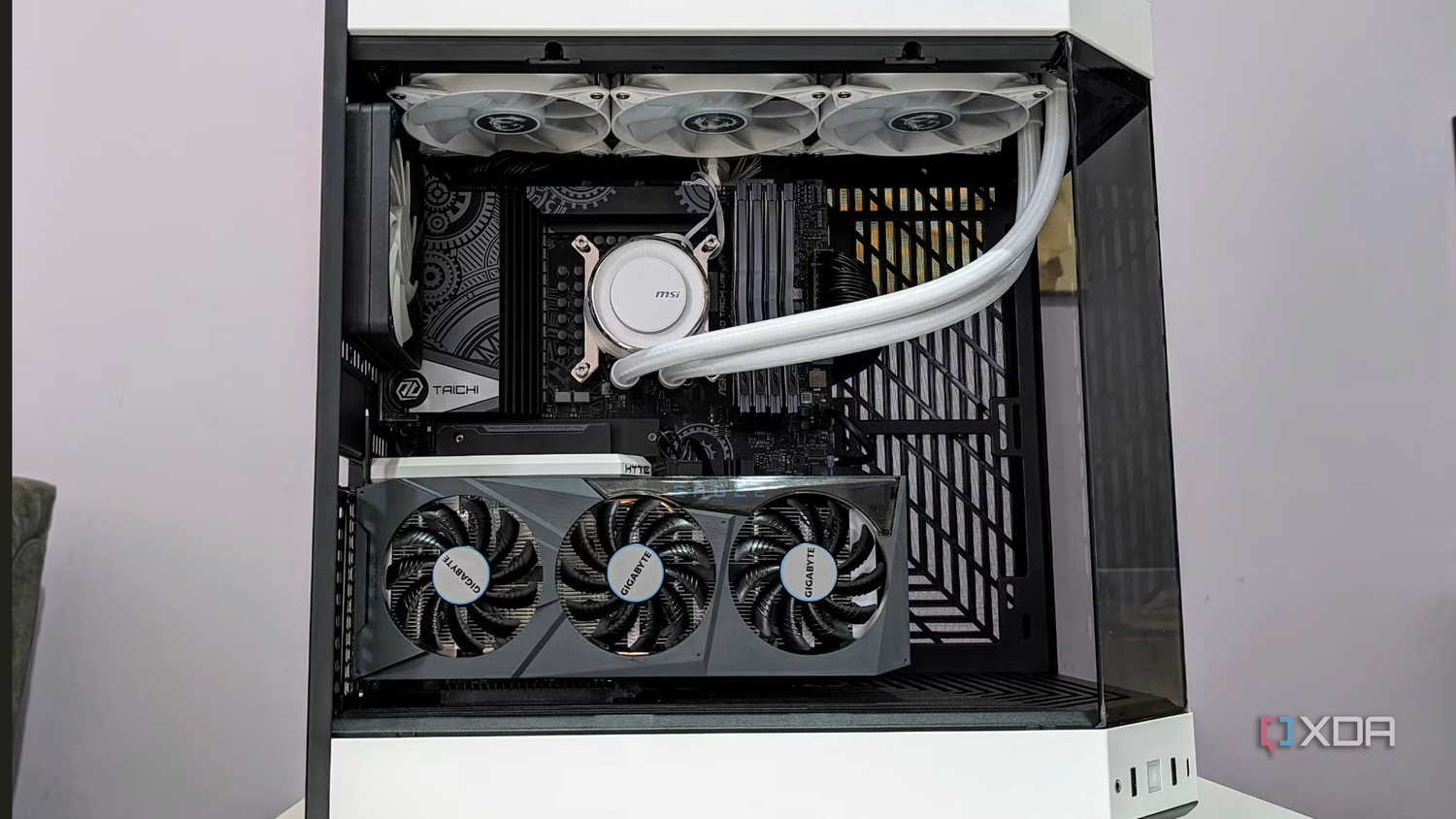
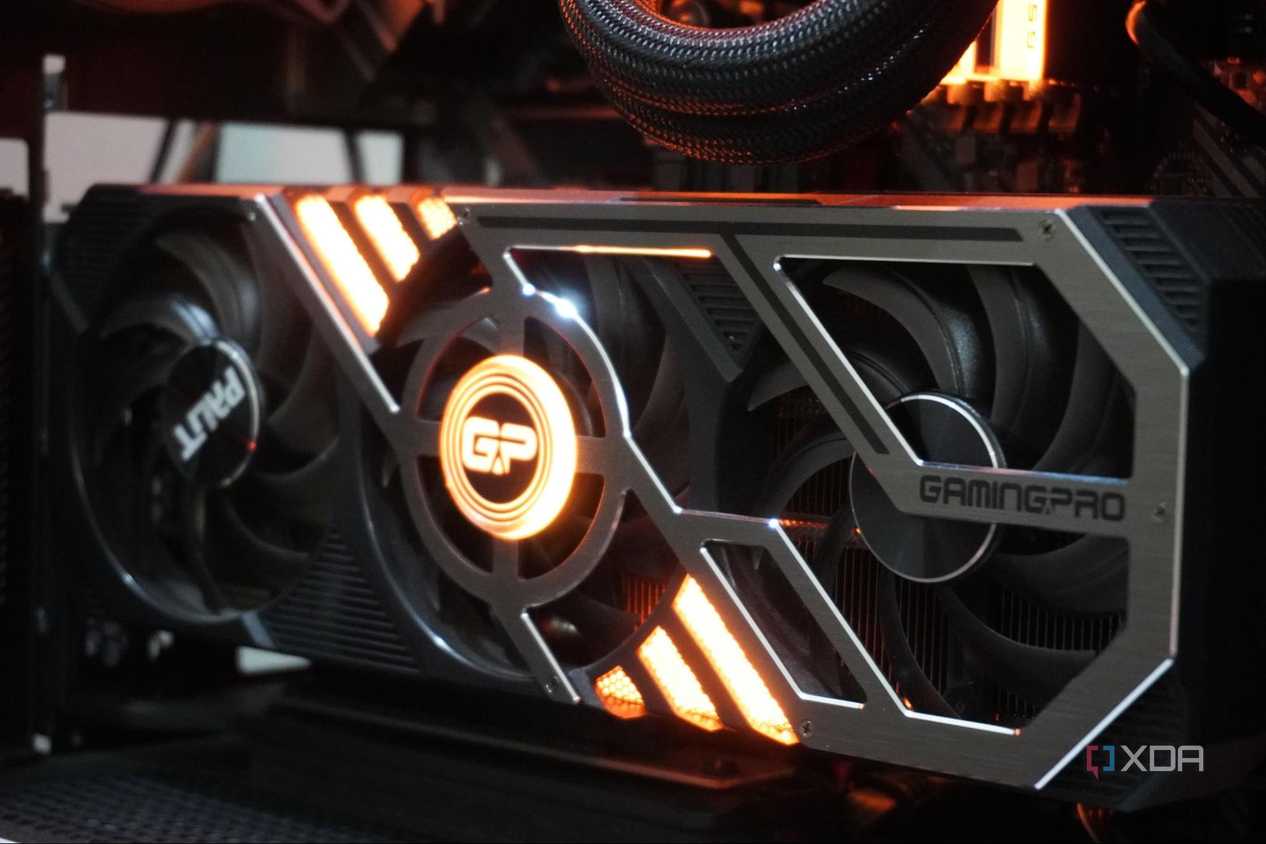
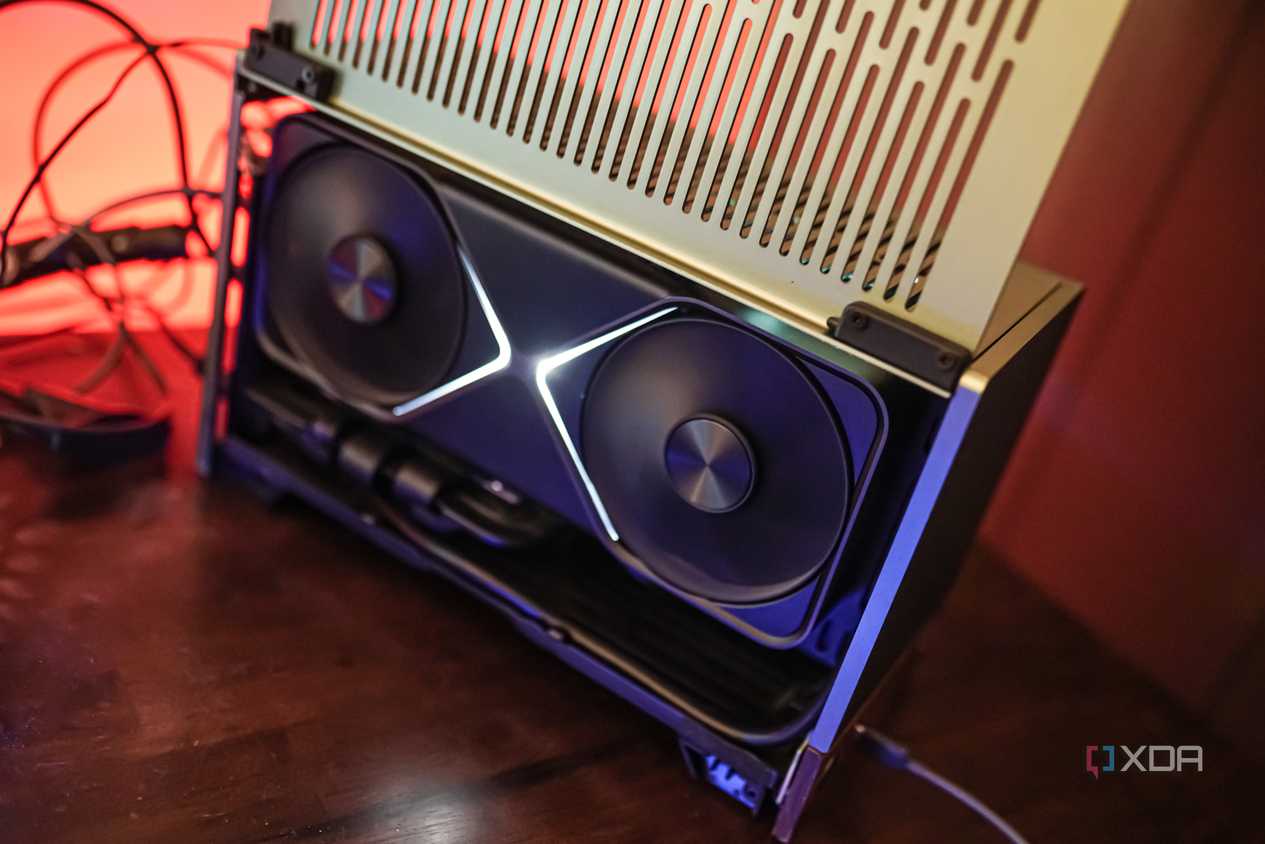
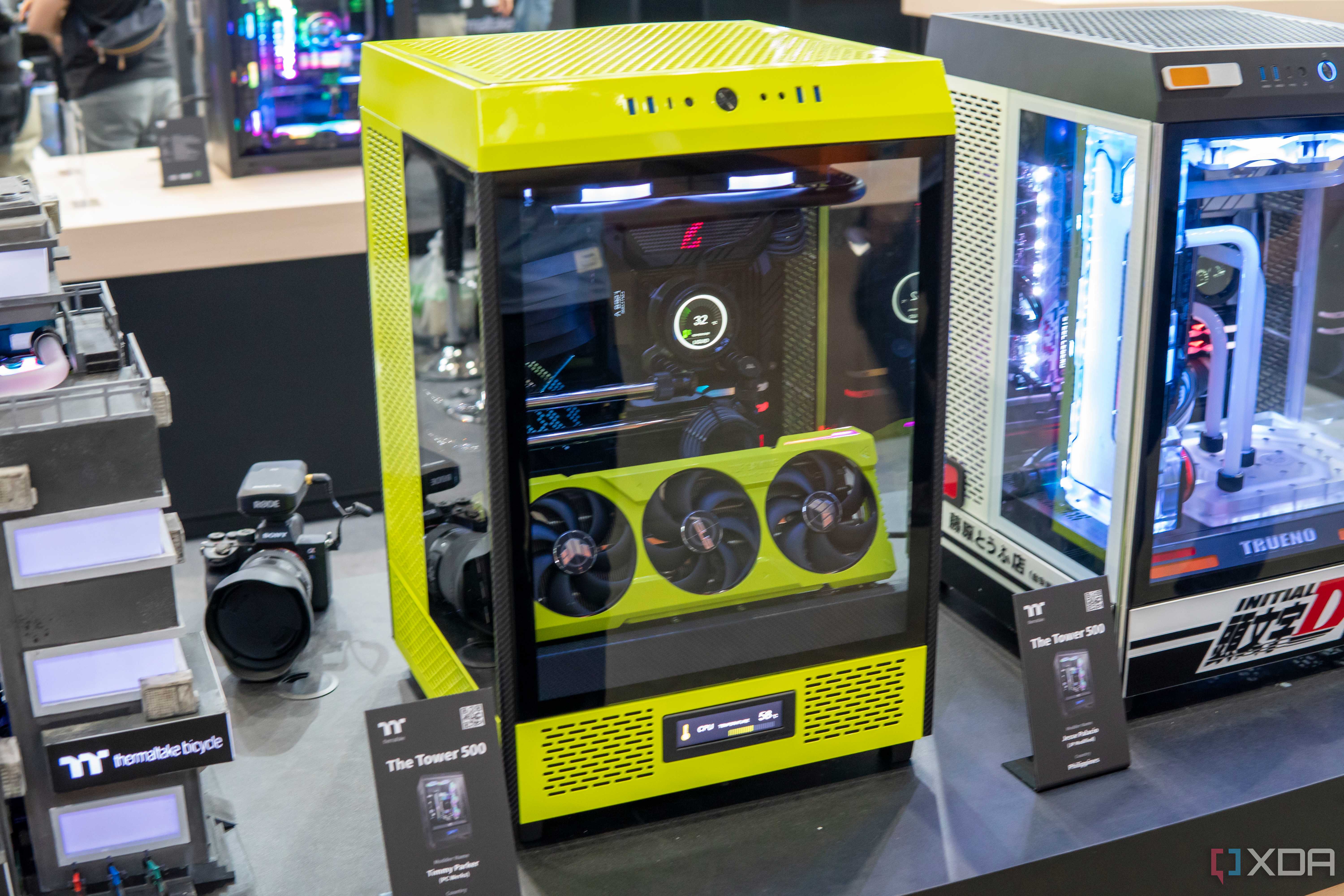
I can't deny that vertically mounted graphics cards look way better than conventionally mounted ones. Plus, you don't need to worry about elevated thermals if your card is sufficiently distanced from the side panel, and your case fan configuration is optimal. The urge to use a PCIe riser cable to display your GPU in all its glory is understandable — after all, you've likely paid a small fortune for it. Many users never encounter any of the instability or errors associated with PCIe riser cables, so why shouldn't they use them?
Additionally, using a riser might be your only option if you're using a compact SFF case. In some mini-ITX cases, installing your GPU horizontally might actually lead to worse temps, forcing you to switch to the vertical orientation. These cases might already come with a PCIe riser cable, but you might still have to buy one yourself for the best results. Considering vertical mounts can't simply be discarded, there's a need for reliable PCIe risers that overcome most of the problems discussed above.
Here's how to choose a reliable PCIe riser cable
And enjoy your extended PCIe connection

When shopping for a PCIe riser cable, it can be tough to separate the terrible ones from those you can trust. To start with, try to limit your search only to those cables that match the PCIe generation of your graphics card. Today, you can find PCIe 5.0 riser cables from reliable brands like LINKUP and EZDIY-FAB for around $60–$70. Next, look for cables with decent shielding and overall excellent build quality. You need the cables to withstand the high-bandwidth connection to your GPU or SSD. Risers with flexible cables are more convenient but might be less durable than those with more rigid cables.
The longer the cable, the greater the chances of something going wrong. Look for cables that are, at most, 20cm long. Lastly, your PCIe to M.2 riser should be equipped for PCIe bifurcation if you're planning to install multiple SSDs. If you follow each of these precautions, you'll be giving yourself the best chance for a flawless experience.

EZDIY-FAB Vertical PCIe 4.0 GPU Mount Bracket
- PCI
- 4.0
- PCI Slots
- 7
- Case Support
- ATX
- GPU Slots
- 3
- Cable Length
- 170 mm
- Adjustable
- Yes
EZDIY-FAB's Vertical PCIe 4.0 GPU Mount Bracket is an excellent choice for those who want the very best bang for the buck, as it's adjustable, has RGB lighting, doesn't cost a fortune like many other vertical mounts, and supports up to PCIe 4.0.
PCIe riser cables can be great, but avoid the cheap ones
Mounting your GPU vertically or installing PCIe to M.2 extenders can enhance the esthetics and functionality of your PC, respectively. That said, you should only buy riser cables that are proven to work without instabilities or unexplained glitches. Limit your search to well-reviewed models that boast excellent build quality and match the PCIe generation of your GPU or SSD.
