


At the end of the day, I typically find myself gaming on a console, in large part because of the location. It's far more comfortable to settle in for a night of gaming on the couch than sit at my desk for another few hours after a day of work. Even though I've been working from a laptop and moving around my apartment, the ability to lounge while watching cutscenes or waiting for dungeon queues is hard to match.
Working (or gaming) on my laptop from the couch also has the benefit of putting me in the best position for cat company, since my cat is too neurotic to sit in my lap if I'm in a desk chair. Since I've got a new PC that I built recently and an older gaming PC, I decided to make use of them both by setting the new PC up in my office as a general work/gaming machine, and putting the older PC to work as a pseudo-console attached to my TV.
The Two PC problem
Why even bother connecting a PC to a TV?

Previously, I had my TV set up with my PlayStation 5, PlayStation 4, Xbox Series X, Nintendo Switch, and N64 systems hooked up to the various HDMI ports. It's a 55-inch Samsung QLED TV with a 4K max resolution, so some Switch games and anything played on the N64 look a little rough on the flat screen. This was a pretty solid setup leftover from my days reviewing video games — I've done a handful over the years, but nothing like I had been doing prior to 2020 — and it works well for my needs even now that I no longer play as many games on each console.
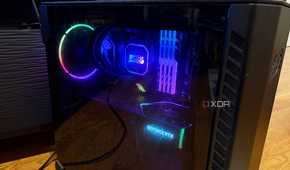
The one I tend to play the least these days is the Xbox. Much as I have deep nostalgia for the Xbox 360, the Series X is basically just a Windows PC in S mode. This gave me the idea to connect my older Falcon Northwest Talon PC to my TV. I work only on a single monitor, so I don't have a full desktop setup for each PC, leaving the Talon to just sit in my bedroom unused.
And since my TV is basically a 4K display with a 60Hz refresh rate, why not use it as the "monitor" for my second PC? The only thing to keep in mind is that some TVs can suffer from pretty extreme input lag, though there may be settings that you can tweak to make it a better experience. Samsung has an Auto Low Latency Mode, called Game Mode, which helps a lot.
It's incredibly convenient
Console-style setup with PC gaming levels of access


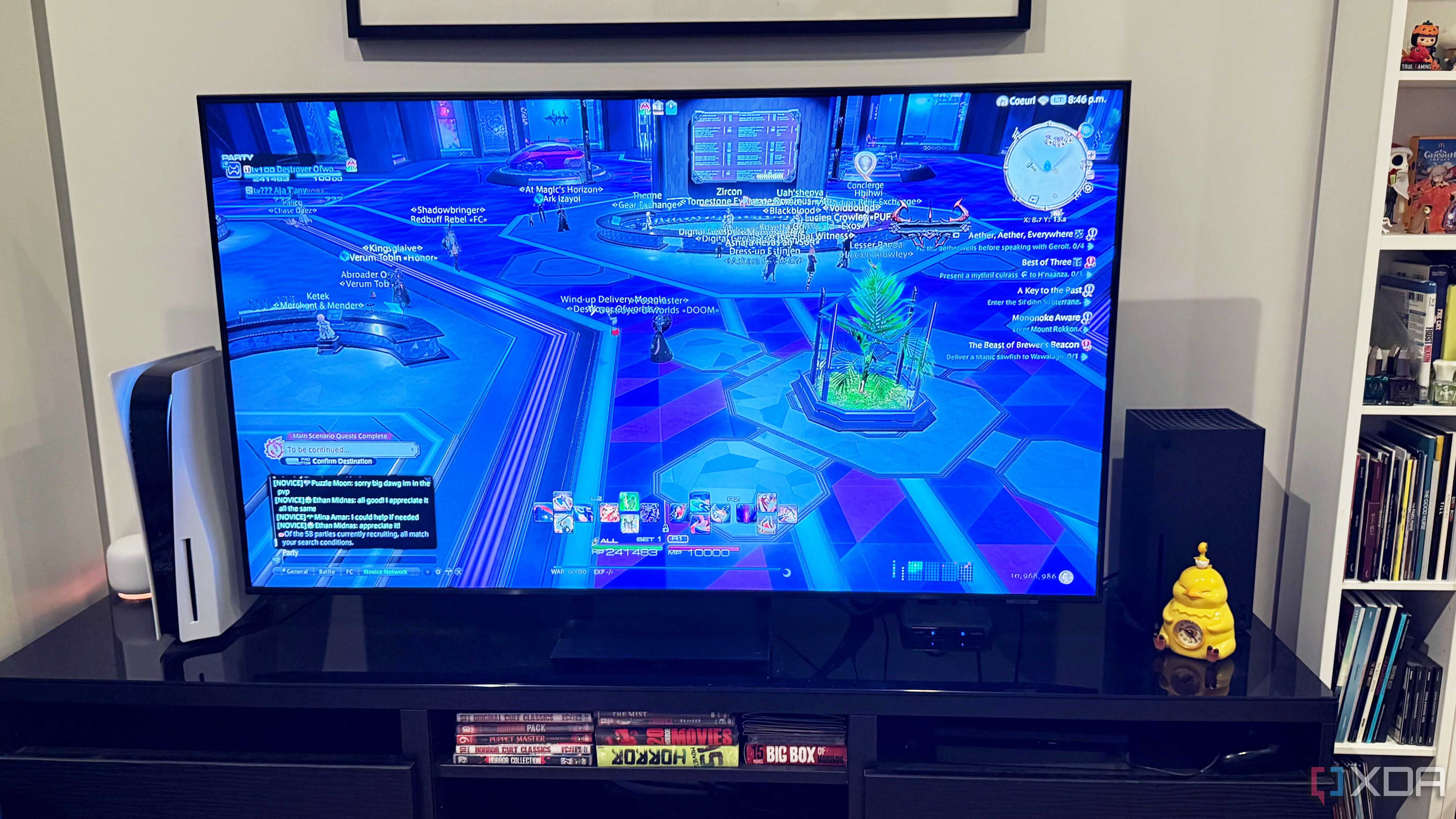
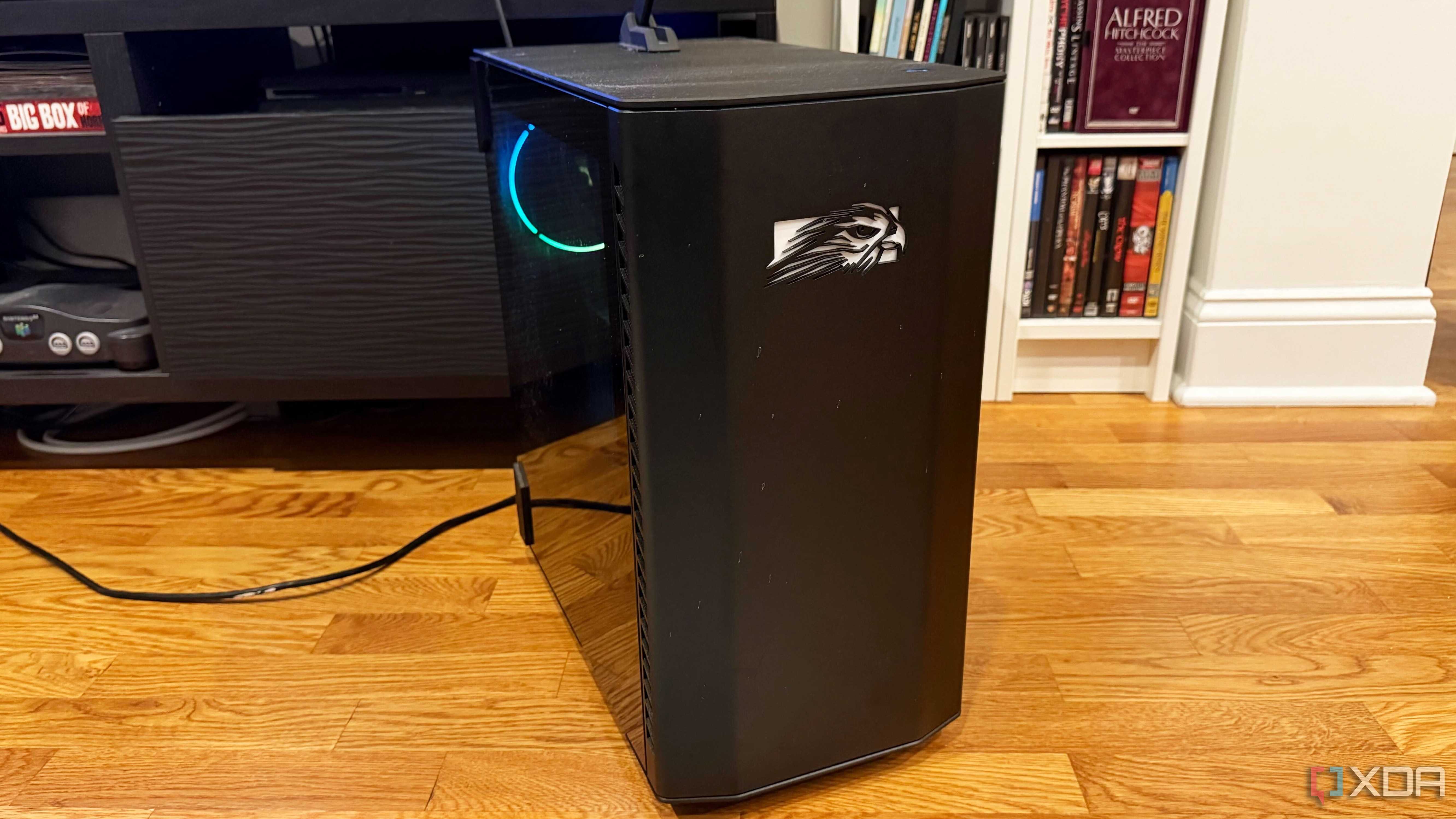
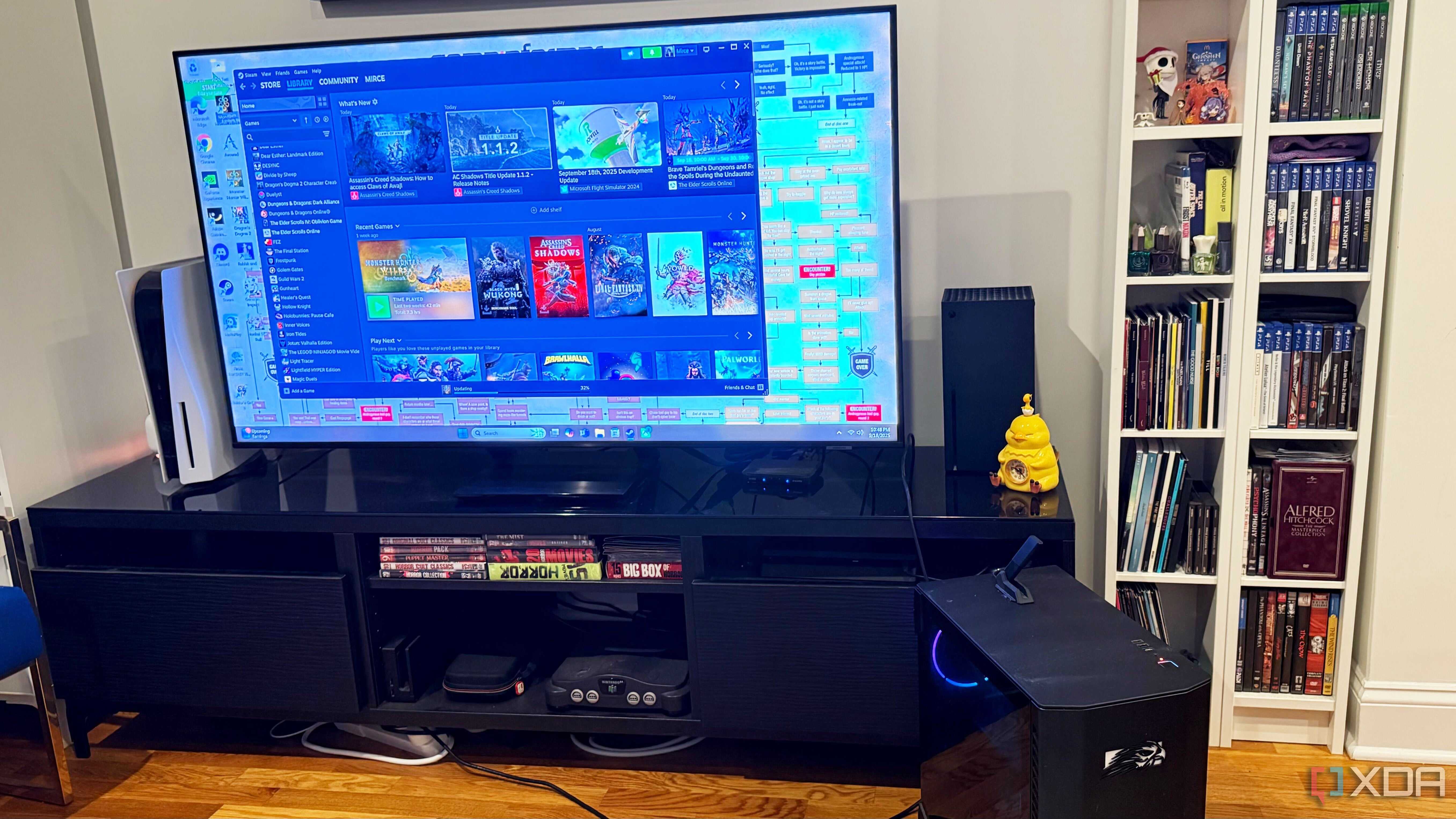
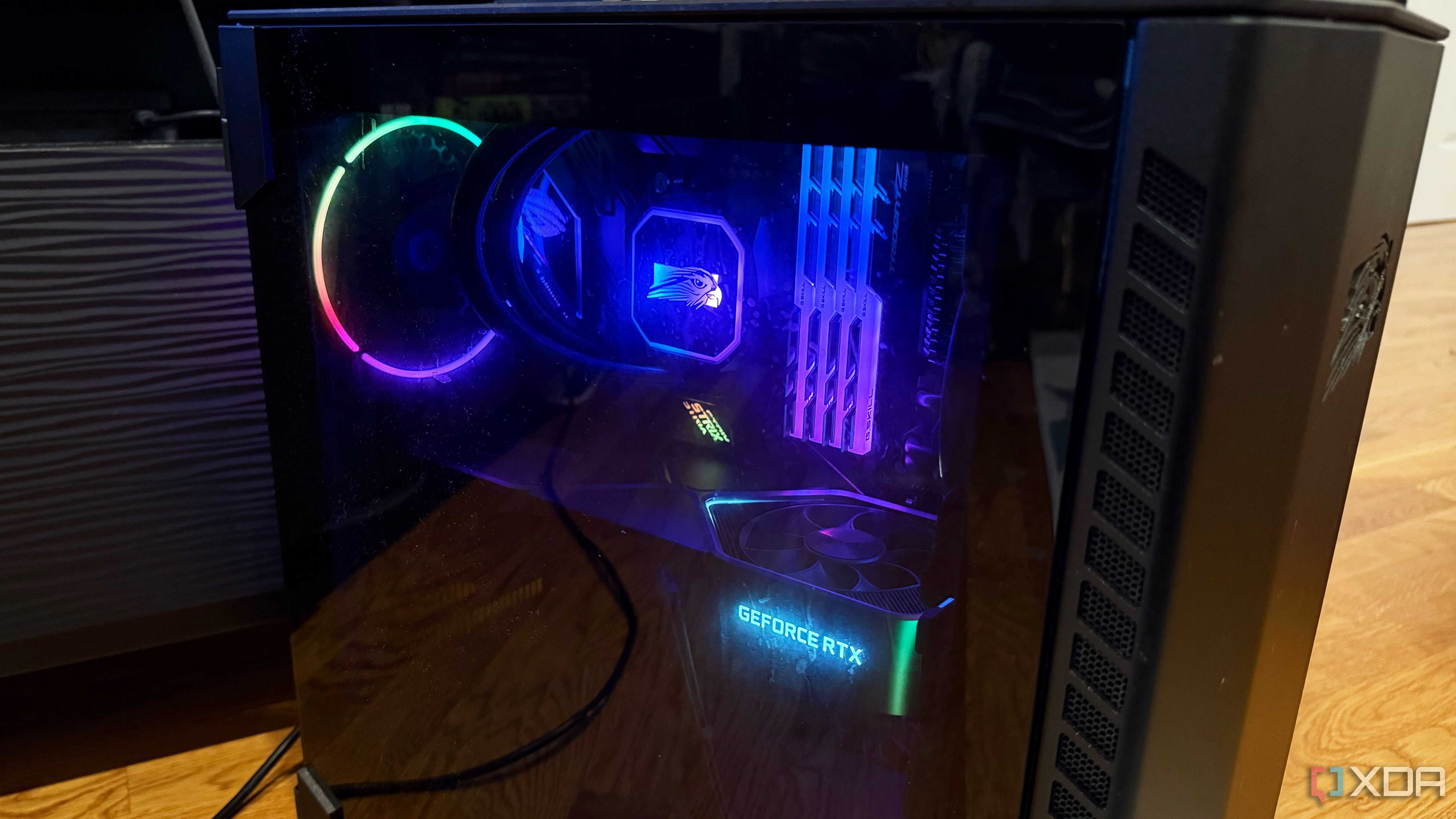
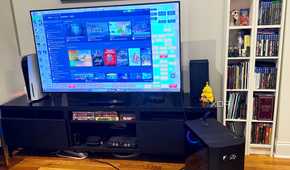
Thanks to Microsoft's Xbox App platform and Microsoft account linking, you can get an Xbox-style experience on any Windows PC. So, while I may have had a use for the Series X in the past, it's gotten more and more superfluous for me over time. This made swapping its HDMI port over to the Falcon Northwest easier than ever.
While controlling a PC at a distance is a little trickier than controlling an Xbox console, I've got a wireless keyboard and mouse for a reason. I can set them up on the C-table I use for working from my laptop and navigate through all the Windows 11 hoops to get my games launched. And from there, I can either continue using keyboard and mouse controls or switch to a controller, depending on the title.
And unlike the Xbox, I can access all of my various game launchers and storefronts from the Falcon Northwest. This gives me my Steam, Epic Games, and GOG libraries all from the comfort of my couch. And that's in addition to getting access to many of my digital Xbox titles on PC, plus Xbox Game Pass for PC, which helps bridge that gap even more. Unless it's an Xbox game that I need to use a disc for, there's no huge reason for me to have to break out the Series X when I've got a gaming PC in its place. So the Xbox can go ahead and start living its best life in my pile of old consoles.
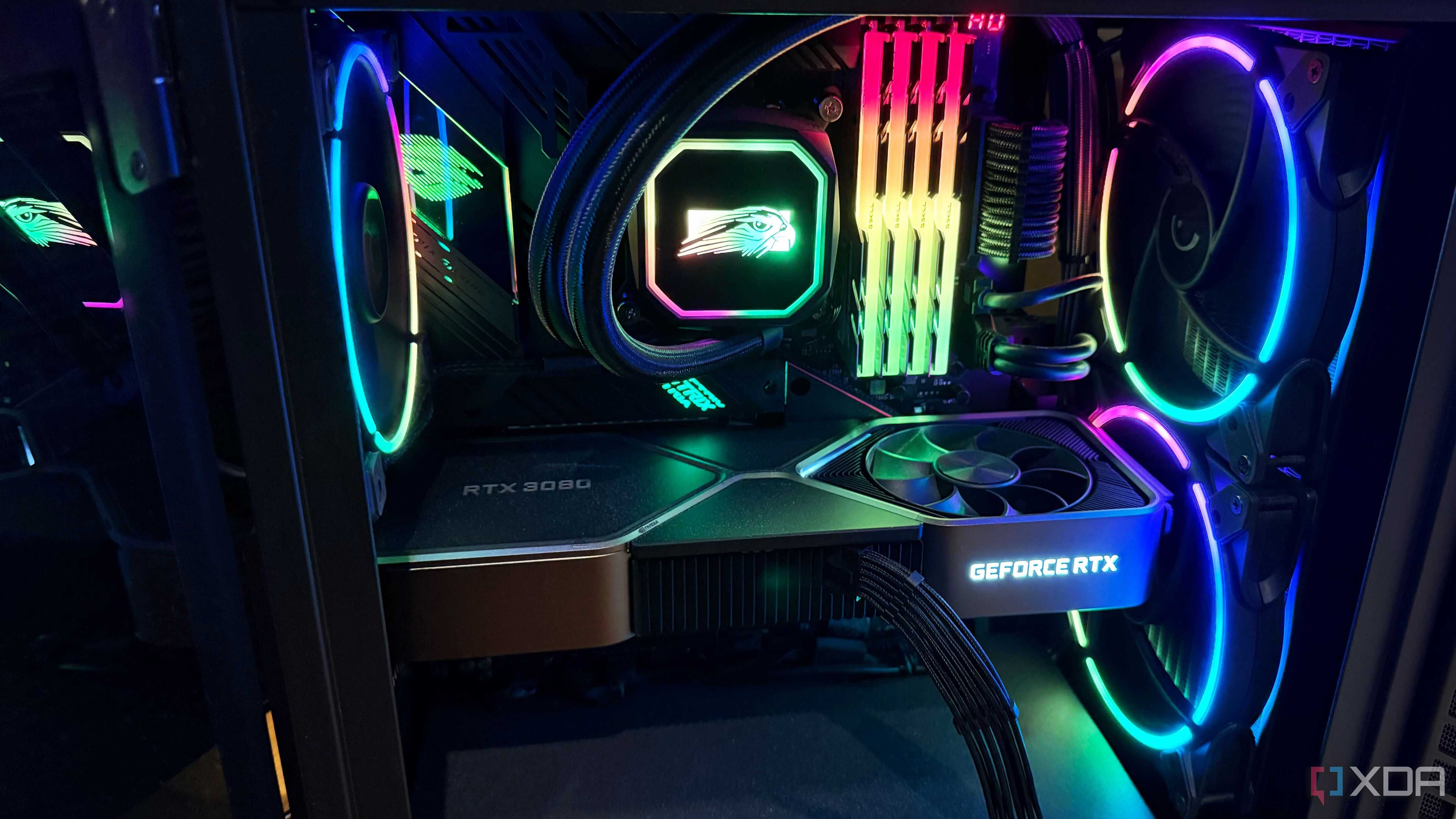
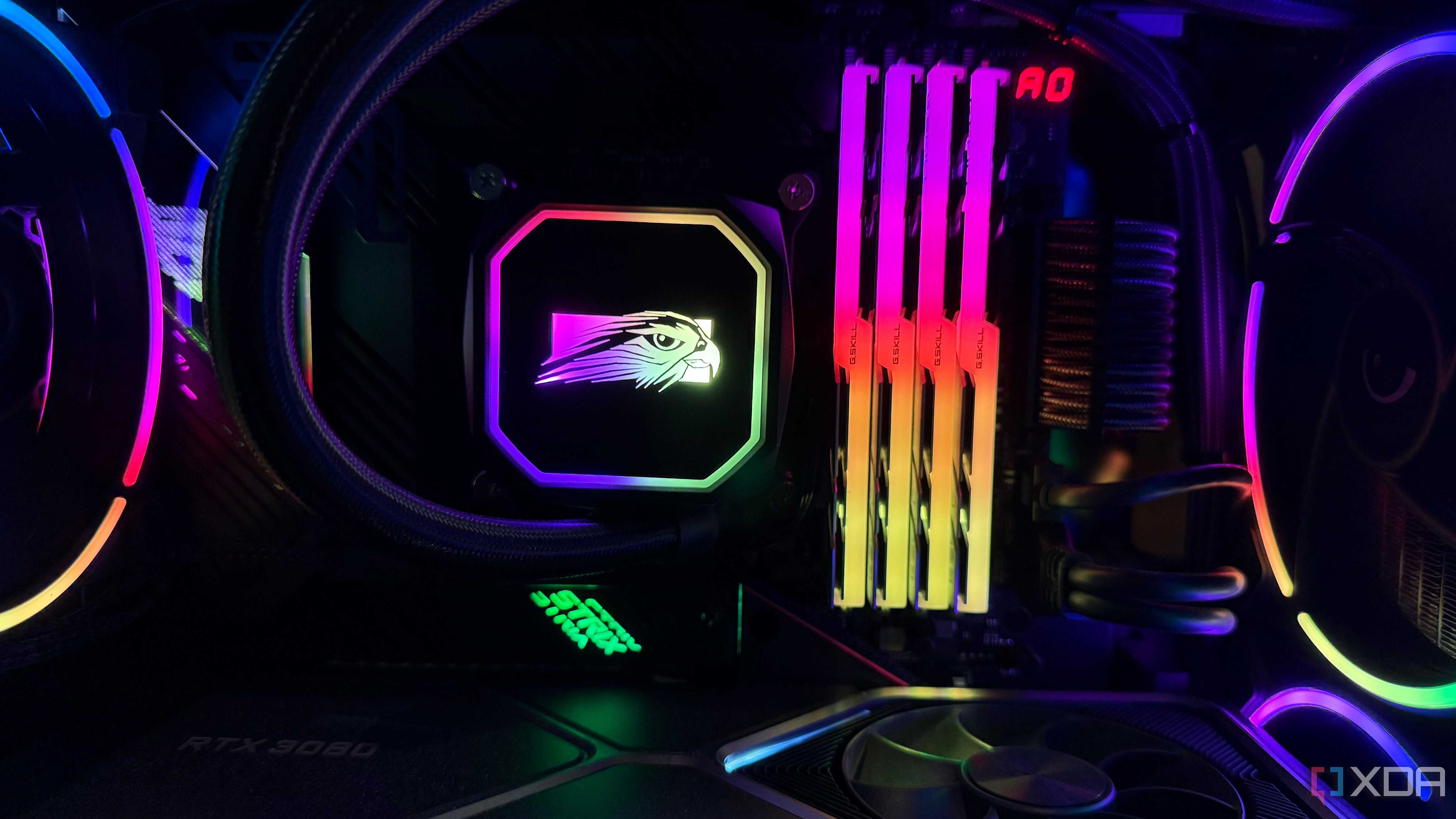
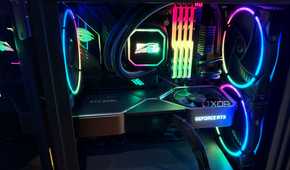
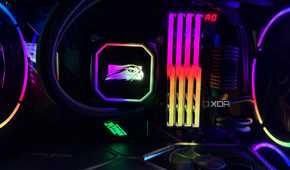
Meanwhile, the Falcon Northwest Talon PC I had built in early 2021 is still more than powerful enough to play even the roughest of new release games at high settings. Its i9-11900K and Nvidia RTX 3080 combo is still plenty strong even four years later. It's just not as new as my custom-built PC, so I tend to use it a bit less these days, though it does have a higher storage capacity. Which makes it a fantastic option for a pseudo-console.
There's no real downside
I still have a newer gaming rig with a faster monitor when I need it

I'm not saying everyone should take their gaming PC and connect it to a TV instead of a monitor, but for me, there's no real downside. I've got the space on my TV stand to fit the Falcon Northwest and all of my other consoles. In fact, I can even still keep the Xbox Series X on the same stand, though it requires a little bit of maneuvering. So if I have an Xbox game that won't run on my PC, I can always swap it out for the PS4 or N64, which are also rarely used these days.
And when I want to play a game at a higher refresh rate for competitive titles or even just to experience more fluid gameplay, well, that's where my newer, custom-built PC comes in. That gaming rig is still hooked up to a separate monitor, after all.
