


It feels like every time you open a new tab in your web browser to get some work done, something is slowing down your speeds. Maybe it's ads, DNS, or genuine issues with your home network, but most of those can be fixed. But before you side-eye your router as the primary culprit, I suggest taking a long look at the cables plugged into it instead. It's actually fairly rare for issues to be solely your router's fault, but it's all too easy to damage a cable or use the wrong specification for the speeds you want.
Start with the physical layer
Yes, that means your cables
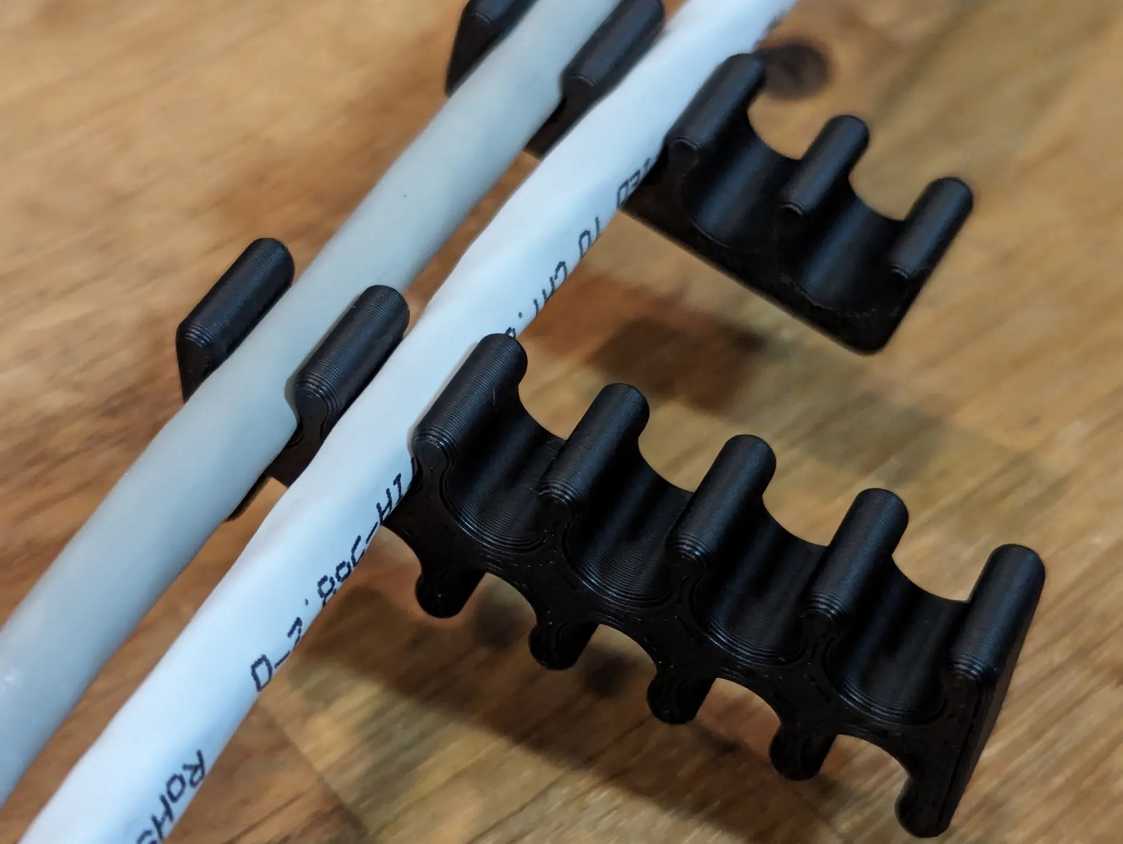


 Credit: Because3D/MakerWorld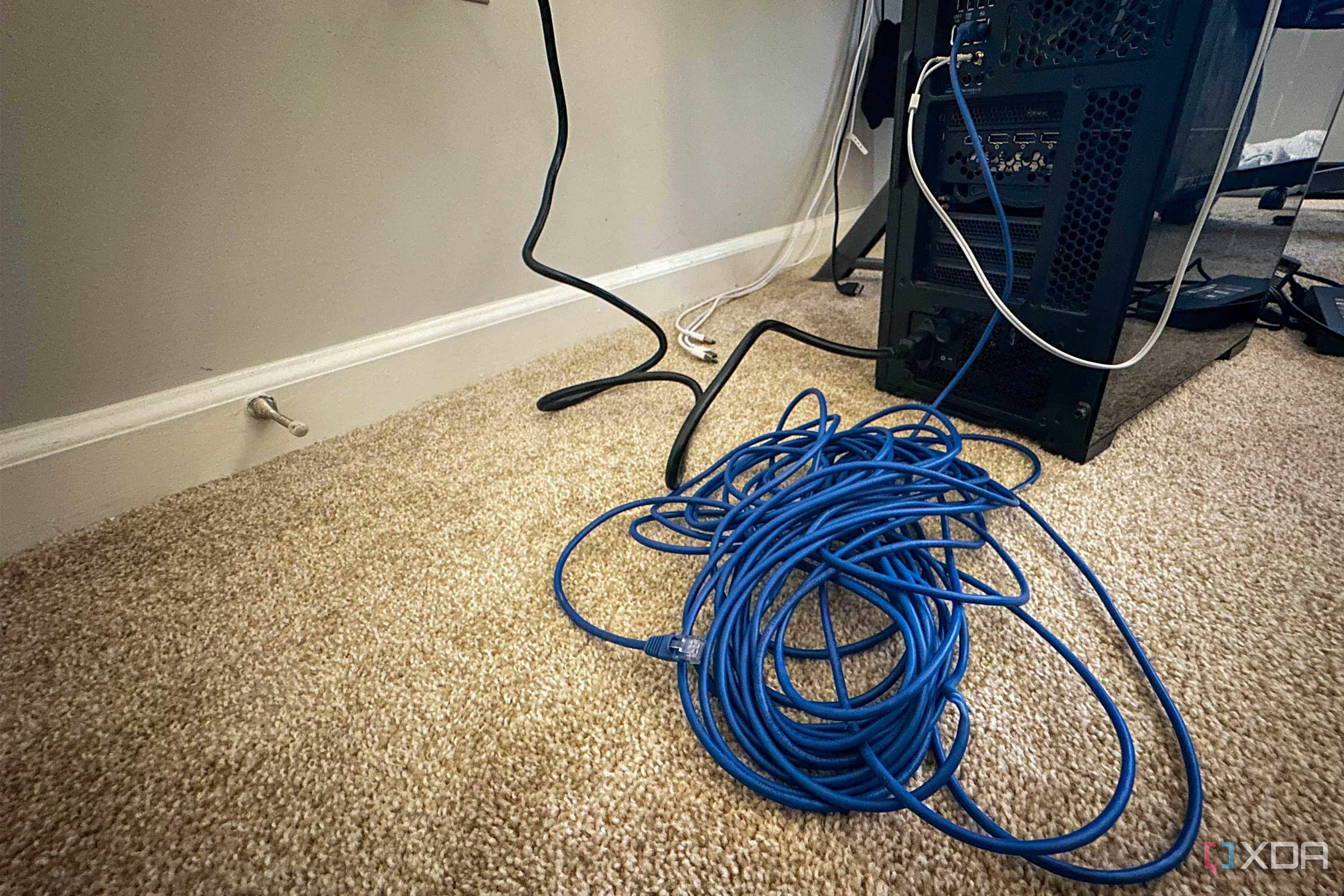

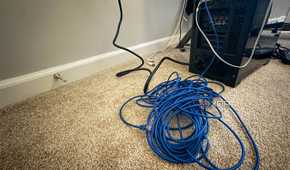
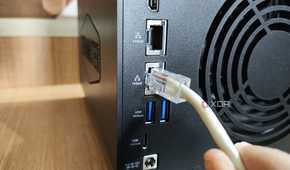

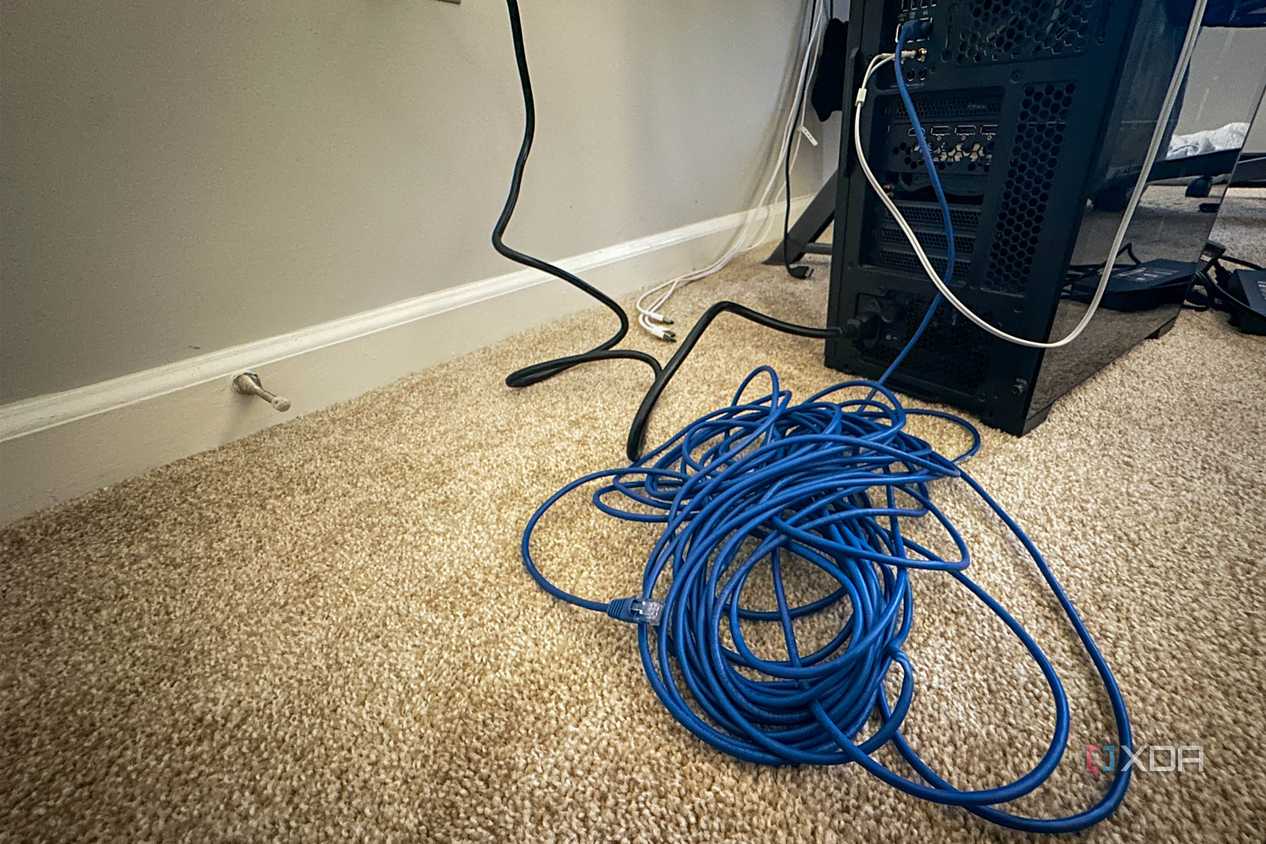
I'm sure we all know advertised speeds are a guideline, not necessarily what you'll see, but any significant mismatch between expected and actual speeds does point to an issue. Cables get fatigued over time, especially if they're bent around corners, jacks lose tension, and plugs get worn. Unless you've got a niche issue with your SSD flooding the PCIe bus, most slowdowns when using Ethernet are likely down to your cables.
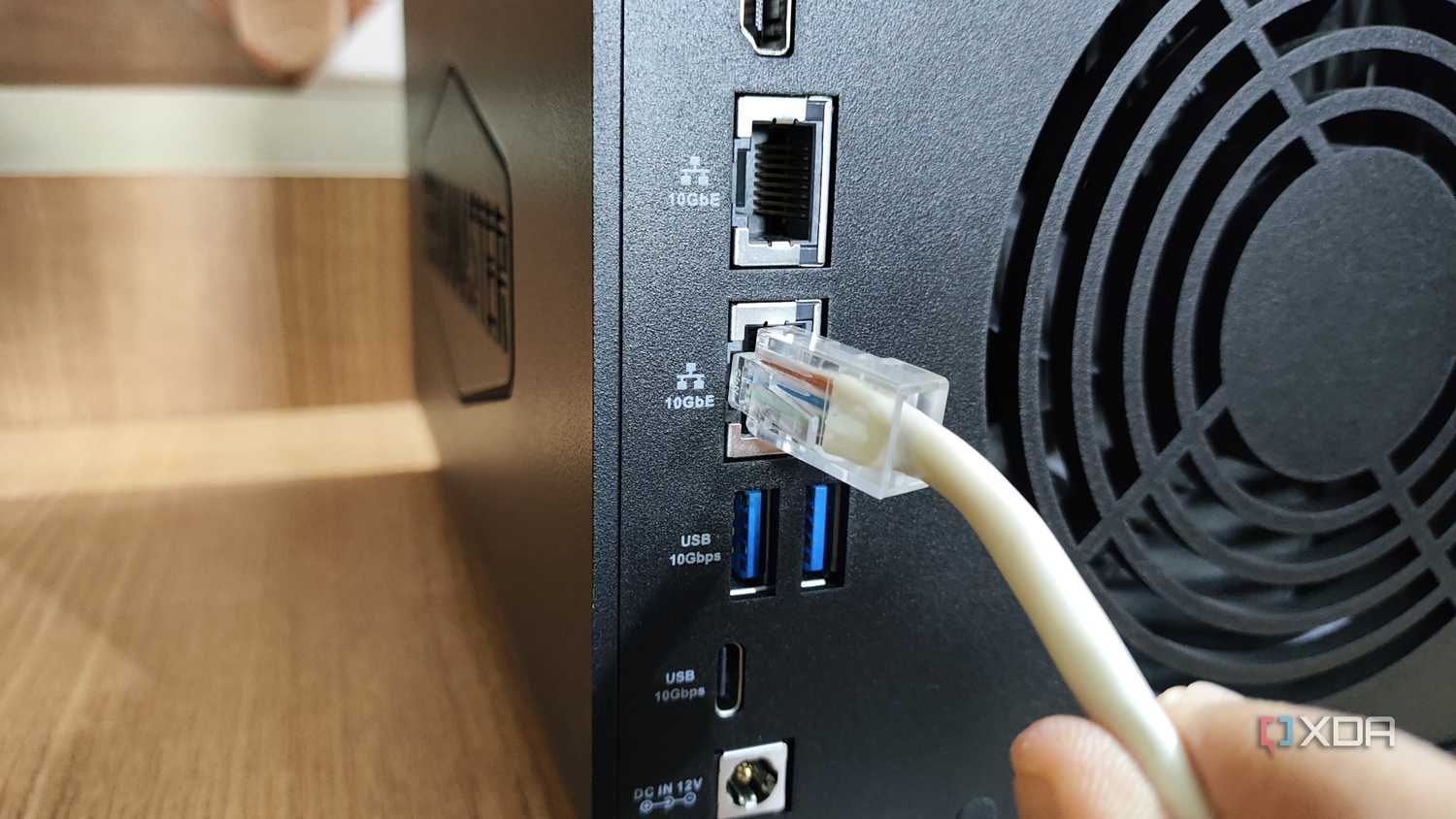
Unplug and replug the existing cable to see if that resolves the slowdowns; if not, try a new cable. I usually buy two or three of each length when I get new cables, so I have spares just in case, since they're cheap and I'd rather front-load the costs rather than be frustrated if a cable goes bad.
A cable tester is a wise investment if you go through lots of cables
While swapping out cables is often the quickest way to test, it's not always possible. It also doesn't tell you whether the original cable was actually at fault or whether simply replugging it might have fixed things. For that, you'll need an Ethernet tester, which connects to the ends of the cable, sends signals down it, and analyzes the results.
Sure, it's an added expense, but if you've been terminating your own cables while wiring your house, it's an essential in my books. You don't need the one below, which also measures Power-over-Ethernet, link detection for the port it's connected to, network discovery and VLAN tags, but it's nice to have as your home network grows.
You can test with almost any tester, from the $10 ones to the really expensive ones, but it's a question of how much info you need. The cheap ones tell you whether the cable is terminated correctly and whether the shield has continuity, or if there are wire breaks. The better ones tell you a wealth of information about your network, not just the physical layer, and can be a handy thing to have around.


Why your cables are often at fault
You should reframe thinking of these as consumables


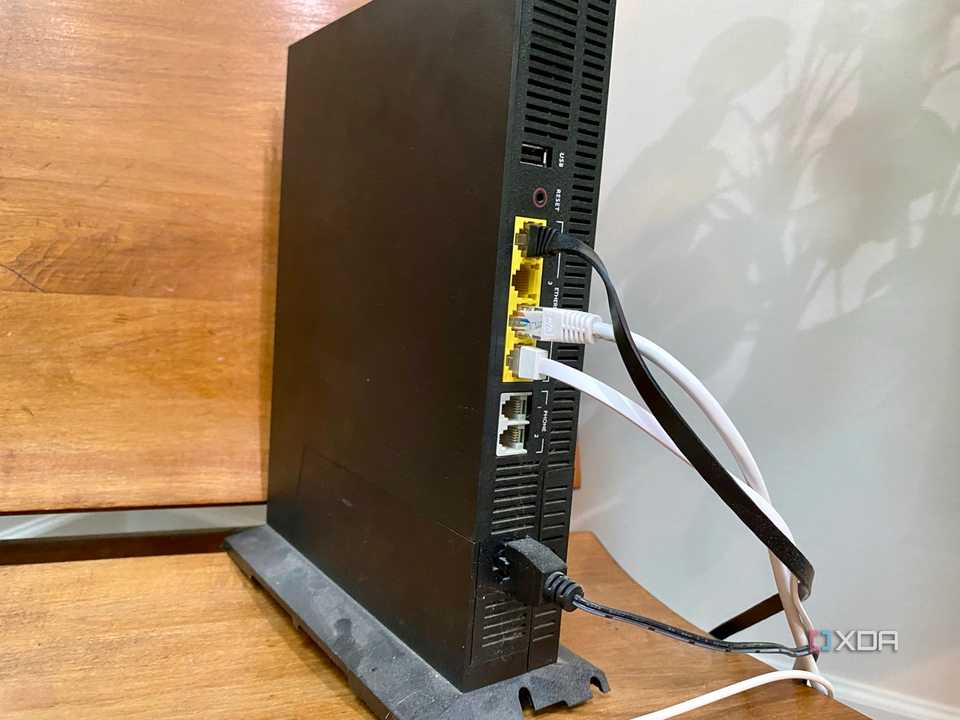


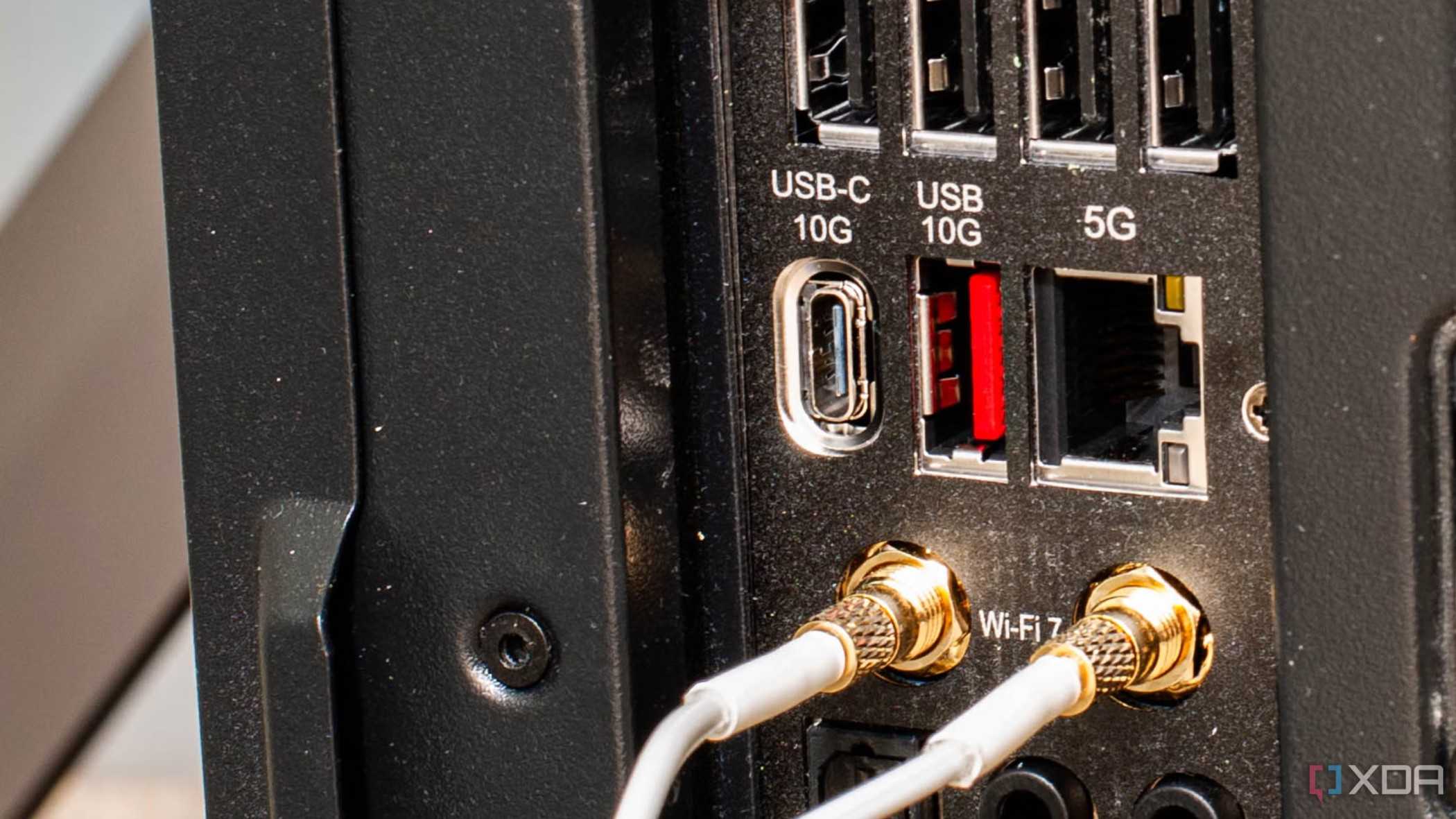
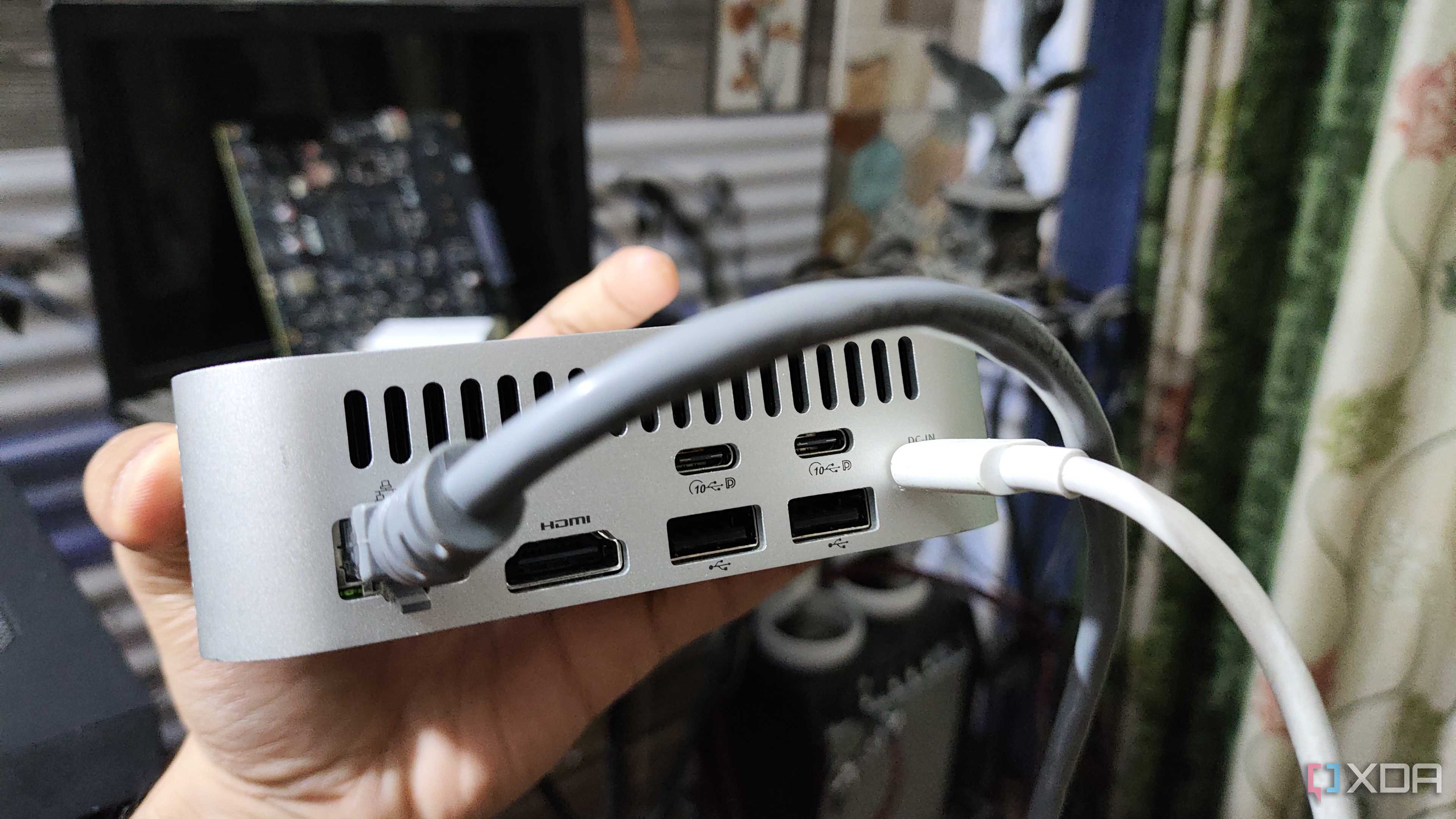
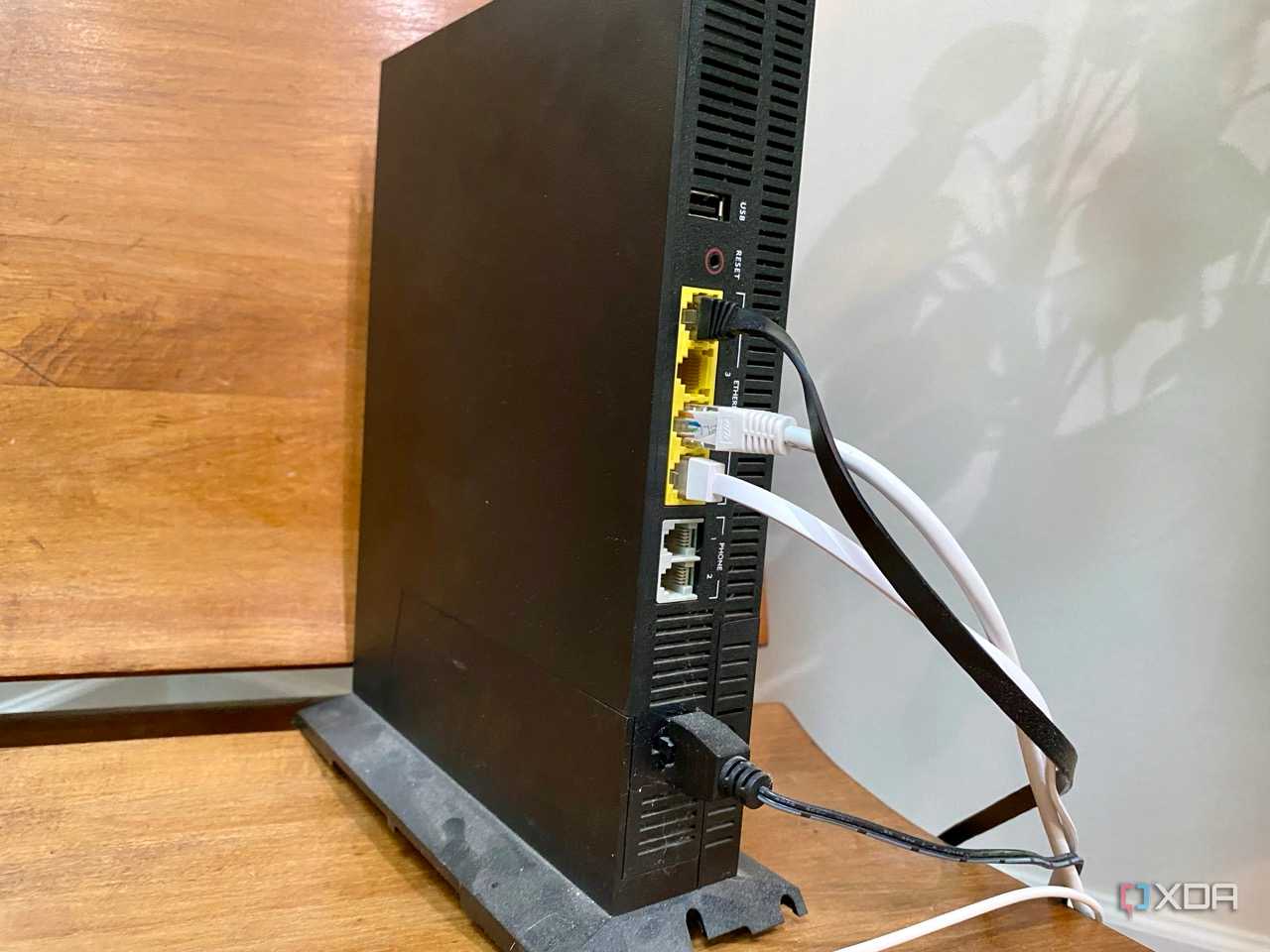
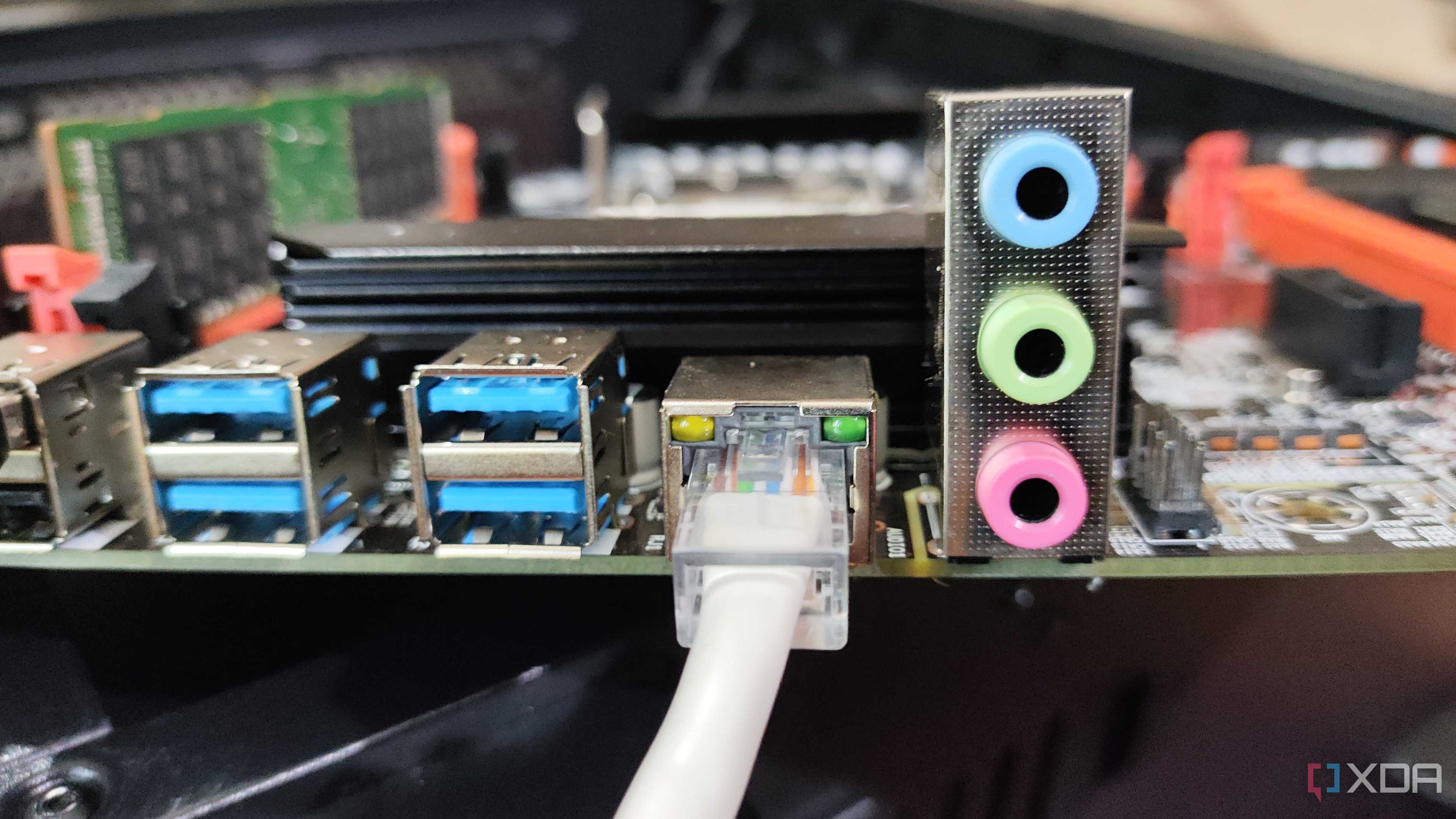
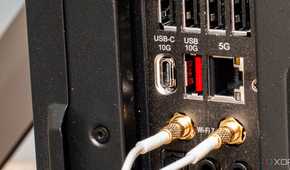
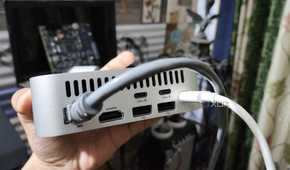
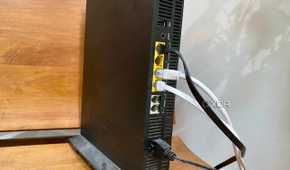
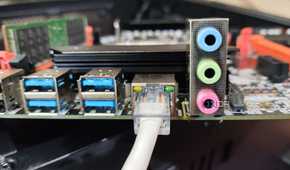
Even if you're not planning on using Power-over-Ethernet, quality cables are a must. Whether it's backhaul between rooms or shorter cables in your rack or between your router and PC, pure copper cables are what you want. Copper-clad aluminum isn't usually sold nowadays, but you should still check to make sure because you don't want it. It's more likely to crack or snap under tension, and it isn't up to electrical code.
It's a fact that quality cables can fail as well, less so if they're stationary in a conduit through your walls, but if they're not anchored, then they get stressed with every movement. And any cable outside your walls should be treated as a consumable, since it won't perform at peak forever.
And make sure the cable labels match what you expect

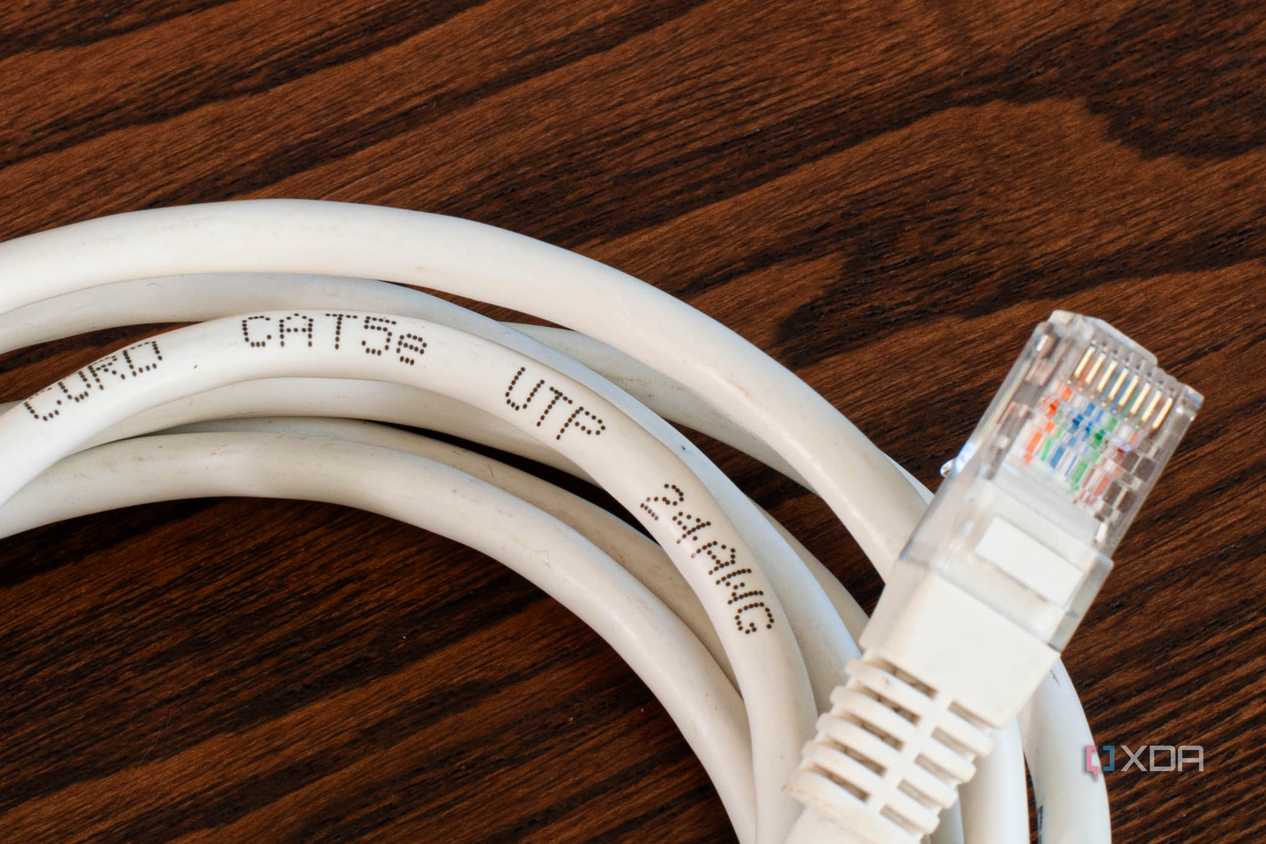
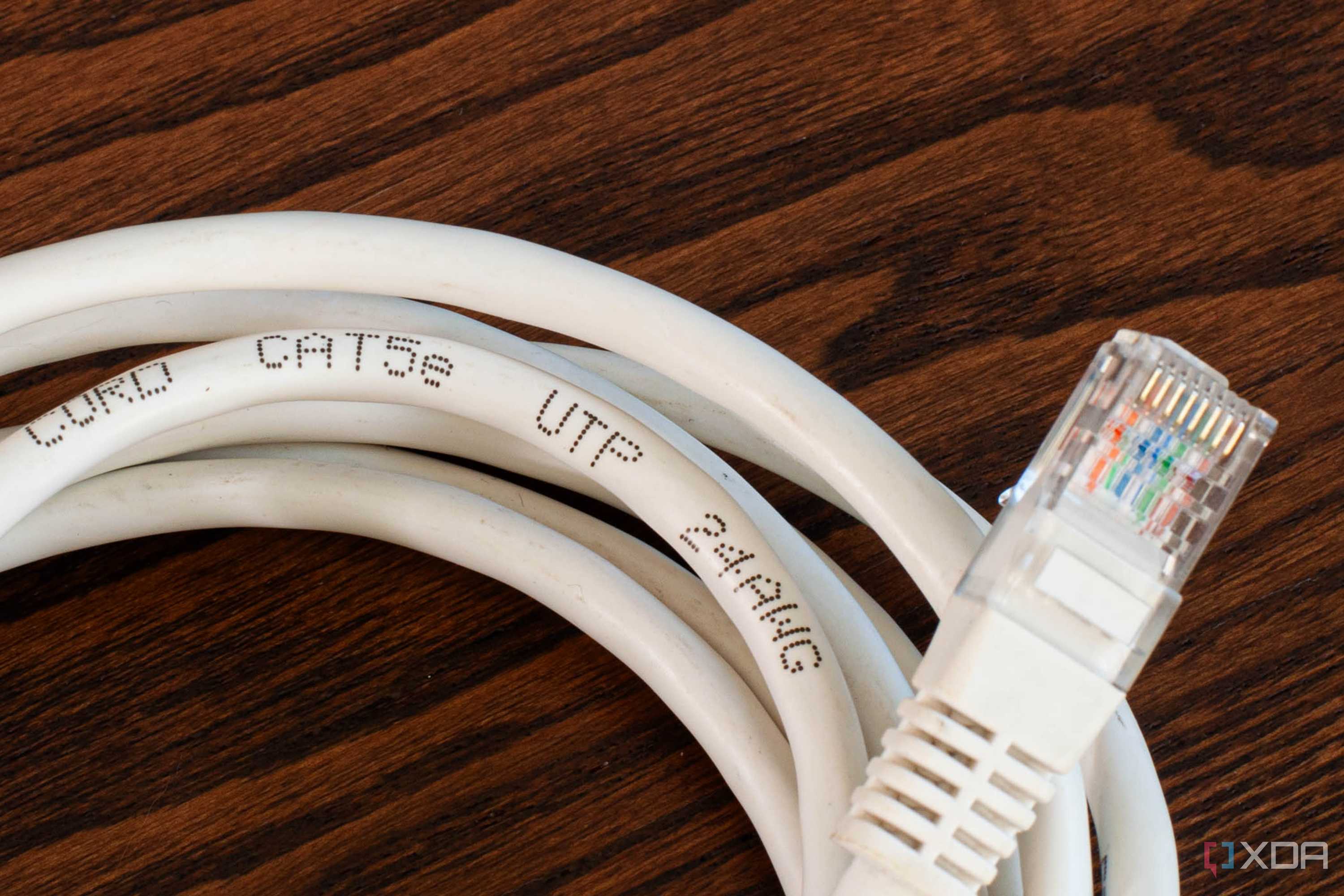
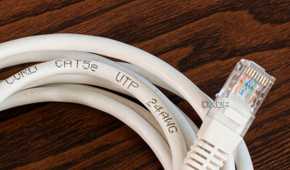
All certified Category twisted-pair cables should have the specification they're rated to printed along the cable sheath. Whether that's Cat5, Cat5e, Cat6, or Cat6a, this will tell you the maximum data rate and bandwidth you can expect. For modern networking hardware, you want at least Cat5e really, as Cat5 was designed for 100 Mbps data rates and almost everything is gigabit or above now. Don't get sucked into the trap of buying Cat7 (a proprietary standard that was not ratified by the IEEE or TIA/EIA), or Cat8, which was designed for 25GBase T or 40GBase T (unless your hardware can support those speeds).
What to test on your router if the cable wasn't at fault
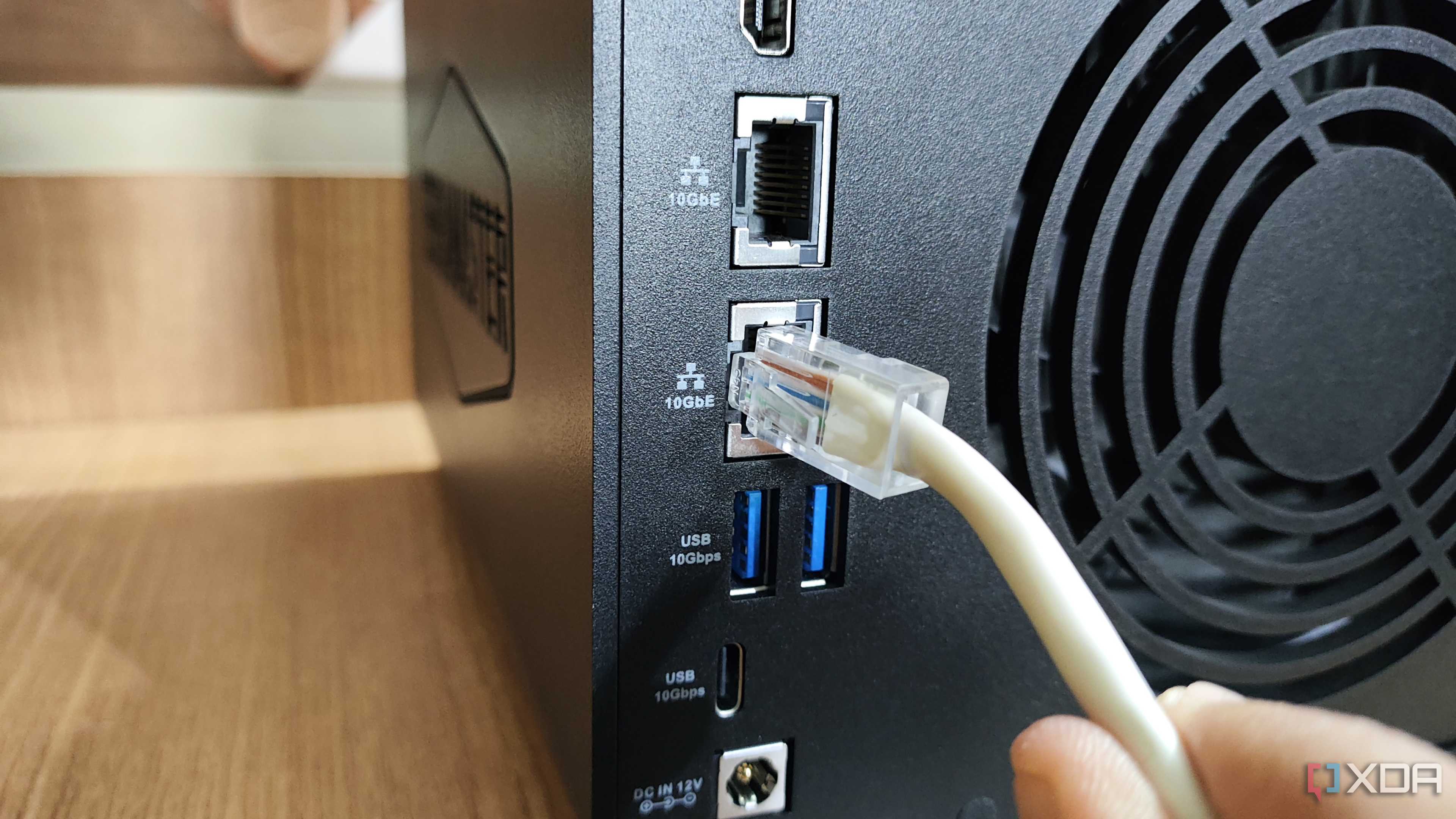
While many other things can make your home network crawl, you can gain back performance by changing a few router settings. I'd also suggest trying a different port, or another device connected to that port, because cables aren't the only part of the physical layer that are known to fail.
And if your router is 5 years old or more, get your ISP to replace with the new hardware if you're still using their equipment, or look for upgrade options if not. Consumer routers aren't designed to last forever, and should also be considered a consumable, just one with a longer lifespan than the patch cables you're also using.
Always start with the physical layer when troubleshooting network connectivity
The physical connections on most electronics is always the first place to start troubleshooting, and networking equipment is no exception. Changing out cables to see if the existing one is faulty is quick and easy, and doesn't require you to learn how to use a cable tester. But those are great too, especially if your networking stack looks more like a mini datacenter than the average home.
