


Running a speed test and seeing the exact speeds you're paying your ISP for is always a good feeling, but that feeling subsides quickly once you start experiencing issues in real-world network loads. Choppy video calls, spiking latency in online games, and sluggish responses from cloud apps can all be symptoms of a bigger problem. Your network looks fine on paper, but in practice, it's unreliable.
Network speed tests really only give you a small window into your network's performance. It's not a completely useless test, but it can hide issues that actually make a network feel bad to use, and if you want to understand what's really happening, testing your network under real conditions can help you get to the bottom of what's going on, and it's usually due to something called bufferbloat.
Why speed tests can be misleading
Drag races don't give you a good picture of reliability

Speed tests feel trustworthy because they give you a single, concrete answer. You click a button, wait a few seconds, and receive a number you can compare directly to your ISP plan. The problem is that this simplicity masks what’s actually being tested. Most speed tests are designed to show best-case throughput, typically connected to nearby servers with excellent peering, running short burst transfers that favor modern TCP behavior, and complete long before any kind of stability issues can surface.
What a speed test really answers is whether your connection can sprint under ideal conditions. It does not tell you how your network behaves when multiple devices are active, when uploads and downloads overlap, or when latency-sensitive traffic is competing for bandwidth. That’s why a connection can test at 900 Mbps down, but still fall apart the moment someone starts a large upload.
What to test instead
Bufferbloat is the main culprit for most people

In most modern home networks, the real culprit isn’t bandwidth at all, but rather, it's usually bufferbloat. Bufferbloat happens when network devices attempt to be helpful by buffering data, but they buffer a bit too much. Modems, routers, and ISP equipment are often designed to queue packets aggressively so nothing gets dropped. On paper, this works fine when there isn't a ton of traffic, but for things like gaming or video calls, too much bufferbloat can result in a horrible experience.
When a large download or upload starts, packets begin stacking up in these buffers faster than they can be transmitted, and as a result, latency explodes. A connection that normally responds in 20 milliseconds can suddenly take 300, 500, or even 1000 milliseconds to respond, even though throughput remains high.
In my situation specifically, I have a pretty mild case of bufferbloat. When downloading, my latency only kicks up by 9 or 10 ms, but when uploading, it increases by over 150 ms in a lot of cases. This is fine for video calls or general online productivity, but would render online games unplayable.
How to tell if bufferbloat is your issue
Fixing it is also straightforward
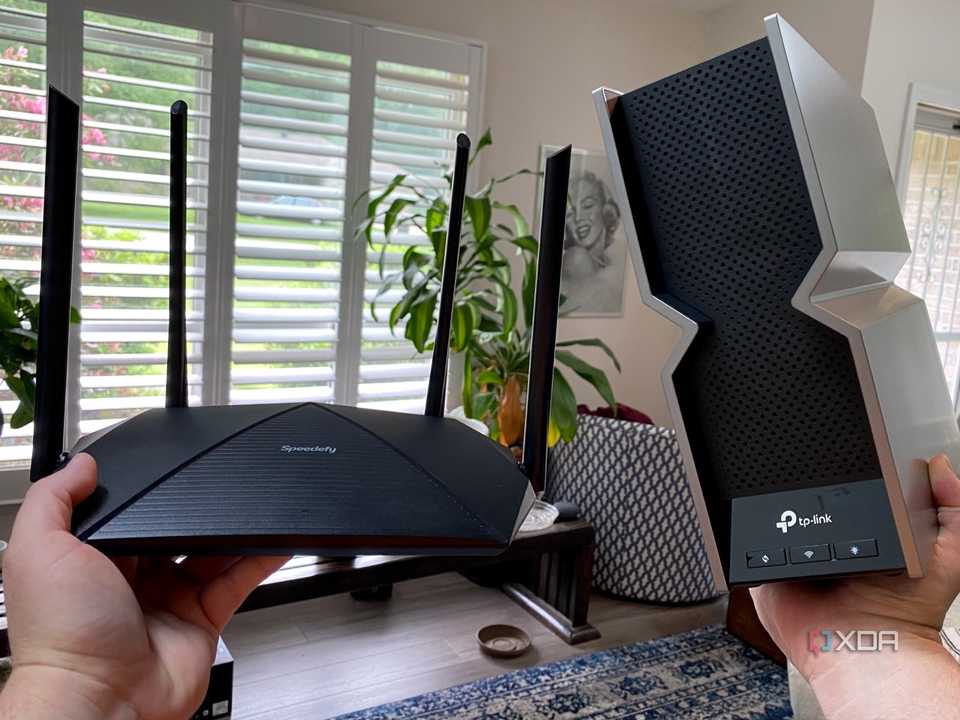


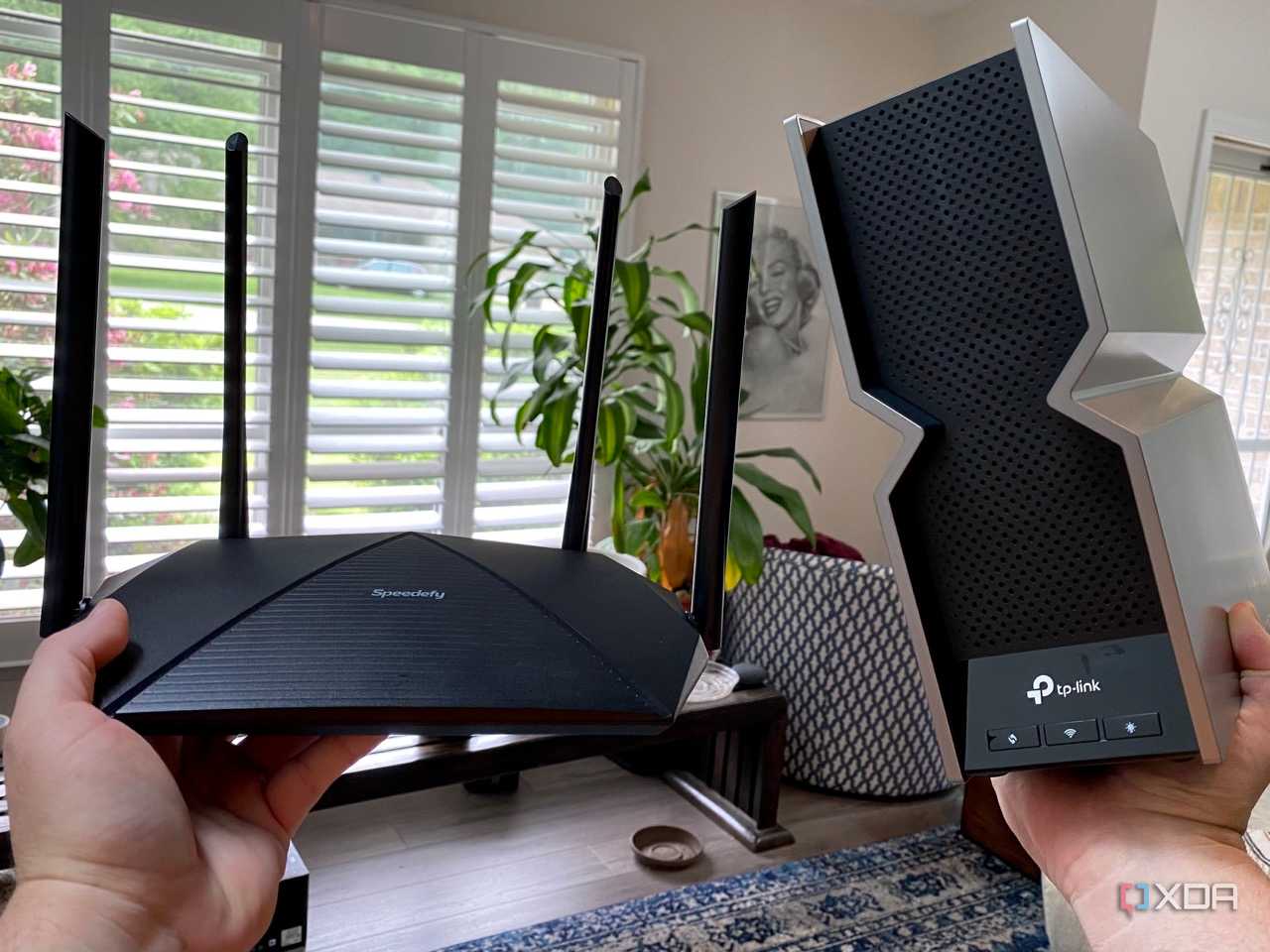
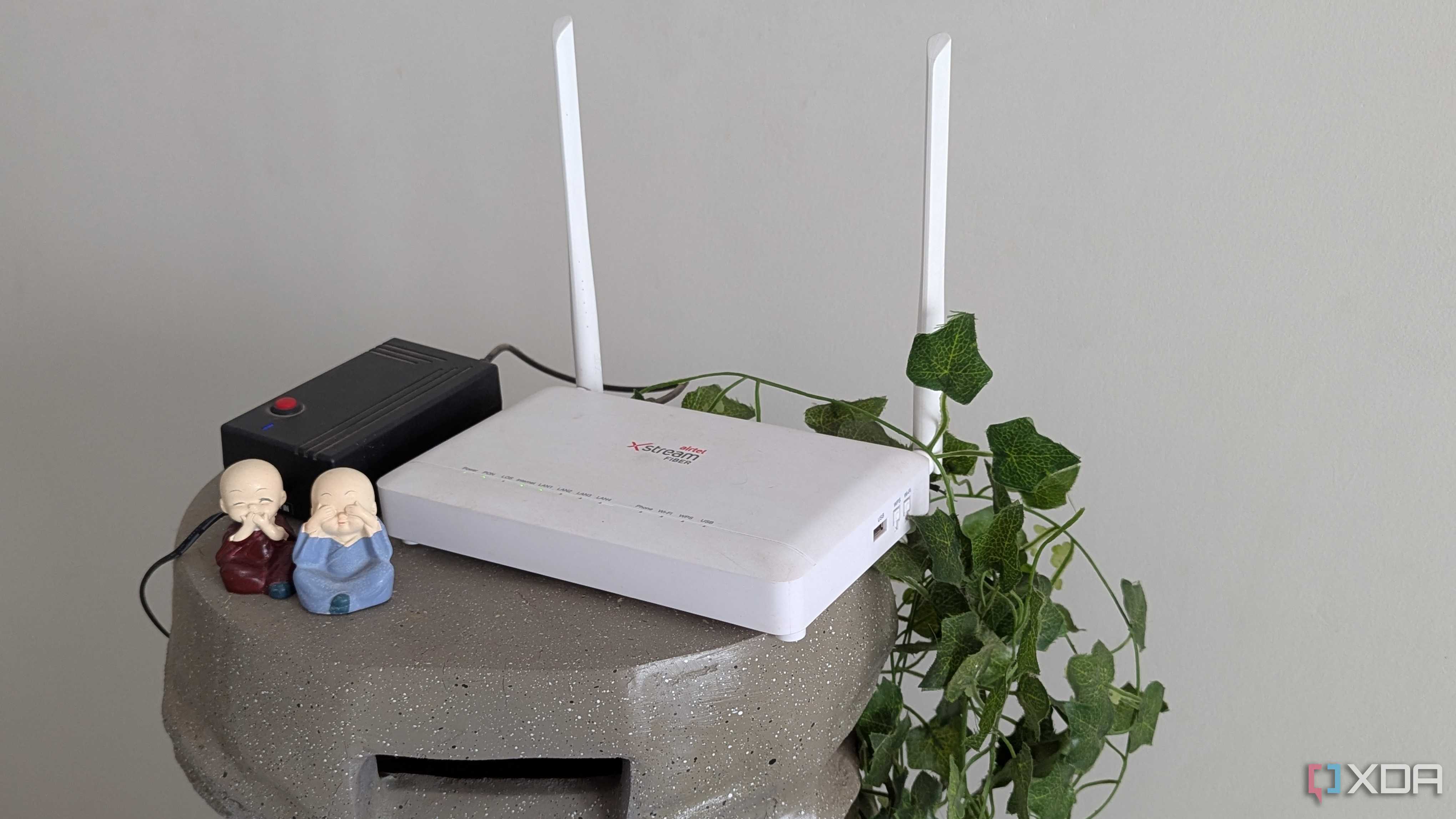
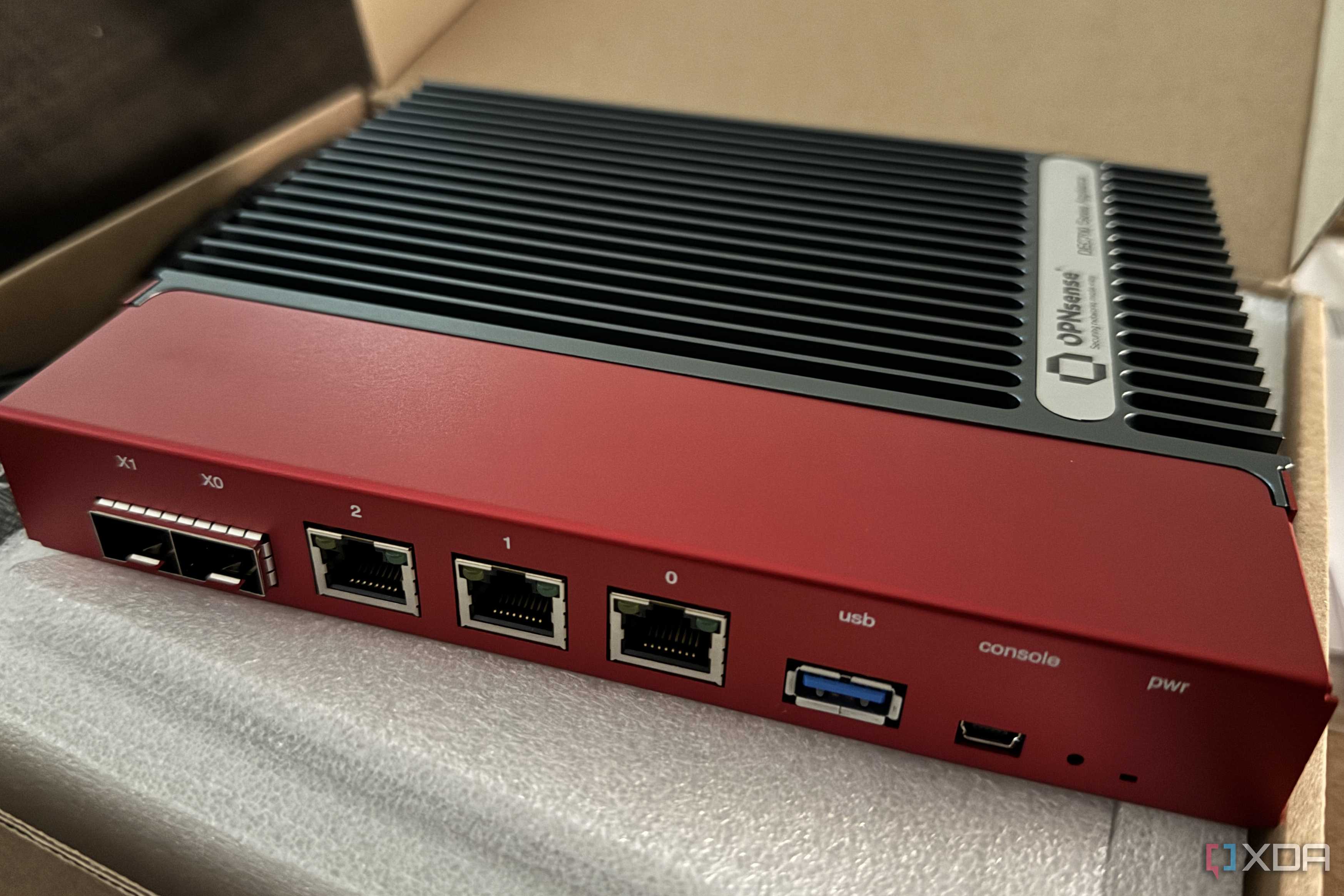





Detecting bufferbloat doesn’t require specialized hardware or lab tools. One of the simplest tests is to observe latency while the network is busy with a large download or upload. If latency jumps dramatically under load, bufferbloat is almost certainly involved. There are online tests that can do this for you, with my favorite being on Waveform's website. Running the test will give you a bufferbloat "grade", and describe to you how bad your particular case is. When testing my network, I got a "C" grade, which isn't great, but also isn't going to affect my daily usage very much, unless I'm gaming and uploading at the same time.
Fixing this is fairly straightforward, but isn't usually something you can do for free. The most effective fixes involve traffic management at the router level with technologies like smart queue management (SQM). SQM will deliberately slow traffic slightly, so queues never grow large enough to cause latency spikes. The idea sounds counterintuitive at first, but it works because shaving a small amount off of peak throughput dramatically improves responsiveness. Your router may already have it as an option in the settings, but many mid-to-low end routers (even new ones) don't have anything of the sort.
Routers that have good SQM algorithms that can keep up with a fast connection will require a fast CPU, as these traffic management measures are usually pretty CPU intensive. Generally speaking, the faster your connection and the more bufferbloat you're experiencing, the better router you'll need.
SQM is a bit like QoS, but they're two different settings that perform different actions. Enabling QoS will only help so much, and a bad SQM implementation can also do more harm than good in some instances. If you're struggling with high ping in games and can't hold a video call, it's worth giving up a bit of bandwidth.
Speed tests only tell you part of the story
Speed tests do still have a role. They’re useful for confirming that an ISP is delivering roughly what it promised, for identifying major line problems, and for catching obvious throttling or outages. If a wired connection on a gigabit plan never exceeds a few hundred megabits, something is clearly wrong.
With that said, speed tests won't tell you if your network is struggling to keep up with periods of high traffic, and that's often due to bufferbloat. You may need to upgrade your router, but it could be a worthwhile price to pay if your network's symptoms are difficult to manage.
