


Putting smart home devices on their own VLAN sounds like a pretty straightforward task on paper. You isolate your IoT gadgets, and as a result, you tighten security and keep your main network free of noise. In practice, it’s a lot messier and more complicated than that.
The moment you start segmenting your smart home, you find out just how many of these devices quietly rely on broadcast discovery, cross-subnet communication, or assumptions that everything in your house is sitting on the same flat network. I recently decided to move most of my smart home gear onto an isolated VLAN, and while the process was easy enough, the fallout was immediate. Things worked… up until they really didn’t.
Why you'd want all your smart home devices on a dedicated VLAN
It comes down to security


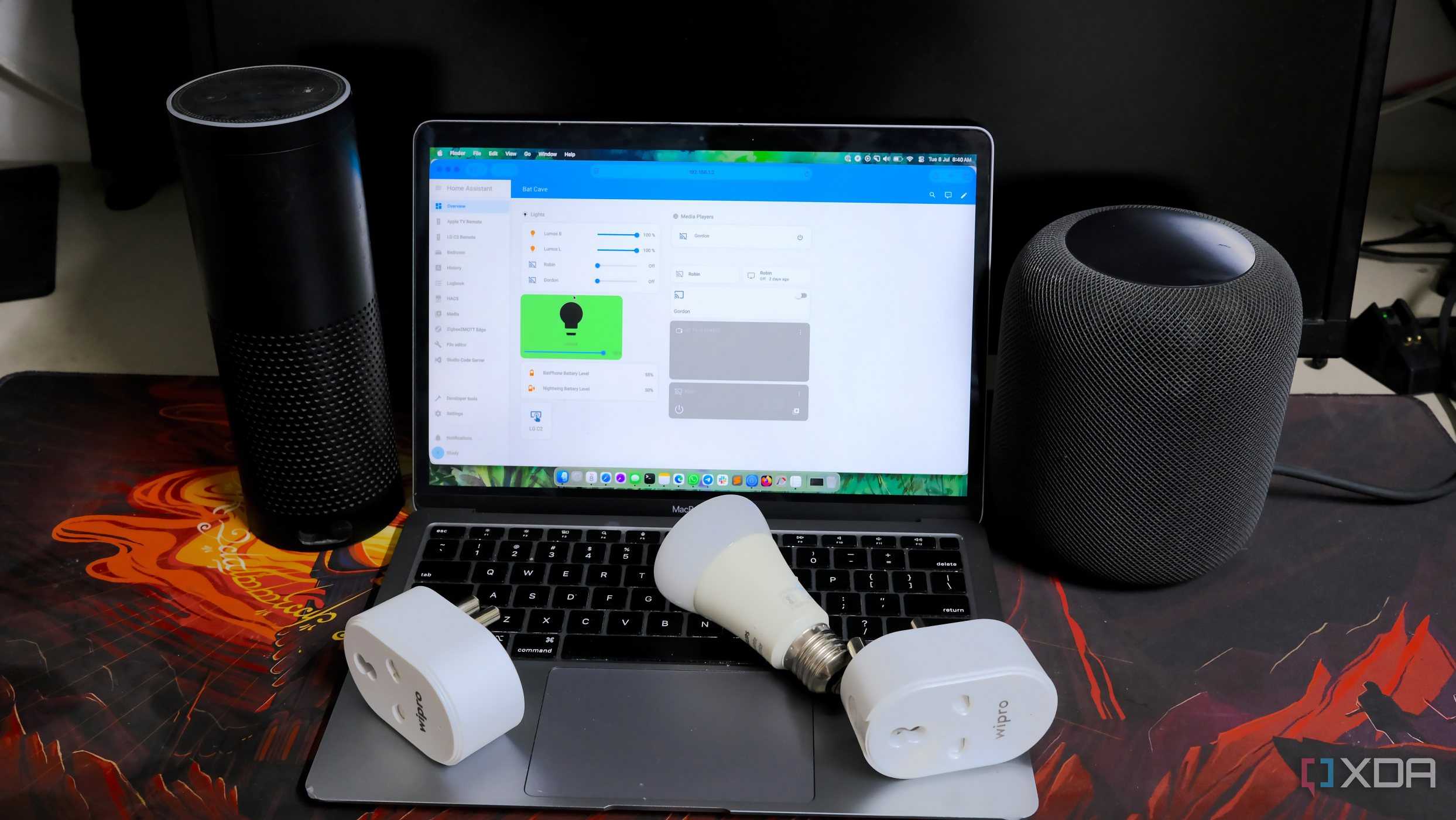


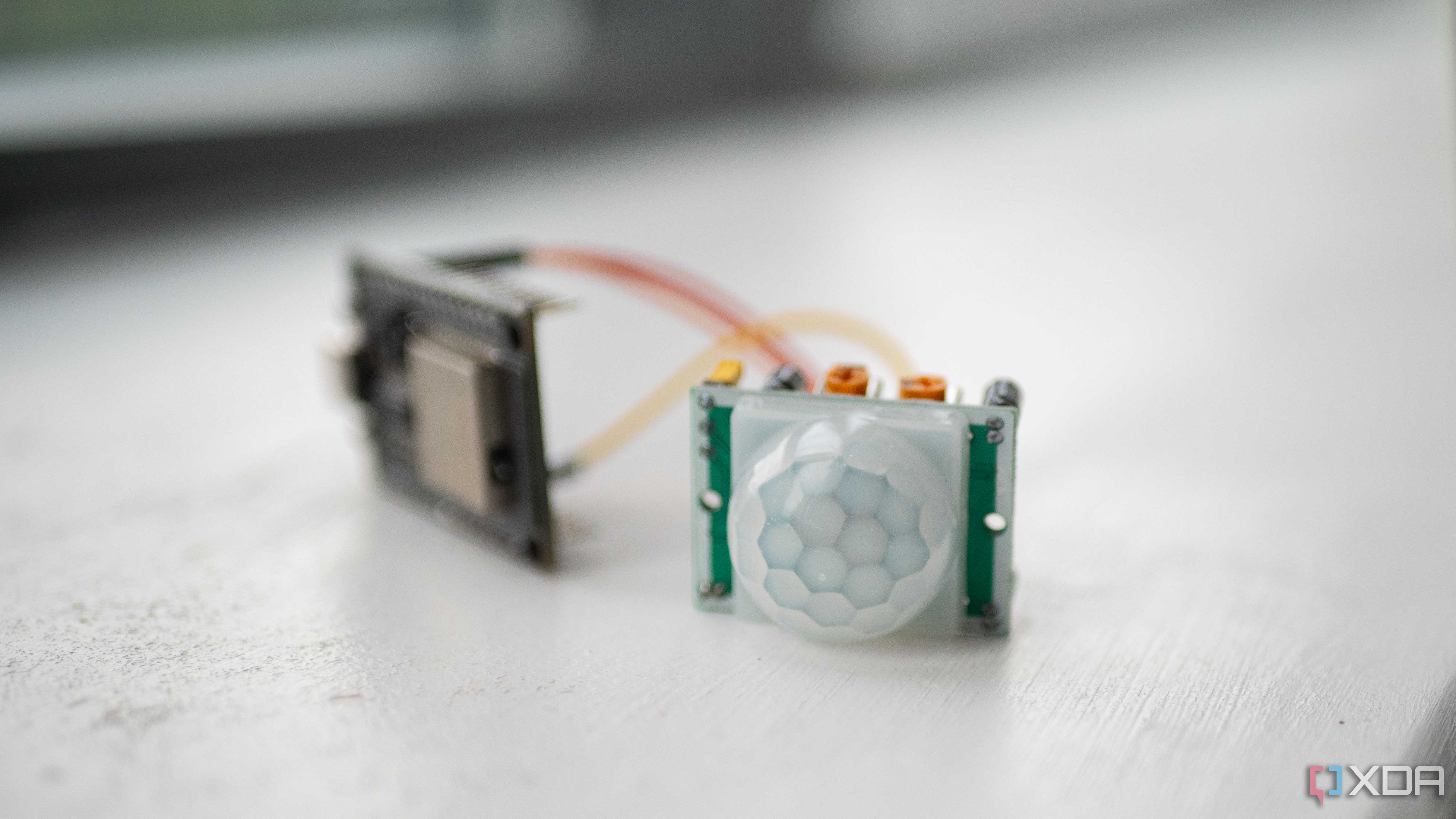


Most consumer IoT devices aren’t exactly known for airtight security. They send data to the cloud, don’t receive updates as often as they should, and many run stripped-down OS builds that could become vulnerable over time, either due to lack of support or otherwise. Putting them on their own VLAN gives you the chance to segment them from your main devices. Your PC, laptop, NAS, and anything that actually matters will lie on its own subnet, isolated from these less secured IoT devices.
A dedicated VLAN also reduces broadcast noise. Smart plugs, light bulbs, and cameras are constantly chattering on the network. When they’re isolated, they can do their thing without flooding the rest of your LAN with mDNS or SSDP traffic.
Perhaps the best practical reason to segment your IoT devices into their own VLAN (besides security) is probably just the control it gives you. You can decide what devices are allowed to talk back to your main network, what can access the internet, and what stays completely walled off.
What I swapped over
Cameras, TV, Home Assistant...anything that wasn't an actual computer

Once I created the VLAN, I migrated most of my smart home onto it right away. Cameras were the first to be added, as they seemed like the biggest potential security risk. Next was Home Assistant, because of its access to everything else I'll be placing in the VLAN. The next things to be added were my HomePod, TV, and smart plugs.
I basically swapped over anything that wasn't a bare metal computer I accessed directly. Things like my home lab machine, workstation, couch PC, laptops, and so on, were not added to this VLAN, as that would defeat the security purpose. Once I finished, things started immediately acting strange.
What broke
And how I fixed it

The moment everything landed in the new VLAN, a handful of things stopped working almost immediately. For one thing, device discovery was completely borked, since mDNS and SSDP don't cross VLANs by default for the most part, so things like display casting, smart plug access, and HomePod were basically rendered useless. Even AirPlay was completely non-functional.
Home Assistant completely lost integration functionality. Anything that relied on local discovery ceased to work, like ESPHome and anything Tuya. Cameras also weren't reachable from outside the VLAN, which did make sense. For such a "smart" home, I certainly created a lot of dumb devices, but fixing them was thankfully quite straightforward.
The fixes were simple
Unblocking multicast and discovery protocols

Once I figured out that most of the problems came down to blocked multicast and discovery protocols, fixing things wasn’t too bad. I enabled an mDNS/Bonjour reflector between the main LAN and the IoT VLAN, which immediately restored AirPlay, HomePod visibility, and Home Assistant discovery. Allowing SSDP traffic across subnets fixed casting issues. For cameras, I opened up a handful of specific rules so my NVR could reach them without exposing the rest of the VLAN.
Some vendor apps still struggled, so for provisioning, I temporarily connected my phone to the IoT VLAN, set up the device, then switched back. After that, the devices worked fine under the VLAN rules I created. In the end, all it took was a mix of multicast forwarding, a few targeted firewall exceptions, and being selective about what devices were allowed to talk back into the main LAN.
VLANs don't have to be complicated
Moving my smart home to a dedicated VLAN wasn’t as simple as flipping a switch, but the outcome has been worth it. Everything’s still functional, my network feels cleaner, and I have far more control over what IoT devices are allowed to access.
If you’re thinking of doing the same, just be prepared for some initial breakage. Smart home ecosystems were built with the assumption that every device sits on one big flat network, and segmentation with VLANs makes those assumptions fall apart fast. But with a bit of tweaking and some basic understanding of VLANs, reaping the benefits of such a setup becomes pretty seamless.
