


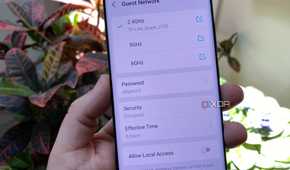
Most of the routers found in homes today have some sort of guest network toggle available, allowing you to provide Internet access to any guests you may welcome into your humble abode, while keeping that network traffic separate from the rest of your LAN. Unfortunately, many of these toggles do a half-baked job of separating your network from guest traffic.
One way to create a true "guest" network would be to separate it from the rest of your network via a VLAN, and while many routers do use this method, there are also a lot that don't. Here's how you can tell which category your guest network falls into, and what you can do if it's not fully secure.
Why have a guest network at all?
A good way to enhance security, even if you don't have guests


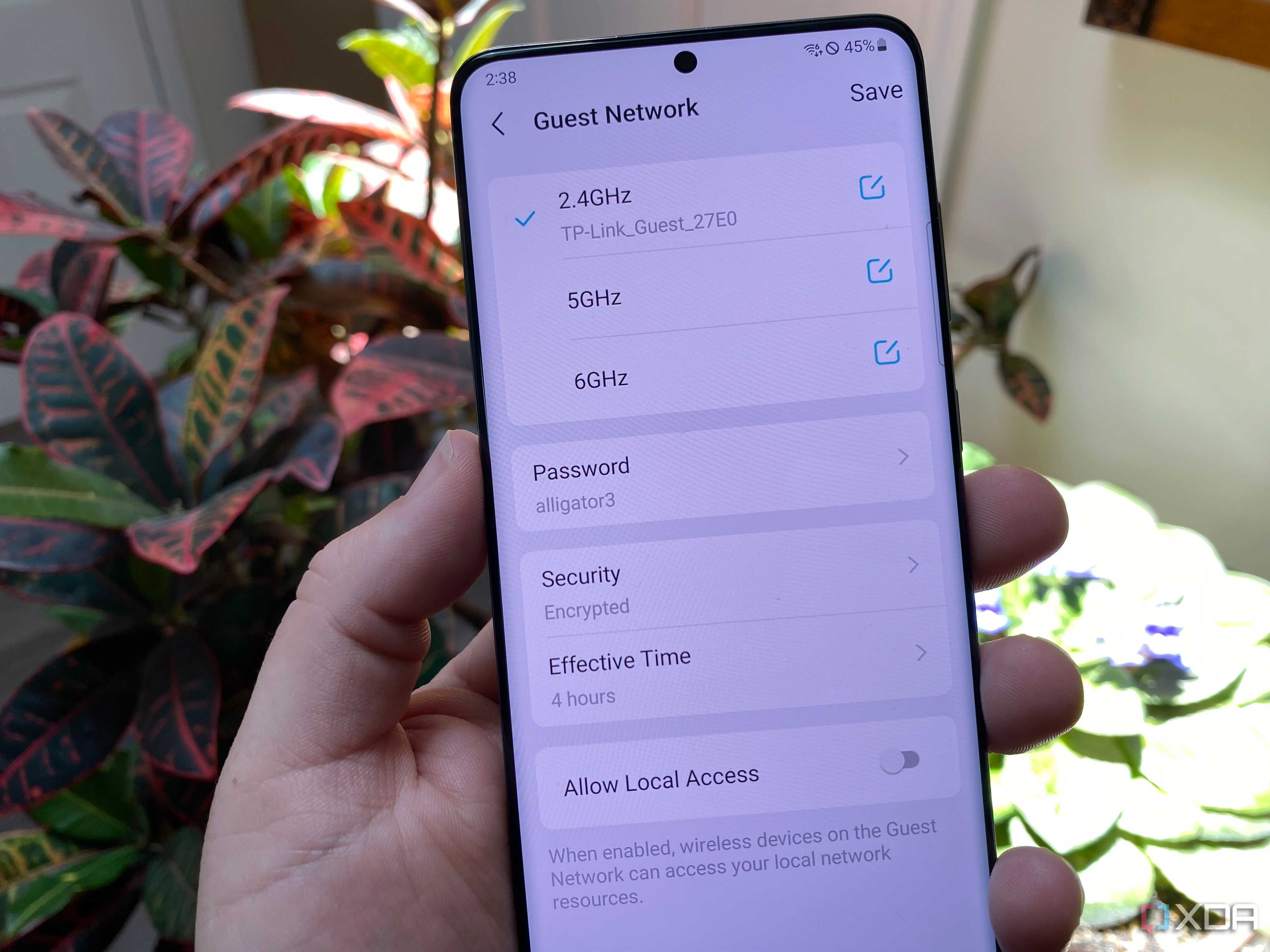
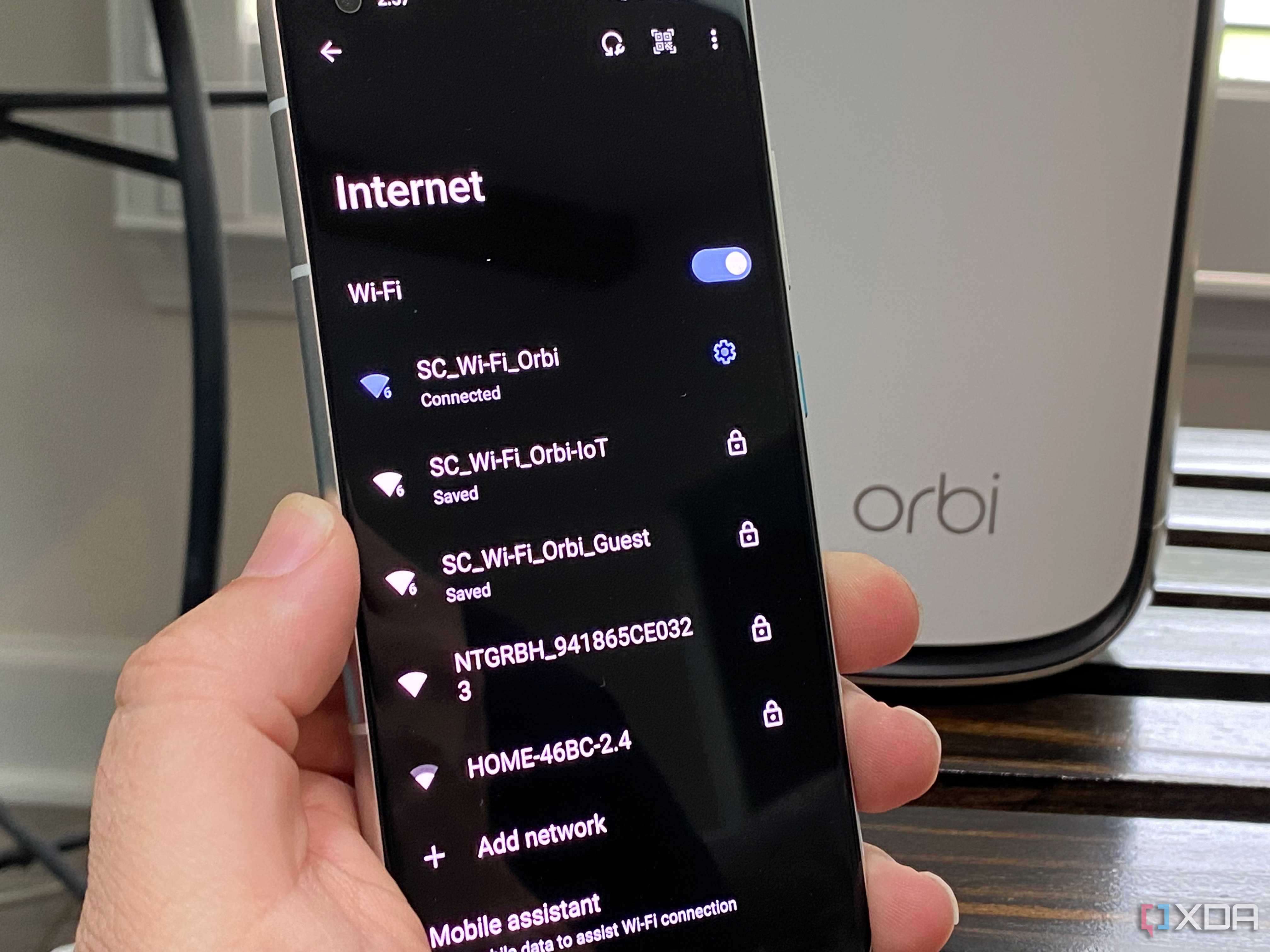
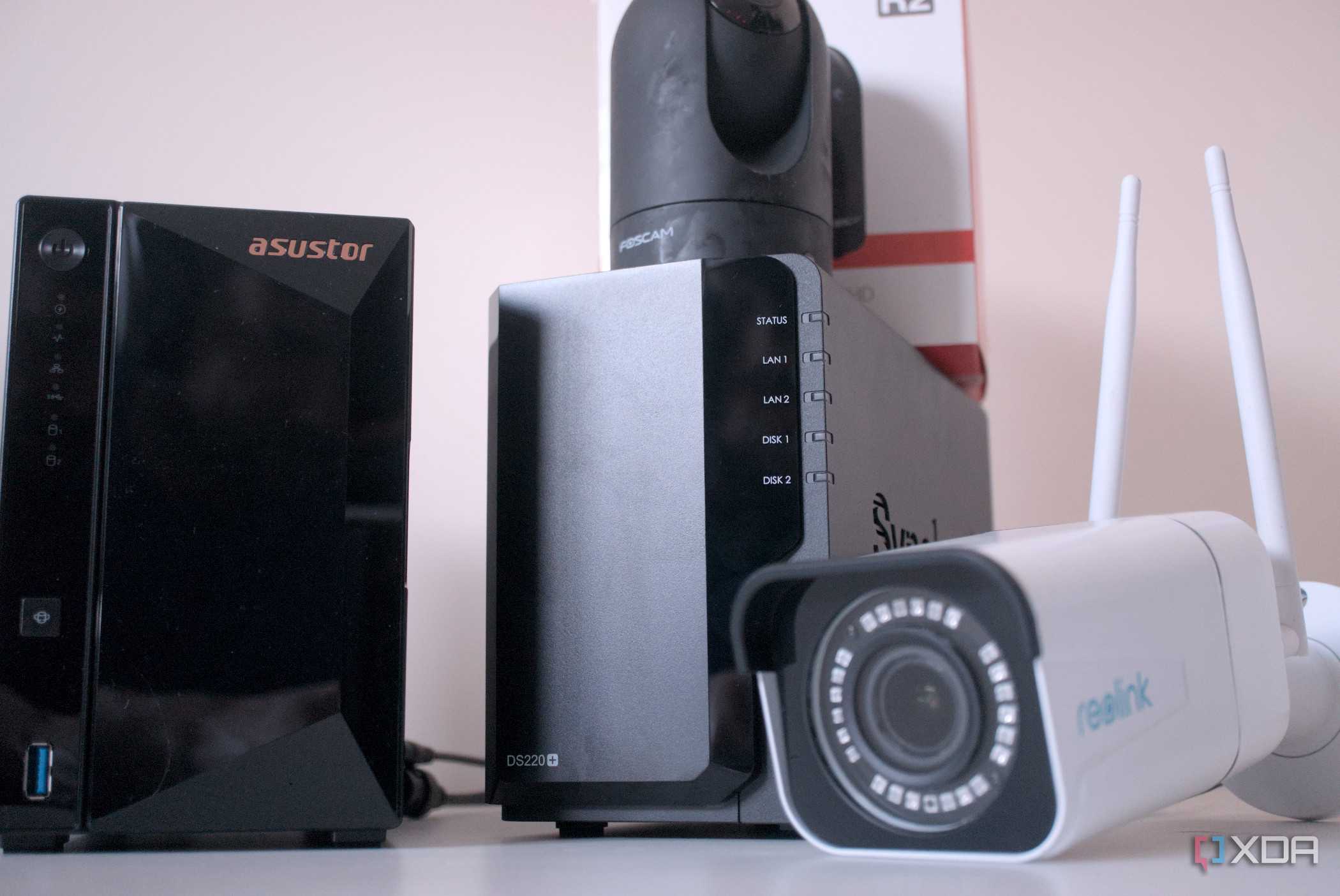


The goal behind having a guest network is pretty simple: create a separate space for untrusted or temporary devices so they can access the internet, but not your main network. Not that you don't trust your friends, but if you have visitors coming over or run a short-term rental unit, having a guest network ensures their devices can't see something like your NAS or PC.
Even if you don't have frequent guests, having a guest network that your IoT devices use for cloud access is just another layer of security. Those devices don't necessarily need to see your LAN to function, so blocking them off via the guest network is a good practice.
Ideally, you'd want your guest network to be isolated as if it were running on its own, separate hardware, and the way to do that is by using a VLAN. By using a VLAN, guests get their own DHCP scope, gateway, broadcast domain—the devices connected wouldn't be aware of anything past the router it's connected to (besides the Internet), and that's exactly what we want. Unfortunately, many consumer routers, including those provided by ISPs, do not get this right.
What some guest networks actually do
And why it's a problem

A lot of consumer-grade "guest networks" are nothing more than some software flags. Instead of creating a real VLAN, they apply an access control list, which does limit what connected devices communicate with on the network, but it's not true separation. These guest devices are still connected to the same network as your own devices, and as a result, they can likely still see all broadcast traffic, ARP requests, and in some cases, can communicate with other devices on the network if the ACL is misconfigured. This complete lack of layer 2 separation is common on ISP-provided routers and some mesh systems.
How you can tell which type of network yours is
The solution is simple

If you're unsure which type of guest network your router is providing, one easy way to tell is by looking at the IP addresses being handed out. If your device is given an IP address on the same subnet as your main network, that's usually a dead giveaway that your guest network isn't on its own VLAN. A different subnet isn't immediately indicative of a true guest network, however. Checking your router's settings for VLAN configurations is another way to confirm, as well as trying to ping devices on your main network from a device on the guest network.
If your router is capable of VLAN separation, but isn't using it, the solution is simple: create a VLAN that operates as a guest network. Ensure they can access the internet, but not devices on other VLANs. Most high-end consumer routers are capable of this and more. Adding a login screen, setting bandwidth and time limits, and blocking access to specific services are all possible features; it just depends on your router.
If your ISP router doesn't support VLAN configuration and the guest network it provides isn't truly isolated, you aren't fully out of luck. If you still want to use VLANs, you'll need a separate box running something like OPNsense or pfSense, and bridge that to your ISP's router. Both OPNsense and pfSense have robust VLAN configuration, allowing you to be as specific as you want with guest devices on your network.
Guest networks are a crucial part of securing your home network
Toggling on the "guest network" in your router's settings doesn't automatically mean you've created an isolated network for guests and IoT devices to join. In fact, it often means the opposite. Checking your setup with a quick ping and ARP table check, followed by confirming the subnet of IPs that it's handing out will give you a good idea of if your guest network is truly isolated. If your router's settings don't mention anything about VLAN configurations, that's an additional red flag, and means that if you want a truly isolated guest network, setting up a separate router is probably a good idea.
