


I had a rather humble start with my first NAS. I wanted something that could store my work files, backup my family photos, and maybe help me stream some media using Plex — nothing fancy. It was supposed to be a basic system that didn’t burn a hole in my pocket. So, I shopped around and went with the NAS system that met my bare minimum needs and didn’t cost a bomb. It looked like a sensible choice then, even for a few months afterward.
But over time, this decision turned into a frustration, so much so that I now swear by not getting the cheapest NAS available. Here’s why:
6 Underpowered hardware becomes a bottleneck
And it happens way too soon


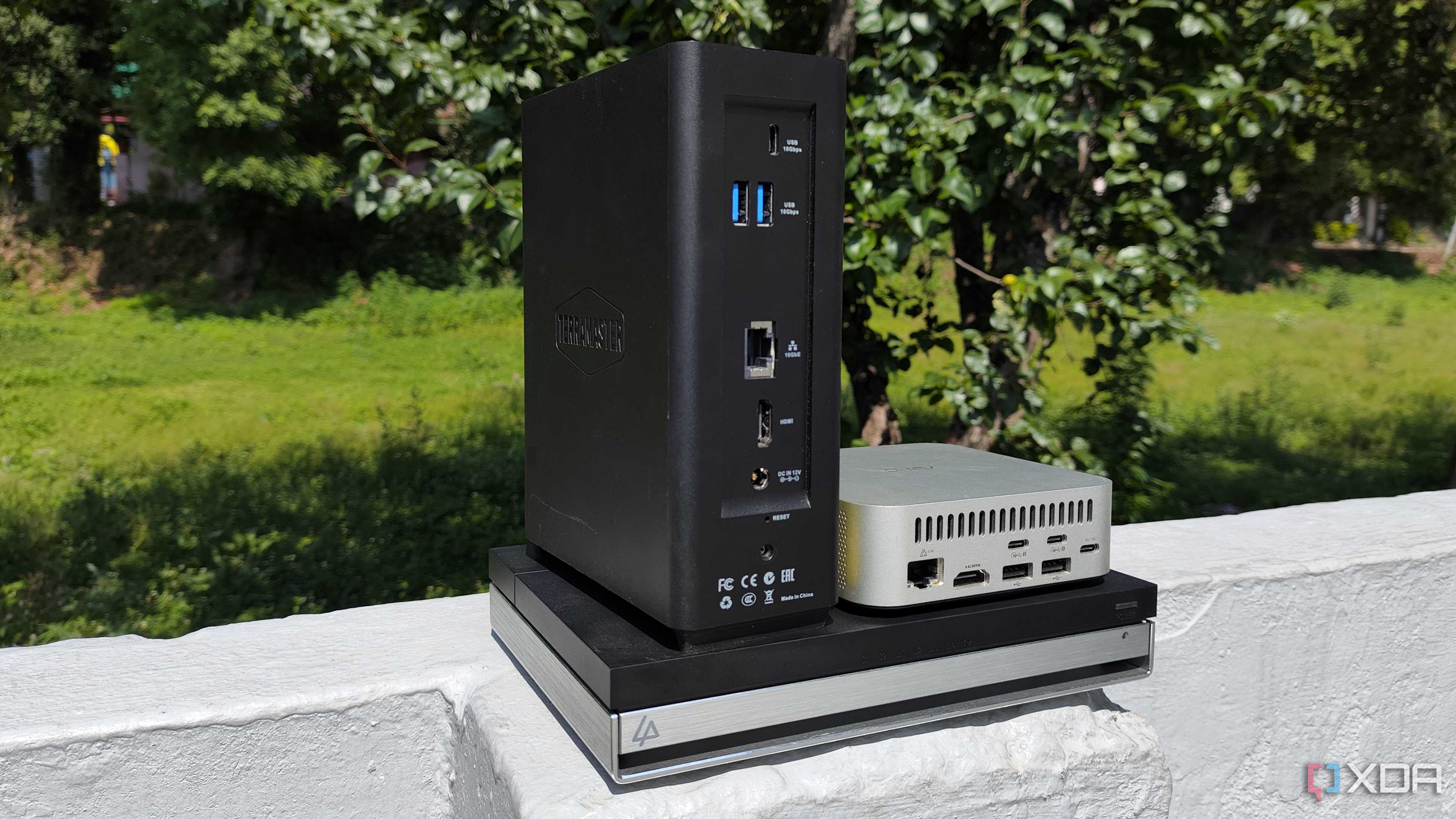
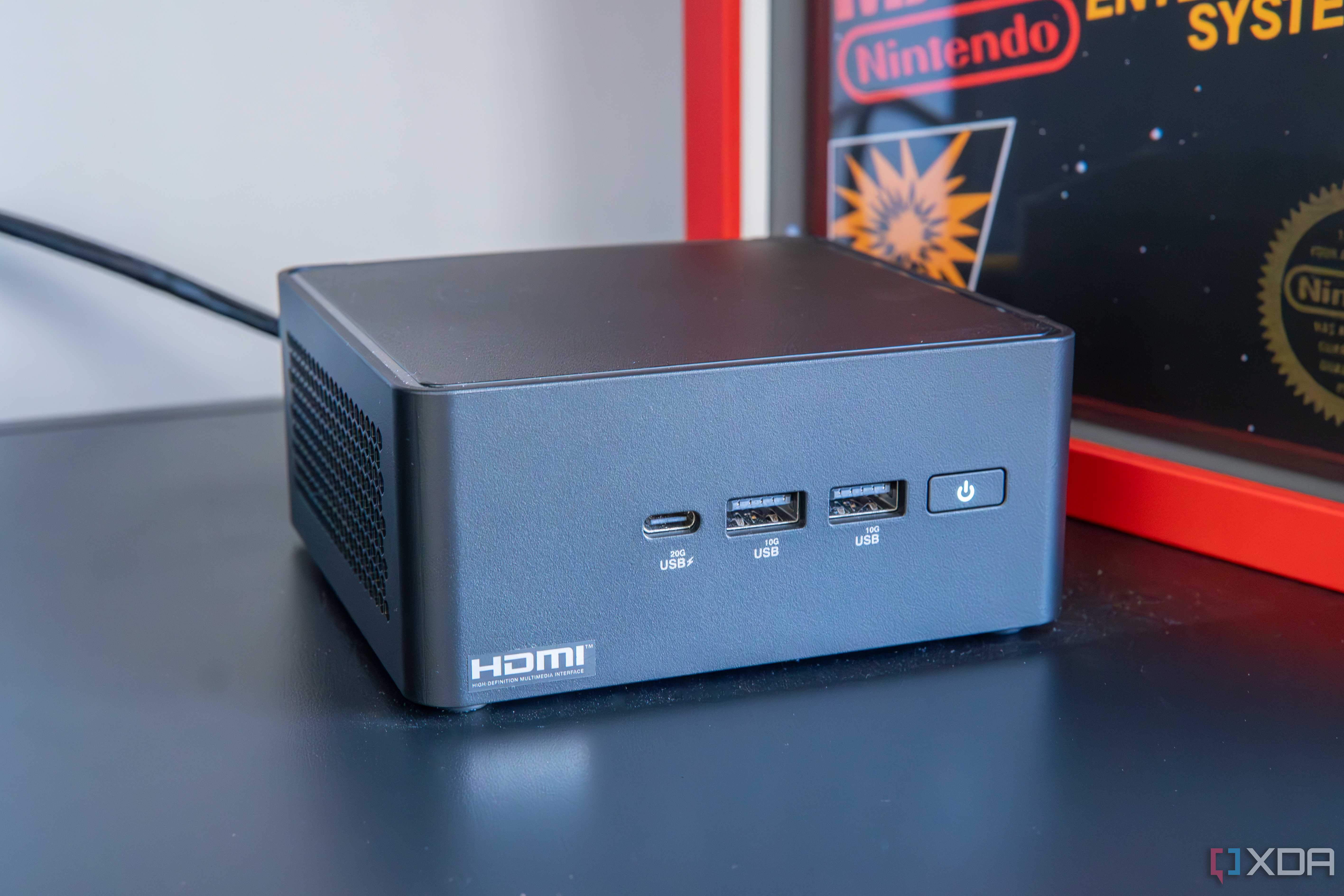
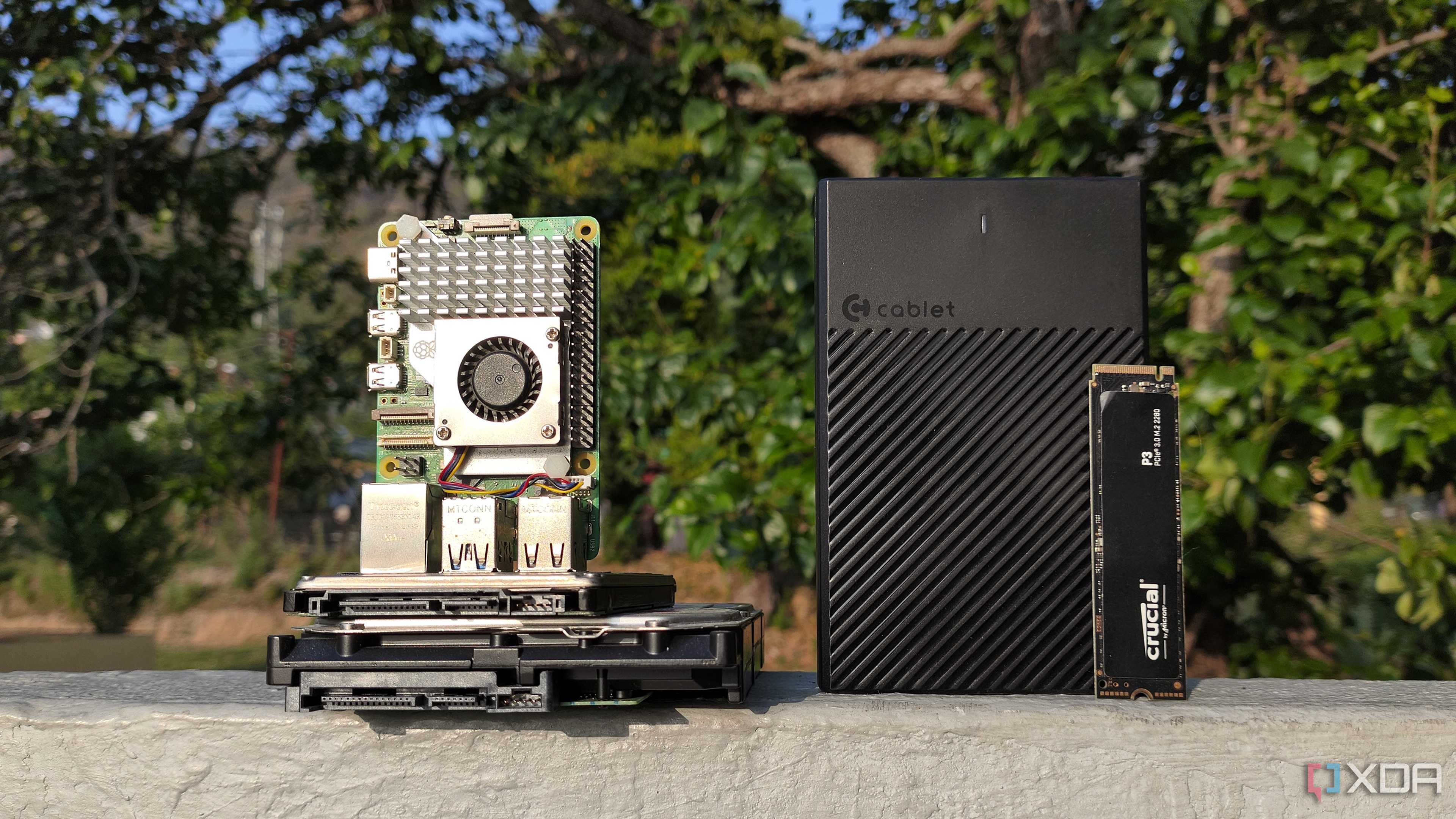
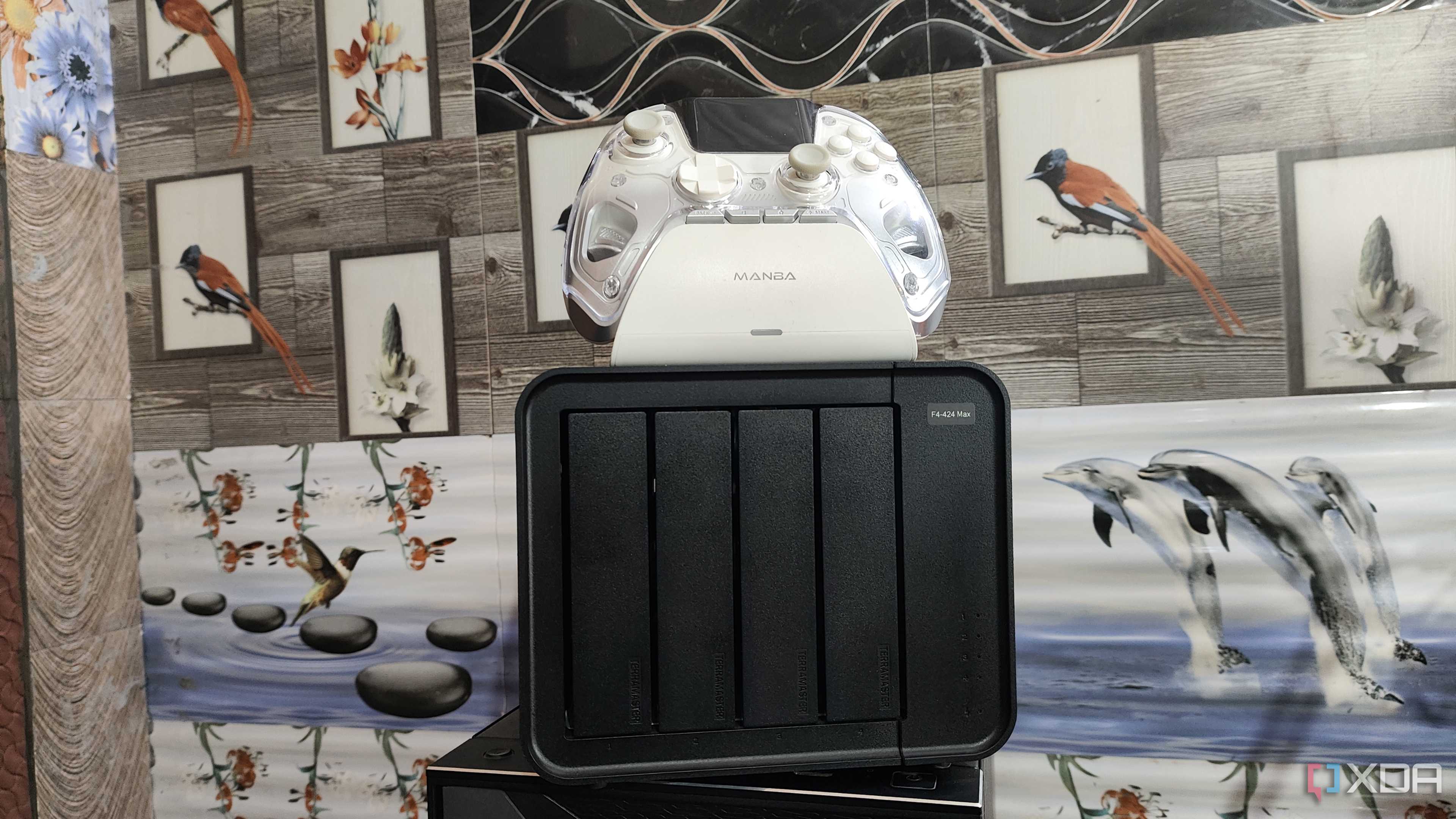

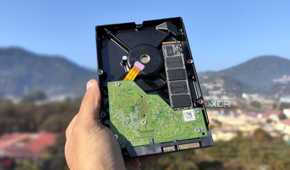
A lot of budget NAS devices ship with entry-level processors and just enough RAM to run basic tasks and functions. While it may sound like a good starting point, it soon becomes problematic as you move beyond the ‘light use’ threshold. I sure didn’t get the NAS to run VMs and Docker containers, but I could see the system struggling as it took a beat too long to index files or when CPU usage peaked while streaming even 1080p videos.
That is the very reason it is recommended to get a NAS taking into account your current needs and how you plan to use it in the near future. A NAS is a long-term investment that should serve you for years, not months.
5 Limited upgrade options
Reducing your NAS’s overall life

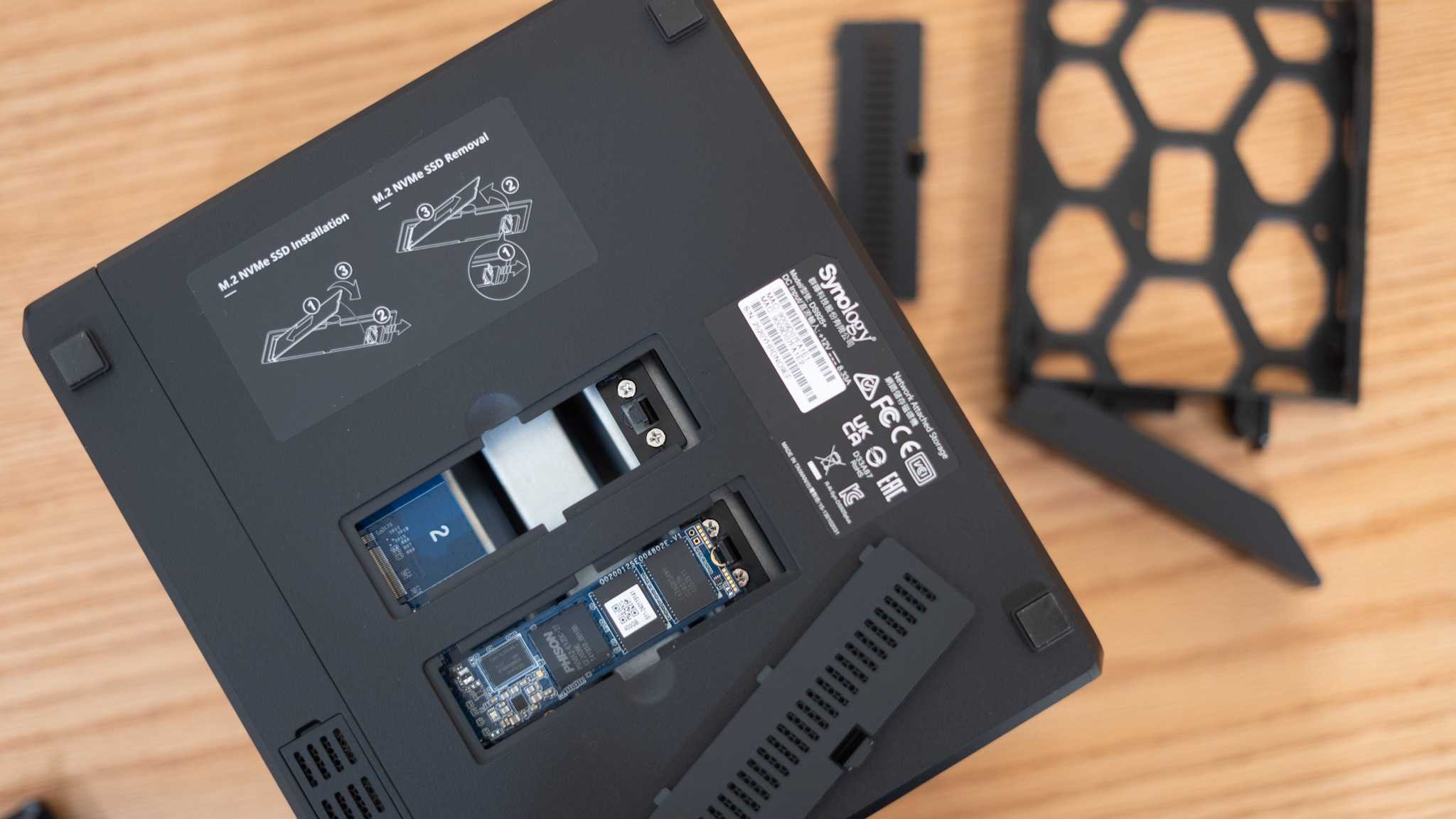
When you get yourself a cheap NAS unit, you should know that you’re stuck with whatever you’re getting out of the box. Upgrades are either unavailable completely or just frustratingly difficult to make. RAM is often soldered to the board; there are no PCIe slots to attach dongles, and you have to live with that 1GbE port forever.
Wanting more performance out of your NAS is one aspect, but not being able to upgrade the hardware you own is a serious limiting factor. The only option you have is to spend more on a new NAS much sooner than you must've planned.
4 Plastic build and inefficient fans
They make the NAS run noisily and hot

NAS makers cut a lot of corners to make entry-level models as affordable as they can, and it’s important too for budget shoppers and first-time NAS buyers. But once you have used a higher-end NAS, every little downside of these budget variants starts looking like a deal-breaker. While internals are the first thing to get compromised, brands often use plastic enclosures and cheap fans to save costs, marring the user experience in a big way.
With minimal insulation on such outer shells, you are forced to deal with hard drive vibrations and noise, which is particularly problematic if the NAS sits on your desk. And if your room isn’t cooled enough for a system that must run 24/7, the drives will start running hot, ultimately reducing their overall life. I faced it firsthand and had to make many adjustments for my system to work without issues.
3 Not cheap in the long run
You will end up spending more over the months

What sounded like a wise decision early on turned out to be a foolish choice. I did save a bunch of cash upfront, going with a lower-end NAS variant, but over the months that followed, I ended up paying much more — I could have easily afforded a mid-tier model for the amount I spent on overheads.
I had to get external fans to manage overheating USB dongles in a desperate attempt to upgrade their features as much as I could. The frustrations reached a point where I even considered upgrading the whole system in a little over a year, which ultimately did cost me substantially and unnecessarily so much for this ‘one-time’ investment.
2 Fewer features
With many locked behind paywalls

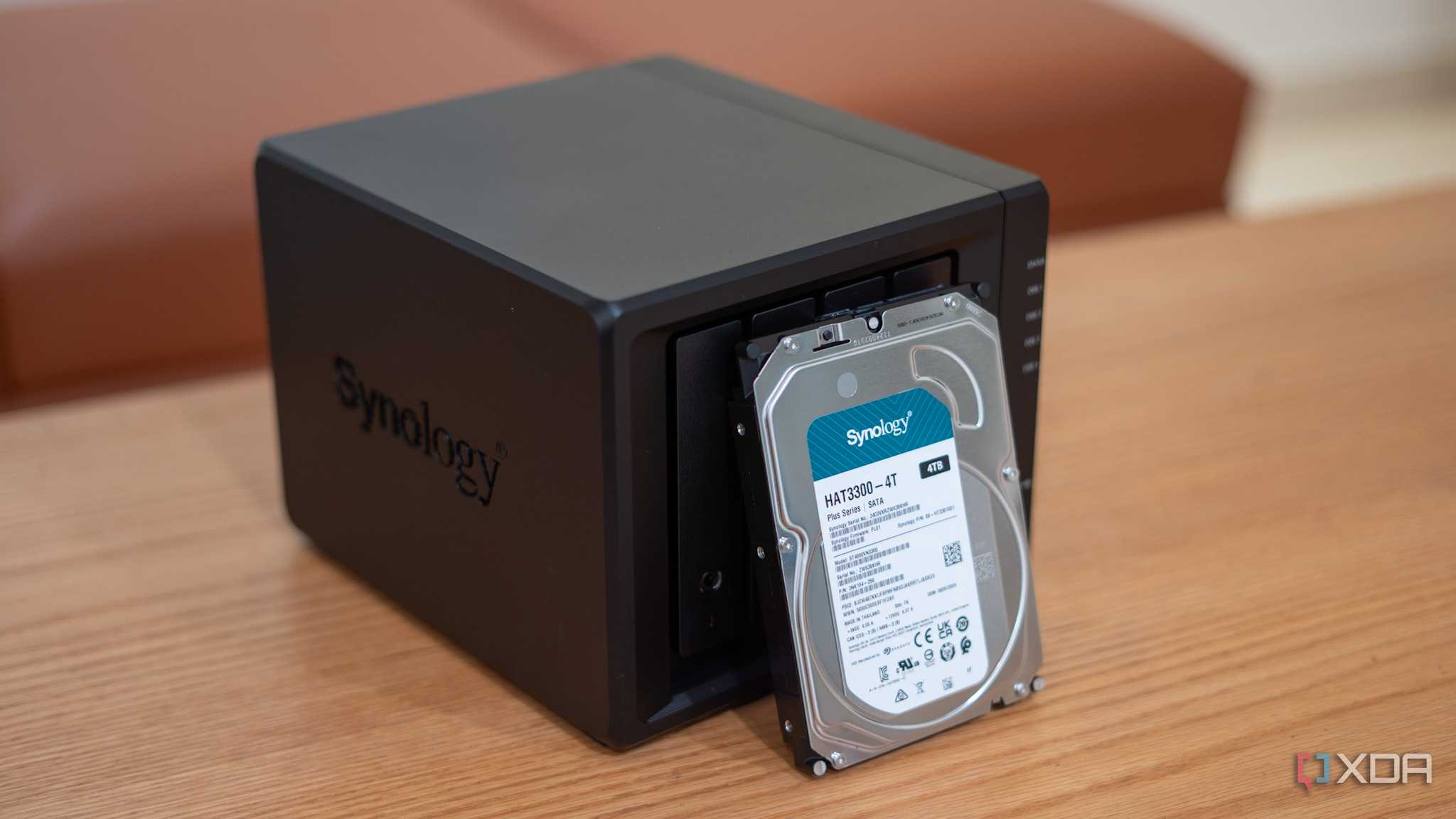
Since you’re on the budget train, you will get the least amenities — that’s how it is universally. Some NAS brands gatekeep many ‘advanced’ features for their pricier models. For instance, Synology’s budget J-series models lack things like Snapshot and Active Backup, while QNAP offers fewer bundled camera licenses for its surveillance app.
While it makes sense to offer a limited set of features to save resources, the truth is that many of these features can easily work on low-end hardware. Brands just use these paywalled features to nudge you to climb up the price ladder. And after a point, you’d actually want to give in and spend a bit extra for a mid-tier model; otherwise, you'll end up feeling a step or two behind with a budget NAS.
1 Poor community support
NAS is a collective experience


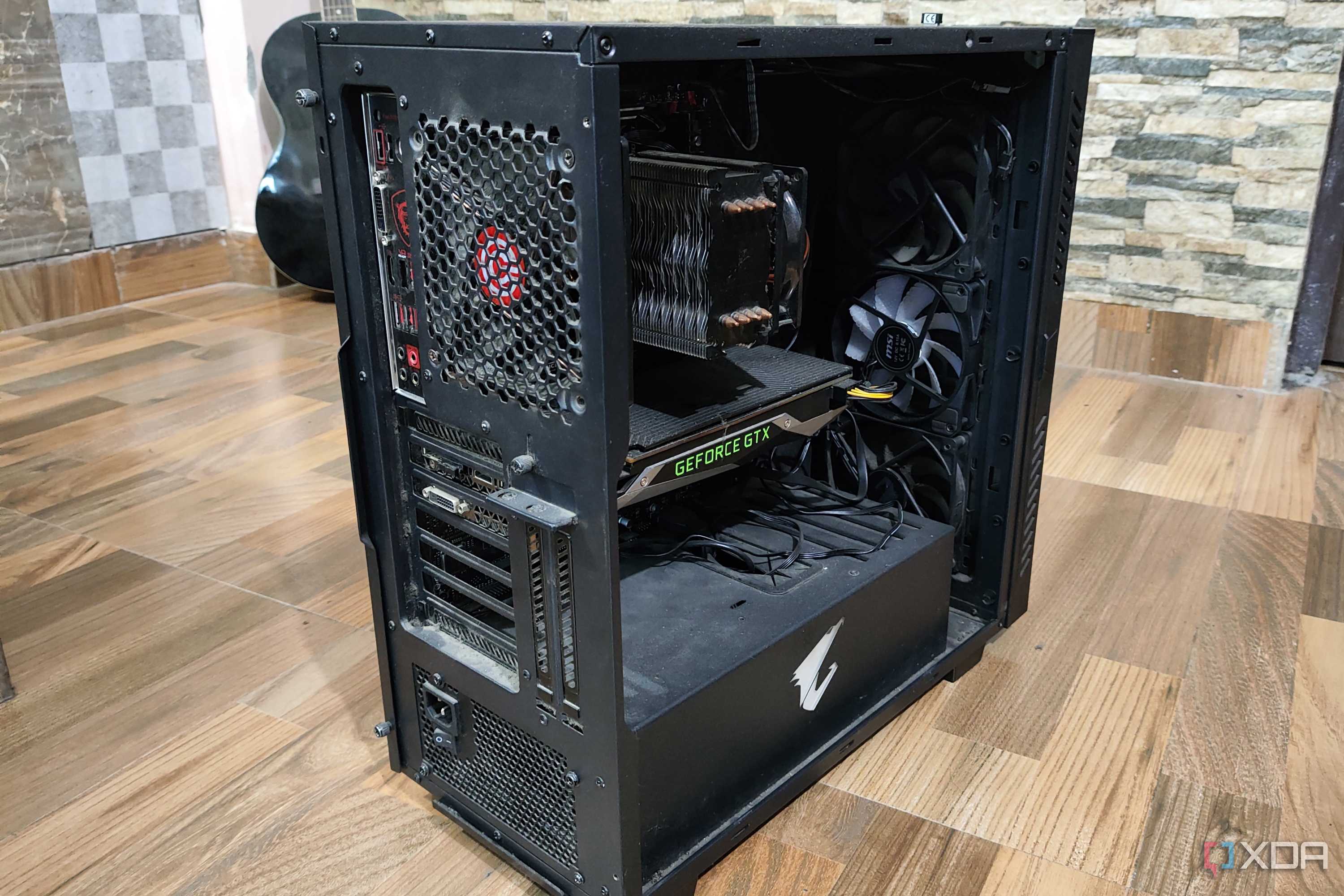
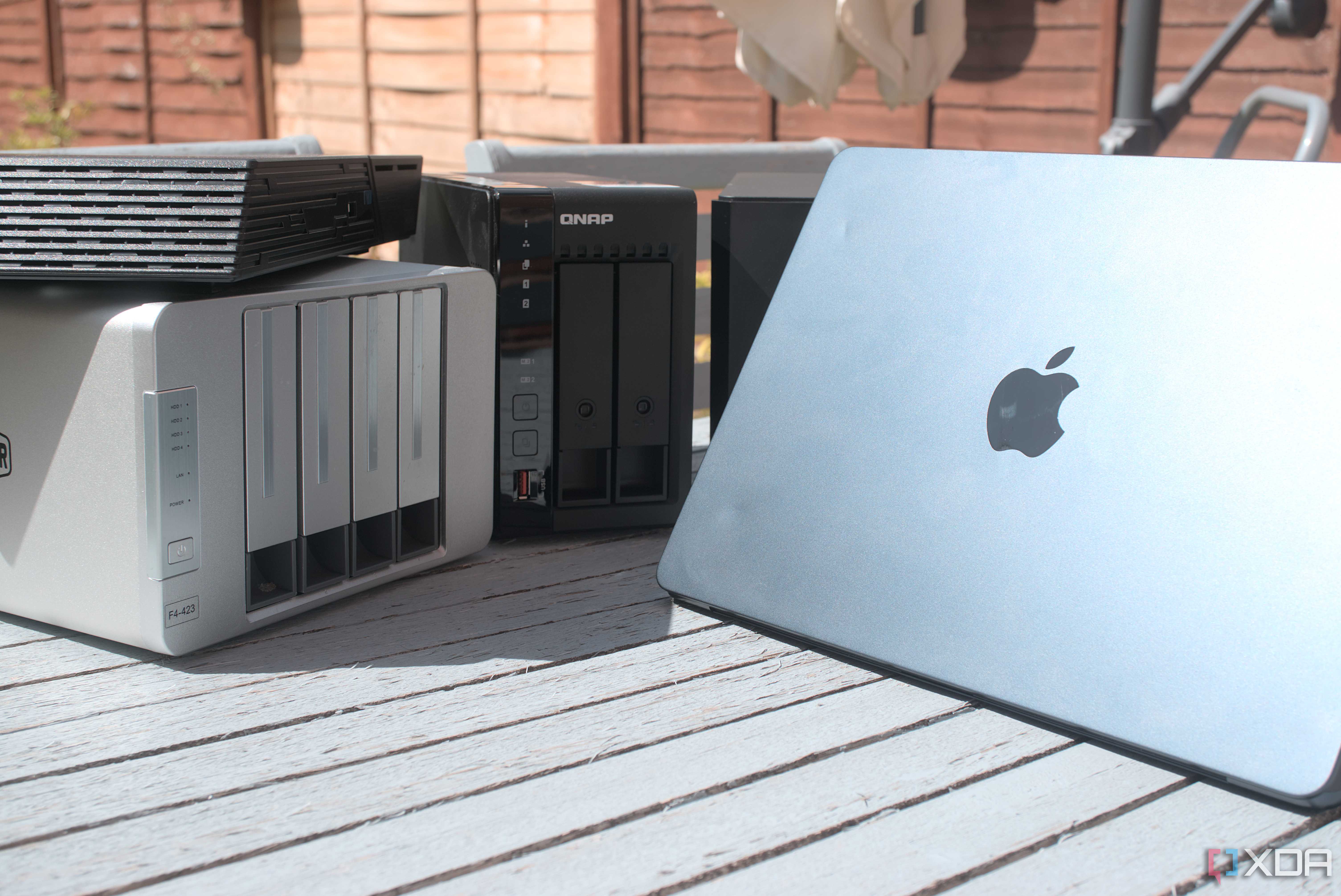
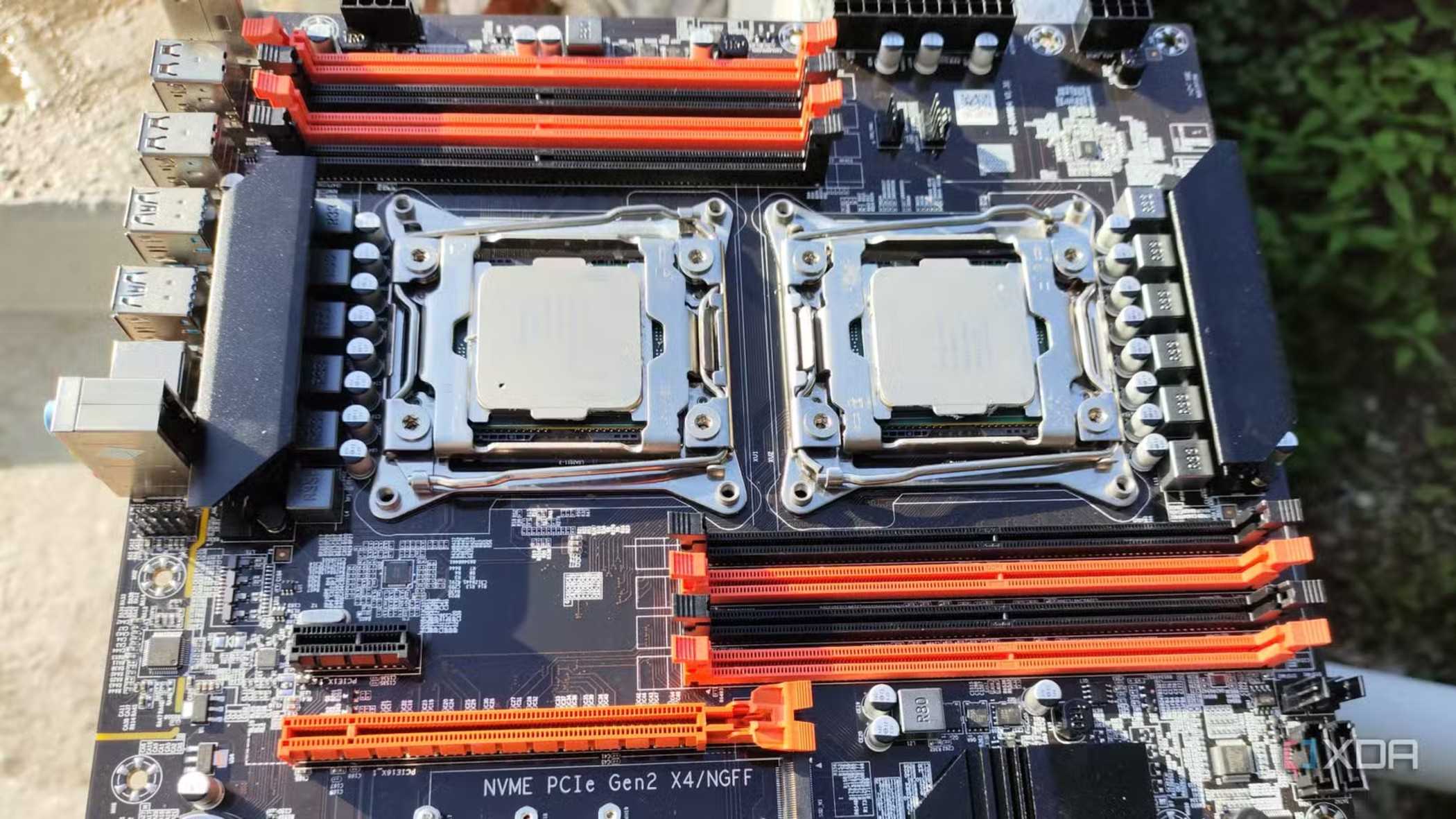
Your NAS is supposed to be a central storage unit that everyone in your family or on your team could use. Those community traits are also applicable to how you build and maintain your NAS over time, because that requires you to often go down the Reddit rabbit hole or run endless YouTube searches to find solutions to new problems that pop up every single day.
That kind of community support requires wide adoption of the brand. If you get yourself a NAS from a no-name budget brand or go with that underrated OS that no one knows about, you will soon find yourself with a lot of problems and no one to help you with them. It is always better, especially for first-time users, to go with a more mainstream NAS brand or operating system to avoid these pitfalls.
How to pick your first NAS
I was more focused on what I wanted out of my NAS in the present moment when I bought it and completely disregarded my future needs. While I learned my lesson the hard way — it turned out to be an expensive crash course — you can better prepare yourself before you swipe your credit card. Your budget will surely limit your choice pool, but you can still consider things like how much storage you’d need, say two years from now, and if the processor and RAM would be able to hold up without a hiccup. Only then will you have a NAS experience that you won’t regret spending money on.

Synology DiskStation DS224+
- Brand
- Synology
- CPU
- Intel Celeron J4125
- Memory
- 2 GB DDR4
- Drive Bays
- 2
- Ports
- 2x 1GbE, 2x USB-A 3.2 Gen 1, 1x eSATA
- Caching
- No
The Synology DiskStation DS224+ is the direct successor to the popular DS220+, which was praised for the value it offered to consumers looking to buy their first enclosure. The DS224+ has an Intel Celeron processor, 2GB of DDR4 RAM, and support for Synology's excellent DSM operating system and catalog of apps.
