


For years, “gaming routers” have been marketed as miracle cures for bad ping, lag spikes, and unstable connections. They come wrapped in RGB, covered in oversized antennas, and plastered with promises like “game boost mode” or “latency accelerator.” The idea is simple: buy this expensive box, plug it in, and all your gaming latency problems disappear. But that’s not how networking works, and for the overwhelming majority of people, the fix they actually need is probably already built into their existing hardware: proper Quality of Service configuration.
The truth is that most home networks don’t struggle because the router isn’t “gaming grade.” They struggle because one device starts uploading something, saturates the connection, and that can destroy latency for everything else. Even high-end internet packages choke under the wrong kind of traffic. If your roommate uploads files to Google Drive, if your console is pushing cloud saves, or if your phone is backing up the camera roll, your ping can tank, and the price of your router couldn't matter less.
"Gaming" routers aren't special
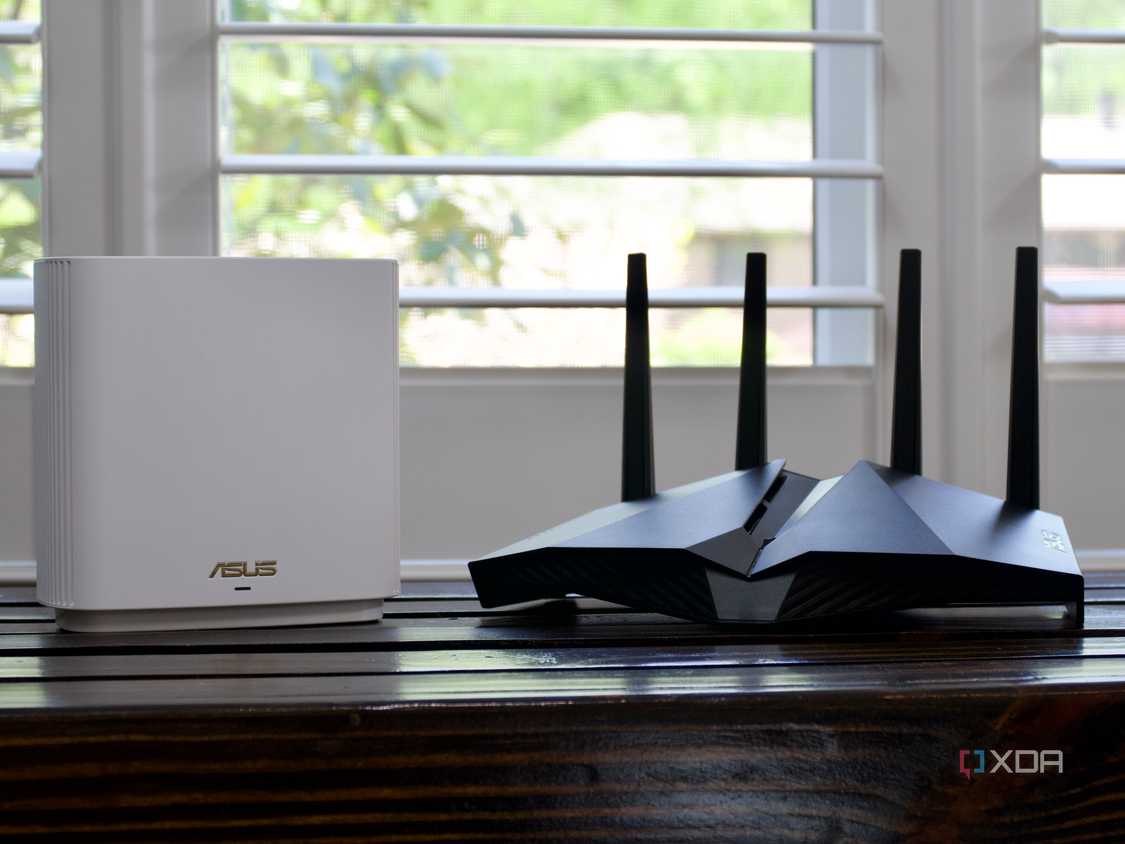
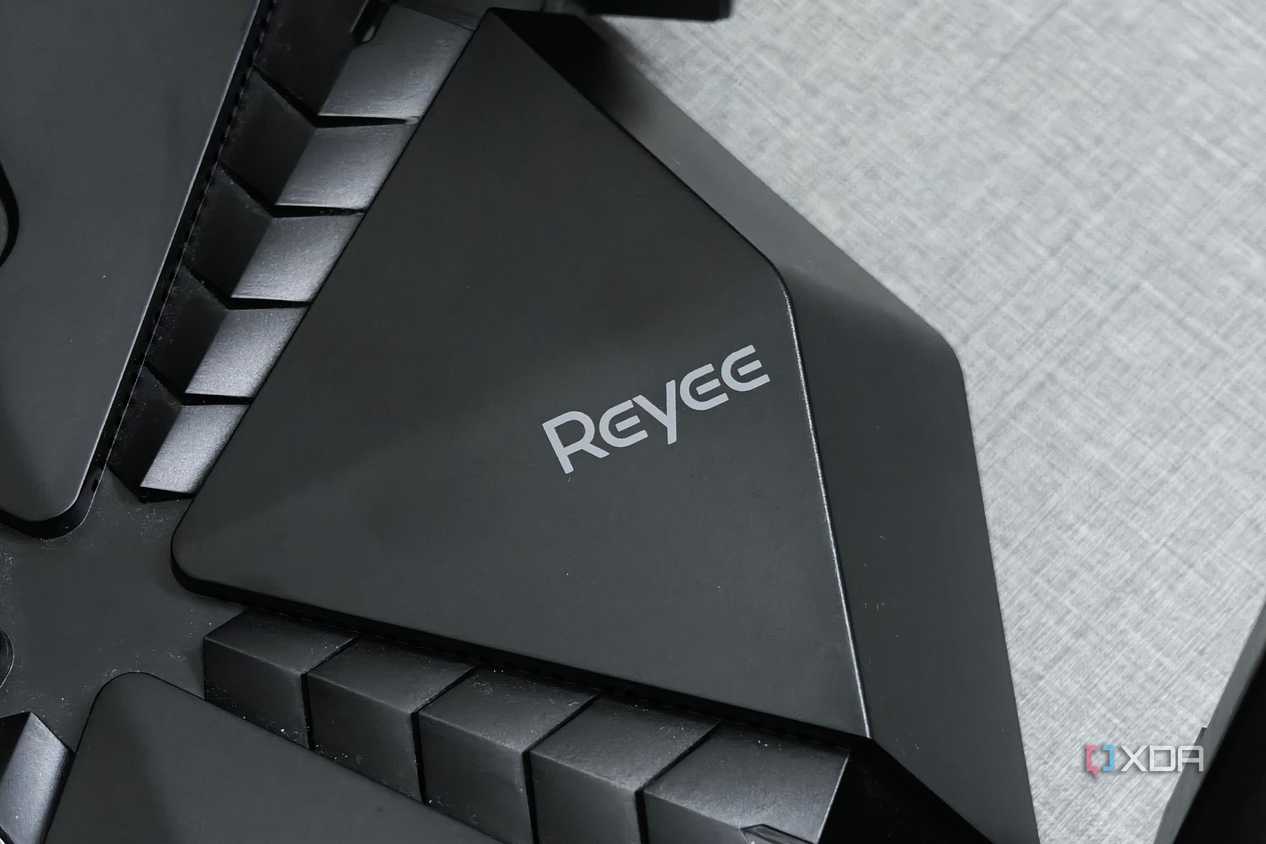
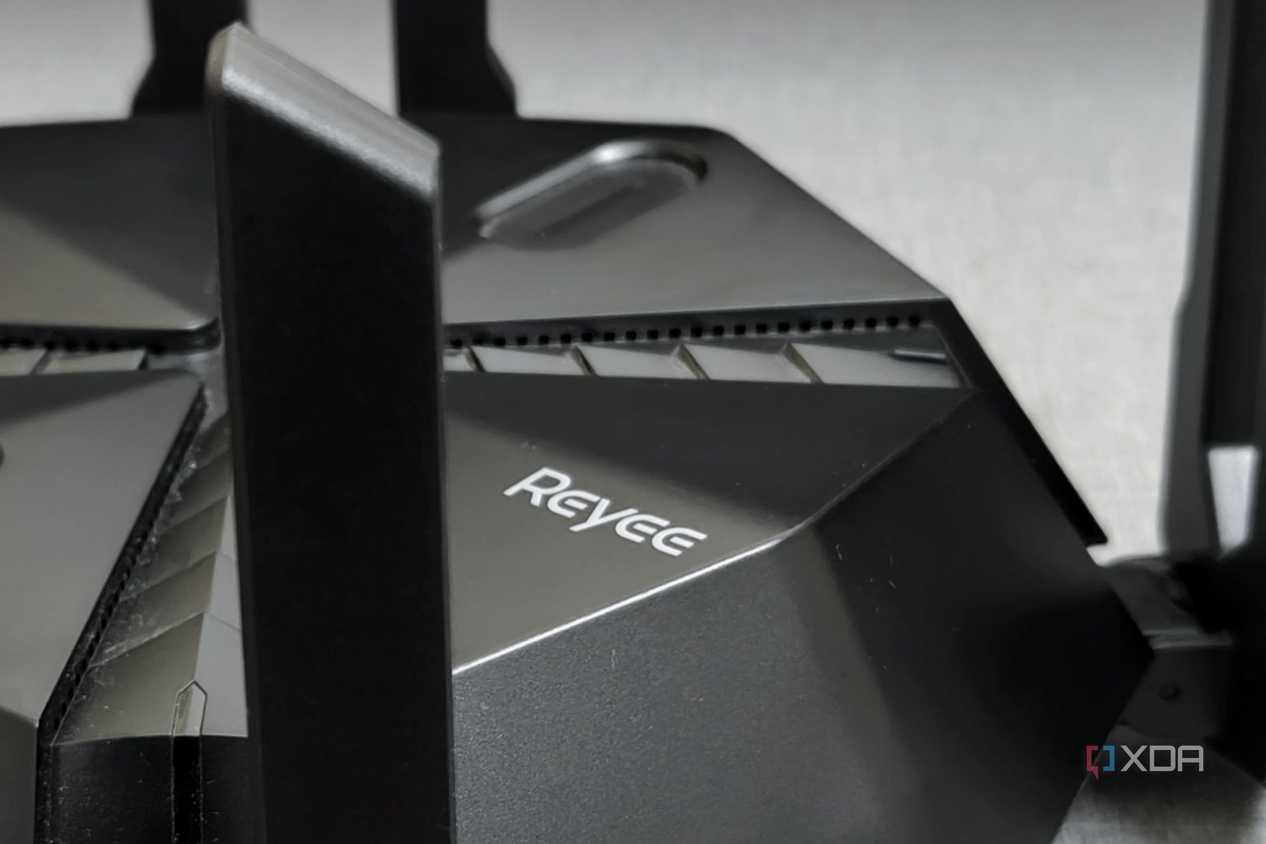
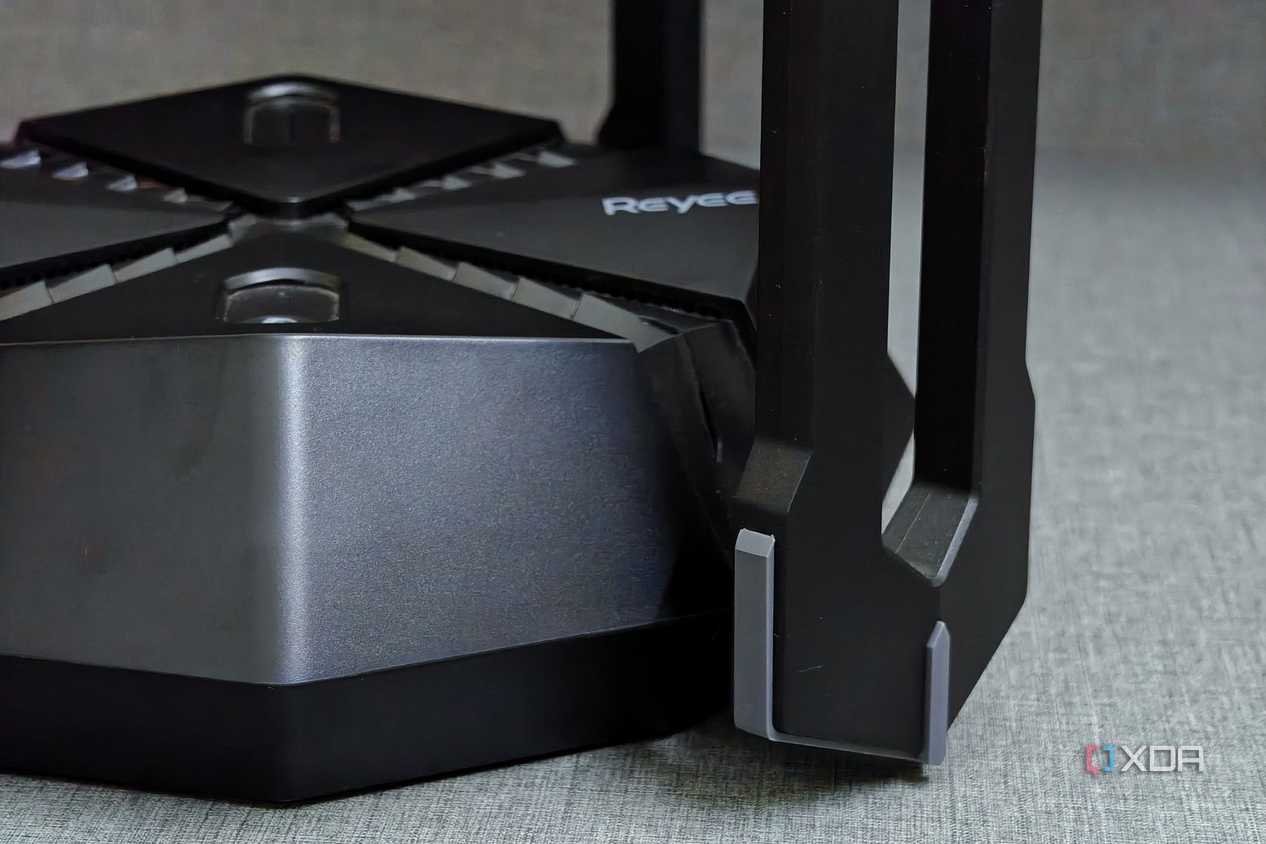
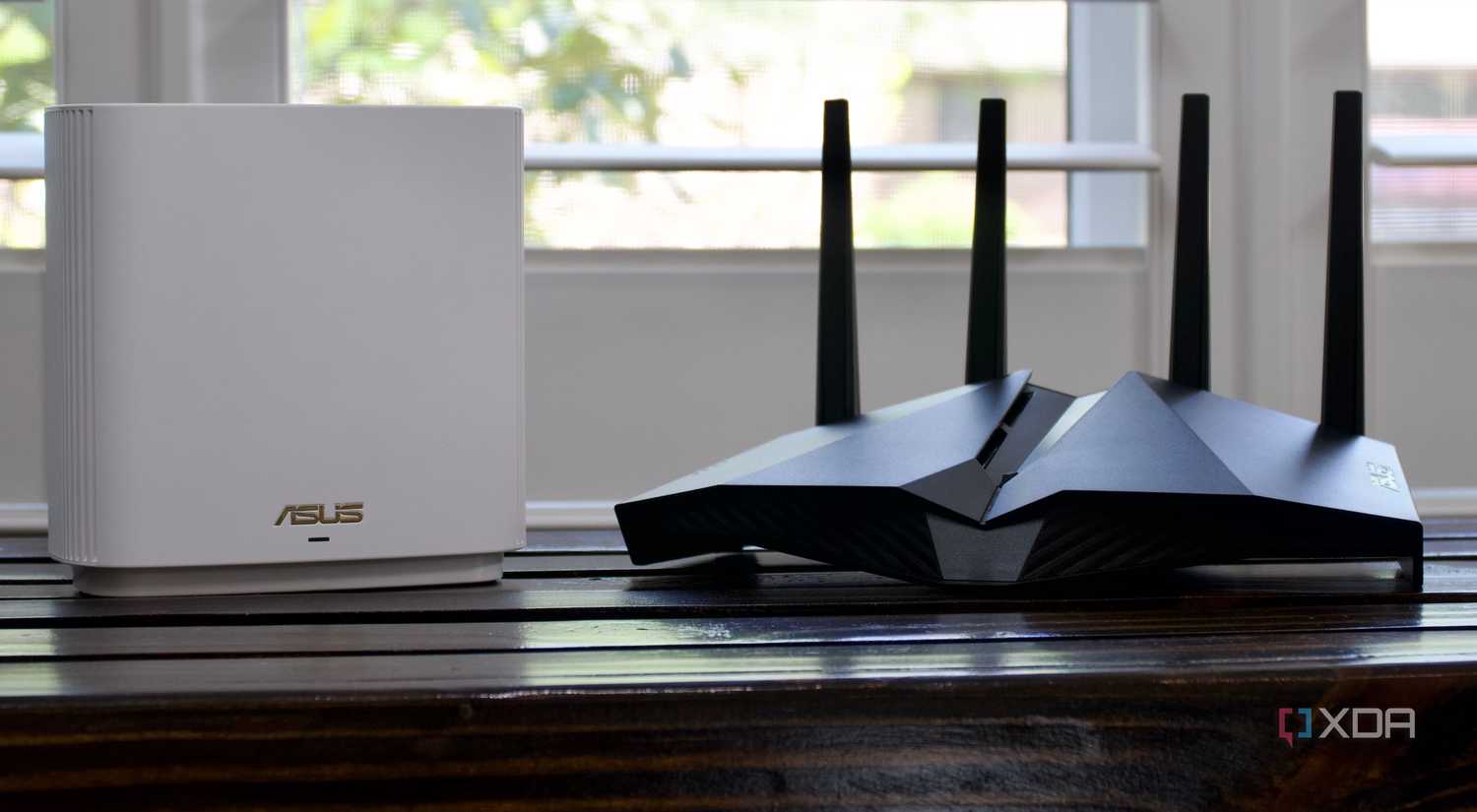
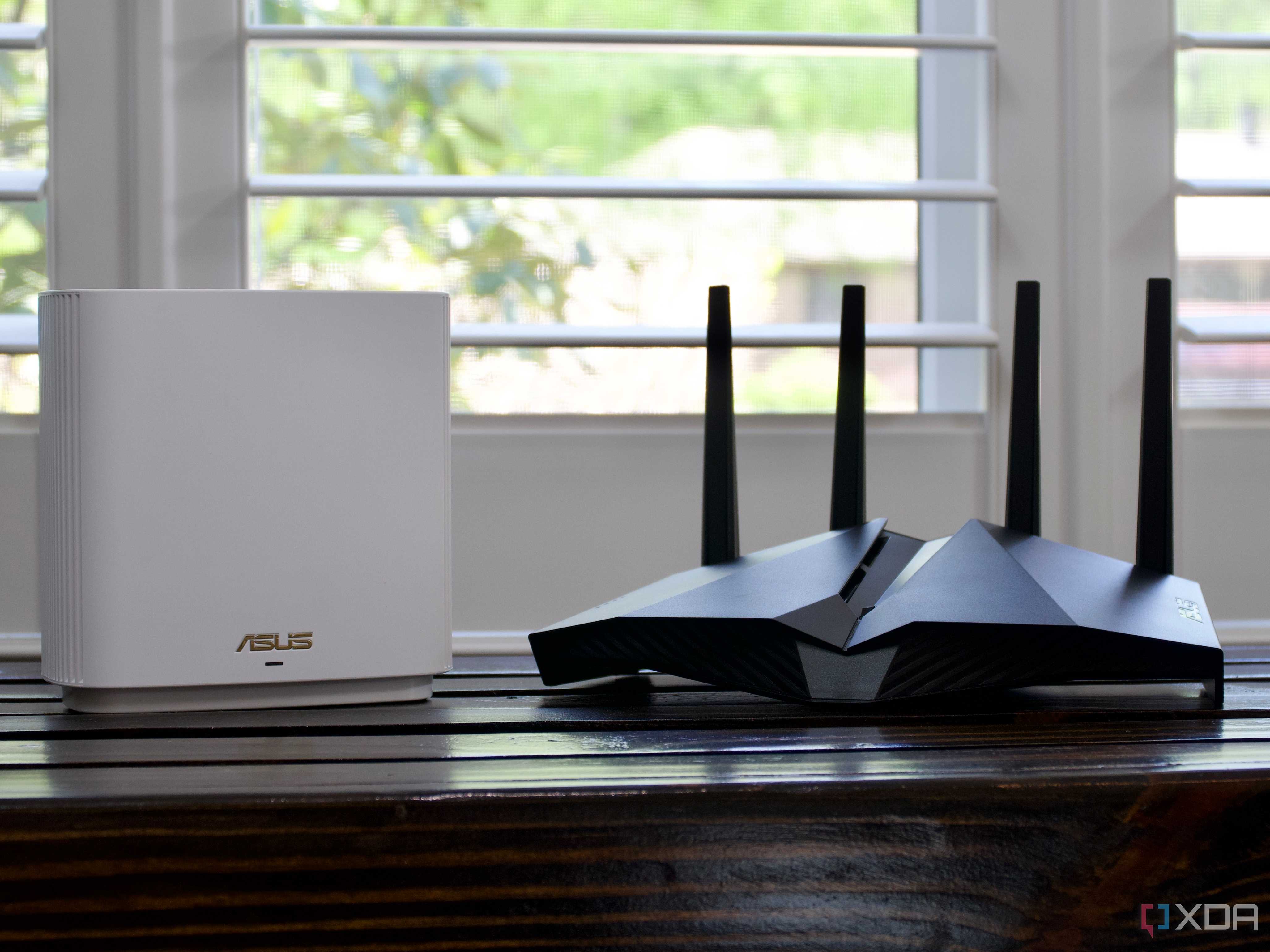
They look the part, but don't do much differently than a normal one
Credit:


Credit:


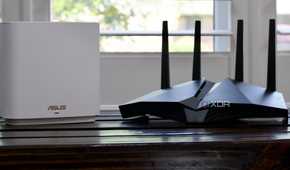
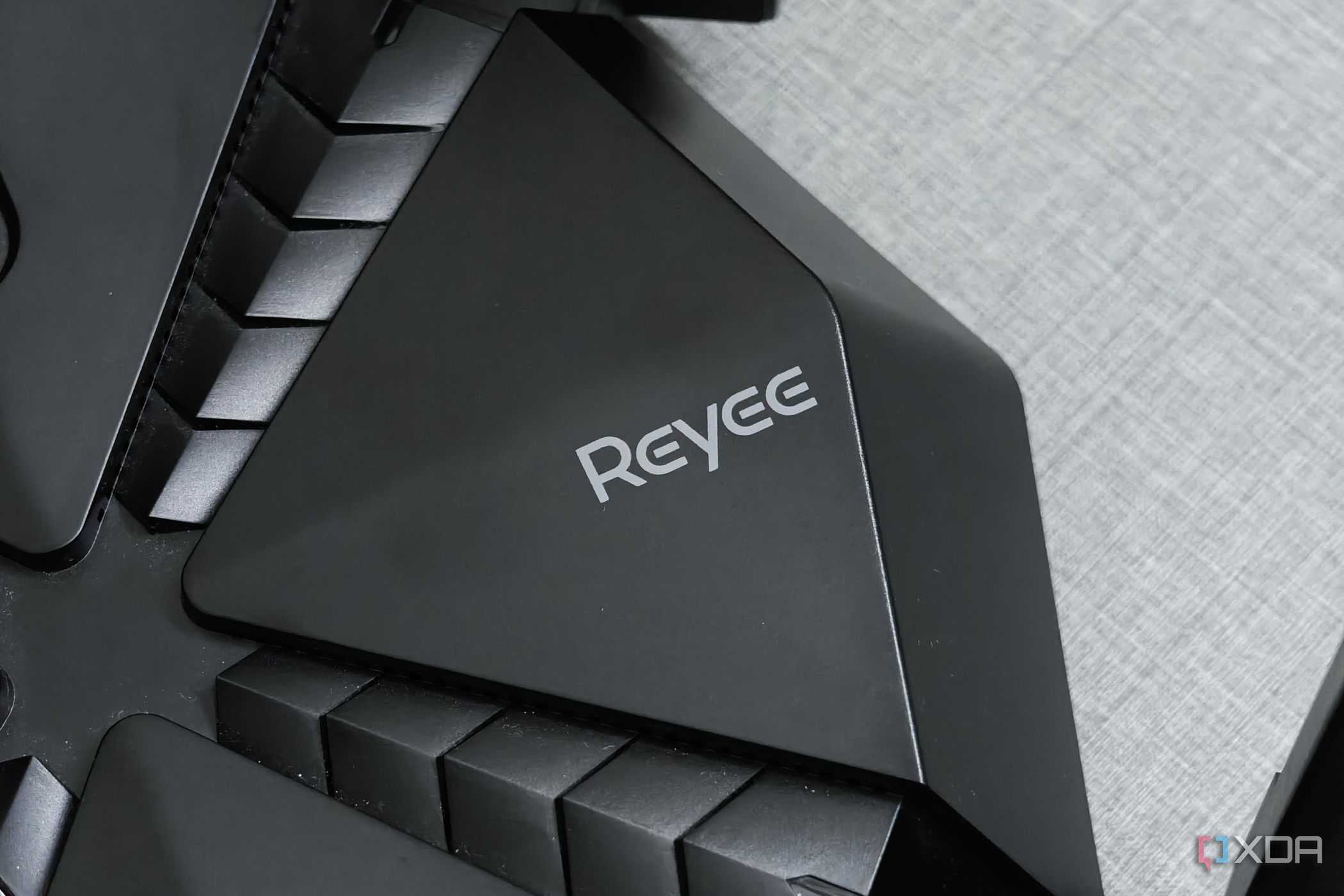
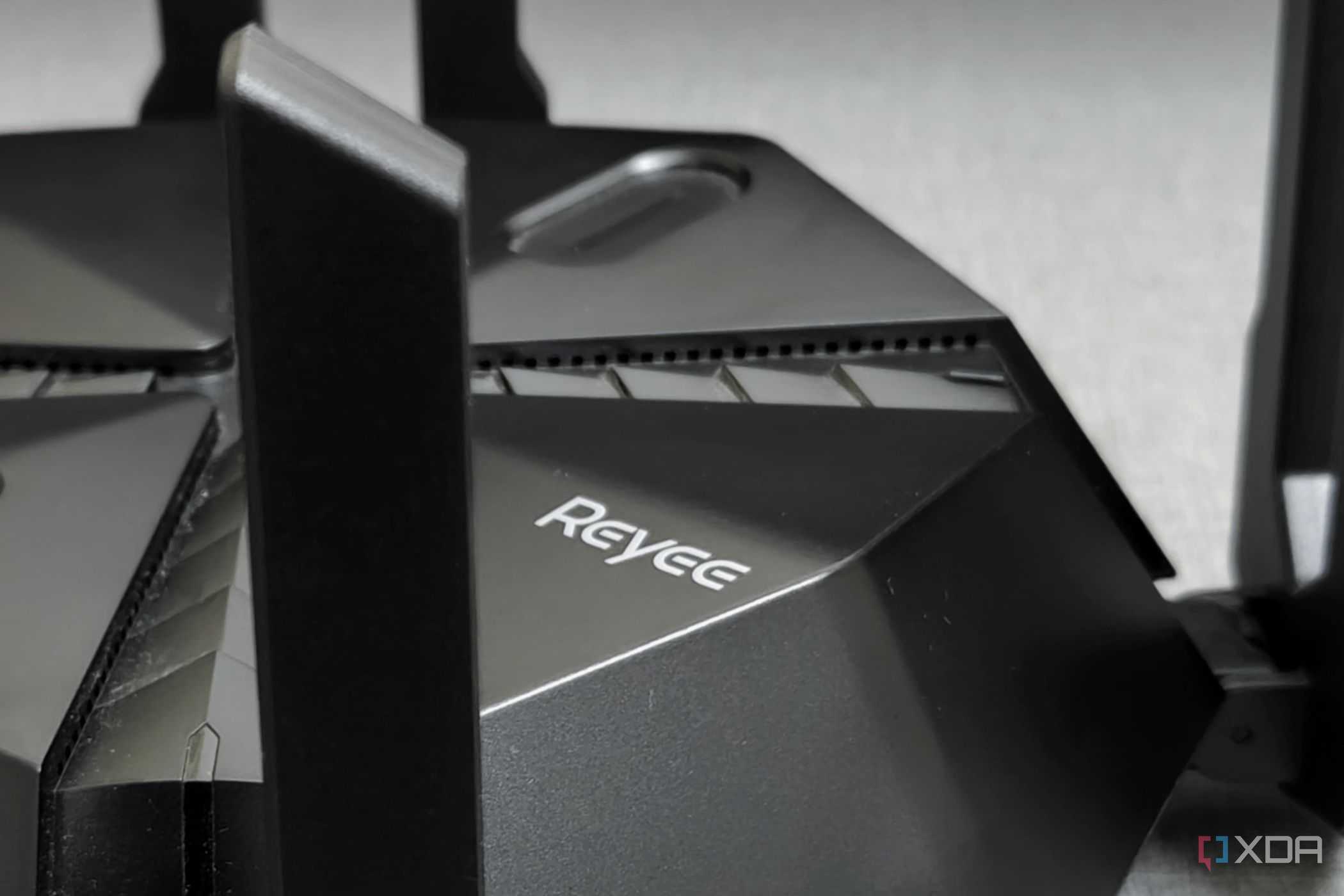
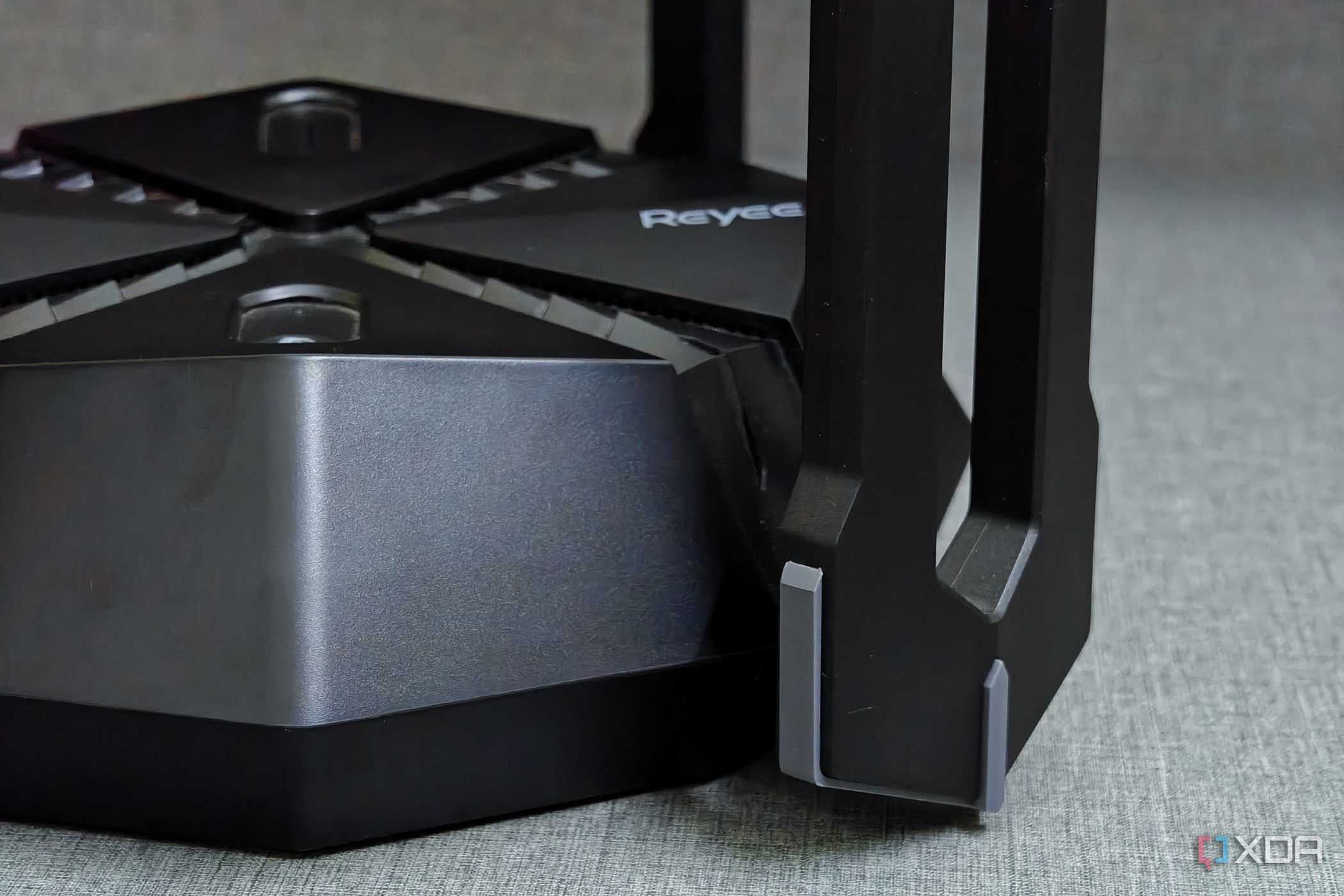
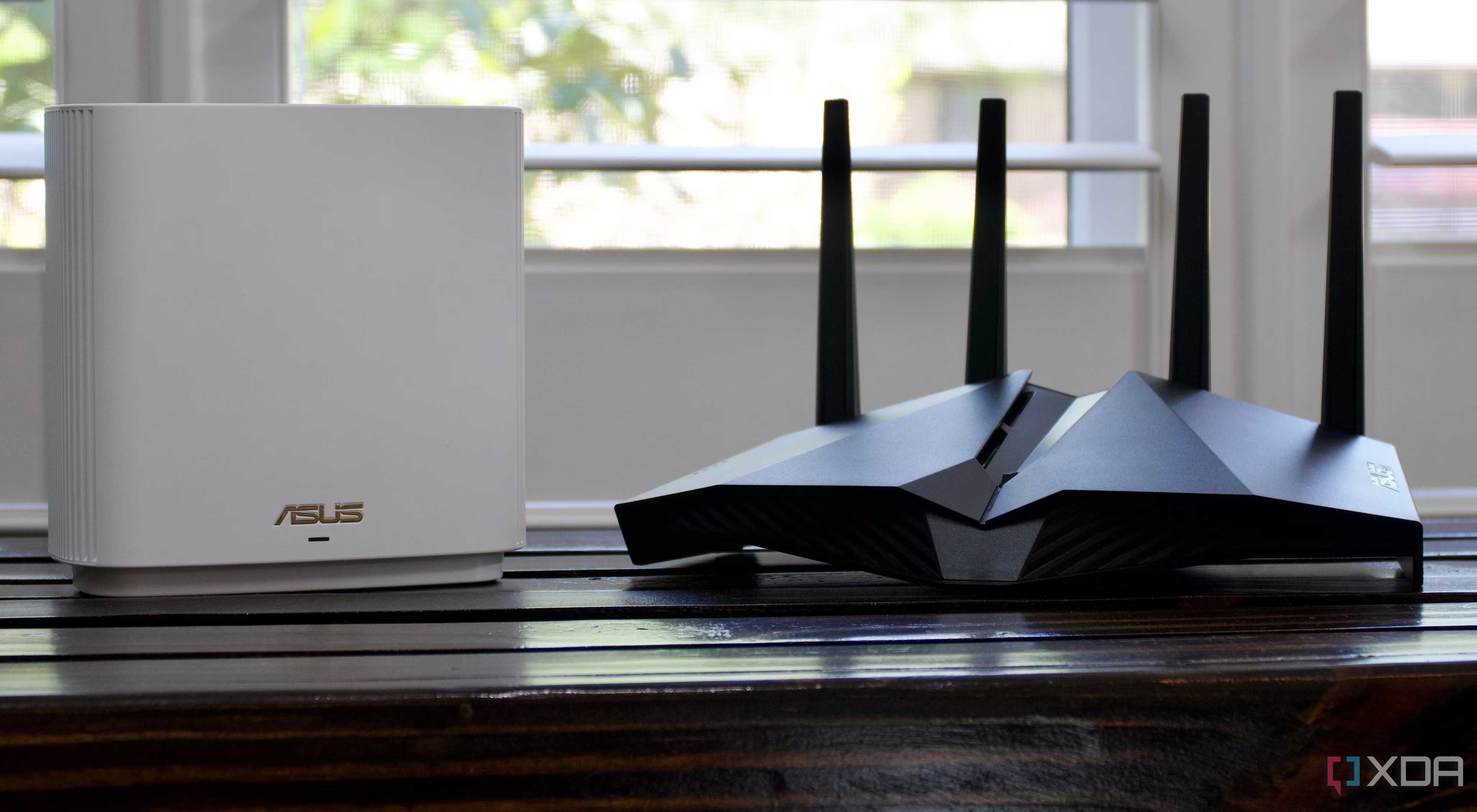
Gaming routers look impressive, but the internal radio hardware is often identical to cheaper models. You’re paying for a different plastic shell, a few extra antennas that don’t actually increase usable coverage, and a software interface that buries basic settings under neon-colored “boost” buttons.
The core problem is that latency spikes aren’t caused by the lack of a “gaming lane” or the absence of a boosted port. They happen because your network can’t gracefully handle congestion. The moment your upload or download buffer fills up, ping explodes. That phenomenon is called bufferbloat, and it has nothing to do with how “gamer” your router looks.
QoS is the real fix
It's more common than you think

Quality of Service sounds like a niche enterprise feature, but it’s the most important setting for anyone who cares about gaming performance. QoS instructs your router to prioritize latency-sensitive traffic, like game packets or voice chat, so that heavier tasks like downloads or cloud backups don’t drown it out. This is where the real magic happens. Proper QoS turns an unstable connection into a consistent one by ensuring your router never blindly fills its buffers.
Combined with other active systems that control bufferbloat like Cake or FQ-CoDel, you can deliver some pretty impressive performance when your network is under load, but most people will just need to enable QoS. The strange thing is most ISPs actually disable QoS (or don't expose it at all) by default because it lowers speed test numbers, but it often increases real-world responsiveness significantly.
QoS isn't a cure-all
It can be a band-aid for a bad setup

QoS isn’t magic, and it doesn’t bend the laws of physics. If you have a weak Wi-Fi signal, thick walls, or live in a dense apartment building where everyone is competing for the same channels, no priority system can compensate for signal loss and interference. This is one of the main reasons “gaming router” complaints persist. People assume Wi-Fi congestion is a router horsepower issue, when in reality, it’s an RF battlefield. Sometimes the solution is simply repositioning the access point, switching channels, or adding a second wired access point instead of relying on a single, central router to cover everything. Your network really is only as strong as the environment allows.
A wired connection is obviously ideal, but bufferbloat can absolutely still be an issue even if you're plugged in, and it's arguably more effective in these cases, because you're not competing with other devices for signal.
If your router can't enable QoS
Put another (non-gaming) router in front of it

This is more common than people realize. ISPs love locking down their gateways, and many consumer routers bury QoS so deep that it may as well not exist. If you click through every menu and never see anything mentioning QoS, prioritization, bandwidth control, or bufferbloat management, you still have several options long before buying a “gaming router.”
The simplest solution is to bypass the ISP gateway entirely and put your own router in front of it. Most ISP modems support a bridge mode that disables their routing functions and hands the connection off cleanly to a separate device. Even a modest $70-$120 router from a reputable brand will typically expose QoS controls that ISP hardware hides, and once that's enabled and your devices are connected to the third-party router, you can reap the benefits of QoS.
You might need a new router, but you don't need a gaming one
Gaming routers can be packed with useful features, but they matter far less than the conditions of your network and the quality of your traffic shaping. If you have a budget box, custom firmware, or a prosumer router, QoS and solid fundamentals can do a lot of the heavy lifting.
