


Everybody loves a good deal, especially when it comes to PC components. The ever-increasing prices of other parts means hunting for bargains has become more prevalent than ever, but thankfully, flash storage has become much more affordable in recent years. But how cheap is too cheap? Despite some potential for savings, the cheapest NVMe SSDs come with a steep cost that's never reflected by the price tag.
Which corners get cut on cheap SSDs
Not worth paying for


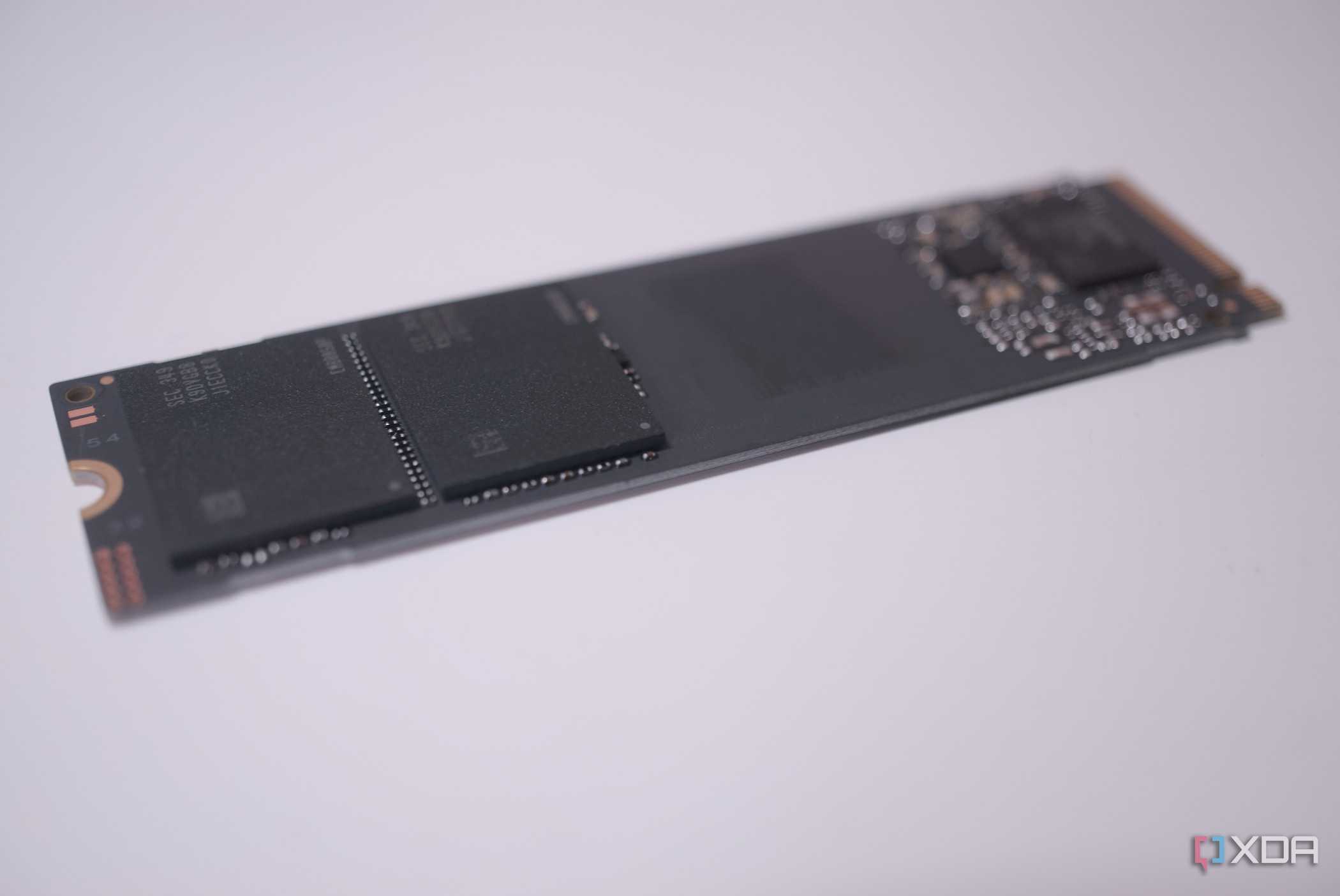
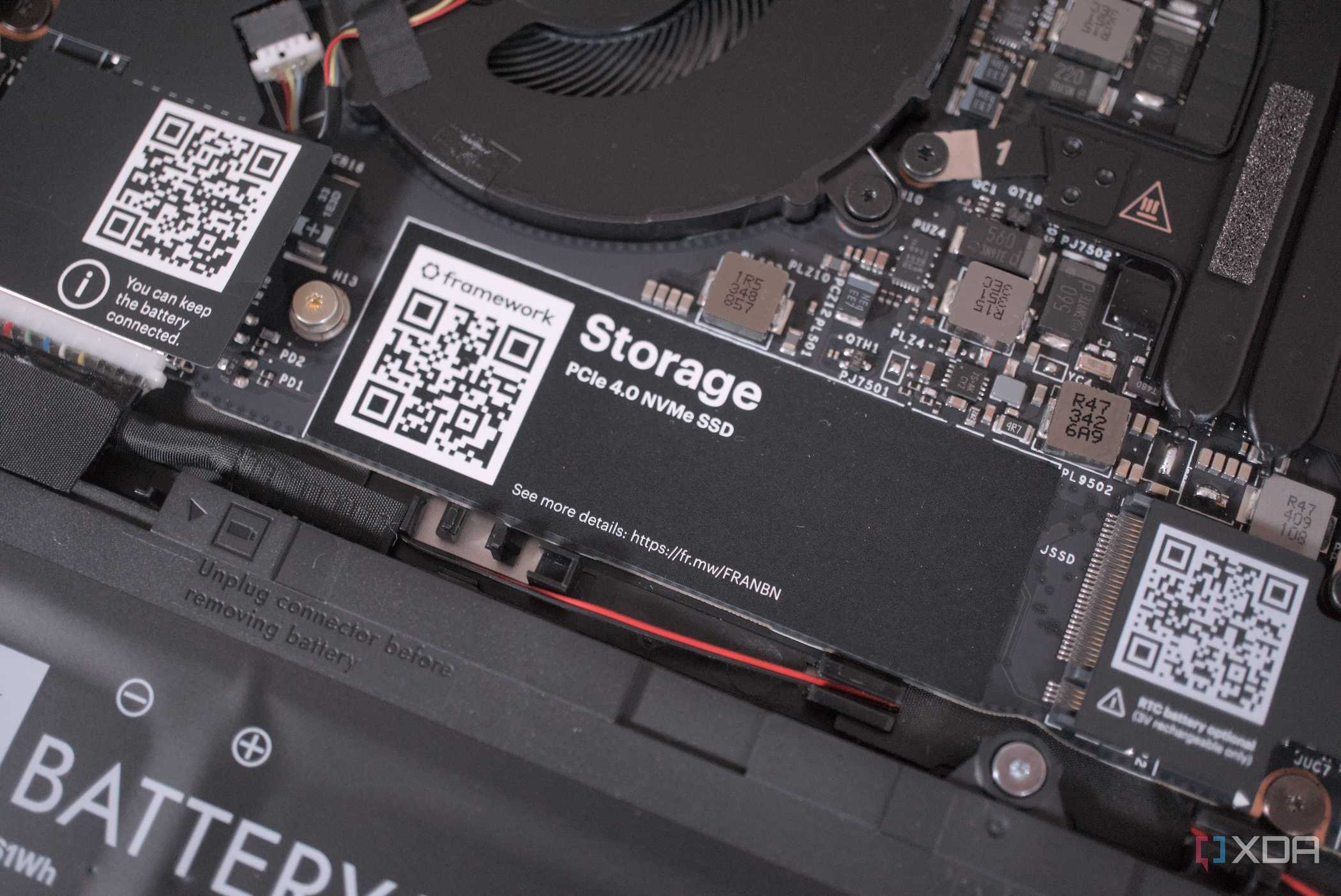
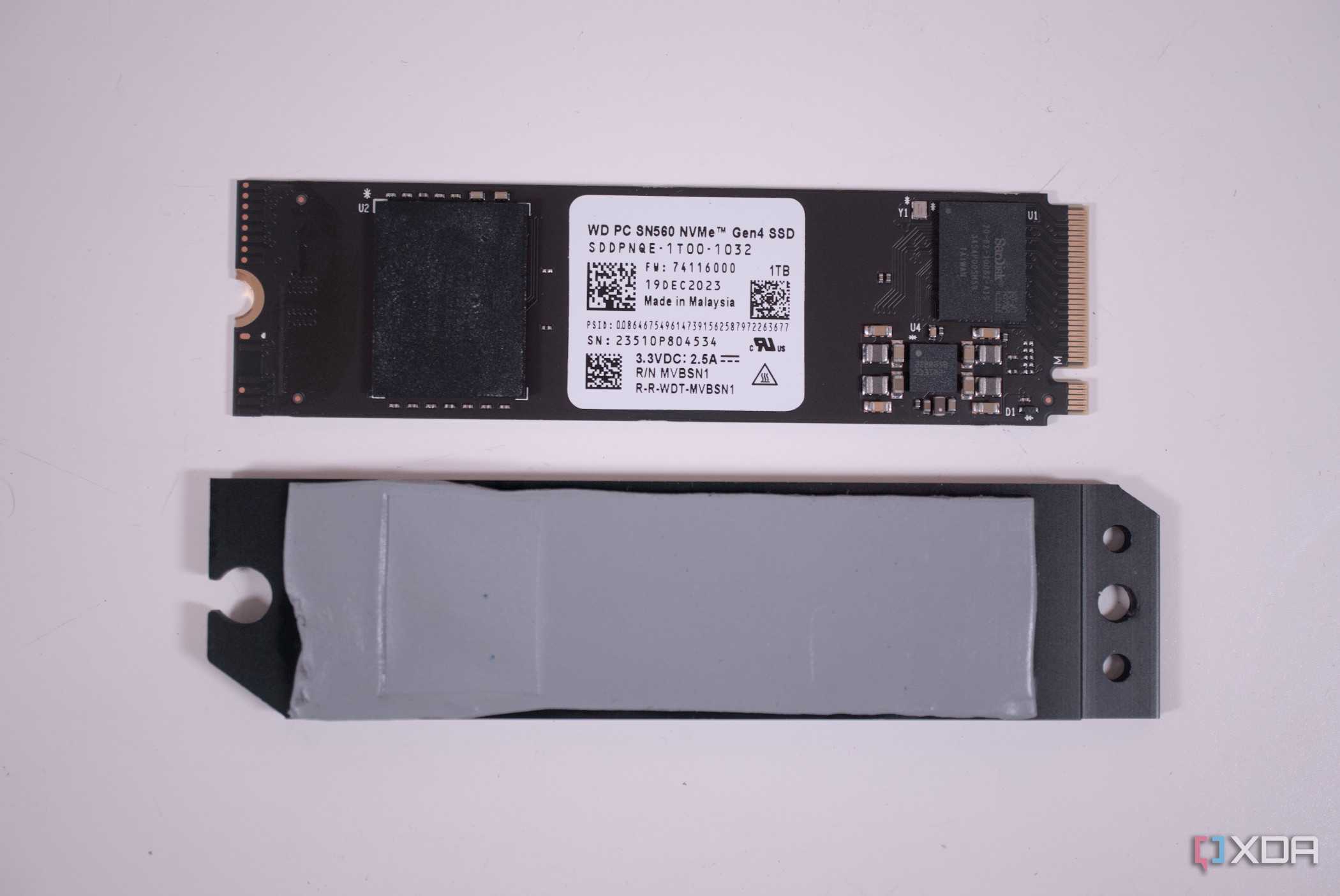
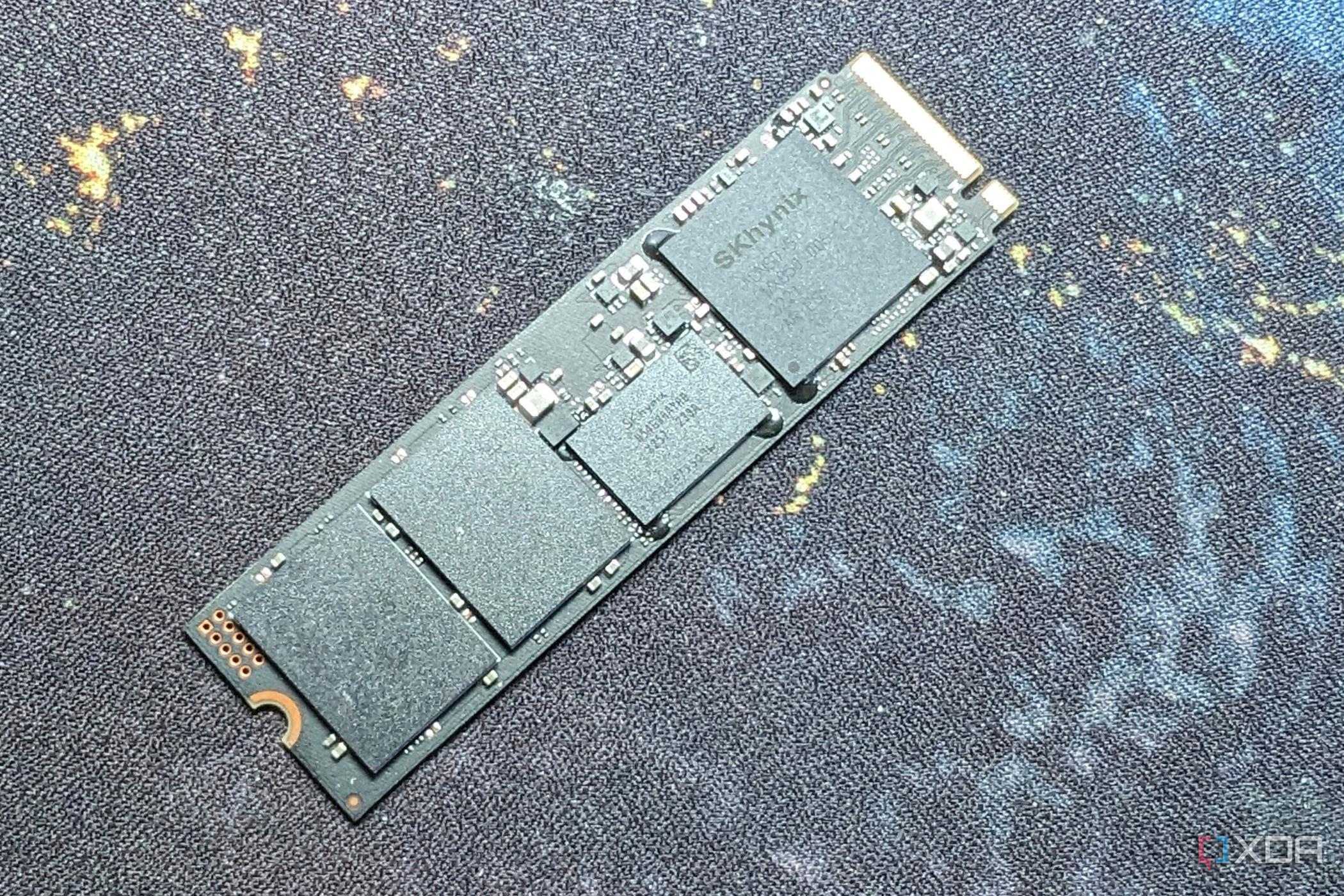
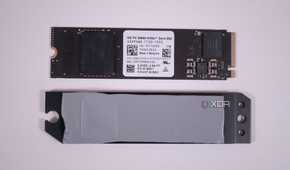
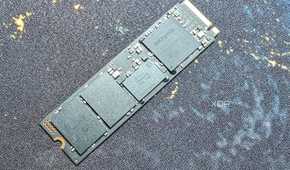
When manufacturing an SSD, there are plenty of cost-cutting areas that are relatively invisible to the average consumer, and many of them are difficult to find, even if you look at the spec sheet. Sorting by lowest price on Amazon or another online retailer of your choosing will serve you a lot of unrecognizable brands that seemingly offer the same speed and capacity as other name brands, so what gives?
The main corners that get cut have hefty effects on both speed and reliability, but they're not immediately obvious. The first is the lack of a DRAM cache, which isn't a huge "gotcha". Name-brands do this too; many of them offer different models of the same type of drive, one with a DRAM cache and one without. The main reason why this is noteworthy is that a DRAM cache is responsible for mapping exactly where your files are written, so that when your SSD needs to access them, it's incredibly rapid. Without it, the drive relies on what's known as HMB or Host Memory Buffer, which essentially uses slower system RAM for the same purpose. HMB, when used with fast memory on an otherwise quality drive, is still perfectly usable for some applications.
DRAM-less drives aren't automatically of poor quality, nor are they cheap, but it's one thing that is pretty much always lacking on the bargain bin drives. The other two—the controller and NAND flash itself—are of far more concern in terms of lack of quality.
Why you should avoid buying the cheapest drives
Quality of components matters

The biggest compromises made on cheap drives comes in the quality of the NAND flash and the controller, and it's where most of your problems as a user will come from. These uber-cheap drives will use QLC (quad-level-cell) flash, which is the densest form of flash available in consumer drives. This is great for making affordable drives, but it also results in real-world differences in performance and reliability. On balance, QLC flash will last about half as long as a TLC drive at best, and even that is generous. It's usually closer to around a third, topping out at about 200 TBW (terabytes written), while TLC can last to 600 at the high end. If the flash is of high quality, and you get lucky, you can make QLC last up to 300 TBW, but that's a stretch.
The quality of the controller is also of note. A cheap controller will have less robust error handling, fewer NAND channels which restricts performance, and can have immature firmware, adding further inconsistency to performance. All of these things will also vary quite heavily from drive to drive, as these lesser-known manufacturers don't hold themselves to as high of a standard when it comes to parts and assembly. Some drives will have a batch of NAND that might be totally fine, while others may use a bad batch that can behave totally differently. The same thing happens with the name brands as well, but the difference is in their QC process, which will hopefully detect and weed out any defective drives before they reach your system in a DOA state.
You get what you pay for with NVMe SSDs
Higher price often means higher quality

High quality SSDs that have TLC NAND, good firmware, quality controllers, and a DRAM cache will give you a much better experience, especially if you're using it as a boot drive or in another performance-intensive application. You also get peace of mind that your drive won't suddenly fail because of poor endurance or quality. These are things that, while not immediately obvious on paper, really do make a huge difference.
When it comes to SSDs, the proof really is in the pudding, and while there's definitely applications where a super cheap NVMe drive can be appropriate, if you're looking for cheap storage, there are other more suitable options available that don't have a high failure rate. You don't need to grab the most expensive drive on the shelf in your chosen capacity, but the brands you don't recognize at prices that seem to good to be true, are often just that.
An NVMe SSD can be a killer upgrade to any system
NVMe SSDs are one of the best bang-for-buck upgrades you can make, but not all are created equal. The cheapest models cut corners with DRAM-less designs, weak controllers, and QLC NAND that prioritizes density over endurance. On paper, they look just as fast as premium drives, but in daily use they often stumble, and over time they may fail far sooner. You don't need to splash all your cash on your next drive, but a very small step up from the absolute cheapest drives will go a long way.
