


SSDs and the flash within them have fundamentally changed the way we store our data on consumer devices. HDDs are still used for many workloads, but for any data that we, as users, must interact with, solid state storage is a no-brainer.
When it comes to these solid state drives, the type of flash in them does matter, and these days, you'll mostly see drives with either TLC NAND or QLC NAND. While the type of NAND is of note, and should absolutely be a consideration when making a purchase, it's not everything. In fact, there are other factors that will affect your storage experience more profoundly, at least in the interim.
Why NAND type is important
It does matter


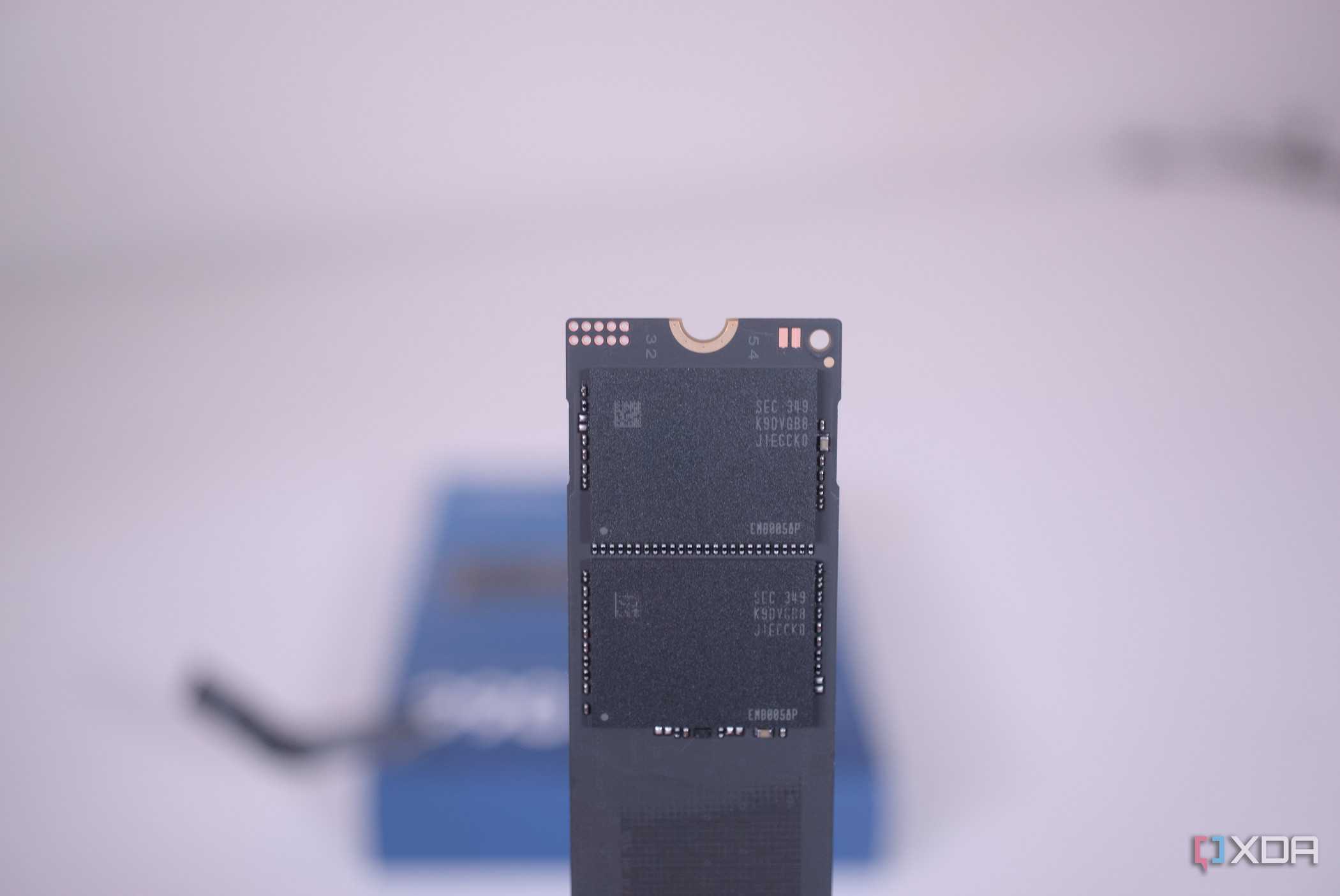

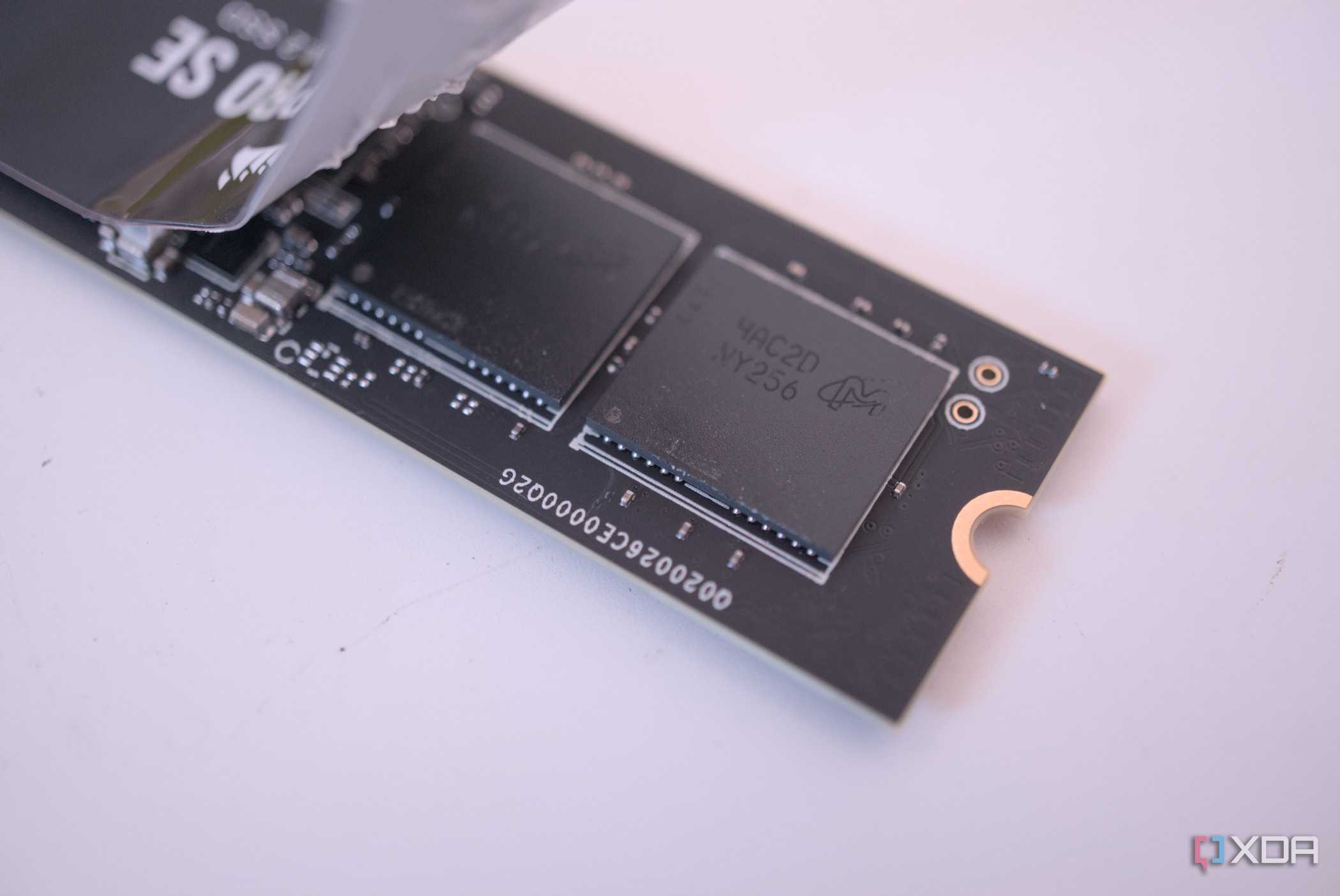
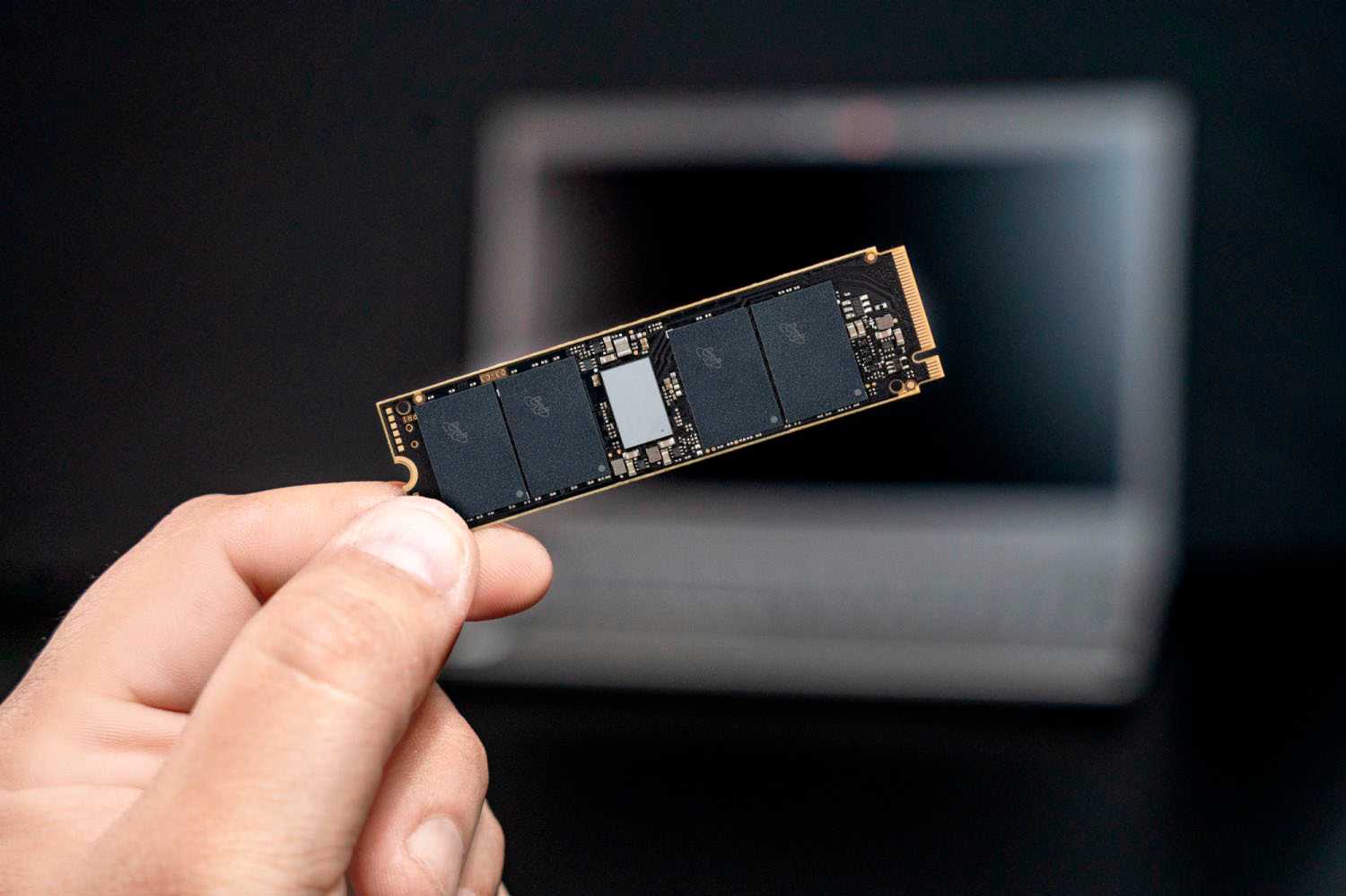

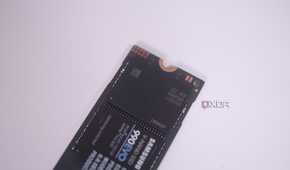
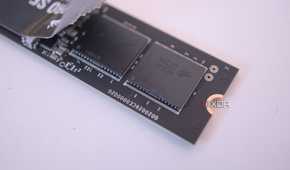
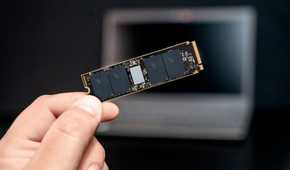

NAND type isn't the be-all and end-all, but it's important to know the differences between the different types. SLC, MLC, TLC and QLC all refer to how much data can be stored per-cell. You won't see Single-Level Cell (SLC) flash in consumer drives outside of its use as a cache. It's reserved for mission-critical applications that write a ton of data, mostly in the enterprise space. MLC (Multi-Level Cell) stores 2 bits per cell, TLC (Triple-Level Cell) jumps to 3 bits per cell, and finally, QLC (Quad-Level Cell) uses 4 bits per cell.
Storing more bits per cell does enable SSD manufacturers to store more data in a smaller space, but it does come at a cost. As you increase the number of bits used per cell, you sacrifice both speed and endurance. SLC and MLC NAND can last a long time in write-heavy applications, and even TLC drives can live a long life. QLC NAND, however, when placed in a write-heavy environment, will degrade much faster than its counterparts.
QLC NAND has its uses
You shouldn't throw it away if you have one

SSDs with QLC NAND aren't a total write-off, by any means. They're certainly not something you want to use in any kind of mission-critical environment, nor anything that's especially performance-intensive, but they still have their uses. I have a drive with QLC NAND in my machine, and I use it as secondary storage for games and applications I don't use frequently. It's still miles faster than any hard drive, so long as you use it in the right fashion.
If you're looking for an SSD to be your primary boot drive for example, you want to avoid QLC NAND. Sure, it's faster than an HDD, cheap, and is great in read-heavy applications, but the speed and endurance penalties just aren't worth it. Drives with TLC NAND are much better suited here.
TLC NAND alone isn't going to make the difference
Other components on the board should be a consideration

Looking for TLC NAND alone when making an SSD purchase isn't everything, however. When it comes to speed, the interface will be the first deciding factor in how much bandwidth your drive can handle in both reads and writes. SATA drives cap out at around 550 MB/s in sequential reads and writes, while NVMe drives can hit data rates beyond 7000 MB/s. Most buyers are going to be looking for a specific interface to fill in their system anyway, but if you have both types of interfaces open, considering if you need more than what a SATA drive can offer could save you a few bucks.
The drive's controller is also worth looking into, at least at a surface level. The controller on-board an SSD is a chip responsible for all communication with your PC, and has a say in the overall performance of your drive. Higher-quality drives will have better controllers on-board, but if you're curious to find out the exact type of controller on-board, you can find that through spec-sheets or third-party reviewers. SSD specs beyond what is on a storefront are actually quite difficult to find, but as long as it's a recognizable brand, information shouldn't be too hard to come by.
We need to talk about DRAM cache
One of the most important parts of a fast SSD

DRAM cache is a high-speed memory chip found on some SSDs that's used to speed up random access and lower overall latency. It keeps a copy of the mapping table, which is what your drive uses to locate specific data on the NAND. Having a DRAM cache speeds up random reads and small file transfers significantly, which makes SSDs that have one perfect for using as a primary boot drive.
SSDs without a DRAM cache use what's called the Host Memory Buffer (HMB), which is essentially a way for your drive to borrow from system memory. In a lot of situations, this will be significantly slower than having a dedicated DRAM cache on the drive itself. System memory is getting pretty quick, and DDR5 definitely does better being a HMB than DDR4 did, but it's still no replacement for dedicated cache on-board the drive. SSDs with TLC NAND and a DRAM cache will be significantly more expensive than a DRAM-less QLC NAND drive, but you're paying for higher endurance, more speed, and an overall better product for more use cases.
NAND type is only part of the picture
While it's definitely an important spec to take note of, NAND type isn't the only thing to consider when buying a new SSD. Interface type, controller, and whether it has a DRAM cache are just as important. The spec sheet you see on storefronts often isn't enough to make an informed SSD purchase, so doing extra research through third-party reviews, teardowns, and spec-sheets is necessary.
