


In the world of high-end home theater, we often spend thousands on OLED blacks and Dolby Atmos height channels, but we completely ignore the ambient environment. Even the best VA or IPS panels struggle with blue tint or grayish blacks in a pitch-black room.
The reality here is you don't need a 3,000 QD OLED or to constantly adjust your settings; you need to manipulate your pupils by adding a calibrated light source behind the display. You’re not just adding atmosphere; you’re improving perceived contrast and reducing the discomfort that can come from very bright HDR content in a dark room.
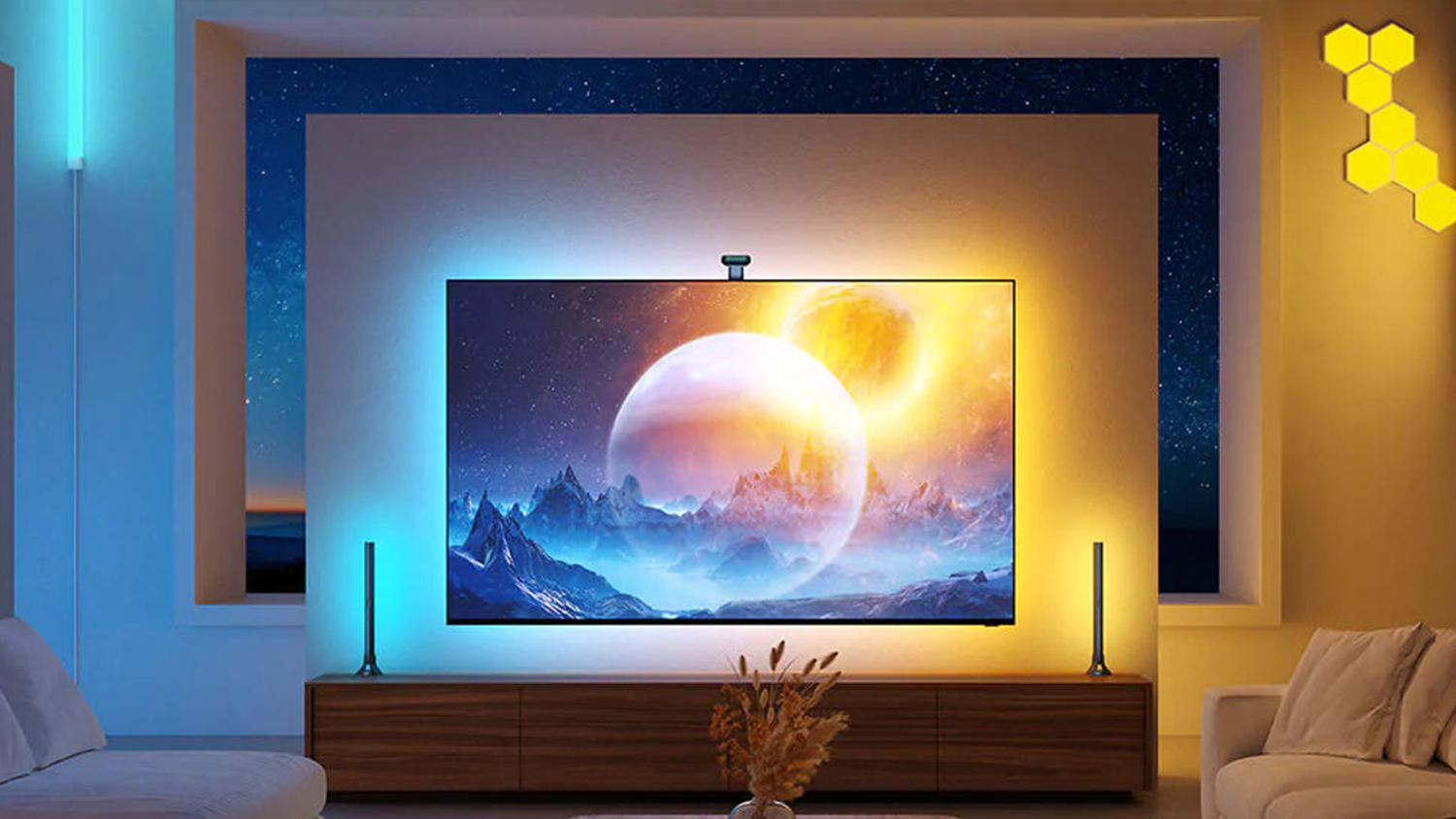
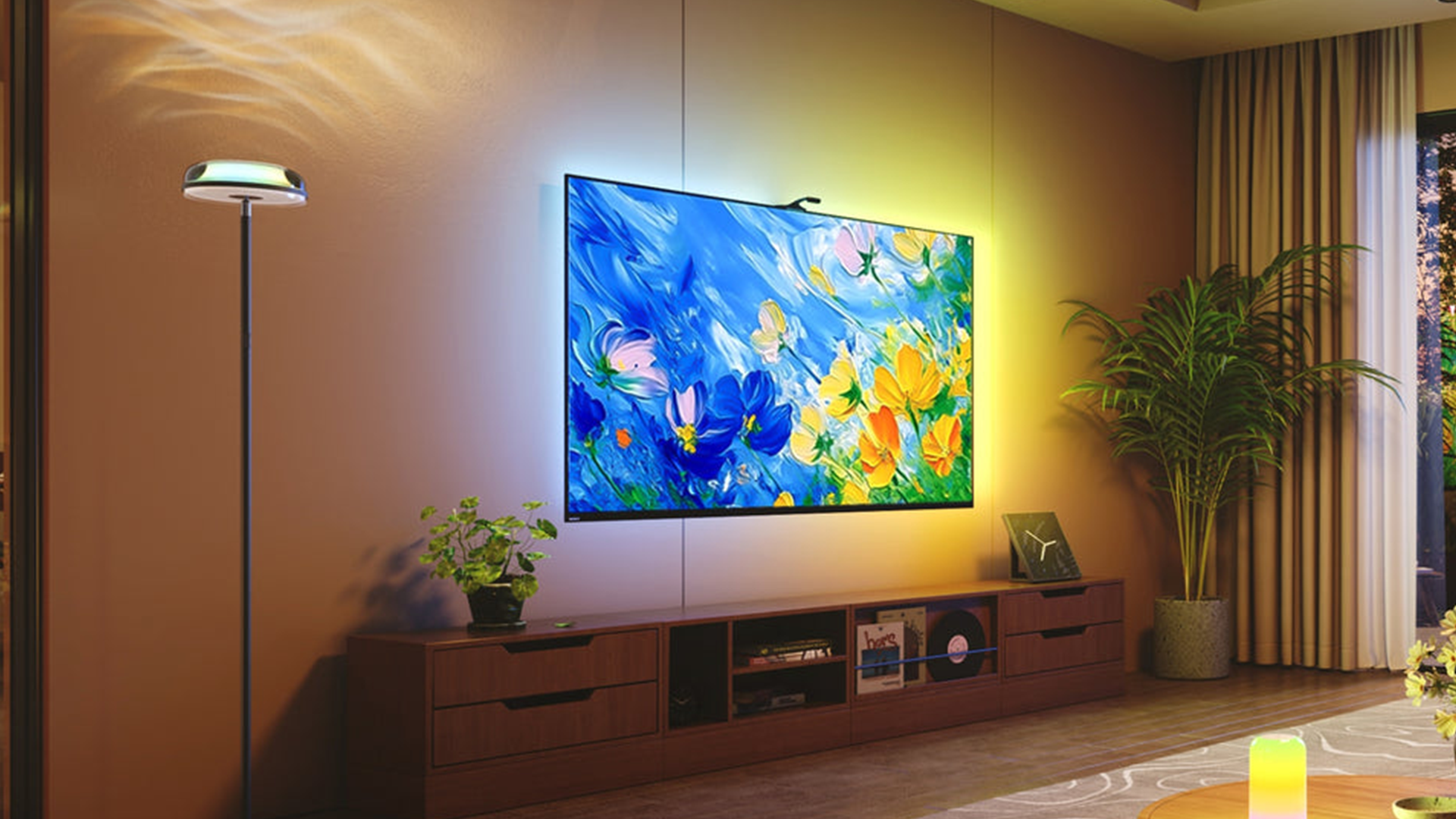
The simple lighting upgrade you absolutely need is bias lighting, specifically a high CRI, 6500K, LED strip or a sync box system behind your TV. It doesn't just make the setup look cool; it actually improves the perceived performance of the hardware you already own.
The perks of bias lighting
Upgrade your TV in seconds
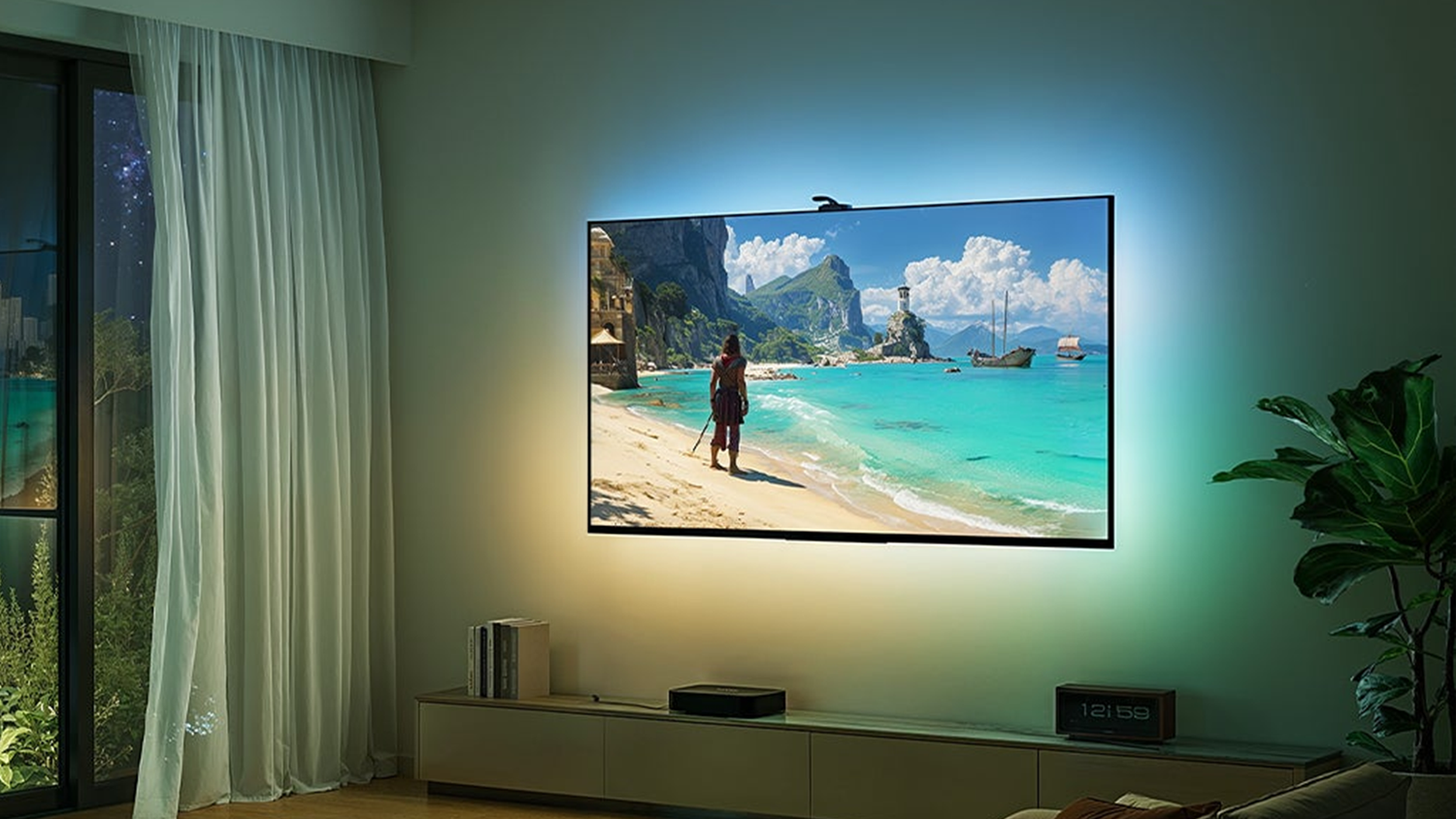
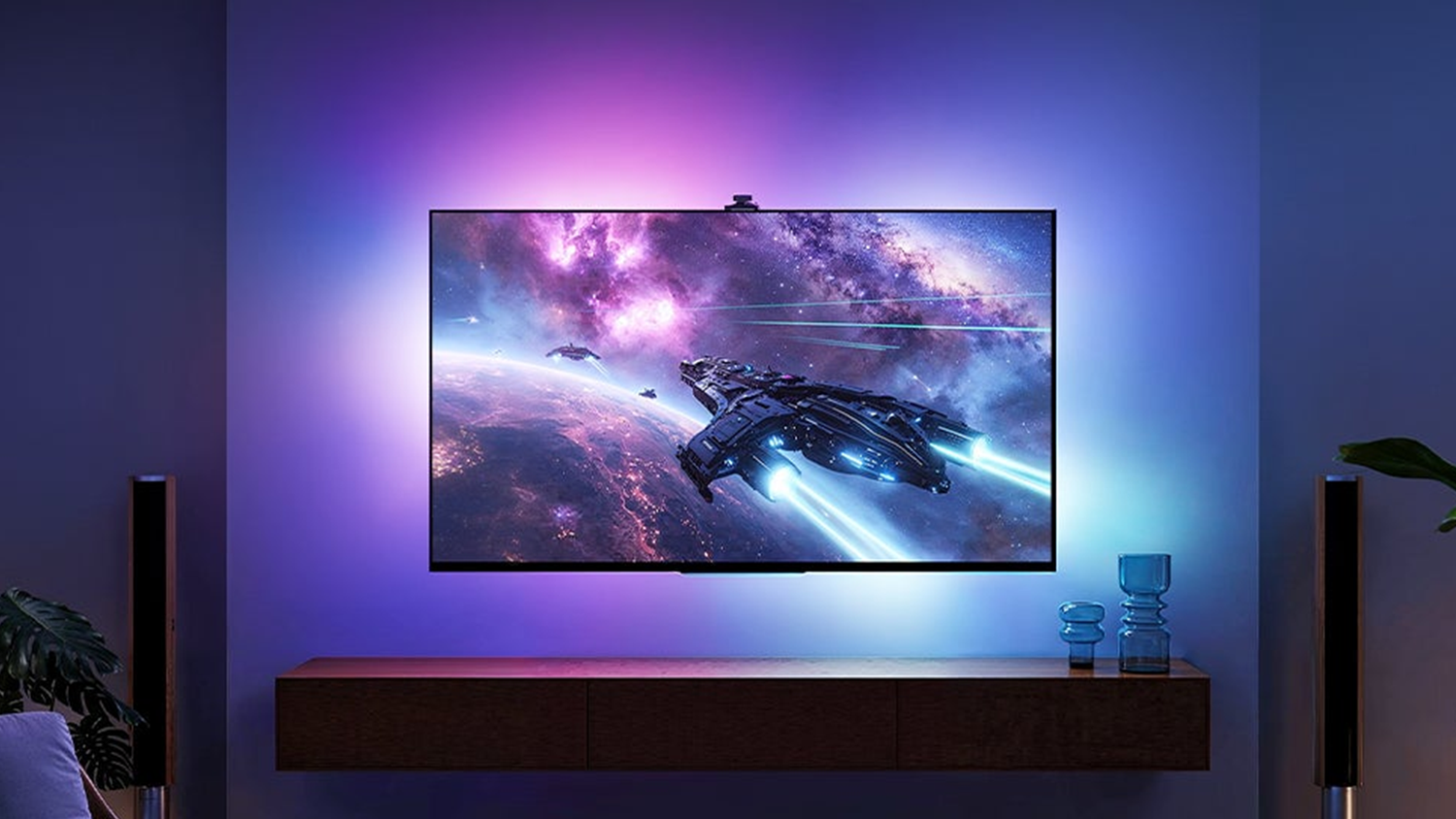
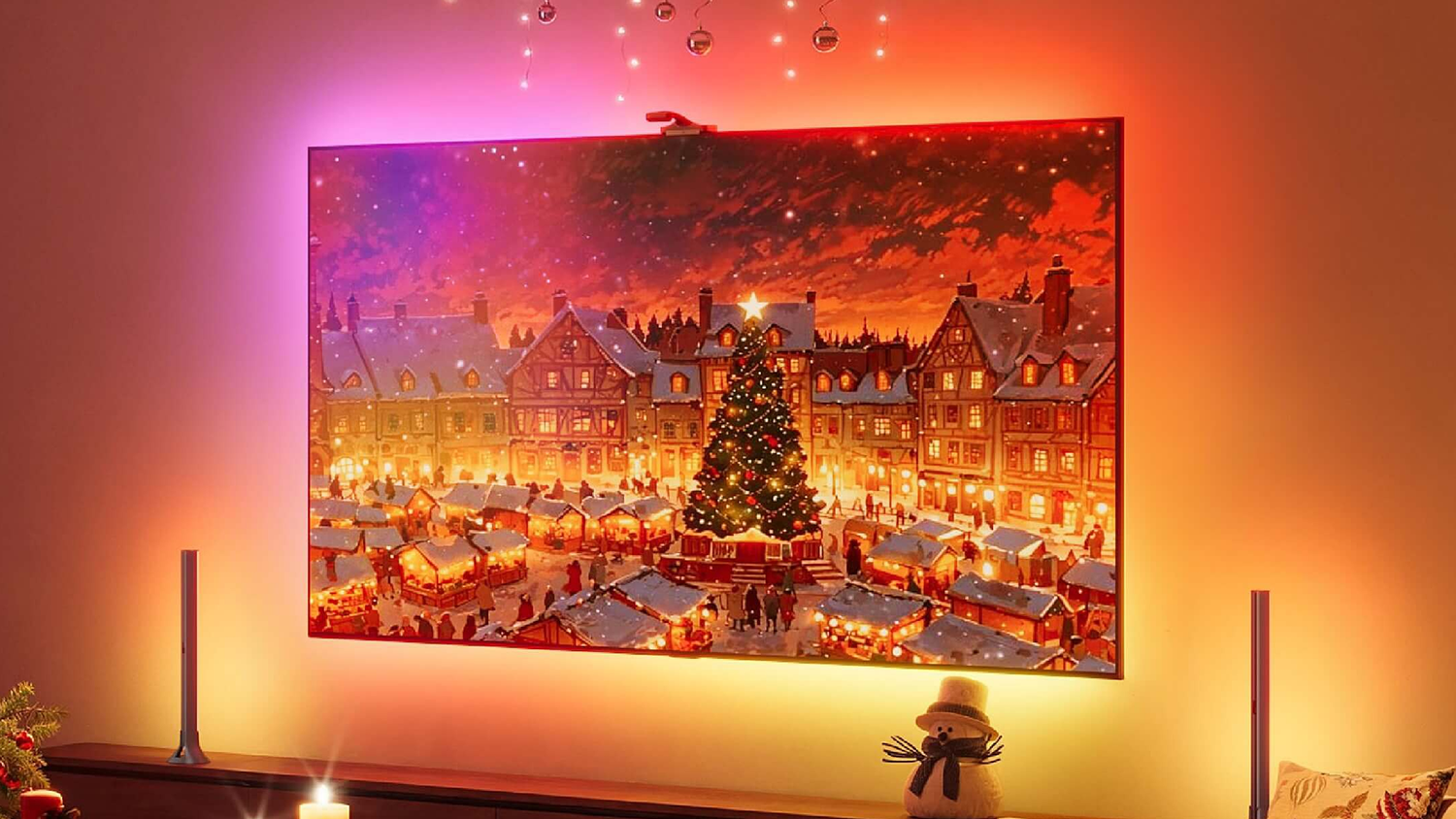
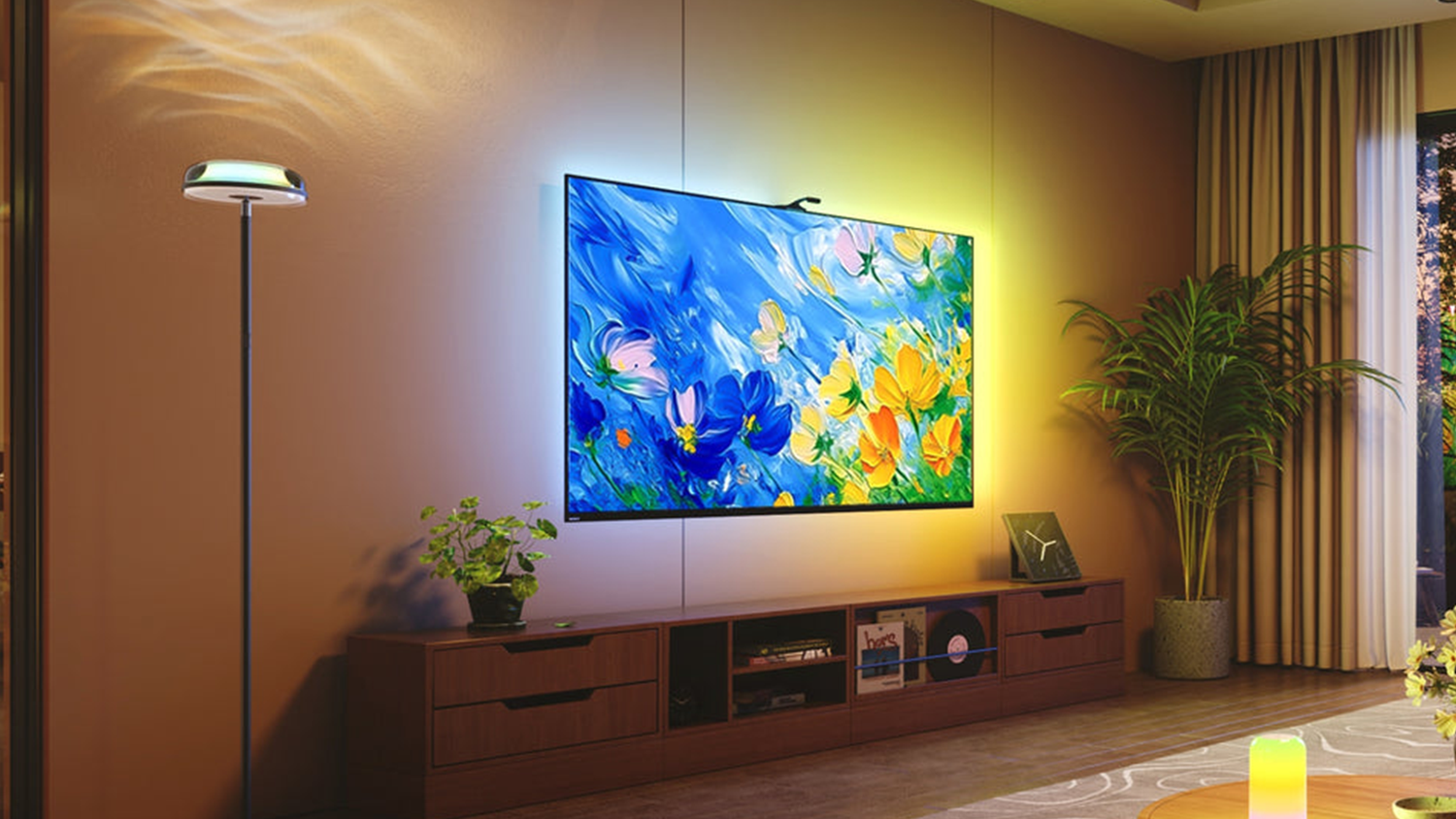


 Credit: Govee
 Credit: Govee
 Credit: Govee
 Credit: Govee
 Credit: Govee
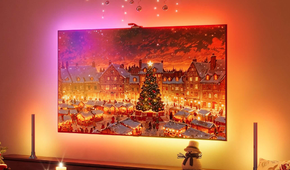
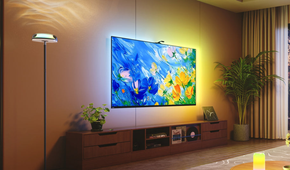
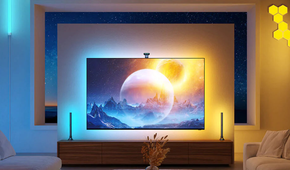
Bias lighting is essential, and there's science behind it that explains why it actually works, right down to the biological level. The simultaneous contrast effect occurs when neutral white light reflects off the wall behind your TV. This can reduce the extreme light-to-dark contrast in your field of view, making viewing more comfortable. As a result, the dark parts of your screen appear much darker than they actually are, giving you that OLED effect, thanks to literal biology. This means that by backlighting your TV, you're triggering a biological reaction in your eyes that makes it actually look higher quality.
Another great benefit of doing this is that it reduces eye strain. Modern HDR TVs can hit 1000-plus nits. Switching from a zero-nit black room to a 1000-nit explosion causes massive eye fatigue. Bias lighting provides a baseline that stops your iris from working overtime.
There are a couple of different paths you can take when setting up bias lighting. The purist path leads to a static white setup using a 6500K, high-CRI LED strip placed behind your TV. You're setting up a single static color; it will stay that color, usually white, to ensure your TV's color calibration stays accurate. This gives you a cinema-mode sort of experience and can look elegant and classy.

Another approach is screen sync, which leads to a much more immersive result by connecting an HDMI sync box or camera. You can set up lights behind your TV to match the wall colors to the colors on the screen. This will mean whatever is being shown on your screen will feel like it's bouncing behind your TV. Sync lights can actually make a 55-inch TV feel much larger by extending the colors into your peripheral vision, too.
Installing either of these lighting setups is significantly easier than you think. A lot of them are powered via USB, meaning you can plug the light strip directly into the TV's USB port. The lights will also turn on and off automatically with the TV, so you don't need to worry about an extra remote or extra lights drawing power and increasing your energy bill.
When setting them up, also keep in mind that the light strip shouldn't be visible, only the glow on the wall behind the TV. To get this effect, the distance from the wall is essential. Aim for about 6 to 12-inches for the sweet spot and a smooth gradient.
Improve your perceived sound quality too
Bias lighting changes everything

While it might sound like a stretch to say that a $50 light strip can make your speaker sound better, thanks to psychoacoustics (which is the study of how we perceive sound), this actually might be the case. When you improve the visual grounding of a room, your brain can more easily map the audio to the physical space. Meaning the way that you're perceiving the sound can actually make it sound better.
When you watch a movie in a total black void, your brain loses its sense of scale. Your ears hear a massive soundstage, but you see a floating 65-inch rectangle in nothingness. The sensory mismatch can make audio feel detached from the room. Ambient lighting provides a subtle visual cue about the boundaries of your room and creates a physical frame for the sound.
You also have the game mode advantage. By using this technique on your gaming monitor, you are activating your peripheral vision. In competitive gaming, your 27-inch or 32-inch monitor covers only a small portion of your field of view. Using sync lighting effectively turns your entire wall into a lower-resolution peripheral display. This can lead to reactive feedback, like when an explosion happens off-screen to the right: a sync box flashes that side of the wall orange before your eyes even track the movement. Human peripheral vision is highly sensitive to motion and changes in light, even if it's bad at detail. By extending the game's light onto the walls, you trigger your brain's subconscious threat section, allowing you to react to off-screen events milliseconds faster than if you were staring at a dark bezel.
Investing in a light strip also provides you with a major bang for your buck. You can spend $500 on a slightly better center-channel speaker or $80 on a high-end sync light system. As a result, the lighting upgrade is the one that you and your guests notice immediately, and the one that makes your $600 budget LED TV look like a $1,200 flagship.
Your TV is so much more than the panel alone
Backlighting can be just as important
We spend so much time looking at the screen that we forget to actually look around it. If you want your home theater to feel premium, stop looking at the spec sheets for nits and start looking at the wall behind the glass. Bias lighting makes a much greater impact than you'd expect, and can take your budget TV to the high end in just a few minutes at minimal cost.
