


Using an all-in-one IoT hub to build a smart home seemed like the best idea since I only favored convenience. On a closer look, that endeavor was turning out to be more costly than I thought. Out of all the all-in-one IoT hubs I checked, there were several things missing that I couldn’t ignore. I wanted more local control, privacy, and unlimited flexibility to use different smart devices and protocols.
So, I built my own hub with Home Assistant. It’s a steep learning curve with this DIY route. From adding hardware and software integrations, I’ve poured several hours and weekends into getting automations working in Home Assistant. Initially, I deployed it with a supervised method on a Raspberry Pi. Since that method was being deprecated, I deployed Home Assistant OS on a bare-metal SSD inside a Raspberry Pi 4B. And it was totally worth it, which is why I abandoned all-in-one IoT hubs in favor of building my own with Home Assistant.
Wide device compatibility
True freedom to enjoy cross-ecosystem capabilities

While all-in-one IoT hubs are convenient out of the box, they come with some strings attached. Either they support devices from specific vendors or require compatible apps. So, despite offering a near plug-and-play experience, the all-in-one IoT hub still felt limited by its hardware. For example, Aqara’s smart hubs support multiple protocols except Z-Wave, and Homey Pro requires specific apps to manage devices across different ecosystems. To get the devices I want to work with, everything depends on someone writing an app that only supports a specific protocol.
Hence, I chose Home Assistant since I can use any wireless protocol I can think of, and its roster of officially supported devices is absurdly long. Of course, that will require additional hardware, such as coordinators, adapters, and dongles. And there are a bunch of choices for that, too. For example, I’m using a Sonoff USB dongle as a Zigbee coordinator, built an OpenThread Border Router to support newer Thread- and Matter-compatible devices, and am now considering the Home Assistant Z-Wave (ZBT-2) adapter for Z-Wave devices. So, I get to choose the devices I want to use.

No cloud dependency
True local control, even without the internet


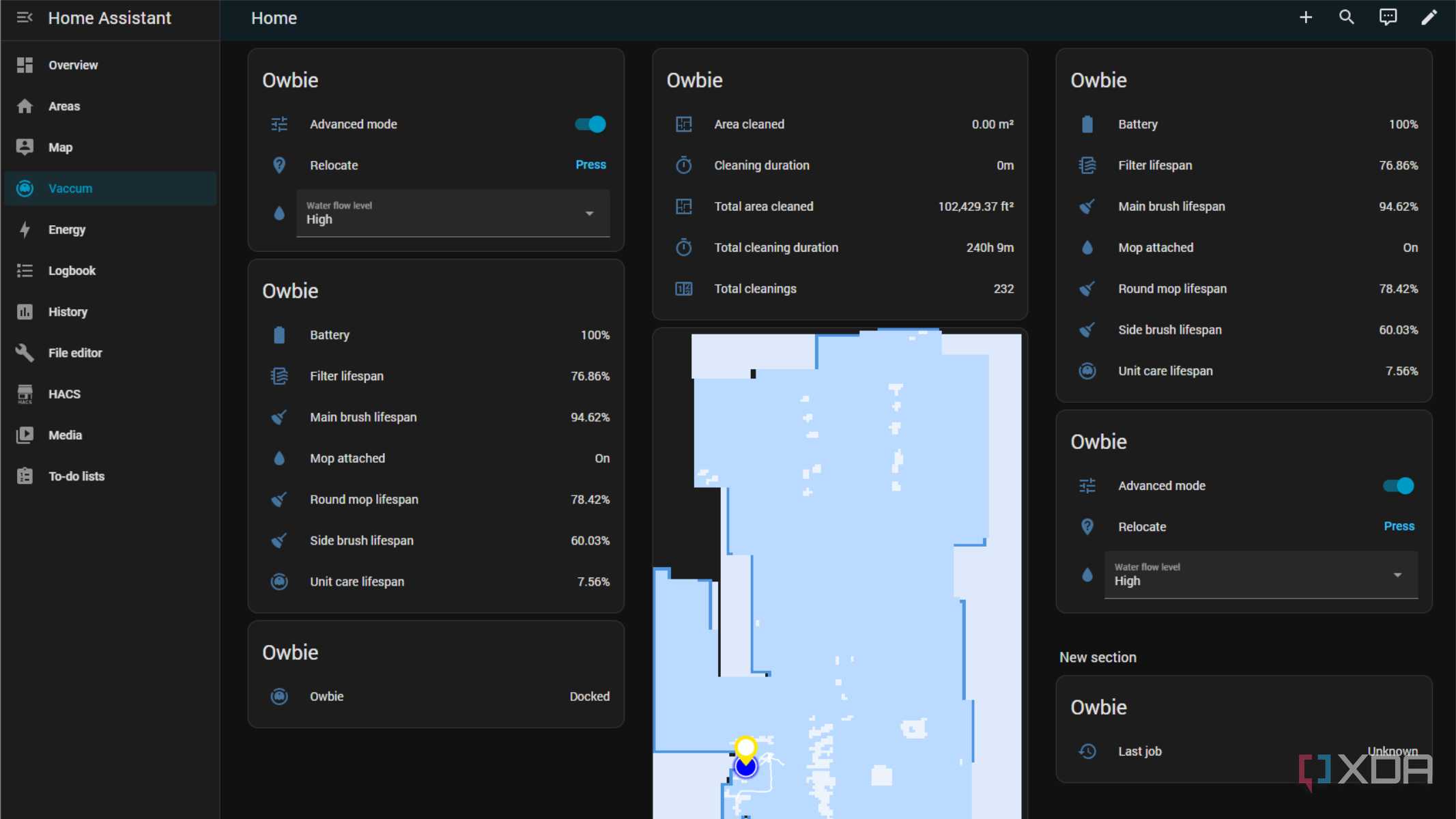
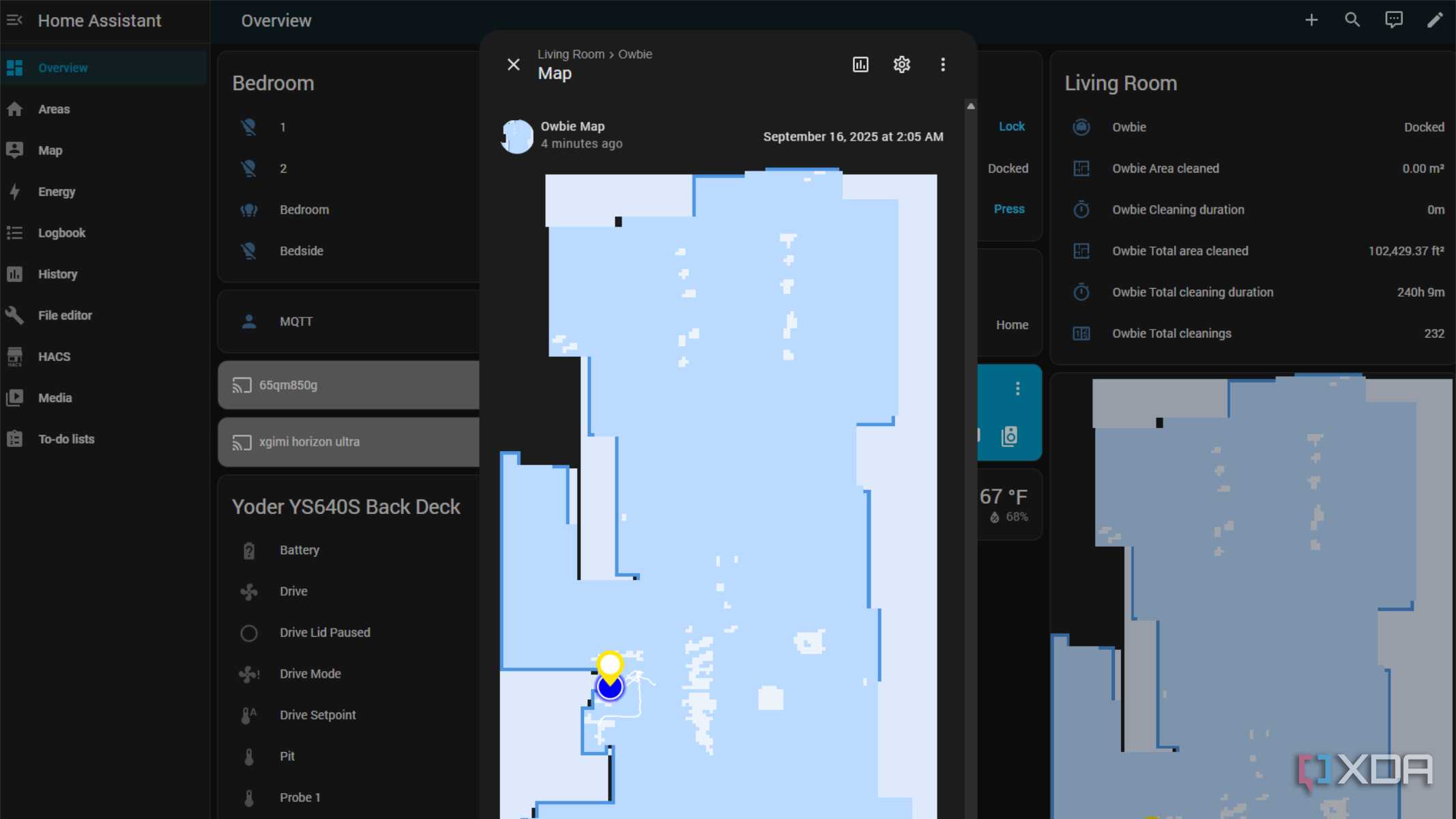


Since specific apps were necessary to support a host of devices from a particular vendor, this created a cloud dependency. If those cloud servers ever went down or were undergoing maintenance, my smart home would stop working. That would mean some component of my usage data would go to those cloud servers, and devices might not work without it.
For local control and data storage, I looked at Home Assistant. My idea was a local operation on my home network, and I expected those smart devices to work even when there’s no active internet connection. ESPHome allows me to adopt standard microcontroller-based branded devices into Home Assistant. However, I prefer building my own ESP32-based smart devices, flashing them with ESPHome, and pairing them with Home Assistant. Hence, my smart home data never leaves my network, and I retain complete control over my arsenal of IoT devices.
Granular-level access to smart devices
Helps in crafting fine-grained automations


The all-in-one IoT hubs offer extensive support, provided that developers choose to expose it in the device’s GUI or via rules. For example, a device has a peculiar reporting attribute for power usage changes that is not exposed in the app. Ergo, those are vendor-applied limitations. I won’t be able to use any attributes to detect when the device starts consuming more or less power. In the end, I got control access only for the On or Off states or a simple event.
With Home Assistant, I could extract all the raw numerical data from a device and configure it in YAML. It treats everything as an entity, with its states and attributes constantly tracked. That’s how I enjoy the flexibility to program sensors to track data and stay idle or delay turning off after a minute. I tried Node-RED for low-level, flow-based automation, and it’s been rock-solid for my smart home.
Extensive community support and add-ons
Great to try new device, features, and troubleshooting


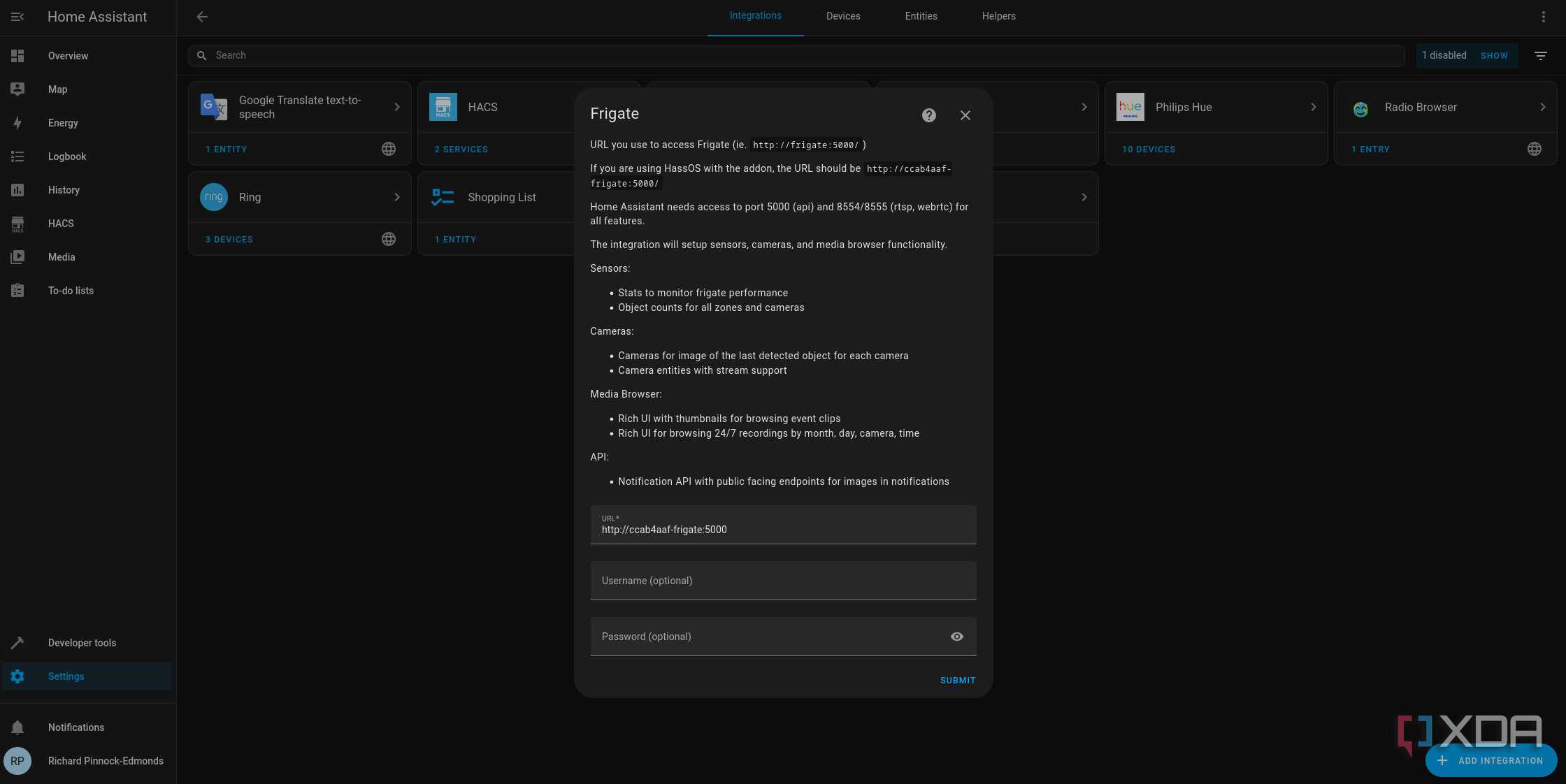


Almost all-in-one IoT hubs have large technical communities available to help resolve issues and offer support. That includes a community-created library of apps and device drivers that aren’t officially supported. Suggestions and tweaks to optimize automations are readily available.
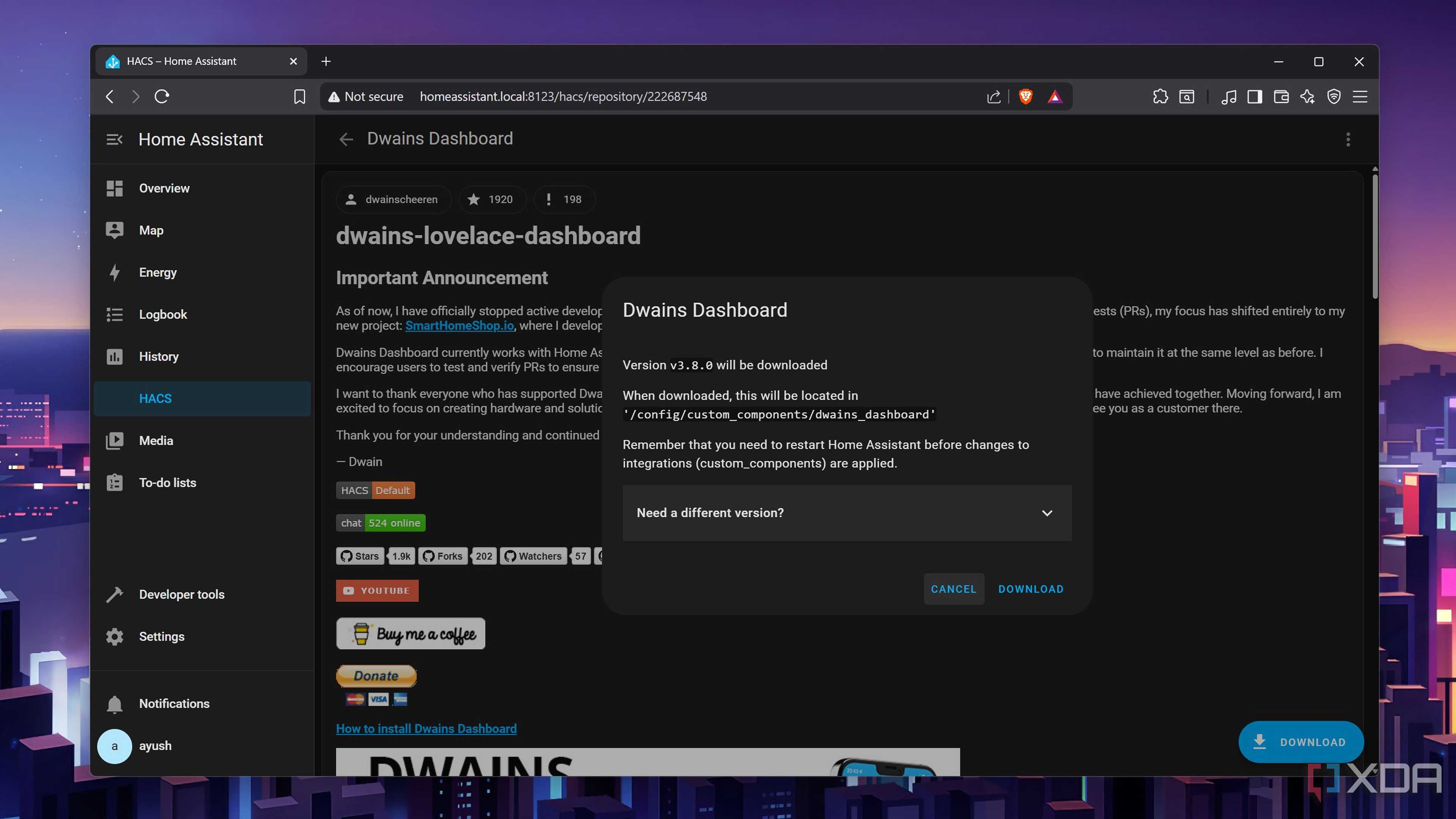
Home Assistant is primarily community-driven and powered by open-source software. Whenever I got stuck, I found help at its extremely active forums. Over 3,300 integrations are available for niche devices and software. Third-party developers also offer several popular add-ons and integrations directly through the Home Assistant Community Store (HACS). From Terminal to Tailscale, I found several niche add-ons for Home Assistant. Most importantly, I enjoyed the Blueprints (the pre-made automations) before I started creating my own.
True ownership of the smart home
Fine-tune and develop to meet personal requirements

Home Assistant gave me a sense of ownership of my home, allowing me to make it work and function just the way I want. The “Works with Home Kit” or “Works with Alexa” labels indicate that a device or software supports an open standard and has a local protocol or an API. No vendor lock-ins, and no third-party companies are controlling my smart home or taking any data from it. I get to make everything work locally, customize everything, and even get to choose the hardware I get to run it on — a Raspberry Pi or a VM inside Proxmox on a mini PC.
I wouldn’t expect such flexibility and freedom with all-in-one IoT hubs. The plug-and-play functions are great for getting started, but the list of compatible devices, software, and services is curated and certified first. It’s unlikely I could get older or legacy devices to work with such hubs without much of a struggle.

Raspberry Pi 5
- CPU
- Arm Cortex-A76 (quad-core, 2.4GHz)
- Memory
- Up to 8GB LPDDR4X SDRAM
- Operating System
- Raspberry Pi OS (official)
- Ports
- 2× USB 3.0, 2× USB 2.0, Ethernet, 2x micro HDMI, 2× 4-lane MIPI transceivers, PCIe Gen 2.0 interface, USB-C, 40-pin GPIO header
- GPU
- VideoCore VII
The inverse proportionality of building a smart home
All-in-one IoT hubs offer the immense convenience of plug-and-play, but they aren’t easily scalable. Meanwhile, Home Assistant requires effort to set up and configure, but it delivers a future-proof, highly resilient, and relatively budget-friendly smart home. I’m counting on the initial inconvenience resulting in long-term savings and freedom, since I get to choose the hardware and software that power smart home automation.

Home Assistant
- OS
- Windows, macOS, Linux, Android, iOS, web
- iOS compatible
- Yes
- Android compatible
- Yes
