


I was an early adopter of smart home tech, as I have been with most technological advances. I remember a lot of Bluetooth-only devices, and then Wi-Fi started to take over. Specifically, 2.4 GHz W-Fi, in the days way before 5 GHz or 6 GHz made an appearance.
And things haven't changed that much since. 2.4 GHz is still the default Wi-Fi band used by smart home devices, even as routers have moved on. The more smart devices you add to your home, the worse congestion and airtime problems become, as they're all duking it out for precious space on the same crowded band.
Same channel. Same band. Same issues
Congestion, interference, and airtime issues abound
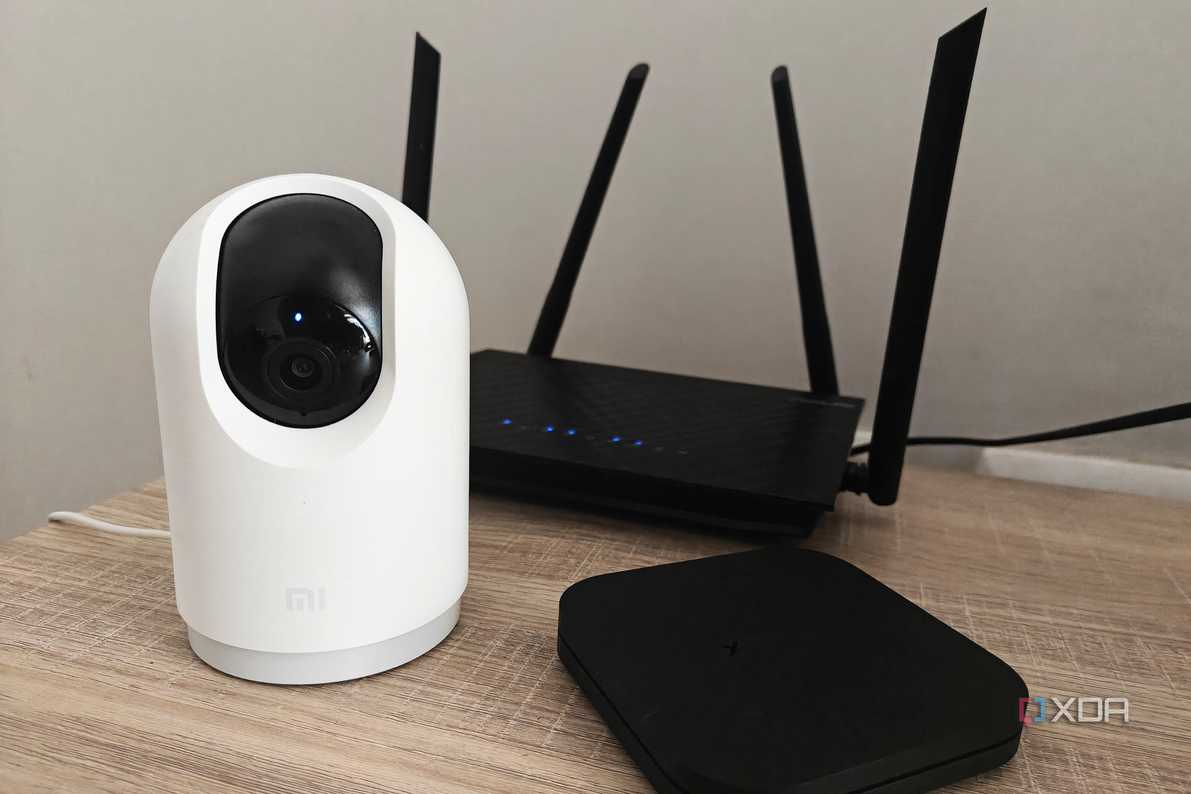


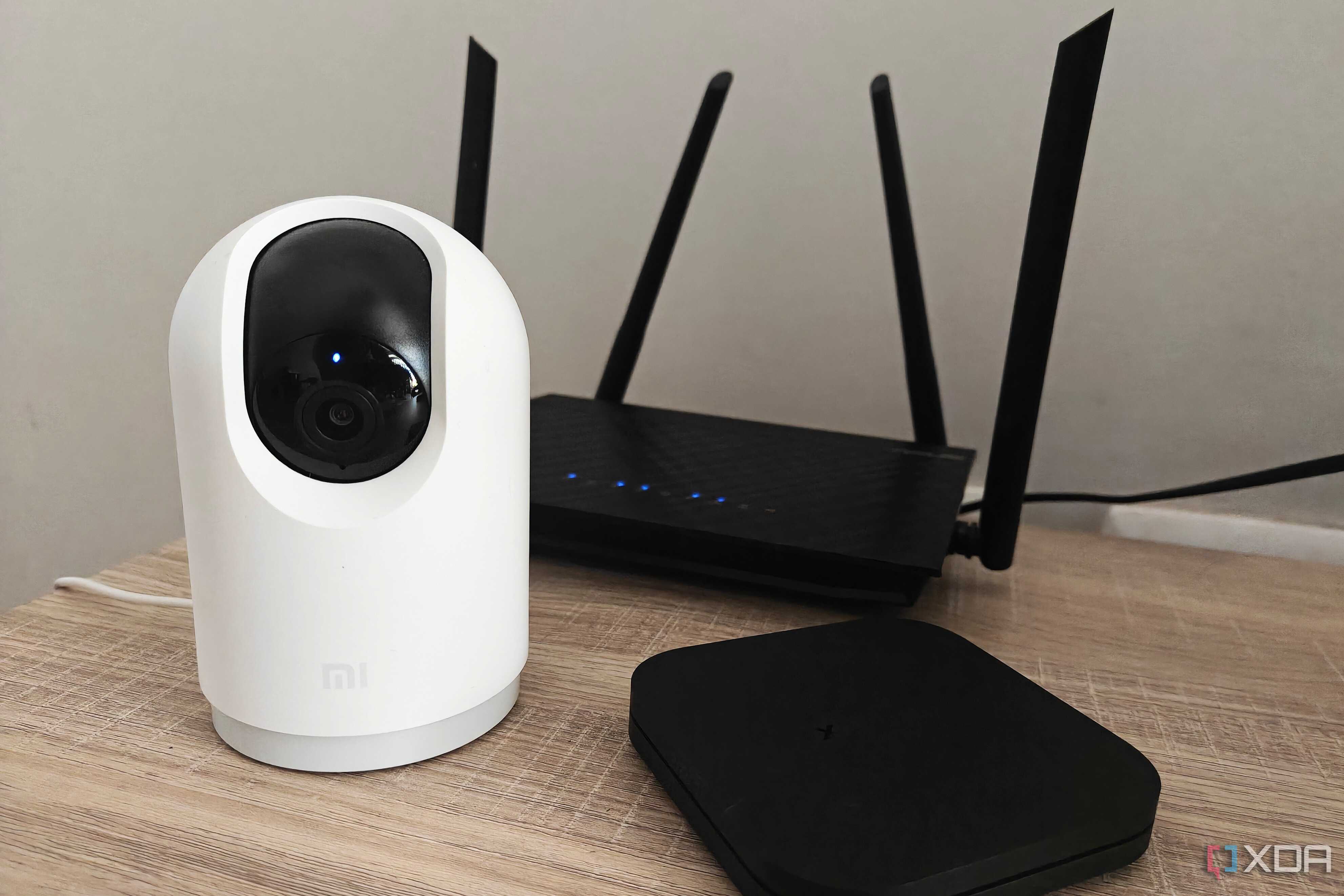

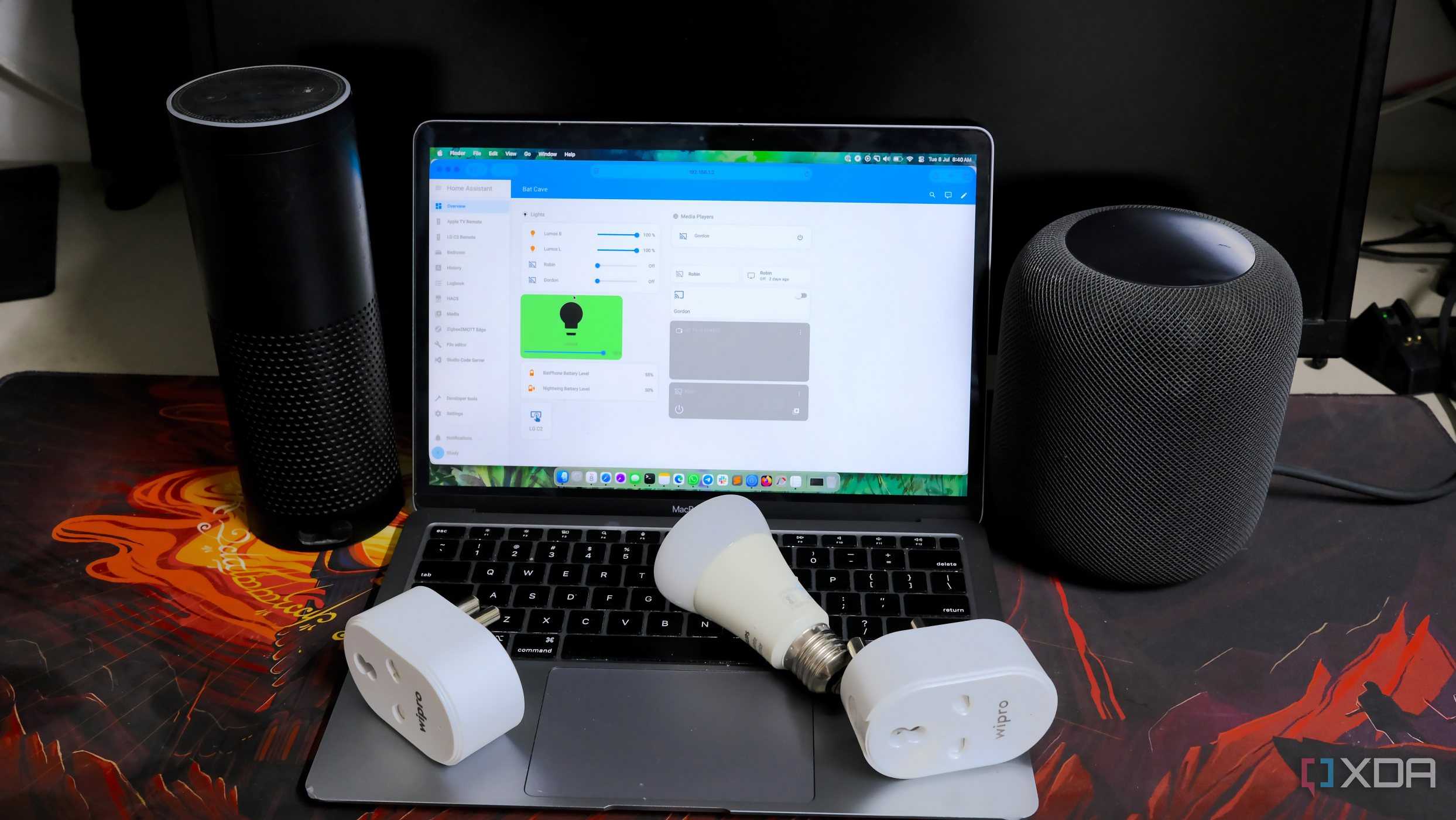






There are a few reasons that the 2.4 GHz band gets clogged when many smart home devices are connected, with airtime and interference being near the top of the list. Interference is more visible because you can use a Wi-Fi scanner and see how congested the airwaves near you are. Bluetooth, neighboring routers, and even microwaves can all contribute to this, and removing the sources of interference is sometimes impossible.
But airtime is more insidious. Smart home devices don't need much bandwidth, which is partly why they still use the older, slower Wi-Fi standard. They don't even need to communicate that quickly, but they send out lots of broadcast and command packets, and when airtime fairness is turned on in your router, that slows down the network for the devices that do need bandwidth.
Your 'smart' home is pretty dumb, really
Manufacturers like 2.4 GHz because it offers a longer range, making it easier to place smart devices throughout a house. The radio components are somewhat cheaper too, which adds up when you're churning out thousands and thousands at a time, and with laptops and phones moving to use the 5 GHz band, the manufacturers saw an opportunity to load the now unused band.
That worked until every smart home device used 2.4 GHz, causing even more congestion and interference than was already present from overlapping signals from neighboring routers and other devices. The goalposts moved, and slowed down the rest of the network at the same time.
But not all is lost
You can take proactive steps to save the rest of your network

Here's the thing: your home network can be a lot more capable. The first step is to put all your laptops, phones, game consoles, etc., onto the 5 GHz or 6 GHz band so they're no longer fighting with the IoT devices. Set the 2.4 GHz band to channels 1, 6, or 11 so they're not on overlapping channels, and set the channel width to 20 MHz to reduce interference.
That will get you part of the way, but segmenting your network with VLANs will take things further. Create a dedicated IoT SSID on the 2.4 GHz band, with an IoT VLAN to hold all your smart home devices. This will keep their traffic away from the latency-sensitive devices you'll notice the slowdowns on, and a few firewall rules to let them reach the internet without touching the main network will keep things much less congested.
You might need to upgrade a few things

If your home router uses band steering, you might think it could fix your IoT issues. Except it won't, because those 2.4 GHz-only devices will refuse to be steered to 5 GHz. You'd actually get more mileage out of splitting the 2.4 GHz and 5 GHz bands into separate SSIDs in this case, if your router or mesh kit supports it. Many don't, but adding a dedicated 2.4 GHz access point won't cost you much if necessary.
Older routers could be used for this purpose, and upgrading to Wi-Fi 6 or Wi-Fi 7 would add OFDMA, splitting a single transmission across multiple devices, helping offset the fight over the crowded 2.4 GHz band. That surprised me, as newer Wi-Fi marketing tends to focus on the faster bands, and older devices are often ignored. A well-designed mesh network would be the best option here, with a wired backhaul so that none of the Wi-Fi radios are used for anything other than client devices.
Or shift smart devices onto another connectivity protocol

If your smart home is fighting for Wi-Fi scraps and slowing down the rest of your network, why not just stop? The smaller data needs of smart home devices can be handled by Zigbee, Thread, or Z-Wave, and then those devices aren't even touching your home network.
You'll have to re-buy devices and ensure you have enough hubs and repeaters to recreate the wireless infrastructure needed, but then they can be noisy on a protocol that isn't competing with your laptop or phone for airtime and bandwidth. The initial cost can be daunting, but then the lack of future headaches is a tempting thought.
It's high time smart home devices stopped using 2.4GHz Wi-Fi as a crutch
IoT devices hogging the 2.4GHz band is one of the primary reasons your Wi-Fi slows down, and that has knock-on effects on the rest of your home network. Newer smart home devices come with dual-band capability, but unfortunately, this just shifts the problem to a faster band, where most of your PCs and mobile devices are already competing for space. Putting your smart home on its own VLAN, or moving to Zigbee, Z-Wave, or Matter will effectively put those noisy devices in their own network, and save your faster home networks segments for the devices that need it.
