


For the longest time, 4K gaming on PC felt like something reserved for the truly high-end builds — the kind of rigs running GPUs that cost more than the rest of the system combined. Even with modern hardware, it always came with an asterisk: sure, you could run games at 4K, but you'd either be turning settings down, or settling for inconsistent performance. For most people, including myself, 1440p simply made more sense.
And honestly, that's the resolution I had happily committed to when I built my current PC. But over the past few months, and especially after Nvidia's latest DLSS update, I've found myself doing something I never expected: playing most of my games at 4K, and actually enjoying it.
My first taste of 4K PC gaming only came this year
It completely changed my mind about being content at 1440p


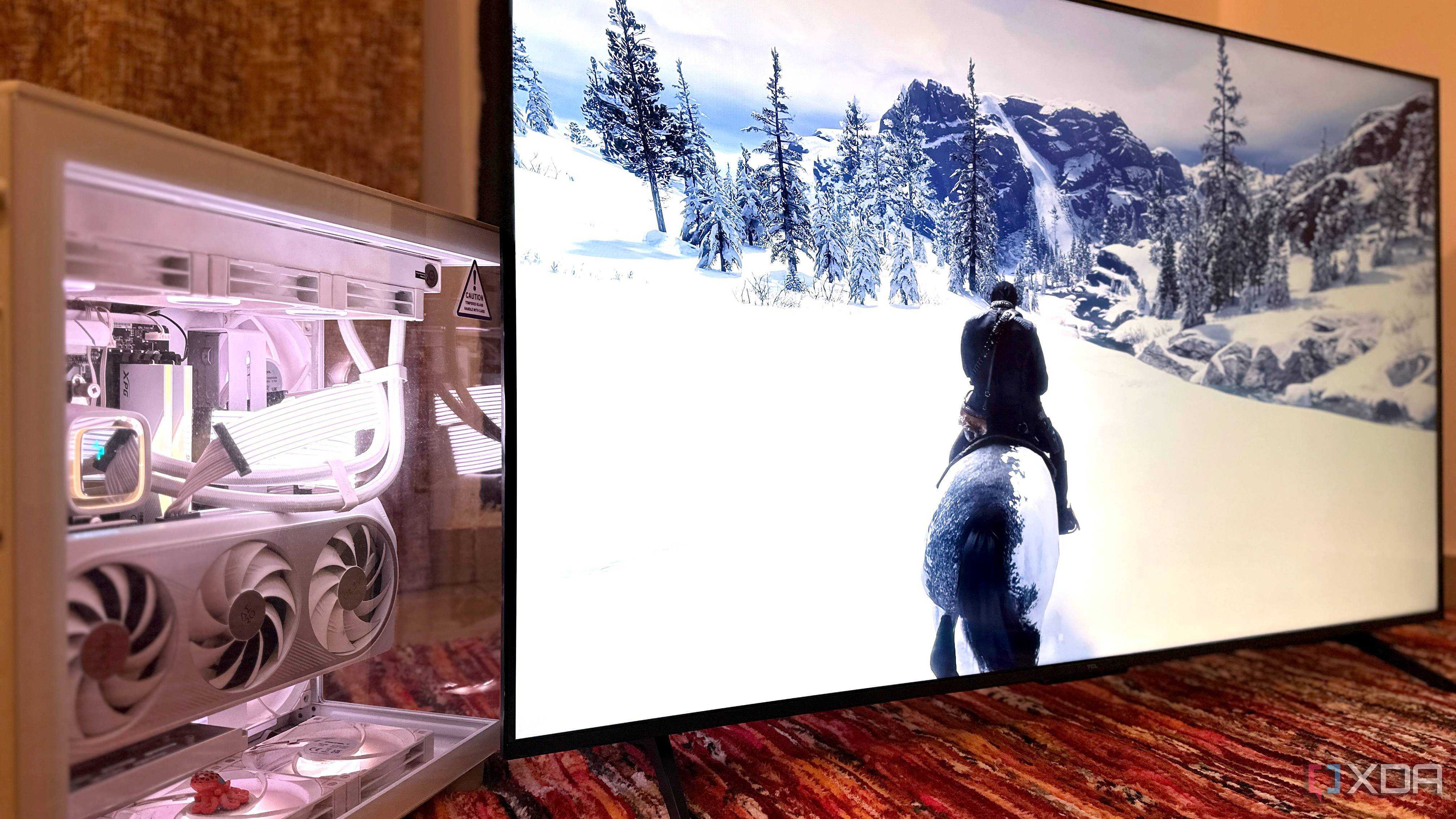
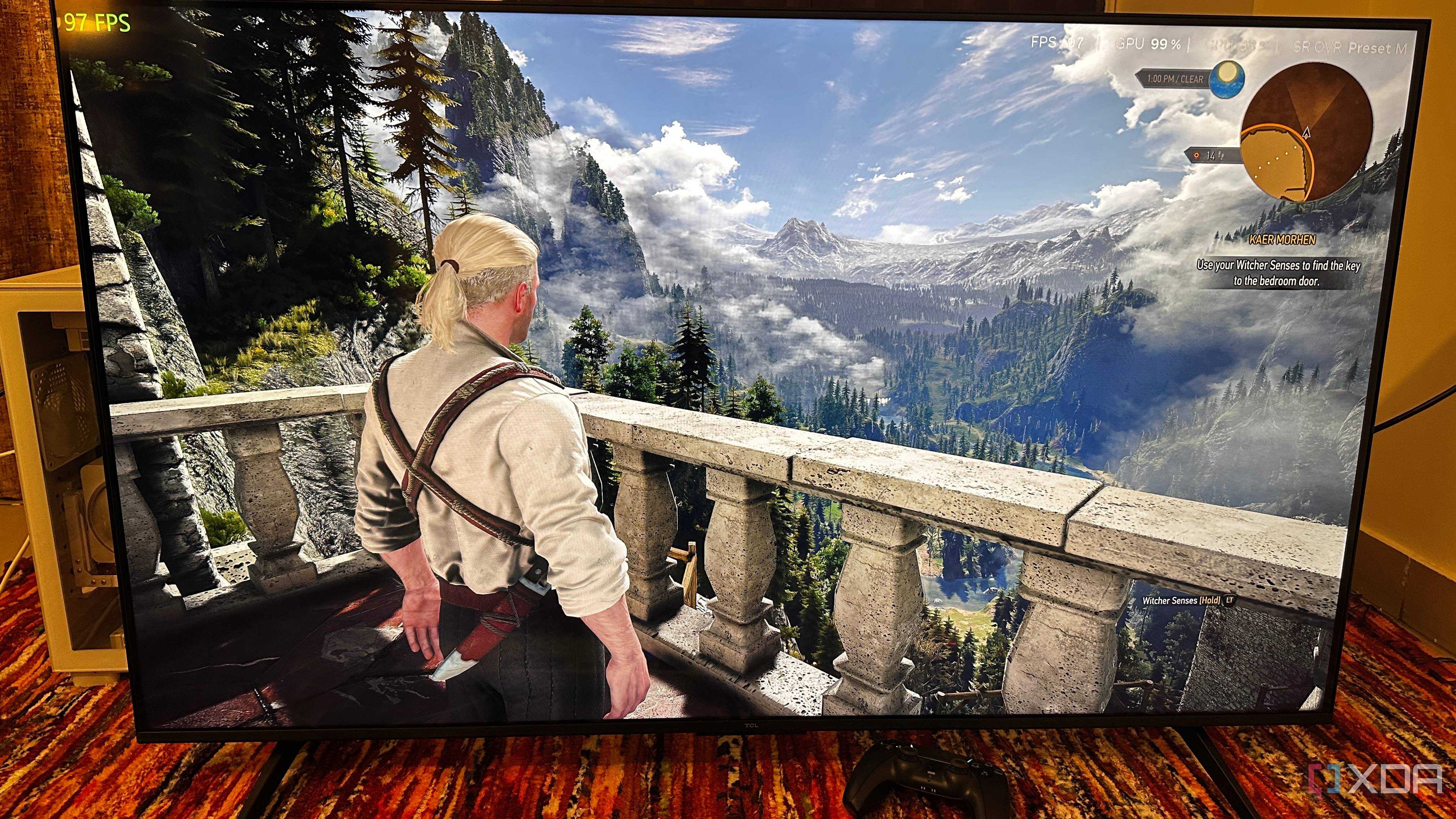
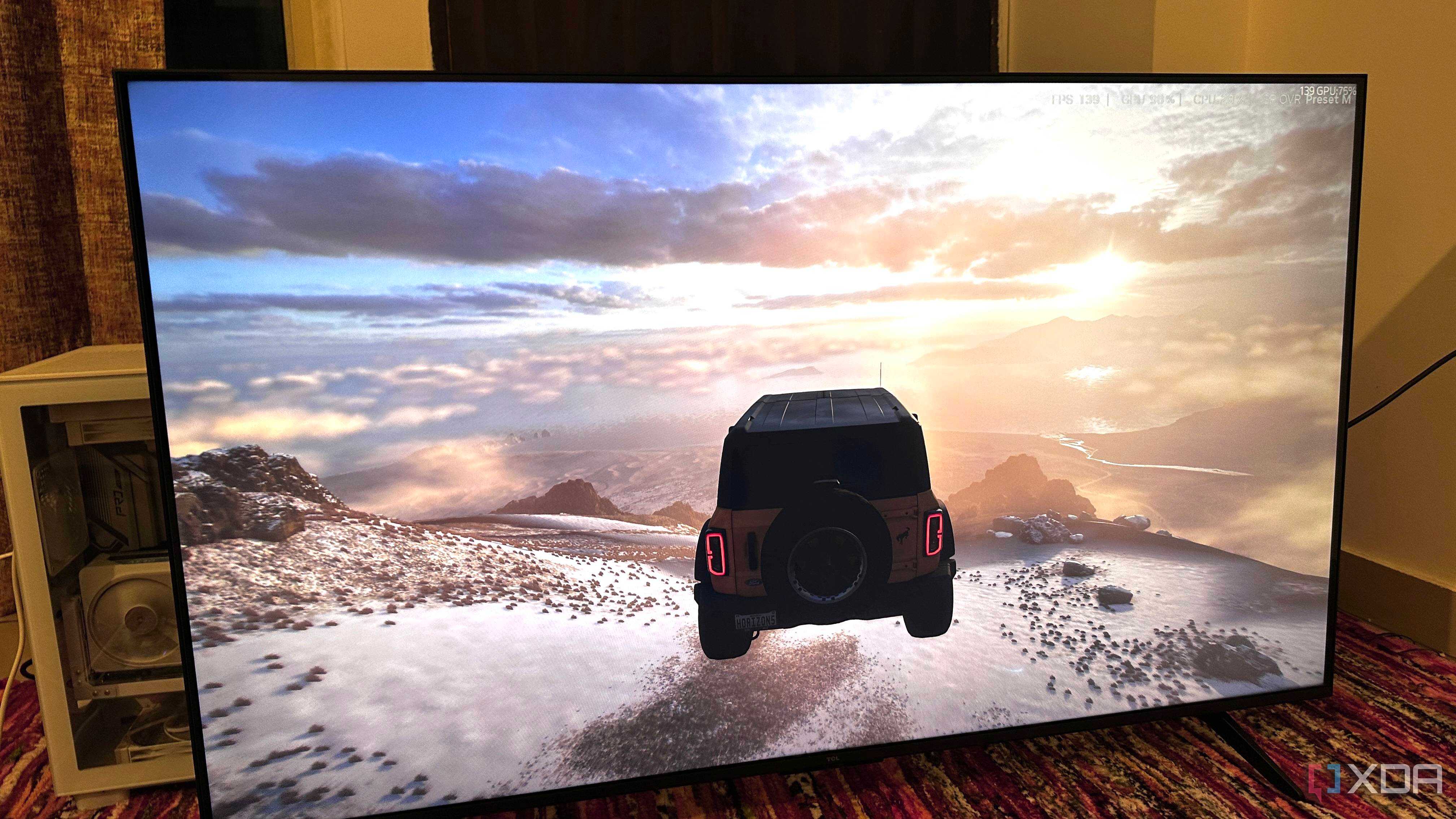
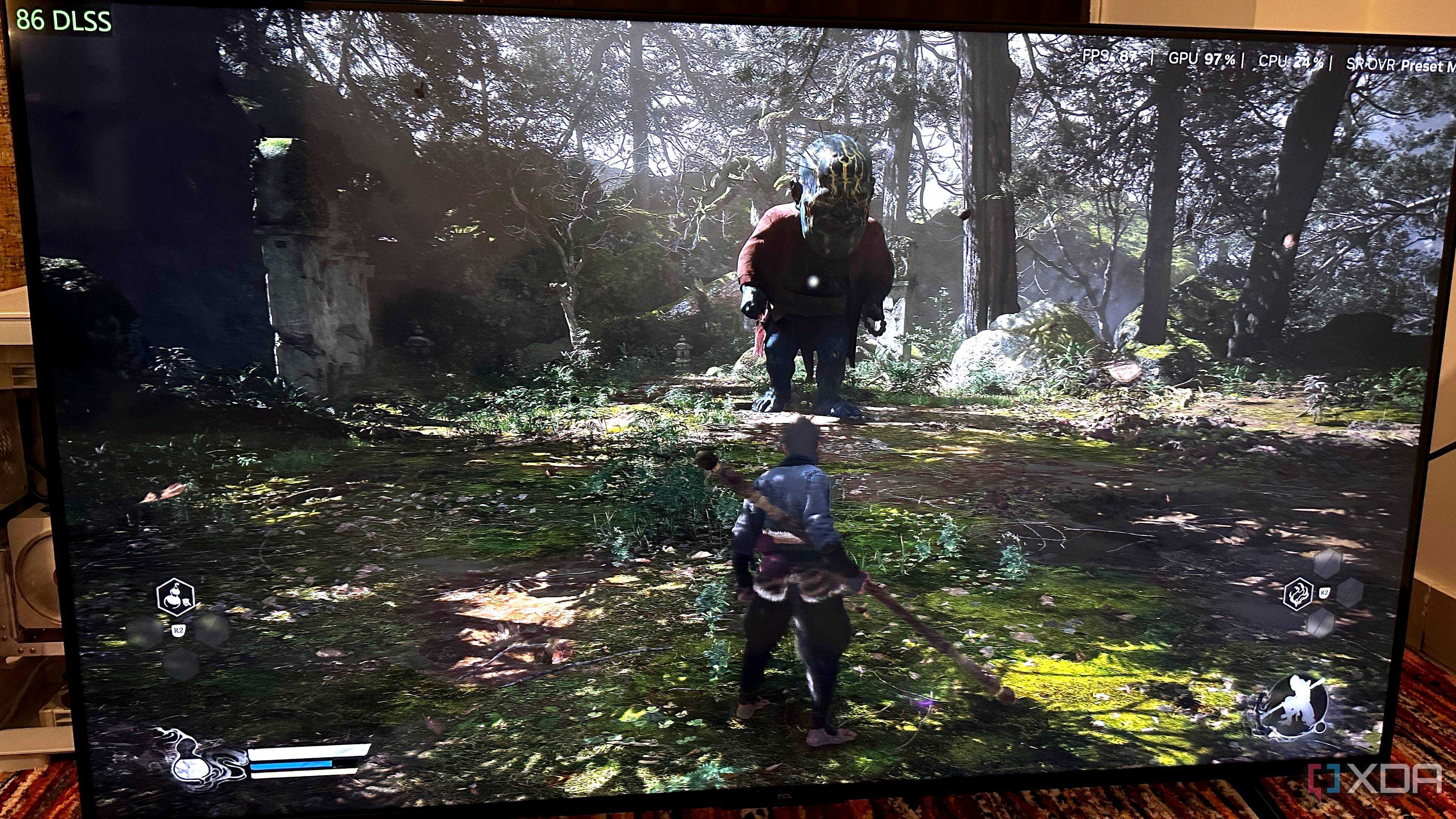
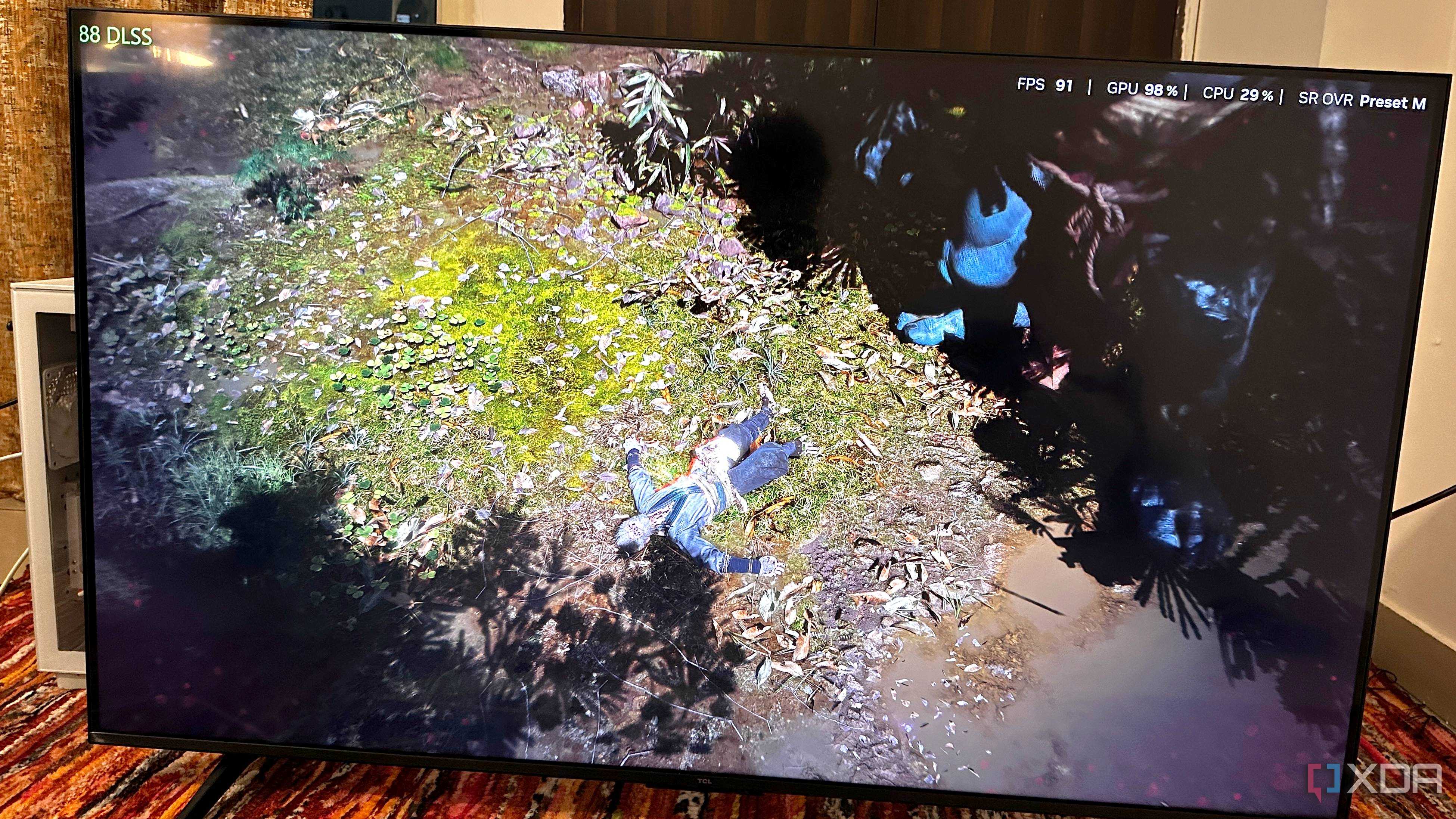


Buying an RTX 4070 Ti for my gaming build meant that I knew what I was getting into: I wanted a 1440p gaming experience, and 4K simply wasn't on the cards. "1440p is more than enough," I'd told myself, and I still believe it, by and large. Two years later, however, I just bought a 4K 144Hz TV to hook up with my PlayStation 5 Pro. Before I set it up, though, it kept going from room to room, waiting for its TV unit to be assembled. During that time, I plugged my GPU's HDMI cable straight into the TV, and got my first taste of proper 4K gaming.
Of course, the PS5 Pro does upscale to 4K as well, but there's something completely different about seeing your favorite game in 4K that isn't upscaled from 480p. Now, I simply can't get enough, and coincidentally, this entire experience came a week after Nvidia's most important DLSS update made 4K a lot more accessible to everyone.
DLSS Balanced and Performance are now... impressive?
Improvements to lower DLSS presets have made 4K gaming more accessible

Now, over the years, Nvidia's DLSS upscaler has really been making strides in quality and usability. In fact, that applies to AMD's FSR upscaling tech as well. It has slowly become part of the culture, and DLSS is no longer experimental. And yet, until the end of 2025, the only DLSS preset I've ever been truly okay with is Quality. It renders the game at 66% of the native resolution, and it's been the only DLSS preset that really pleases the eyes.
Below DLSS Quality, DLSS Balanced and Performance have always felt like deal-breakers, to the point that I've gone and lowered in-game graphics settings happily. That has often seemed like the better choice instead of lowering the internal resolution to anything below 60% by going with DLSS Balanced. That was never without good reason, either. For the most part, DLSS Balanced has always felt like a compromise, where ghosting, shimmery outlines, and artifacting became clear as day.
Going further below, DLSS Performance and Ultra-Performance actually felt like giving up, where you were just settling for anything that could get the game going. At that point, it's better to just play natively at low settings, instead.
DLSS 4.5 is a bigger leap than the version number suggests
Nvidia's second-gen transformer model is bafflingly impressive


 Credit: Nvidia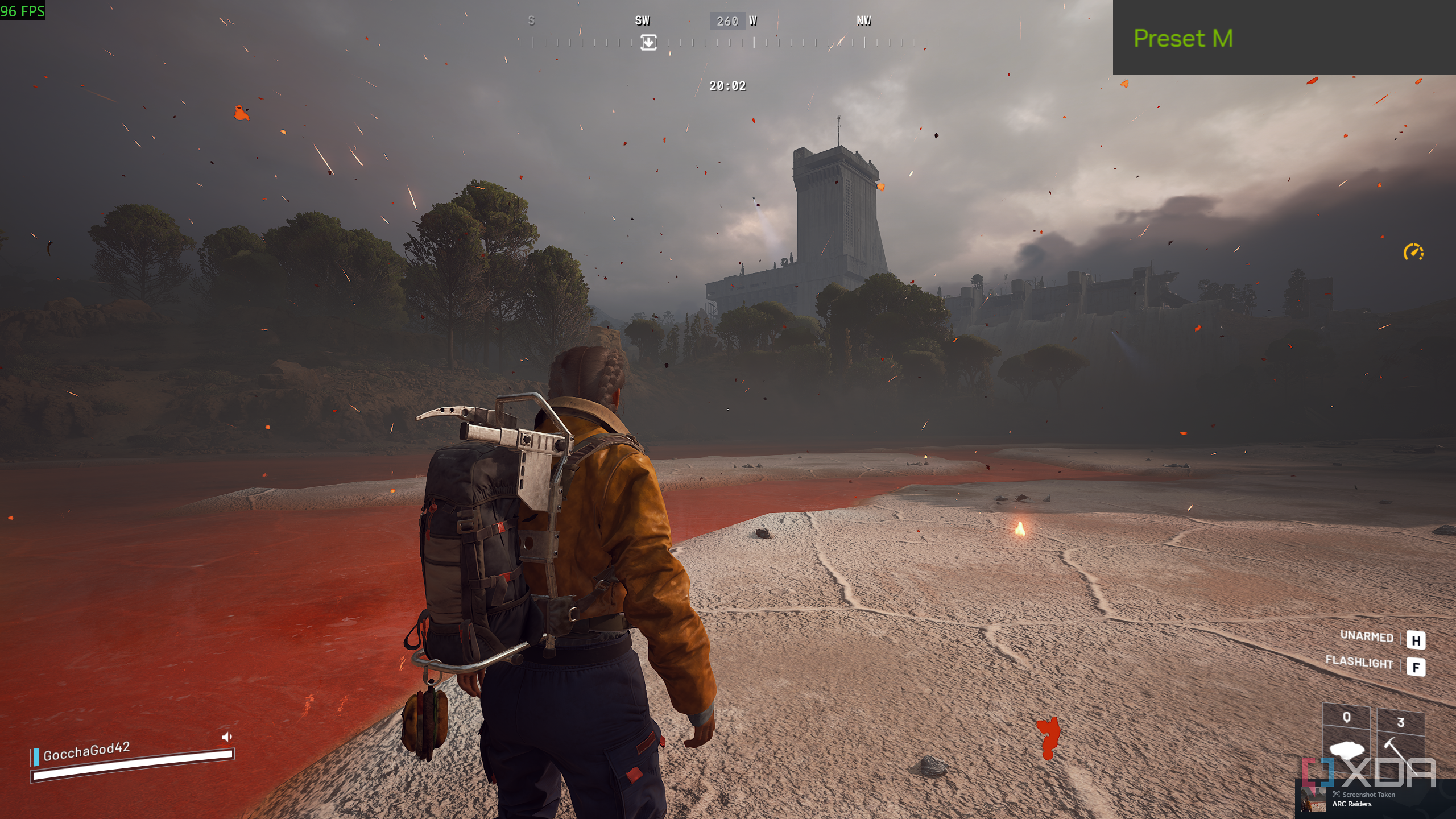
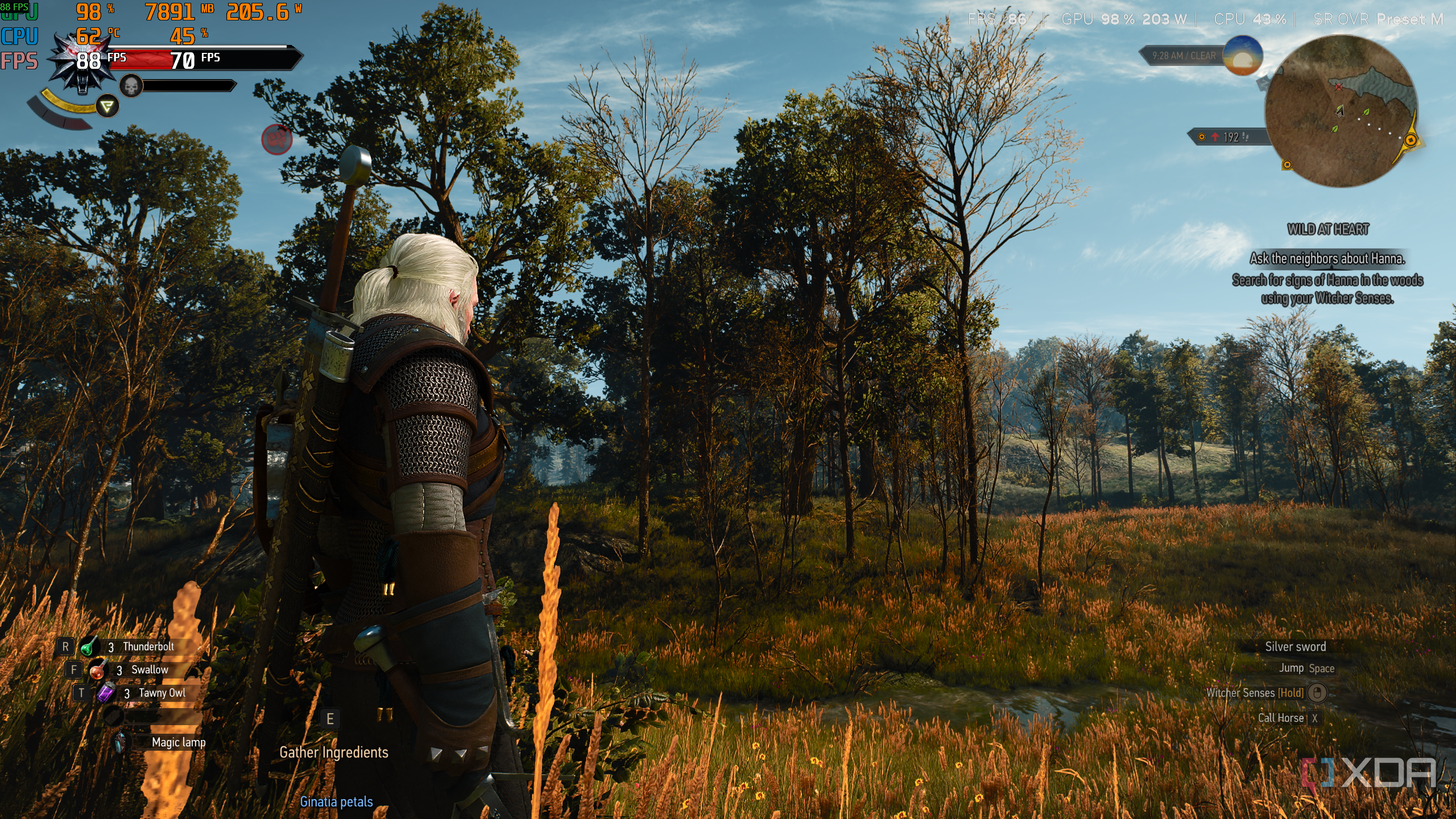
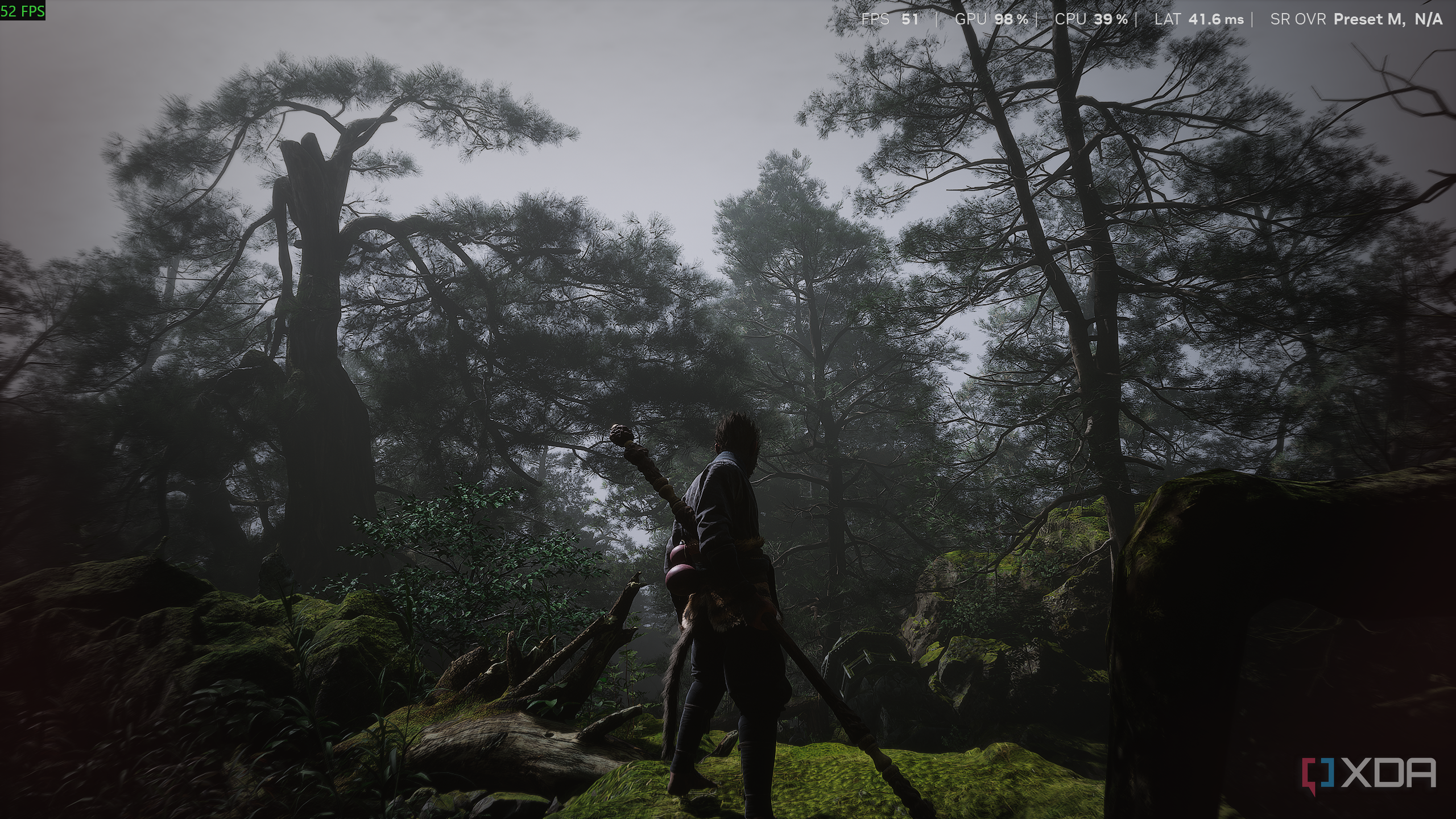
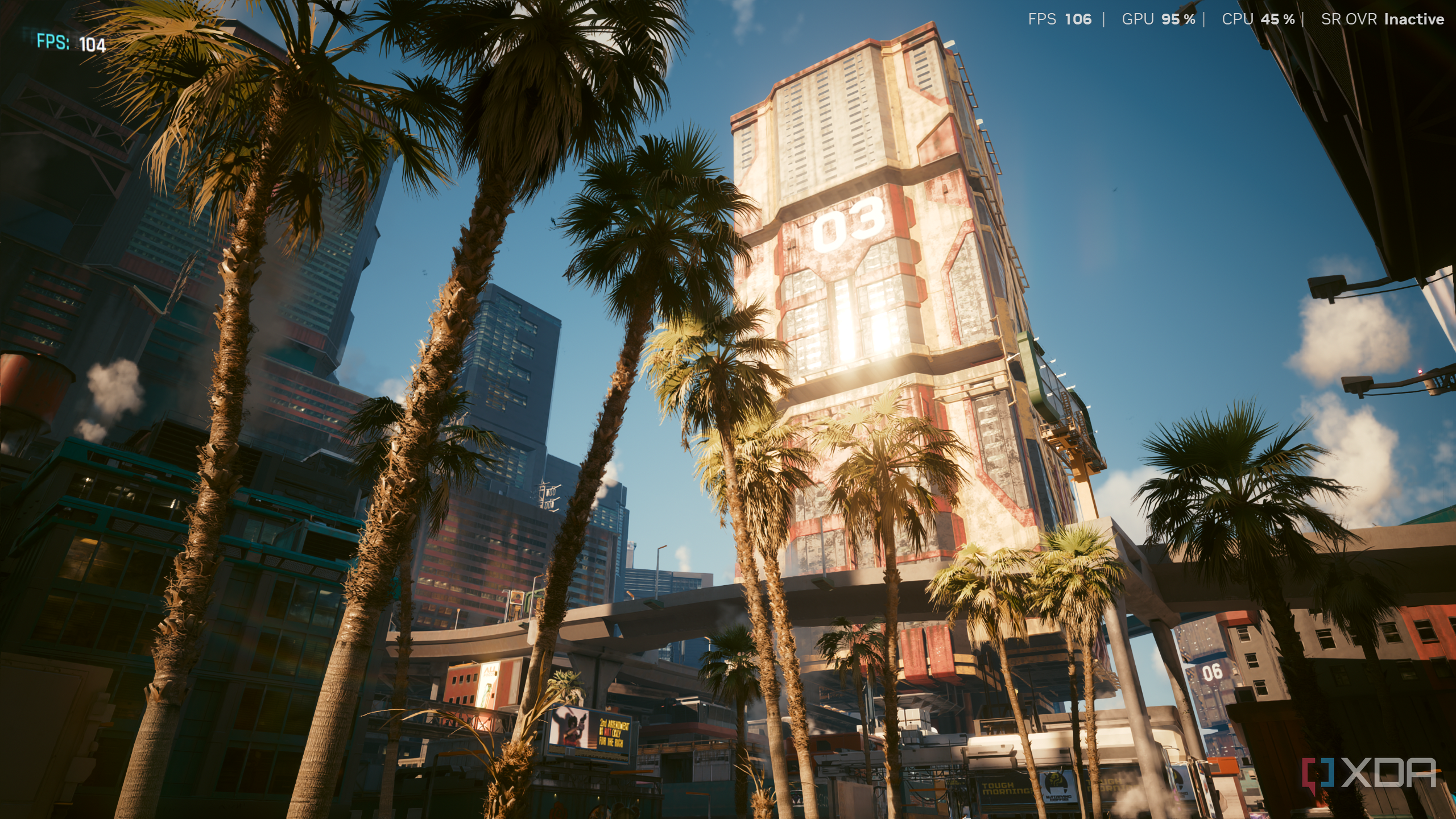
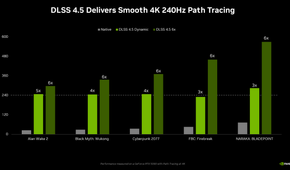
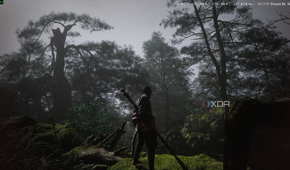
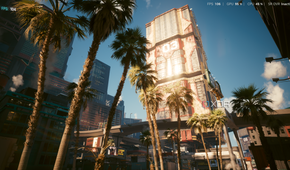
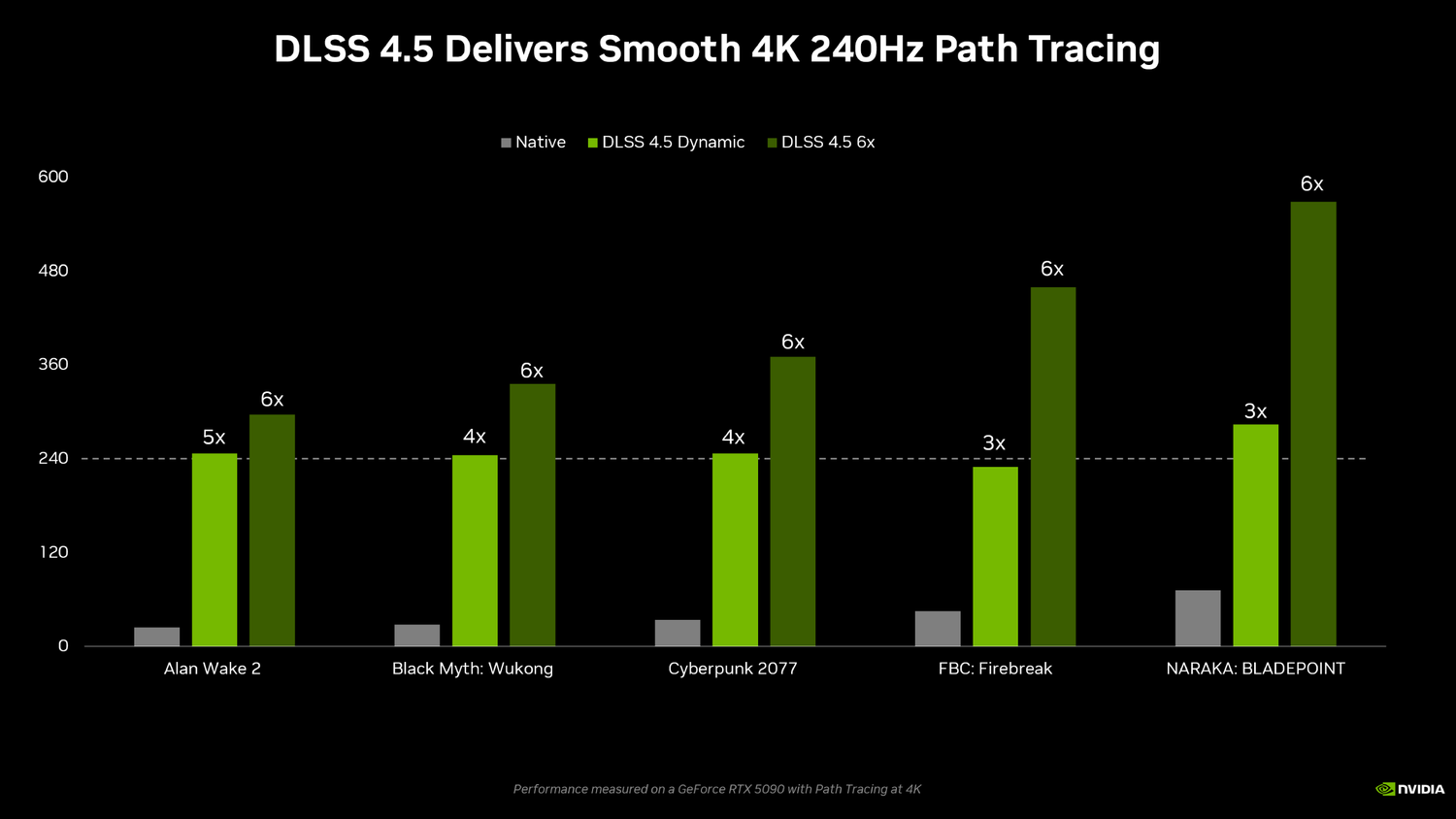
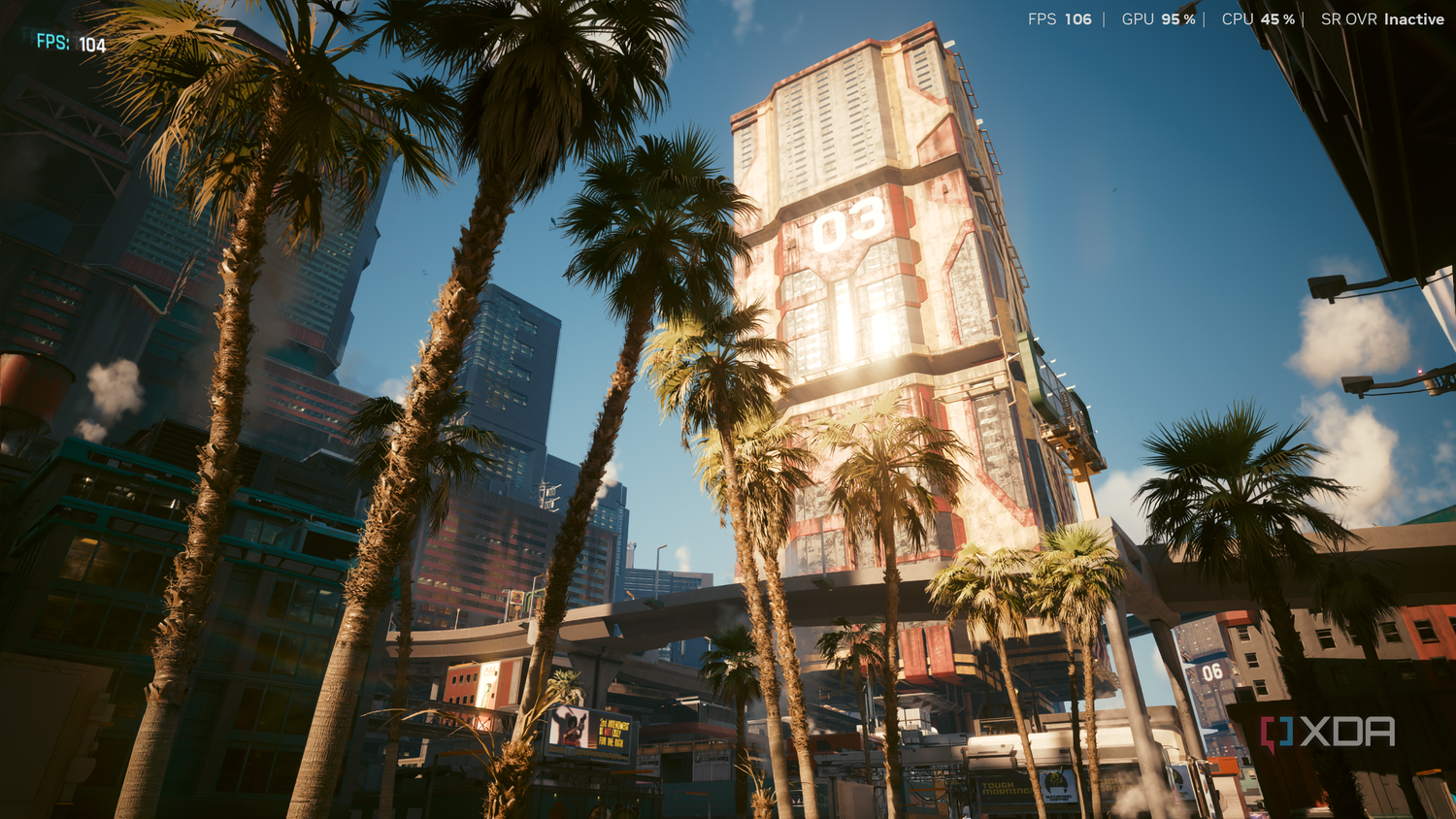
In January 2026, Nvidia's DLSS 4.5 update seems to have truly changed the game. With massive improvements in temporal stability and image quality, DLSS 4.5 just became the best upscaler in gaming by a mile and then some. Sure, on paper, the update is an iteration, being a "4.5" rather than a full DLSS 5.0, and yet, I can confidently state that the improvements are significant enough for it to be called a full generational leap.
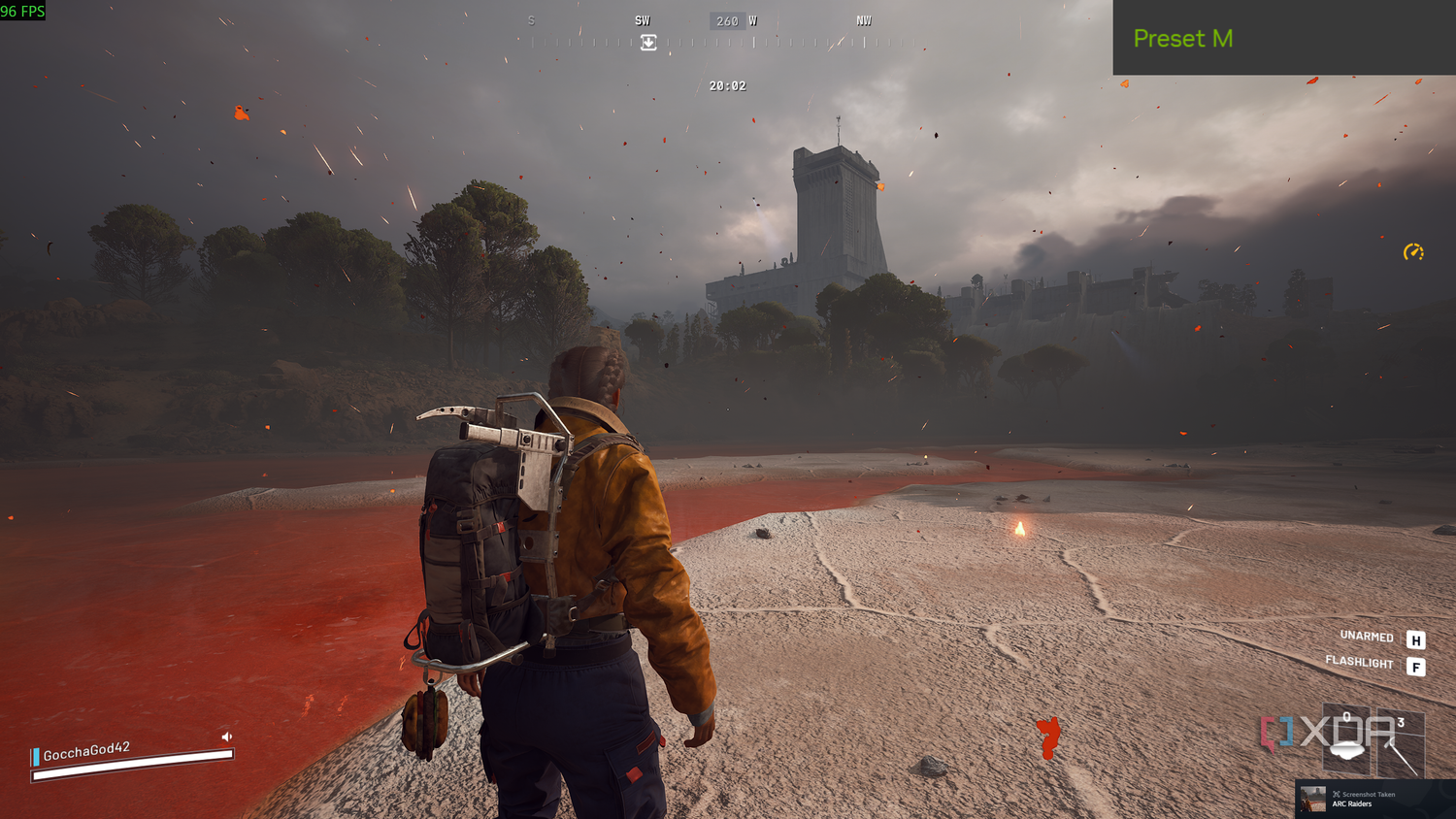
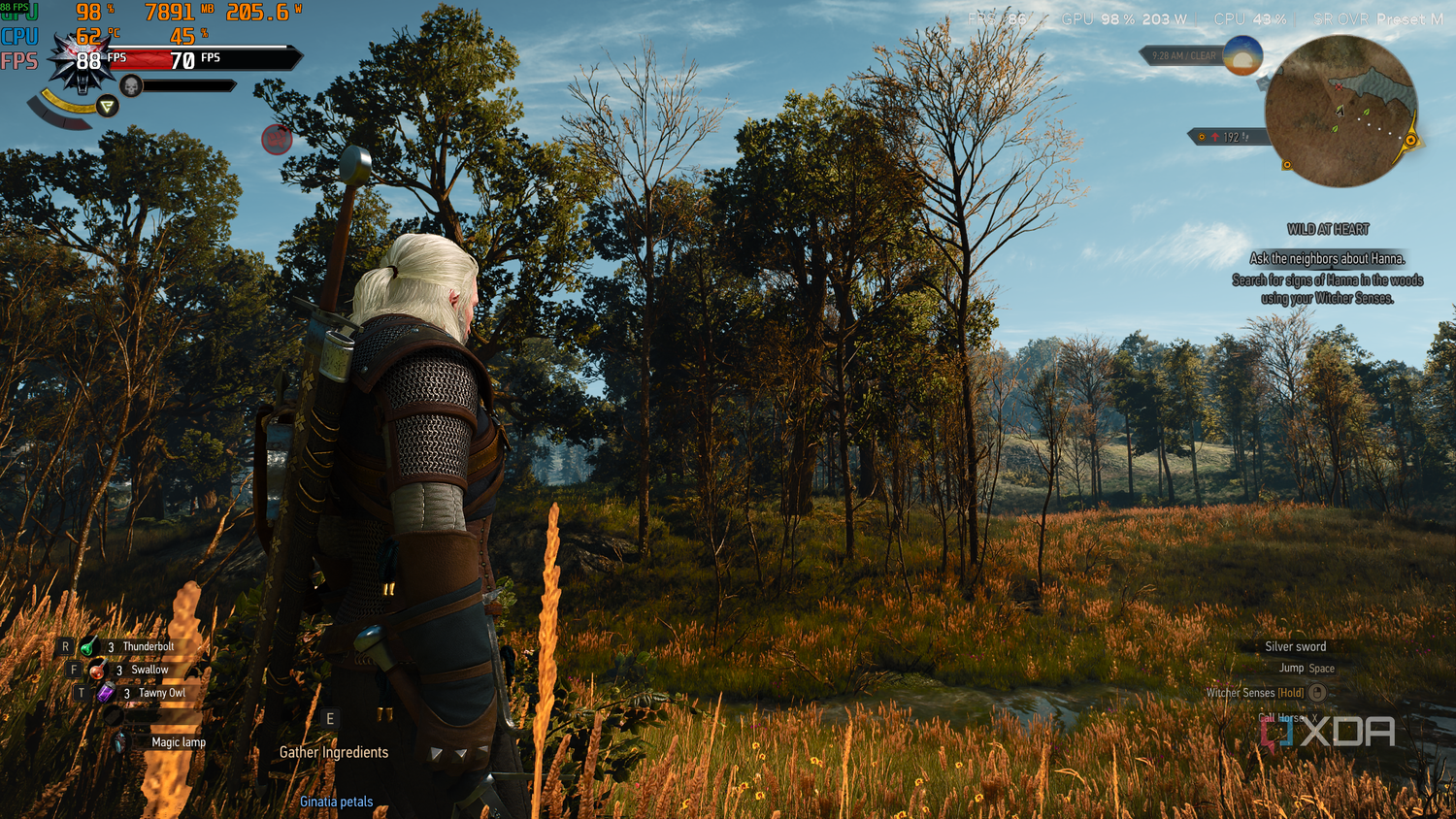
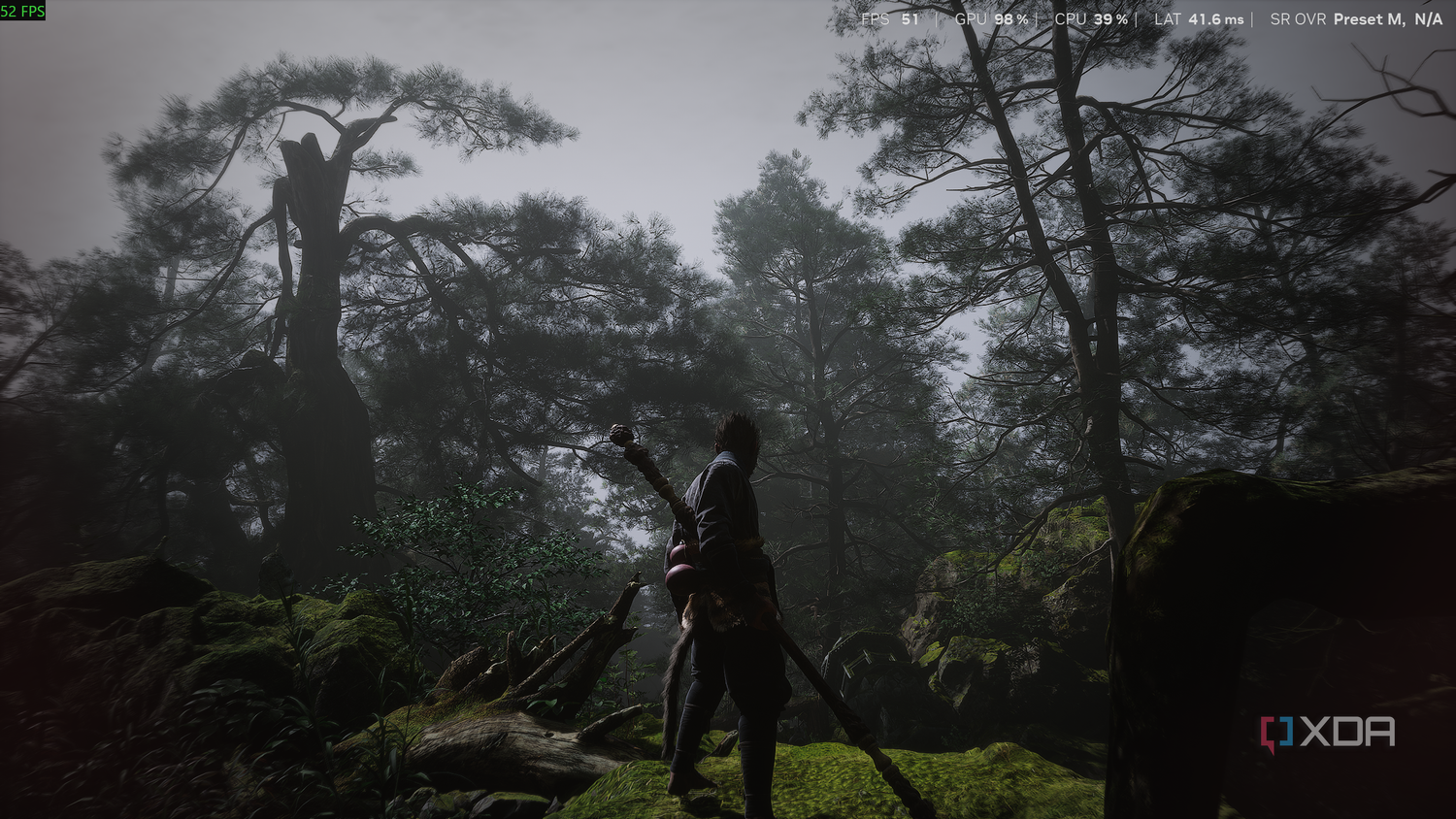
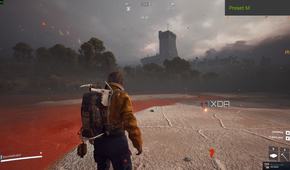
DLSS 4.5, with its second-generation transformer model, has genuinely reduced ghosting while upscaling, utilizing more compute power to increase its contextual awareness. This ensures that the final result is a more stable and sharper image, which is closer to native visuals than ever before. Easily the best improvement with DLSS 4.5 is foliage, and in my experience playing Black Myth: Wukong, foliage improvements after the new upscaler update have been nothing short of massive. Trees, bushes, shrubs, and even the grass on the ground shimmer less, and they're now much softer to look at, all while performance improves since the image quality improvements have gone to lower presets like Balanced and Performance as well.
At this point, while playing games like Black Myth: Wukong and Resident Evil Requiem, I genuinely struggle to find the difference between the DLSS Balanced and Quality presets, which render the games internally at 58% and 66% respectively.

I can't go back to 1440p anymore
4K gaming is the new standard for me, all thanks to DLSS

Even though 1440p was simply the plan going forward for me until the RTX 60 series dropped, I have now shifted to 4K gaming, even going so far as to game exclusively on the TV now, enjoying the console experience. Since 99% of my games, barring Sony exclusives, live in my Steam library, it isn't too tough, either. Now, my gaming nights are held almost exclusively on the 4K panel, either through old-school HDMI or using Moonlight and Apollo for 4K streaming locally. In fact, although I still don't prefer using DLSS Ultra Performance, there's no denying that the Performance preset in 4K has also seen immense improvement.
In fact, one of the main focus points for DLSS 4.5 was the image quality improvement for the Performance presets, and it clearly shows. Sure, up close, I can still see the areas where the seams threaten to unravel — the shimmers in the foliage, the blocky textures of smoke and other particle effects, but by and large, even on DLSS Performance and DLSS Balanced, 4K gaming is now fully here, and all on the GPU class that has always been the "1440p-only" card.
It's come to the point where I can't even recall the last time I actually used DLSS Quality, since I'd much rather have the enhanced FPS numbers even on single-player runs with Elden Ring Nightreign or RE9. Of course, it does require the effort of going against my better nature and not pixel-peep, but the result is a solid, regular 4K gaming experience thanks to Nvidia's fantastic upscaling improvements.
DLSS 4.5 is even usable on Ampere and Turing RTX cards
It comes with a cost, but it's one that you should happily pay
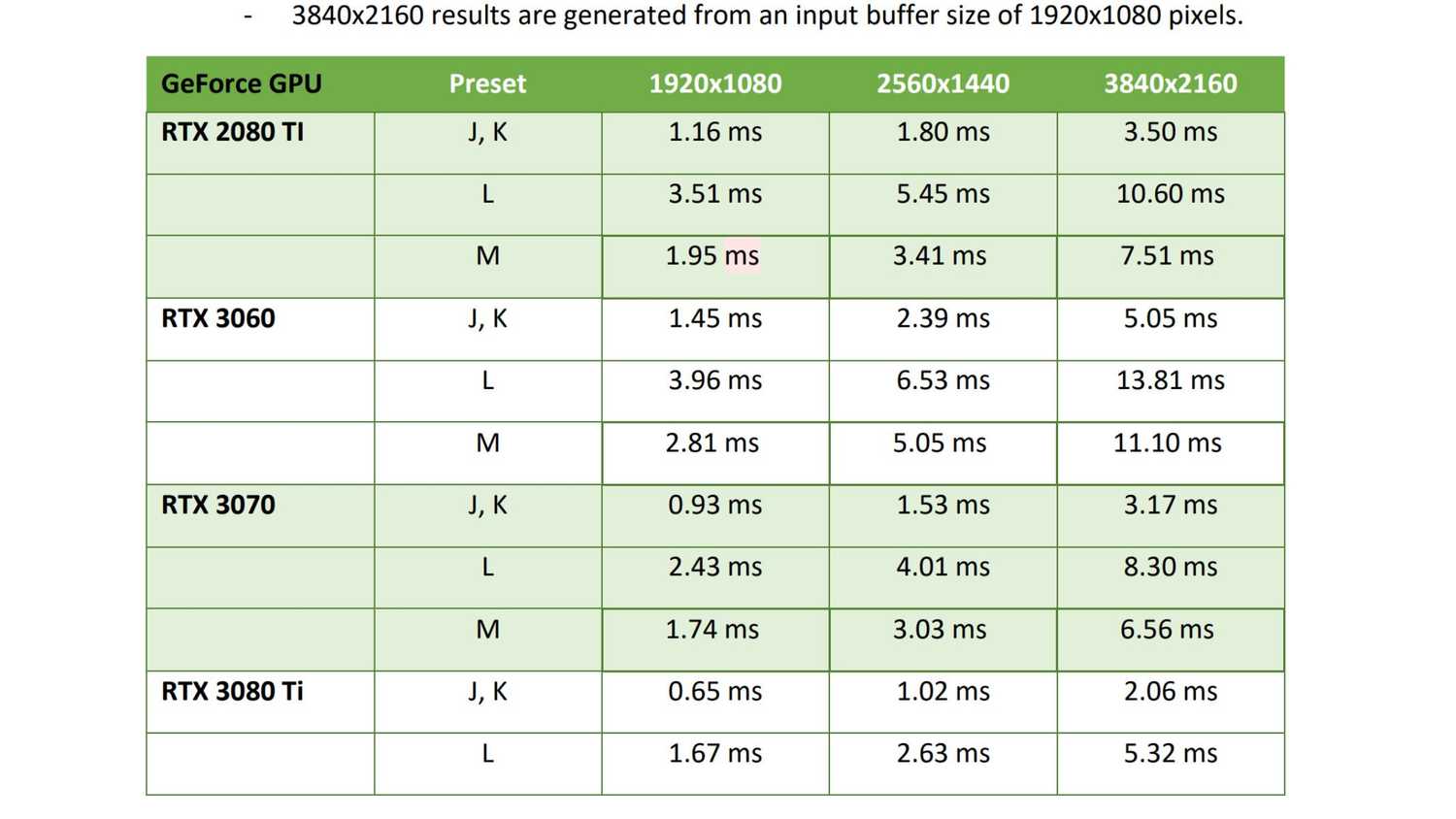
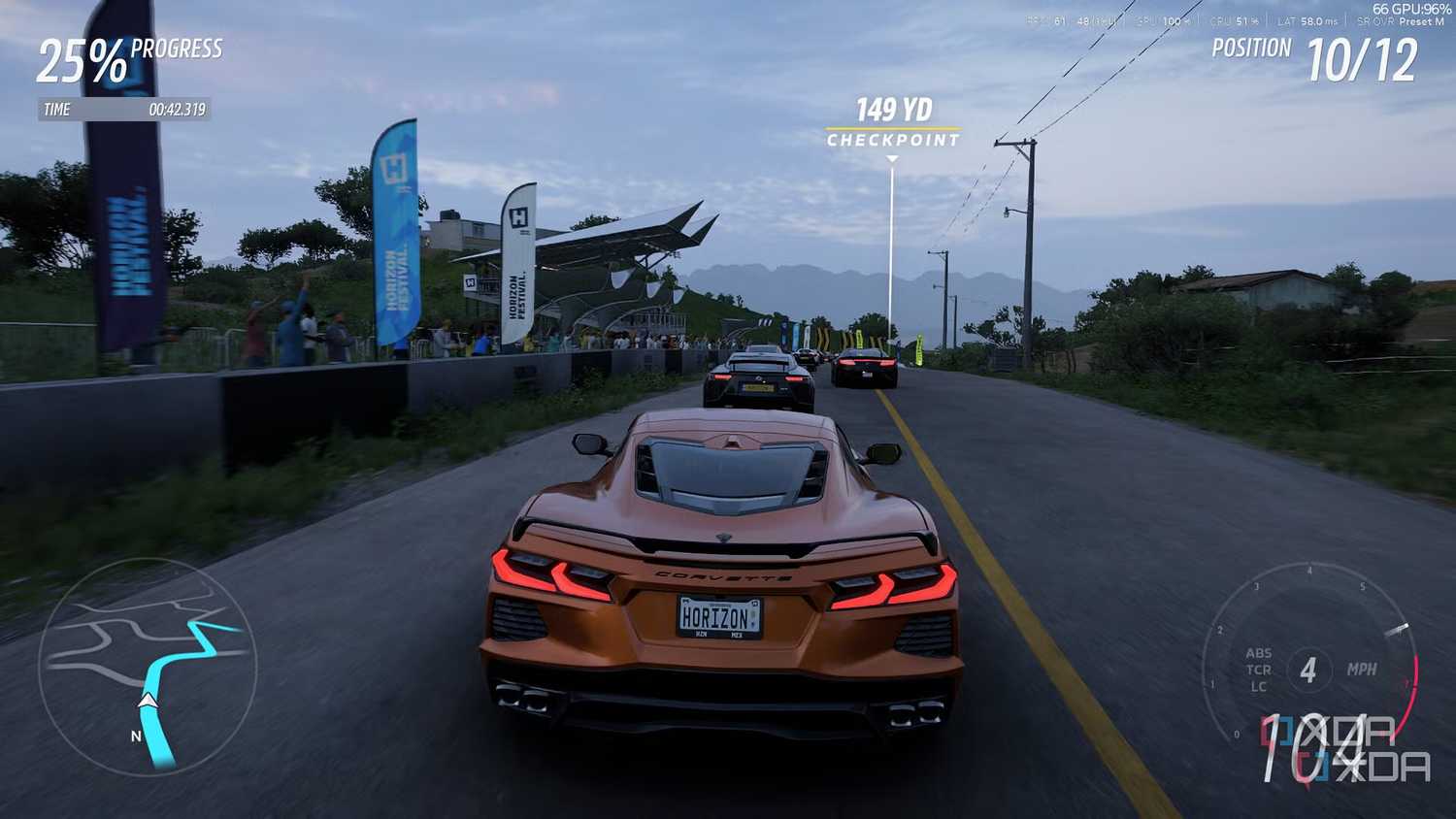


 Credit: Source: Nvidia.com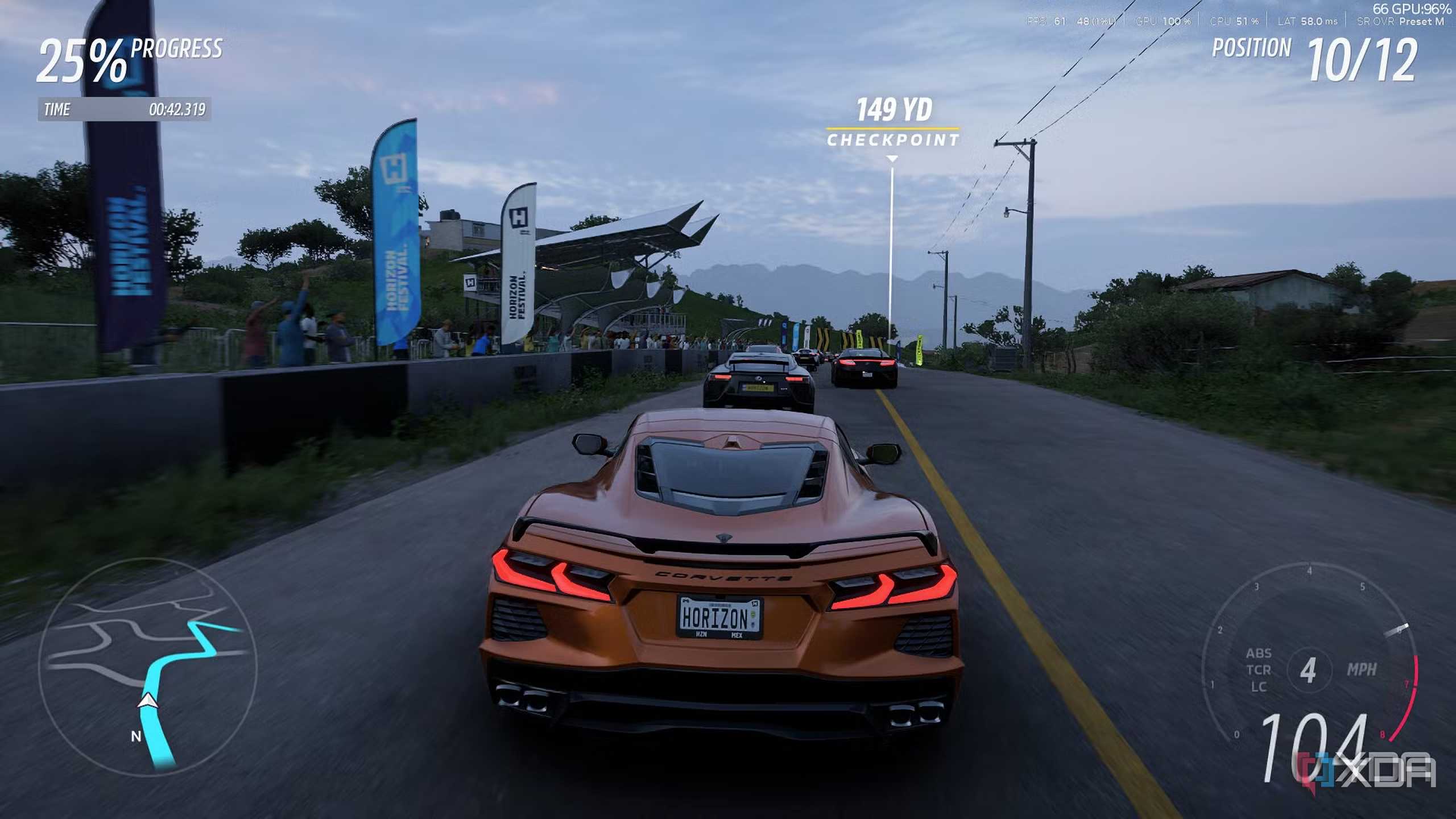
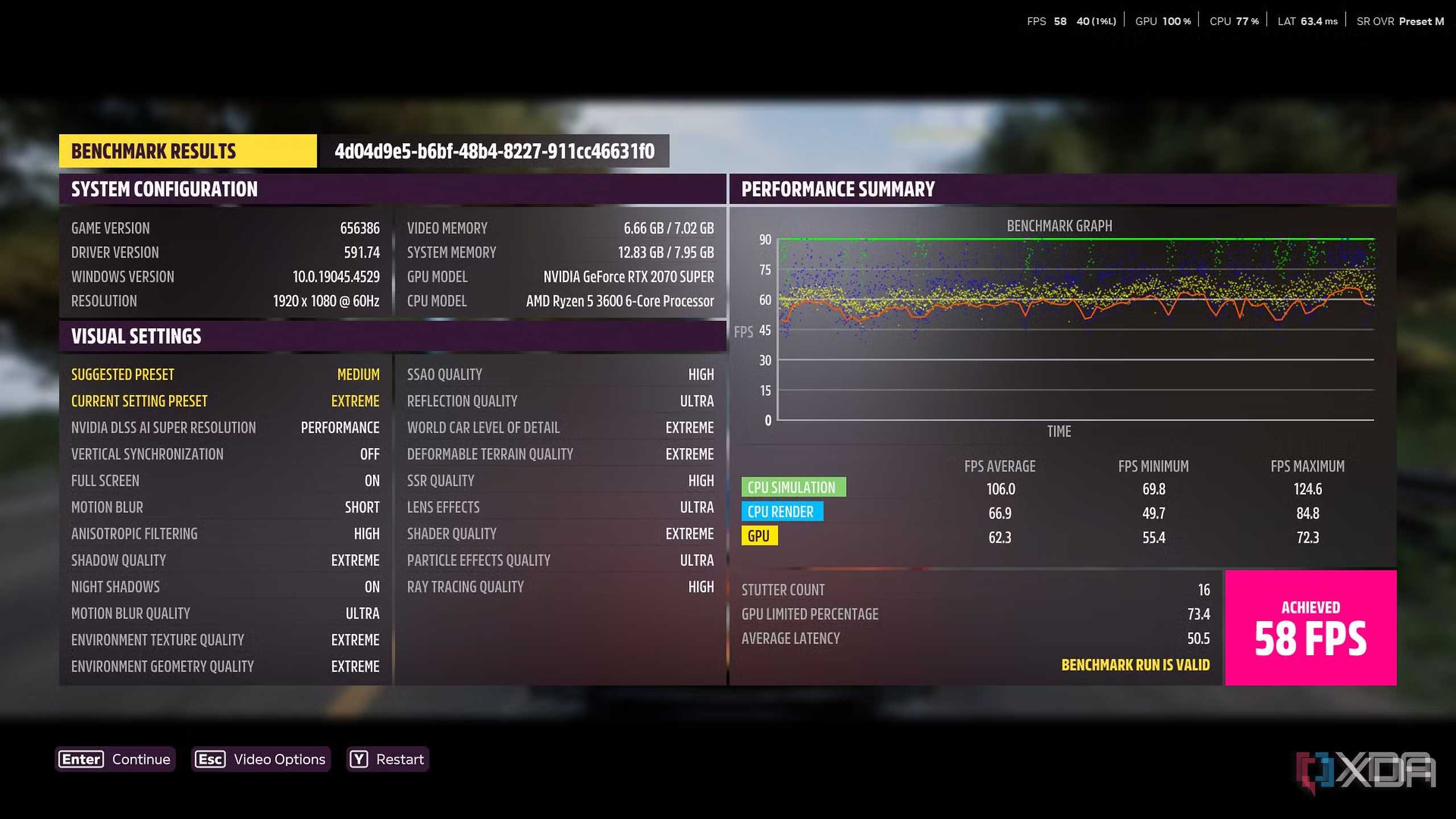
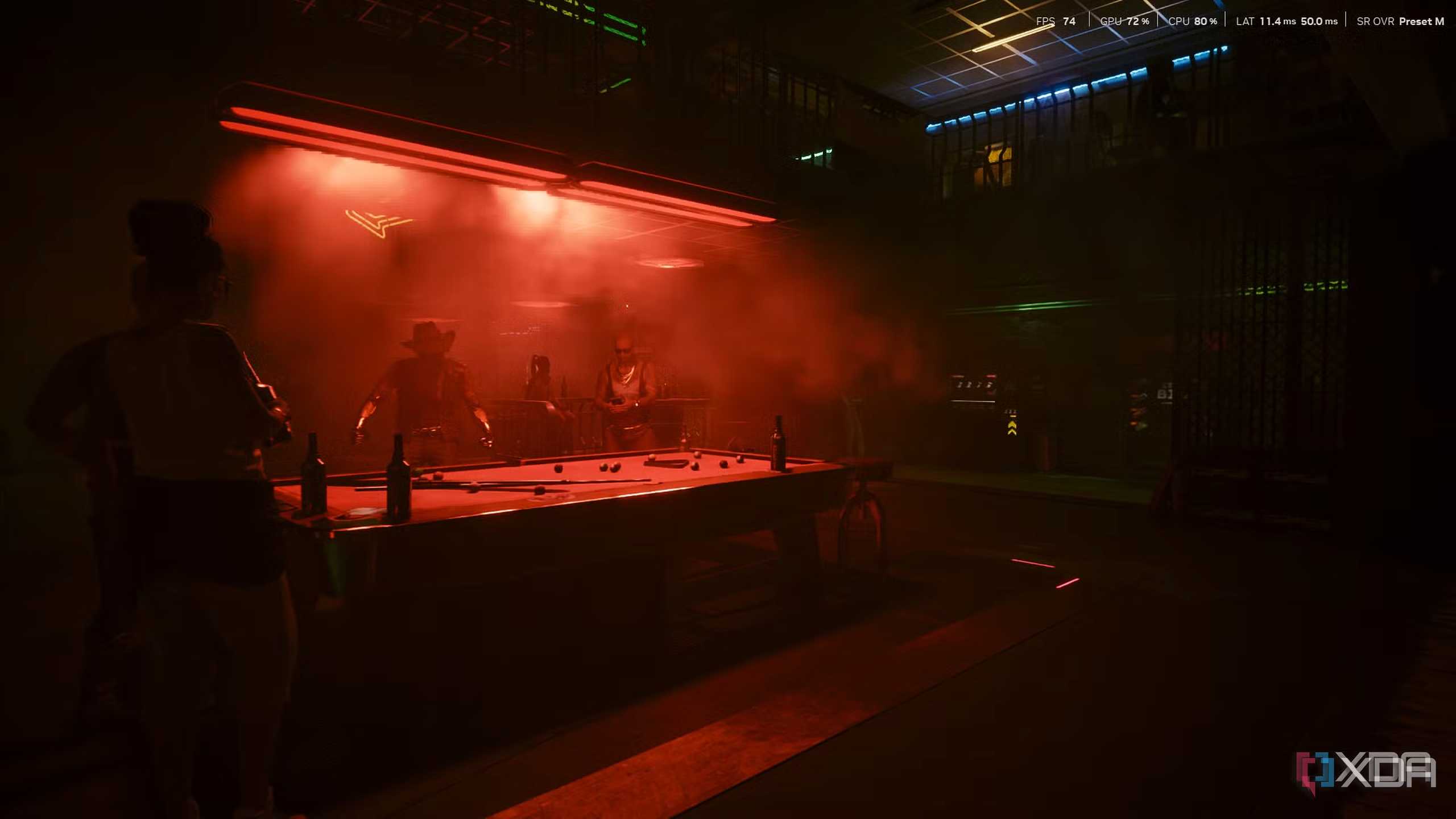
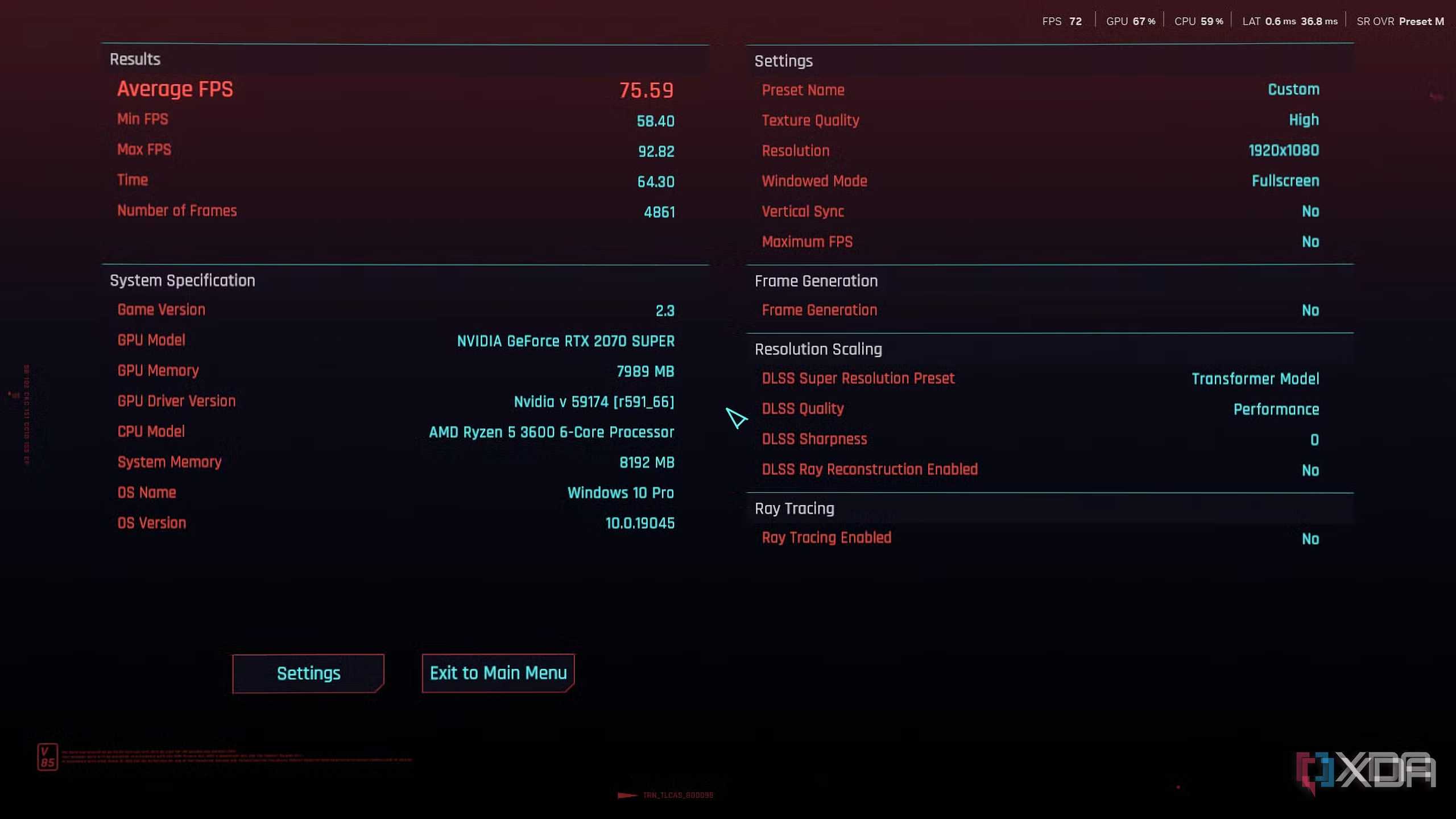



Of course, DLSS 4.5 does come with an added VRAM cost. On every RTX card, DLSS 4.5 costs 200–350 MB more, depending on the GPU. And yet, for those with the VRAM headroom to spare, it's definitely a non-negotiable now to switch to the new presets L and M that DLSS 4.5 has brought with it. It makes DLSS Performance (and even Ultra-Performance, in some cases) genuinely usable, all while being accessible to older RTX 20 series and RTX 30 series cards. Of course, the older Turing and Ampere cards won't be able to support newer tech like Frame Generation, and they also don't have too much VRAM to spare, but they're more than capable of running DLSS 4.5.
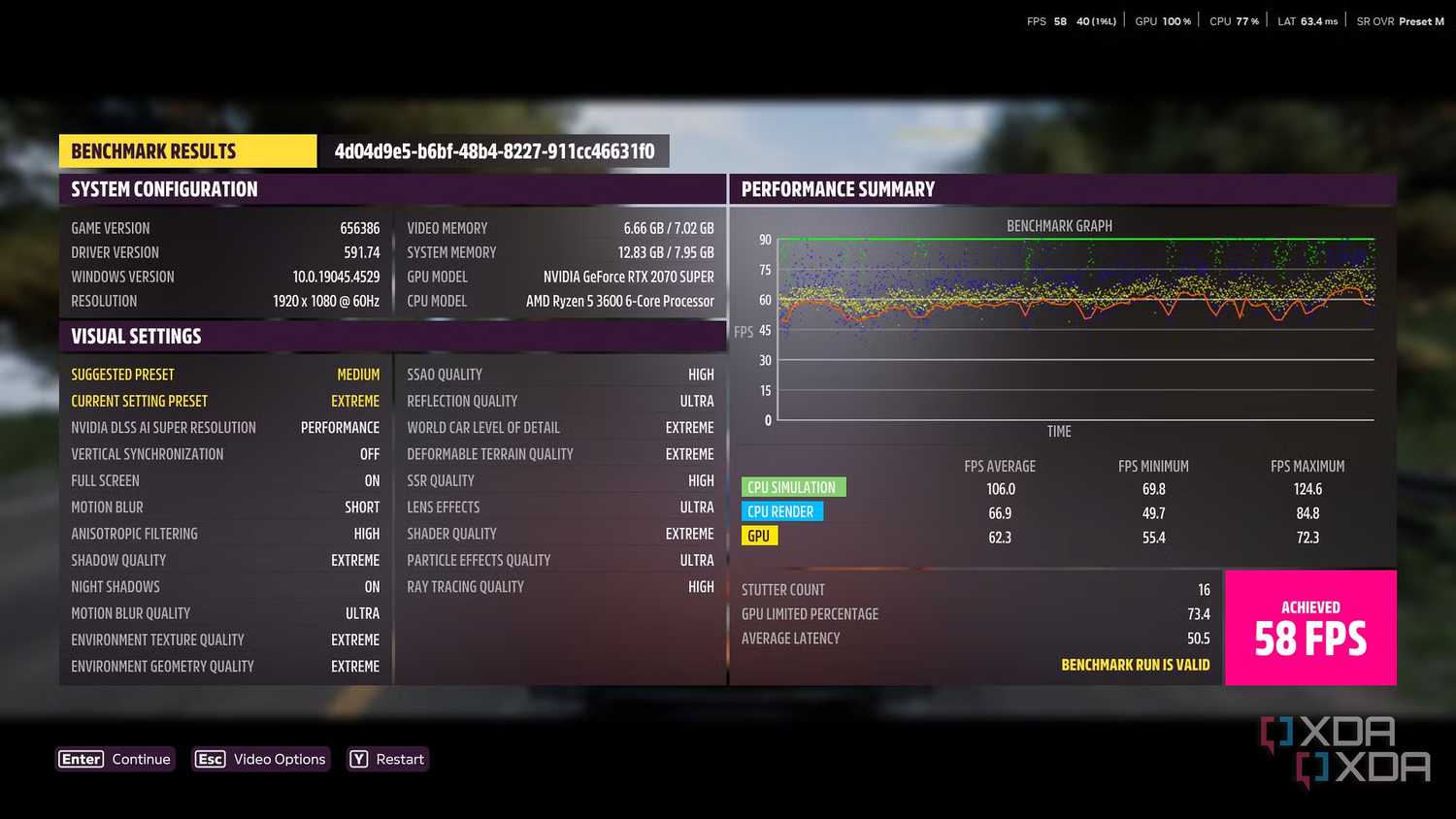
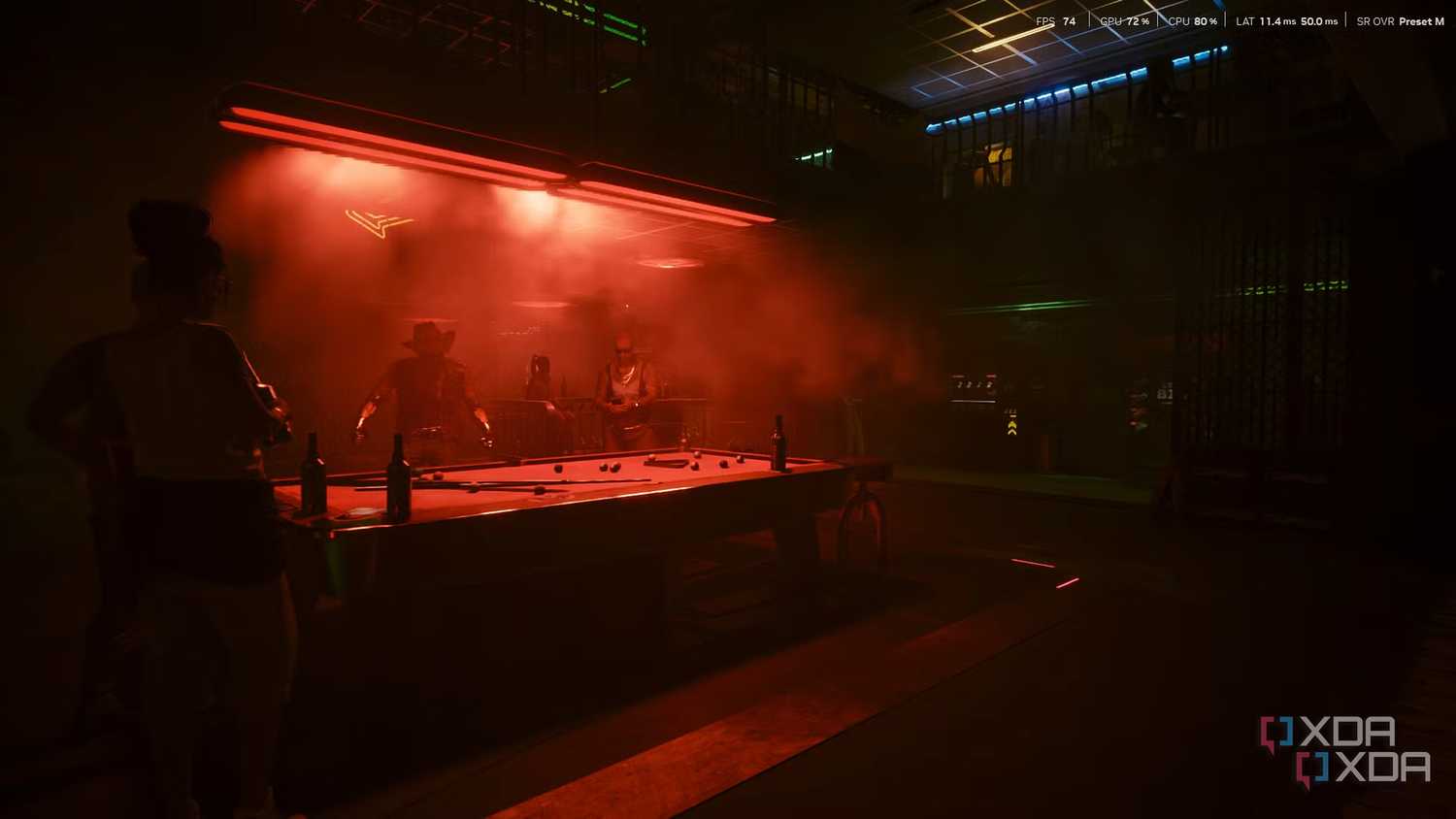
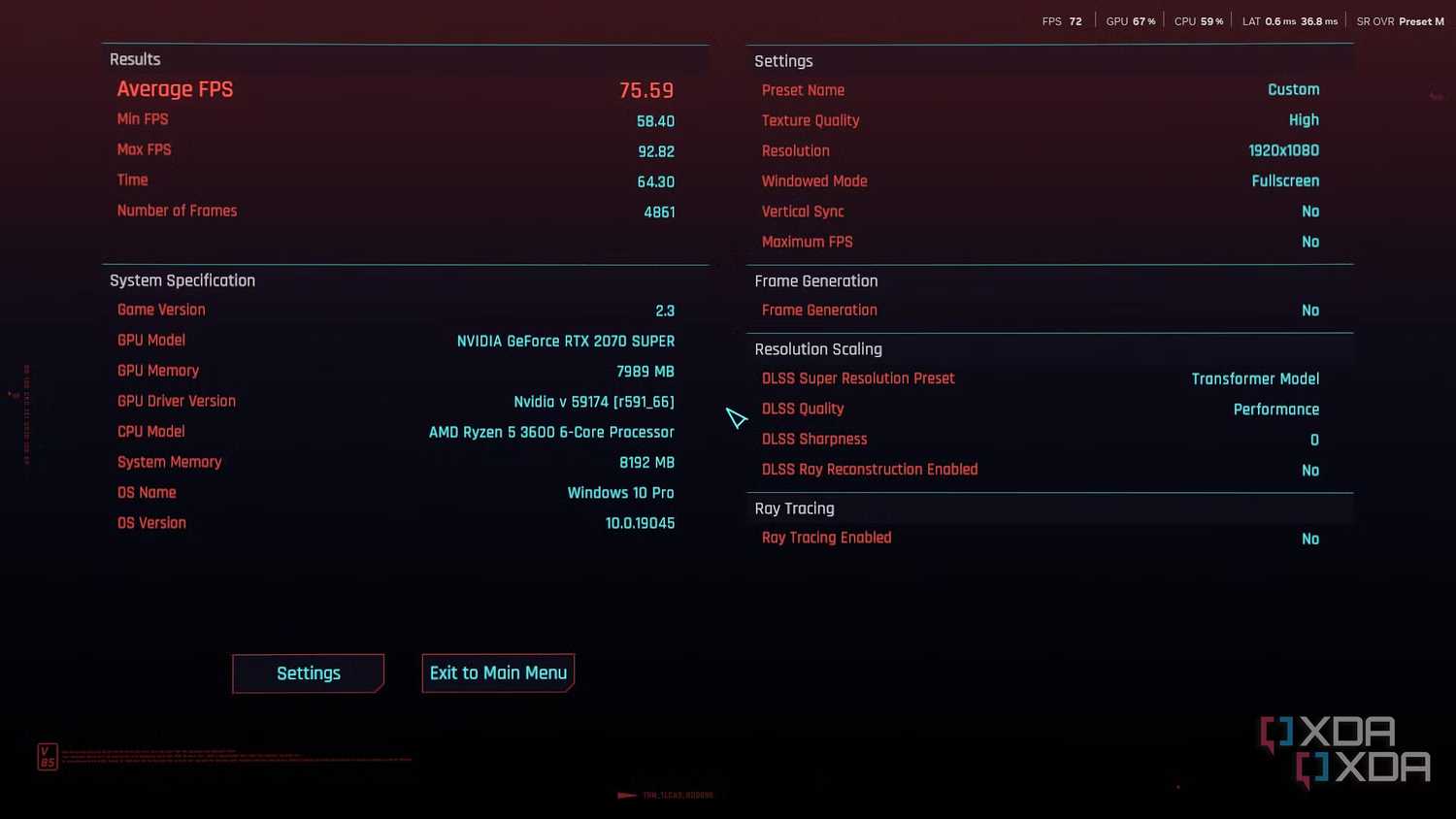
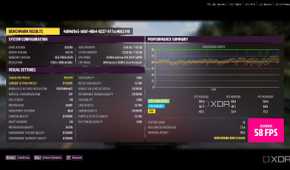
In-house testing on an RTX 2070 Super proved that games like Cyberpunk 2077 and Forza Horizon 5 ran remarkably well with DLSS 4.5, on high and extreme settings, respectively.
PC gaming is simply not about raw GPU horsepower anymore
DLSS 4.5 has expanded what "reasonable" PC hardware can achieve.
If there's one thing this shift proves, it's that the future of PC graphics is no longer about raw GPU power. Smart reconstruction techniques are now doing the kind of heavy lifting that brute force once handled alone. That's a fundamental change in how games will scale across hardware generations.
It's also exactly why Nvidia's latest DLSS update feels so important. DLSS 4.5 has quietly expanded what "reasonable" PC hardware can achieve. The ball is firmly in AMD's court now, because competition in upscaling tech might end up being just as important as the GPUs themselves.
