


Routers often fall into the “set and forget” category of machines. Like many, I rarely restart my router or even bother tinkering with it. All that changed when I started building my home lab. My ASUS AX88U router feels limited when remotely accessing my home network, using smart home devices, and aiming for higher ISP speeds.
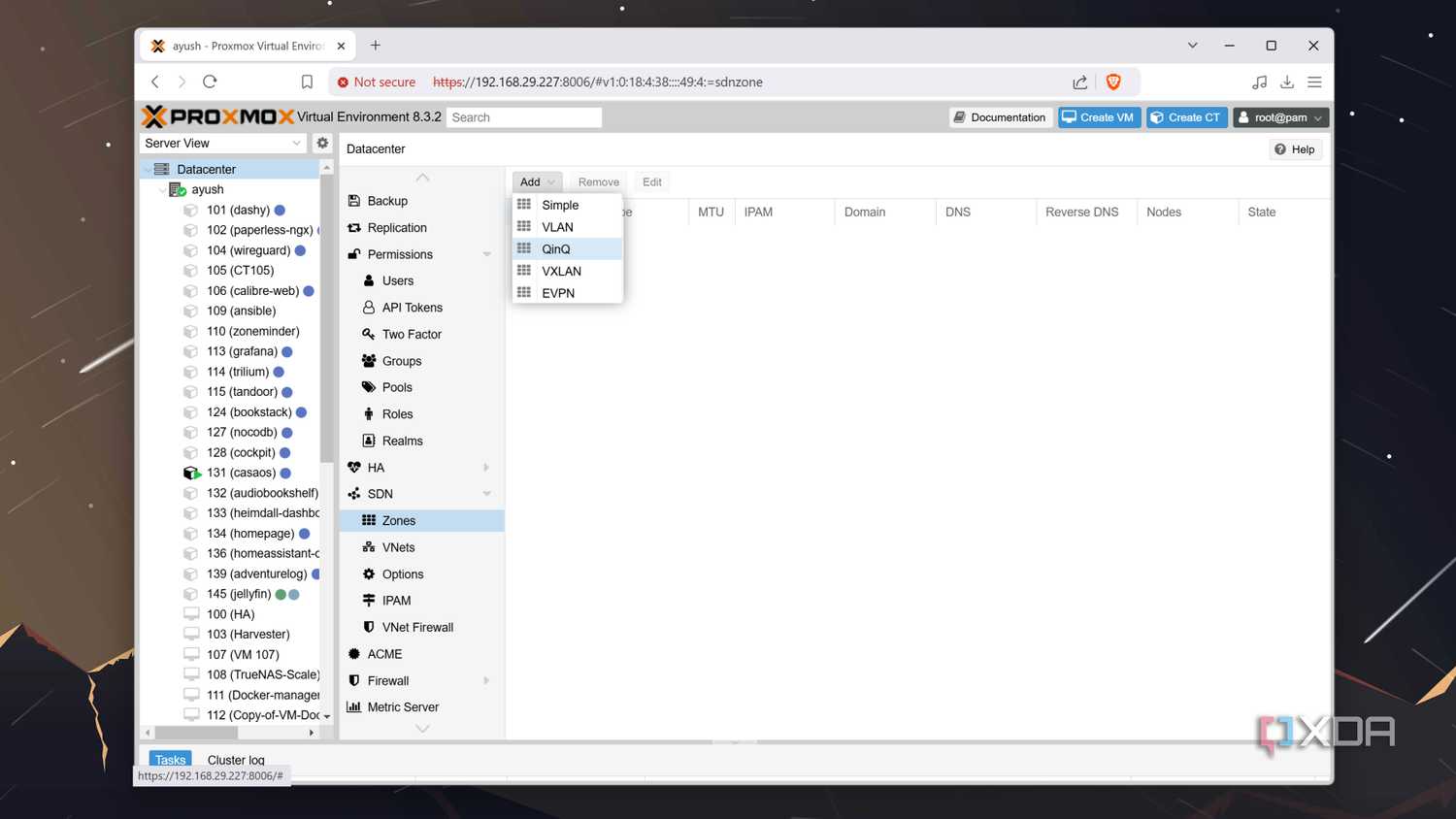
While they work great for most folks, I often find my router struggling to support networking features like VLANs and VPNs. At this point, I'm done entertaining consumer routers. Next, I want to build my own router for performance, control, and flexibility. Optimizing my home network gave me enough reasons for that.
Scalable hardware that can match my requirements
Real hardware, real performance

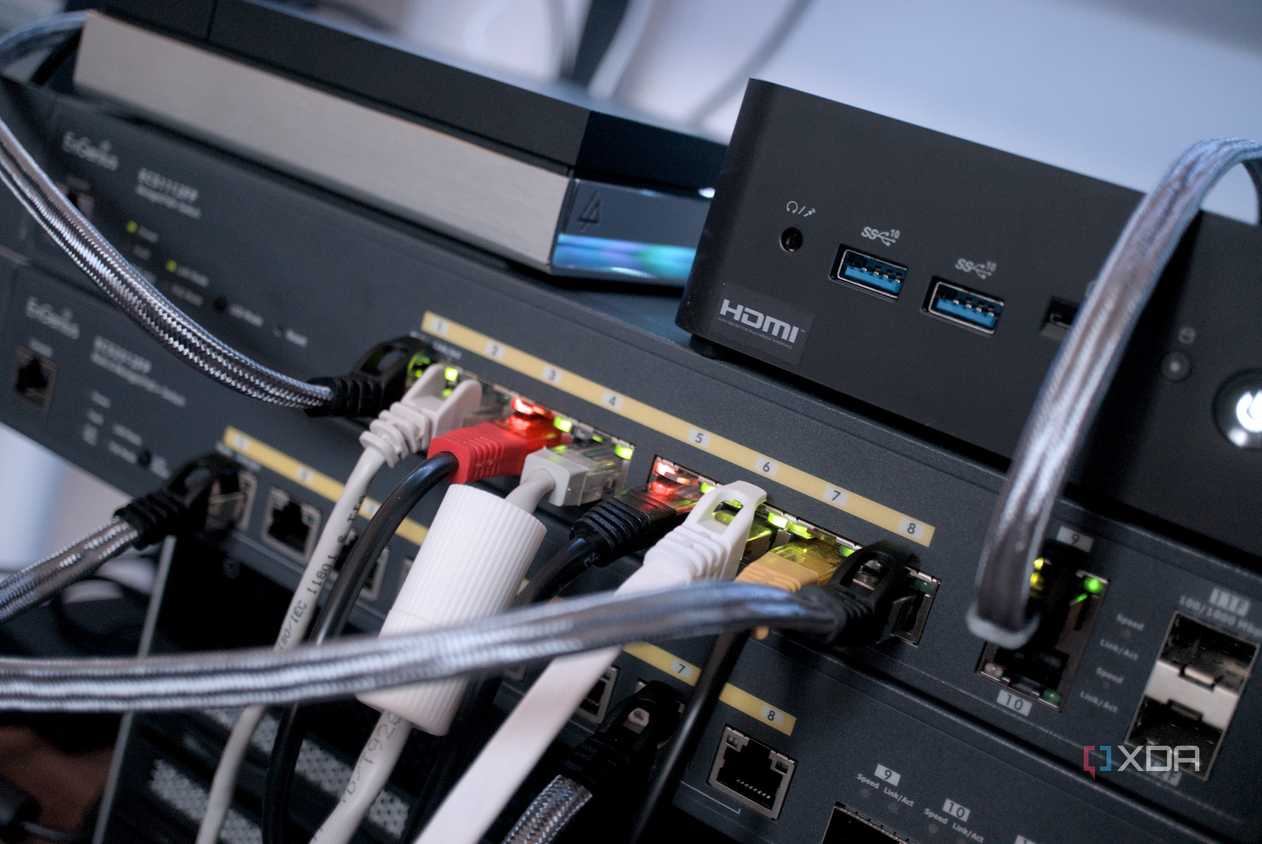
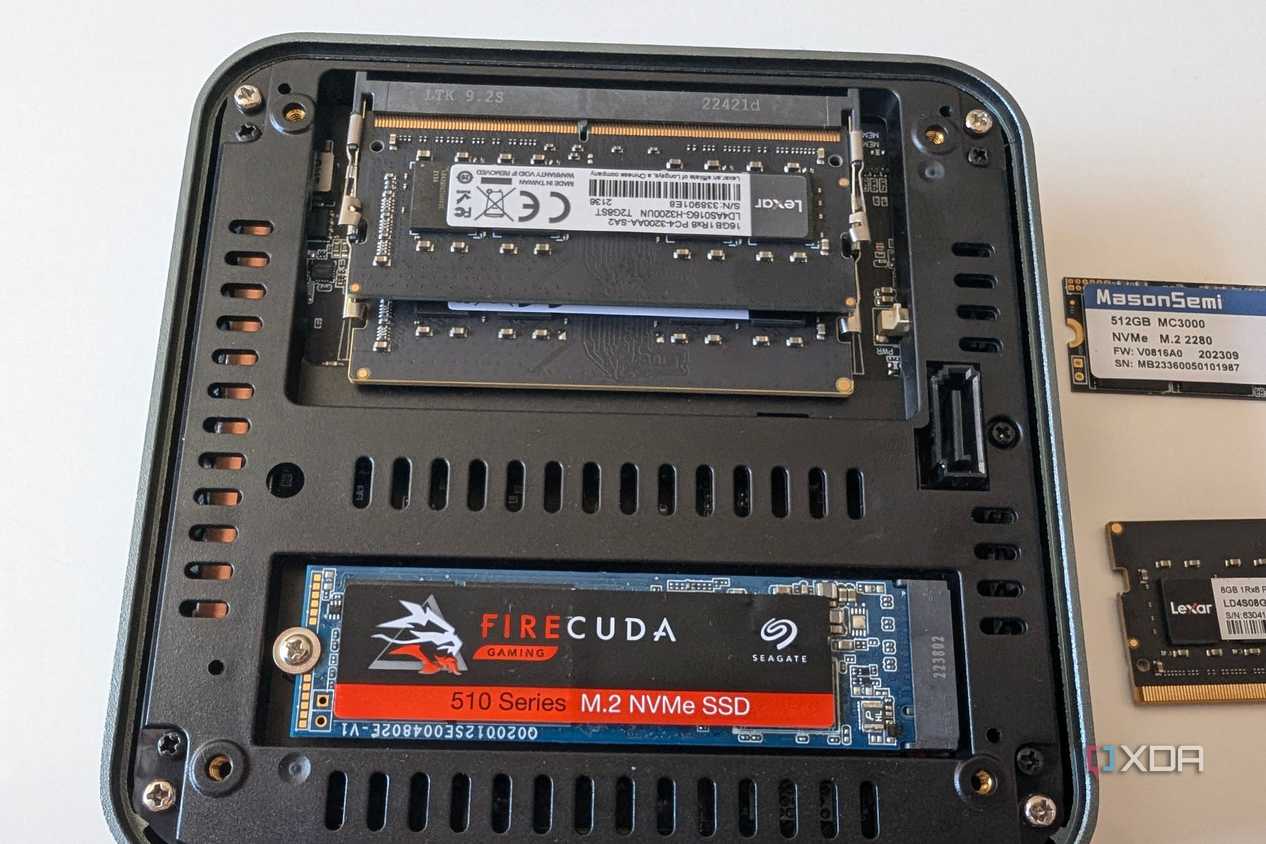
Most Windows mini PCs can be upgraded using standard PC components. 
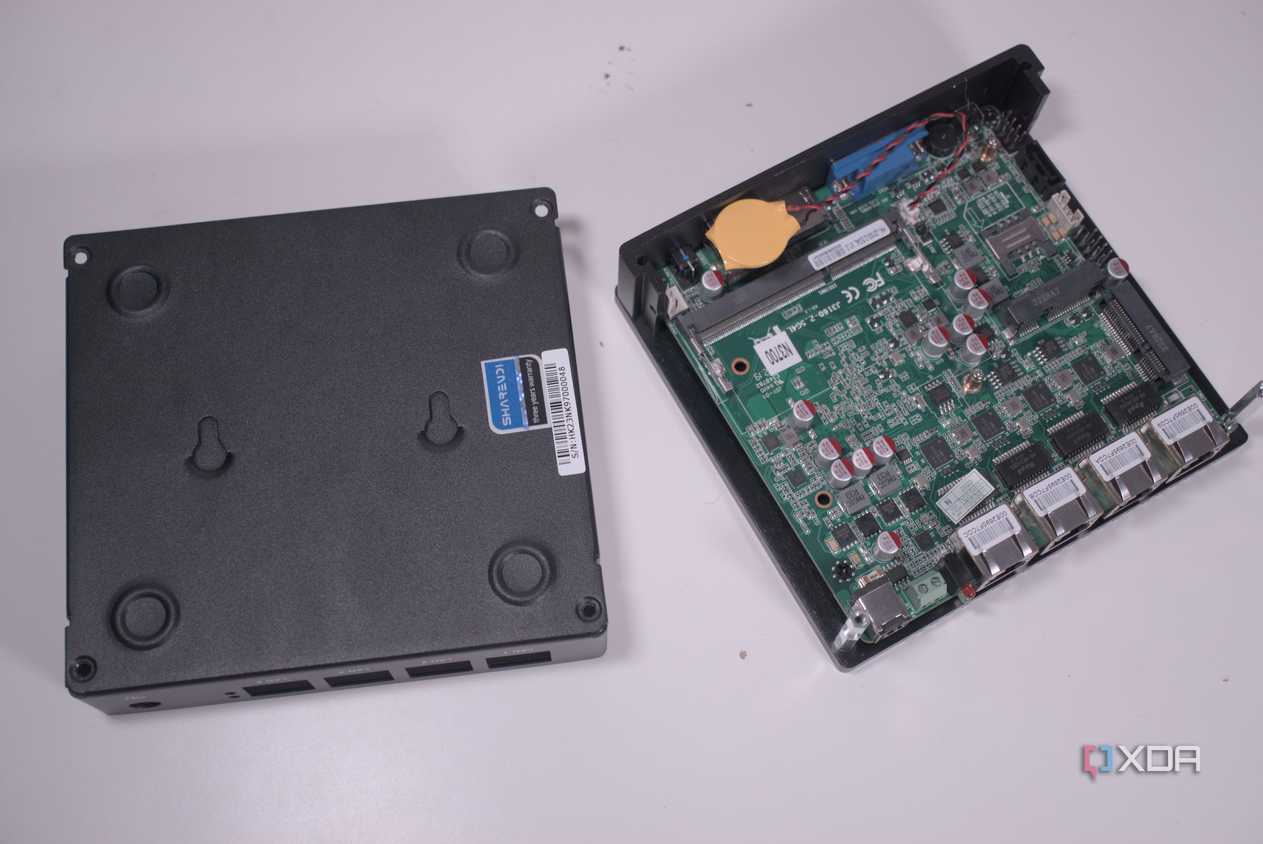


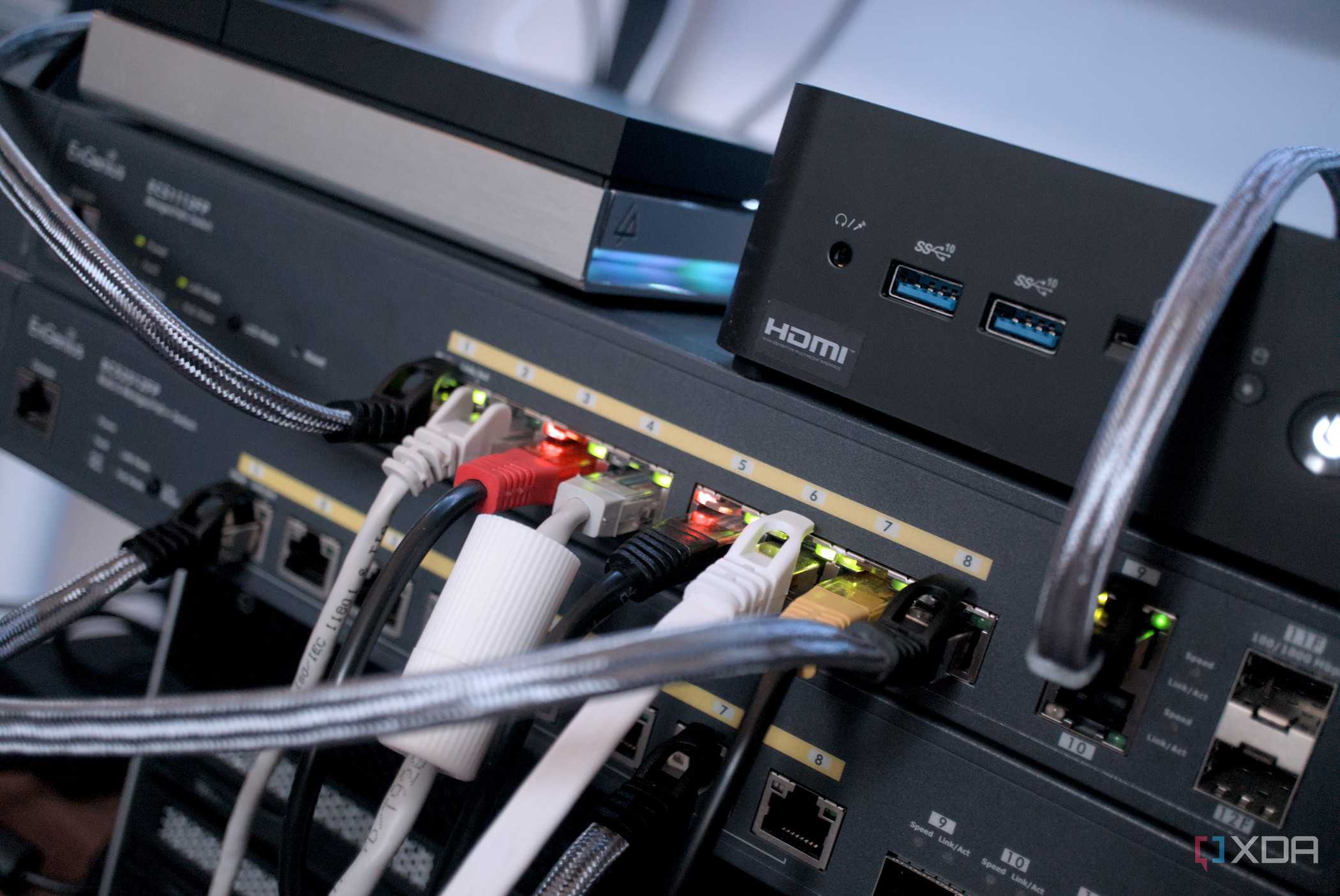
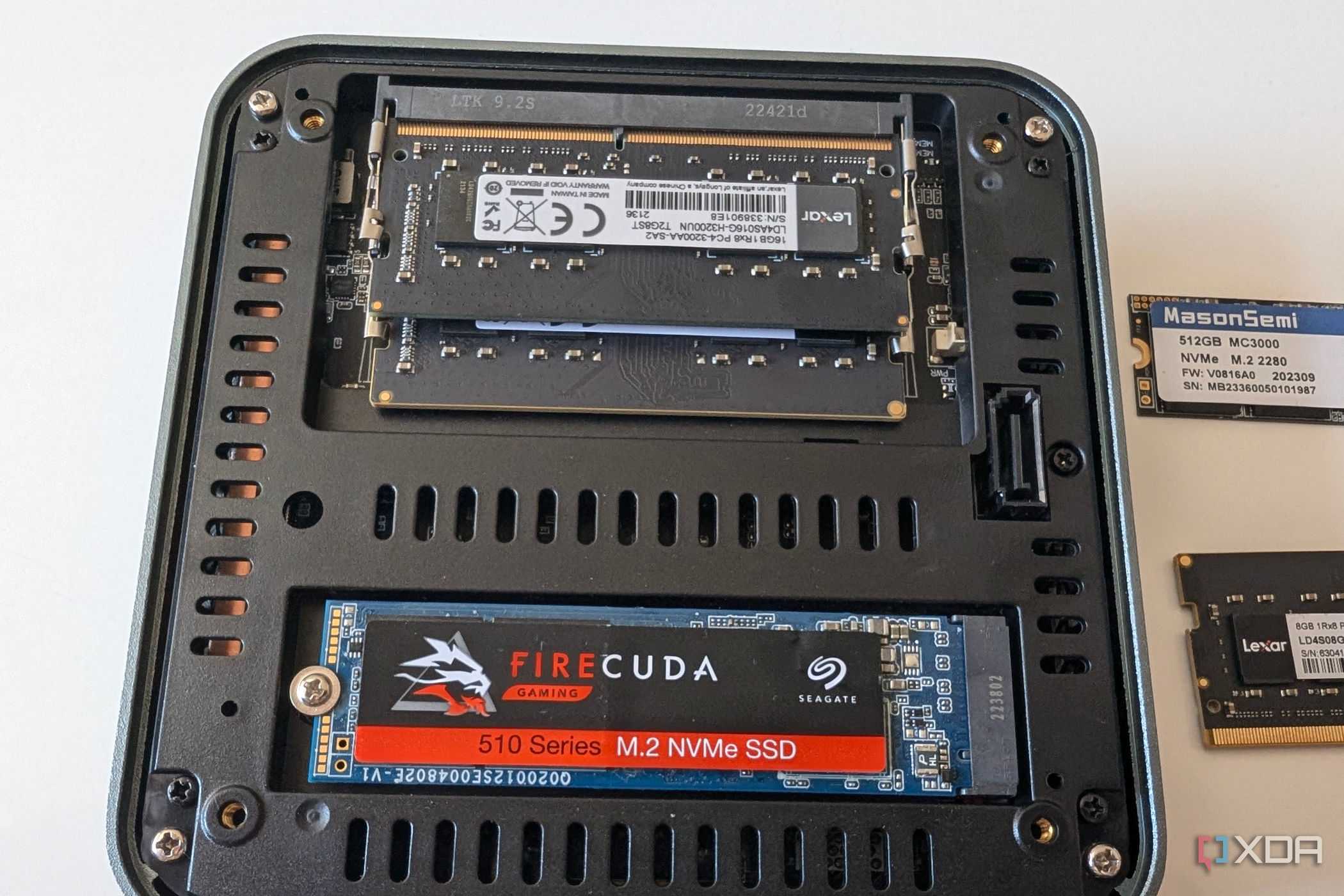
Most Windows mini PCs can be upgraded using standard PC components. 
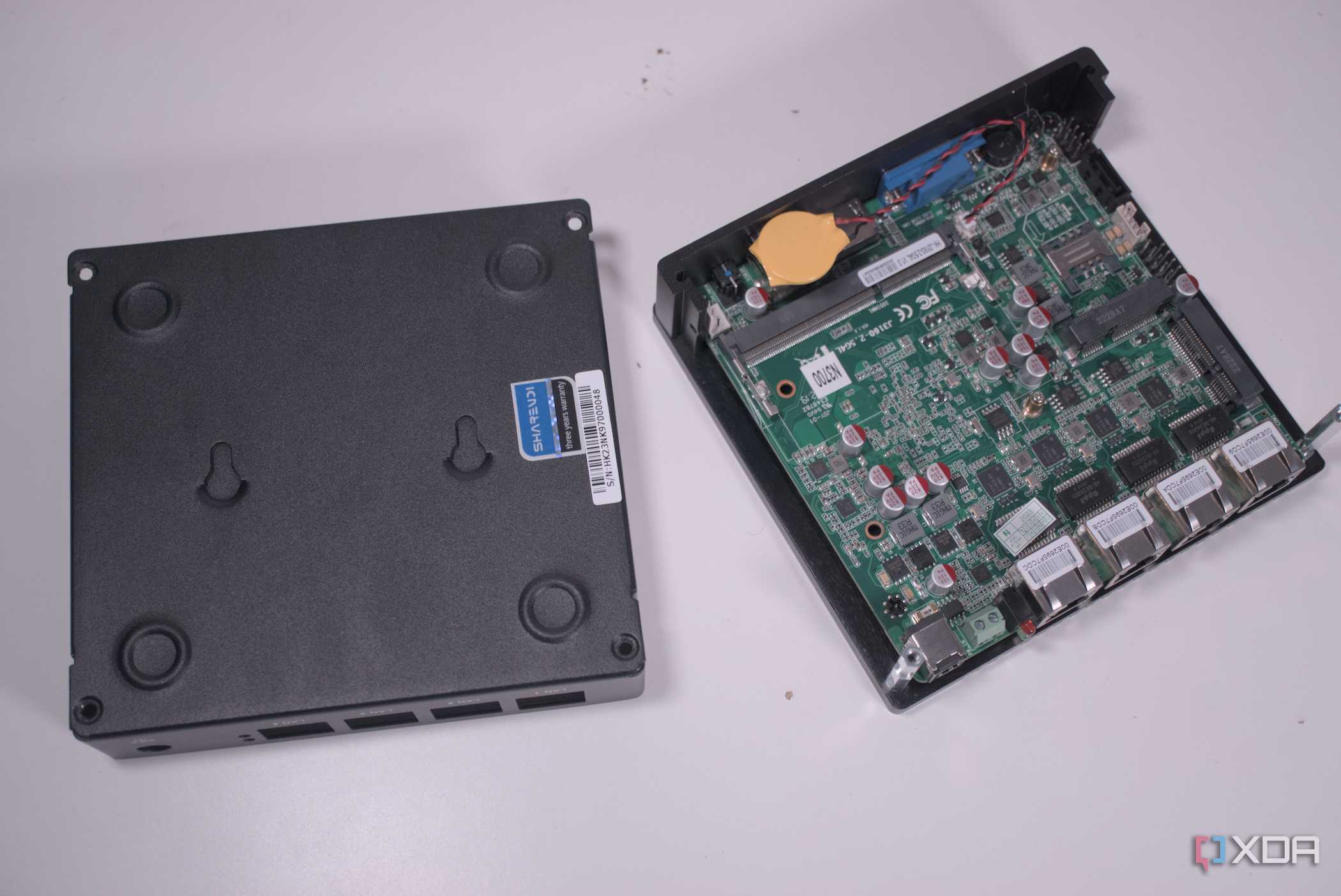

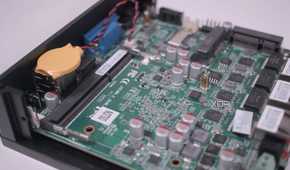
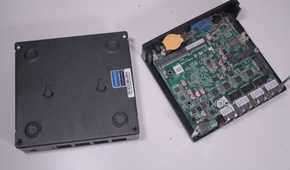
Consumer-grade routers pack an ARM-based CPU coupled with barely any RAM. Neither is upgradable, though just enough to run the router’s web-based interface. With a mini PC, I want to use an x86 CPU-based mini PC designed for desktop use to handle and support heavy workloads. Besides, it’d be faster with at least 8GB of RAM.
Even an Intel N100 mini PC can remove any bottlenecks caused by underpowered CPUs and lackluster firmware. Though limited, select mini PC models feature more than a couple of 2.5GbE LAN ports, which are useful for networking and building the 2.5GbE networked home that I planned years ago.
With hardware that I can count on, the room for networking experiments opens up. Well, the access points need to be installed separately, and I can pick better ones.
Complete control over the network stack
Freedom to use any software

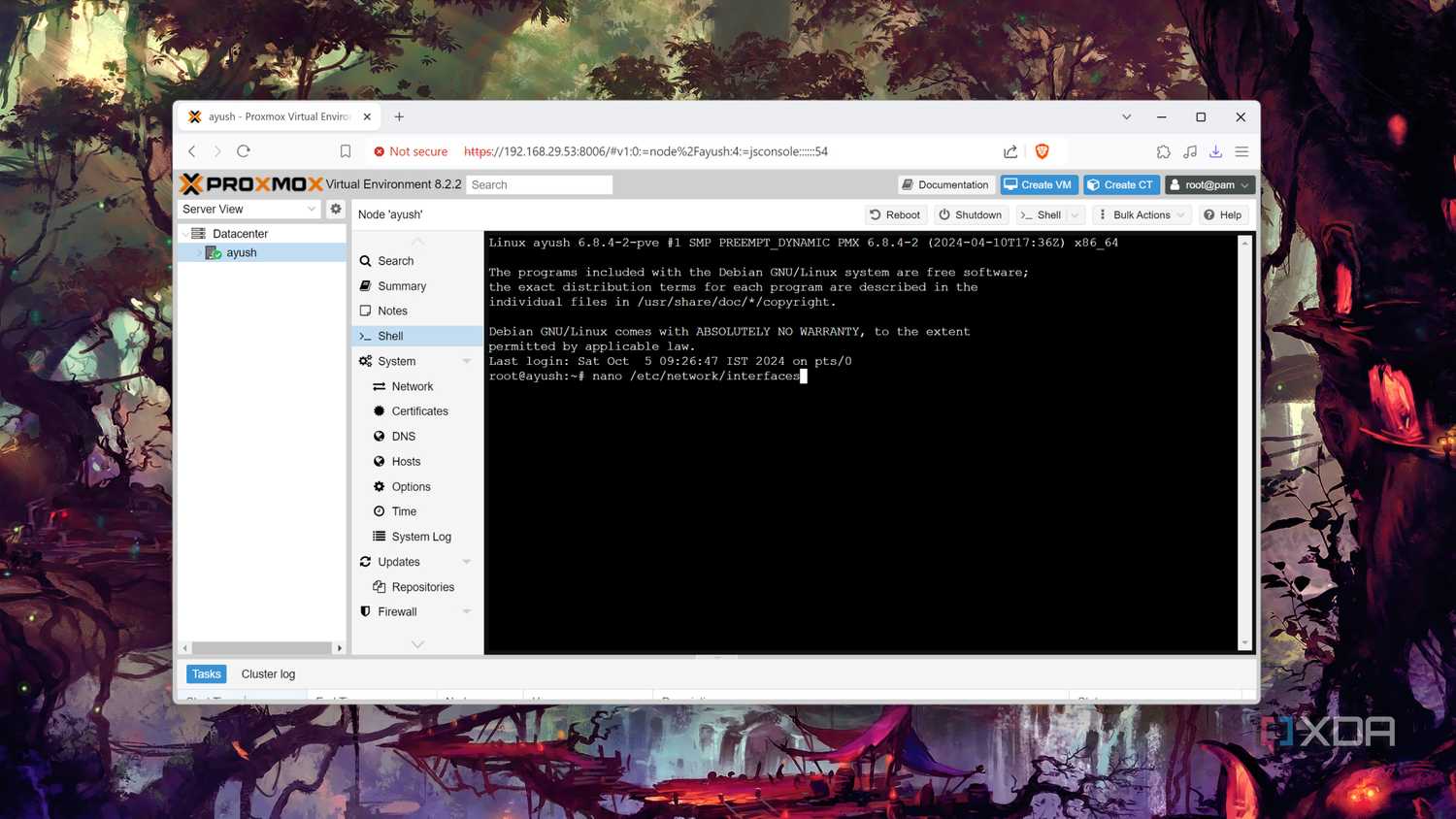
After using custom firmware on my ASUS routers for years, I can’t go back to stock firmware. Lately, tinkering around with OPNSense has given me enough confidence to use it as my router OS.
Also, I can try OpenWRT and VyOS later, which is not easy on consumer routers. Complete visibility on the DNS, DHCP, NAT, and routing is something I really want to experience.
That’ll help me move away from the forced cloud-based management options or letting telemetry run in the background.
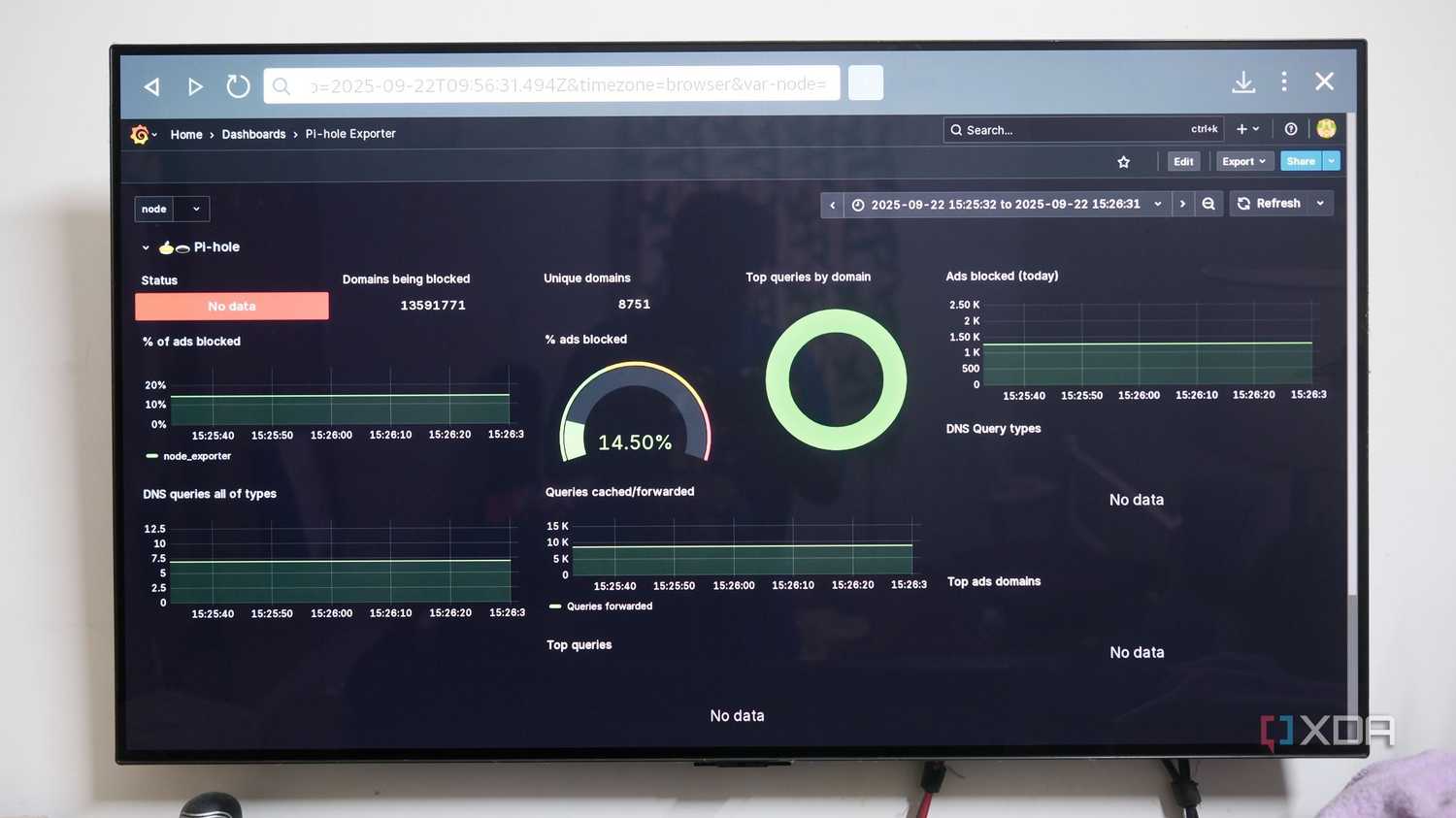
Apart from enabling DoH, using DoT can prevent eavesdropping on DNS queries. And finally, running Pi-hole on the DIY router can block the trackers and malicious websites directly at the network level.
Proper firewall rules and blocking capabilities
Beyond the basic parental controls

The security of my family's devices and data is enhanced by stricter firewall rules. The block-by-default approach using Pi-hole has worked, and the firewall rules can also prevent existing smart devices from phoning out unnecessarily.
While basic parental control features are already in place on the router, stronger firewall rules and blocking will eliminate any misleading URLs from confusing my family.
It’s more important to safeguard my family from falling into any phishing attacks or malicious pop-ups. Hopefully, I can get intrusion detection/prevention software like Suricata to guard my home network.
Running WireGuard and Tailscale at full speeds
Better VPN performance

Whether it’s remotely accessing my home computers or using a geo-locked streaming service, VPN speeds and performance are crucial to me. At least that way, the streaming or other services won’t feel slow, since my current router doesn't deliver impressive speeds with that.
Remotely accessing my home network is a pain over a slower network. With a DIY custom router, the data throughput performance excels thanks to the capable hardware.
And then, I can easily use Tailscale and WireGuard to stream my media collection to the movie without dreading the buffering woes. To keep the connectivity up, a multi-WAN failover setup is possible with a strong VPN backbone.
Segmenting the network properly with VLANs
Doing VLANs right
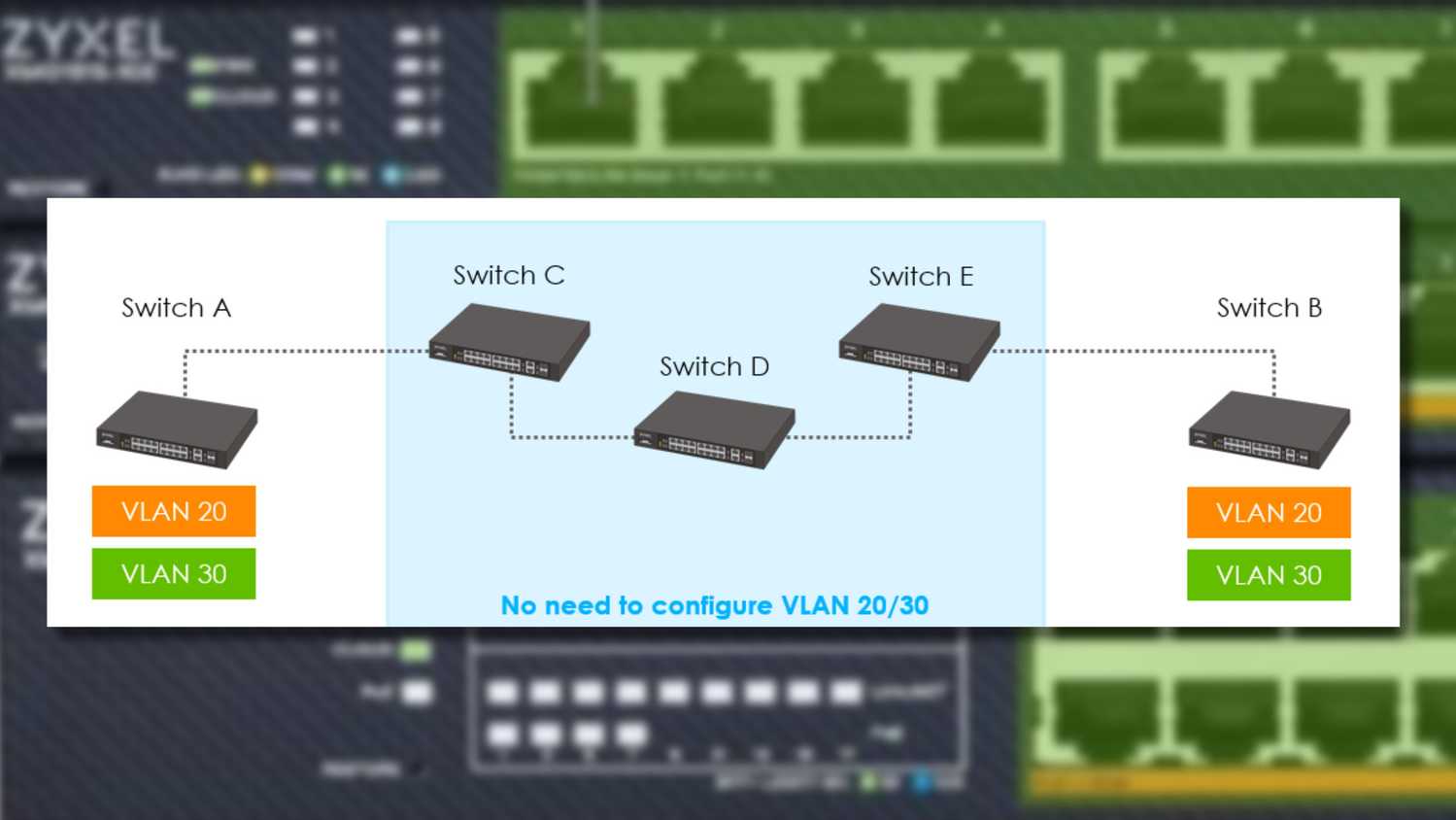



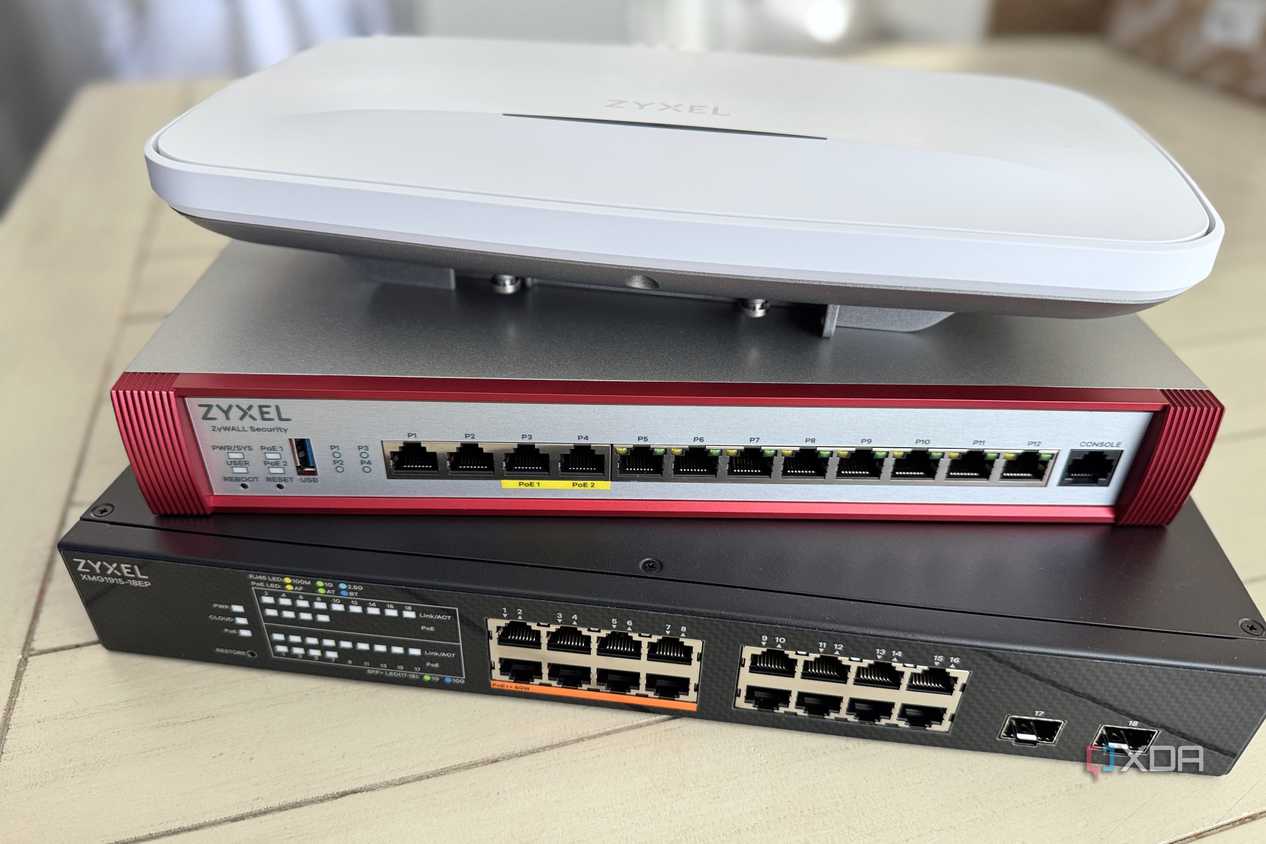
 Credit: Zyxel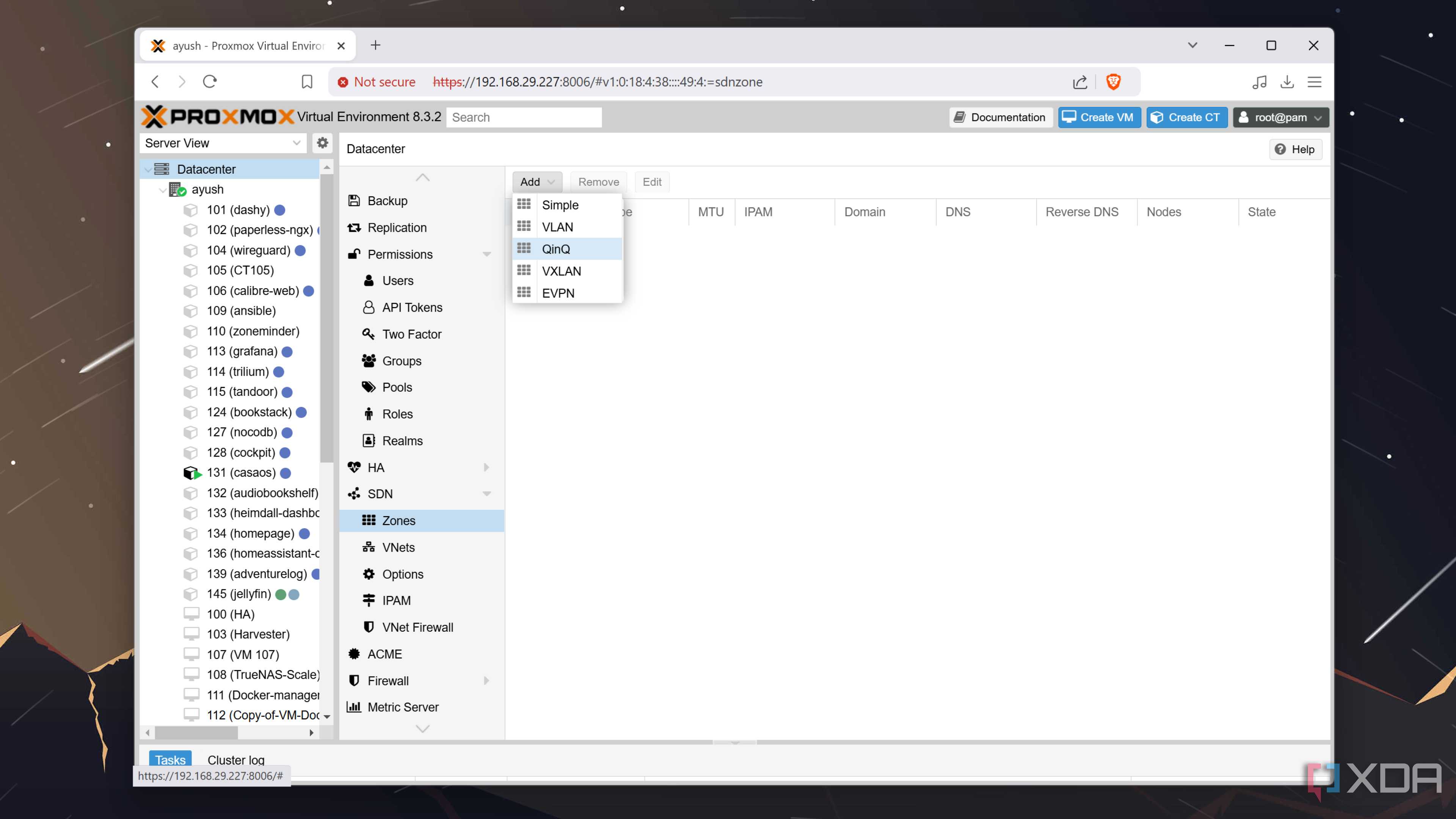
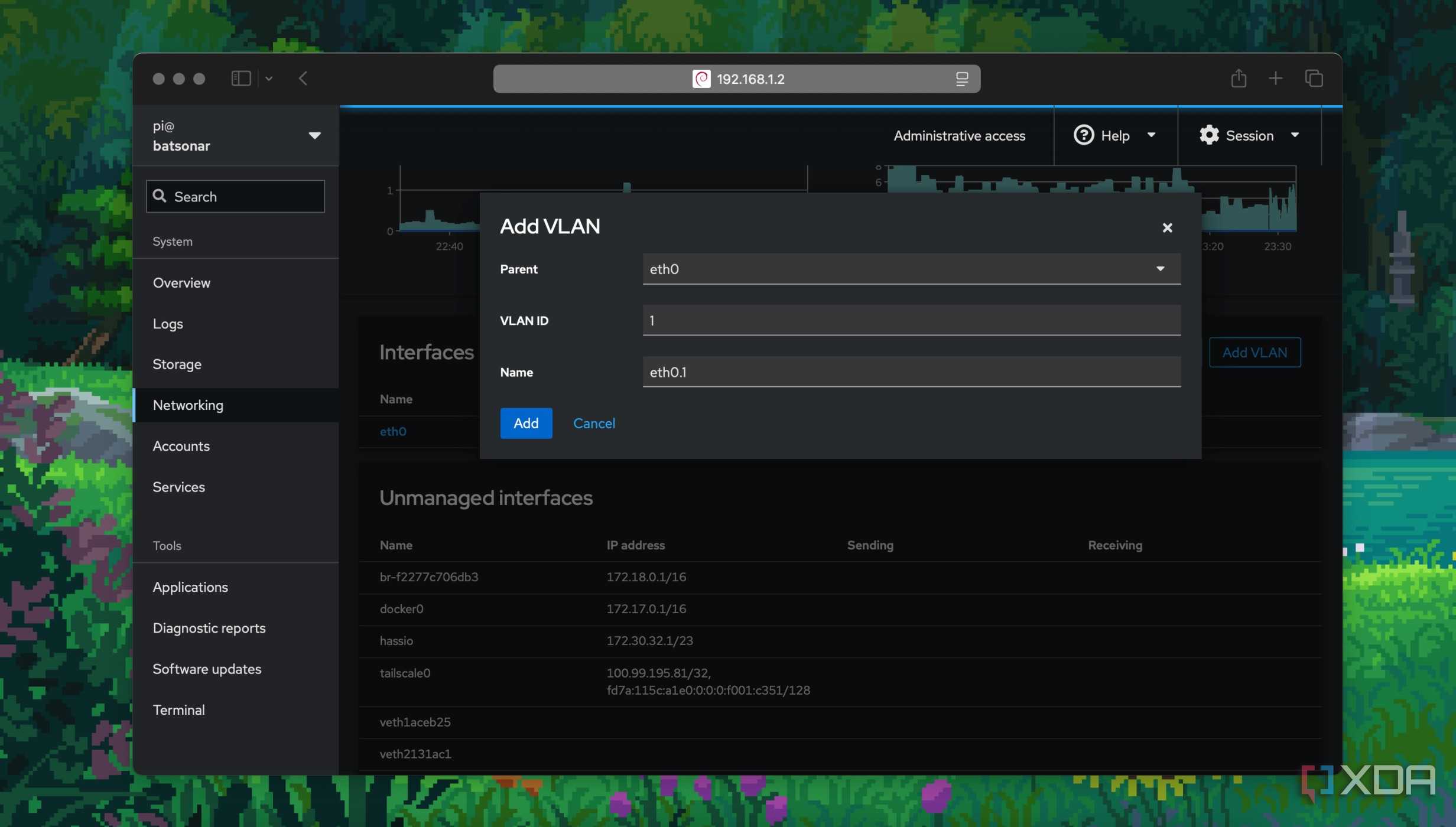
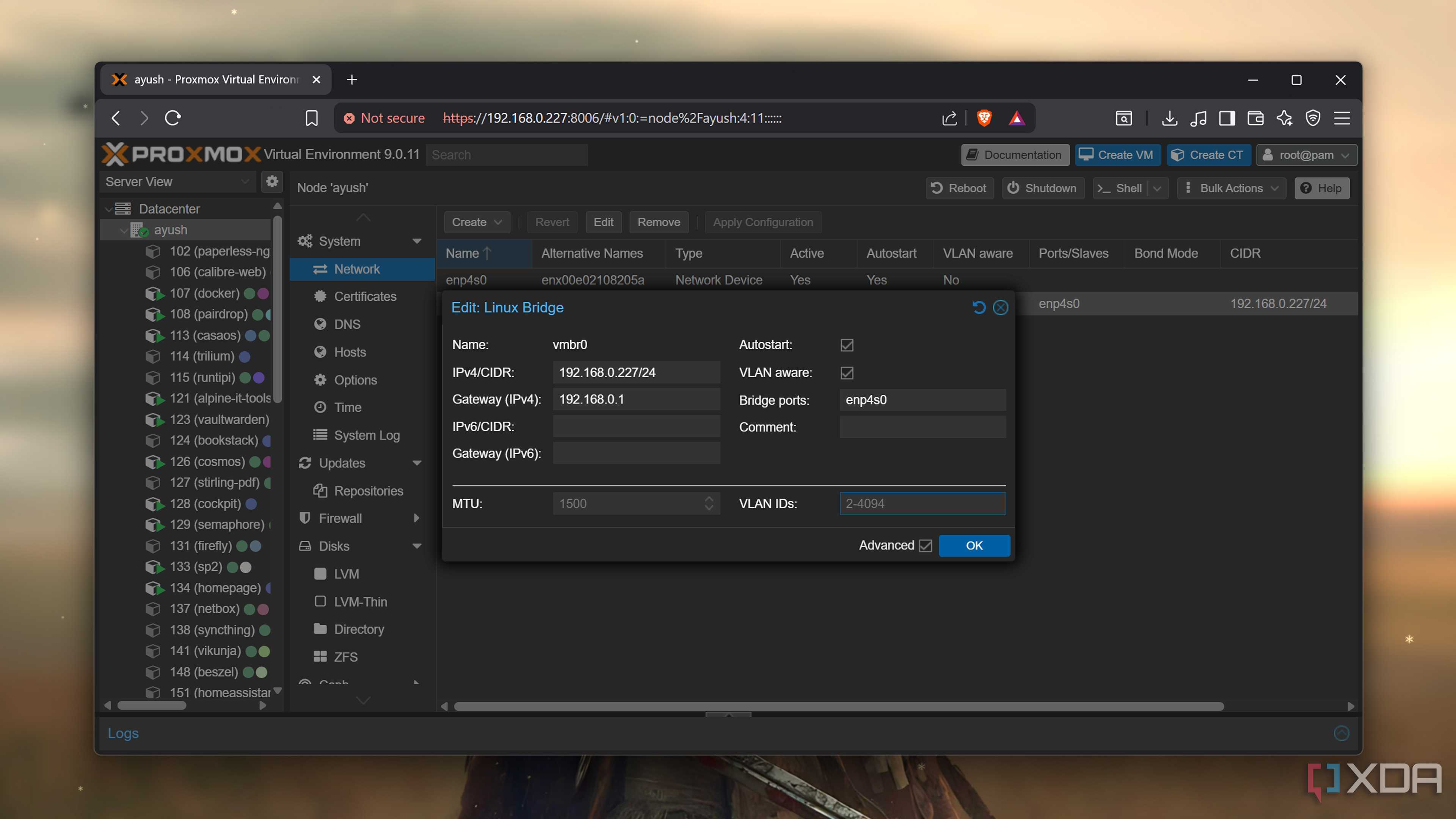

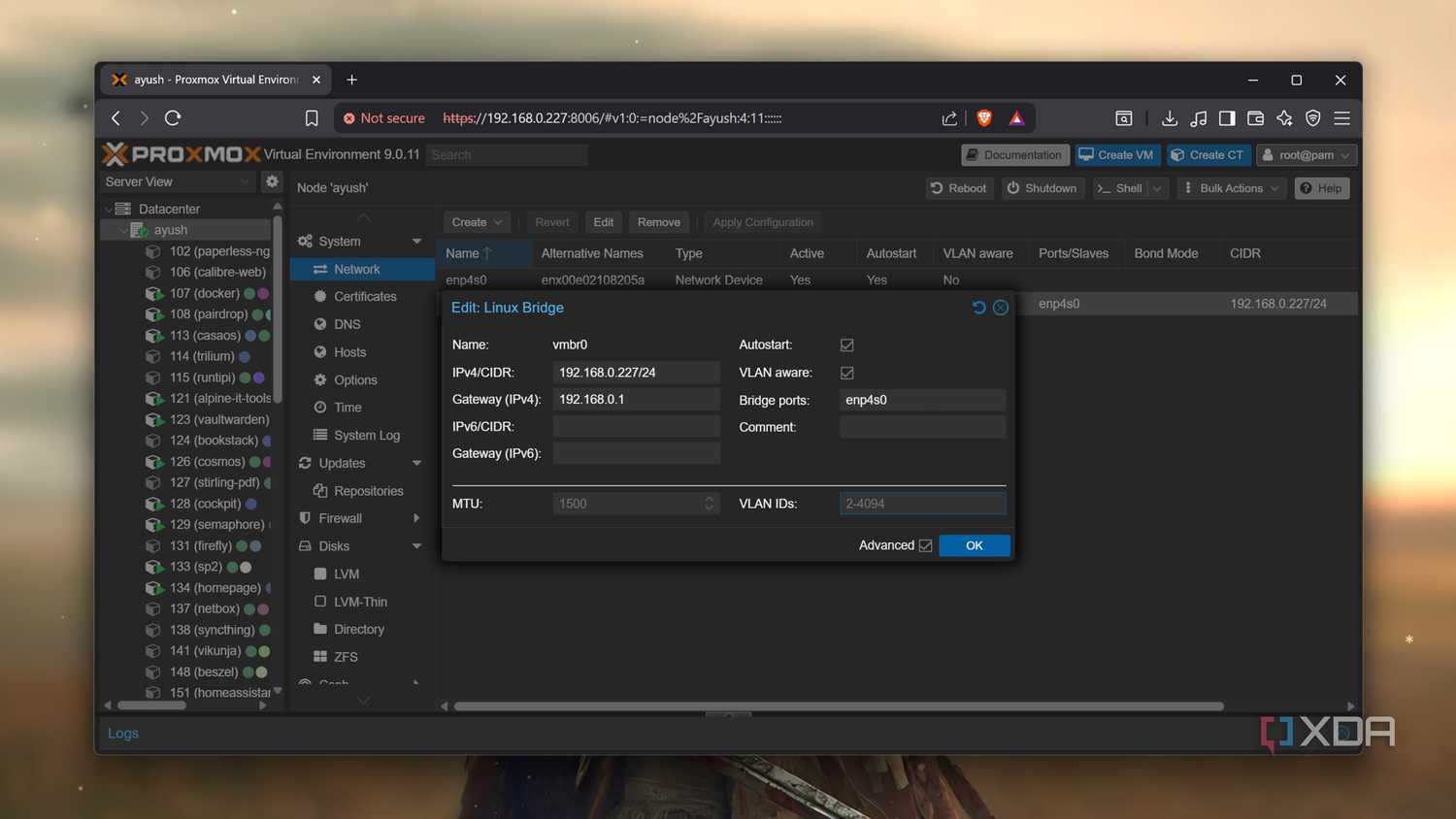
With the growing number of smart devices and machines, my network already feels a bit crowded. Hence, segmenting my network before things go out of hand. Maybe network chaos already exists, and I rarely notice it.
Segmenting smart home devices into a single VLAN is just the beginning. Separating the primary computers I use for work from those for experimenting and leisure is becoming increasingly vital.
More importantly, I want my home lab and guest network on two different VLANs that can’t find each other. Consumer routers did not let me set proper VLANs to segment my network.
The inter-VLAN rules will apply only to certain devices, as I no longer want multicast storms to drag down my network.
Experiment with advanced routing features
Building a stronger backbone


 Credit: GitHub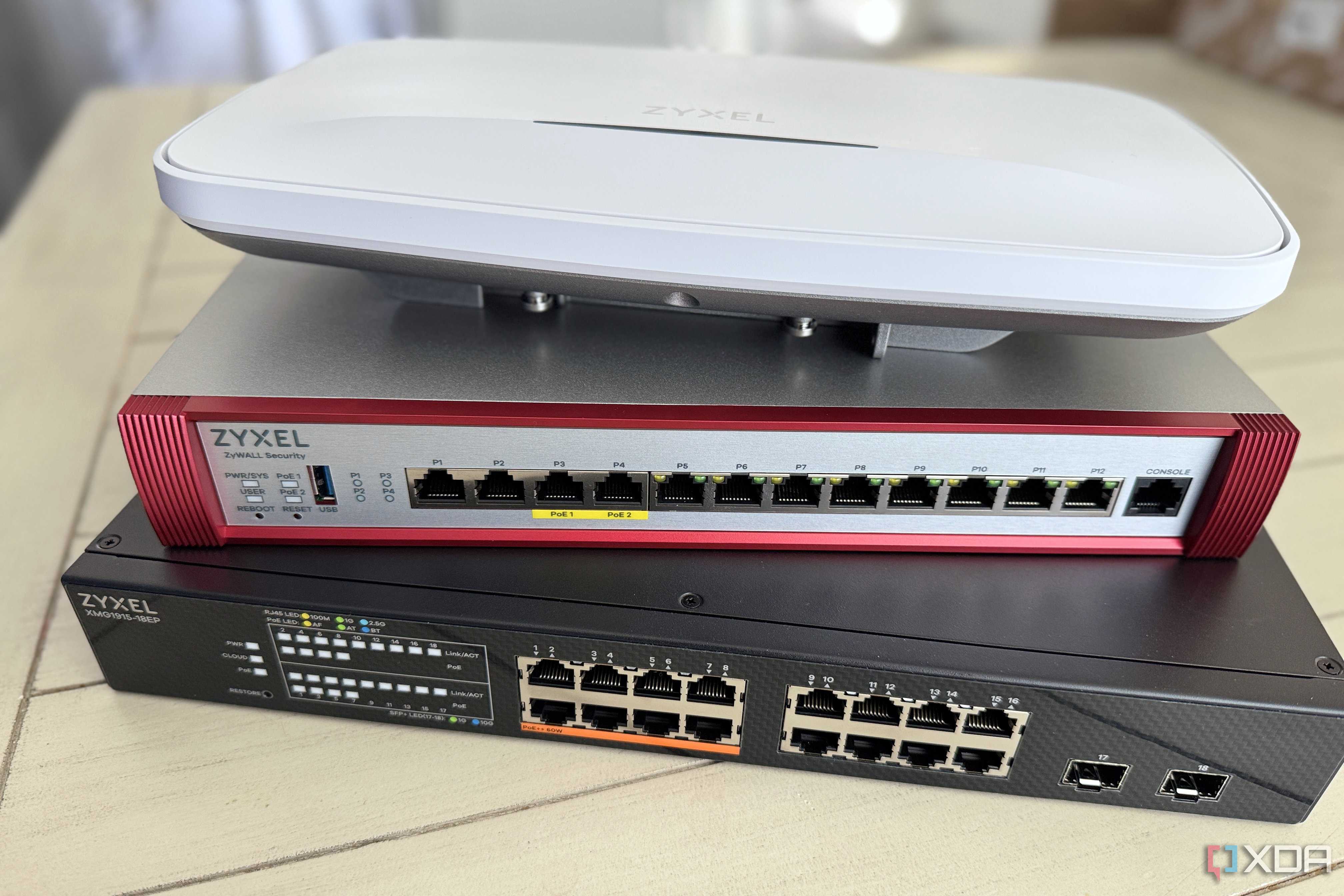



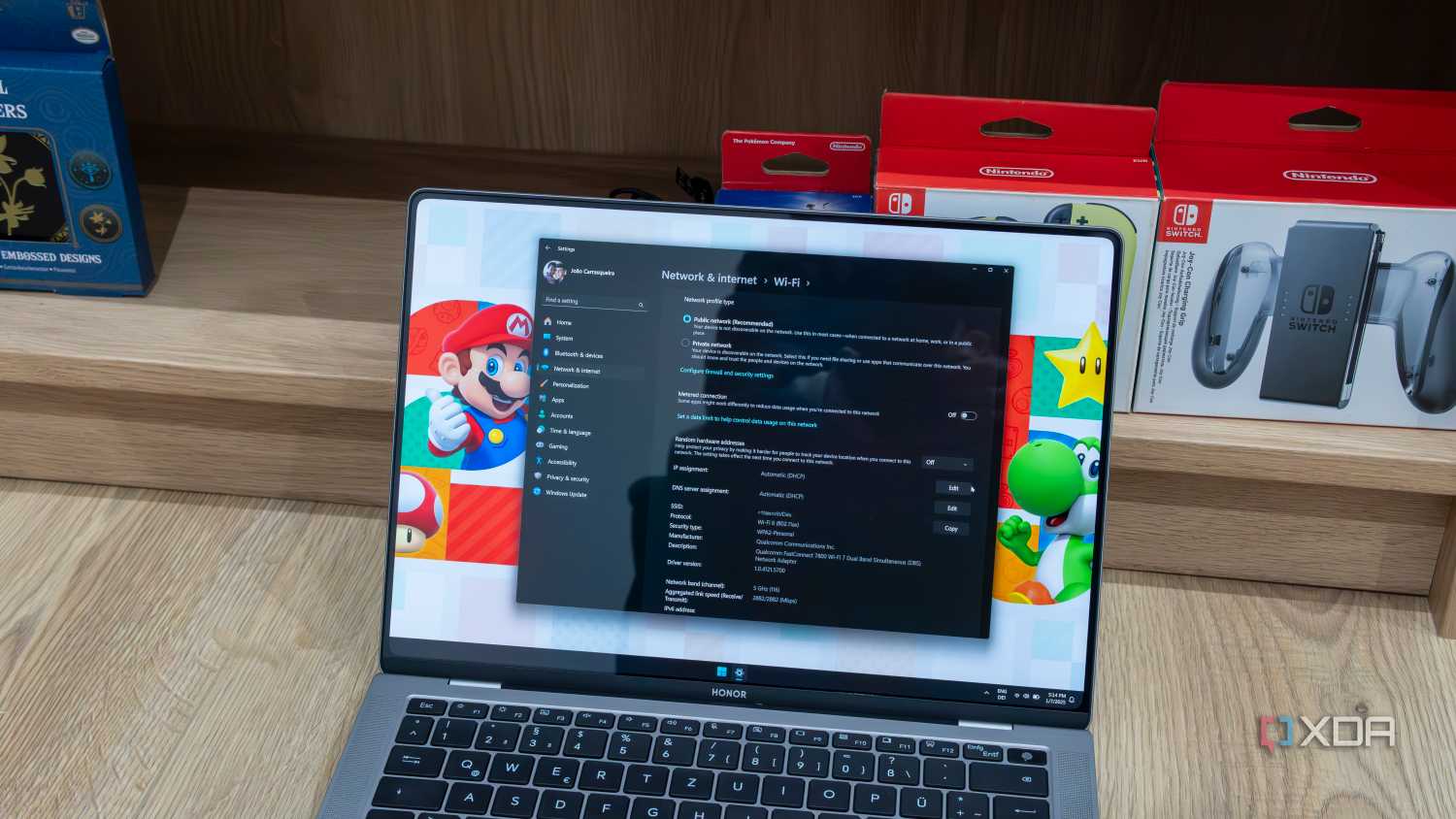
The network is the backbone of my home lab, and policy-based routing is how I want to manage traffic, define workflows, and exercise granular control. That’s how I intend to continue learning about networking concepts.
The flexibility to shape traffic and data-packet flow, and to manage Quality of Service, is evident with a DIY custom router.
In the end, the idea is to make local network transfers efficient so that I don’t need to look for USB drives or portable storage to move data around.
Improved monitoring and network management
Deeper insights into home network

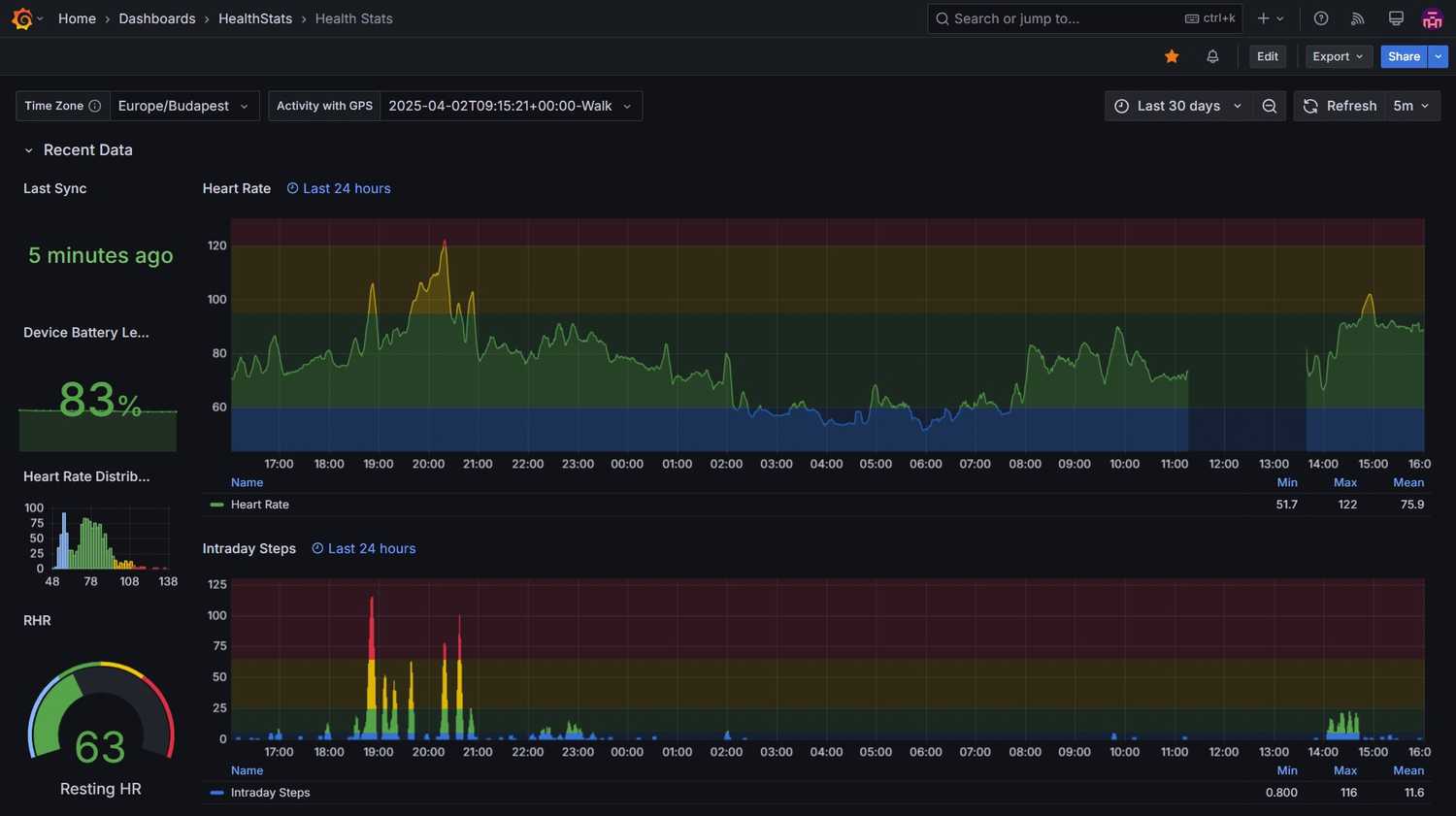
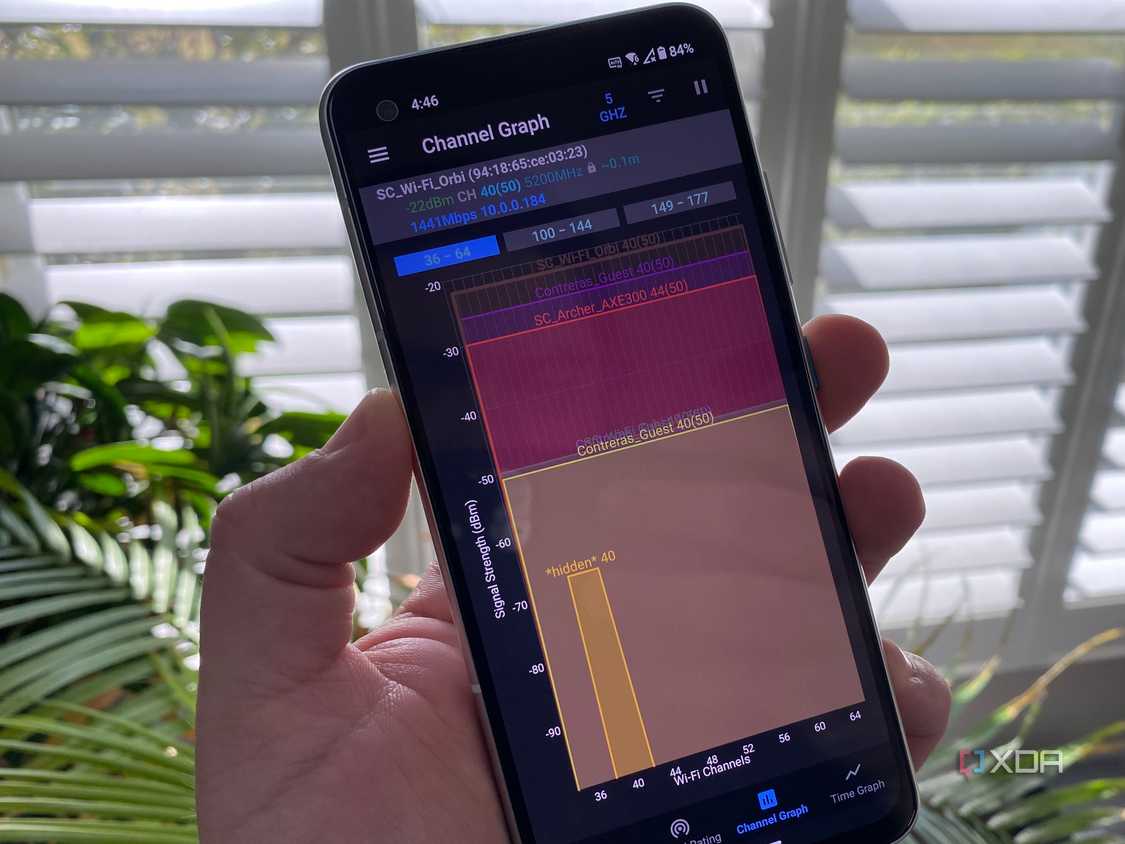
Besides the high upfront cost, there’s a learning curve to implement complex networking features that most enterprises use. I want to monitor my home network for chatty devices by tracking bandwidth per device and real-time traffic graphs.
Of course, the logs will require deeper audits and scrutiny to fix the misconfigured settings and eliminate bottlenecks.
DIY router is not for everyone
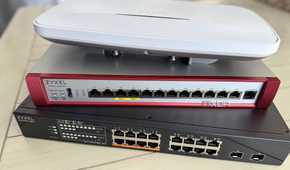
My own router offers the promise of control, flexibility, learning, and a performance boost at a high cost. Along with the router, I’ll need a managed switch.
There’s a constant learning curve, and this path is suitable if you intend to spend time learning and improving your home network. You’d be better off with a consumer-grade router if you just want the network to work and not mess around with it.
