


Most smart homes work just fine in their default configurations. You set up the devices by connecting them to your primary network, and that's usually enough to get things up and running well. Unfortunately, letting all your devices exist on the same network is putting too much trust in each of those individual devices to behave, both in terms of performance and security.
VLANs are the obvious fix, but simply creating an “IoT VLAN” isn’t enough. Plenty of networks look segmented on a diagram and behave completely flat in practice, and what ends up actually mattering is the rules that govern how traffic is allowed to move between the VLANs. These five rules aren't theoretical best practices, but they're practical ways to segment your smart home.
IoT devices shouldn't be able to communicate with devices on your primary LAN
A blanket rule is a good place to start

This is the foundation everything else rests on: devices on your IoT VLAN should not be able to start conversations with anything on your primary LAN. Out of all the hardware in your home, smart home hardware is probably the least trustworthy class of device you own. Many of them run outdated software, rely on opaque cloud services, or come from vendors with little incentive to prioritize long-term security. If one of those devices is compromised, it should immediately hit a wall. Even if you're running custom ESP32 stuff with your own sensors connected to Home Assistant, it's a good idea to segment it off anyway.
Blocking IoT-initiated traffic into your LAN prevents scanning, probing, and lateral movement between devices. Cameras shouldn’t be able to see the file server, light switches shouldn’t even know your workstation exists, so on and so forth. This single rule dramatically reduces the potential "blast radius" of a compromised device, and it’s the one most commonly violated by overly permissive firewall rules.
"Trusted" devices can initiate connections, but close return paths
You need some level of communication

While IoT devices shouldn’t reach into your LAN, the reverse is often necessary. Phones, tablets, dashboards, and smart home controllers need to communicate with lights, plugs, sensors, and thermostats. A few trusted devices should be able to initiate connections into the IoT VLAN, but the IoT devices don't necessarily need to initiate traffic in the other direction. Instead of every device being able to talk in all directions, this isolates complexity and increases overall security.
Internet access for IoT is denied by default
They don't need unrestricted internet access





 Credit: SeanChangX/MakerWorld
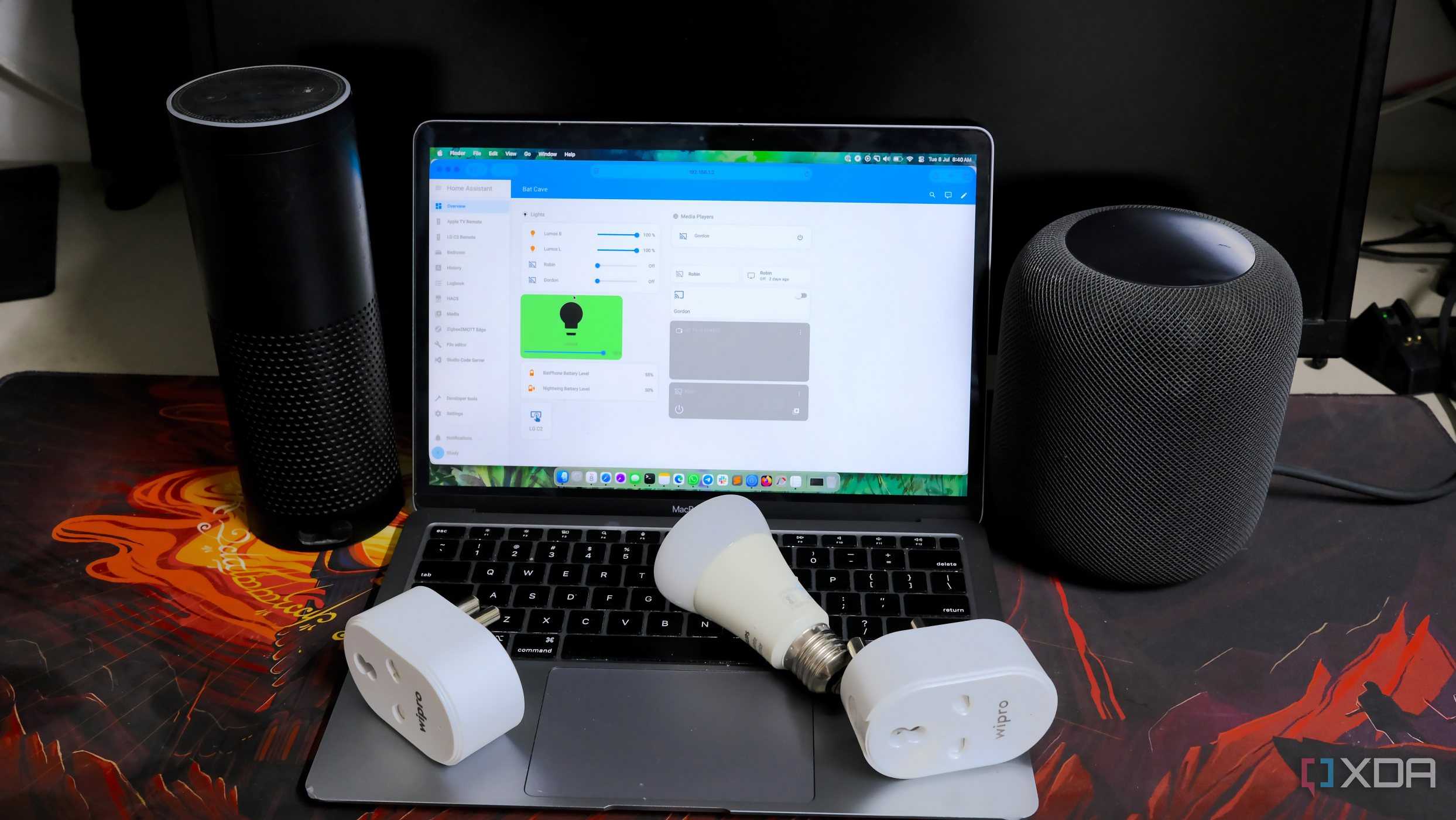



Most smart home devices do not need unrestricted internet access, even if vendors imply otherwise. Firmware updates, time synchronization, and a handful of cloud APIs are usually enough. It's quite practical: block IoT devices from the internet by default, then explicitly allow what breaks functionality. DNS and NTP are almost always required, and beyond that, you can allow specific endpoints as needed. If something only works when you give it totally unrestricted access, that's a product problem, not a networking one.
Discovery protocols must not cross VLAN boundaries
This will be annoying, but it's a good rule to have

Protocols like mDNS, SSDP, UPnP, and other broadcast-based mechanisms assume a flat network, and many setups will “fix” this by simply flooding discovery traffic across VLANs. That defeats the point of segmentation entirely. Discovery should stay contained by default. If cross-VLAN discovery is required, it should be selectively proxied or reflected for specific services. This makes setting up casting services like Chromecast or Apple TV screen mirroring a pain, requiring a mDNS reflector, which allows your casting devices to see the devices you're attempting to cast to.
IoT VLANs get zero admin access paths
A no-brainer

IoT VLANs are for devices, not management. Administrative interfaces like web dashboards, SSH access, debug ports, and configuration endpoints should never be reachable across VLAN boundaries. If you need to manage a device, do it from your LAN, a dedicated management VLAN, or over a VPN. Allowing arbitrary subnets to reach administrative interfaces is how you can quickly turn your segmented network into swiss cheese. It also makes misconfigurations a lot more obvious; if you can log into the IoT device dashboard from somewhere you shouldn't be able to, you know something has gone wrong.
Segmentation is the key to a safer smart home
On their own, VLANs don't do a whole lot to actually secure your network. If you don't also implement traffic rules, they're really just labels and not much else. By implementing these rules, you might run into some inconveniences, but after you sort out the things that don't work, you're left with a smart home that can scale safely without becoming a liability for the rest of your devices.
